- 4.3star207 reviews
- 100M+Downloads
- 26 MBAPK size
- EveryoneRated for Everyone
- API 15+Android
check_circleOriginal APK from Zero Team · Updated Nov 12, 2026
No threats found
0 / — antivirus engines flagged this file
Original signature
First seen — Zero Team
Unmodified APK
Same file the developer published — no mods
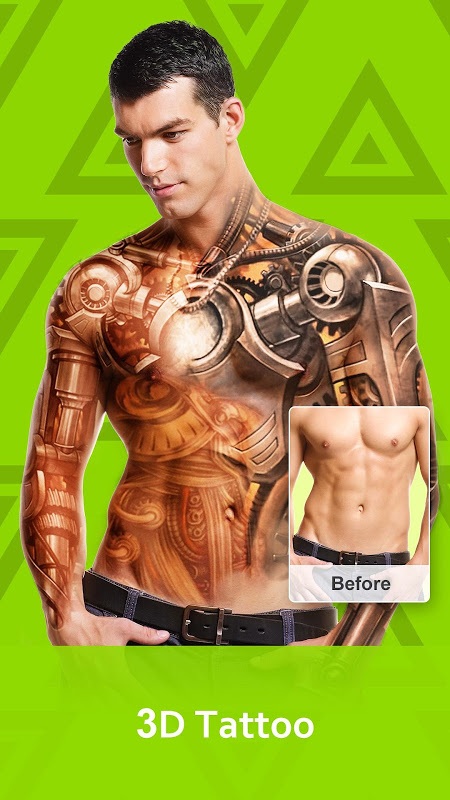
Z Camera - Photo Editor, Beauty Selfie, Collage screenshots
8 images · tap to enlarge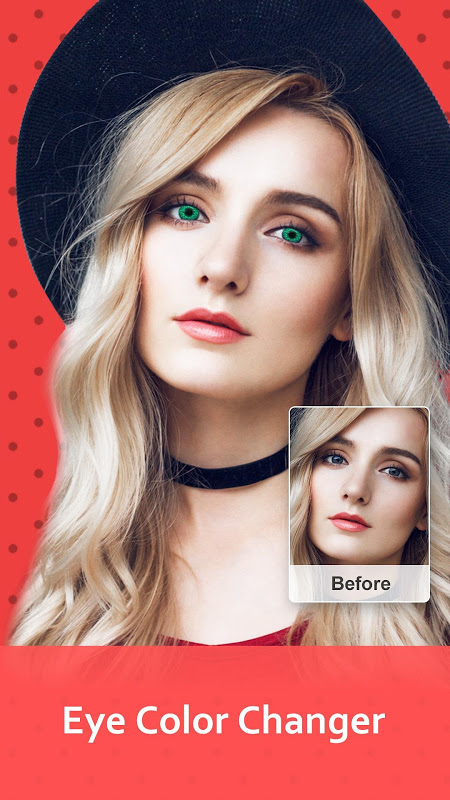
About this app
Take selfies, edit them, and build collages in one app. Z Camera opens with live filters, AR stickers, face swap tools, and one-tap beautify controls, so it fits quick shots and later edits alike. It also includes a private gallery with encryption, plus sharing to Z Moments or social apps when you’re done.
- Live selfie filters — Preview real-time filters and AR stickers while you are taking a photo.
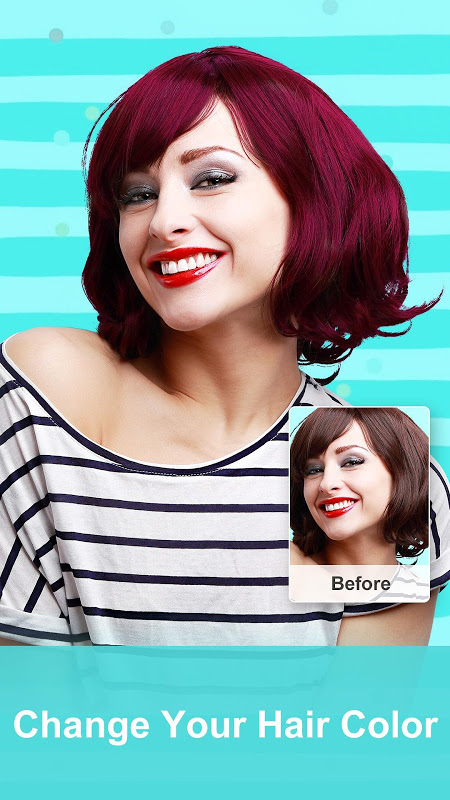
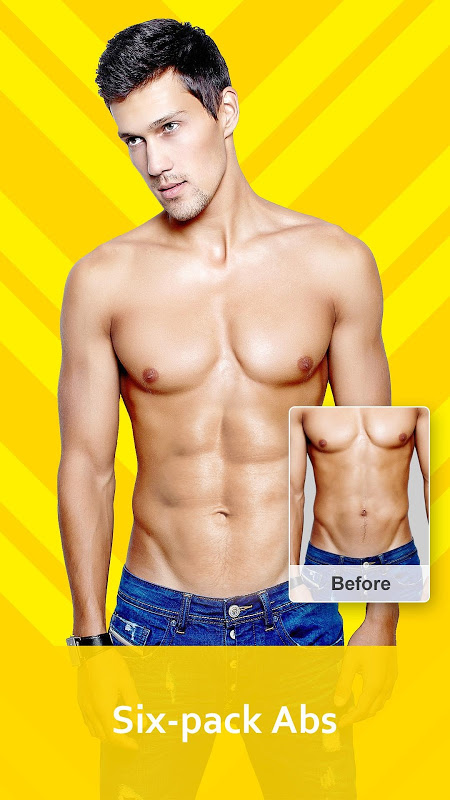
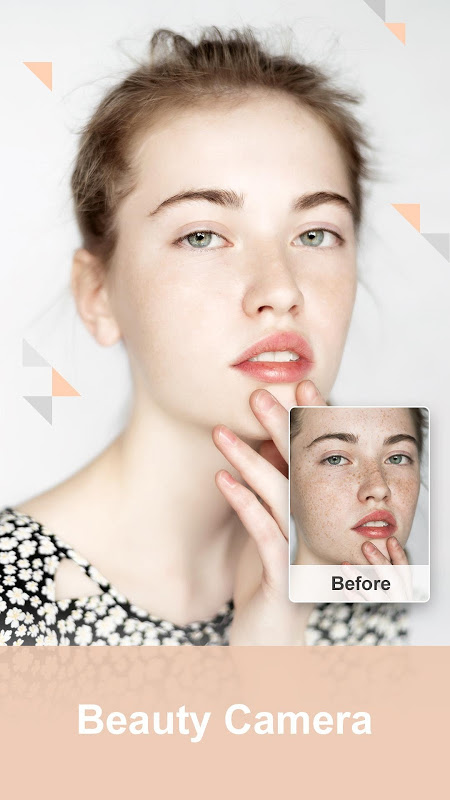
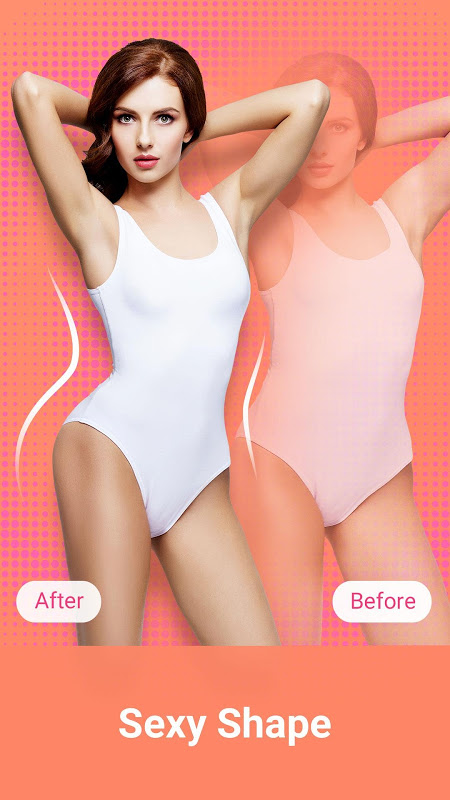
- One-tap beautify — Smooth skin and adjust face, eye, and body shape with quick editing tools.
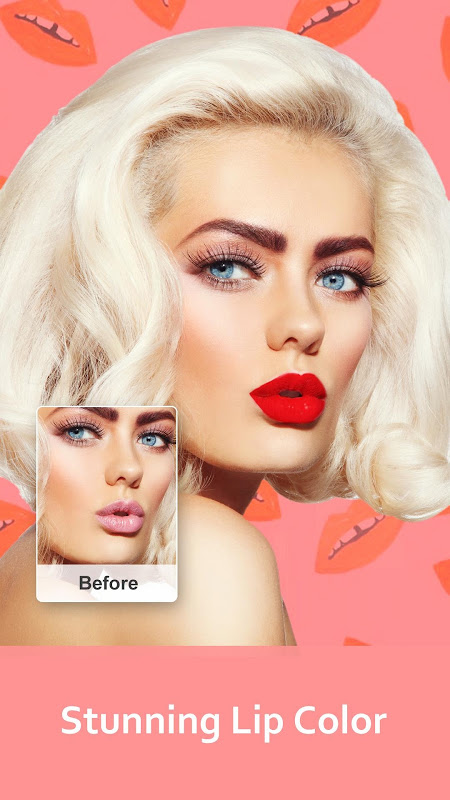
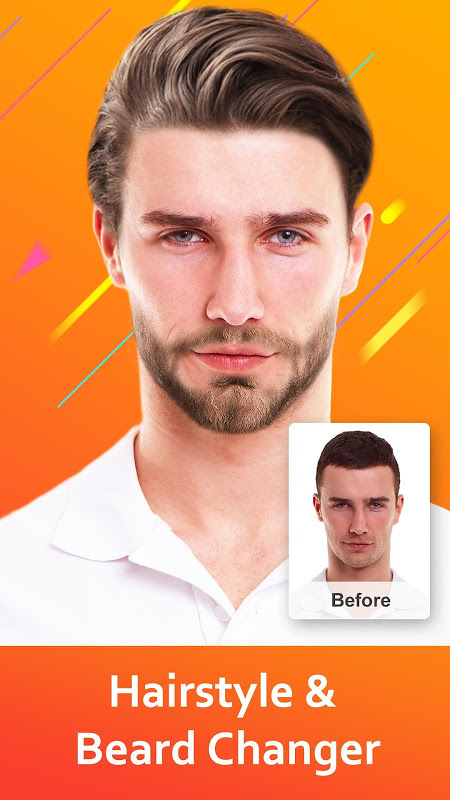
- Face swap effects — Mix styles with face swap, themed stickers, and makeup overlays.
- Collage templates — Combine photos with 200+ collage templates and picture-in-picture layouts.
- Private gallery — Sort photos in a private gallery and use encryption to keep them protected.
Quick selfies with live effects
Z Camera opens straight into the kind of tools many selfie users want first: live filters, AR stickers, and a one-tap beautify button. You can preview effects before you shoot, then save or share the result without moving into a separate editor. The app also includes face swap, motion stickers, and themed looks like doggy face or vampire styles.
Editing a photo after the shot
Once a picture is taken, the editor gives you the usual touch-ups plus a few more stylized options. You can crop, rotate, flip, straighten, and adjust brightness, contrast, saturation, vignette, sharpen, temperature, and tone. It also adds doodles, text, mirror-image effects, and tilt-shift blur for photos that need a more finished look.
Collage layouts and picture-in-picture
If you want something more than a single shot, Z Camera includes more than 200 collage templates and PIP modes. The layouts cover framed looks, magazine-style scenes, crystal ball effects, and other picture-in-picture setups. Swiping makes combining photos simple, and the app supports sharing to Z Moments or social networks like Facebook, WhatsApp, and Instagram.
Private gallery and app size
The app includes a private gallery and encryption function for keeping selected photos separate. It is free, has no in-app purchases, and contains no ads. Z Camera is an APK package, 26.4 MB in size, and runs on Android API 15 and above.
What stands out, and what to watch for
The feature list is broad, especially for selfies, stickers, and fast edits. Ratings are solid at 4.3 from 207 users, with most of them at five stars. The main limitation is that the app’s release and last update date are both listed as 2019-01-05, so it may feel older than newer camera apps. Still, if you want a lightweight selfie editor with collage tools and private storage, it covers the basics clearly.
What's new
Version 3.09 · Nov 12, 2026
- New Features:
- Fix some bugs and improve performance
APK information
- Version
- 3.09
- Package
- com.jb.zcamera
- Category
- Photography
- Size
- 26 MB
- Min Android
- API 15
- Architecture
- universal
Older versions
-
Z Camera - Photo Editor, Beauty Selfie, Collage 3.09Nov 12, 2026Latest downloadAPK
Z Camera - Photo Editor, Beauty Selfie, Collage FAQ
Can Z Camera edit RAW photos?expand_more
RAW editing is not listed among Z Camera’s tools. The editor focuses on selfies, filters, stickers, collage layouts, and standard photo adjustments.
Does Z Camera work offline?expand_more
Offline use is not stated. The app does include sharing features and a Z Moments community, but no offline mode is mentioned.
Who develops Z Camera?expand_more
Z Camera is developed by Zero Team.
Can I install Z Camera without Google Play?expand_more
Yes. The app is available as an APK file, so it can be installed without using Google Play.
What photo effects does Z Camera include?expand_more
It includes live filters, AR stickers, face swap, makeup effects, body and face shape editing, and collage templates.