AI Music Video Maker: Mivi AI
Selfie Camera & Photo Editor & Beauty Snap- 4.4star19,254 reviews
- 5M+Downloads
- 41 MBAPK size
- EveryoneRated for Everyone
- API 18+Android
check_circleOriginal APK from Selfie Camera & Photo Editor & Beauty Snap · Updated Nov 12, 2026
No threats found
0 / — antivirus engines flagged this file
Original signature
First seen — Selfie Camera & Photo Editor & Beauty Snap
Unmodified APK
Same file the developer published — no mods
AI Music Video Maker: Mivi AI screenshots
8 images · tap to enlarge
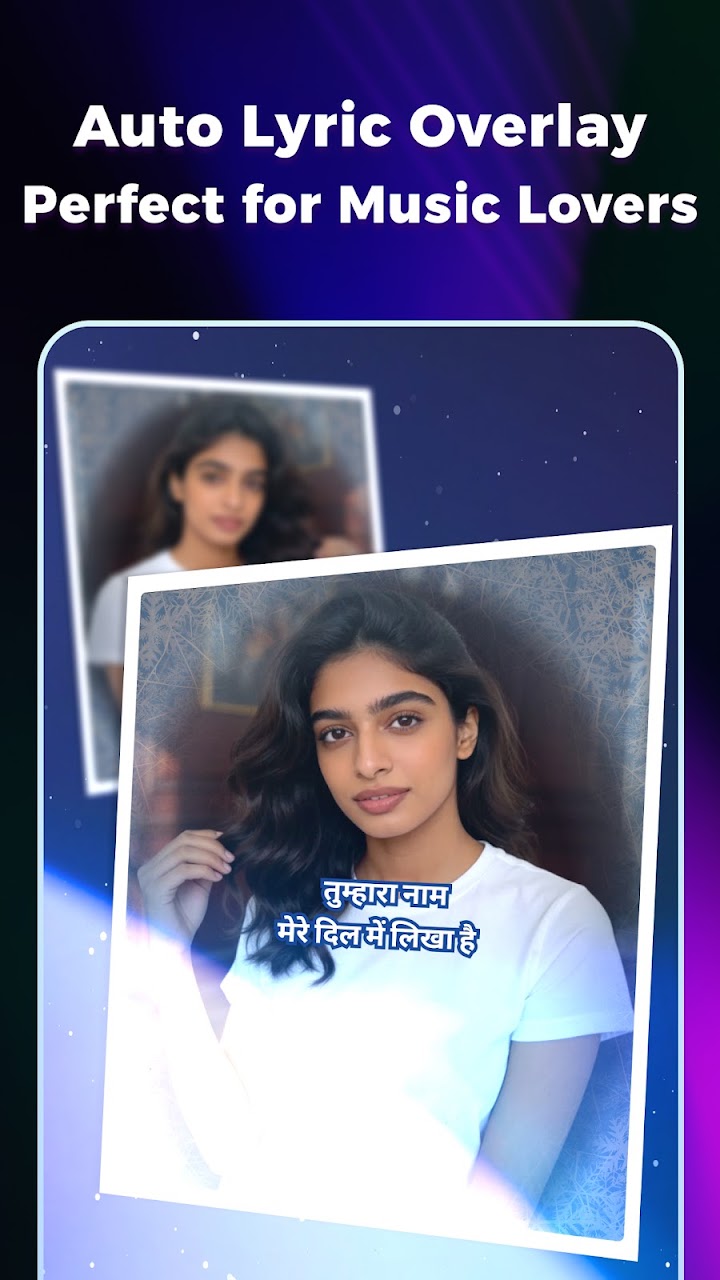
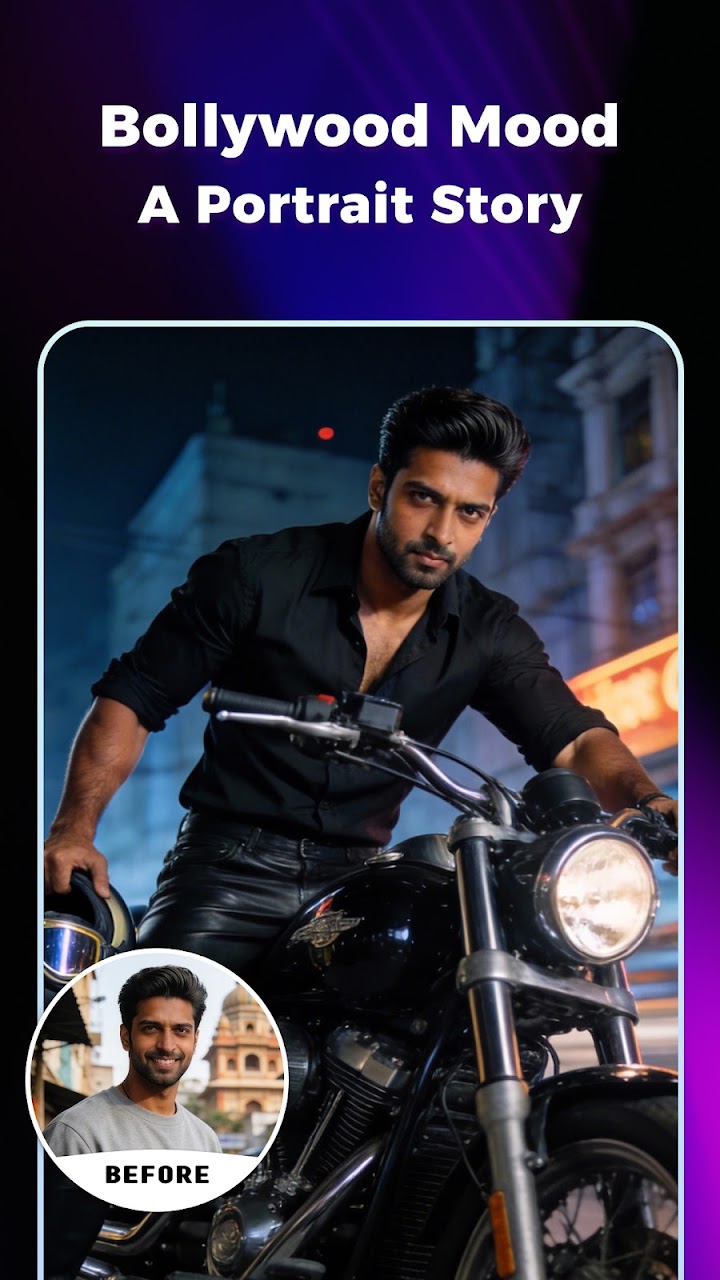
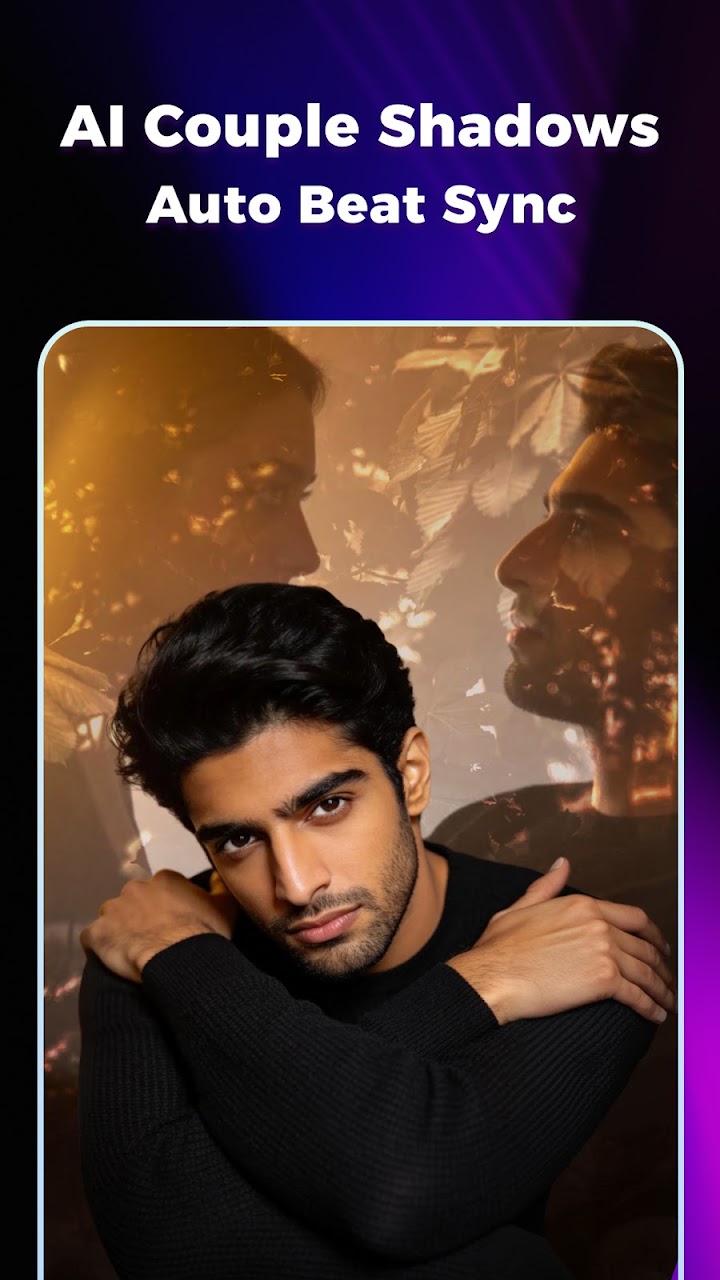
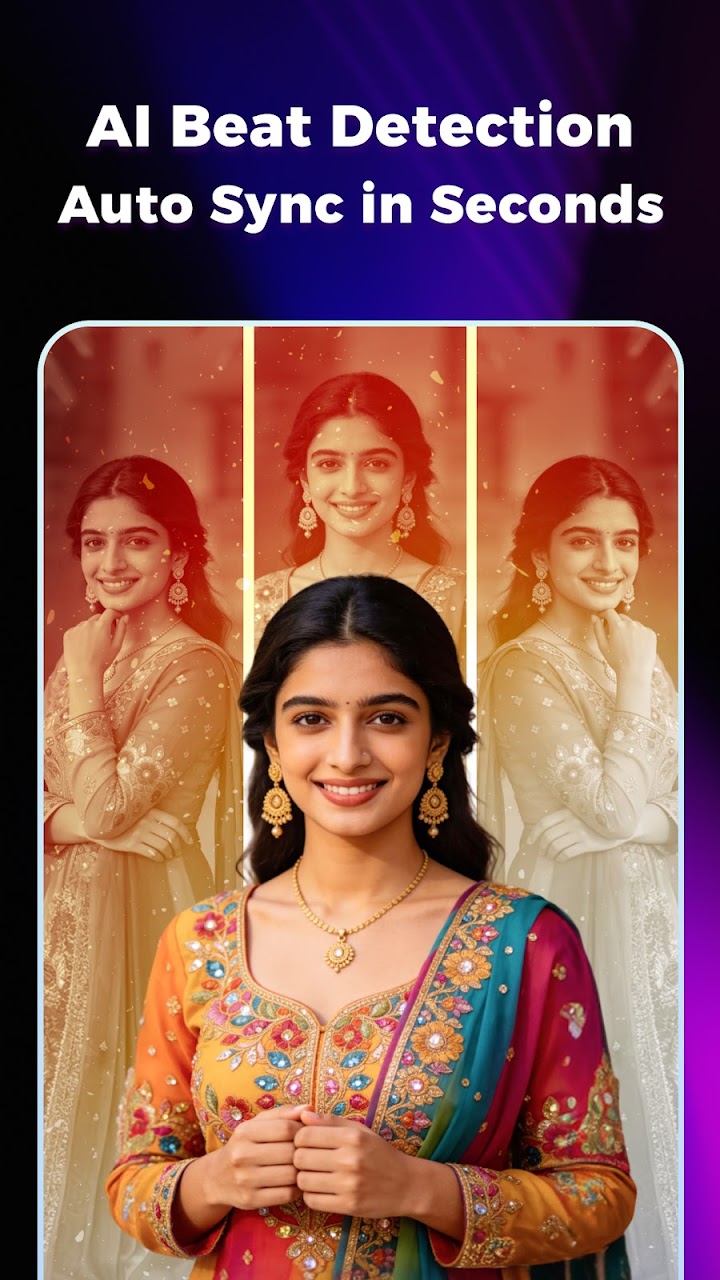
About this app
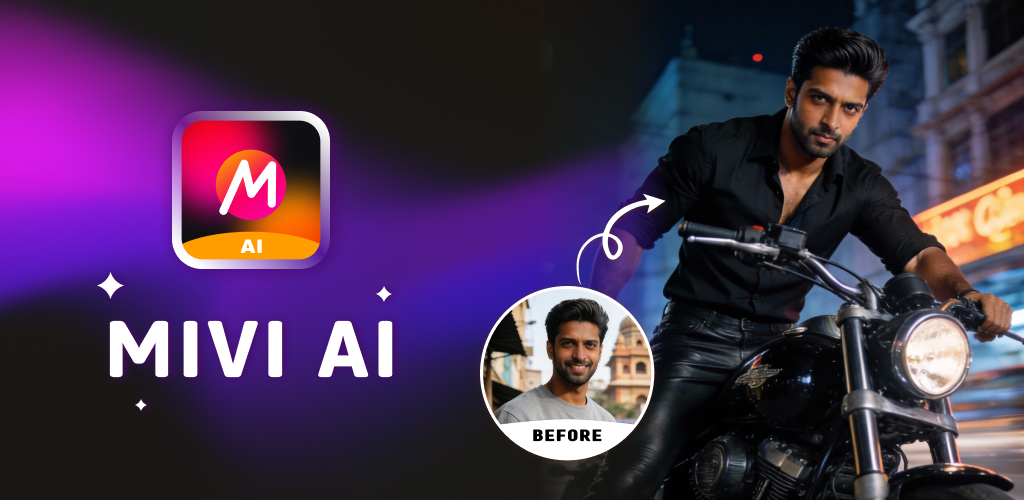
Selfie Camera & Photo Editor & Beauty Snap makes AI Music Video Maker: Mivi AI for short-video creation from songs and photos. On first launch, expect a music-first editor built around beat sync, motion timing, and vertical clips. Set up a template, pick a song, and start with simple controls for quick exports.
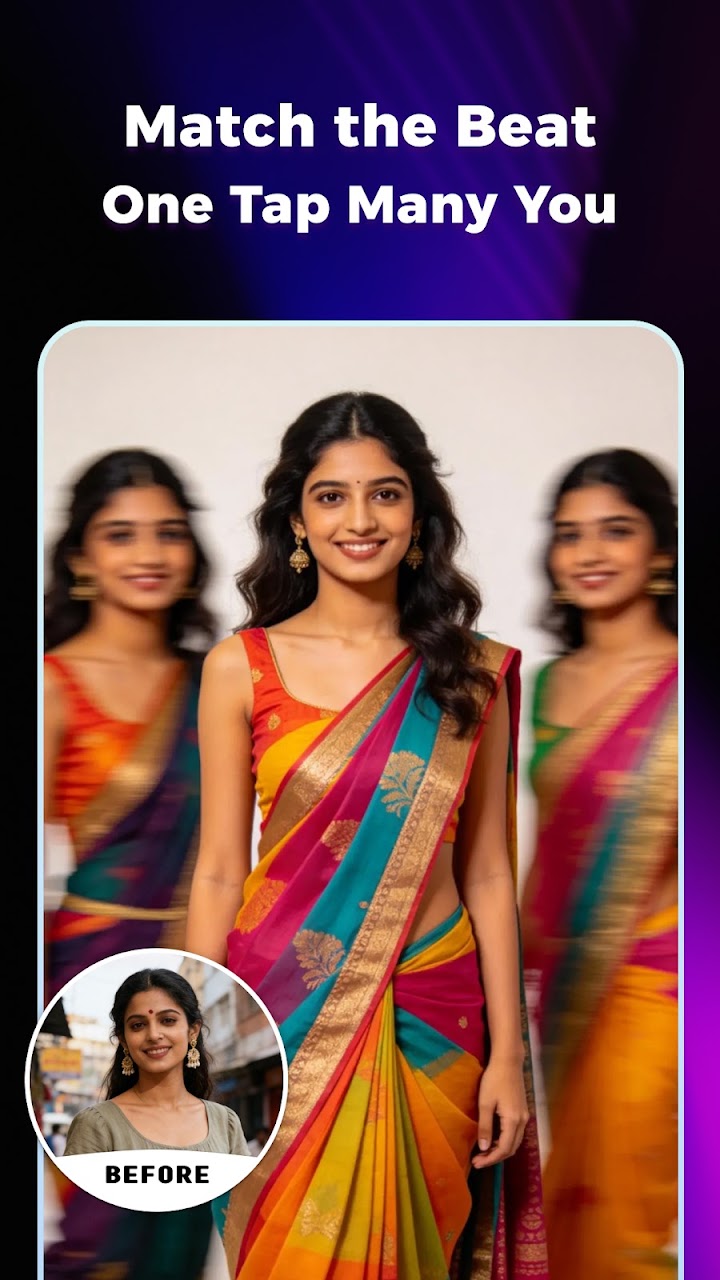
- Beat Sync Editing — The app matches motion and effects to music rhythm and tempo.
- Photo-to-Video Styles — Use photos and songs to build short music videos with visual flow.
- Music Video Templates — Choose from curated templates for different moods and clip styles.
- Vertical Short Clips — The video styles are designed for vertical playback and social sharing.
- Simple Export Flow — Create a clip in a few steps and export it for short-video platforms.
First launch and setup
When you open AI Music Video Maker: Mivi AI for the first time, you start with music-driven clip creation. Pick a song, add photos, and choose a template that fits the mood. The app is built around beat detection and motion timing, so the first setup is about matching visuals to sound rather than using complex editing tools.
The app is free, includes ads, and offers in-app purchases. It is available as an APK file, needs Android 18 or later, and the download size is 41.0 MB.
Templates, effects, and AI timing
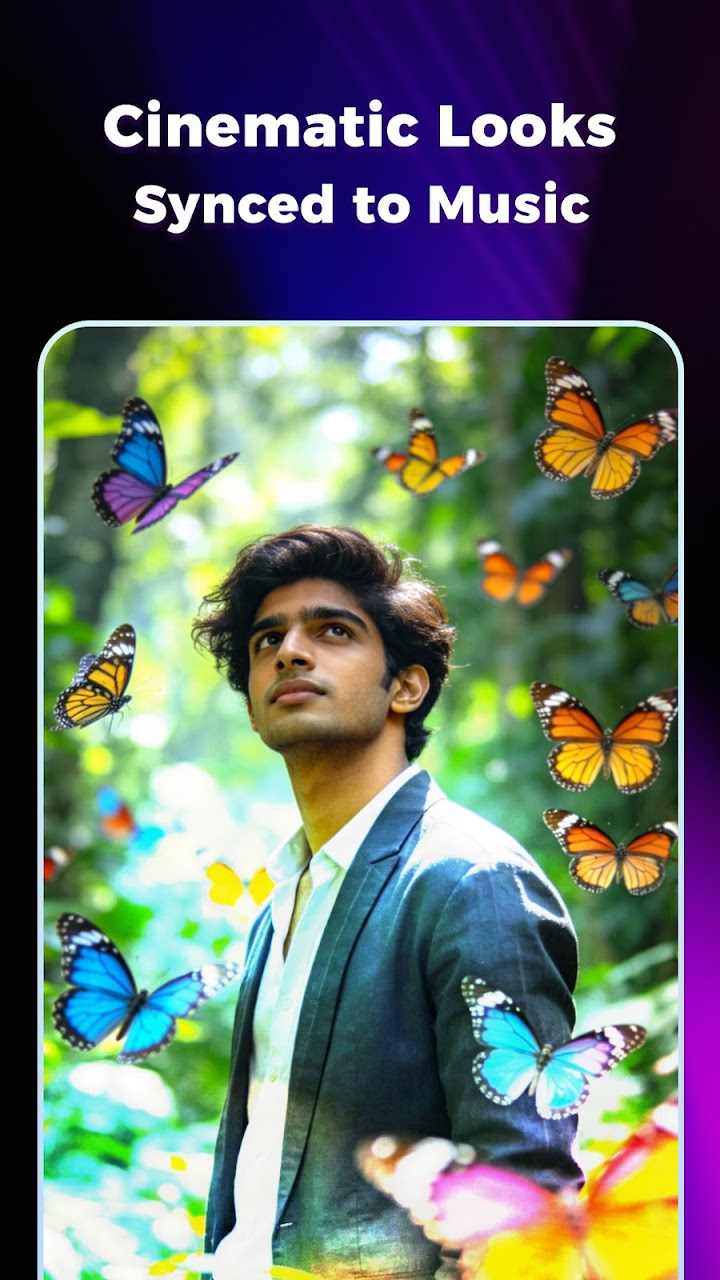
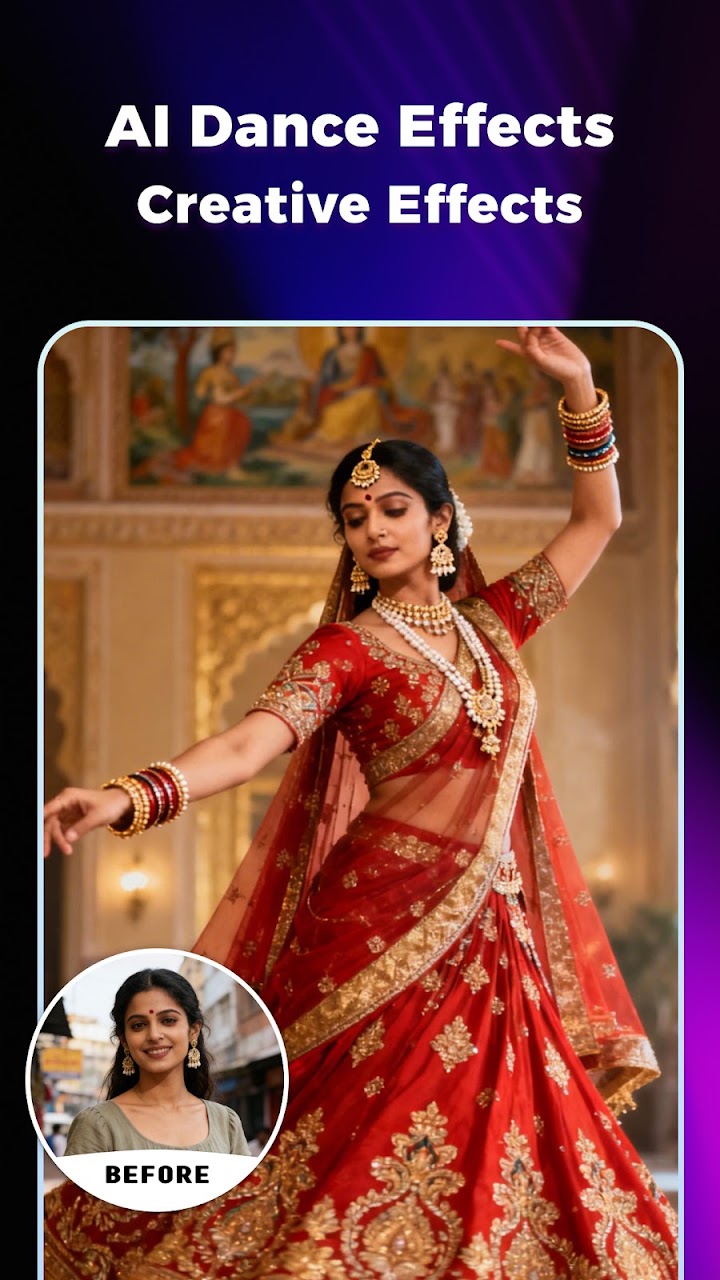
Mivi AI focuses on short videos, status clips, and reels-style edits. Its templates cover modern, cinematic, and energetic looks. The app also uses rhythm-based effects, smooth transitions, and visual layers such as glow and depth to support music-led edits. These tools are aimed at vertical videos that stay in sync with the beat.
You can use the app to turn static photos into moving music visuals. It also includes styles for celebrations and special moments, plus refreshed templates and stickers in recent updates.
Practical first-day tips
- Start with one song and a small set of photos.
- Try a template before changing effects by hand.
- Use the beat and motion timing to guide your edit.
- Keep clips vertical if you plan to share them as short videos.
- Check the preview for timing before export.
The app is made for quick creation, so a simple workflow usually works best. Choose a template, confirm the rhythm match, then export for social sharing or short-video platforms.
Requirements and permissions
AI Music Video Maker: Mivi AI is rated for Everyone. It supports universal Android APK installs and lists no app permissions. The app has a 4.4 rating from 19,254 ratings, and it has 5M+ installs.
What's new
Version 3.0.1206 · Nov 12, 2026
- 1. Updated new stickers, have fun!
APK information
- Version
- 3.0.1206
- Package
- sweet.candy.camera
- Category
- Photography
- Size
- 41 MB
- Min Android
- API 18
- Architecture
- universal
Older versions
-
AI Music Video Maker: Mivi AI 3.0.1206Nov 12, 2026Latest downloadAPK
AI Music Video Maker: Mivi AI FAQ
Can AI Music Video Maker: Mivi AI edit RAW photos?expand_more
The app description does not mention RAW photo editing. It does support photos, songs, templates, and AI-driven music video creation.
Does AI Music Video Maker: Mivi AI add a watermark?expand_more
The app description does not say whether exported videos include a watermark. It does say you can export clips for short-video platforms and social sharing.
Does AI Music Video Maker: Mivi AI work on tablets?expand_more
The app uses a universal APK and supports Android 18 or later. That suggests broad device support, but tablet-specific support is not stated.
Does AI Music Video Maker: Mivi AI have in-app purchases?expand_more
Yes. The app includes in-app purchases.
What kind of videos can I make with Mivi AI?expand_more
It is built for AI photos, music videos for short videos, and status or reels-style clips. The templates and effects are designed around music beats and vertical playback.