Sweet Selfie: AI Camera Editor
Selfie Camera & Photo Editor & Beauty Snap- 4.5star2,326,241 reviews
- 100M+Downloads
- 87 MBAPK size
- EveryoneRated for Everyone
- API 19+Android
check_circleOriginal APK from Selfie Camera & Photo Editor & Beauty Snap · Updated Nov 12, 2026
No threats found
0 / — antivirus engines flagged this file
Original signature
First seen — Selfie Camera & Photo Editor & Beauty Snap
Unmodified APK
Same file the developer published — no mods
Sweet Selfie: AI Camera Editor screenshots
8 images · tap to enlarge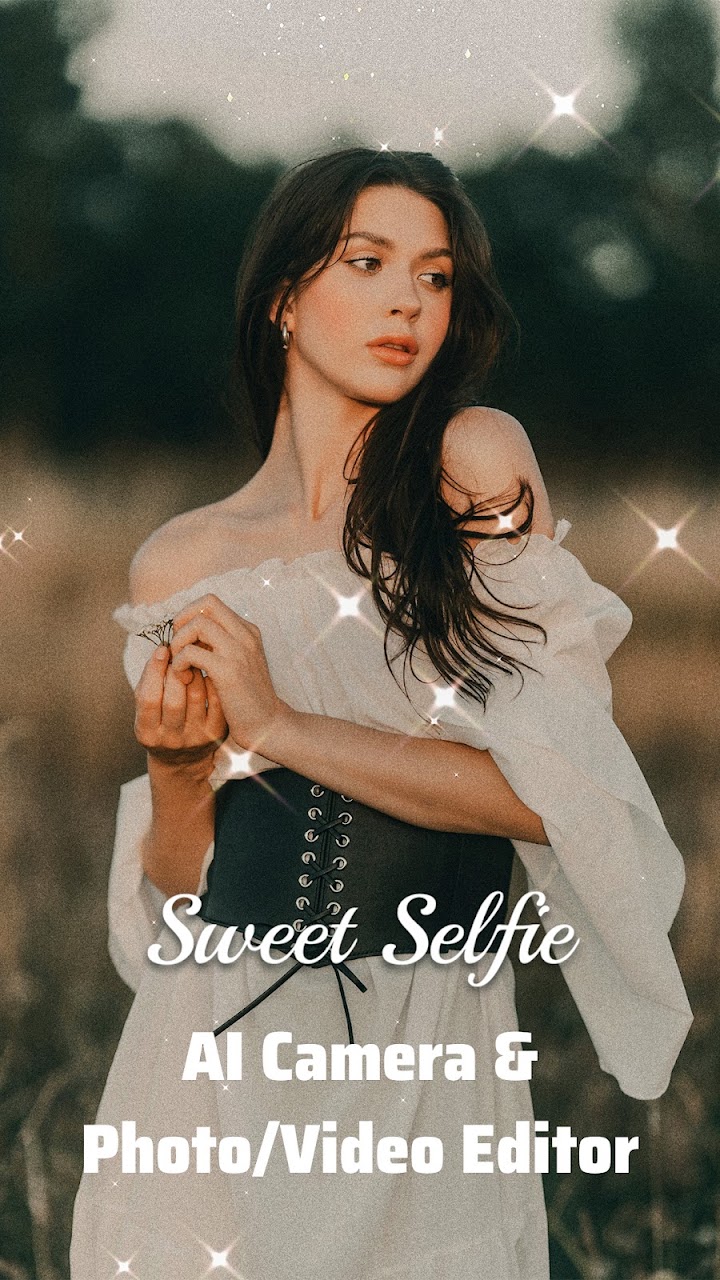
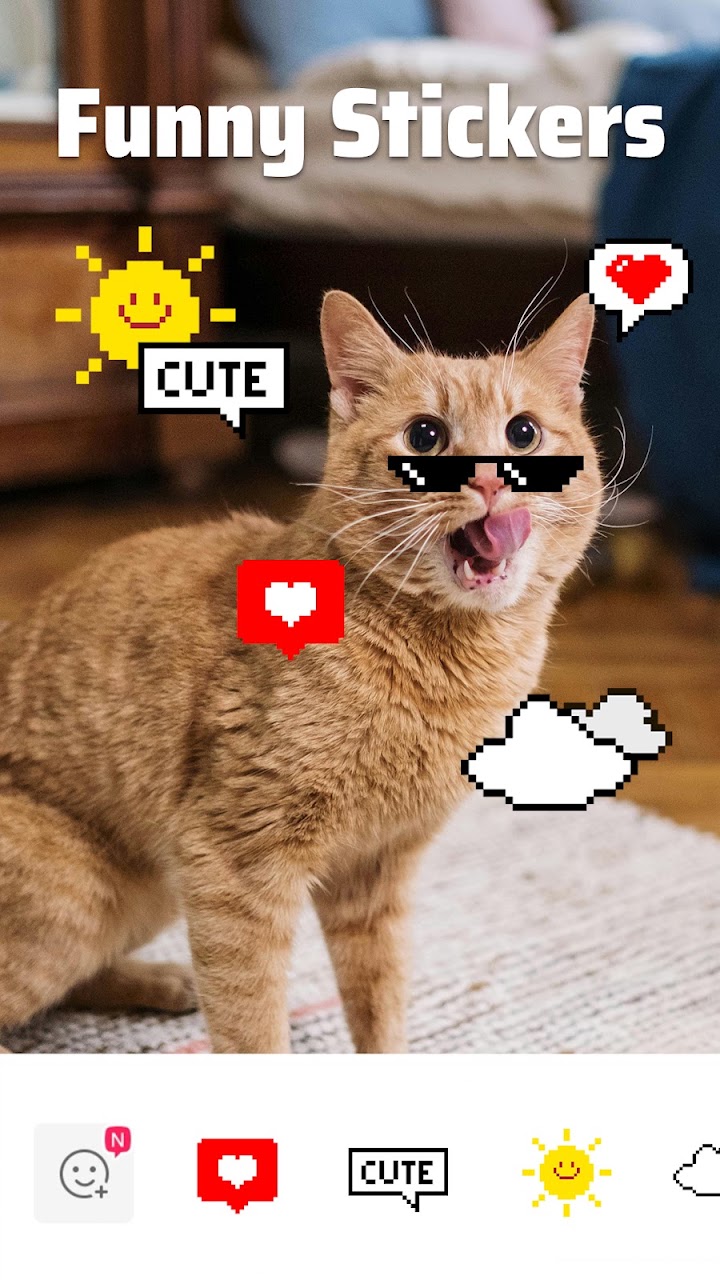
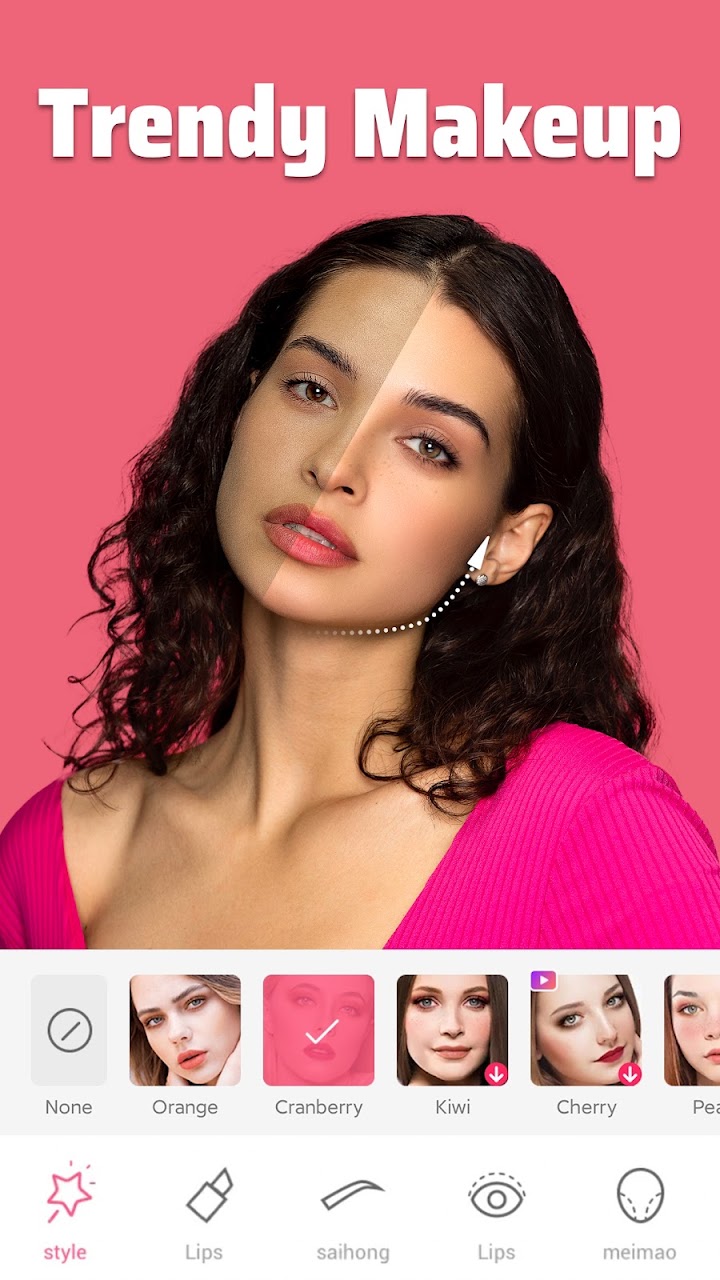
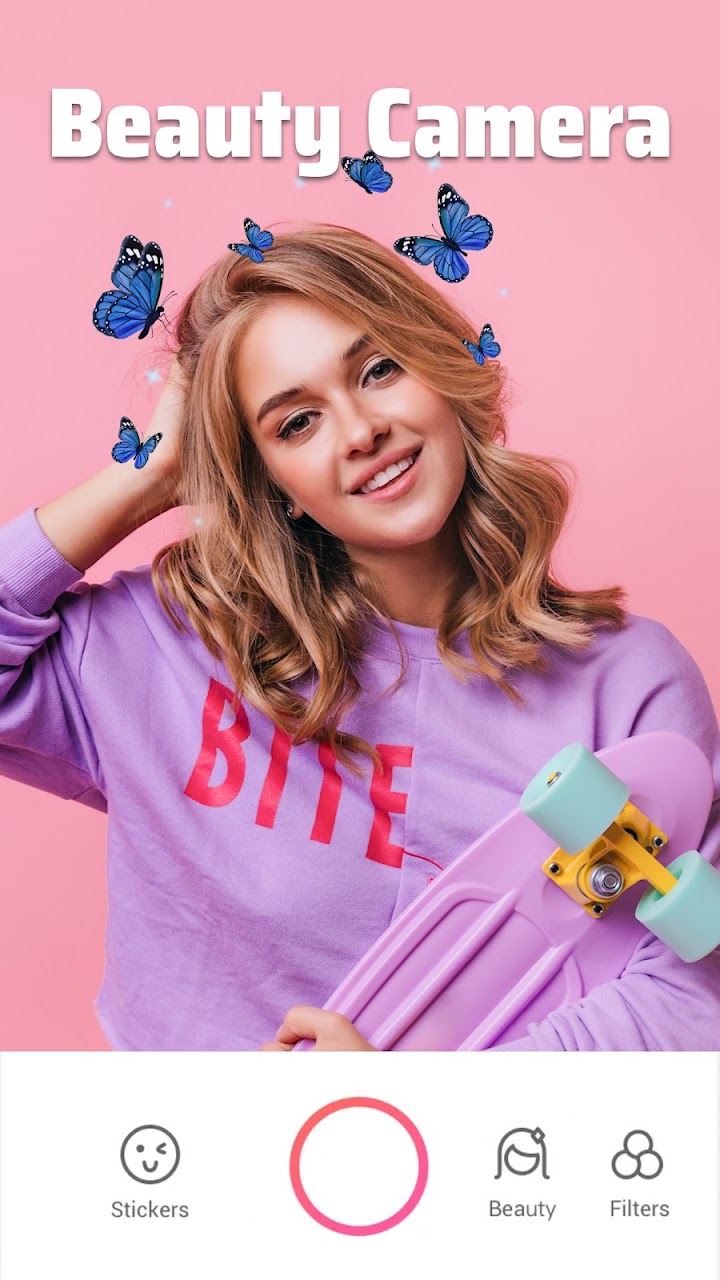

About this app
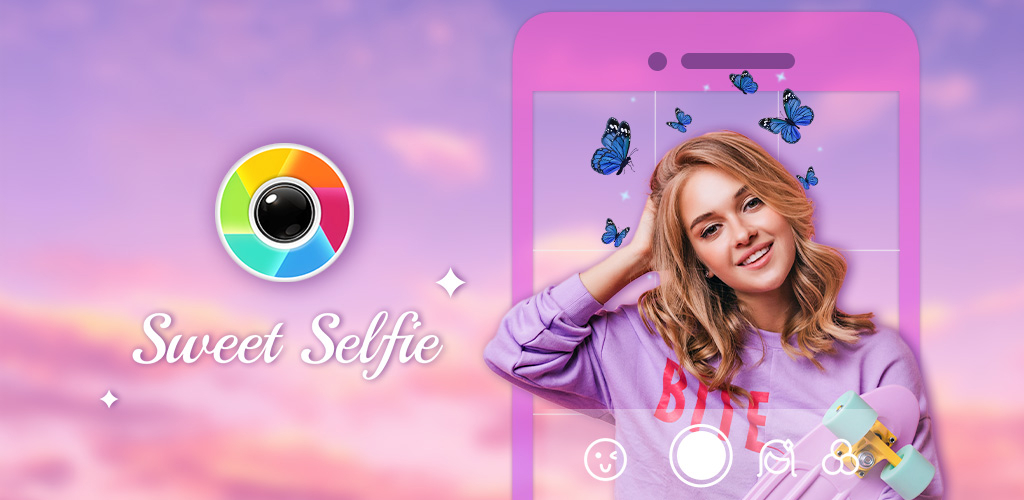
Sweet Selfie: AI Camera Editor stands out in photography apps by combining AI beauty retouching, face and body tuning, collage tools, and music video editing in one free package. On first launch, expect a camera-and-editor workflow built around selfies, then you can add filters, stickers, makeup, and background blur before sharing to social apps.
- AI beauty tools — Retouch skin, tune facial features, and apply face smoothing, whitening, and eye adjustments.
- Body reshaping — Adjust arms, waist, hips, and legs, with options for height changes, muscle stickers, and tattoos.
- Makeup editing — Edit lips, blusher, contour, eyebrows, eyes, and hair color with preset filters.
- Collage layouts — Create photo grids from multiple pictures using templates, backgrounds, stickers, and text.
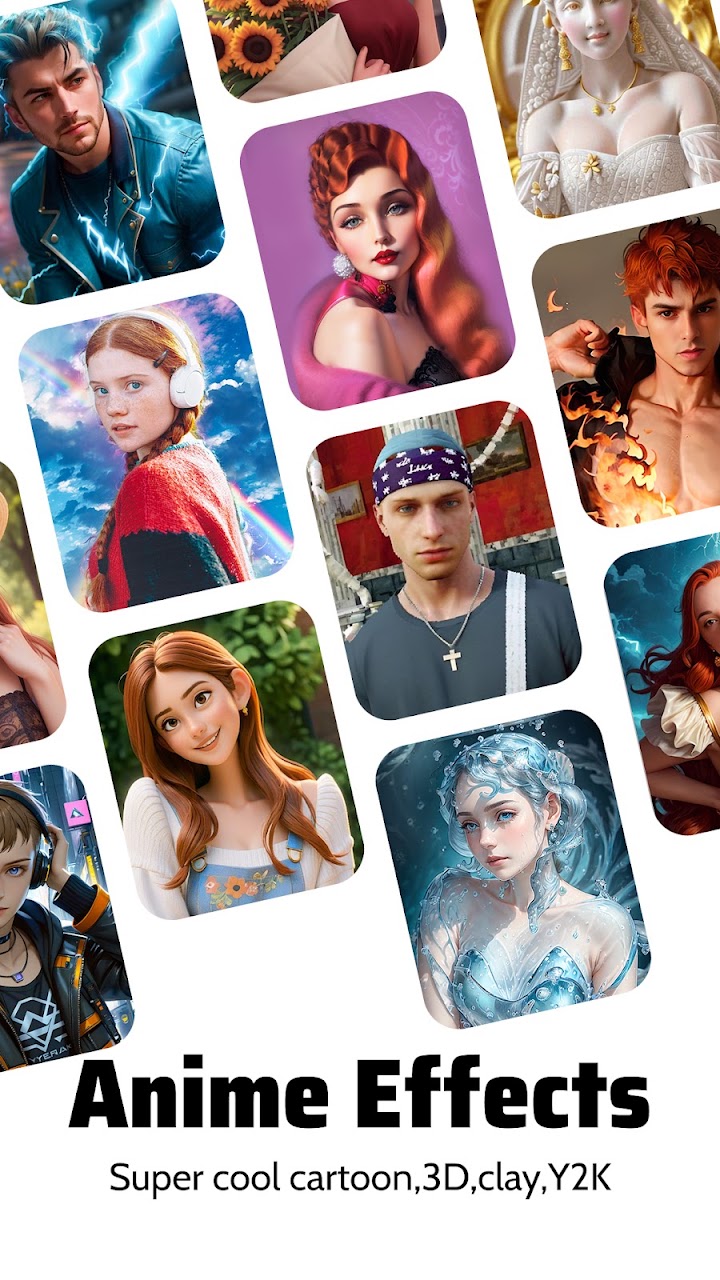
- Art filters — Use effects such as double exposure, glitch, sketch, lomo, split colours, and dispersion.
- Free install details — The app is free, uses ads, offers in-app purchases, and installs as an 87.4 MB APK for Android 19 and up.
First launch: selfie tools before anything else
Sweet Selfie opens as a camera and editor focused on selfies, so the first thing you will notice is how quickly it moves from taking a photo to changing it. The app centers on face retouching, body reshaping, makeup edits, collage creation, and video-style sharing, which makes it broader than a basic camera app but still easy to start with.
On day one, try a simple workflow: take or import a photo, apply a filter, then use the face tune tools for skin, eyes, teeth, or blemishes. If you want a stronger edit, the body tools and makeup editor are built into the same app rather than split into separate downloads.
What to try first
- Get: AI beauty camera effects, stickers, filters, collage layouts, and photo art tools.
- Get: Face and body retouching, plus makeup and hair color edits.
- Watch for: Ads and in-app purchases, since the app is free but not ad-free.
- Watch for: A large feature set that can take a little time to explore.
Filters, collage, and export options
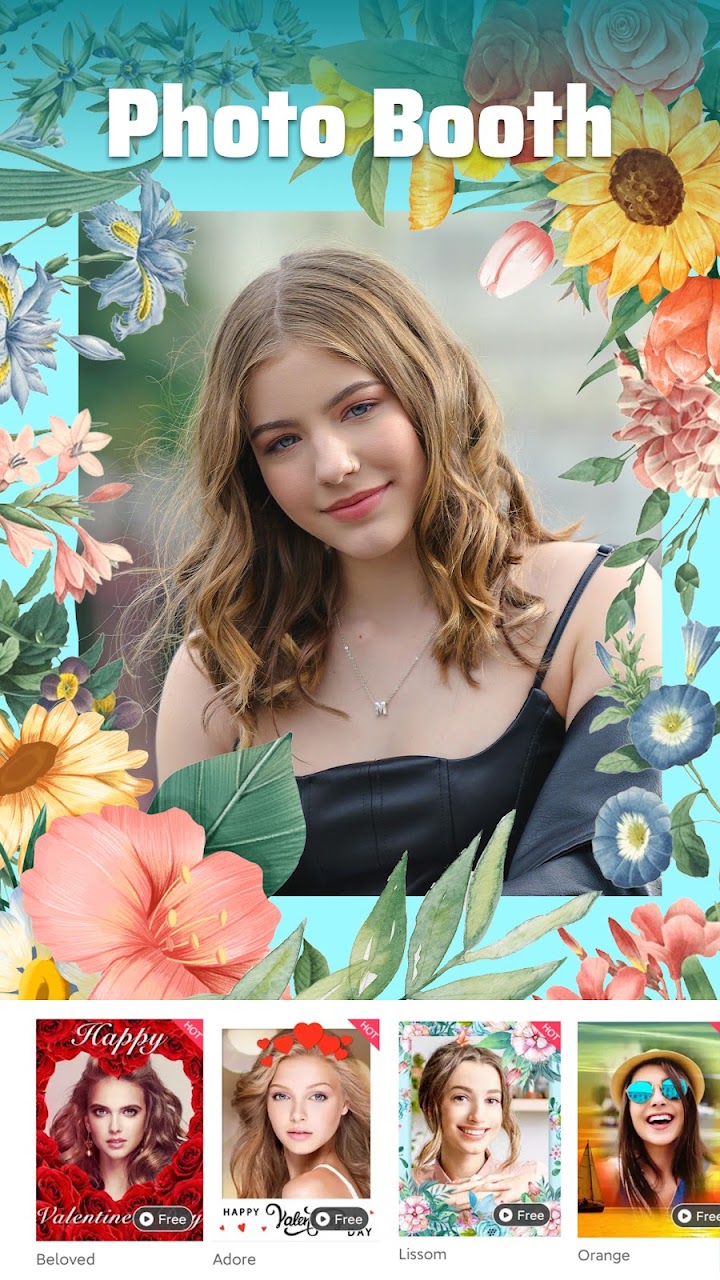
The app’s filter set includes aesthetic looks, bokeh, background blur, and art effects such as sketch, lomo, glitch, and double exposure. For everyday use, that means you can make a selfie look polished without leaving the app. It also supports collage making with templates and layouts for social posts, so it covers both single-photo edits and multi-photo sharing.
For export, the app is positioned for photos, stories, and music videos, and it works with Instagram, Facebook, Snapchat, and Twitter sharing. The package is an APK file, and the app supports universal Android devices running API 19 or later.
Requirements and account details
Sweet Selfie asks for no listed permissions in this version, and no account requirement is shown in the app details. That makes setup straightforward: install, open, and start editing. The tradeoff is that monetization comes through ads and optional in-app purchases rather than a paid download.
APK information
- Version
- 4.8.10006
- Package
- com.cam001.selfie
- Category
- Photography
- Size
- 87 MB
- Min Android
- API 19
- Architecture
- universal
Older versions
-
Sweet Selfie: AI Camera Editor 4.8.10006Nov 12, 2026Latest downloadAPK
Sweet Selfie: AI Camera Editor FAQ
Does Sweet Selfie: AI Camera Editor add a watermark?expand_more
The app description does not mention a watermark, so that cannot be confirmed from the listing.
Can Sweet Selfie: AI Camera Editor edit RAW photos?expand_more
RAW editing is not listed among the supported features. The app focuses on selfies, filters, retouching, collage, and video editing.
Who develops Sweet Selfie: AI Camera Editor?expand_more
It is developed by Selfie Camera & Photo Editor & Beauty Snap.
Is this Sweet Selfie: AI Camera Editor APK the original file?expand_more
The app is listed as an APK with universal support. The listing does not describe any modified or third-party file.
What Android version does Sweet Selfie: AI Camera Editor need?expand_more
It requires Android API 19 or later. The APK size is 87.4 MB.