
- 3.8star473,121 reviews
- 100M+Downloads
- 59 MBAPK size
- TeenRated for Teen
- API 15+Android
check_circleOriginal APK from Meitu (China) Limited · Updated Nov 12, 2026
No threats found
0 / — antivirus engines flagged this file
Original signature
First seen — Meitu (China) Limited
Unmodified APK
Same file the developer published — no mods
BeautyCam-AI Photo Editor screenshots
8 images · tap to enlarge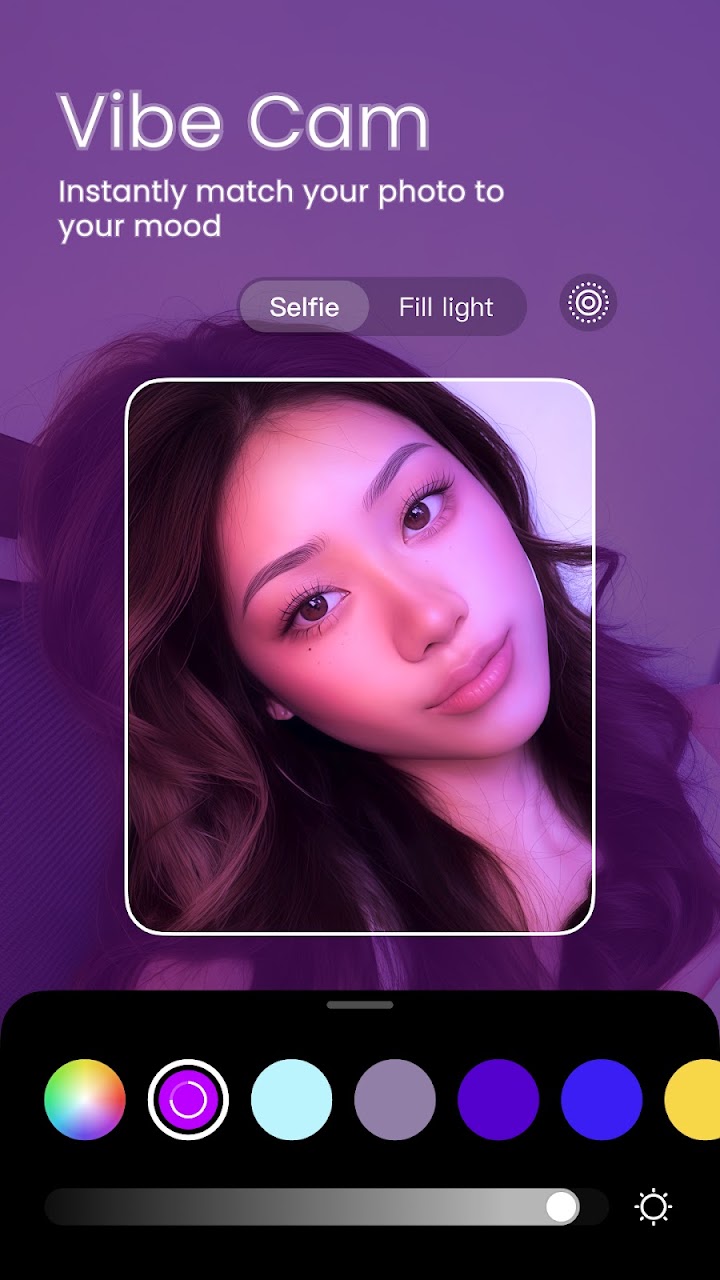
About this app
BeautyCam-AI Photo Editor gives you AI photo editing, retro camera looks, and portrait retouching in one Android app. On first launch, expect camera-style options such as Digicam, DSLR Camera, Photo Booth, and IPhone Cam, plus AI tools for removal, wardrobe changes, and beauty edits. It is free to download, with ads and in-app purchases.
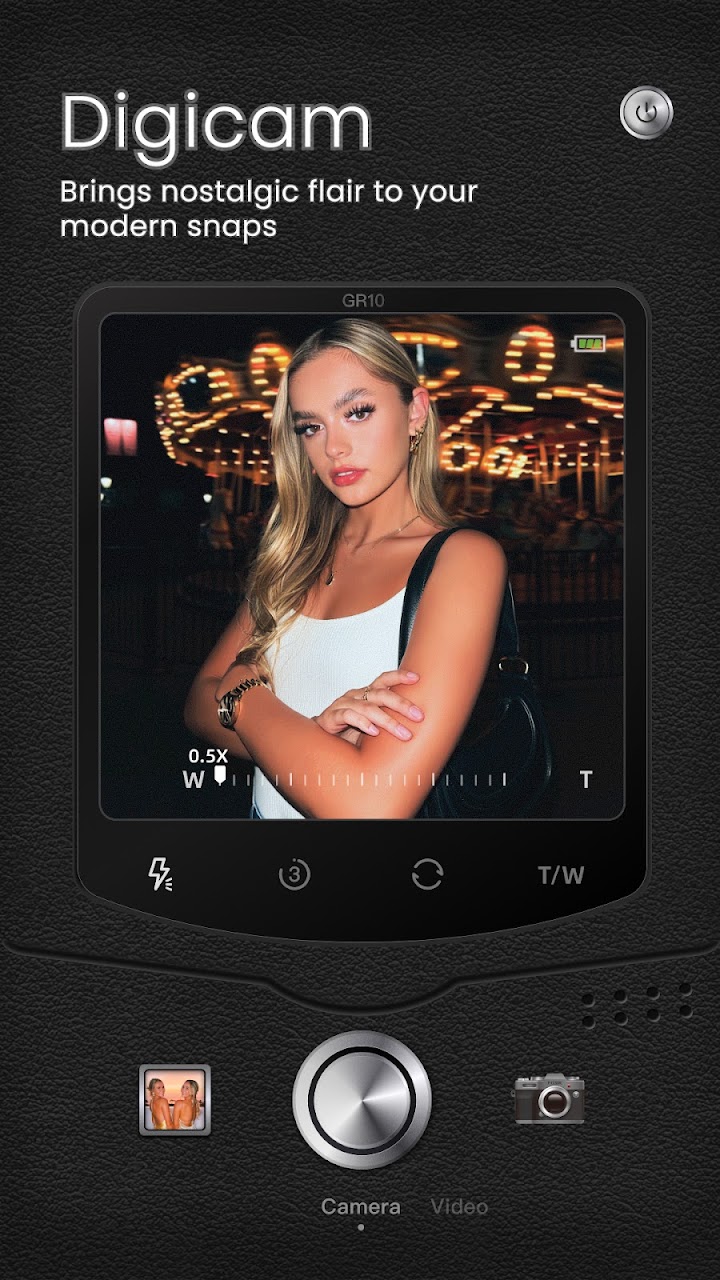
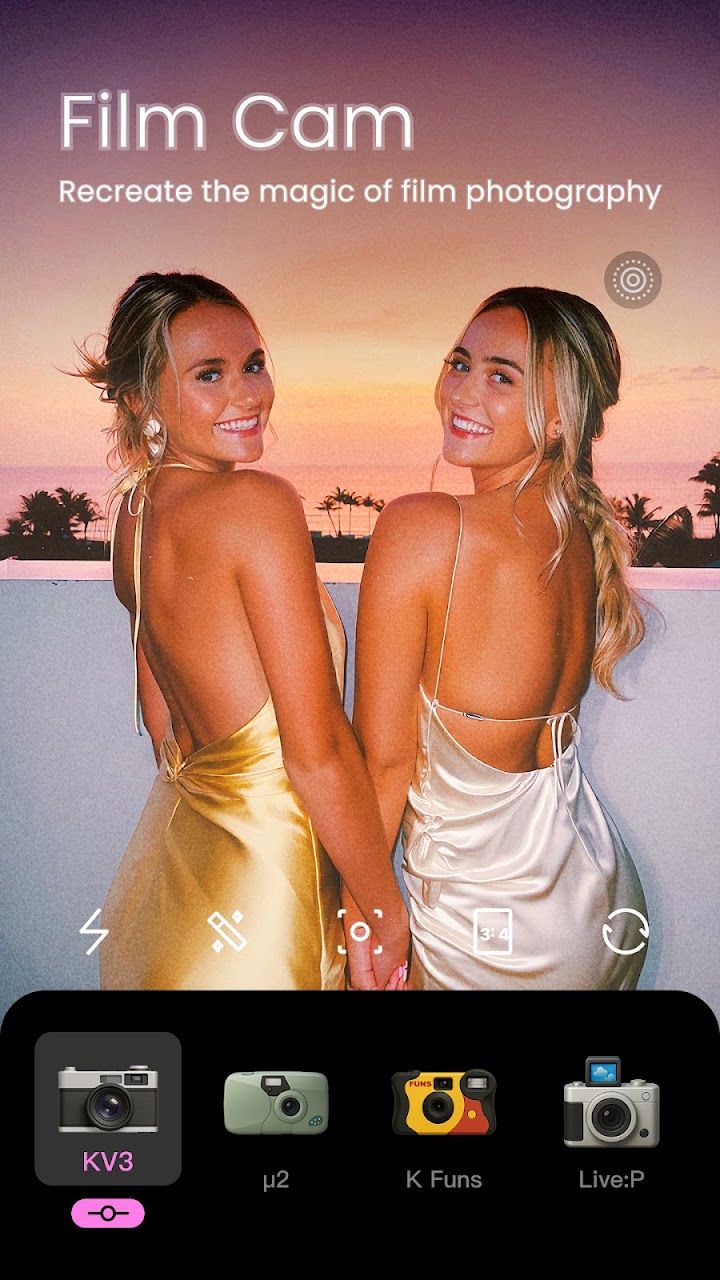
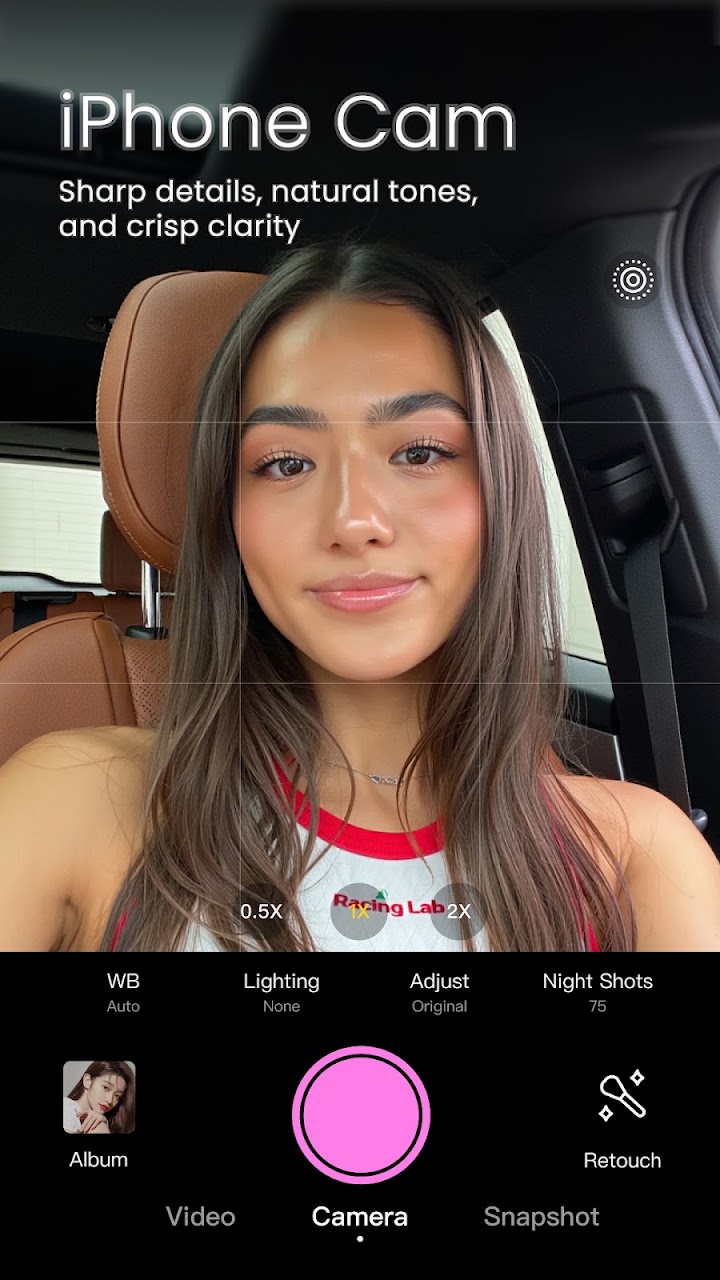
- Retro camera models — Switch between Digicam, DSLR Camera, Photo Booth, and IPhone Cam styles for different photo looks.
- AI removal tools — Use AI Removal to erase unwanted objects and AI Expansion to extend the frame.
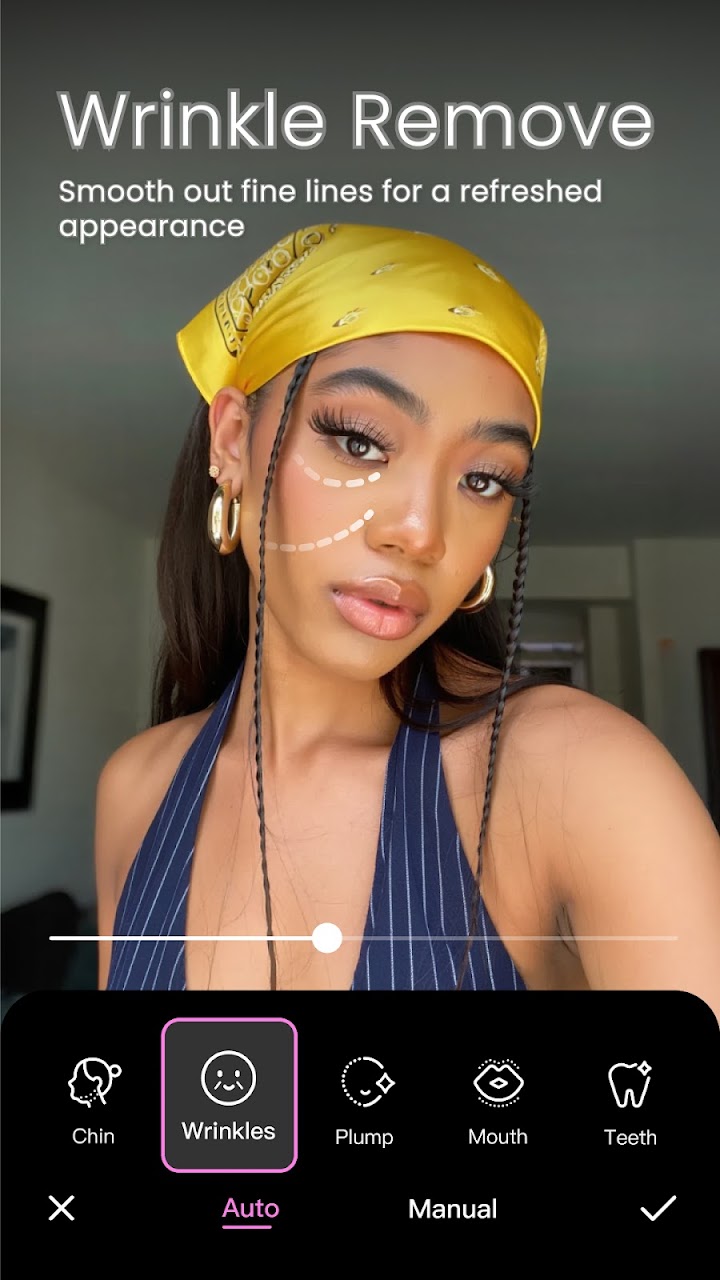
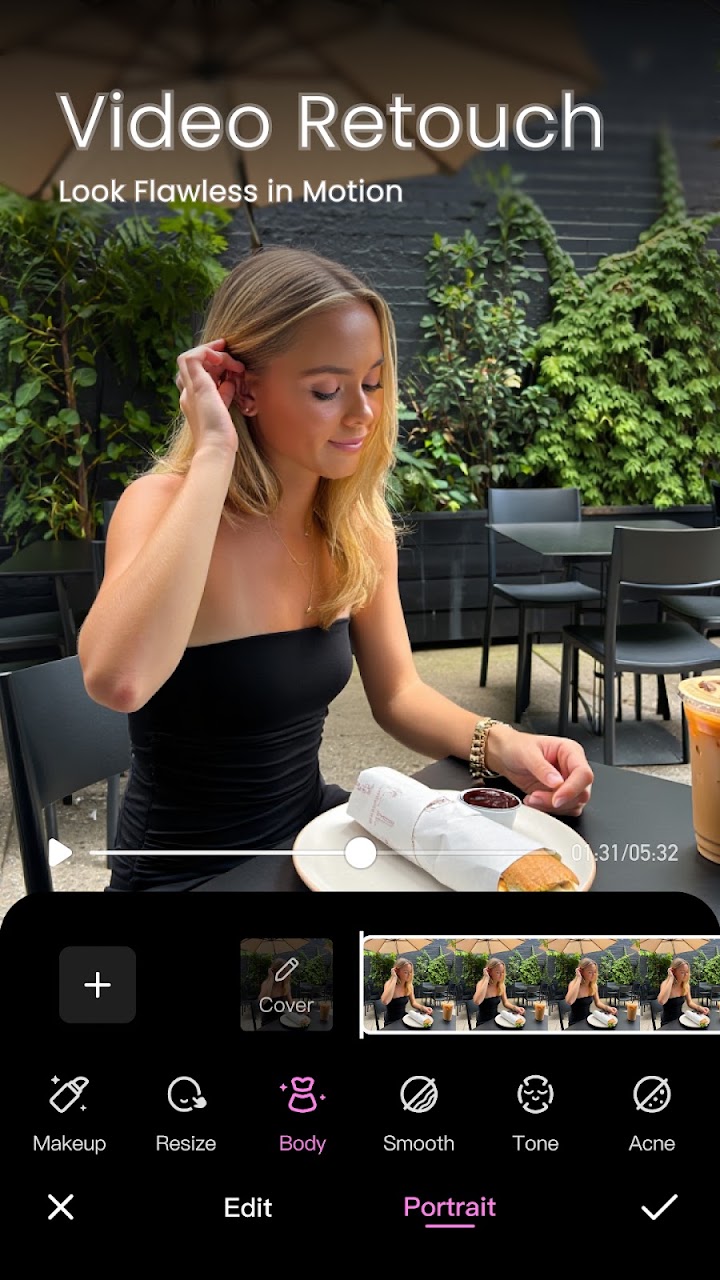
- Portrait retouching — Apply wrinkle removal, concealer, 3D nose sculpting, and hairstyle changes.
- Filters and light — Use vibrant filters and Vibe Light to improve color and low-light selfies.
- Video support — Use the teleprompter and video portrait beautification tools for recorded clips.
First launch: camera styles and AI tools
When you open BeautyCam-AI Photo Editor for the first time, the app centers on camera-style presets and AI editing tools. The play summary highlights Retro Cam, Filters, and AI Remove, and the full feature list adds Digicam, DSLR Camera, Photo Booth, and IPhone Cam options. That mix makes the app feel closer to a camera suite than a simple filter editor.
The main trade-off is clear: you get many portrait and beauty tools, but the app also includes ads and in-app purchases. It is rated 3.8 from 473,121 ratings, so user opinion is mixed rather than uniformly positive.
Set up your first edits
Start by choosing a camera model that matches the look you want. Digicam leans into vintage filters, DSLR Camera adds controls such as zoom, depth of field, and white balance, and IPhone Cam focuses on a bright, natural skin tone. If you want faster results, the AI tools can handle removal, slimming, wardrobe changes, and nail art in a few taps.
- Use AI Removal to clear distractions from a photo.
- Try Smart Background Removal for cleaner portraits.
- Apply Vibrant Filters when you want stronger color.
- Use Vibe Light for selfies in lower light.
Practical tips for day one
BeautyCam works best when you match the tool to the job. For a polished portrait, combine background removal with wrinkle removal or concealer. For a more stylized result, move to AI Effect or Photo Booth frames. If you are editing video, the teleprompter can help you read a script while recording, and video portrait beautification adds face and body adjustments to clips.
Because the app includes many portrait tools, it is useful for people who want both quick fixes and more detailed edits. Similar apps in the store include Google Photos, Samsung Gallery, and B612 AI Photo&Video Editor, but BeautyCam focuses more on camera models and beauty retouching.
Requirements, size, and permissions
BeautyCam-AI Photo Editor is an APK in universal format, sized at 59.2 MB. It supports Android from API 15 and is rated Teen. No permissions are listed, so there are no stated storage or camera permission details to review here. The app was released on 2013-02-25 and was last updated on 2026-11-11.
APK information
- Version
- 7.7.35
- Package
- com.meitu.meiyancamera
- Category
- Photography
- Size
- 59 MB
- Min Android
- API 15
- Architecture
- universal
Older versions
-
BeautyCam-AI Photo Editor 7.7.35Nov 12, 2026Latest downloadAPK
BeautyCam-AI Photo Editor FAQ
Does BeautyCam-AI Photo Editor work offline?expand_more
The listing does not say whether it works offline. Its editing tools, filters, and camera-style features are listed, but network use is not specified.
Can BeautyCam-AI Photo Editor edit RAW photos?expand_more
RAW support is not mentioned. The listed tools focus on camera models, AI edits, filters, and portrait adjustments.
How do I update BeautyCam-AI Photo Editor from an APK?expand_more
The app is distributed as an APK, so updating means installing a newer APK version over the current one. The current version shown is 7.7.35.
Does BeautyCam-AI Photo Editor work on tablets?expand_more
The app uses a universal APK and supports Android from API 15. Tablet compatibility is not stated directly.
What AI tools does BeautyCam-AI Photo Editor include?expand_more
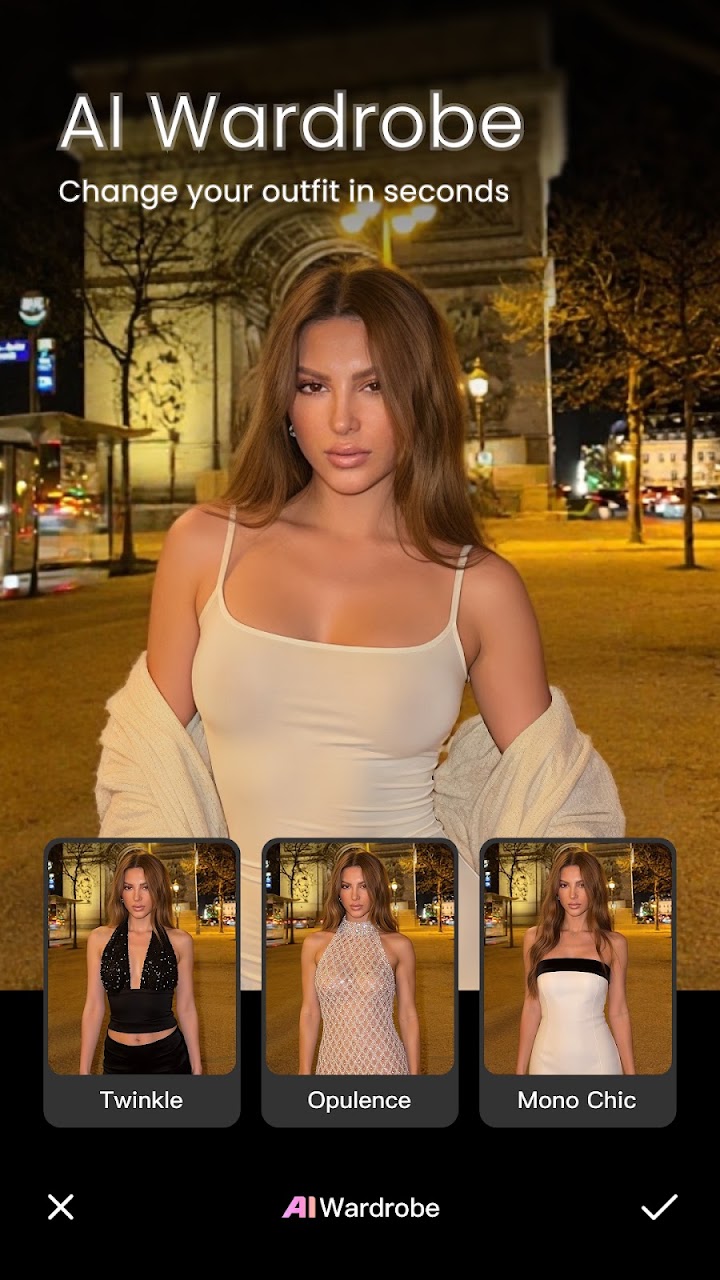
The app lists AI Removal, AI Expansion, AI Slimming, AI Wardrobe, AI Effect, and AI Nail Art. It also includes AI-powered detection for portrait enhancement.