
Meitu : Photo & Video Editor
Meitu (China) Limited- 4.5star1,504,872 reviews
- 100M+Downloads
- 57 MBAPK size
- TeenRated for Teen
- API 18+Android
check_circleOriginal APK from Meitu (China) Limited · Updated Nov 12, 2026

No threats found
0 / — antivirus engines flagged this file
Original signature
First seen — Meitu (China) Limited
Unmodified APK
Same file the developer published — no mods
Meitu : Photo & Video Editor screenshots
8 images · tap to enlarge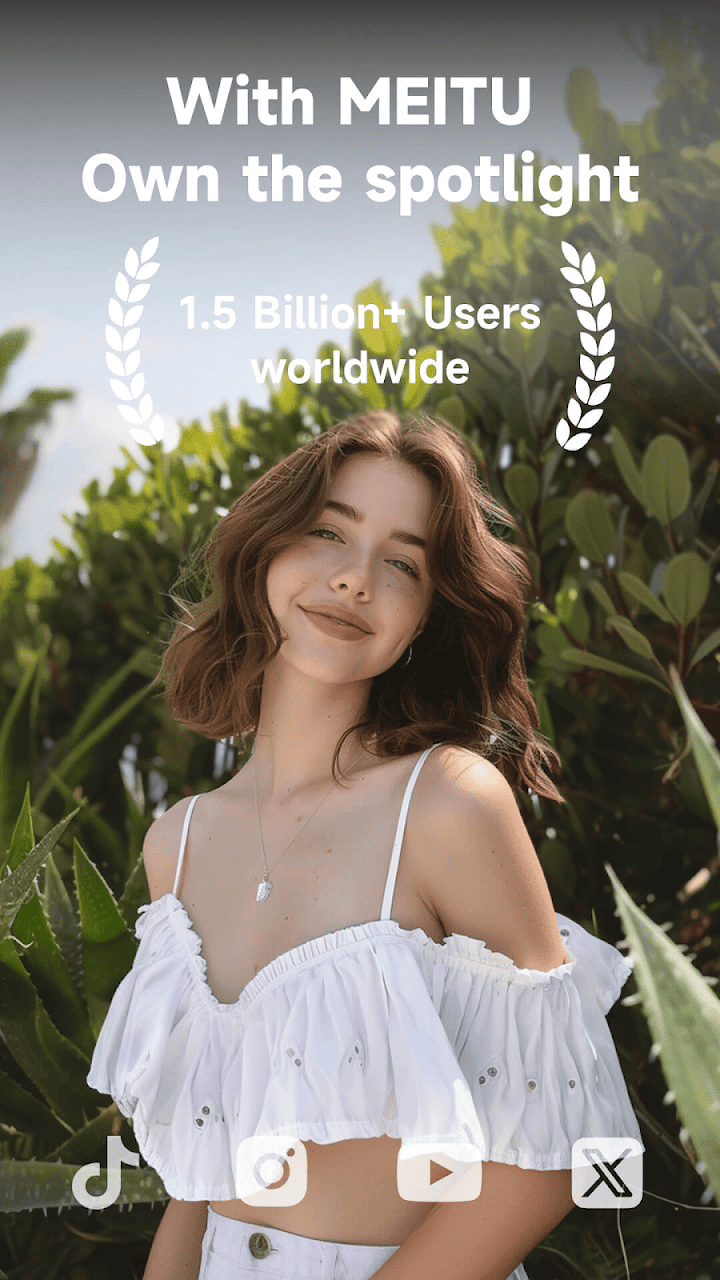

About this app
When a selfie needs a quick fix before posting, Meitu opens into tools for retouching skin, reshaping faces, removing objects, and changing backgrounds. It also covers camera filters, collages, and video edits, so one app can handle a lot of the small edits people usually make before sharing.
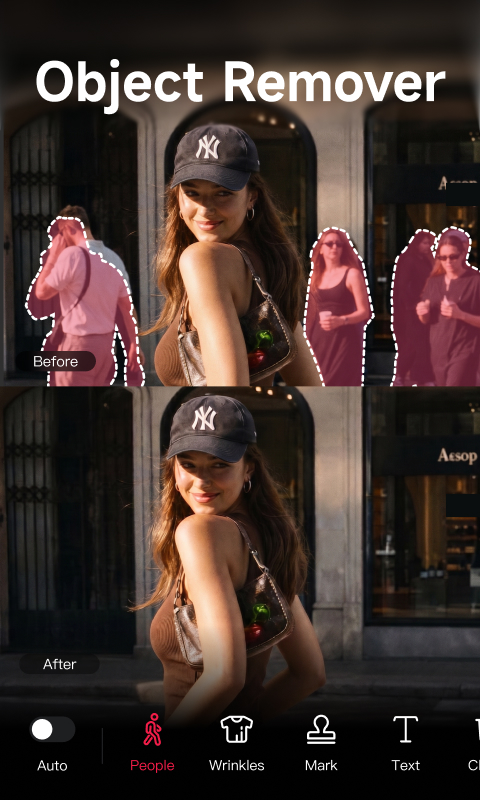
- AI object removal — Remove photobombers and other unwanted items with one tap.
- Portrait retouch — Smooth skin, adjust face shape, and refine eyes, nose, and body.
- Camera filters — Use beauty, retro, and trending filters while shooting or after capture.
- Background tools — Blur or remove backgrounds and swap in a different scene.
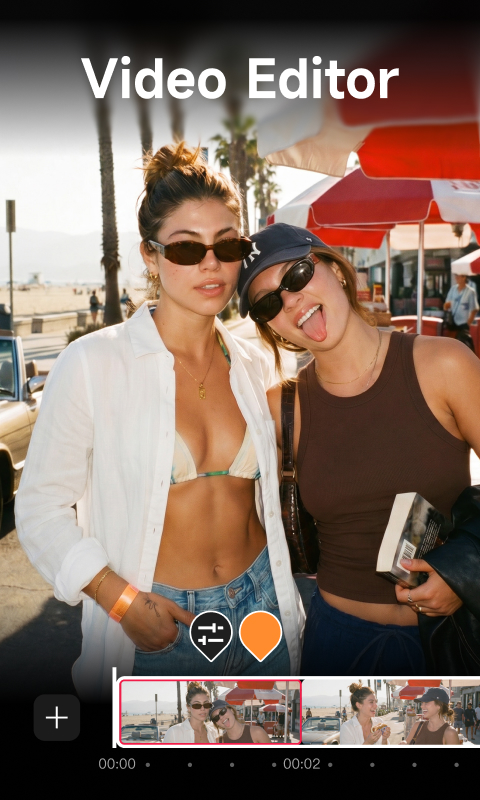
- Video retouch — Edit skin and face shape in videos and Live Photos.
- Easy collages — Combine multiple photos with layouts, stickers, and text.
Quick edits for photos and videos
Meitu centers on fast edits that fit into a normal day: a selfie before posting, a travel photo that needs cleaner framing, or a short video that needs a smoother look. The app combines AI editing, portrait retouch, filters, and collage tools in one place, so you do not need to jump between separate editors for common tasks.
Retouch a selfie, then fine-tune it
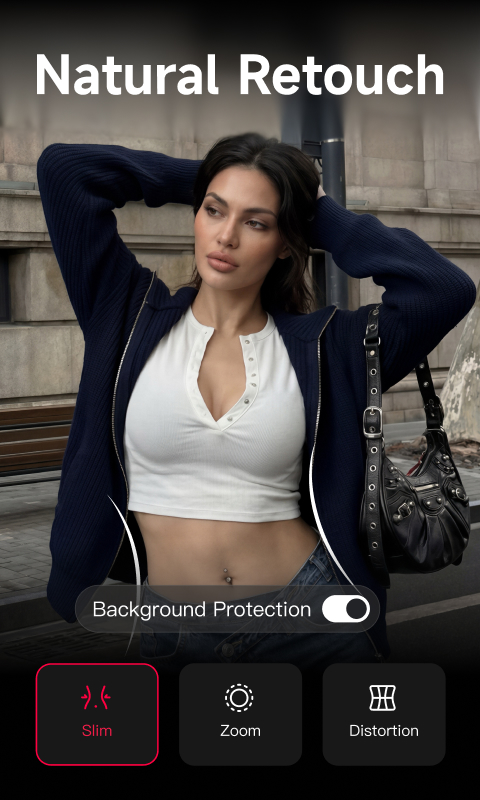
The strongest part of Meitu is its portrait work. You can smooth skin, remove blemishes while keeping texture, slim a face, adjust eyes and nose, reshape the body, and save a custom face shape for later reuse. Makeup tools add lipstick, blush, and eyeshadow. That makes it more portrait-focused than Google Photos or a general gallery app, which are better for organizing and simple adjustments than face editing.
AI tools for cleanup and background changes
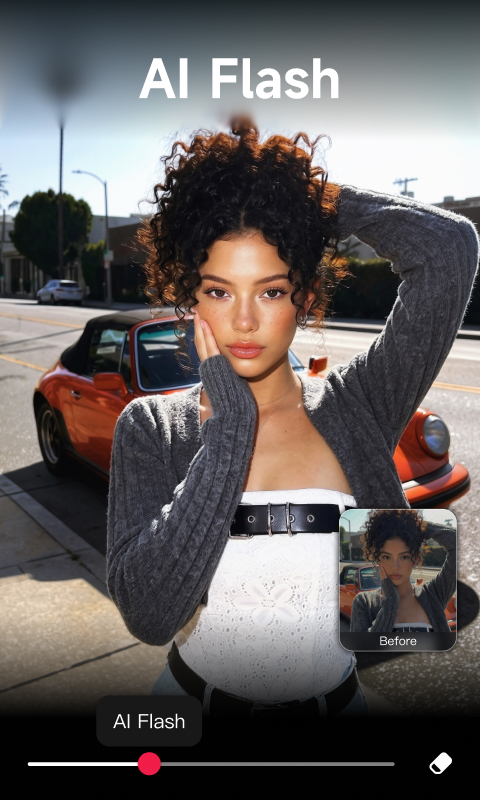
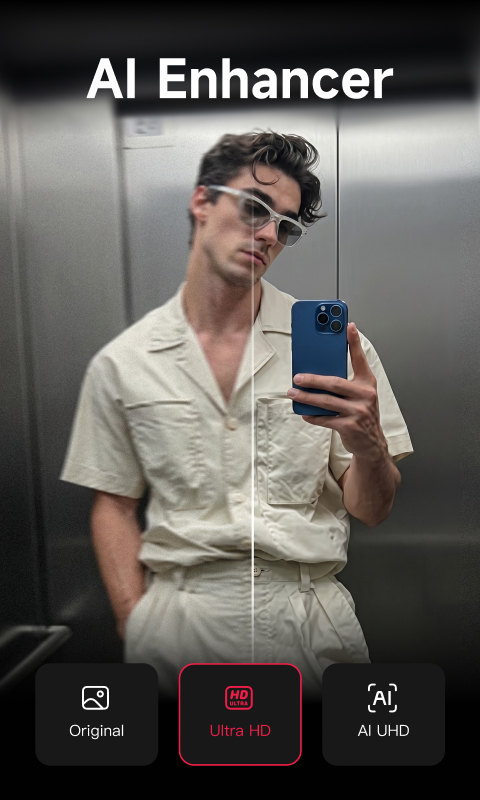
For photo cleanup, Meitu includes object removal, background blur, background remover, and photo enhancement. It can restore old photos and improve blur for HD clarity. If you want a fast cutout or a new backdrop, those tools are more direct than the broader editing options you would expect from Samsung Gallery or Gallery. The app also offers AI Art for avatars, styles, collages, and stickers.
Capture with filters, then edit later
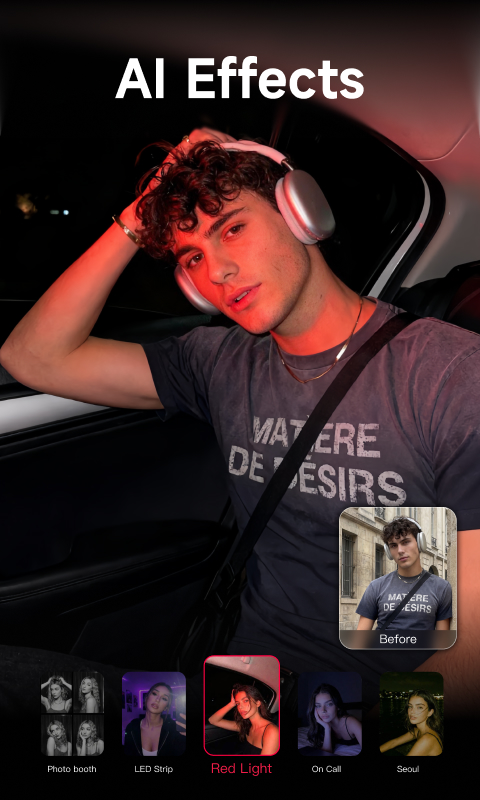
Meitu also works as a camera app with beauty camera and retro camera modes. Film and CCD-style looks, plus hundreds of filters, make it useful when you want the shot to look closer to finished as soon as you take it. Compared with B612 AI Photo&Video Editor, the overlap is clear, but Meitu leans hard into retouch and AI cleanup after capture as well.
Video edits and install notes
Video tools cover skin smoothing, face reshaping in videos and Live Photos, and watermark removal from videos. The app is free, contains ads, and includes in-app purchases. It installs as an APK, is 57.0 MB, and needs Android API 18 or later. Some users may prefer Google Photos for storage-first use, but Meitu is the better fit when the goal is editing rather than organizing.
- Free app with ads and in-app purchases
- Works on Android API 18 and up
- APK file format, 57.0 MB
APK information
- Version
- 8.3.0.2
- Package
- com.mt.mtxx.mtxx
- Category
- Photography
- Size
- 57 MB
- Min Android
- API 18
- Architecture
- universal
Older versions
-
Meitu : Photo & Video Editor 8.3.0.2Nov 12, 2026Latest downloadAPK
Meitu : Photo & Video Editor FAQ
Does Meitu : Photo & Video Editor add a watermark?expand_more
The description includes a watermark remover for videos. It does not say whether the app adds a watermark on exports.
Does Meitu : Photo & Video Editor work offline?expand_more
The app details do not say whether editing works offline.
What is the difference between the APK and the Play Store version of Meitu : Photo & Video Editor?expand_more
The app is listed as an APK in this package. No separate differences between APK and Play Store versions are given here.
Is Meitu : Photo & Video Editor available for older phones?expand_more
Yes. It supports Android API 18 and later, so it works on older devices that meet that minimum.
Can Meitu remove objects from photos?expand_more
Yes. It includes an Object Remover that erases photobombers and unwanted items in one tap.