- 4.3star53,202 reviews
- 1B+Downloads
- 21 MBAPK size
- EveryoneRated for Everyone
- 9+Android
check_circleOriginal APK from ColorOS · Updated Nov 12, 2026
No threats found
0 / — antivirus engines flagged this file
Original signature
First seen — ColorOS
Unmodified APK
Same file the developer published — no mods
Clock screenshots
8 images · tap to enlarge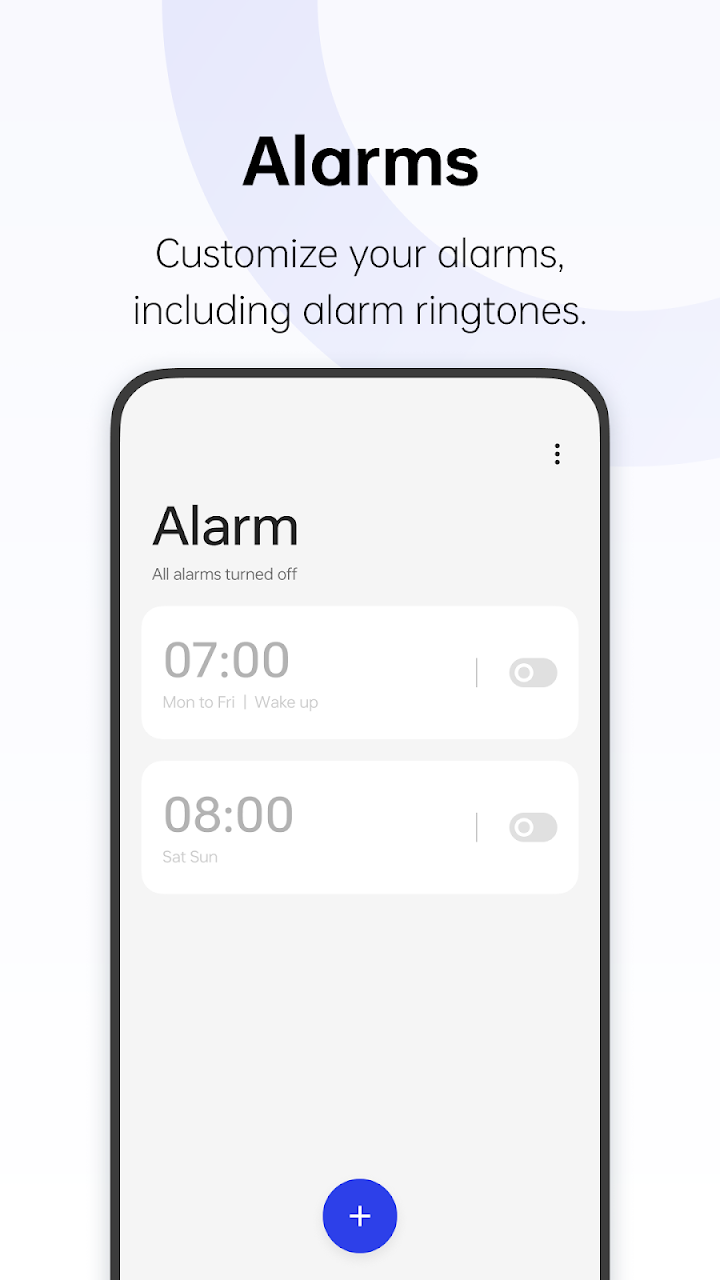
About this app
ColorOS makes Clock for everyday timekeeping, and this release mainly fixes some known issues. The app centers on alarms, world clock, stopwatch, and timers, so it fits into the moments when you need to wake up, compare time zones, time an activity, or set a countdown without extra steps.
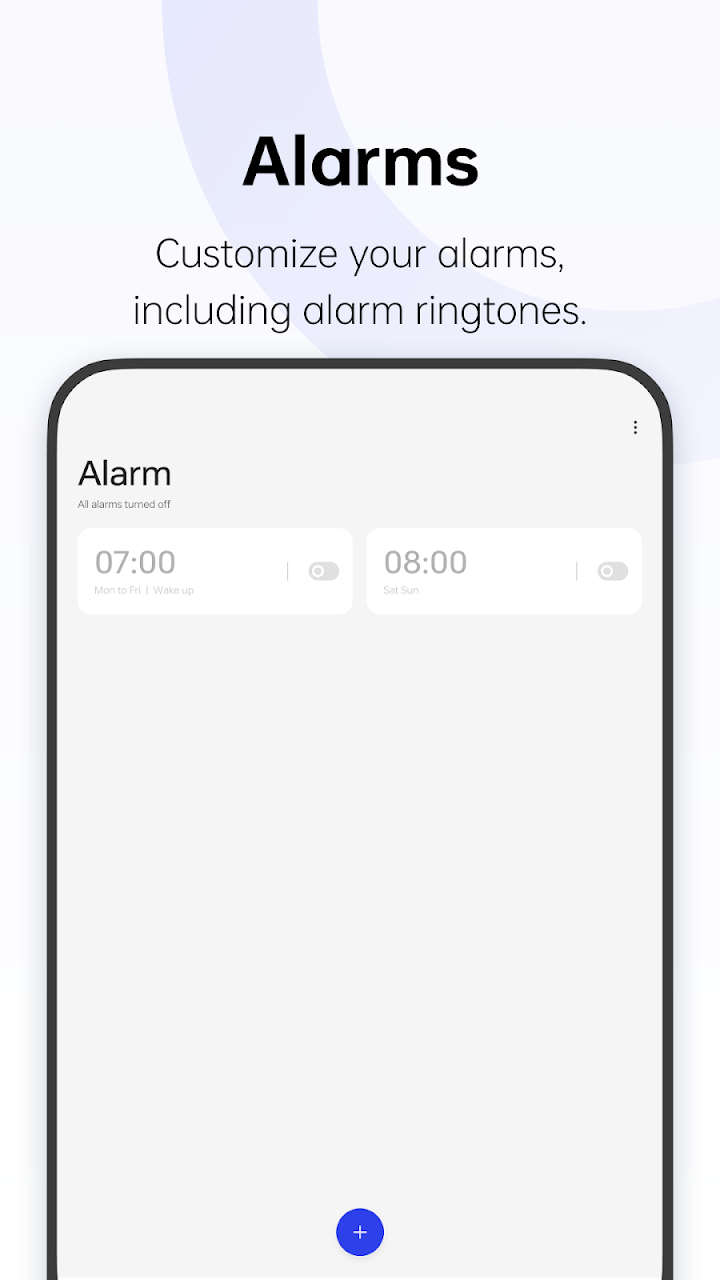
- Alarm controls — Set alarms and adjust their settings, including ringtone choices.
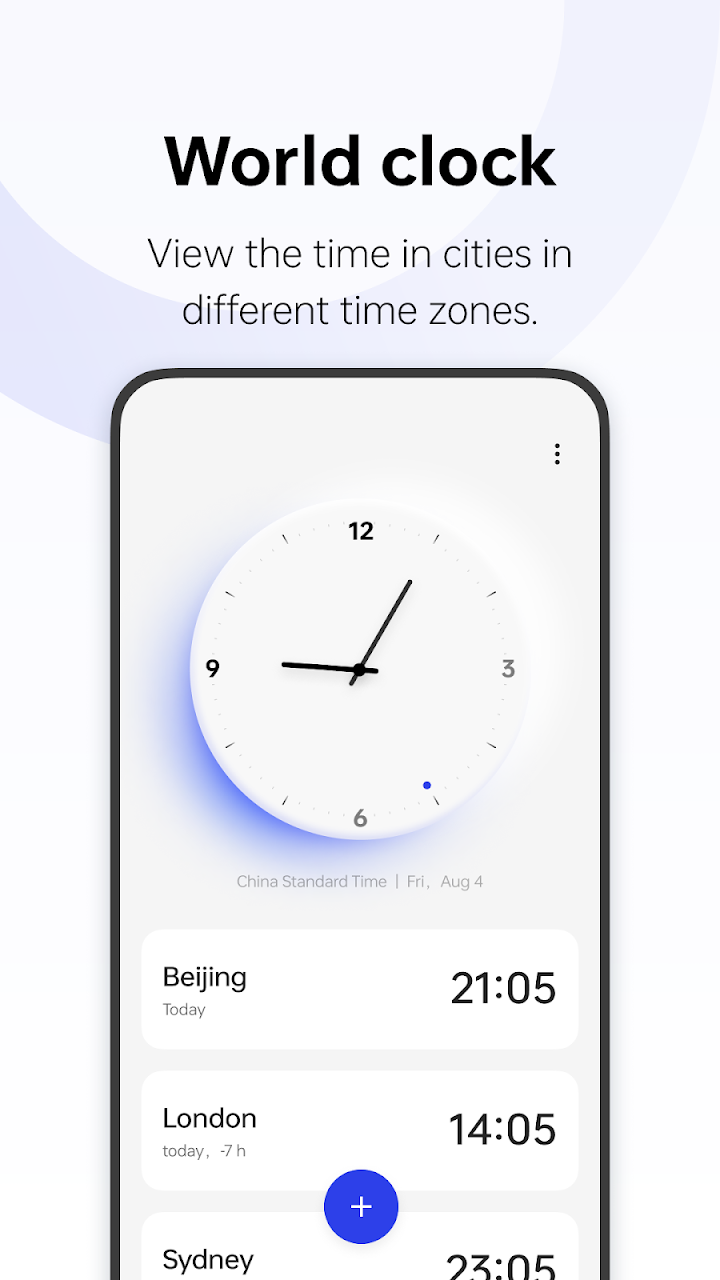
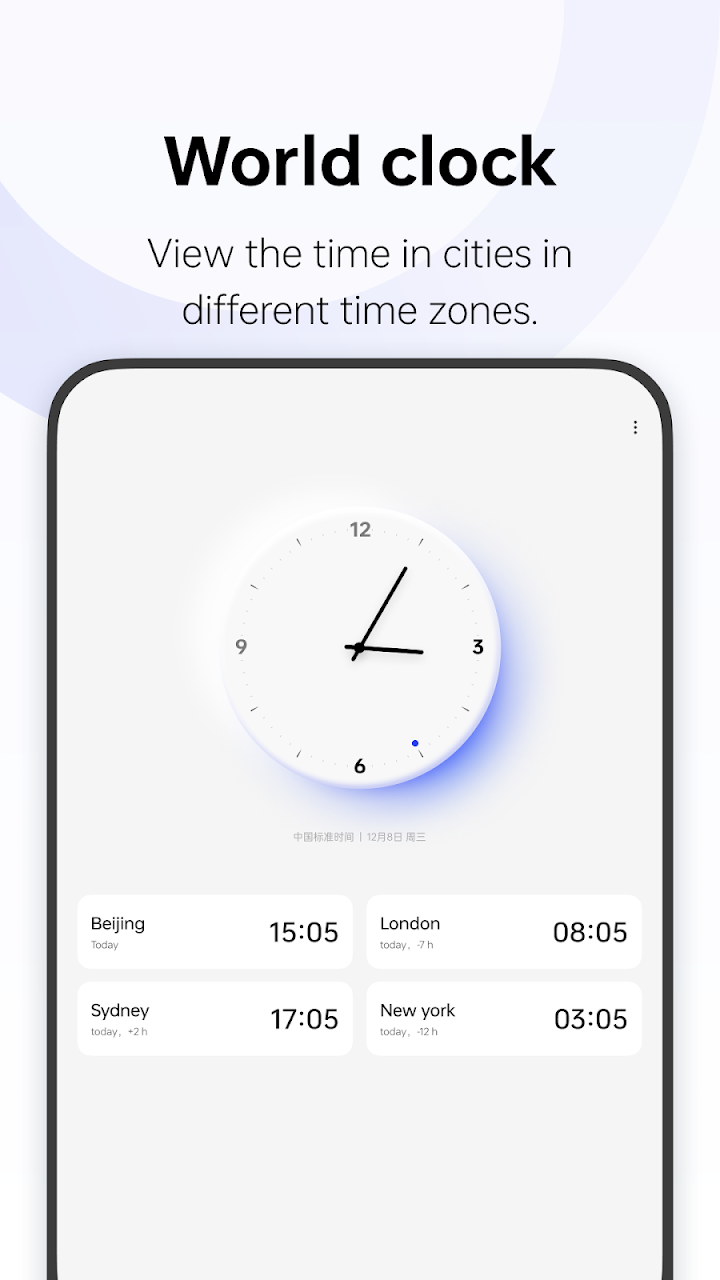
- World clock view — Add cities in different time zones and check local times at a glance.
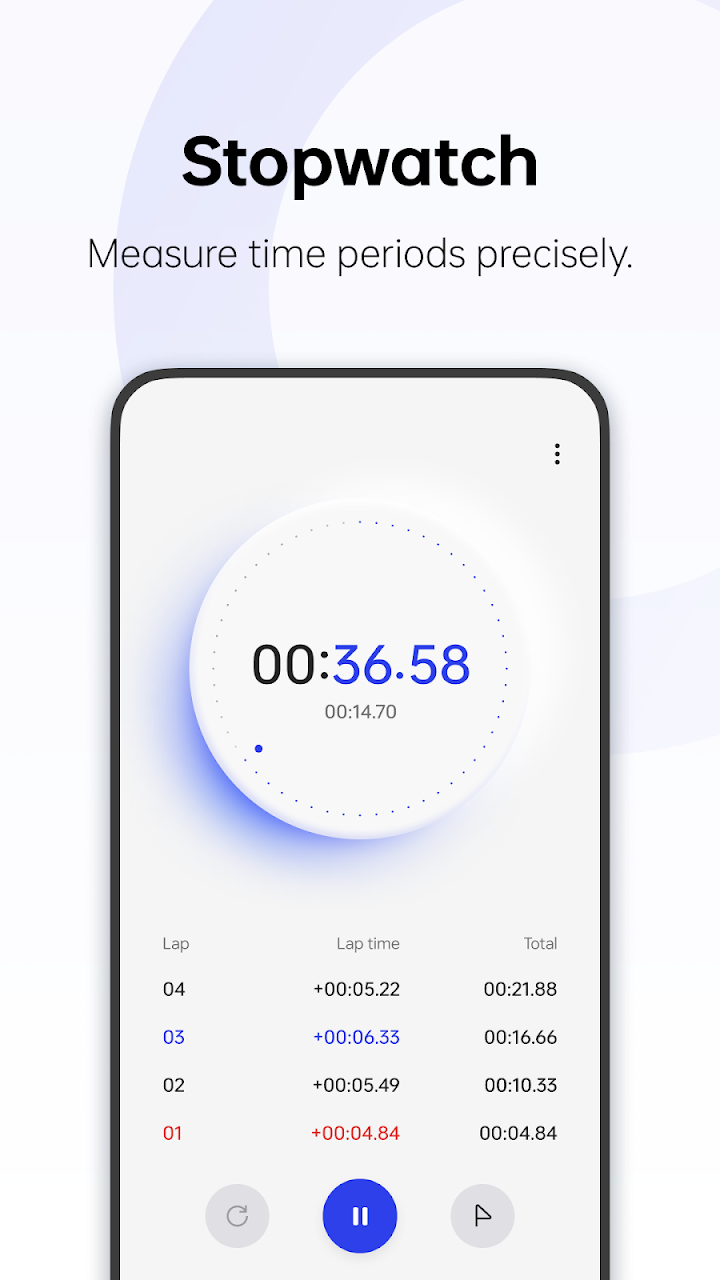
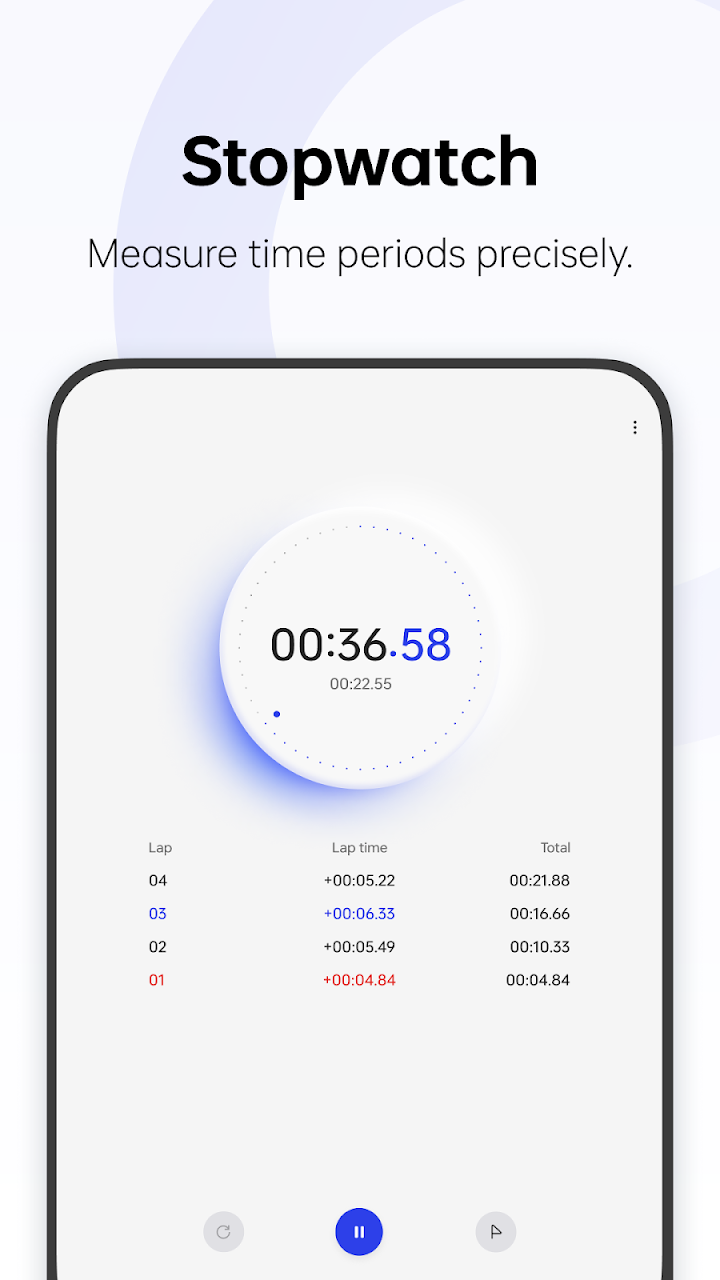
- Stopwatch timing — Use the stopwatch to measure time periods precisely.
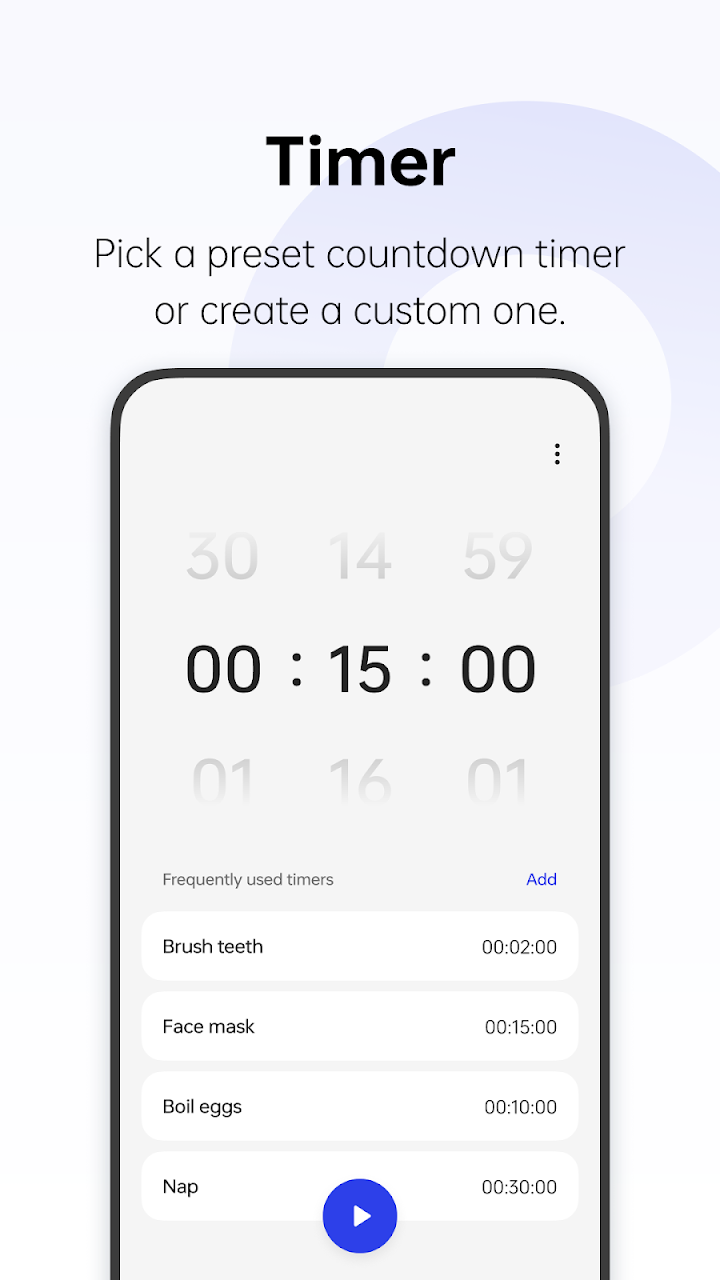
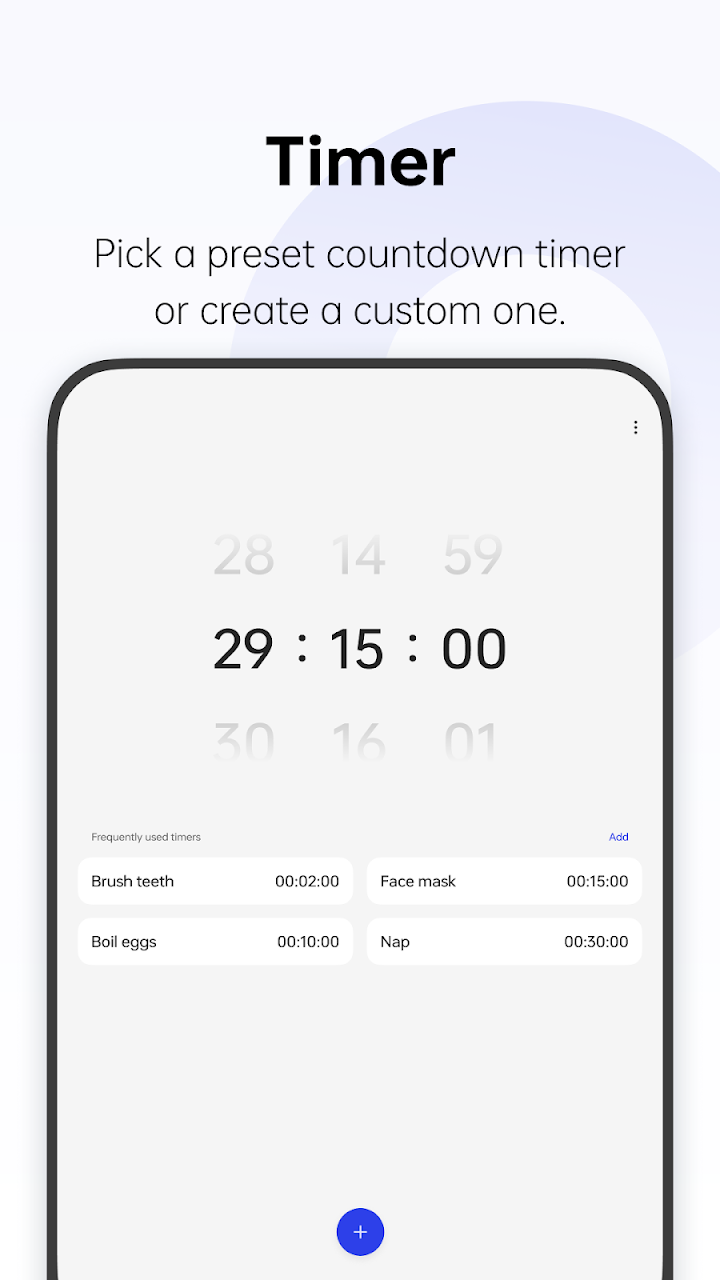
- Preset and custom timers — Start from provided timers or create your own for daily tasks.
- Simple install details — This APK is 21.0 MB, works on Android 9 and up, and is a universal build.
Current release fixes
The latest version, 15.10.2, focuses on fixing some known issues. There are no new permissions added in this release, so the app stays as straightforward to use as before. For a clock app, that matters because it keeps the core tools—alarms, world clock, stopwatch, and timers—available without changing how you get to them.
Set alarms without extra clutter
Clock is built around the daily moments when you need a reminder to start your day or catch something on time. The alarm screen lets you manage your alarms and customize settings, including ringtones. That keeps the app practical for repeat use, whether you are setting one alarm or adjusting several.
Check time zones and count down tasks
The world clock section is useful when you need to compare cities quickly. You can add cities in different time zones and see local times together, which avoids doing the math yourself. The same app also covers stopwatch timing and timers, so one install can handle both exact measurement and simple countdowns.
- Stopwatch: Measures time periods precisely.
- Timers: Includes preset options for some daily tasks.
- Custom timers: Lets you create your own countdowns.
Permissions and compatibility
Clock lists no permissions, so there is nothing to approve before using the main tools. It is free, contains no ads, and has no in-app purchases. The APK format is universal, with a 21.0 MB file size, and it requires Android 9 or later.
Release context
With a 4.3 rating from 53,202 ratings and 1B+ installs, Clock sits in the familiar tools category with a narrow job: time management. That scope is its strength. It does not try to be a broader productivity suite; it gives you alarms, world time, stopwatch, and timers in one place, then leaves out the extras.
What's new
Version 15.10.2 · Nov 12, 2026
- Fixes some known issues.
APK information
- Version
- 15.10.2
- Package
- com.coloros.alarmclock
- Category
- Tools
- Size
- 21 MB
- Min Android
- 9
- Architecture
- universal
Older versions
-
Clock 15.10.2Nov 12, 2026Latest downloadAPK
Clock FAQ
Why does Clock need these permissions?expand_more
Clock lists no permissions, so it does not request access before you use alarms, world clock, stopwatch, or timers.
Does Clock need root?expand_more
No. The app does not mention root requirements.
Does Clock have in-app purchases?expand_more
No. It is free and does not include in-app purchases.
What is the difference between the APK and the Play Store version of Clock?expand_more
The APK is the installable file format, while the Play Store version is the same app distributed through Google Play. This version is a universal APK.
Can I add cities for different time zones?expand_more
Yes. The world clock lets you add cities in different time zones and view their local times at a glance.