
- 4.1star51,082 reviews
- 1B+Downloads
- 272 MBAPK size
- EveryoneRated for Everyone
- 12+Android
check_circleOriginal APK from ColorOS · Updated Nov 12, 2026

No threats found
0 / — antivirus engines flagged this file
Original signature
First seen — ColorOS
Unmodified APK
Same file the developer published — no mods
OPPO Photos screenshots
8 images · tap to enlarge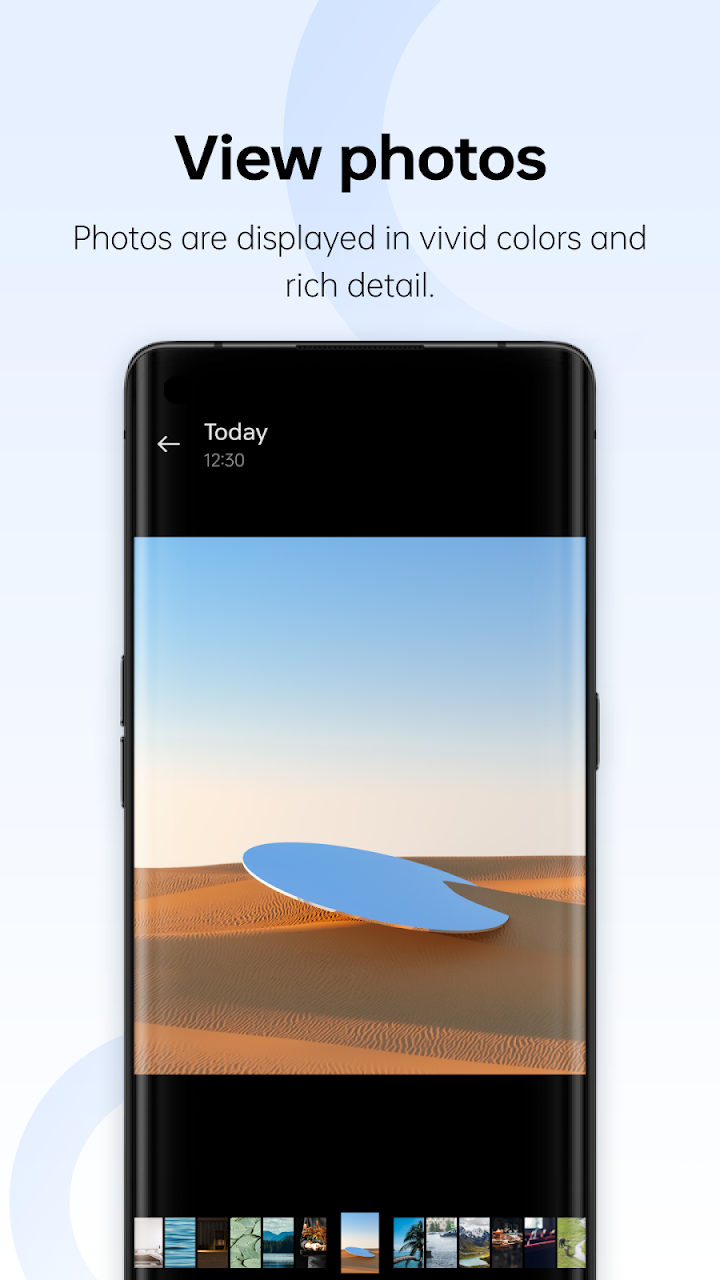
About this app
ColorOS makes OPPO Photos for viewing, editing, and managing your photo library. It fits into the day when you want to scroll through recent shots, sort pictures by date or location, make quick edits, and file important photos into albums. Private photos can be locked with a password, and cloud sync keeps the library available on other devices.
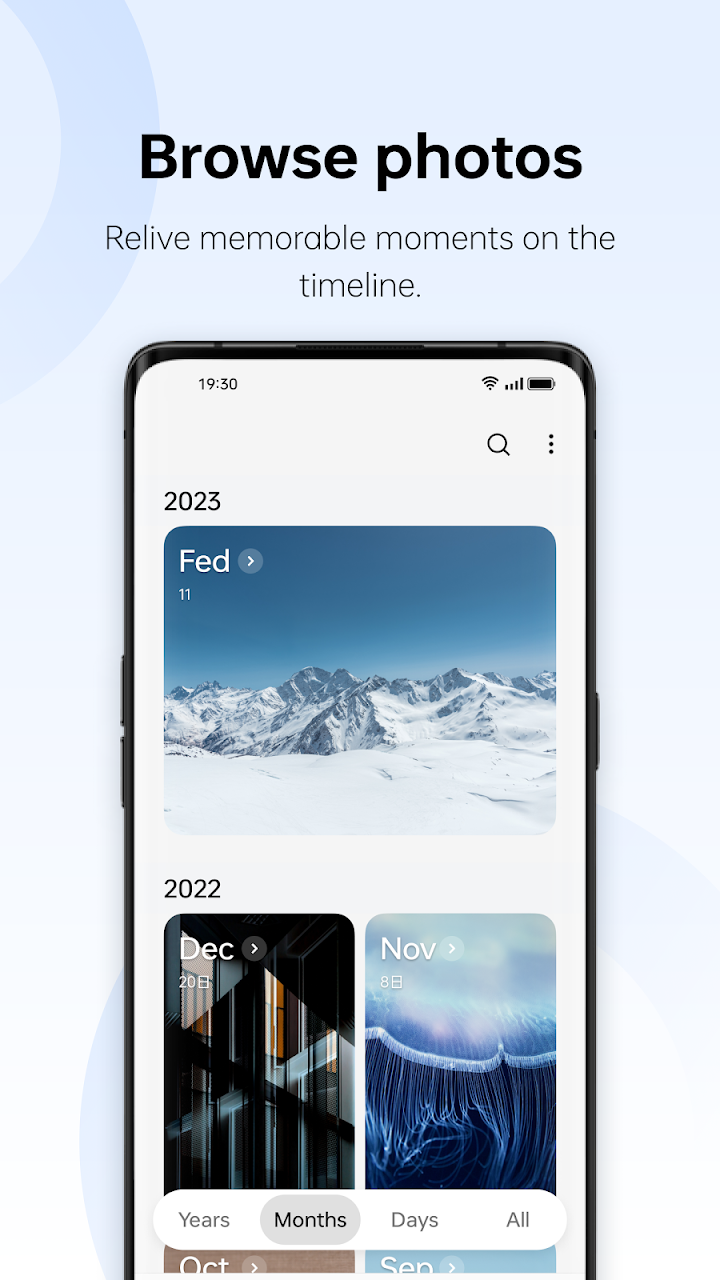
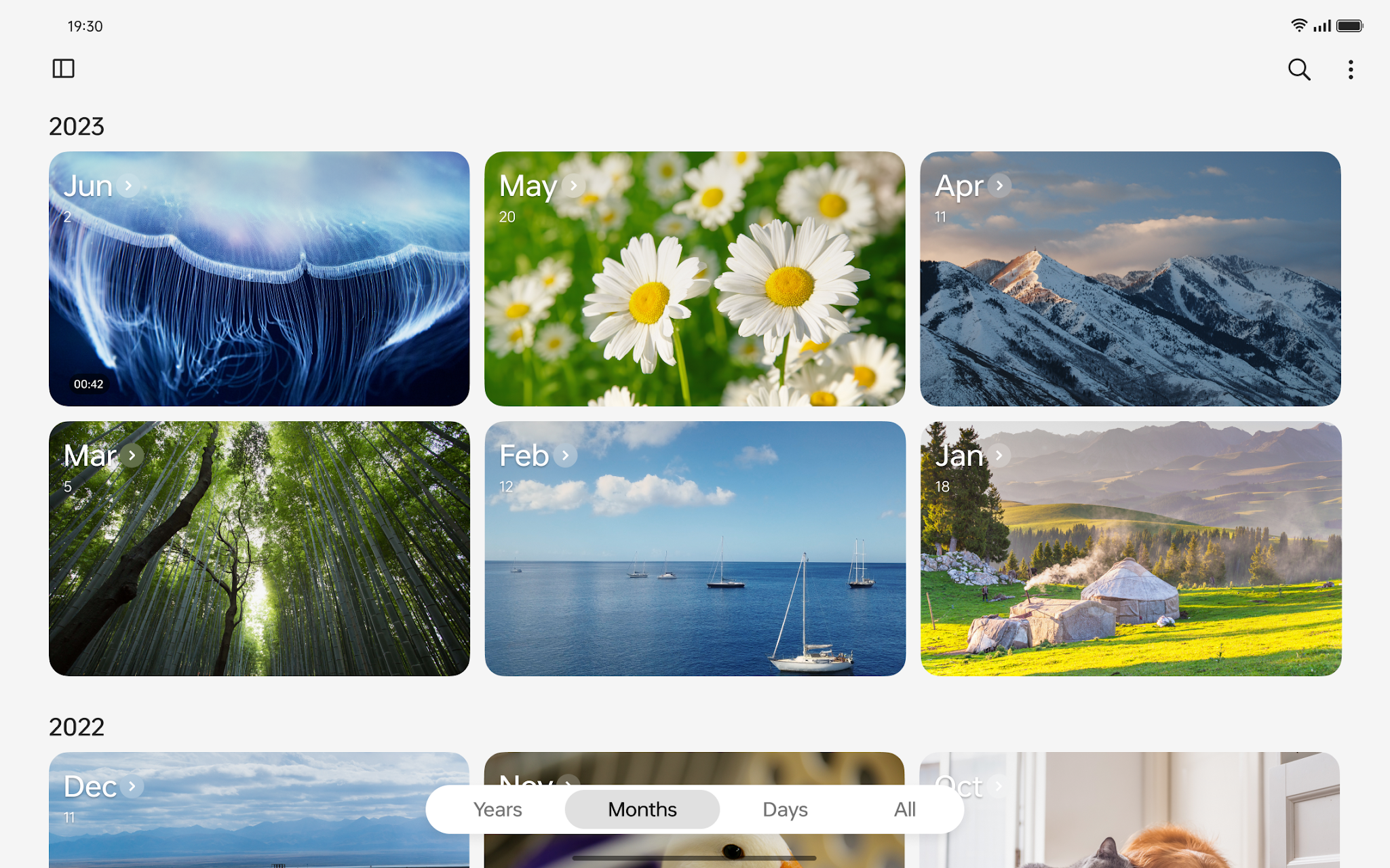
- Browse by view — Switch between different views to move through your photos the way you prefer.
- Find by date — Browse photos by date or location to get to a moment faster.
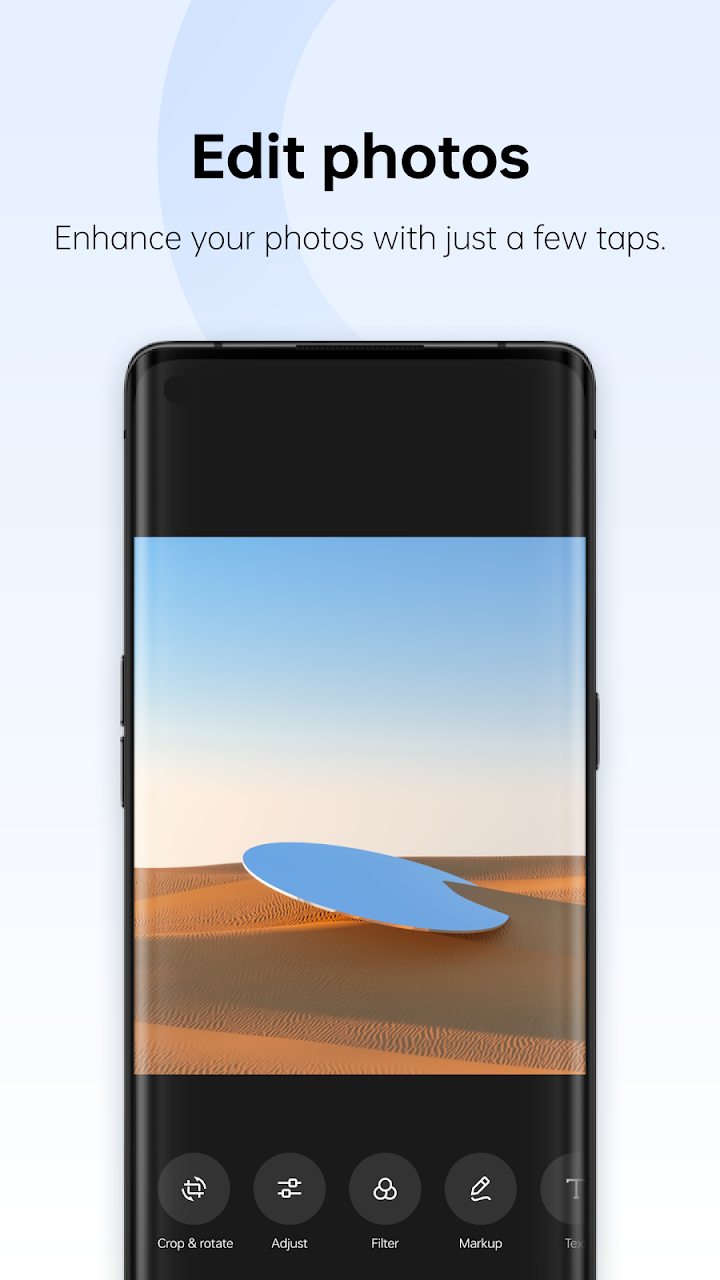
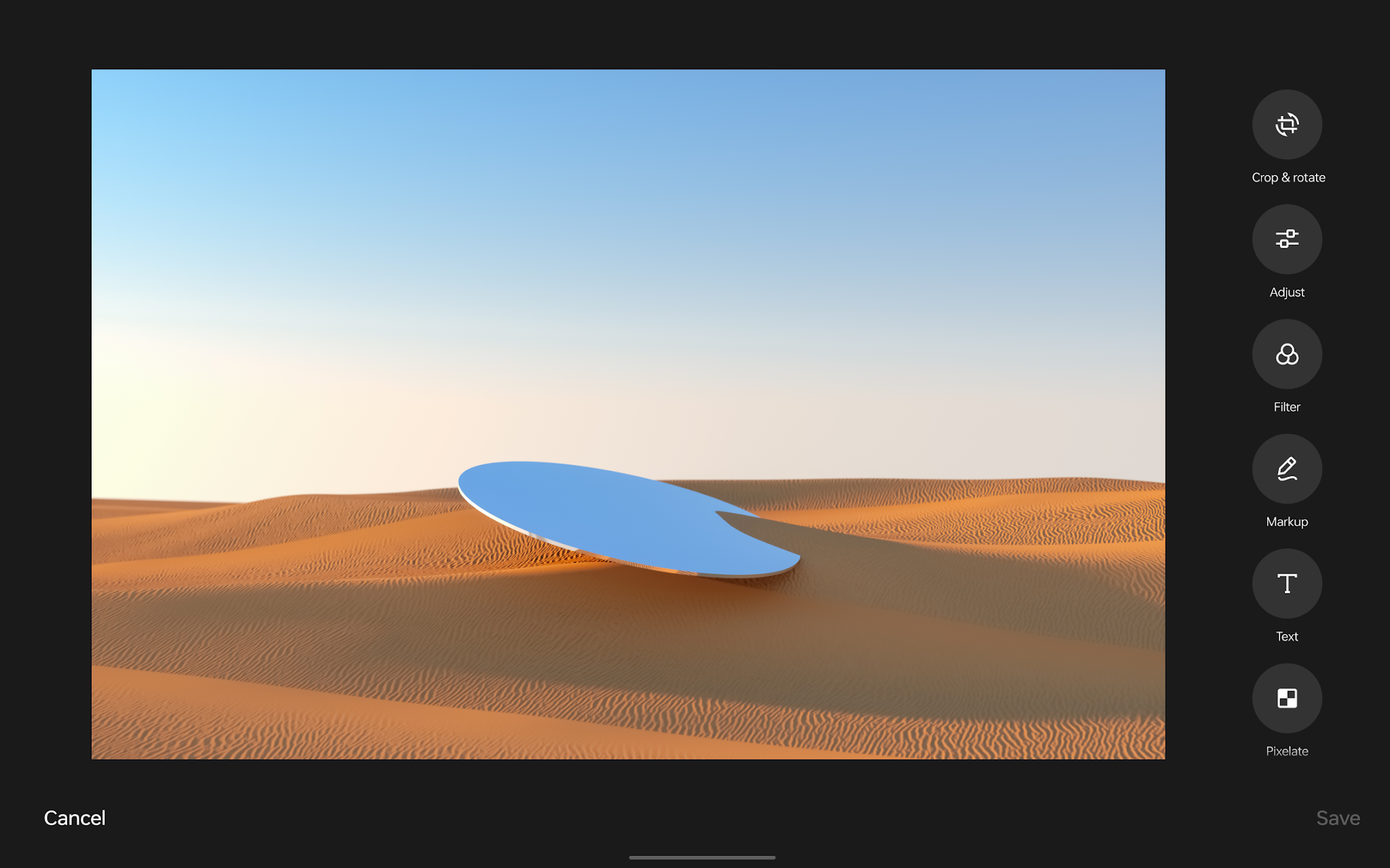
- Edit with presets — Use presets and templates to adjust composition and change the look of a photo.
- Make simple creations — Turn photos into animated GIFs, collages, and cutouts.
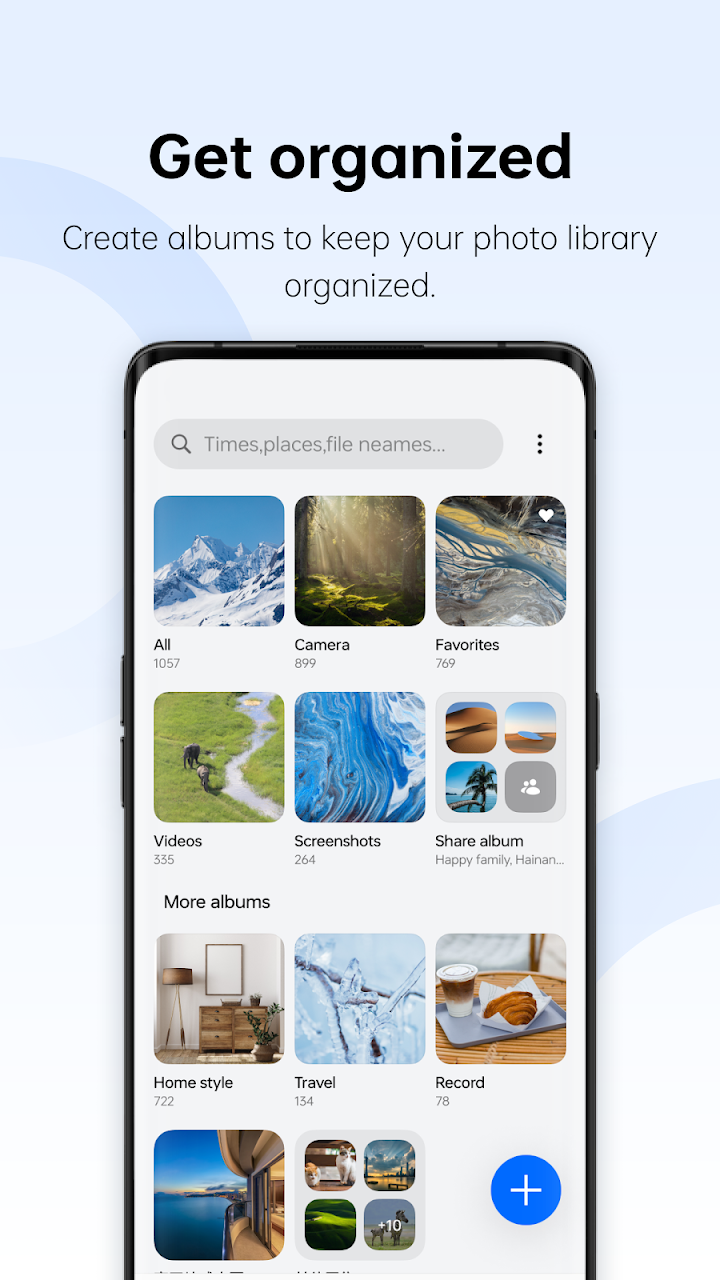
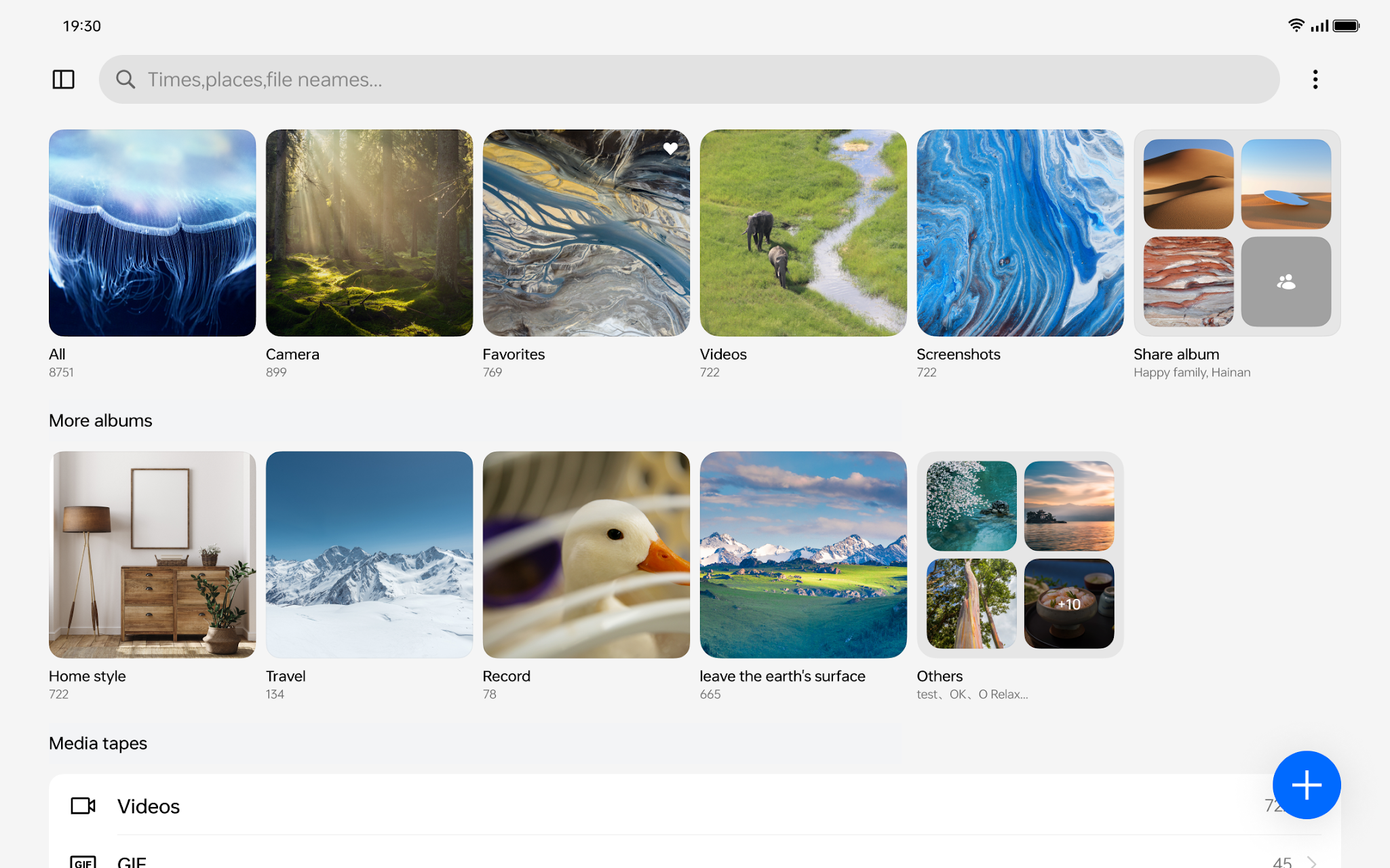
- Organize albums — Create albums, use smart grouping, and keep private photos behind a password.
- Sync to cloud — Back up photos to the cloud so you can view and manage them on other devices.
Current release and setup
OPPO Photos is on version 15.65.32. The listing does not show any release notes for this build, so the current focus stays on photo browsing, editing, and library management. It installs as an APK, needs Android 12 or later, and the file size is 271.7 MB.
Browse photos by date or location
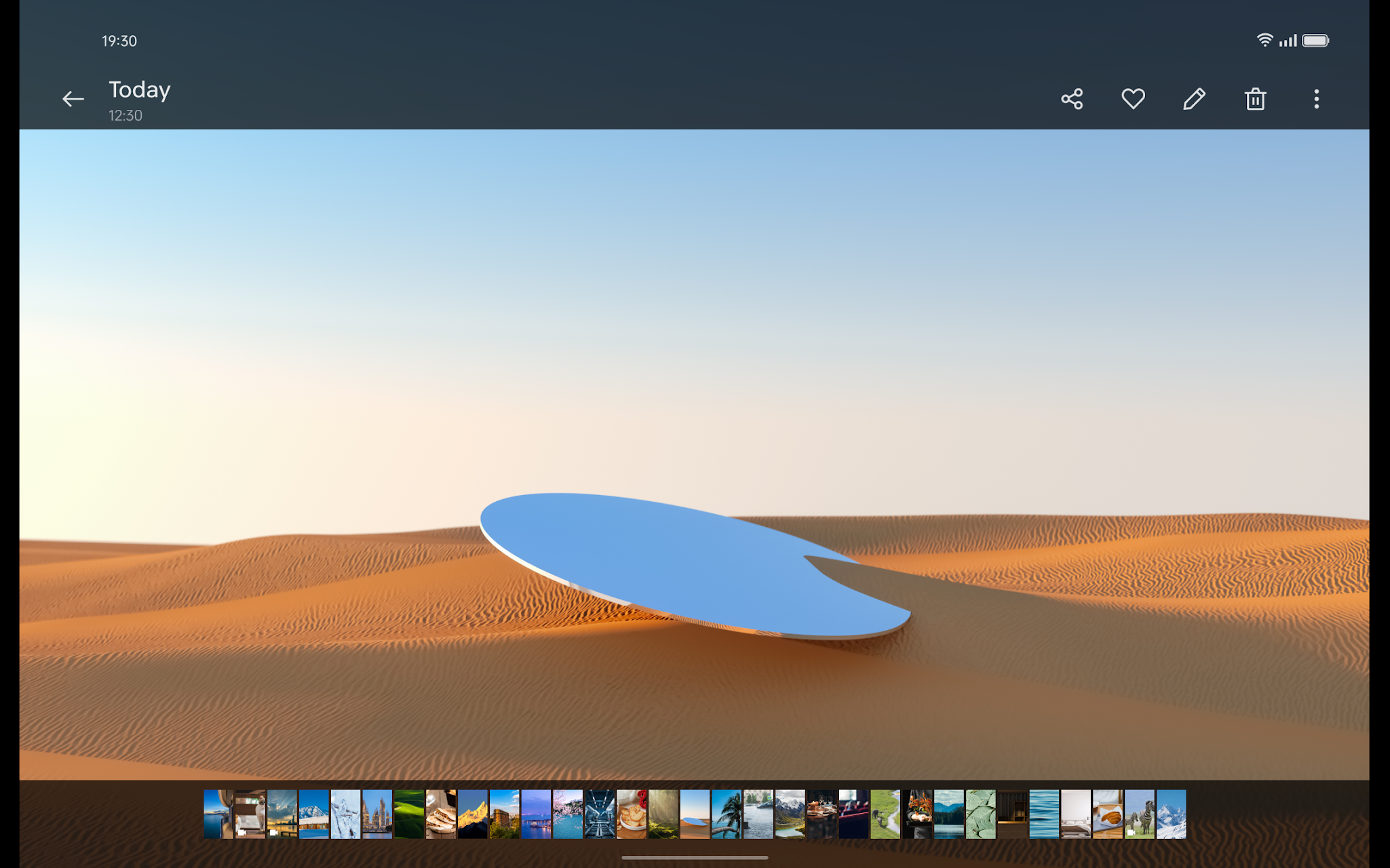
The app opens into a photo library built for quick checking and deeper looking. You can move through images in a detailed view or skim through many photos at once. If you are trying to find a trip, a day, or a place, the date and location views cut down the scrolling.
It also shows automatically generated memories, which makes it easier to revisit older moments without digging through the whole gallery.
Edit, group, and protect your library
When a picture needs work, OPPO Photos gives you presets and templates for changing composition or trying different looks. You can also create animated GIFs, collages, and cutouts from your photos.
- Create albums for separate events or people.
- Use smart grouping to keep the library tidy.
- Lock private photos with a password.
Cloud sync for another device
Photos can sync to the cloud automatically, so the same library can be viewed and managed on another device. That helps when you switch phones or want to keep the same collection available in more than one place. The app does not list ads or in-app purchases, and no permissions are shown in the store listing.
Everyday use and account notes
In a normal day, this is the app for checking recent shots, sorting a set of pictures, making a quick edit, and filing private images away. It is built around solo photo management rather than team work, so collaboration tools are not part of the listed experience. The main workflow it speeds up is moving from camera roll to organized albums without extra steps.
APK information
- Version
- 15.65.32
- Package
- com.coloros.gallery3d
- Category
- Productivity
- Size
- 272 MB
- Min Android
- 12
- Architecture
- universal
Older versions
-
OPPO Photos 15.65.32Nov 12, 2026Latest downloadAPK
OPPO Photos FAQ
Does OPPO Photos sync across devices?expand_more
Yes. The app can automatically sync photos to the cloud so you can view and manage them on other devices.
Does OPPO Photos support teams?expand_more
No team features are listed. It is set up for personal photo browsing, editing, and library management.
How do I install the OPPO Photos APK file?expand_more
Download the APK, then install it on a device running Android 12 or later. The file format is APK and the package size is 271.7 MB.
What changed in the latest OPPO Photos version?expand_more
The listing does not include release notes for version 15.65.32. The current version is focused on browsing, editing, organizing, and cloud sync.
Can I hide private photos in OPPO Photos?expand_more
Yes. You can protect private photos with a password inside the app.