
- 3.7star46,534 reviews
- 1B+Downloads
- 13 MBAPK size
- EveryoneRated for Everyone
- 11+Android
check_circleOriginal APK from ColorOS · Updated Nov 12, 2026
No threats found
0 / — antivirus engines flagged this file
Original signature
First seen — ColorOS
Unmodified APK
Same file the developer published — no mods
Simple mode screenshots
4 images · tap to enlarge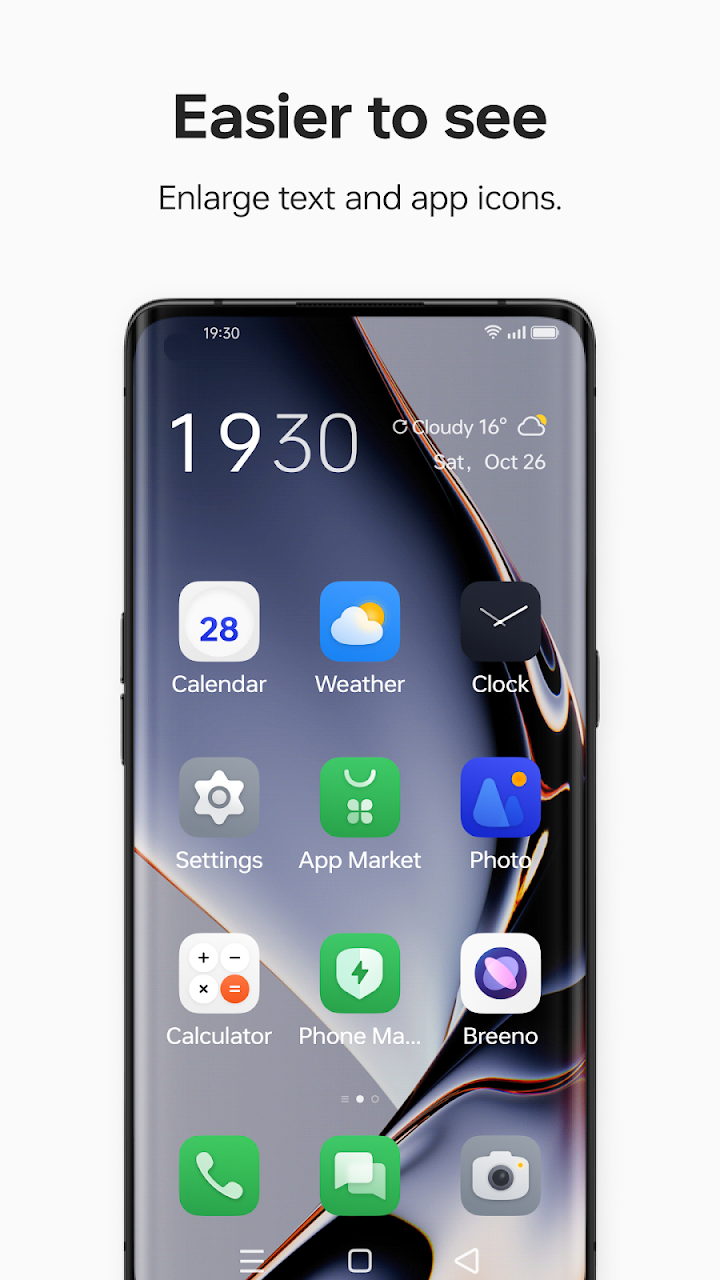
About this app
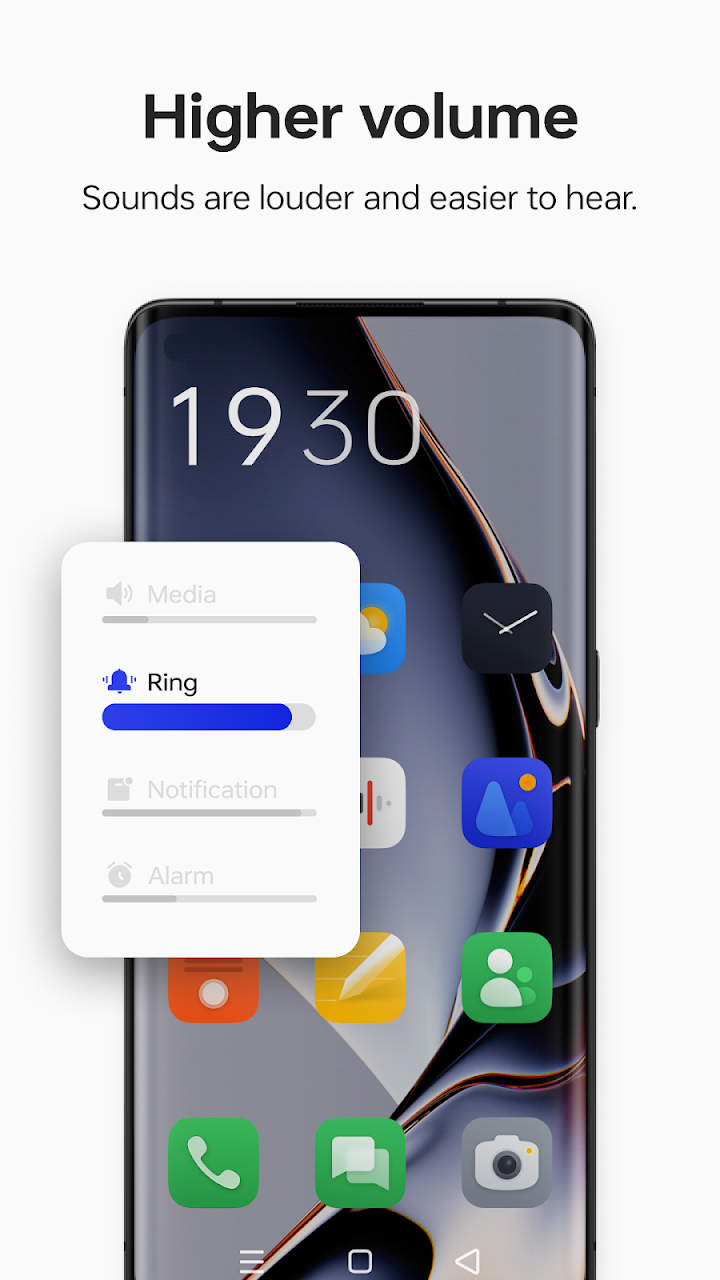
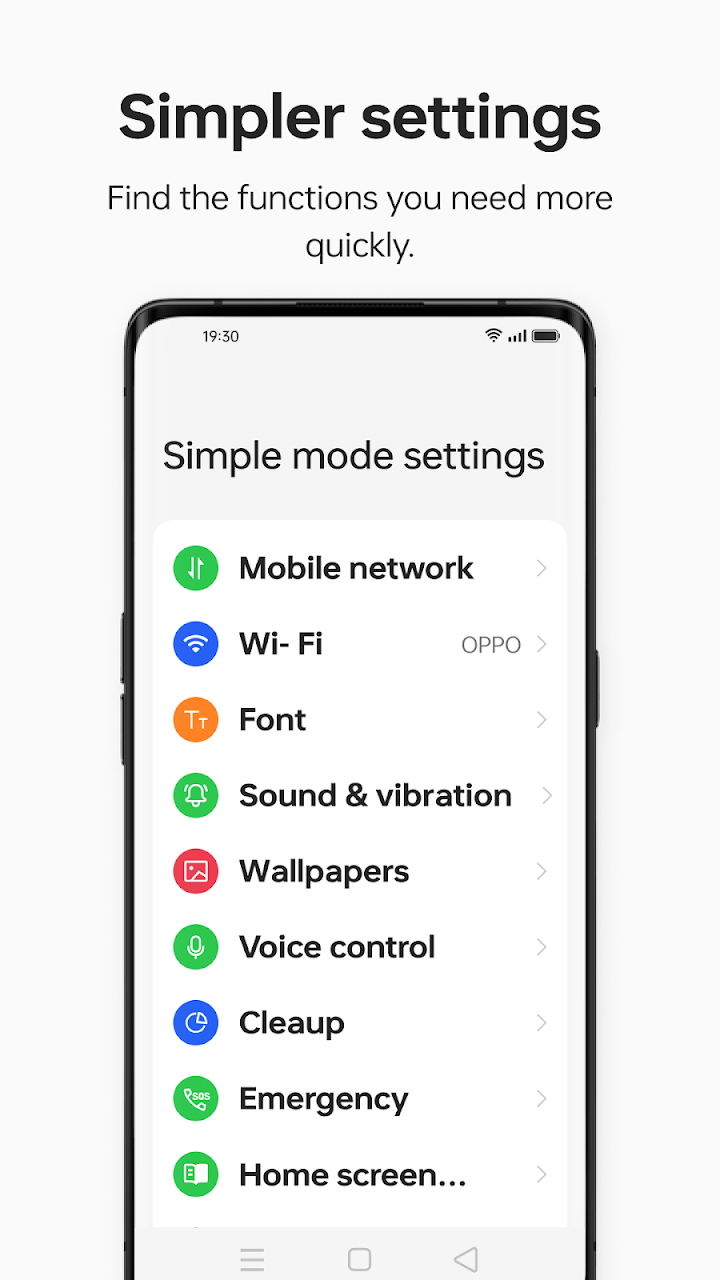
1B+ installs show Simple mode is built for everyday phone use with a simpler layout. It changes the system to larger text, bigger icons, higher volume, handwriting input, and virtual buttons. The app is free, has no ads or in-app purchases, and uses no listed permissions.
- Bigger on-screen text — The system switches to larger text so labels are easier to read.
- Large app icons — Icons become bigger, making the home screen easier to scan.
- Higher sound volume — Simple mode raises volume levels for louder alerts and audio.
- Handwriting input — It uses handwriting as the input method instead of standard typing.
- Virtual navigation buttons — Navigation changes to virtual buttons for simpler control.
One-tap switch to a simpler phone
Simple mode is a Tools app from ColorOS that changes the phone system for easier daily use. It is designed for elderly users and focuses on the moments when reading, tapping, and navigating can feel harder: checking the home screen, opening apps, and entering text. The app is free, contains no ads, and has no in-app purchases.
Version 15.0.13 is an APK file sized at 12.8 MB, built for Android 11 and up, with a universal architecture.
Large text, icons, and louder sound
When Simple mode is opened, the system switches to larger text, bigger icons, and higher volumes. That makes common phone actions easier to see and hear without changing how the rest of the phone is used. It is a system-level mode rather than a separate workspace, so the changes apply across the interface while it is active.
Handwriting and virtual buttons
For input and navigation, Simple mode uses handwriting as the input method and virtual buttons as the navigation method. That gives the phone a more straightforward control scheme for people who prefer clear on-screen controls over gesture-heavy navigation or standard keyboard entry.
Permissions and daily use
No permissions are listed for this app, so there is nothing shown here for storage, contacts, location, camera, or microphone access. The app’s description also does not mention accounts, sign-in, ads, or paid upgrades. In a normal day, someone would open it when they want a larger, clearer phone interface and close it when they want the standard layout back.
- Free to use with no in-app purchases
- No listed permissions on the app page
- Universal APK for Android 11 and above
- 12.8 MB download size for the installed package
APK information
- Version
- 15.0.13
- Package
- com.coloros.scenemode
- Category
- Tools
- Size
- 13 MB
- Min Android
- 11
- Architecture
- universal
Older versions
-
Simple mode 15.0.13Nov 12, 2026Latest downloadAPK
Simple mode FAQ
Does Simple mode need root?expand_more
No root requirement is listed for Simple mode. It is distributed as a standard APK for Android 11 and up.
Does Simple mode drain the battery?expand_more
The app page does not describe battery usage. No battery-related permissions are listed.
Does Simple mode work on tablets?expand_more
The app is marked universal and supports Android 11 and above. The page does not call out phones or tablets separately.
Does Simple mode work offline?expand_more
The description does not mention any internet connection or account sign-in. No permissions are listed.
How does Simple mode change the phone interface?expand_more
It switches the system to larger text, bigger icons, higher volumes, handwriting input, and virtual buttons.