
- 4.1star160,282 reviews
- 1B+Downloads
- 59 MBAPK size
- EveryoneRated for Everyone
- 11+Android
check_circleOriginal APK from ColorOS · Updated Nov 11, 2026
No threats found
0 / — antivirus engines flagged this file
Original signature
First seen — ColorOS
Unmodified APK
Same file the developer published — no mods
Phone Manager screenshots
8 images · tap to enlarge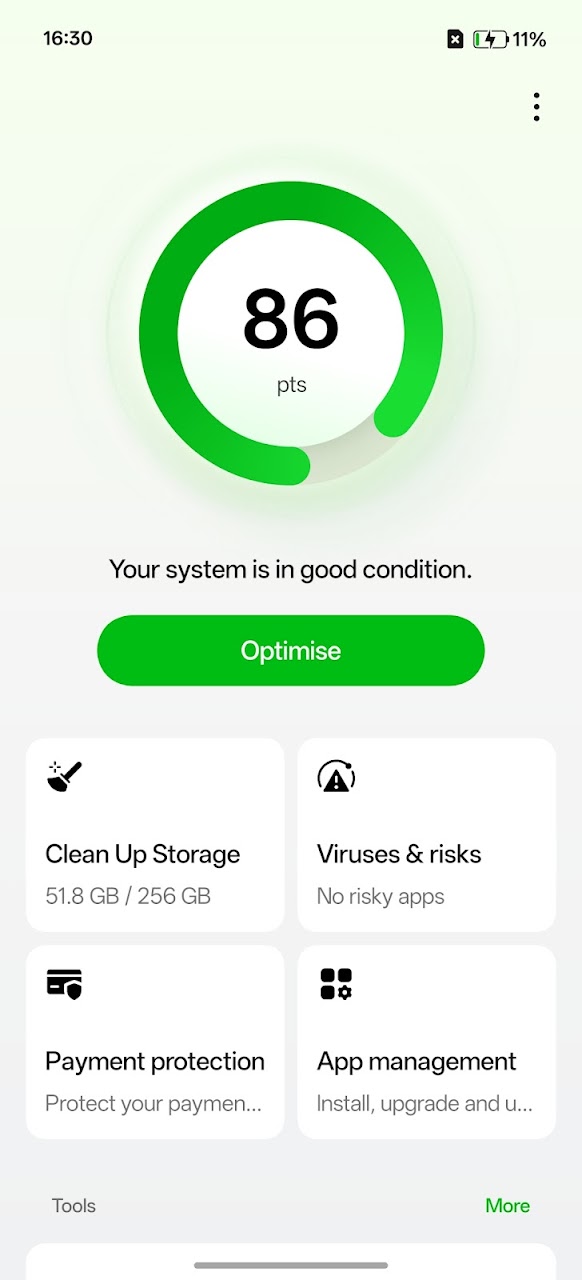
About this app
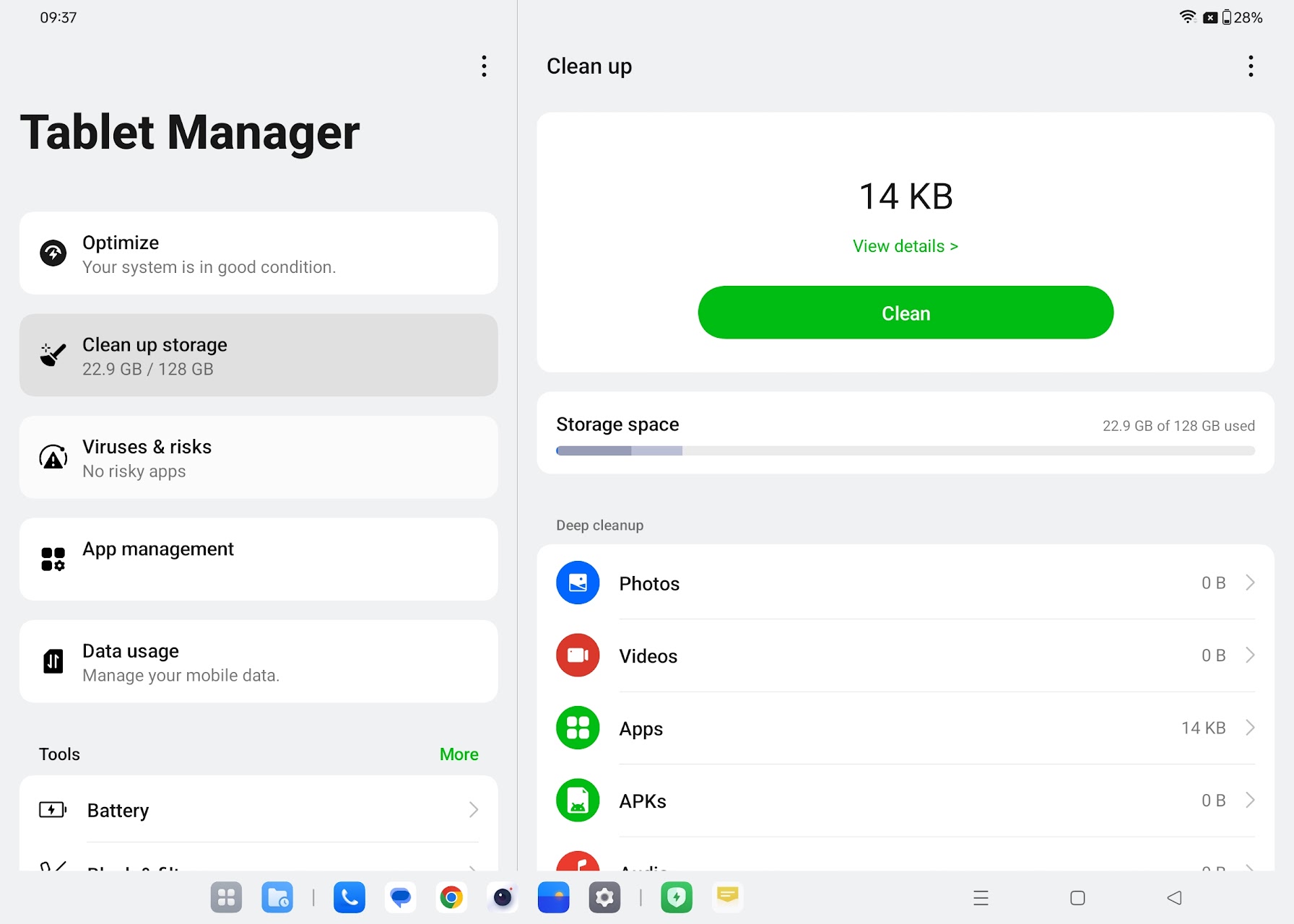
When storage is running low or a suspicious app needs checking, Phone Manager gives OPPO and realme users a quick place to clean junk files, scan for malware, and review device security. It is a free Tools app with ads, no in-app purchases, and it opens only on supported phones.
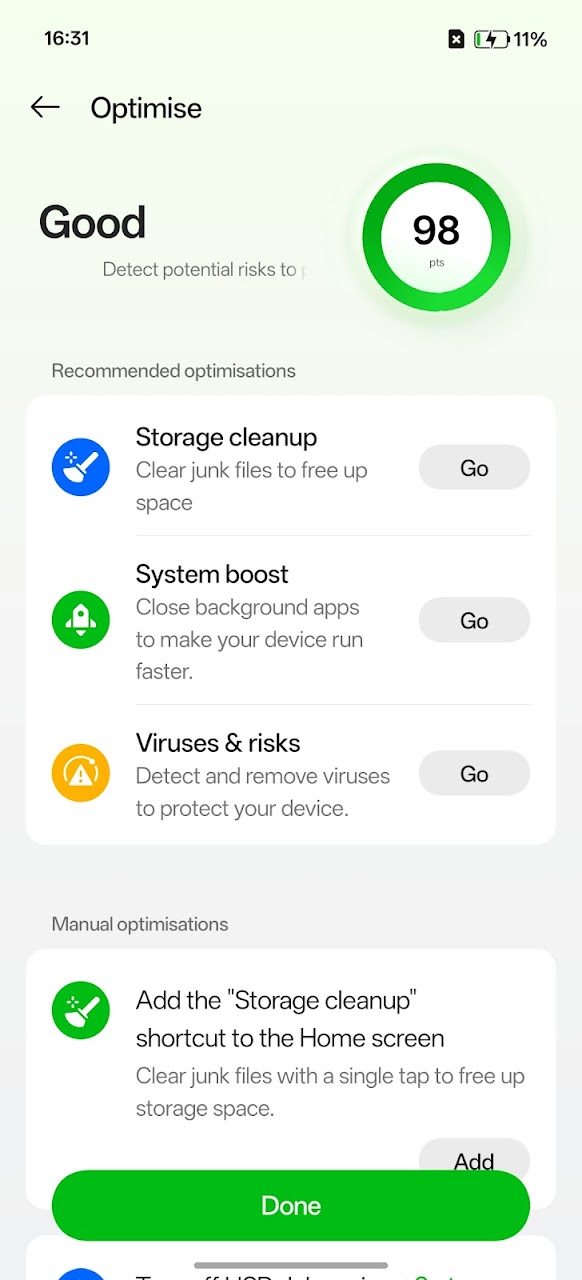
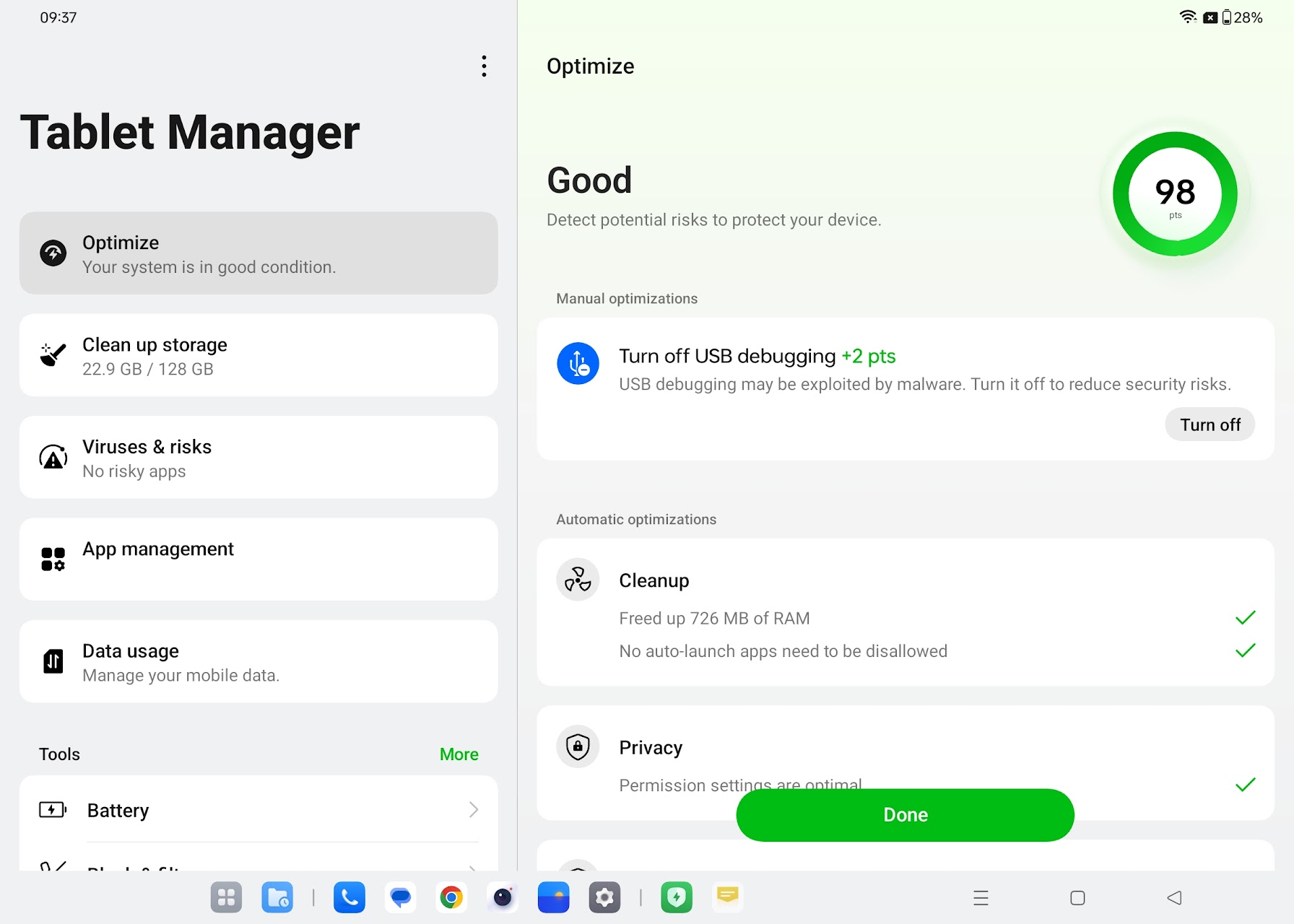
- One-tap cleanup — Run a quick check to look for junk files, security issues, and app updates from one screen.
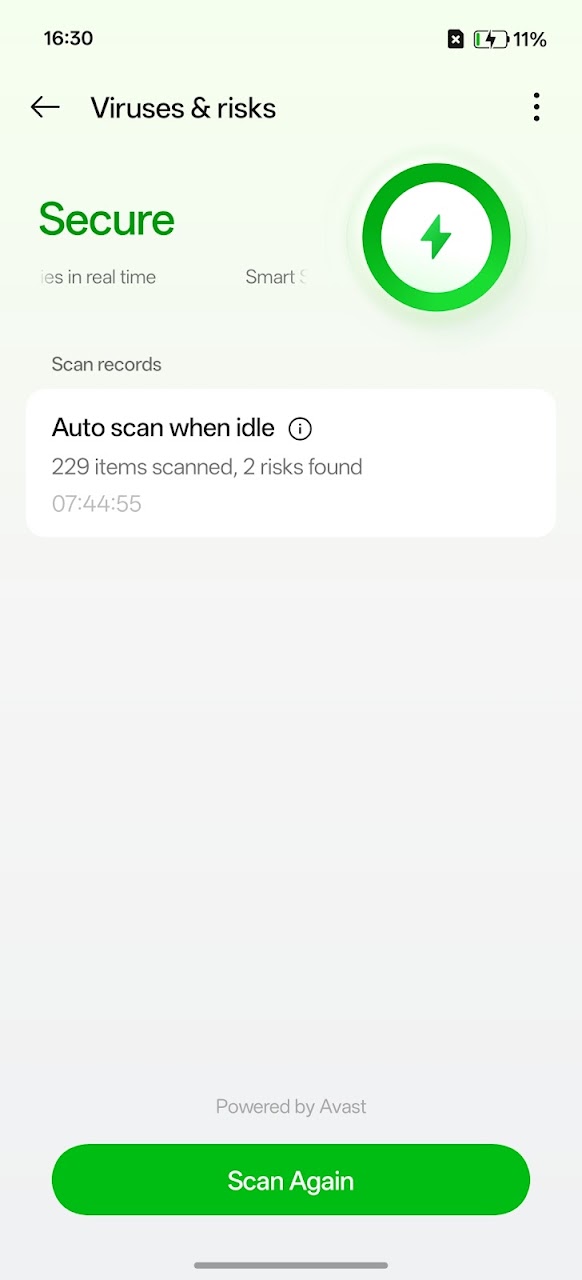
- Malware scanning — Scan for virus risks and other malware, with real-time defense against intrusion.
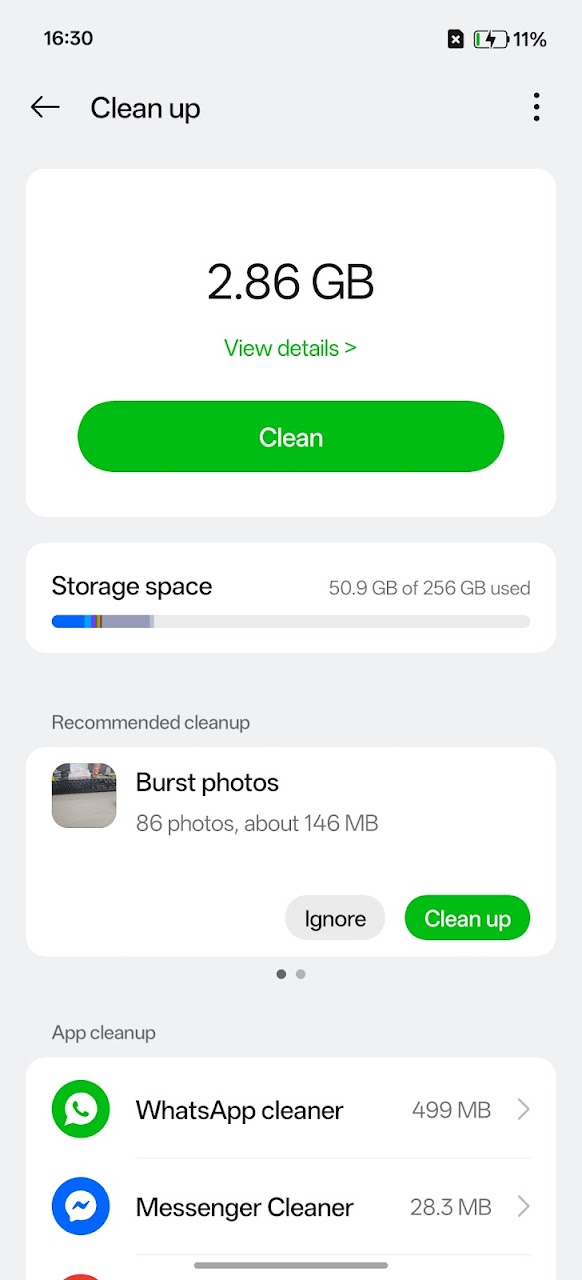
- Storage cleanup — Remove junk files to free up phone memory when space starts to fill.
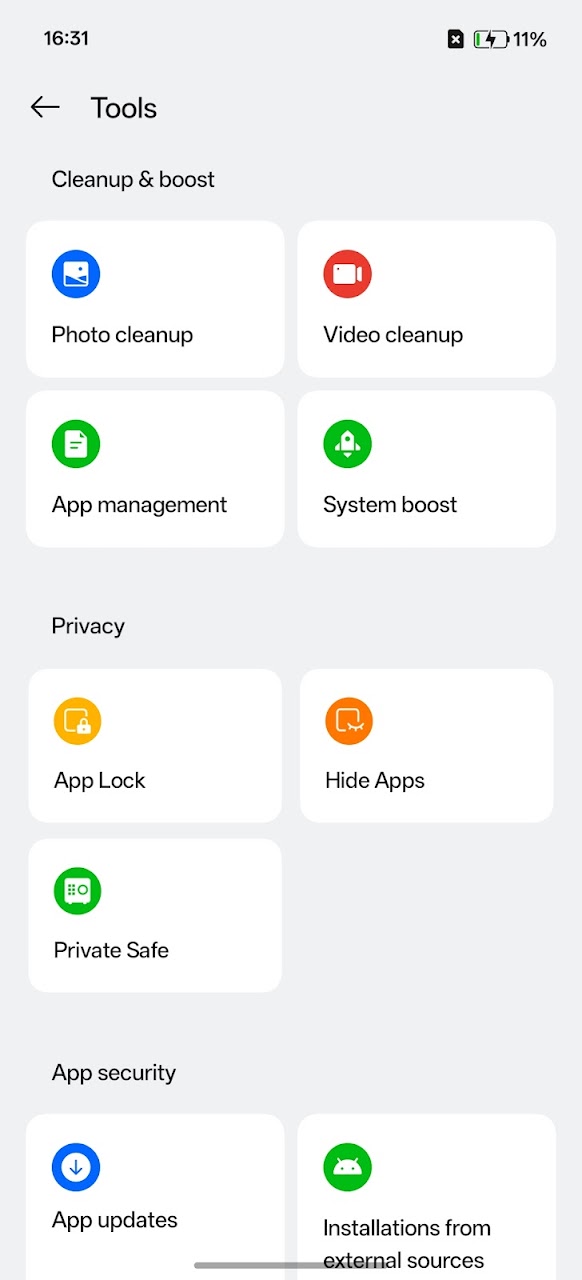
- Security toolbox — Use privacy and device security tools aimed at protecting apps, data, and personal safety.
- OPPO and realme only — The app is built for OPPO and realme smartphones, so compatibility is limited.
- Ad-supported app — It is free to use, but ads are included and there are no in-app purchases.
Quick checks for a busy morning
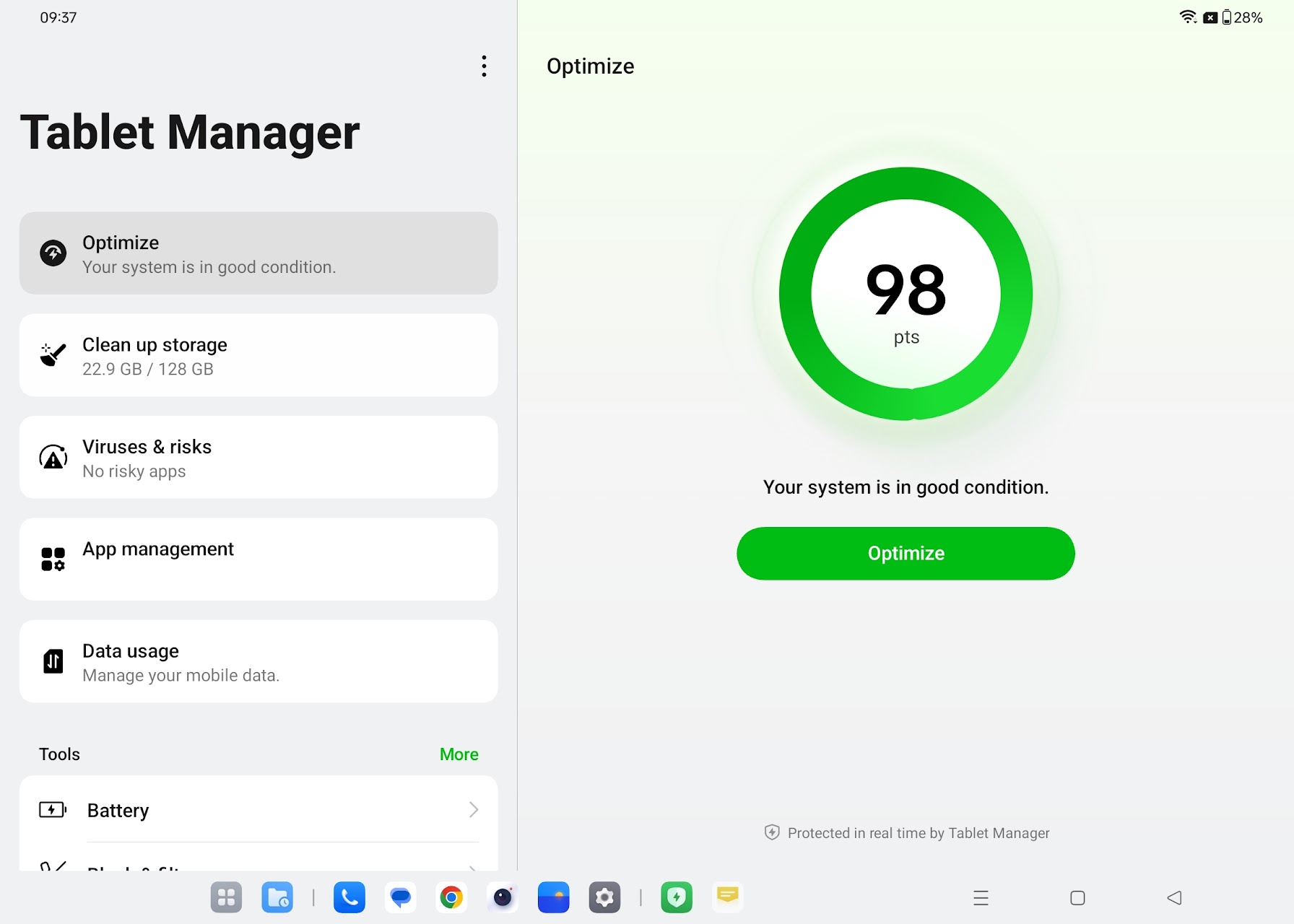
If you open Phone Manager after noticing lag, low storage, or an app you do not trust, the first job is a quick system check. The app bundles security review, junk cleanup, virus scanning, and app-update checking into one tool, so you do not need to jump between separate utilities.
For a commuter or anyone leaving home fast, that means one pass can clear out obvious clutter and flag possible risks before the day gets moving.
Cleaning junk files when storage runs low
Students and heavy chat users will notice the storage cleanup side most often. Phone Manager focuses on clearing junk files so phone memory can be released in time, which is useful when photos, downloads, and app caches start crowding the device.
- Storage cleanup: remove junk files to make room again.
- Update check: find apps that need updating during the same scan.
Virus scanning and privacy tools
For people who install a lot of apps, the virus risk scan is the main reason to open it. The app can quickly scan for viruses and other malware, and it includes real-time defense against intrusion. Its security toolbox is aimed at privacy, app security, and device and data security.
That makes it more of a maintenance utility than a background-heavy suite, though the app is ad-supported and includes no in-app purchases.
Install and compatibility limits
Phone Manager is an APK, 59.3 MB in size, and it needs Android 11 or later. It is officially provided by OPPO and Realme, and device compatibility is limited to OPPO and realme smartphones. The app has a 4.1 rating from 160,282 ratings, and the latest update notes improved user experience with fixes for known issues.
There are no listed permissions in the package details, and it does not ask for root access in the available app details.
What's new
Version 17.5.0 · Nov 11, 2026
- 1.Improved user experience with features and fixed some known issues
APK information
- Version
- 17.5.0
- Package
- com.coloros.phonemanager
- Category
- Tools
- Size
- 59 MB
- Min Android
- 11
- Architecture
- universal
Older versions
-
Phone Manager 17.5.0Nov 11, 2026Latest downloadAPK
Phone Manager FAQ
Why does Phone Manager need these permissions?expand_more
No permissions are listed in the package details provided, so there is nothing specific to explain here.
Does Phone Manager need root?expand_more
No root requirement is listed. The app is described as a phone management tool for supported OPPO and realme smartphones.
Which Android version does Phone Manager need?expand_more
It needs Android 11 or later.
Is this Phone Manager APK the original file?expand_more
The app is officially provided by OPPO and Realme, and the package details identify it as an APK.
Which phones can install Phone Manager?expand_more
Device compatibility is limited to OPPO and realme smartphones.