
Collage Maker: Picture Collage
Photo & Video Editors - Instant Solution- 4.6star388,078 reviews
- 50M+Downloads
- 72 MBAPK size
- EveryoneRated for Everyone
- 6.0+Android
check_circleOriginal APK from Photo & Video Editors - Instant Solution · Updated Nov 12, 2026
No threats found
0 / — antivirus engines flagged this file
Original signature
First seen — Photo & Video Editors - Instant Solution
Unmodified APK
Same file the developer published — no mods
Collage Maker: Picture Collage screenshots
8 images · tap to enlarge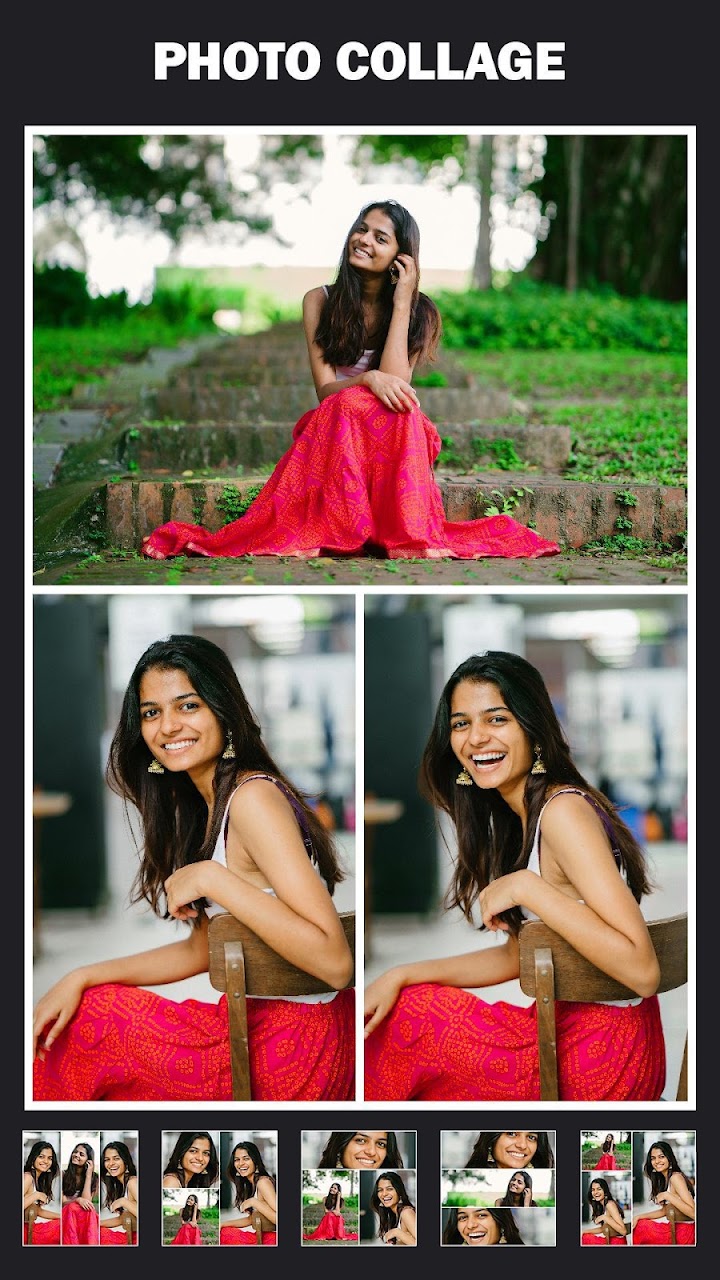
About this app
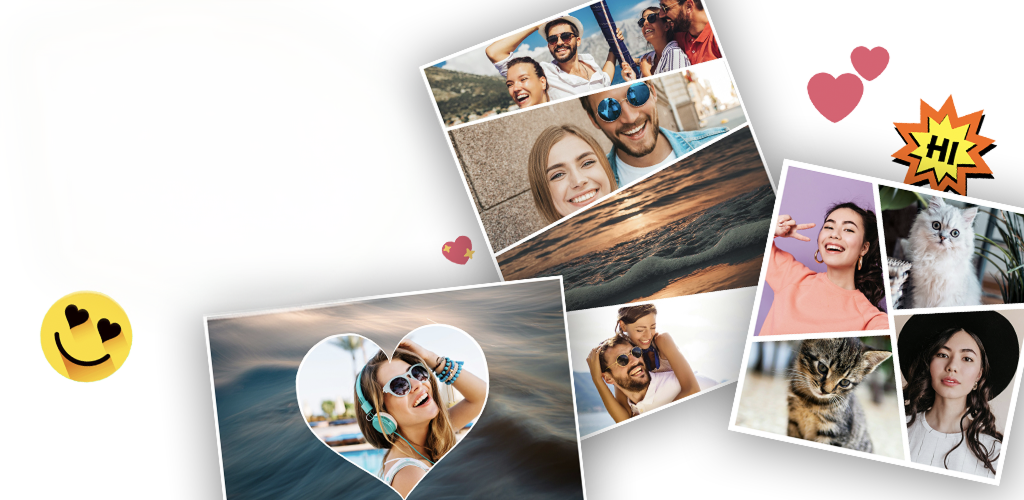
When you want to turn a few gallery photos into one post, Collage Maker: Picture Collage gives you a simple place to do it. Open it, pick images, arrange them in a grid or freestyle layout, then add stickers, text, backgrounds, and filters before saving or sharing your collage.
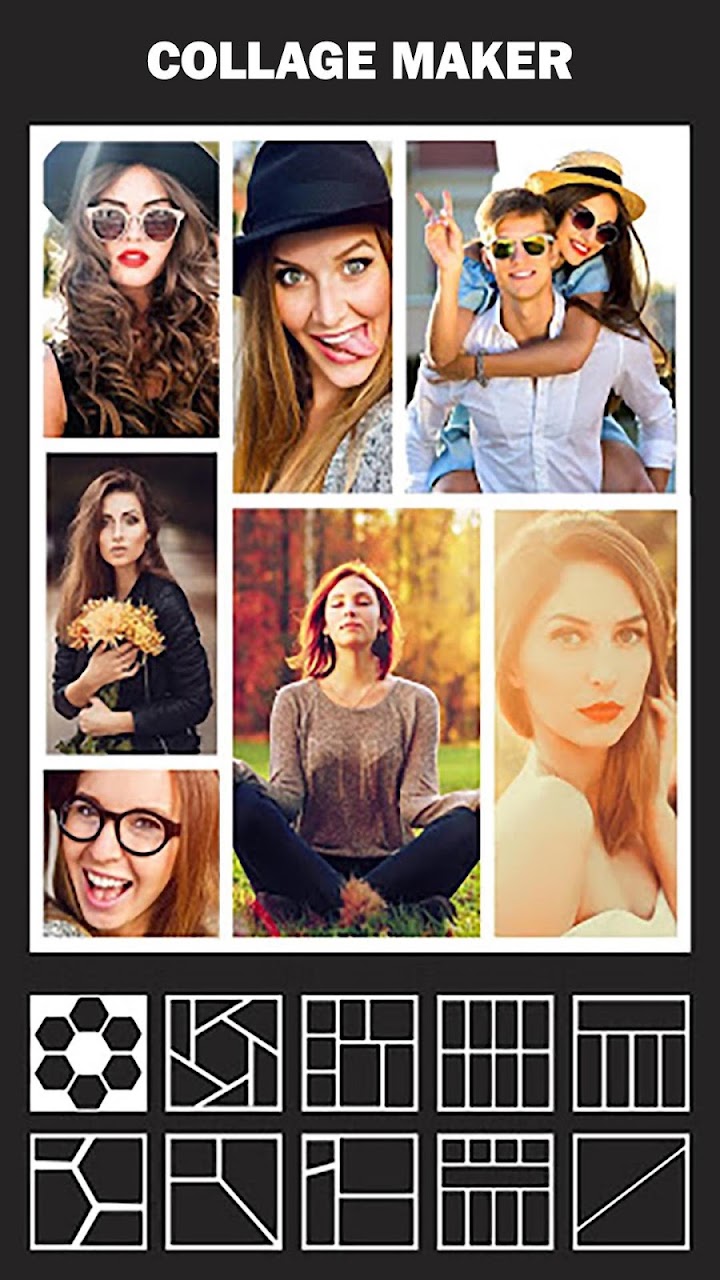
- Photo grid layouts — Combine multiple photos into one collage using ready-made picture layouts and grids.
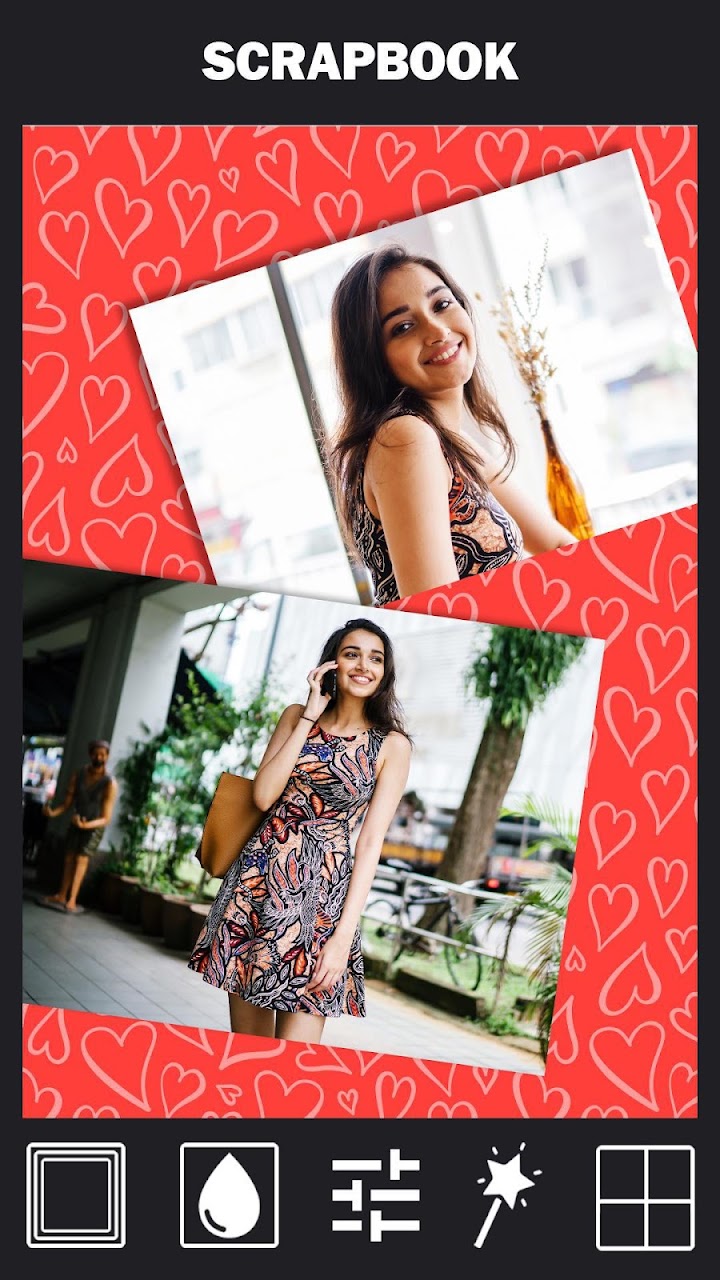
- Freestyle framing — Move beyond grids with frames and custom arrangements for a more personal look.
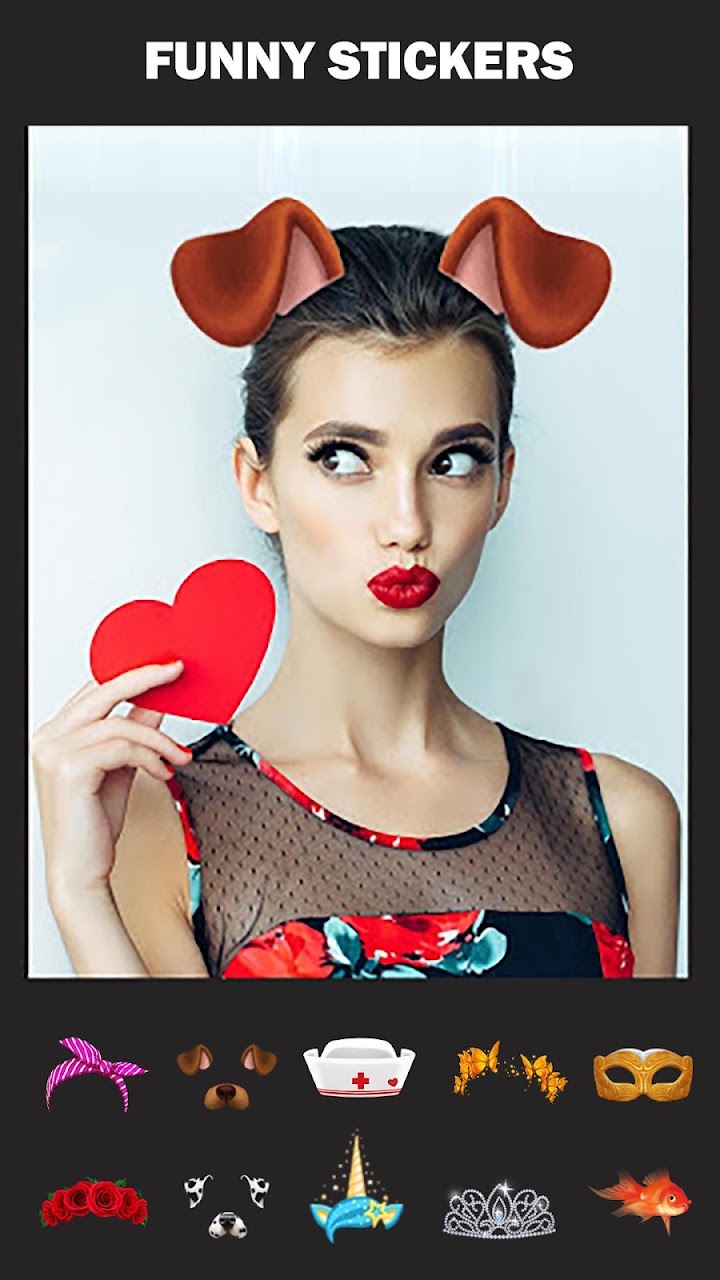
- Stickers and text — Add stickers, text, and overlays to give each collage a more playful or personal finish.
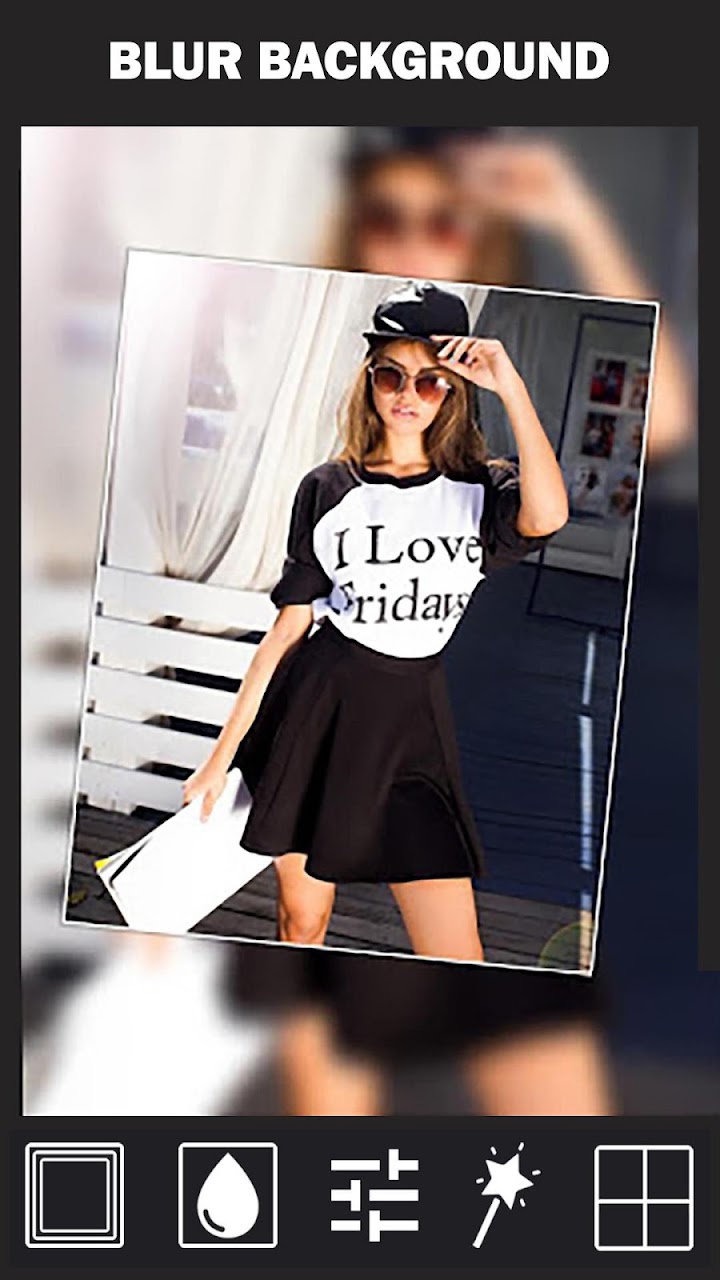
- Background controls — Change backgrounds, blur them, and adjust the size so the collage fits your style.
- High-quality export — Save finished collages in high quality and share them with friends in seconds.
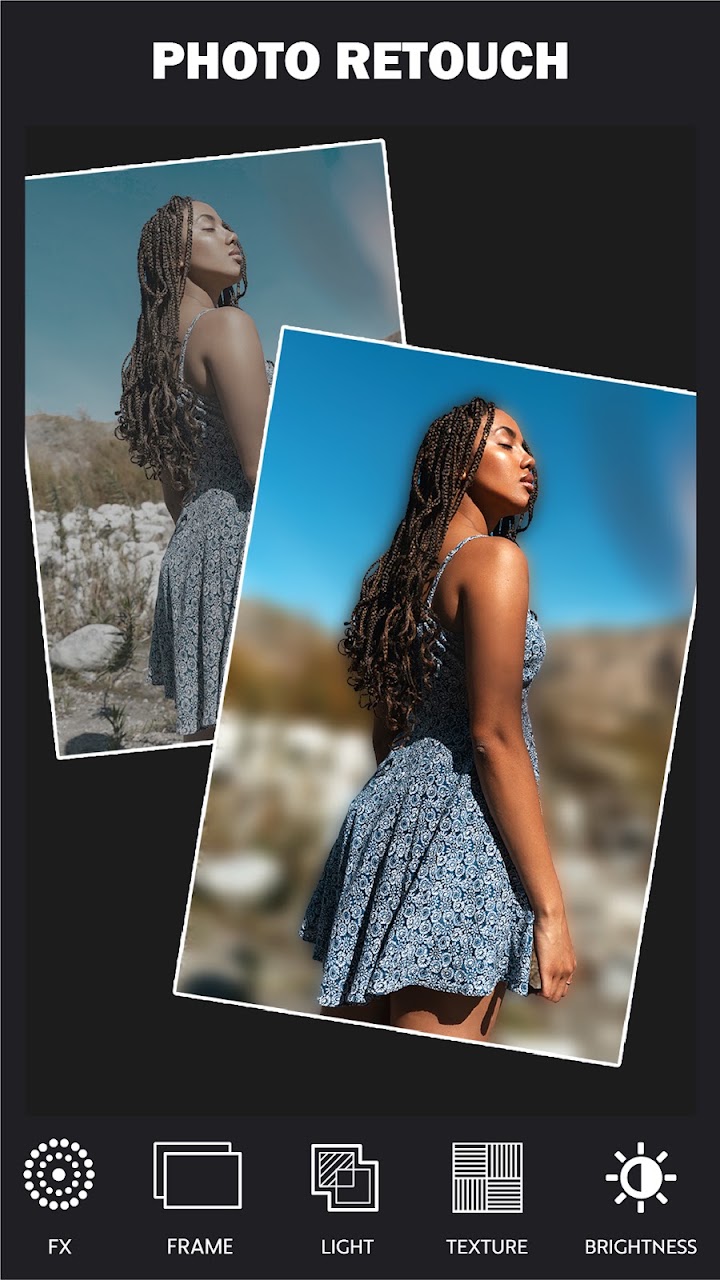
- Easy editing tools — Refine colors, tones, blur, and framing without needing editing experience.
Turn gallery photos into one collage
Open the app when you have a few pictures you want to group together, such as family shots, a selfie set, or photos from an event. Select images from your gallery, then place them into a picture grid or a freer layout. The app is built around simple collage making, so the main screen flow stays focused on choosing photos, arranging them, and saving the result.
Arrange photos with grids and frames
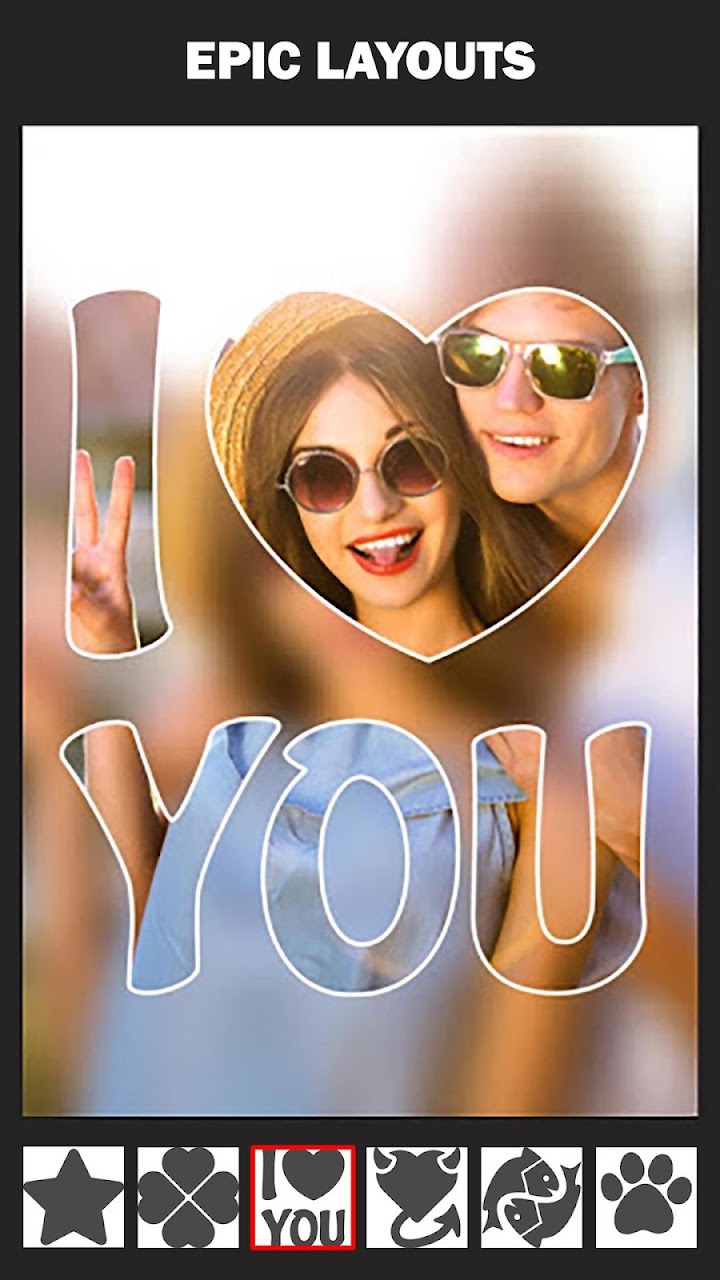
The layout tools are the core of the app. You can combine several photos into a single composition, adjust the borders, and choose a framing style that suits the set. If you want a neat social post, use a grid. If you want something less structured, switch to a freestyle or themed frame and move the photos into place.
- Multiple photos in one collage
- Grid and frame-based layouts
- Background and border adjustments
Add stickers, text, and filters
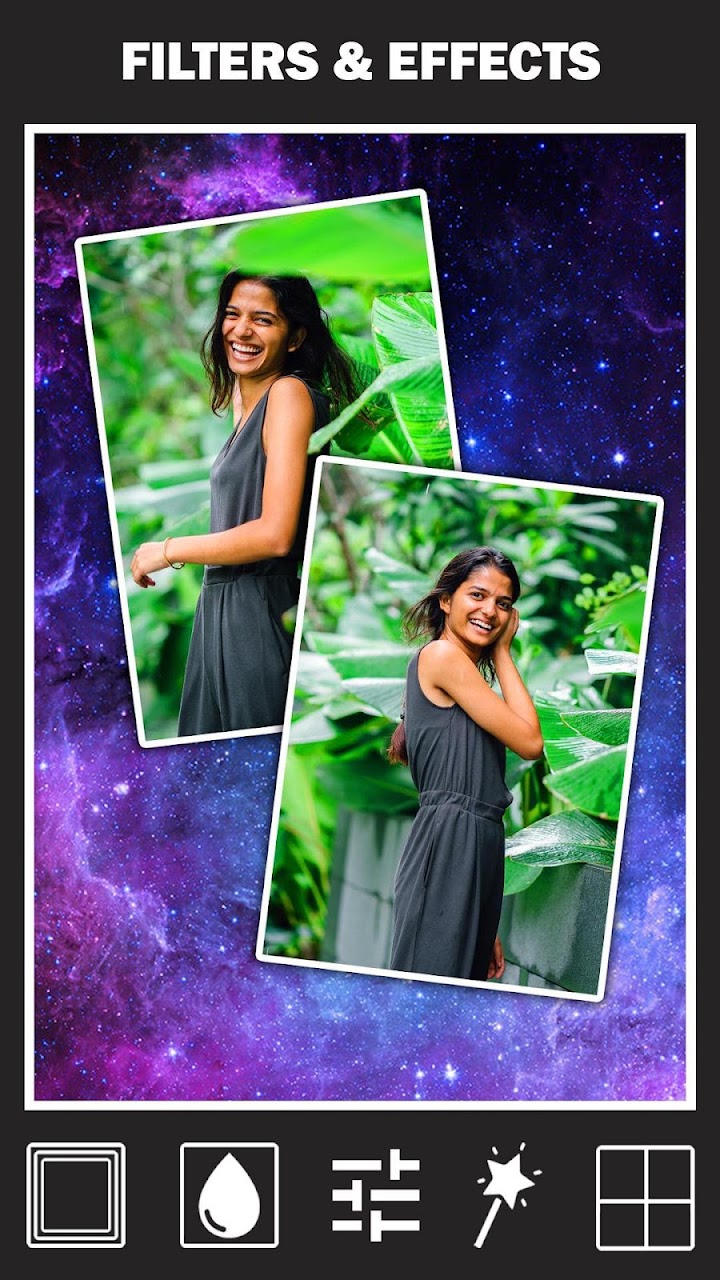
After the layout is set, you can personalize the collage with stickers, text, overlays, and filters. The app also includes background blur and tone controls, so you can soften busy edges or make colors stand out more. This is useful when you want a simple collage to look finished without using a separate editor.
Save and share in high quality
Once your collage looks right, you can save it in high quality and share it with friends from the app. The export flow is kept quick, so you can finish a collage and send it without extra steps. The app is free, includes ads, and offers in-app purchases. It installs as an APK, needs Android 6.0 or later, and the file size is 72.4 MB.
Before you install
Check that your phone runs Android 6.0 or higher and has enough space for the 72.4 MB APK. The app is made for everyday collage editing rather than advanced camera work, and it does not list any special permissions. If you want a simple photo collage tool with grids, frames, stickers, and filters, this is the main workflow to expect.
APK information
- Version
- 2.5.7.6
- Package
- com.lyrebirdstudio.photocollageeditor
- Category
- Photography
- Size
- 72 MB
- Min Android
- 6.0
- Architecture
- universal
Older versions
-
Collage Maker: Picture Collage 2.5.7.6Nov 12, 2026Latest downloadAPK
Collage Maker: Picture Collage FAQ
Does Collage Maker: Picture Collage work offline?expand_more
The app description does not say whether it works offline. You can still use it for collage creation, but offline support is not specified.
Can Collage Maker: Picture Collage edit RAW photos?expand_more
RAW photo support is not listed. The app focuses on collage layouts, stickers, filters, frames, and editing from your gallery.
Does Collage Maker: Picture Collage work on tablets?expand_more
The listing does not mention tablet-specific support. It is available for Android devices running 6.0 and up.
How do I install the APK file?expand_more
Download the APK, then open it on an Android device that meets the 6.0 minimum. Make sure you have enough storage for the 72.4 MB file before installing.
What can I add to a collage?expand_more
You can add stickers, text, overlays, filters, and different backgrounds. The app also includes blur controls and framing tools for finishing touches.