Cymera - Photo Editor Collage
Photo & Video Editors - Instant Solution- 4.6star2,335,937 reviews
- 100M+Downloads
- 97 MBAPK size
- EveryoneRated for Everyone
- 5.0+Android
check_circleOriginal APK from Photo & Video Editors - Instant Solution · Updated Nov 12, 2026
No threats found
0 / — antivirus engines flagged this file
Original signature
First seen — Photo & Video Editors - Instant Solution
Unmodified APK
Same file the developer published — no mods
Cymera - Photo Editor Collage screenshots
8 images · tap to enlarge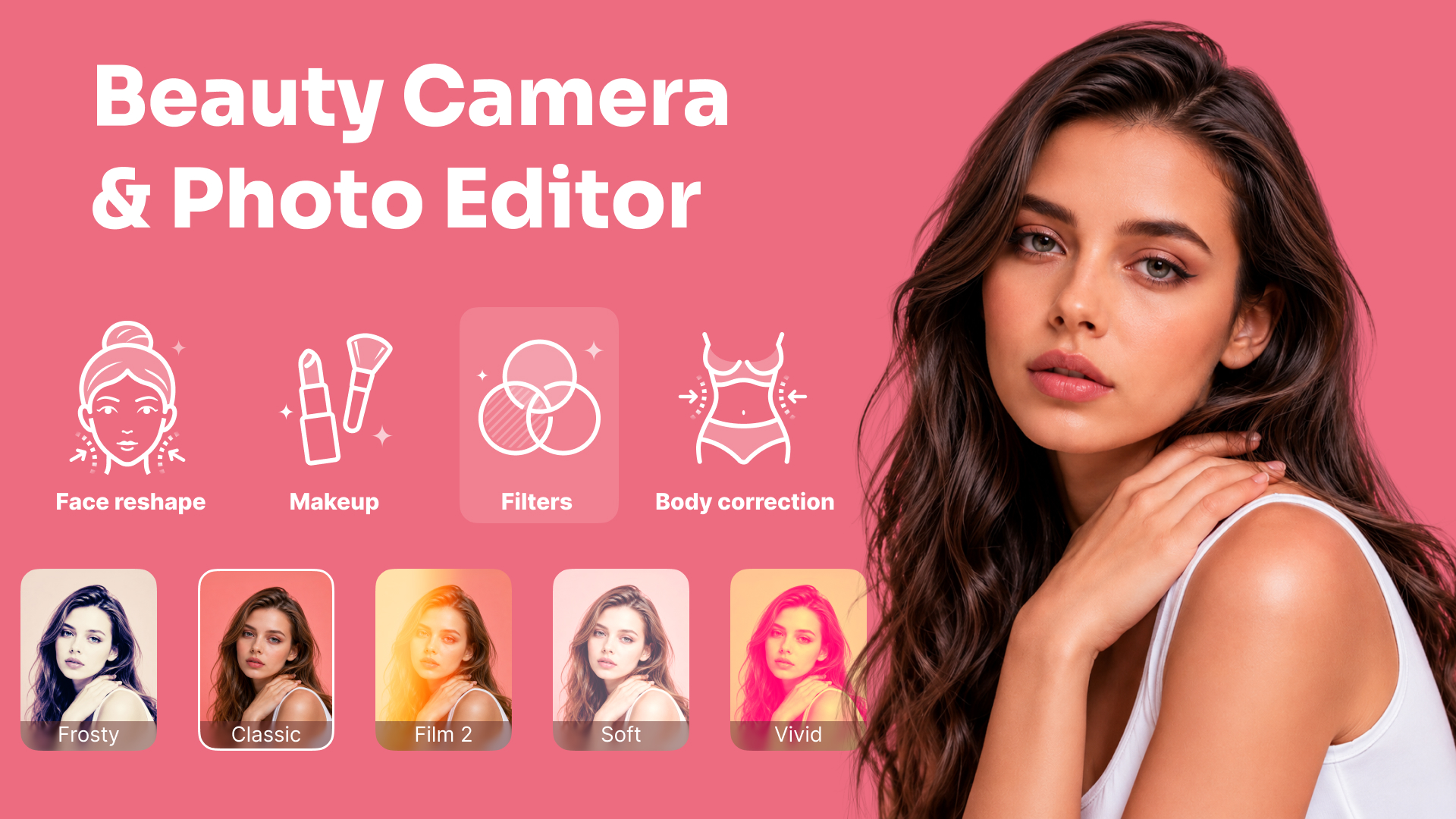
About this app
Photo & Video Editors - Instant Solution makes Cymera - Photo Editor Collage for selfies, portrait retouching, and collage creation. The current release is a small update, with no new permissions added. It keeps the app focused on quick edits, beauty tools, and grid-based layouts for photos you want to save or share.
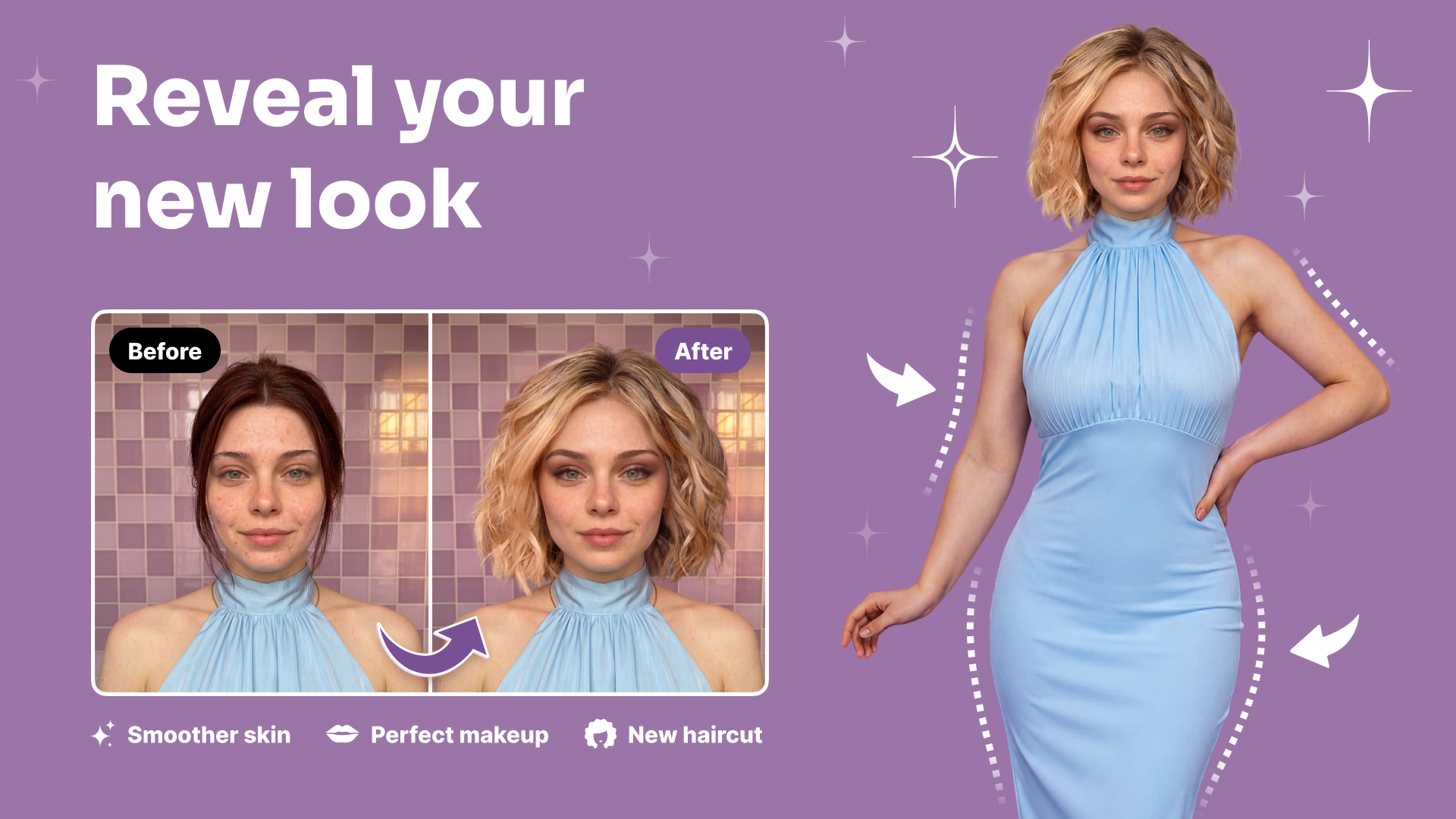
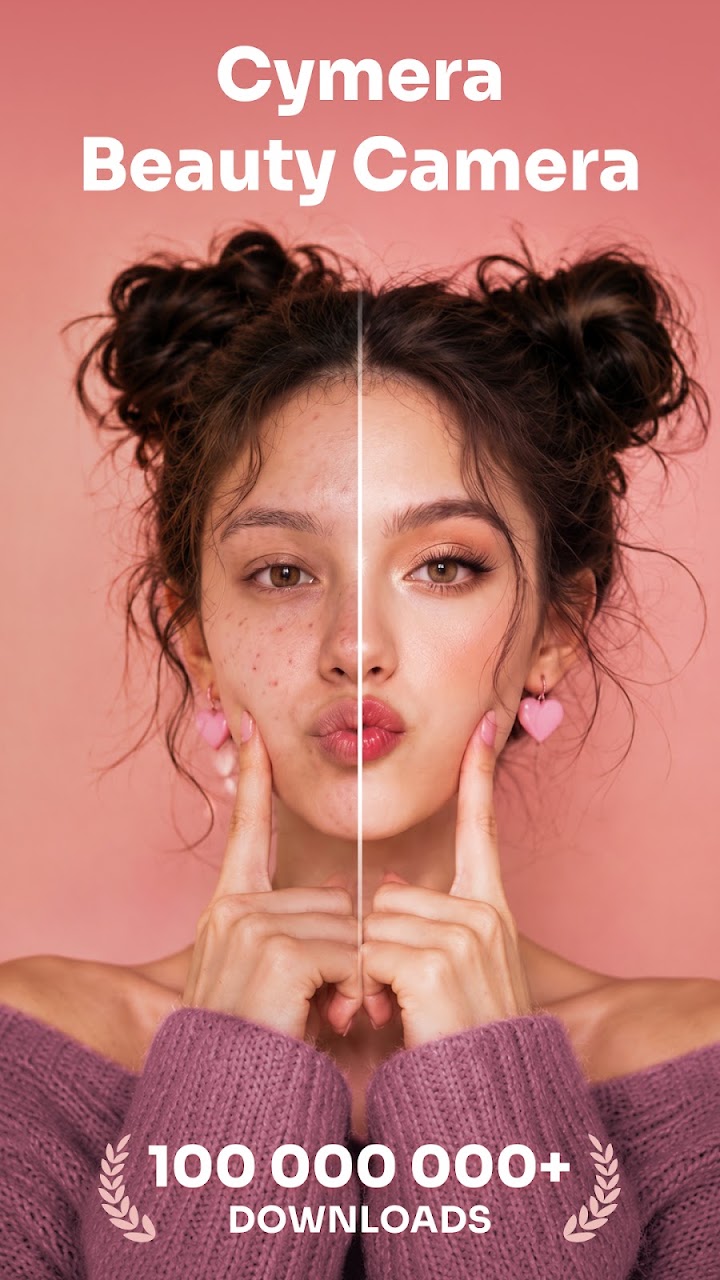
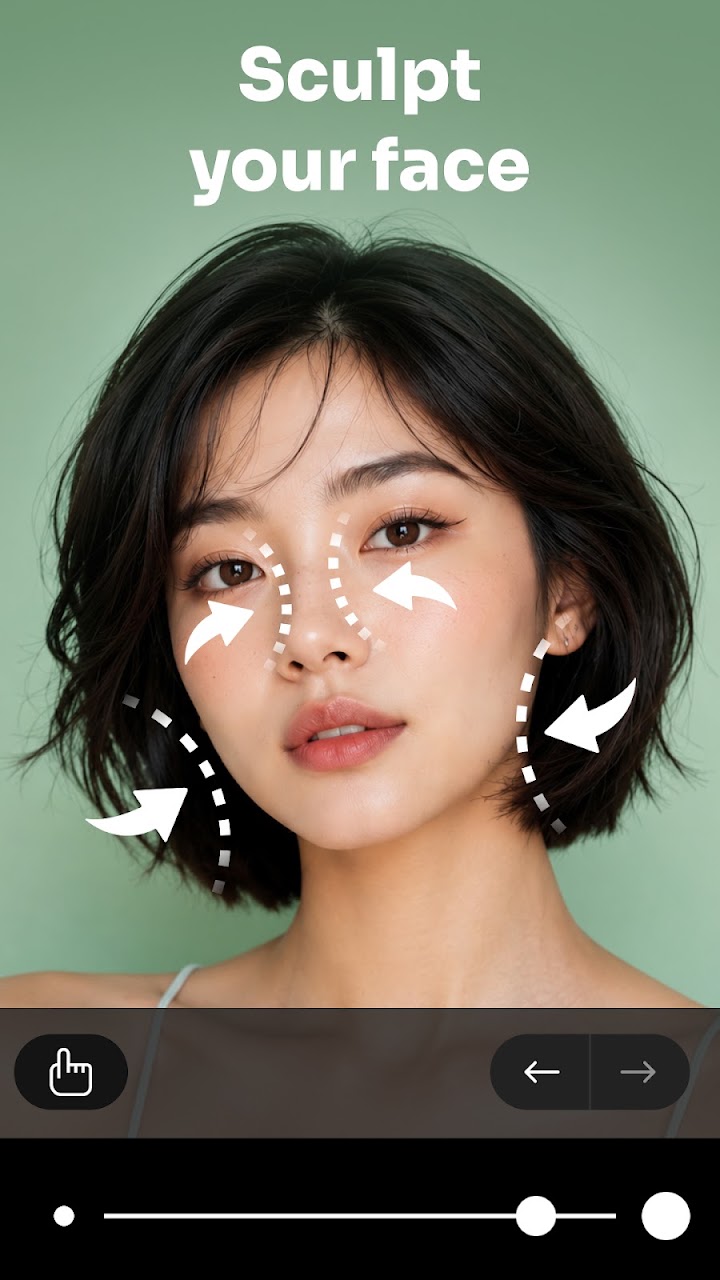
- Selfie Beauty Tools — Retouch faces with skin cleanup, wrinkle removal, dark circle correction, and face reshaping tools.
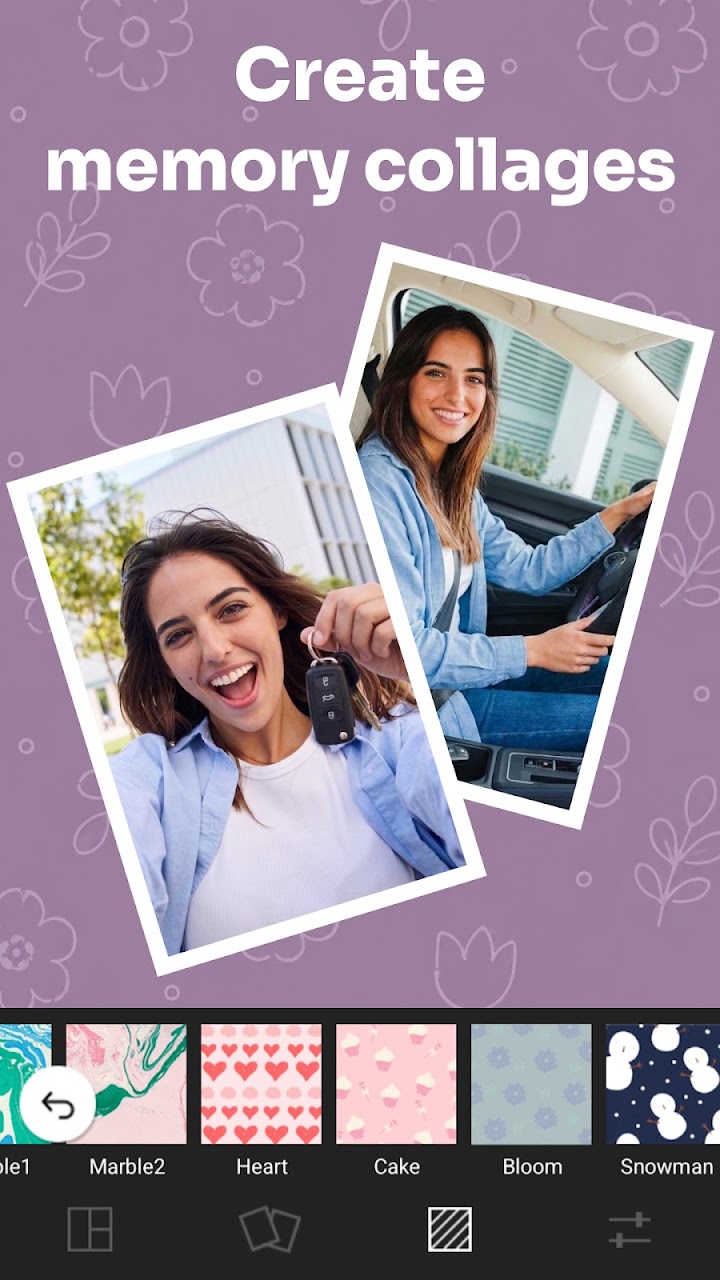
- Collage Layouts — Combine up to 9 photos in grid styles and build posters, cards, and other photo designs.
- Real-Time Filters — Preview beauty looks and camera effects before you save a selfie.
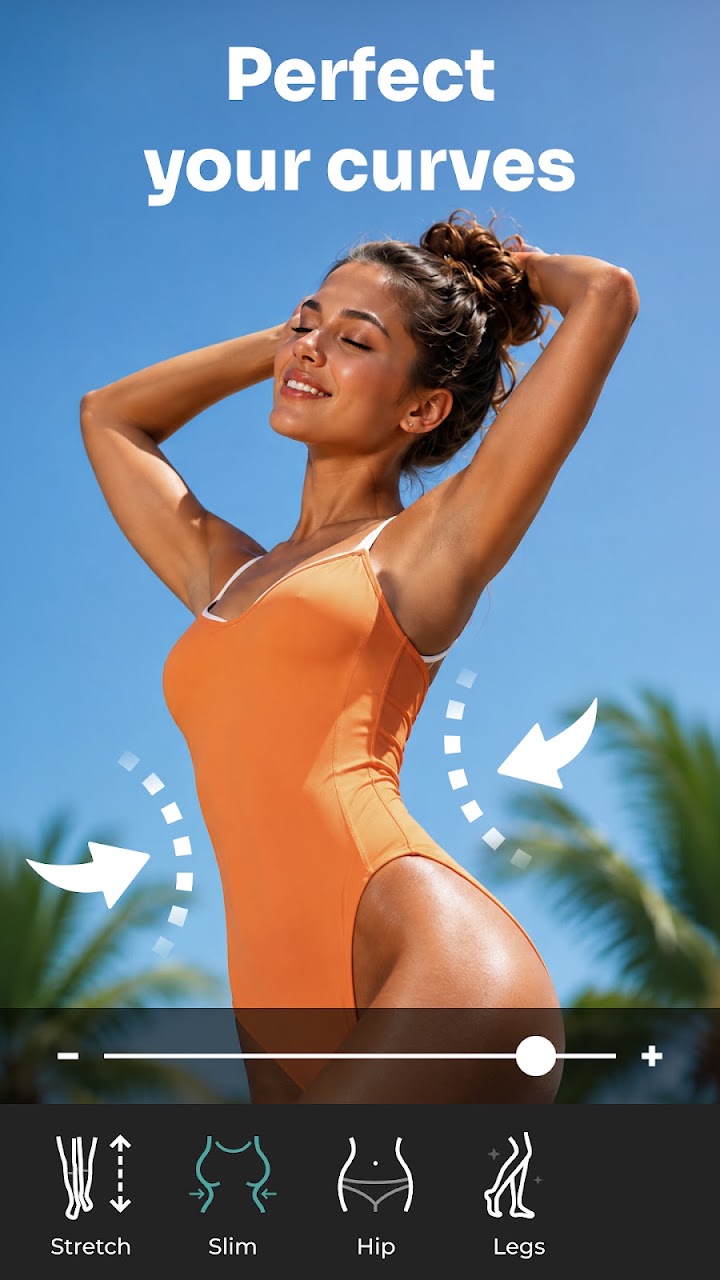
- Body Editing Tools — Adjust waist, legs, hips, smile, and face shape with the app's reshape controls.
- Camera Options — Use seven lenses, anti-shake, timer, touch shooting, out-focusing, and silent mode.
- Android APK Details — The APK is 96.7 MB, works on Android 5.0 and up, and is available in universal format.
Current update and what it changes
The latest version is 4.5.2, and the release notes simply list an update. There are no new permissions added in this build, so the app keeps its existing setup without asking for extra access. That makes the current release easy to assess: it is still a photo editor, collage maker, and beauty camera with the same core tools.
Selfie editing with face and body tools
Cymera centers on portrait work. You can clean up skin, remove pimples, soften wrinkles, reduce dark circles, and correct red eye. It also includes face reshaping controls such as eye enlargement, smile adjustment, and face slimming, plus body tools for waist slimming, leg lengthening, and hip lift edits. The editing flow is direct, which helps when you want to make changes quickly.
Collages, posters, and photo cards
The collage side is built for fast layout work. You can pull images from your gallery, combine up to 9 photos, and choose from different grid styles. The app also supports poster-style designs, photo cards, text, stickers, and blur background options, so it can handle simple social posts and more arranged layouts without leaving the app.
Filters, lenses, and camera controls
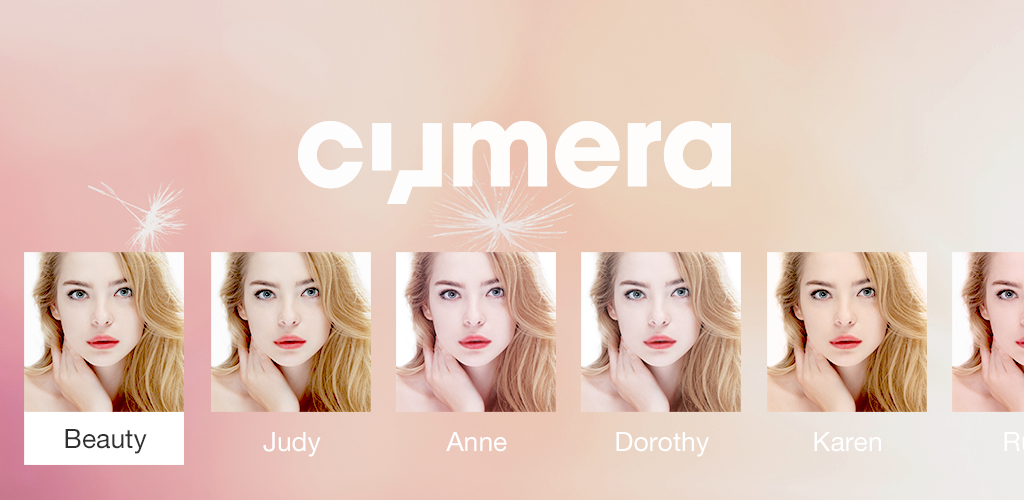
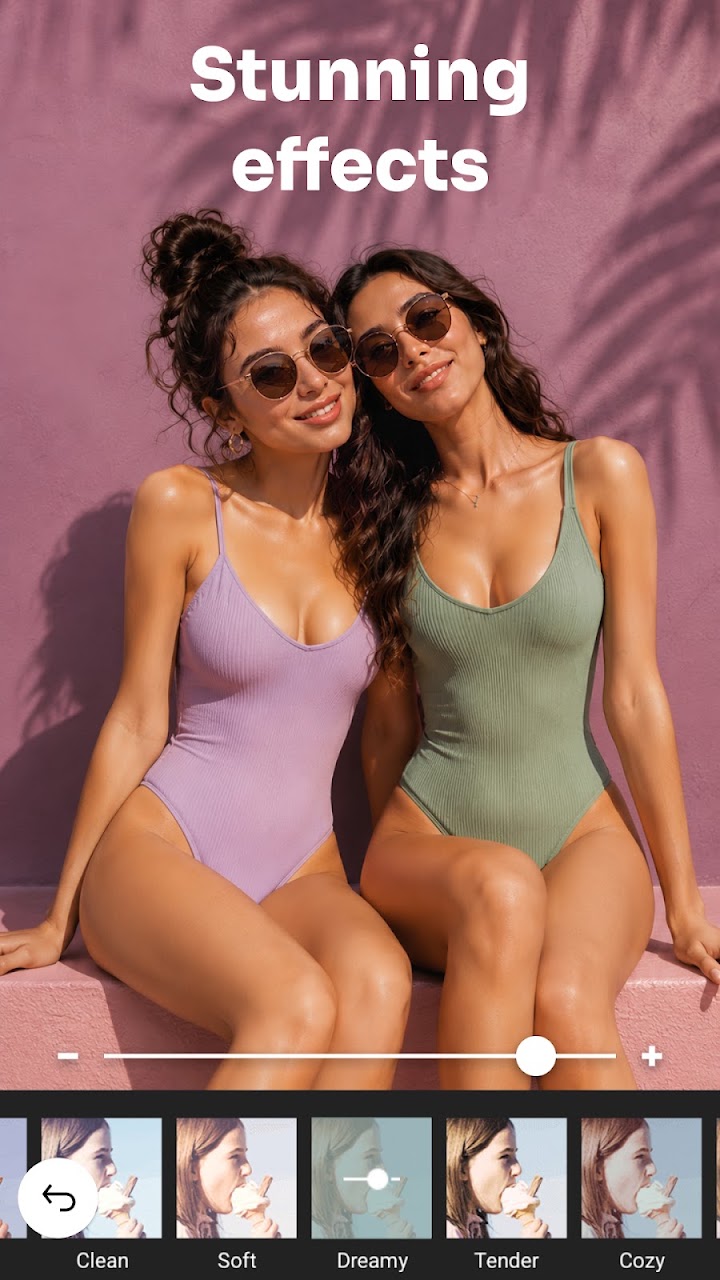
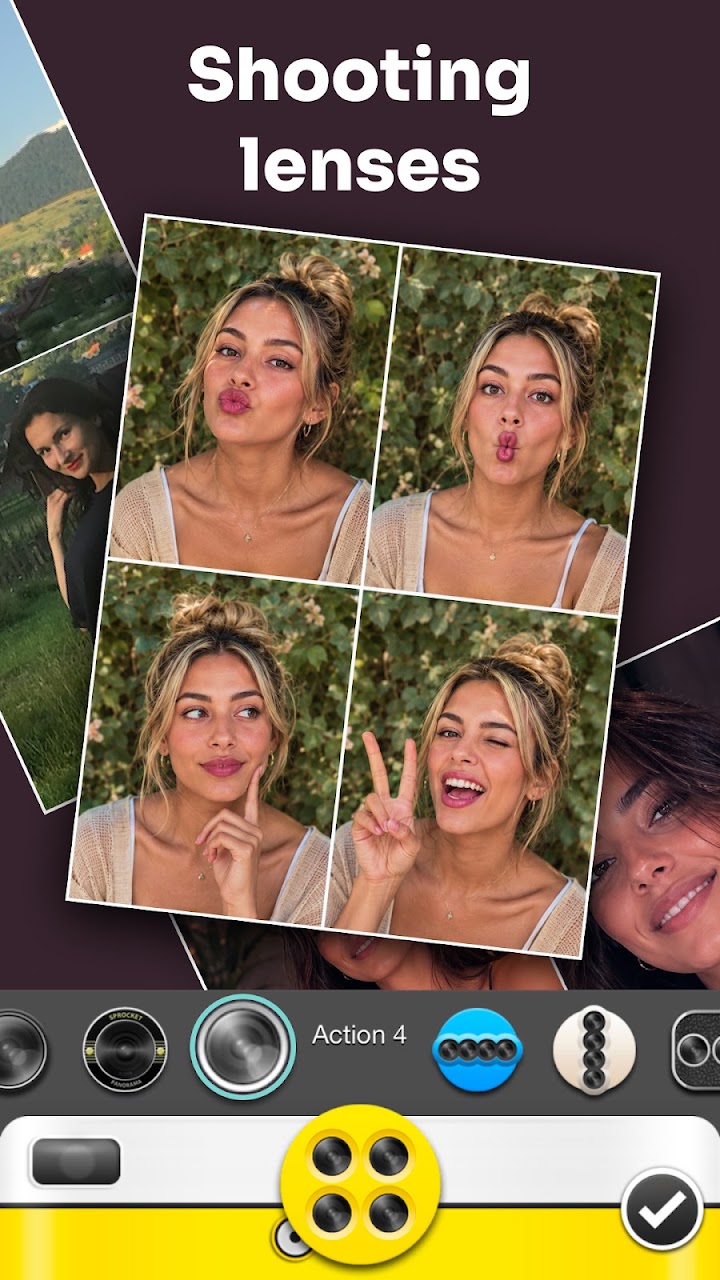
For shooting, Cymera includes real-time beauty effects and a set of filter styles such as vintage, natural, neon, lomo, film, sketch, fisheye, pastel, black and white, nation flags, lens flare, and light leak. The camera also offers 7 lenses, anti-shake, a timer, touch shooting, out-focusing options, and silent mode. These controls make the capture side feel practical rather than crowded.
Export quality and install details
Finished edits can be saved in high resolution, which matters if you want cleaner output for sharing or keeping. The app is free, contains ads, and offers in-app purchases. It comes as an APK file at 96.7 MB and requires Android 5.0 or later. That combination keeps the install straightforward for devices that meet the minimum version.
- Free app: Available at no cost, with ads and in-app purchases.
- Android support: Requires Android 5.0 or higher.
- File format: Distributed as an APK.
What's new
Version 4.5.2 · Nov 12, 2026
- [V 4.5.2 update]
- update
APK information
- Version
- 4.5.2
- Package
- com.cyworld.camera
- Category
- Photography
- Size
- 97 MB
- Min Android
- 5.0
- Architecture
- universal
Older versions
-
Cymera - Photo Editor Collage 4.5.2Nov 12, 2026Latest downloadAPK
Cymera - Photo Editor Collage FAQ
Does Cymera - Photo Editor Collage work offline?expand_more
The app description does not say whether offline use is supported. It focuses on editing, collages, and camera tools.
Does Cymera - Photo Editor Collage add a watermark?expand_more
There is no mention of a watermark in the available app details. The description does say you can save edits in high resolution.
Does Cymera - Photo Editor Collage work on tablets?expand_more
The app requires Android 5.0 or later, but tablet support is not specifically stated. Compatibility depends on whether the device meets that Android version.
How do I install the Cymera - Photo Editor Collage APK file?expand_more
Download the APK file, then open it on an Android device running 5.0 or higher. The app package is universal and the file size is 96.7 MB.
What can I edit in Cymera - Photo Editor Collage?expand_more
You can edit selfies, retouch faces, reshape bodies, and create collages or poster-style designs. The app also includes filters, lenses, stickers, and text tools.