
- 2.6star26,303 reviews
- 100M+Downloads
- 71 MBAPK size
- EveryoneRated for Everyone
- 6.0+Android
check_circleOriginal APK from Google LLC · Updated Nov 12, 2026
No threats found
0 / — antivirus engines flagged this file
Original signature
First seen — Google LLC
Unmodified APK
Same file the developer published — no mods
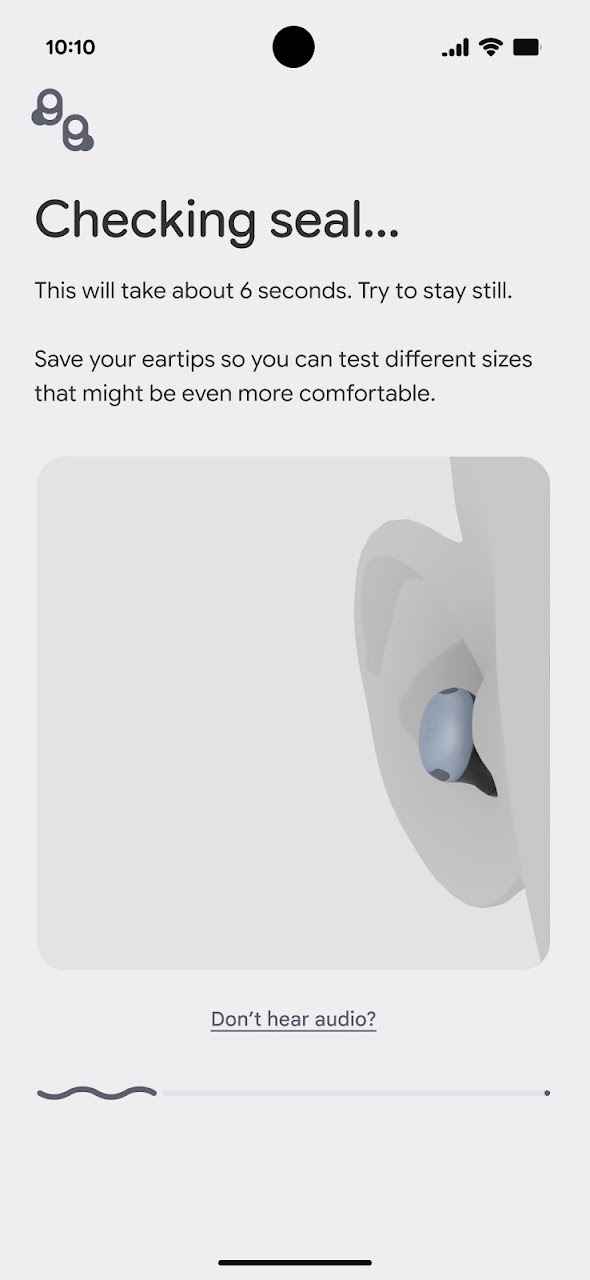
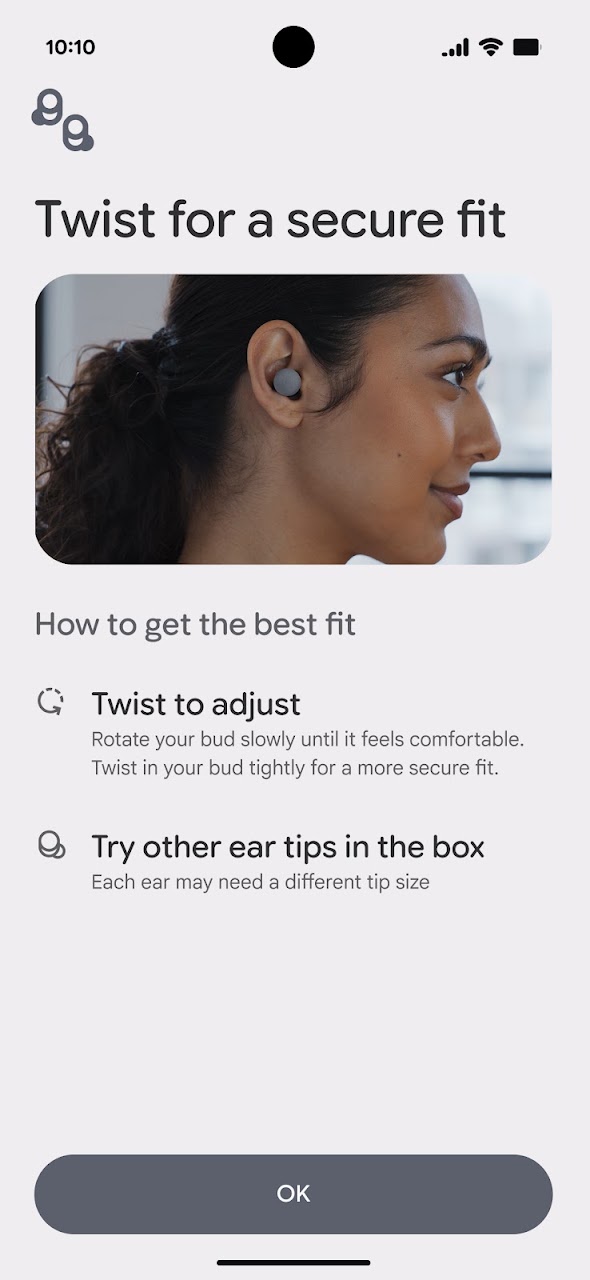
Google Pixel Buds screenshots
5 images · tap to enlarge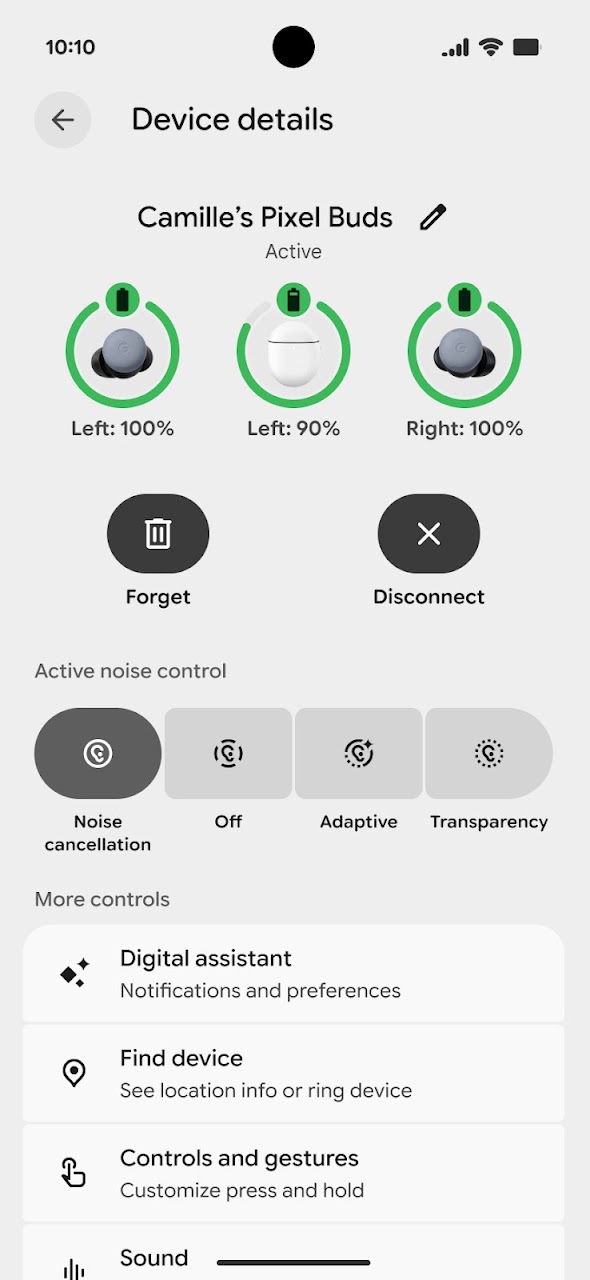
About this app
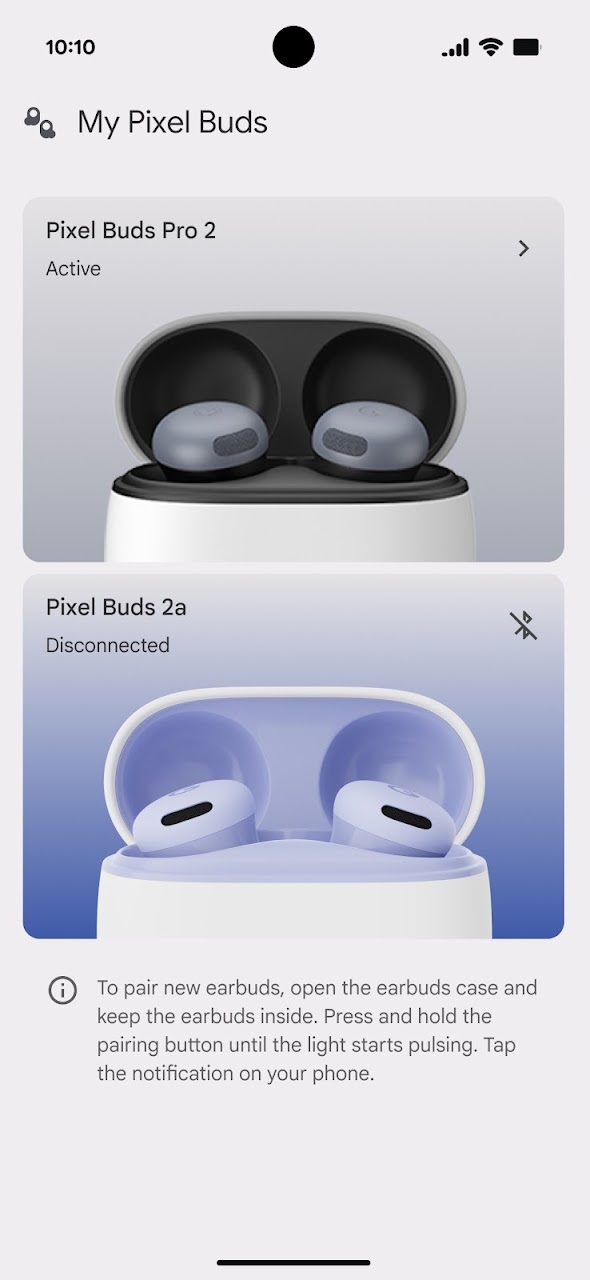
Need a control app for your Pixel Buds? Google Pixel Buds is the companion app for Google’s earbuds, built around device management rather than music playback. It lets you adjust noise controls, change touch actions, keep firmware current, and use features like multipoint and ringing the buds to find them.
- Noise controls — Switch between Active Noise Cancellation and Transparency when you want less ambient sound or more awareness.
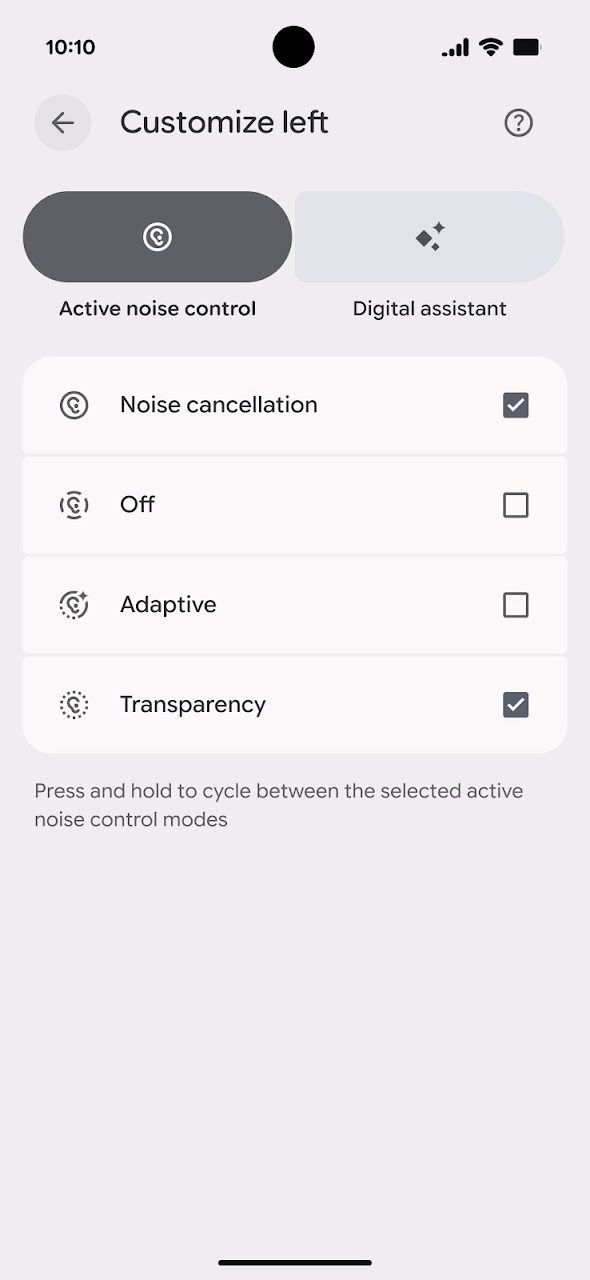
- Touch settings — Customize how taps and gestures behave so the buds respond the way you prefer.
- Software updates — Check for the latest updates and keep the earbuds on current software.
- Multipoint support — Manage connectivity tools that help the buds work across more than one device.
- Find earbuds — Ring your Pixel Buds to help locate them when they are misplaced.
- Gemini access — Use Gemini directly on the buds for assistance through the companion app.
Noise controls you can change
The app centers on audio control for Pixel Buds, with Active Noise Cancellation and Transparency as the main options. For example, you can reduce outside sound during a commute, then switch to Transparency when you need to hear announcements or talk to someone nearby.
Touch controls and device setup
It also lets you customize touch controls, so the earbuds can match how you use them day to day. If you prefer different actions for taps or gestures, this is where you adjust them instead of relying on the default setup.
Google Pixel Buds is free, with no ads and no in-app purchases. The APK is a 70.7 MB universal file, and it requires Android 6.0 or later.
Keeping the buds current
Another practical part of the app is software management. You can keep the earbuds updated and explore new features as they are released. If you install the app from APK, the usual check is simple: confirm your device runs Android 6.0+, then make sure you have enough storage for the 70.7 MB file before installing.
Connectivity and recovery tools
The app includes multipoint and other integration tools for smoother switching between devices. It also includes a find-my-buds style feature: if you misplace them, you can ring the earbuds to help track them down.
- Category: Music & Audio
- Content rating: Everyone
- Installs: 100M+
- Developer: Google LLC
APK information
- Version
- 1.0.822017632
- Package
- com.google.android.apps.wearables.maestro.companion
- Category
- Music & Audio
- Size
- 71 MB
- Min Android
- 6.0
- Architecture
- universal
Older versions
-
Google Pixel Buds 1.0.822017632Nov 12, 2026Latest downloadAPK
Google Pixel Buds FAQ
Is Google Pixel Buds free without a subscription?expand_more
Yes. The app is free, and it does not include in-app purchases.
Can I listen offline in Google Pixel Buds?expand_more
The app description focuses on managing Pixel Buds settings and features, not on offline music playback. It is a companion app for the earbuds.
Does Google Pixel Buds work on tablets?expand_more
The app requires Android 6.0 or later, so it can work on Android tablets that meet that requirement.
How do I update Google Pixel Buds from an APK?expand_more
Install the APK on a device running Android 6.0 or later, then use the app’s update function to keep the earbuds on the latest software.
What can I change in the Pixel Buds app?expand_more
You can manage noise controls, customize touch controls, use multipoint features, and ring your earbuds to help find them.