- 3.9star15,182 reviews
- 1M+Downloads
- 9 MBAPK size
- EveryoneRated for Everyone
- API 19+Android
check_circleOriginal APK from Sweefit Studios · Updated Nov 10, 2026
No threats found
0 / — antivirus engines flagged this file
Original signature
First seen — Sweefit Studios
Unmodified APK
Same file the developer published — no mods
How to Draw Anime Eyes screenshots
8 images · tap to enlarge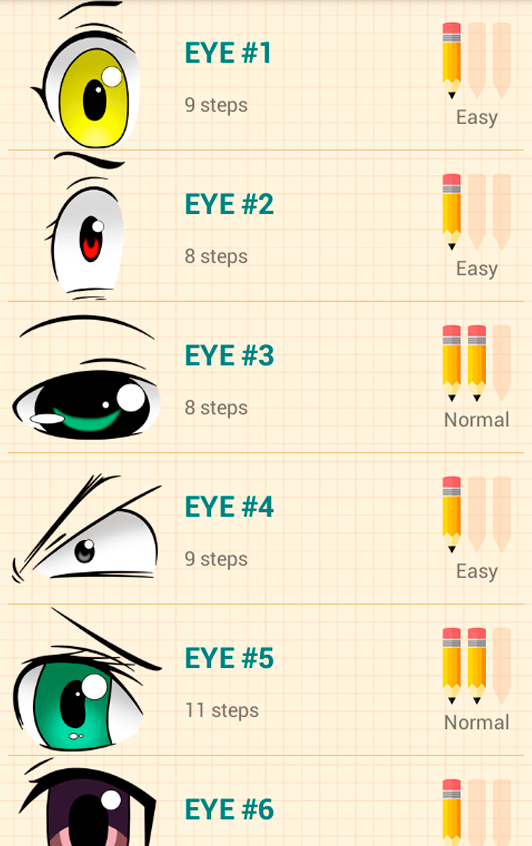
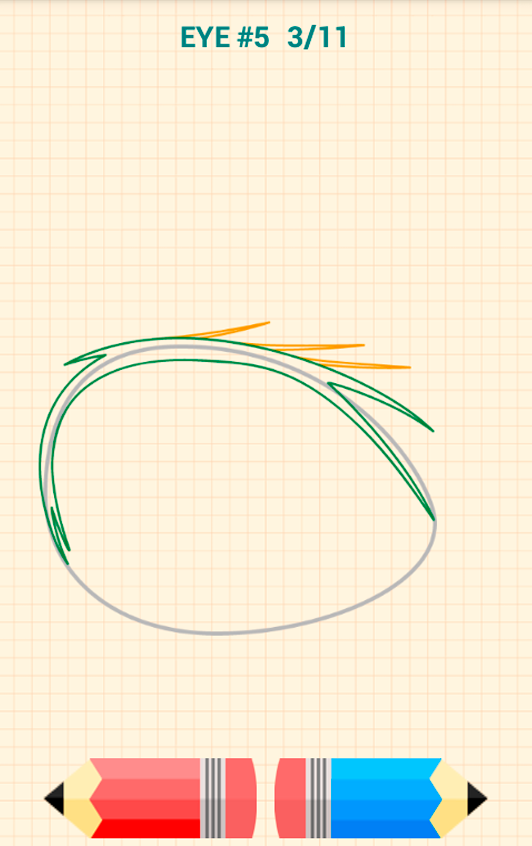
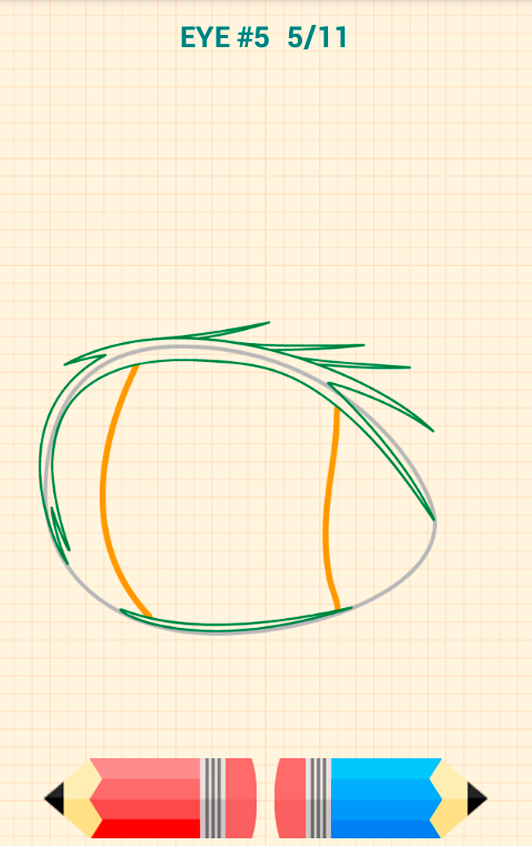
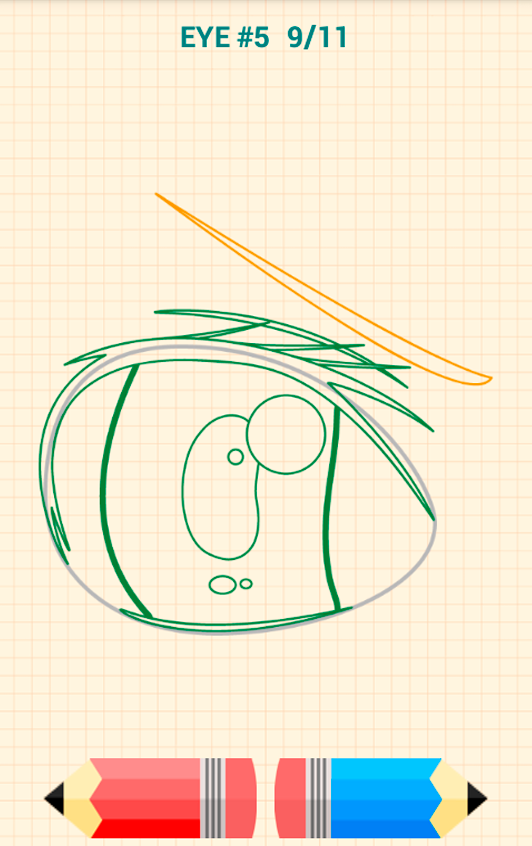
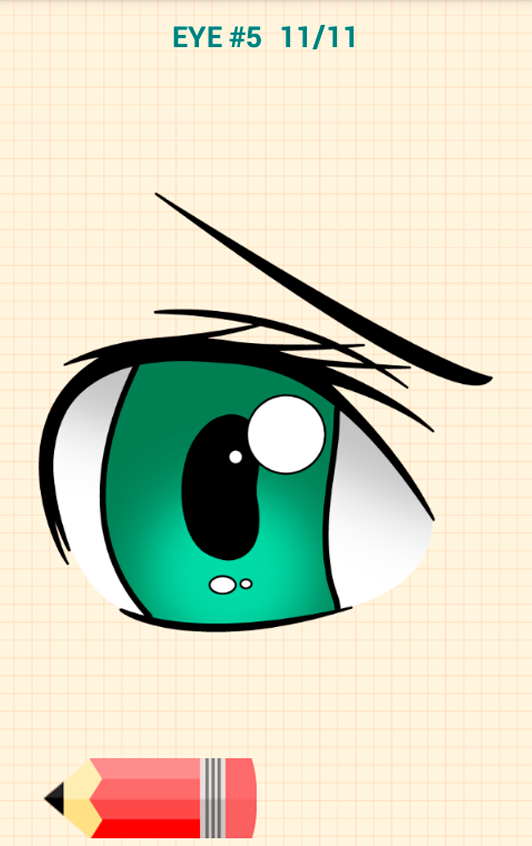
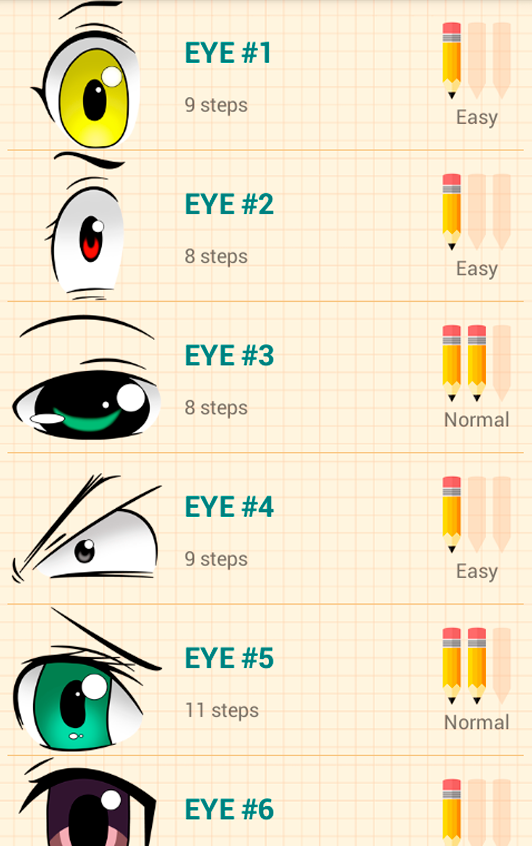
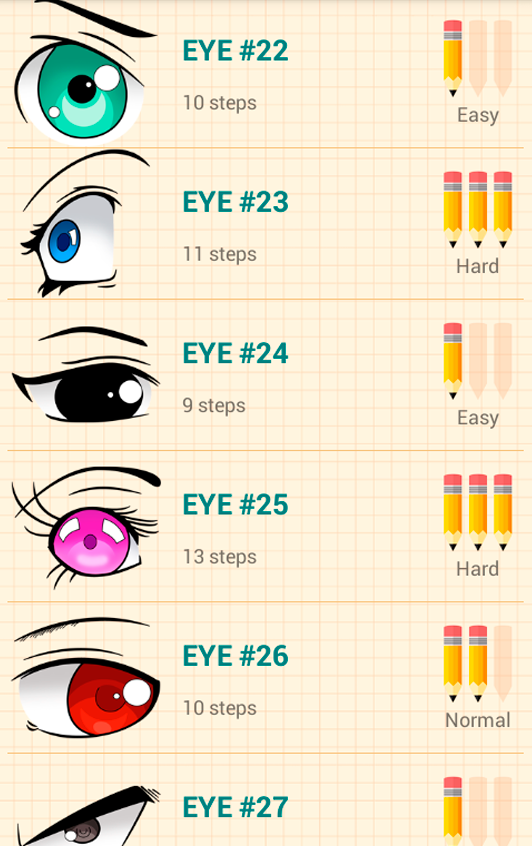
About this app
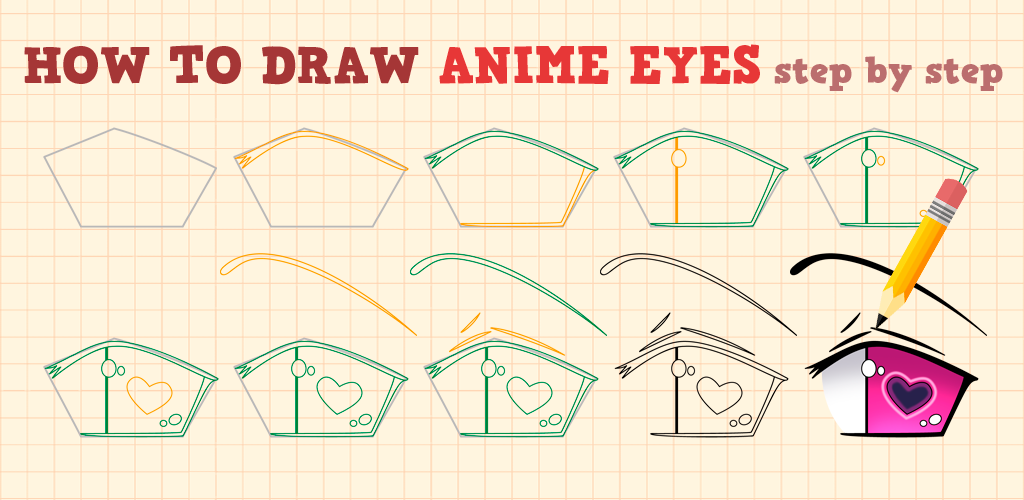
Trying to draw anime eyes that look right? This Android app walks you through eye designs step by step, using a simple lesson flow and a collection sorted by difficulty. It’s built for quick practice with just paper and a pencil, and it runs as a small universal APK on Android 4.4 and up.
- Step-by-step lessons — Each eye design is broken into simple steps so you can follow along while you draw.
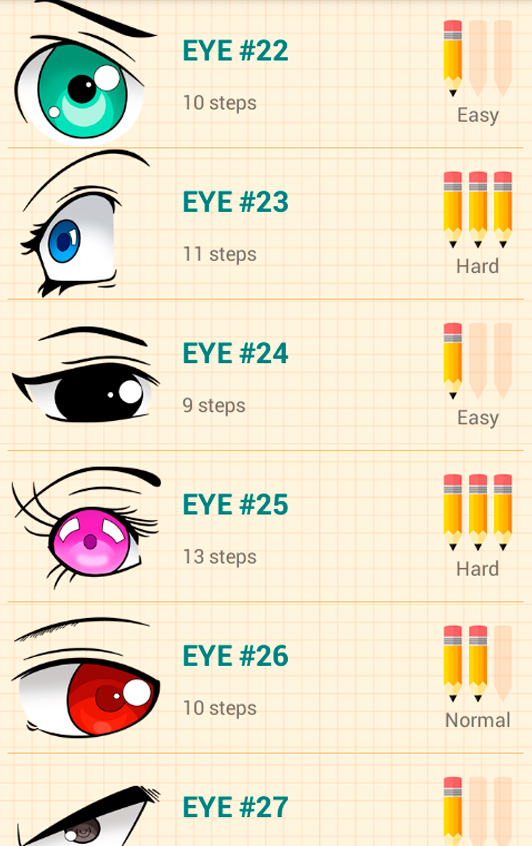
- Difficulty levels — Lessons are grouped by difficulty, making it easier to start with simpler eyes and move up.
- Anime and manga styles — The app focuses on anime and manga eye designs rather than general sketching.
- Easy daily use — Open a lesson, choose an eye, and trace the steps without needing an account.
- Small APK size — The universal APK is 9.4 MB and installs on devices running API 19 or later.
When you want to draw eyes, not search for tutorials
It solves the common problem of wanting a clear drawing guide without bouncing between videos or scattered references. On a quiet commute, after school, or while sitting with a sketchbook, you can open a lesson and work through an anime eye design at your own pace.
Follow anime eye lessons step by step
The app is built around a straightforward drawing flow: pick an eye design, then follow the instructions one step at a time. That makes it easy to keep your place while sketching with paper and pencil, especially if you are learning the shapes that define manga-style eyes.
Difficulty levels help narrow the choice down to something manageable, so beginners do not have to start with the hardest drawings first. The large collection is organized so you can keep practicing without needing to invent your own reference.
Use it like a quick practice session
There is no account setup in the details provided, so the app stays focused on opening a lesson and drawing. That makes it useful for short practice sessions when you only have a few minutes and want a direct task instead of a full art app workflow. It is free to install, shows ads, and comes as a universal APK.
The install footprint is modest at 9.4 MB, and it supports Android 4.4 (API 19) and up. There are no permissions listed, so there is nothing extra to approve before getting started.
Limits to keep in mind
This is a guided drawing app, not a photo editor, so it does not mention RAW editing, filter tools, or AI features. It also does not list in-app purchases. If you want a broad art studio, you will need a different app; this one stays centered on teaching anime eye drawing in a simple, lesson-based format.
Best fit: students, beginners, and casual drawers who want a focused way to practice anime and manga eyes on Android.
What's new
Version 5.5 · Nov 10, 2026
- ZOOM with fingers**
APK information
- Version
- 5.5
- Package
- com.sweefitstudios.draweyes
- Category
- Art & Design
- Size
- 9 MB
- Min Android
- API 19
- Architecture
- universal
Older versions
-
How to Draw Anime Eyes 5.5Nov 10, 2026Latest downloadAPK
How to Draw Anime Eyes FAQ
Can How to Draw Anime Eyes edit RAW photos?expand_more
No photo editing features are listed. The app is for step-by-step anime and manga eye drawing lessons.
Does How to Draw Anime Eyes add a watermark?expand_more
No watermark feature is mentioned in the app details provided.
Is this How to Draw Anime Eyes APK the original file?expand_more
It is listed as an APK with version 5.5 from Sweefit Studios. The file format shown is APK.
Does How to Draw Anime Eyes work on tablets?expand_more
The app is marked universal and supports Android 4.4 (API 19) and up, so it can run on compatible tablets.
Does the app organize lessons by difficulty?expand_more
Yes. The drawing collection is classified by level of difficulty, which helps you pick a lesson that matches your skill level.