- 4.2star5,304 reviews
- 1M+Downloads
- 13 MBAPK size
- EveryoneRated for Everyone
- API 19+Android
check_circleOriginal APK from Sweefit Studios · Updated Nov 11, 2026
No threats found
0 / — antivirus engines flagged this file
Original signature
First seen — Sweefit Studios
Unmodified APK
Same file the developer published — no mods
How to Draw Graffiti Character screenshots
8 images · tap to enlarge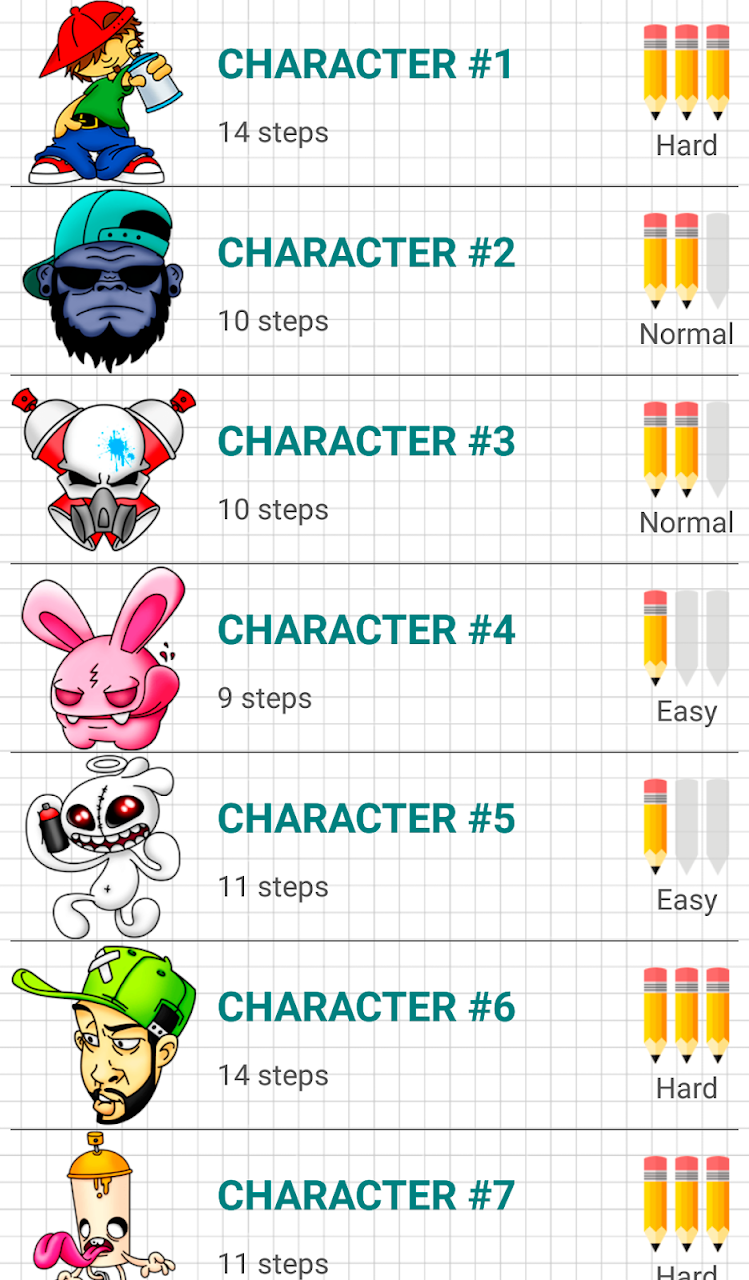
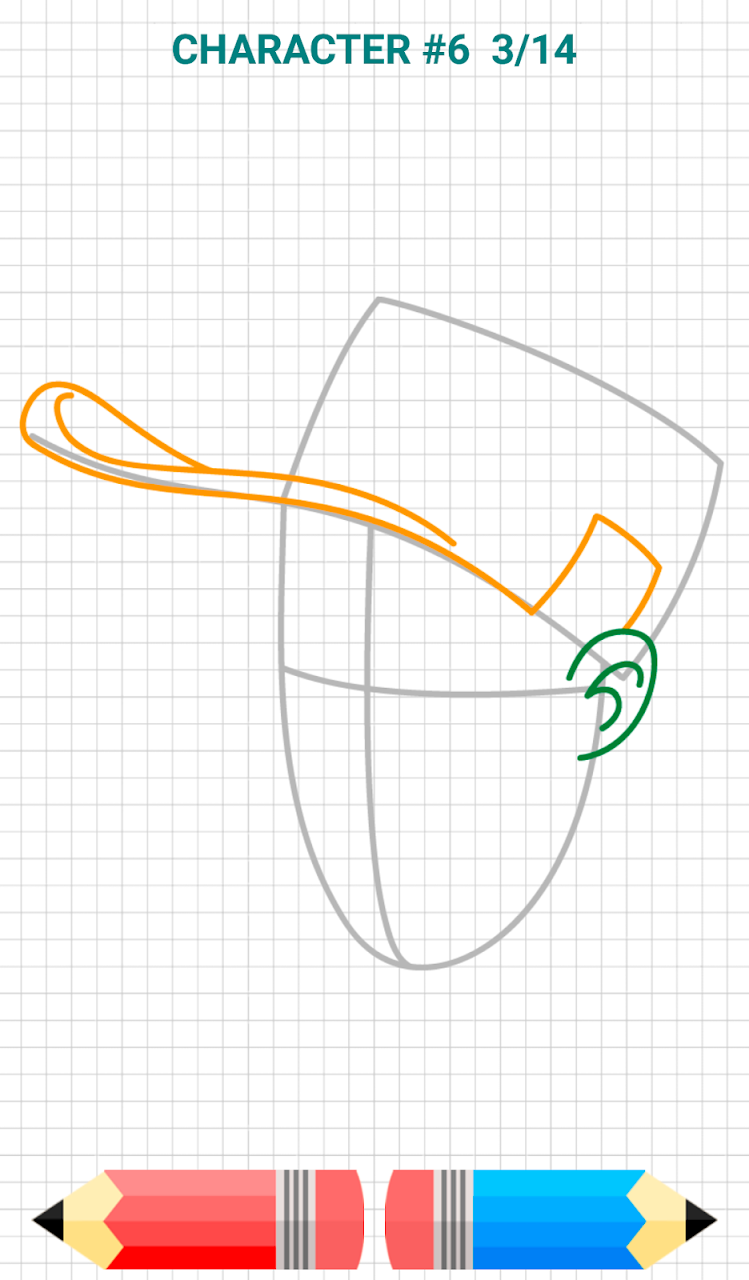
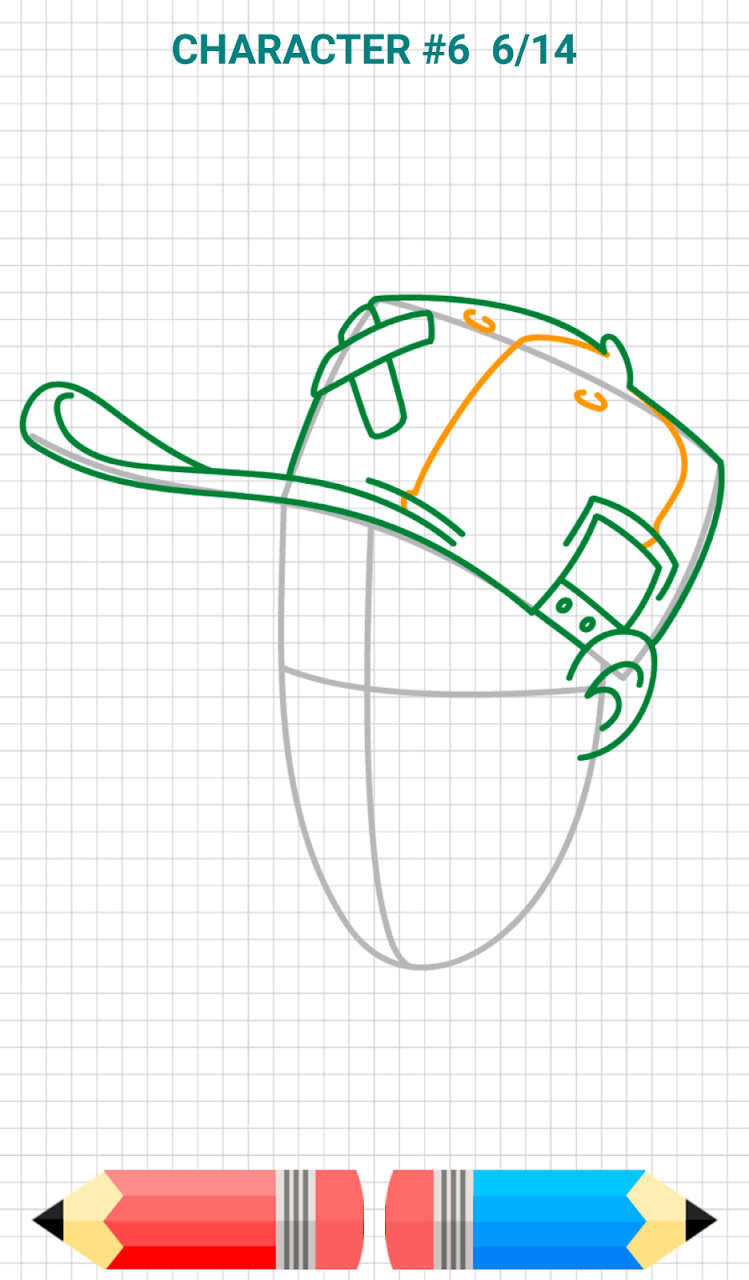
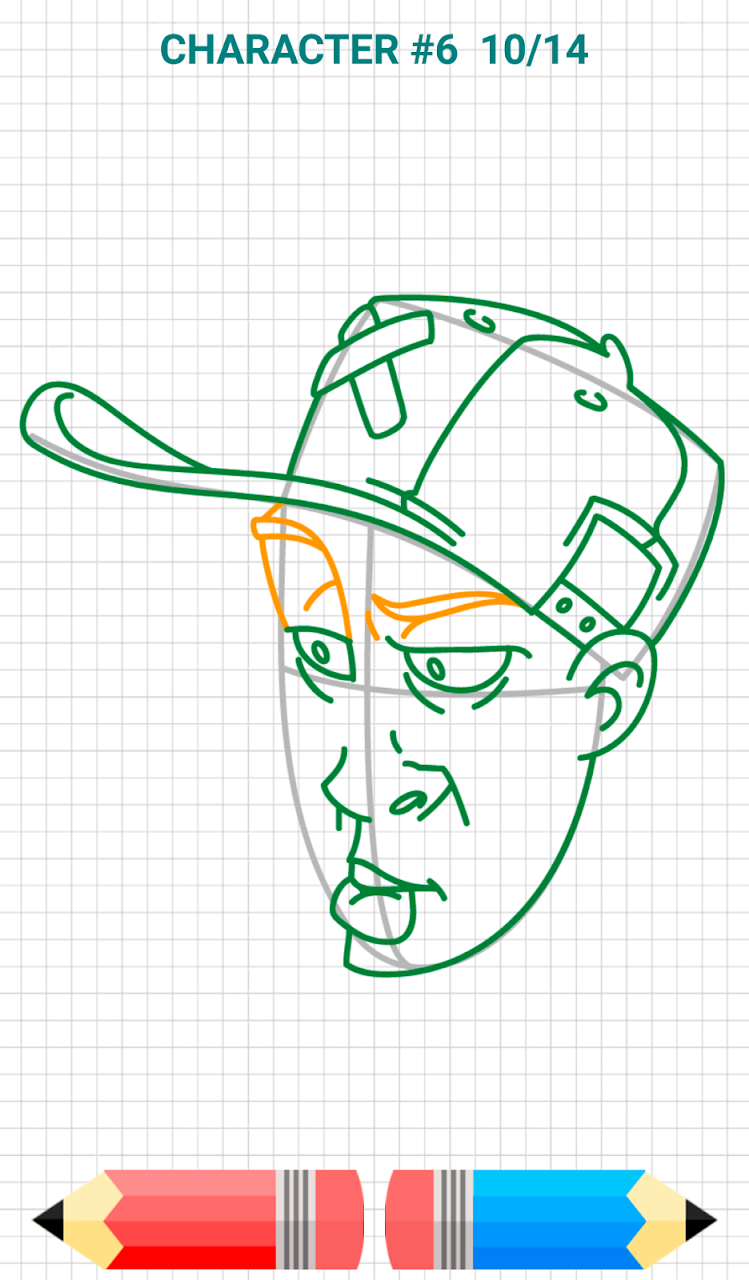
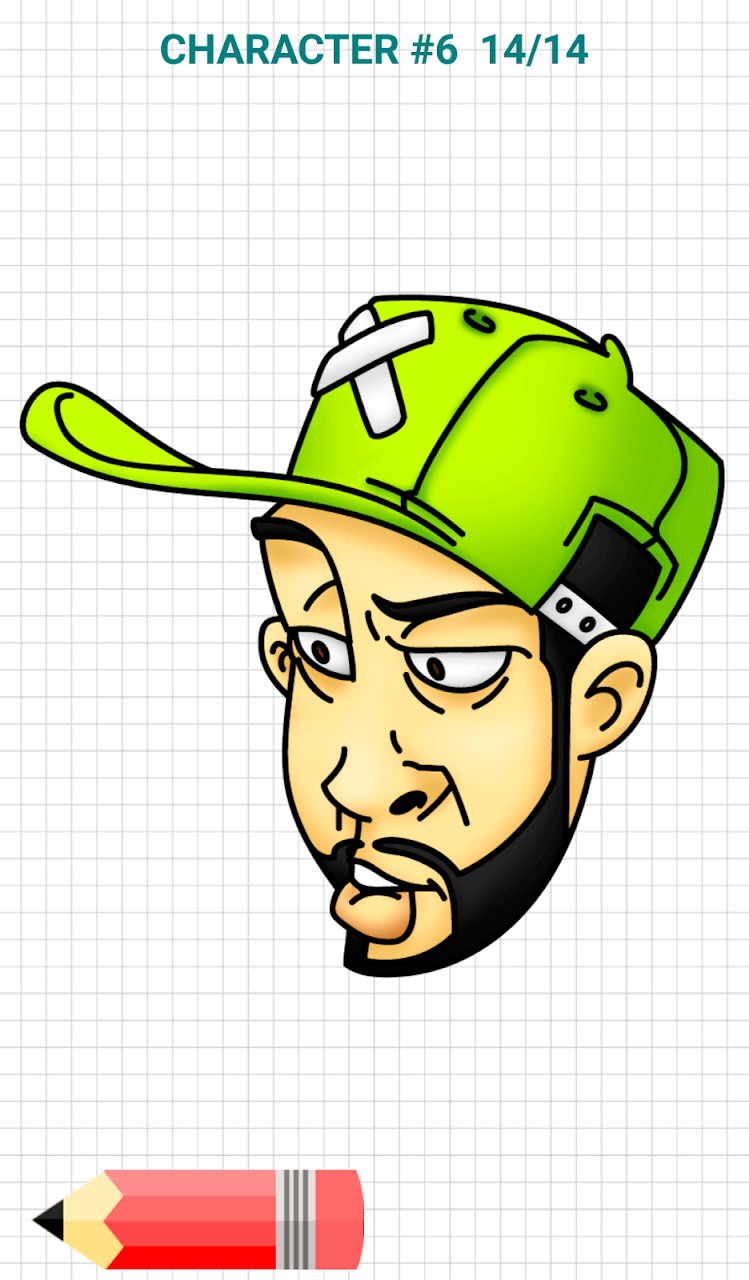
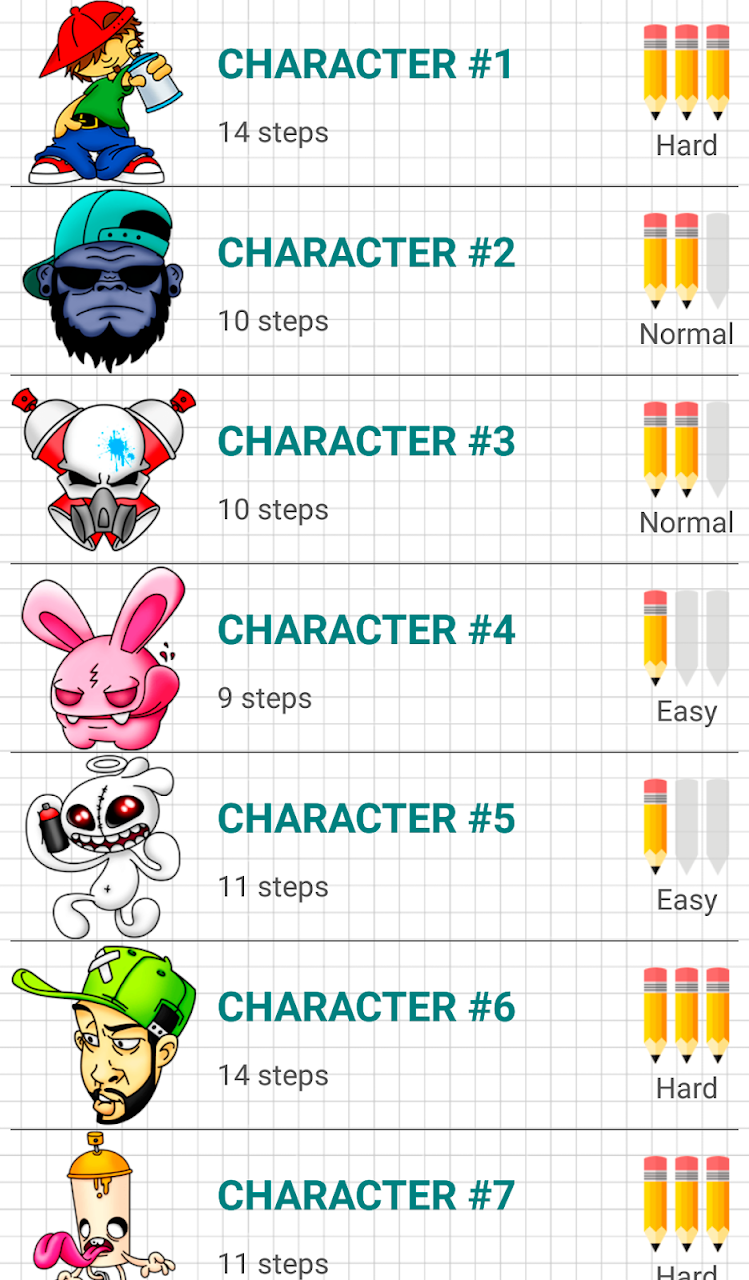
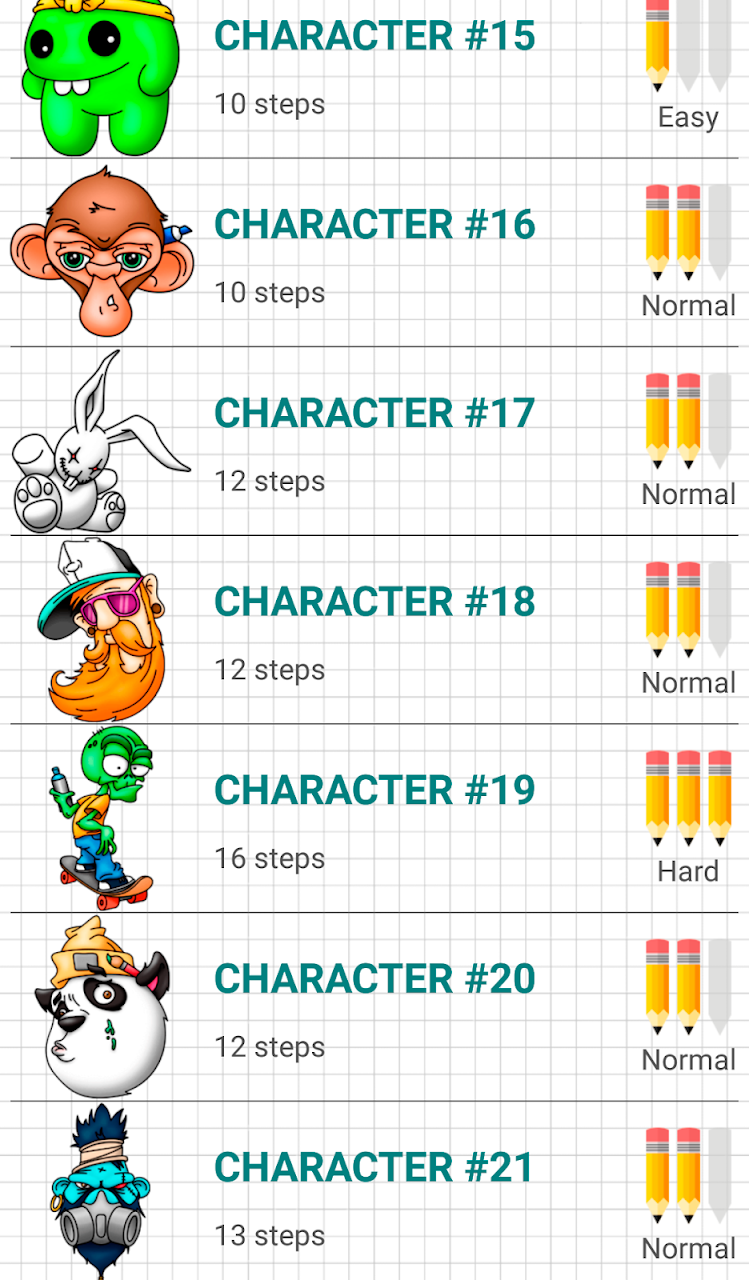
About this app
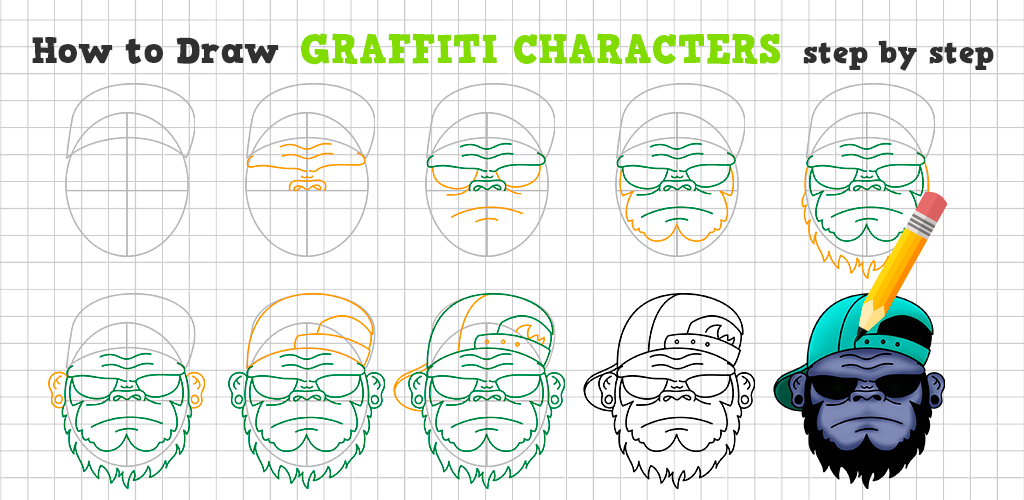
Want to draw graffiti characters from scratch? This app opens to a simple step-by-step approach, with drawings sorted by difficulty so you can pick a level that fits. It is designed as a quick drawing guide for casual practice, with ads and no account setup mentioned.
- Step-by-step lessons — Each drawing is broken into simple stages you can follow one at a time.
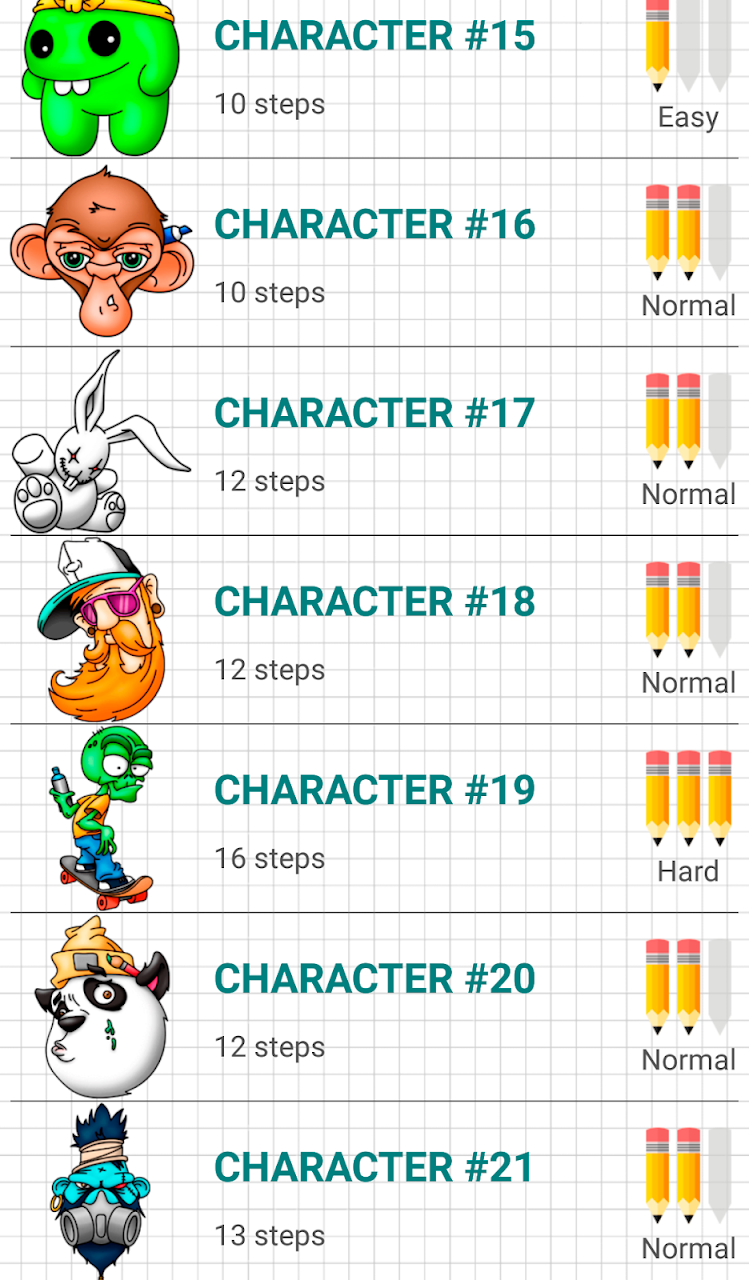
- Difficulty-based collection — Lessons are grouped by level, so you can start with easier drawings and move up.
- Paper-and-pencil flow — The app is built around drawing on paper while following the on-screen steps.
- Easy to use — The interface is described as straightforward, with no setup beyond choosing a drawing.
- Free with ads — The app is free to use, and ads are included.
Start with a graffiti character
On first launch, the app is set up as a drawing guide rather than a full editor. You choose a graffiti character from the collection, then follow the steps shown on screen. The lessons are arranged by difficulty, so the first decision is usually how challenging you want the drawing to be.
The app is free, comes as a 12.6 MB APK, and works on Android 4.4 and up. It is listed as universal, with no permissions requested in the current version.
Follow the drawing steps
The main task here is simple: take a paper and a pencil, then copy each step in order. That makes it closer to a practice guide than a capture or editing tool. There are no account steps to get in the way, and the focus stays on tracing the structure of the character as you go.
- Pick a drawing from the collection.
- Choose a level that matches your comfort.
- Work through the steps one by one.
- Use the guide again when you want another character.
Practical tips for a first day
Start with easier drawings if you want a smoother first session. The app is built for short, repeatable practice, so it helps to keep your paper and pencil ready before you open it. Since the app includes ads, expect a bit of interruption while browsing or switching between drawings.
If you want more drawing guides later, Sweefit Studios also makes apps for graffiti, anime eyes, flowers, weapons, and animals.
Requirements, ads, and permissions
There is no in-app purchase system listed, and the app does show ads. No permissions are listed for this version, which keeps installation light. The current release is version 2.5, with bug fixes noted in the latest update.
What's new
Version 2.5 · Nov 11, 2026
- Bug fixes
APK information
- Version
- 2.5
- Package
- com.sweefitstudios.drawgraffiticharacters
- Category
- Art & Design
- Size
- 13 MB
- Min Android
- API 19
- Architecture
- universal
Older versions
-
How to Draw Graffiti Character 2.5Nov 11, 2026Latest downloadAPK
How to Draw Graffiti Character FAQ
Can How to Draw Graffiti Character edit RAW photos?expand_more
No. The app is a step-by-step drawing guide, not a photo editor.
Does How to Draw Graffiti Character add a watermark?expand_more
There is no watermark feature listed. The app focuses on drawing lessons rather than exporting edited images.
Can I install How to Draw Graffiti Character without Google Play?expand_more
It is available as an APK file, so it can be installed outside Google Play if you already have the file.
Does How to Draw Graffiti Character show ads?expand_more
Yes. The app includes ads.
Are the drawing lessons sorted by difficulty?expand_more
Yes. The collection is classified by level of difficulty, which helps you choose where to start.