- 4.1star6,753 reviews
- 1M+Downloads
- 11 MBAPK size
- EveryoneRated for Everyone
- 5.0+Android
check_circleOriginal APK from Sweefit Studios · Updated Nov 10, 2026
No threats found
0 / — antivirus engines flagged this file
Original signature
First seen — Sweefit Studios
Unmodified APK
Same file the developer published — no mods
How to Draw Weapons screenshots
8 images · tap to enlarge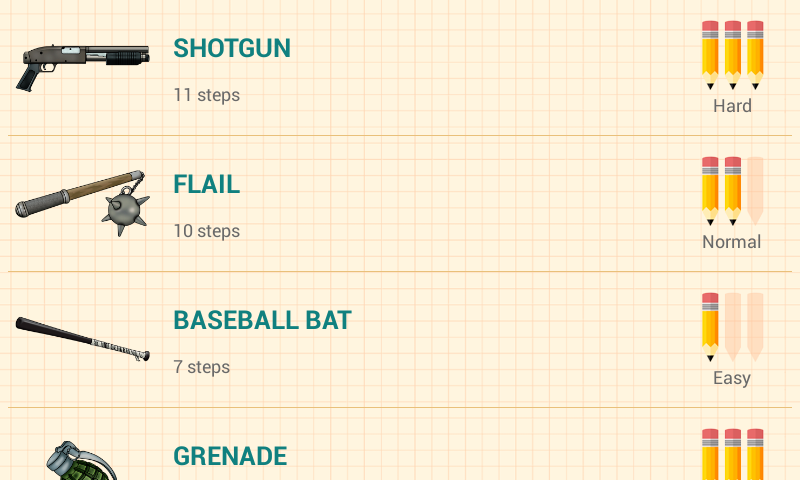
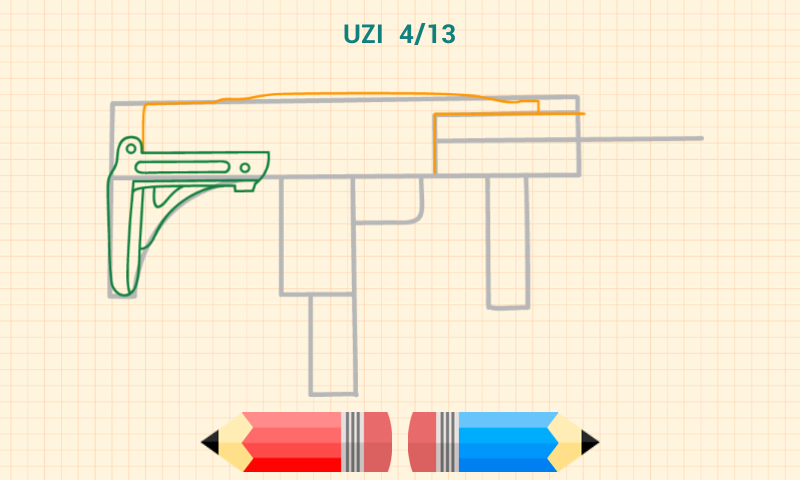
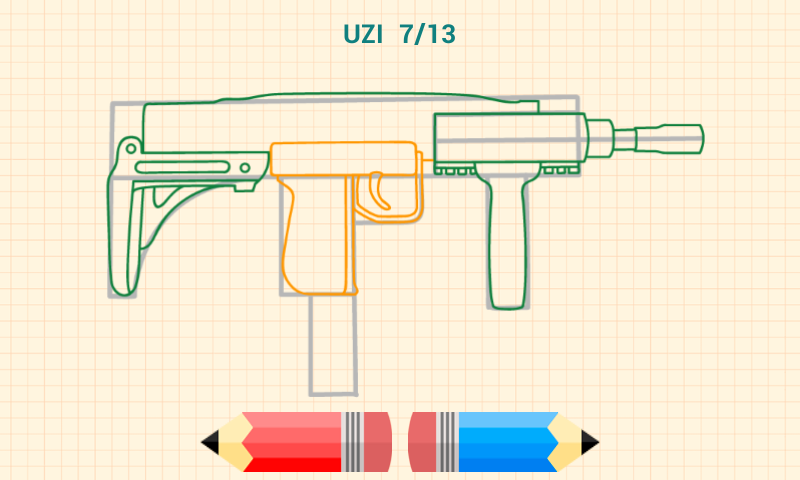
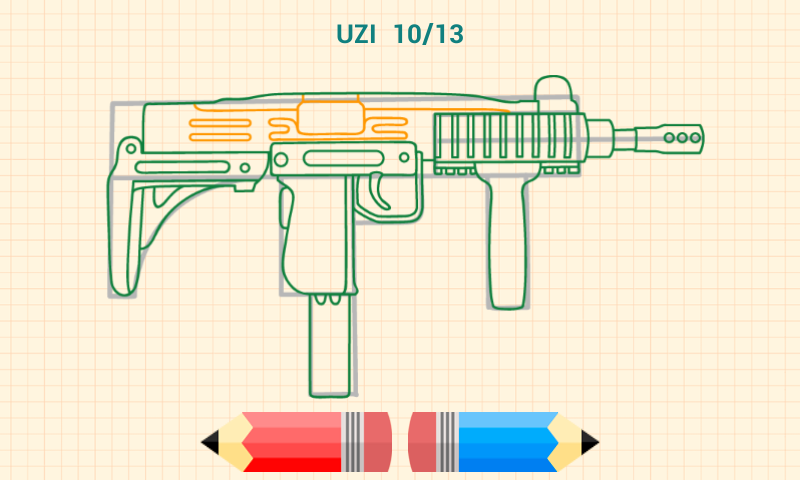
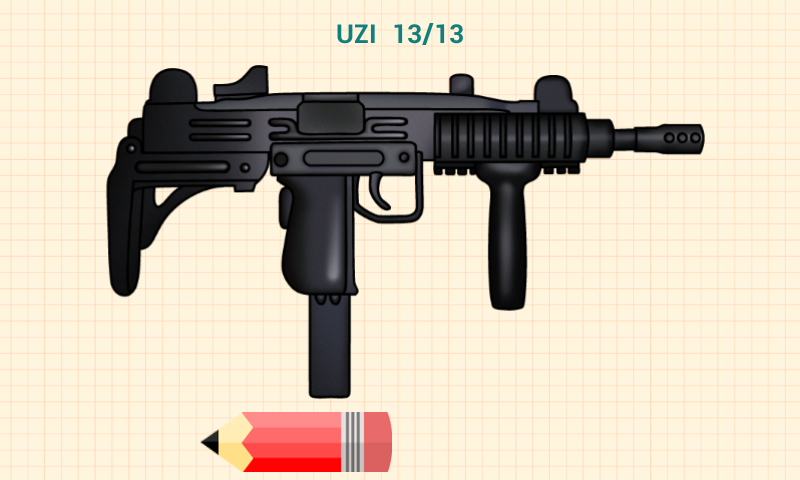
About this app
With 1M+ installs and a 4.1 rating, How to Draw Weapons gives you step-by-step lessons for drawing weapons and guns. It is set up as a simple drawing activity with lessons arranged by difficulty, so you can start with easier examples and move through the collection at your own pace.
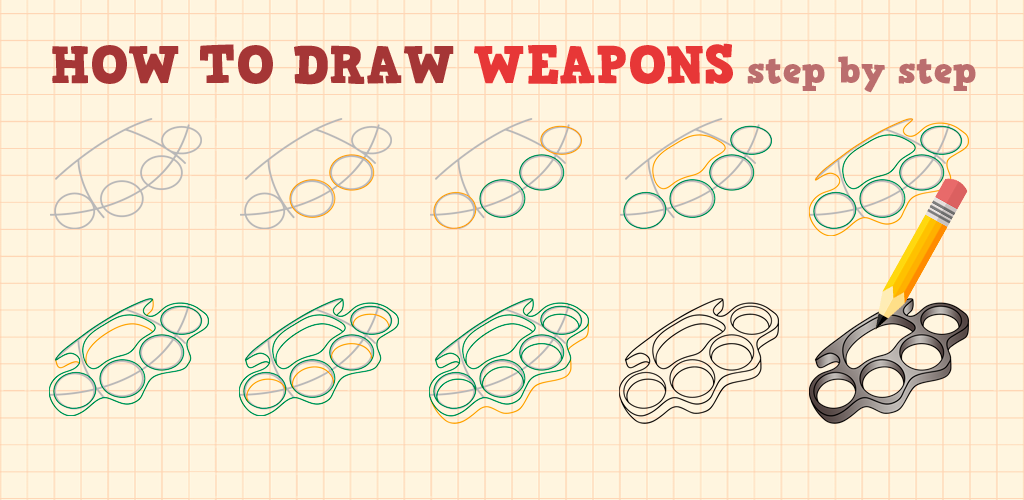
- Step-by-step lessons — Follow each drawing in small steps instead of trying to copy the whole picture at once.
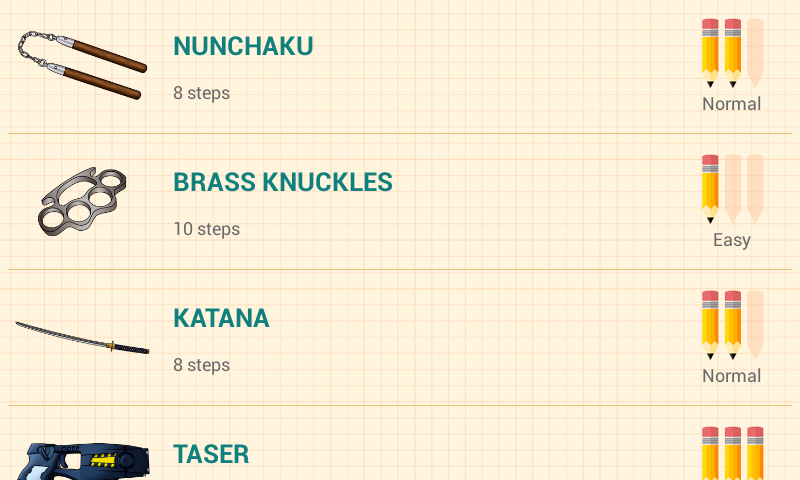
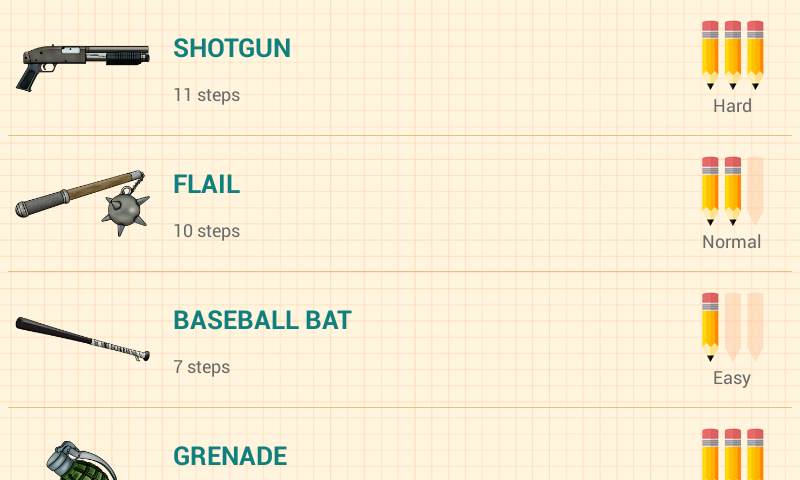
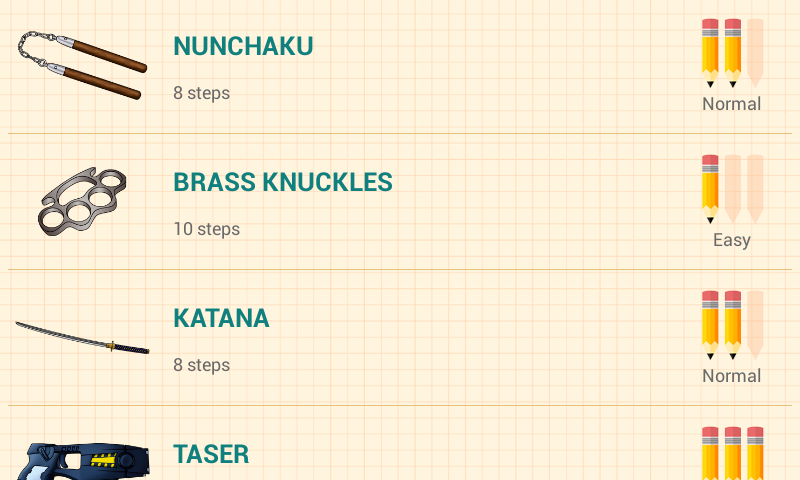
- Difficulty levels — The drawing collection is grouped by level, which makes it easier to choose a starting point.
- Simple setup — Open a lesson, take paper and a pencil, and work through the instructions one step at a time.
- Kid-friendly activity — The app is described as a fun activity for teaching kids how to draw.
- Free to download — The app is free and includes ads.
First launch and what to expect
When you open How to Draw Weapons for the first time, you are met with a collection of drawing lessons focused on weapons and guns. The app is built around simple step-by-step instructions, so you do not need any special drawing background to begin. You can browse the lessons by difficulty and pick one that matches your comfort level.
Choose a lesson and follow along
Start by selecting a weapon drawing you want to try. The app suggests using a paper and pencil, then following each step in order. This makes it easier to build a drawing gradually, especially if you are learning to sketch from scratch. The lessons are designed to be easy to use, so you can move through them without needing extra tools or setup.
Practical tips for your first drawings
Begin with the simpler lessons before moving to more detailed ones. Keeping your lines light at the start can make it easier to adjust shapes as you go. If you are using the app with a child, let them complete one step before moving to the next so the drawing stays clear and manageable.
- Pick easier lessons first: The collection is sorted by difficulty.
- Keep paper nearby: The app is made for drawing along on paper.
- Work step by step: Each lesson is meant to be followed in order.
- Use it as a practice tool: It is set up for repeated drawing practice.
Requirements, size, and permissions
This app comes as an APK file, is 10.9 MB in size, and needs Android 5.0 or later. It is free to install, contains ads, and does not ask for any permissions. The app does not list in-app purchases.
What's new
Version 5.4 · Nov 10, 2026
- Bug fixes
APK information
- Version
- 5.4
- Package
- com.sweefitstudios.drawweapons
- Category
- Art & Design
- Size
- 11 MB
- Min Android
- 5.0
- Architecture
- universal
Older versions
-
How to Draw Weapons 5.4Nov 10, 2026Latest downloadAPK
How to Draw Weapons FAQ
Does How to Draw Weapons add a watermark?expand_more
That is not listed for this app.
Does How to Draw Weapons work offline?expand_more
That is not listed for this app.
Which Android version does How to Draw Weapons need?expand_more
It needs Android 5.0 or later.
What permissions does How to Draw Weapons ask for?expand_more
No permissions are listed for this app.
Is How to Draw Weapons free?expand_more
Yes, it is free to download.