- 3.5star6,442 reviews
- 1M+Downloads
- 47 MBAPK size
- EveryoneRated for Everyone
- 7.0+Android
check_circleOriginal APK from MediBang Inc. · Updated Nov 10, 2026
No threats found
0 / — antivirus engines flagged this file
Original signature
First seen — MediBang Inc.
Unmodified APK
Same file the developer published — no mods
JUMP PAINT by MediBang screenshots
4 images · tap to enlarge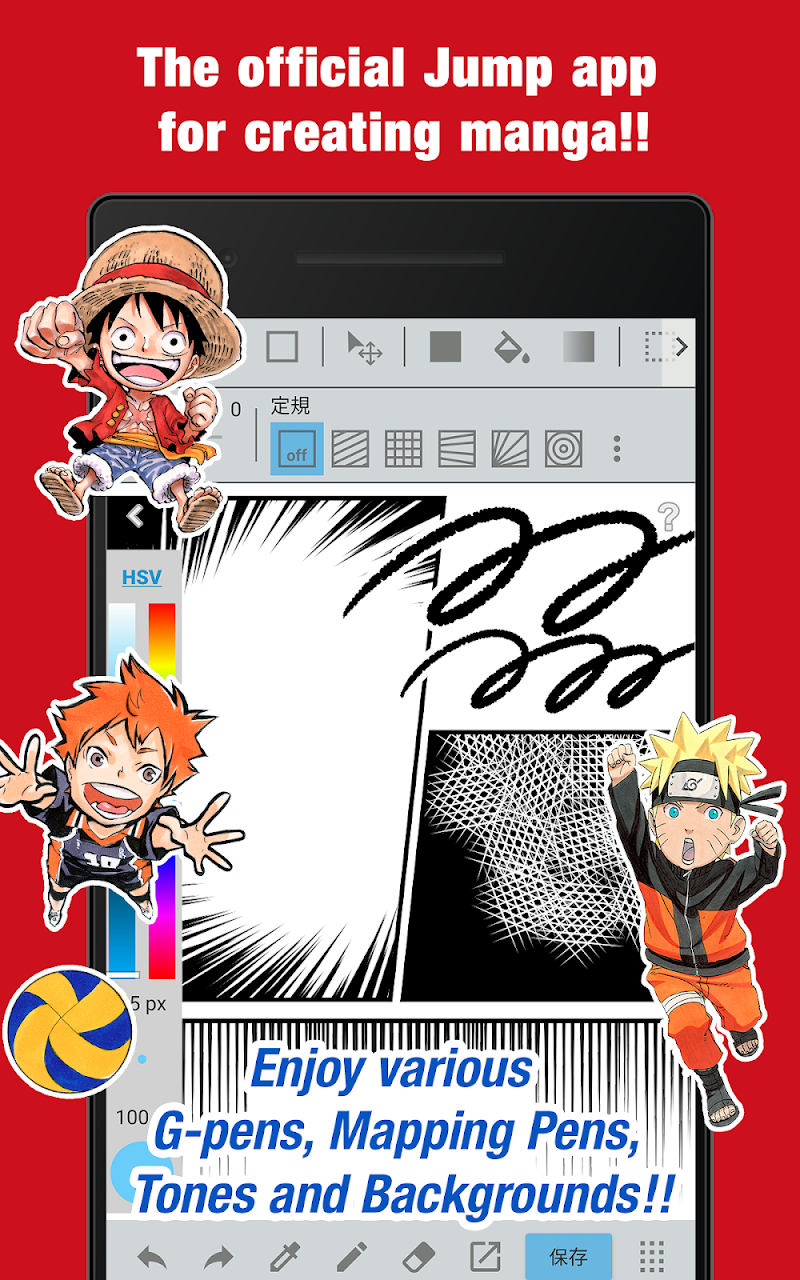
About this app
JUMP PAINT by MediBang stands out by pairing manga tools with Weekly Shonen Jump content and lessons. On first launch, you get a drawing app built for comics and illustrations, plus resources such as free brushes, tones, backgrounds, and fonts. It is free to use, but cloud features require a MediBang account.
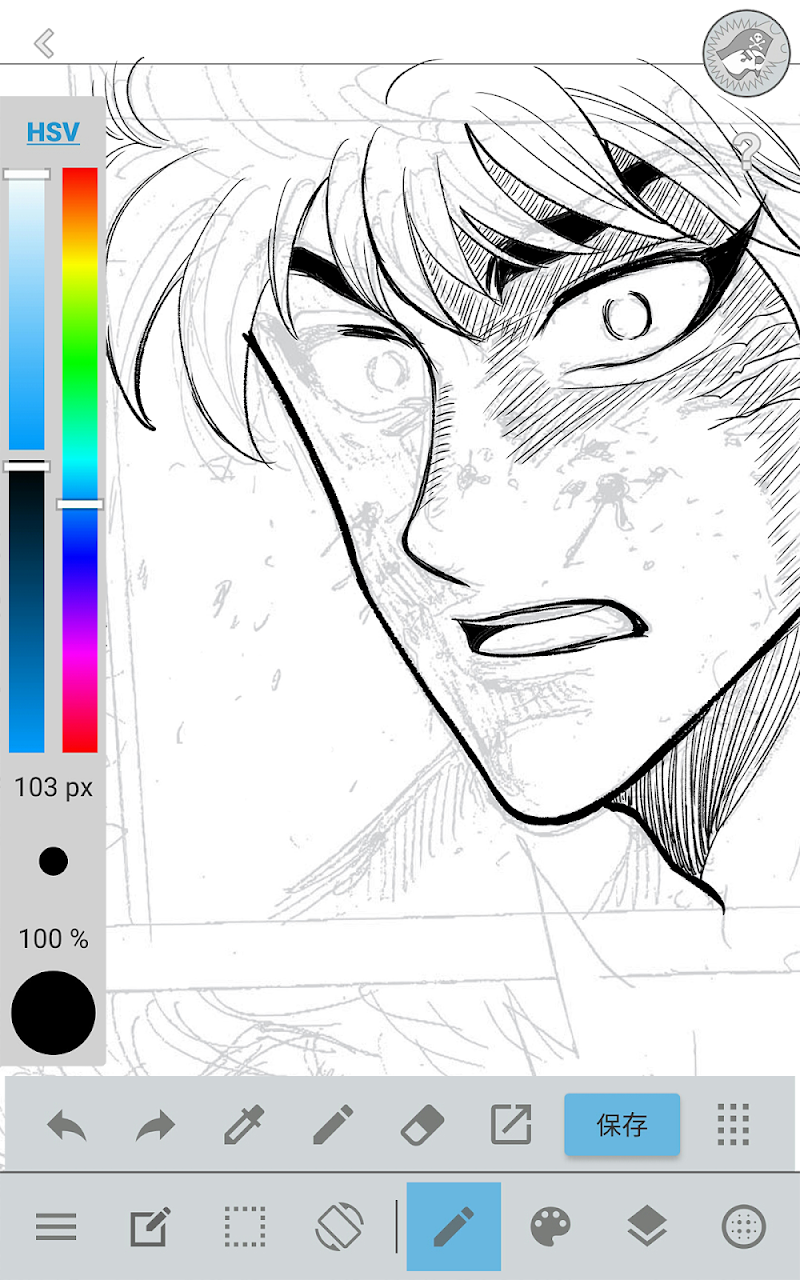
- Jump manga tools — The app includes G-pens, mapping pens, tones, and backgrounds for manga work.
- 90 free brushes — You get a wide brush set, including pen, pencil, watercolor, blur, smudge, and custom brushes.
- Comic layout tools — Create panels by dragging on the screen and adjust their shape as needed.
- Layers and fonts — Use layered editing with blending modes and 50 professional comic fonts.
- Reference and backup — Take photos for reference on another layer and back up projects in cloud storage.
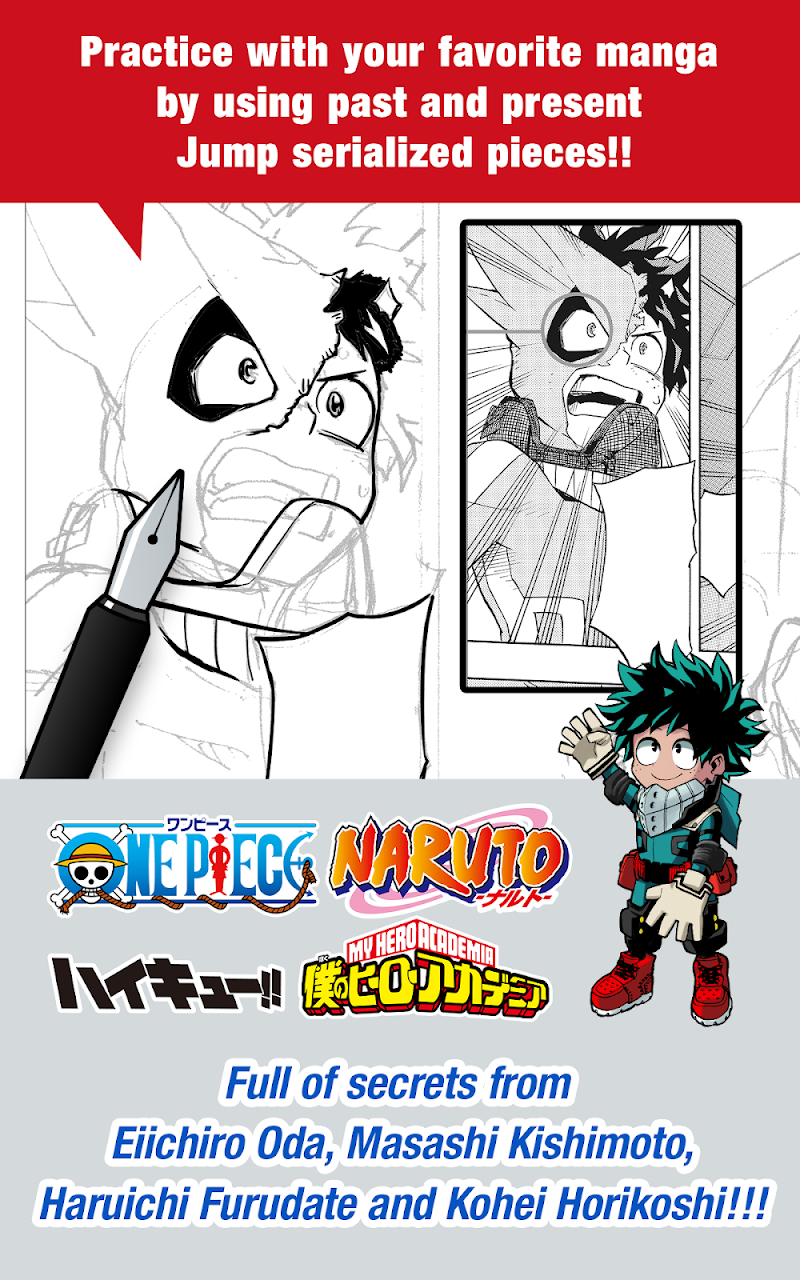
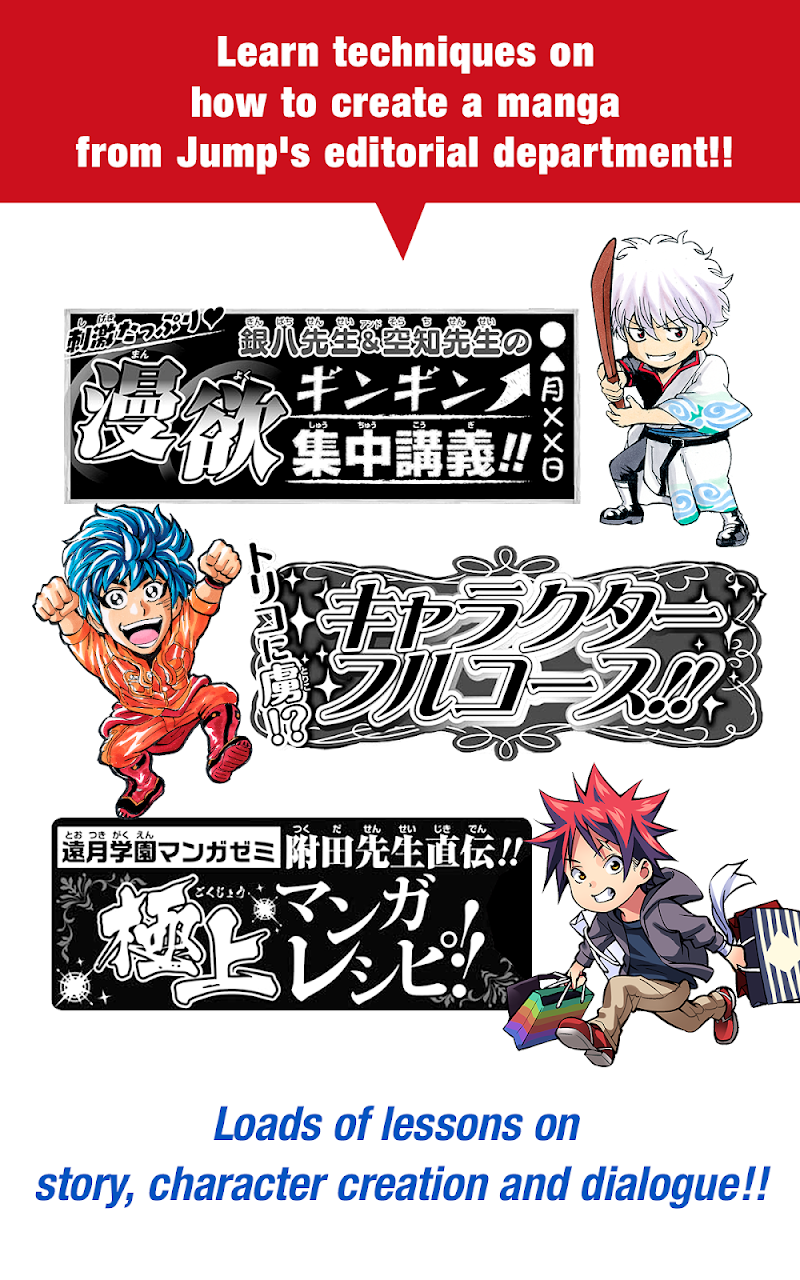
- Lessons and contests — The app includes Jump editorial lessons and contest information inside the app.
First launch: manga tools, not a blank sketchpad
JUMP PAINT by MediBang opens as a comic-focused drawing app rather than a general art tool. You can start with free brushes, tones, backgrounds, and manga fonts, then move into panel layout, layers, and reference photos. It is free, with no ads or in-app purchases listed.
The app is built for manga and illustration work, and it also includes Jump editorial lessons plus contest notices. The Play description highlights past and present Jump serialized pieces as practice material, so the app is tied closely to Weekly Shonen Jump rather than broad-purpose drawing alone.
Set up the parts you will use first
Before drawing, check the brush list, comic fonts, and layer controls, since those are central to the workflow. If you plan to use cloud backup or transfer work, you will need a MediBang account. The app supports syncing preset settings with the PC version, and it also offers team creation for collaborating with friends.
- You get: 90 brushes, 800 tones and backgrounds, layers, comic fonts, and photo reference tools.
- Watch for: Cloud features need a MediBang account.
- Watch for: The app is rated for Everyone and works on Android 7.0 and up.
- Watch for: The APK is 46.7 MB and is listed as a universal build.
Practical tips for day one
Use the line stabilization and perspective guides if you are drawing panels, architecture, or long strokes. The interface can be hidden and reopened with one touch, which helps when you want more room on screen. If you work on multi-page comics, save them in the project manager so they stay organized.
For a first session, try a simple page with one panel shape, a G-pen or mapping pen, one tone, and a comic font. That gives you a quick read on how the app handles drawing, lettering, and layout without opening every tool at once.
Requirements and what to expect
The app is free, does not list ads, and does not list in-app purchases. It was released on 2017-06-21 and was last updated on 2026-02-17. Recent changes mention a fix for a rare crash when the app was moved to the background, along with minor improvements to the Start Guide.
Permissions are not listed, so there is no permission list to review here. Cloud storage is the main extra step to plan for, since it depends on a MediBang account.
What's new
Version 6.6 · Nov 10, 2026
- Fixed a rare crash that occurred when the app was moved to the background.
- Minor improvements to the Start Guide.
APK information
- Version
- 6.6
- Package
- com.medibang.android.jumppaint
- Category
- Art & Design
- Size
- 47 MB
- Min Android
- 7.0
- Architecture
- universal
Older versions
-
JUMP PAINT by MediBang 6.6Nov 10, 2026Latest downloadAPK
JUMP PAINT by MediBang FAQ
Does JUMP PAINT by MediBang work offline?expand_more
The app includes drawing tools, layers, and local project management, but cloud backup, transfer, and sync features require a MediBang account.
Does JUMP PAINT by MediBang add a watermark?expand_more
The app description does not mention any watermark on finished work.
What changed in the latest JUMP PAINT by MediBang version?expand_more
The latest update fixed a rare crash when the app was moved to the background. It also includes minor improvements to the Start Guide.
How big is the JUMP PAINT by MediBang download?expand_more
The APK size is 46.7 MB.
Can I use JUMP PAINT by MediBang for manga panels and lettering?expand_more
Yes. It includes drag-to-create comic panels, comic fonts, layers, and tools for manga-style drawing and layout.