- 3.7star302,776 reviews
- 10M+Downloads
- 63 MBAPK size
- TeenRated for Teen
- 8.0+Android
check_circleOriginal APK from MediBang Inc. · Updated Nov 10, 2026
No threats found
0 / — antivirus engines flagged this file
Original signature
First seen — MediBang Inc.
Unmodified APK
Same file the developer published — no mods
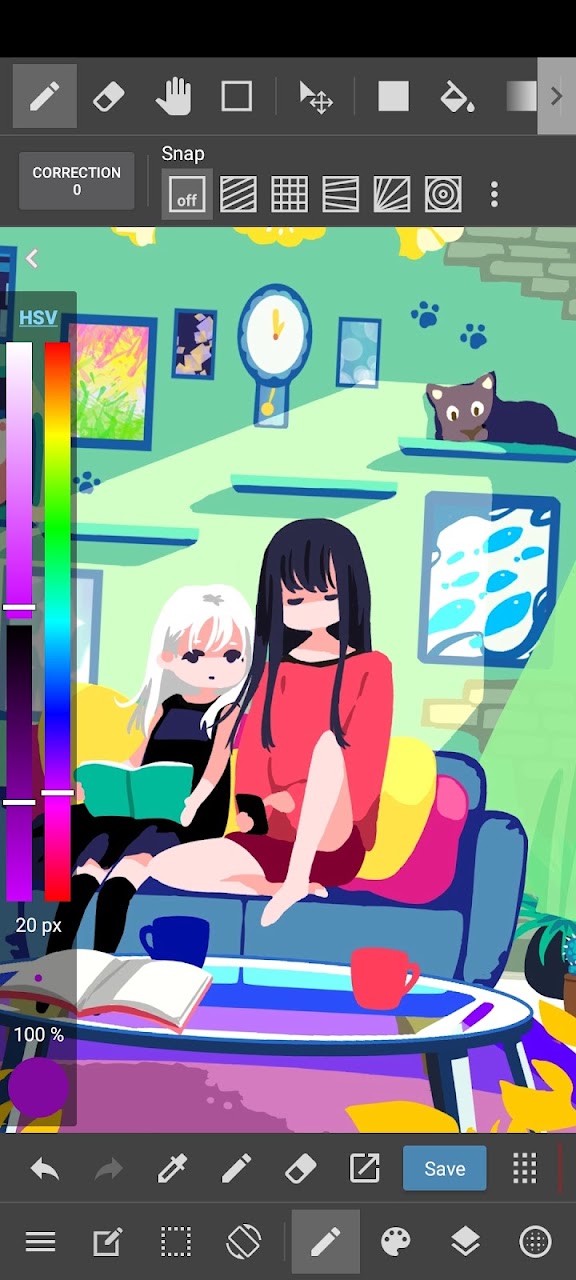
MediBang Paint:Draw Art, Comic screenshots
8 images · tap to enlarge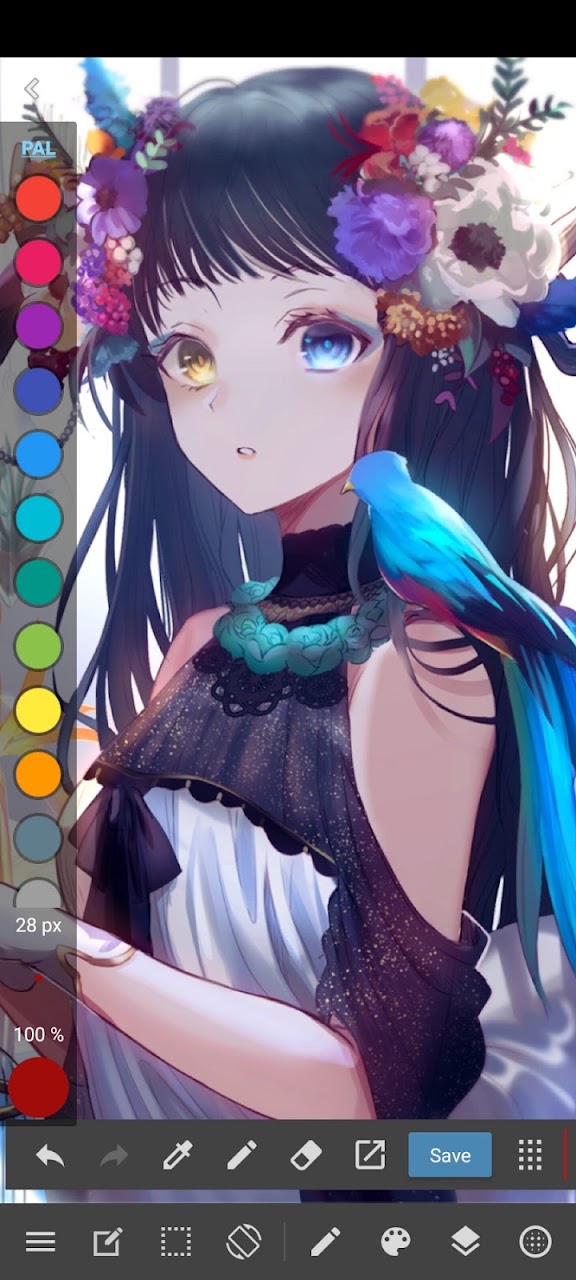
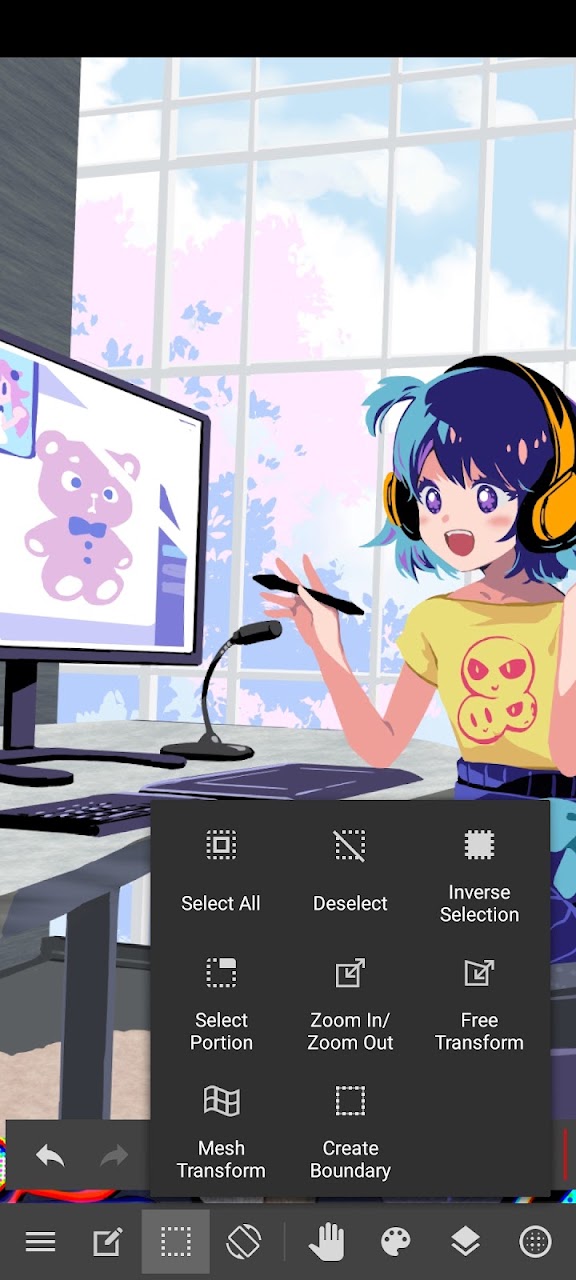
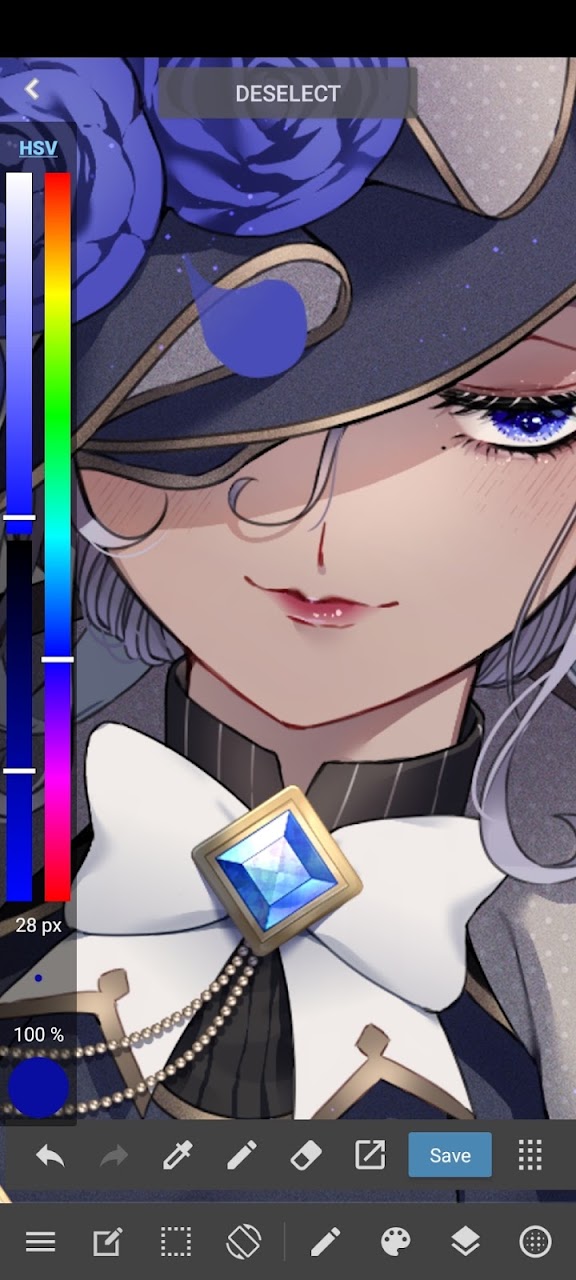
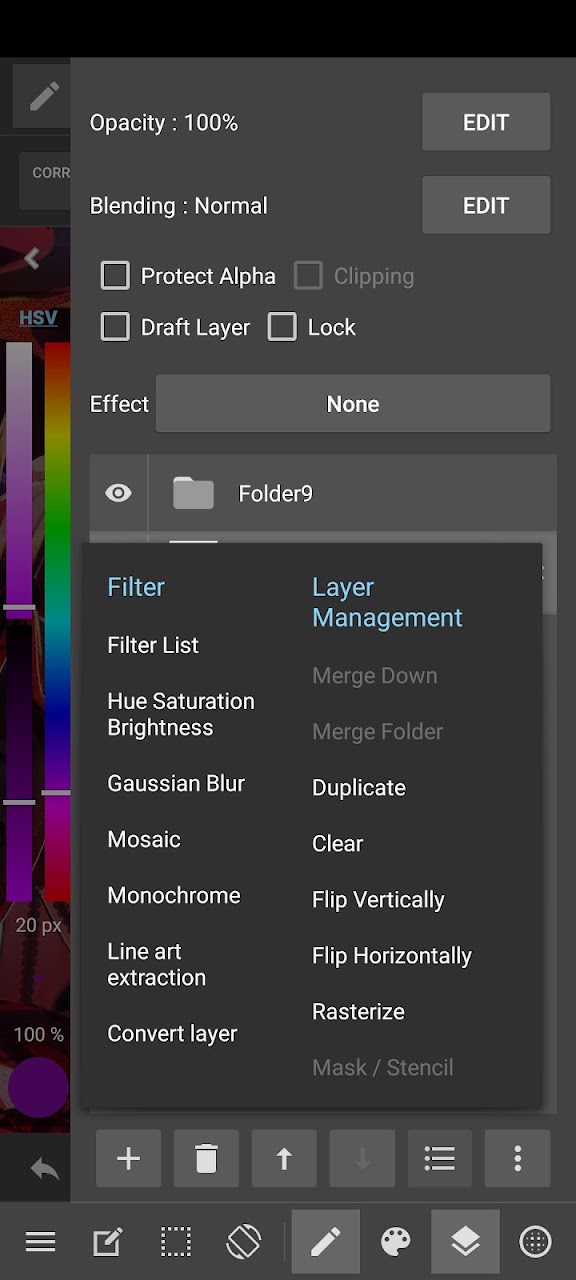
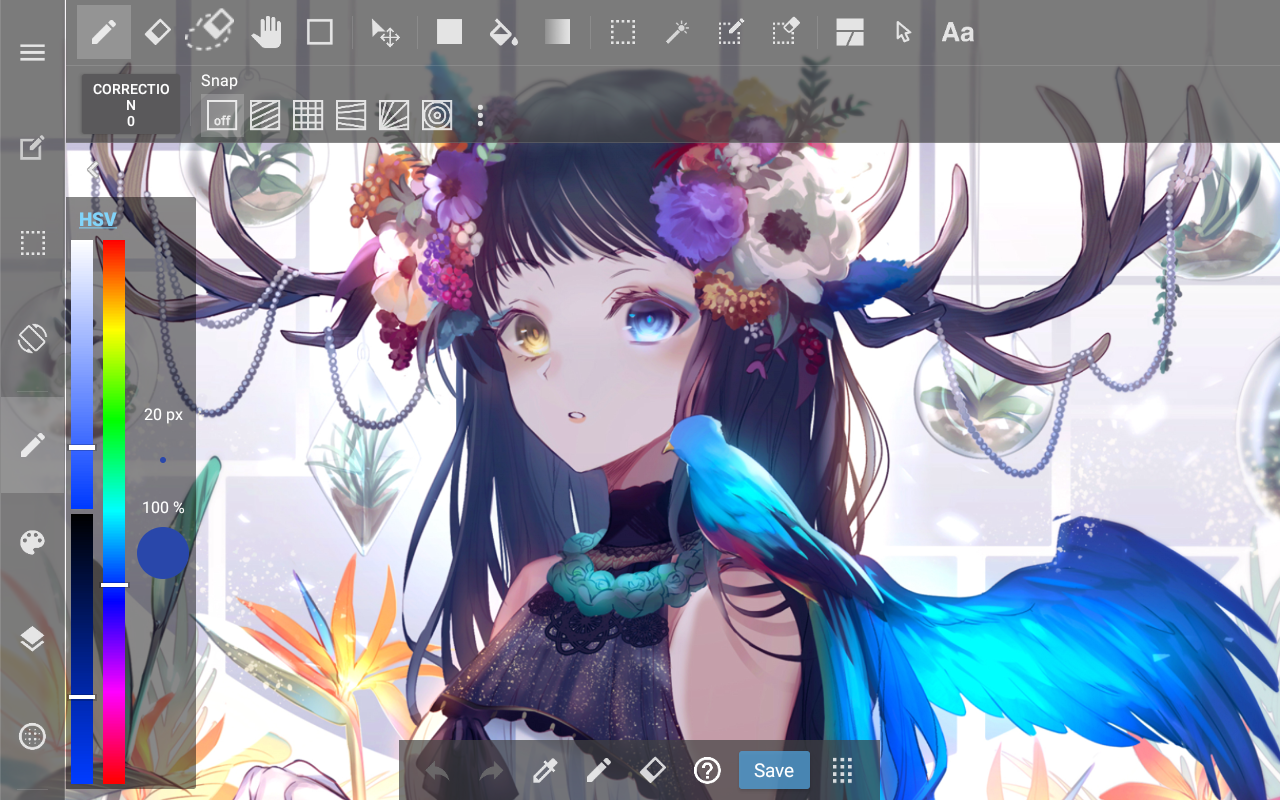
About this app
Draw, paint, and build comics on your phone or tablet with pencil, pen, and brush tools that fit sketching, coloring, and finished pages. MediBang Paint gives you comic panel tools, cloud sync, and export support for PSD and CMYK, so you can move from rough ideas to shareable artwork in one app.
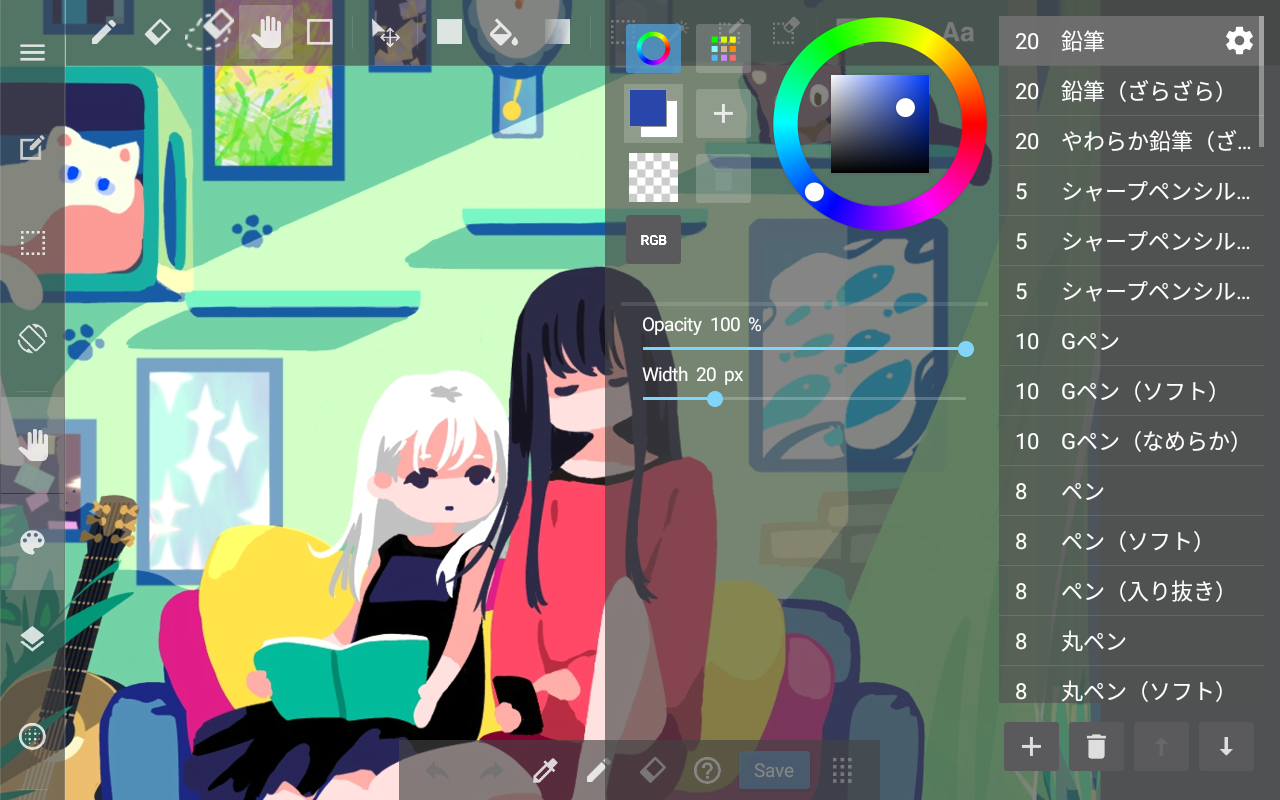
- 180+ Brushes — Use pencil, pen, airbrush, watercolor, and other built-in brushes for sketching and painting.
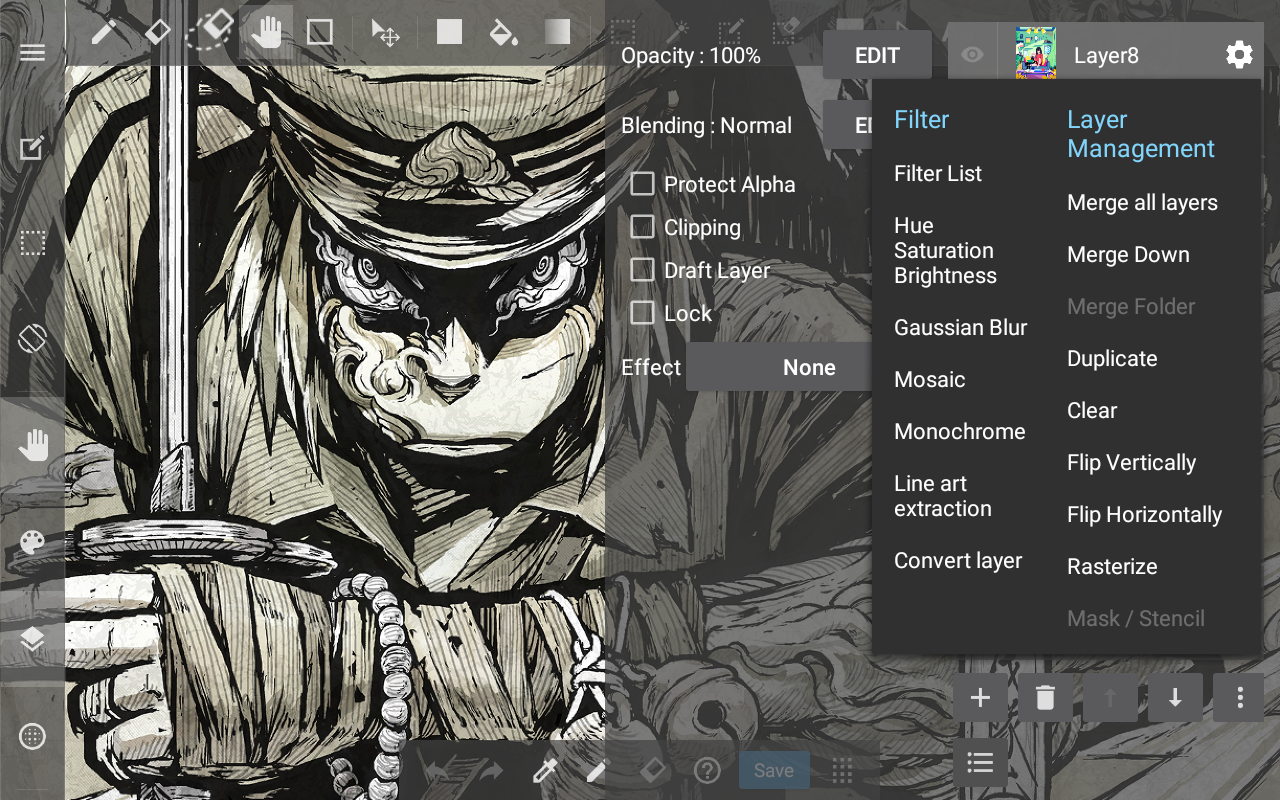
- Comic Panel Tools — Lay out manga and comic pages with paneling tools, screen tones, speech bubbles, and 60+ fonts.
- PSD and CMYK — Work with PSD files and CMYK output for artwork that needs a publishing-ready format.
- Cloud Sync — Keep work across devices and continue a canvas on another phone or tablet.
- Collaborative Canvas — Draw on the same canvas with friends or team members for shared projects.
- Timelapse Recording — Record your drawing process and share how a piece came together.
Start a sketch with pencil and pen
Open MediBang Paint when you want to rough out an idea on the go, then switch between pencil, pen, paint, airbrush, and watercolor brushes as the drawing develops. The app is built for sketching, drawing, coloring, and illustration work, and it runs on Android 8.0 and up. The APK is a universal build at 62.7 MB.
Build comic pages with panel tools
If you are laying out a comic or manga page, the app includes paneling tools, screen tones, speech bubbles, and more than 60 fonts. That makes it practical for moving from thumbnail sketches to finished pages without leaving the canvas. It also supports collaborative drawing, so a shared page can be worked on by more than one person.
Export with PSD and CMYK
For artwork that needs to move into another workflow, MediBang Paint supports PSD and CMYK formats. That matters when you want to keep layers available or prepare files for publishing. The app also includes cloud sync, so you can continue the same project across devices without starting over.
Brush libraries and process recording
The app ships with over 180 brushes, and subscribers can access 700+ additional brushes and create custom sets. That gives you room to keep a simple brush setup for quick notes or a more detailed set for polished illustration work. Timelapse recording is built in, so you can save the drawing process and share it later.
Before you install
- Minimum Android version: 8.0
- File format: APK
- Size: 62.7 MB
- Contains ads and in-app purchases
- No permissions are listed for this build
What's new
Version 28.27 · Nov 10, 2026
- When a Premium subscription renewal payment fails, the app now shows Google Play's prompt to update your payment method.
- Fixed an issue where the canvas view position was reset to the centre when opening dialogues or windows.
APK information
- Version
- 28.27
- Package
- com.medibang.android.paint.tablet
- Category
- Art & Design
- Size
- 63 MB
- Min Android
- 8.0
- Architecture
- universal
Older versions
-
MediBang Paint:Draw Art, Comic 28.27Nov 10, 2026Latest downloadAPK
MediBang Paint:Draw Art, Comic FAQ
Can I use MediBang Paint:Draw Art, Comic without an internet connection?expand_more
The app description highlights cloud sync and sharing, but it does not say whether drawing works offline.
Does MediBang Paint:Draw Art, Comic add a watermark?expand_more
No watermark feature is mentioned in the app details.
Is MediBang Paint:Draw Art, Comic available for older phones?expand_more
It supports Android 8.0 and up, so devices below that version are not supported.
What changed in the latest MediBang Paint:Draw Art, Comic version?expand_more
The latest update shows a payment-method prompt when a Premium renewal payment fails, and it fixes a canvas position reset issue when opening dialogues or windows.
Can I make comics in MediBang Paint:Draw Art, Comic?expand_more
Yes. It includes comic paneling tools, screen tones, speech bubbles, and 60+ fonts for comic and manga pages.