- 4.0star8,050 reviews
- 1M+Downloads
- 31 MBAPK size
- EveryoneRated for Everyone
- API 17+Android
check_circleOriginal APK from MediBang Inc. · Updated Nov 10, 2026
No threats found
0 / — antivirus engines flagged this file
Original signature
First seen — MediBang Inc.
Unmodified APK
Same file the developer published — no mods
MediBang Colors coloring book screenshots
6 images · tap to enlarge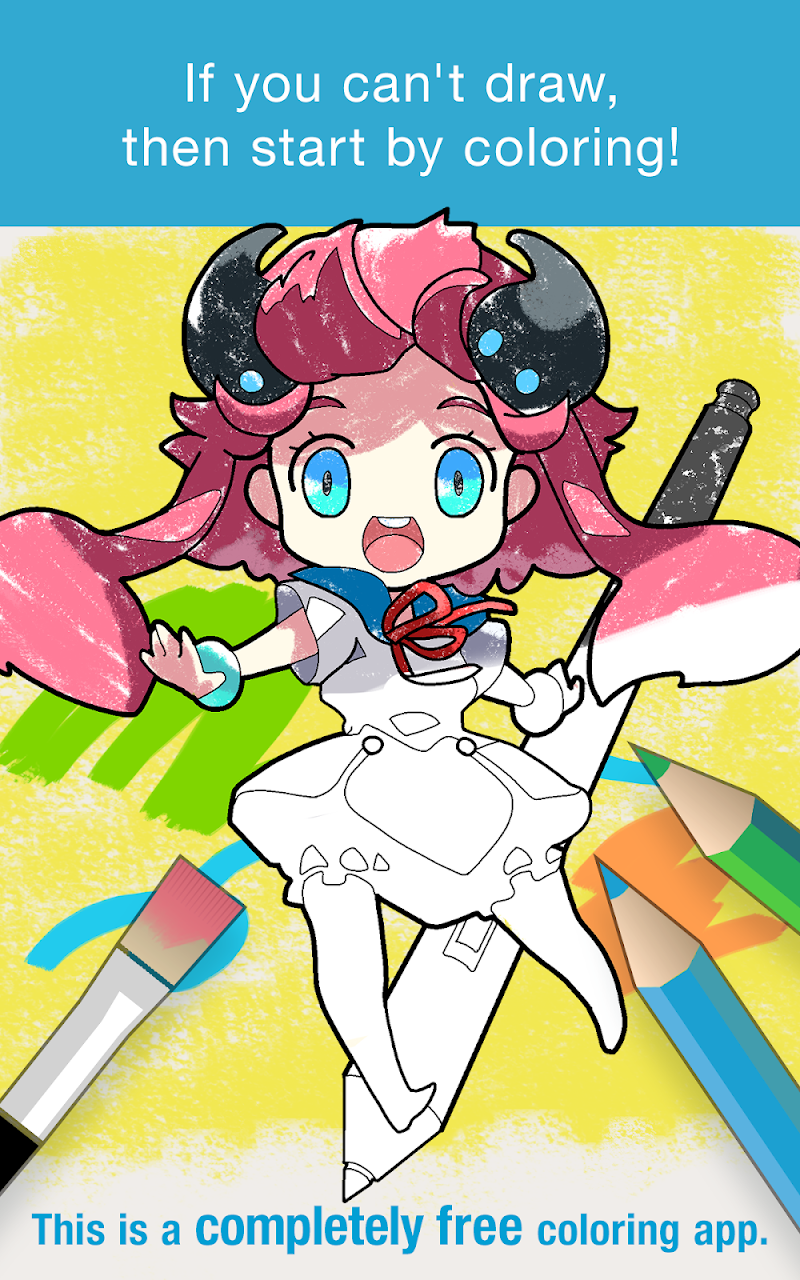
About this app
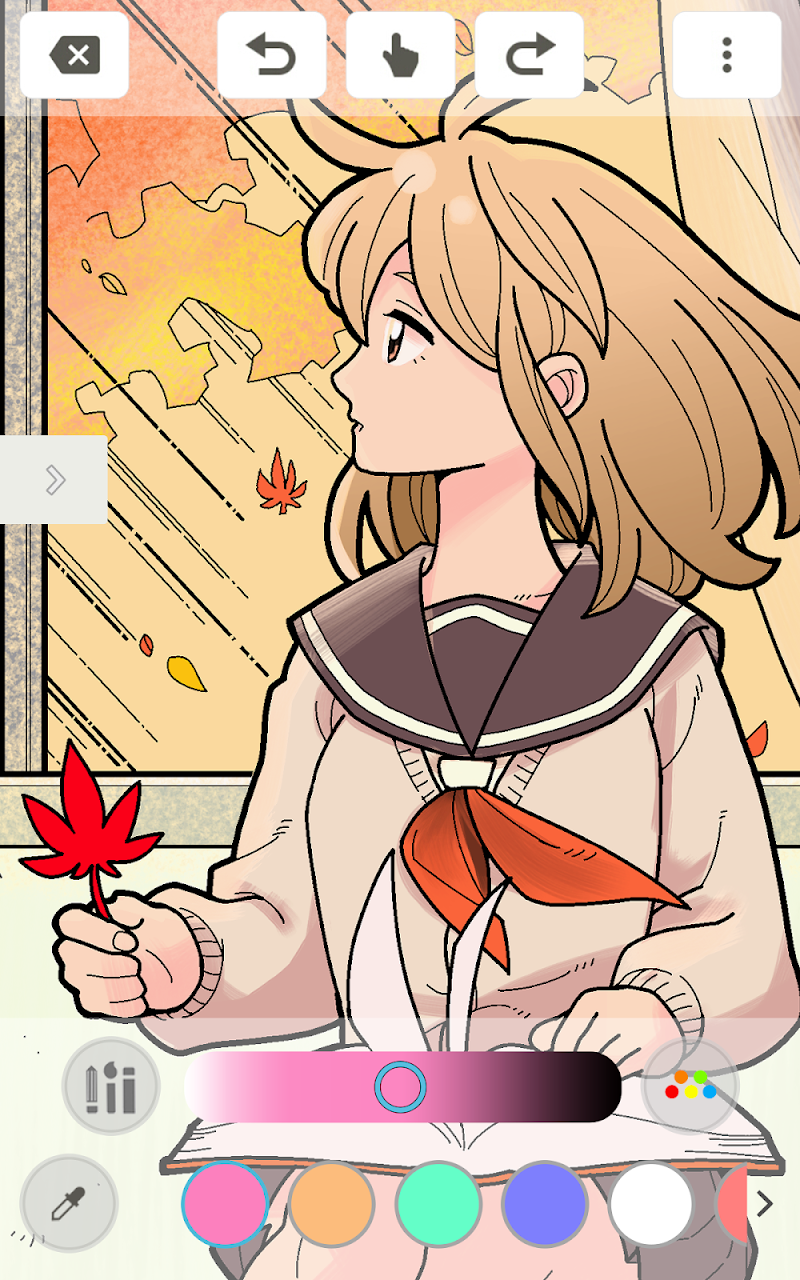
MediBang Colors coloring book stands out with free coloring pages for adults and MediBang character art, plus the option to make your own pages. On a first open, you can browse images, start coloring right away, or build a new sheet from scratch. It is simple to use, with bucket and brush tools for quick, everyday coloring sessions.
- Free coloring pages — Open a growing set of coloring images, including adult-friendly pages and character art made for MediBang users.
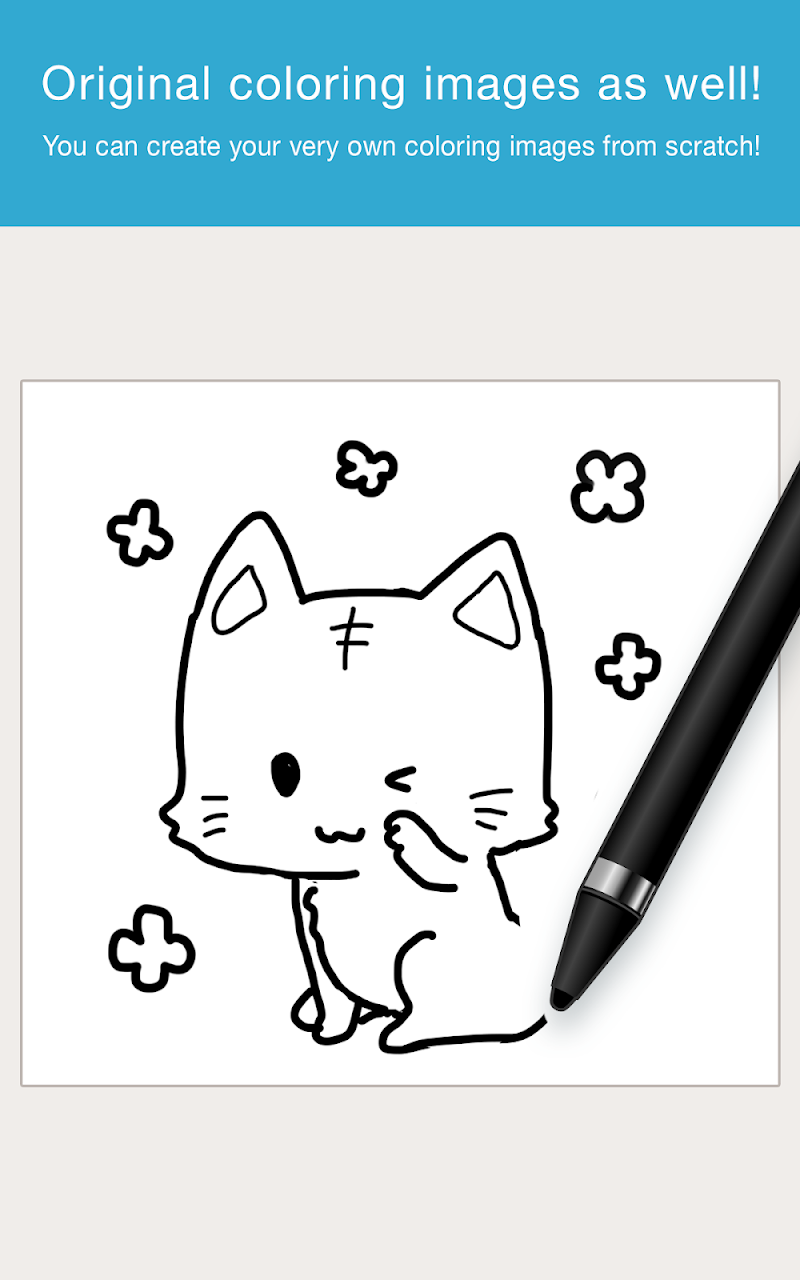
- Make your own sheets — Create coloring images from scratch when you want something custom instead of a ready-made page.
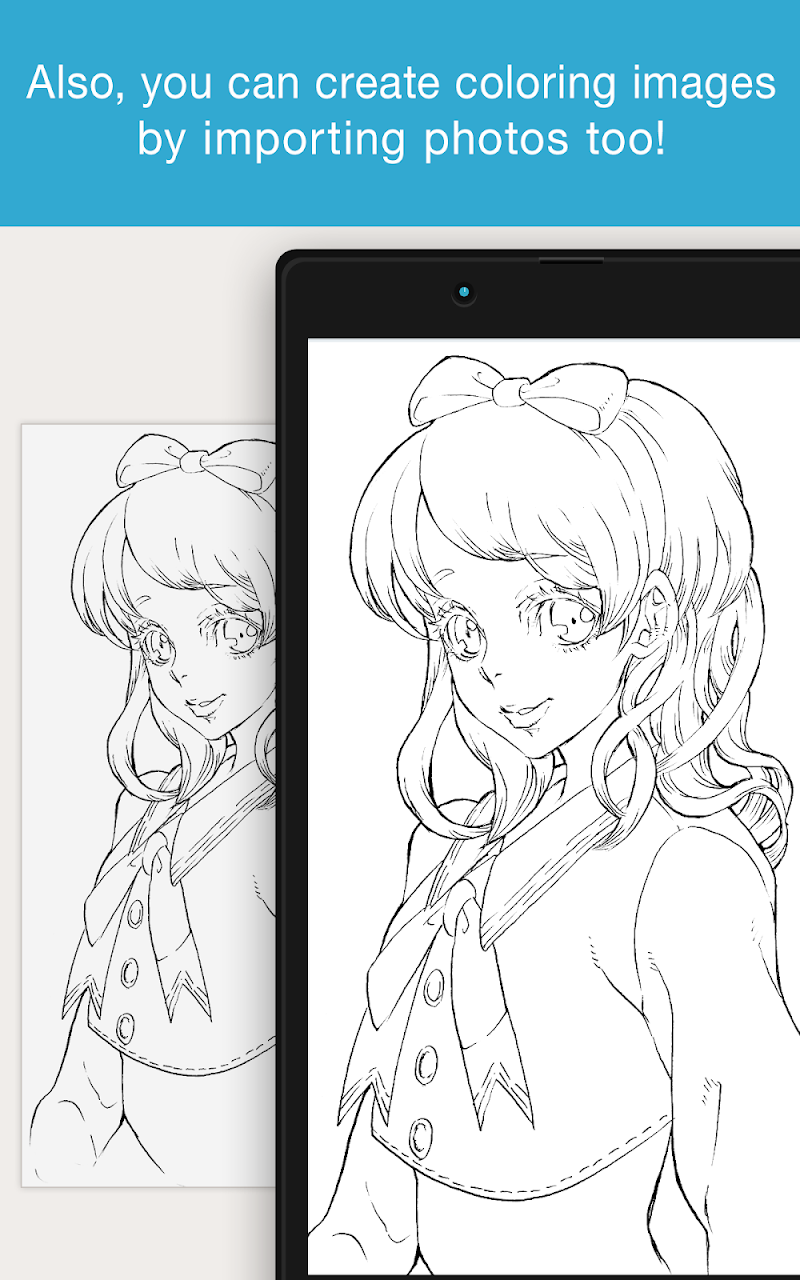
- Import photos — Turn a photo into a coloring image and start working from a picture you already have.
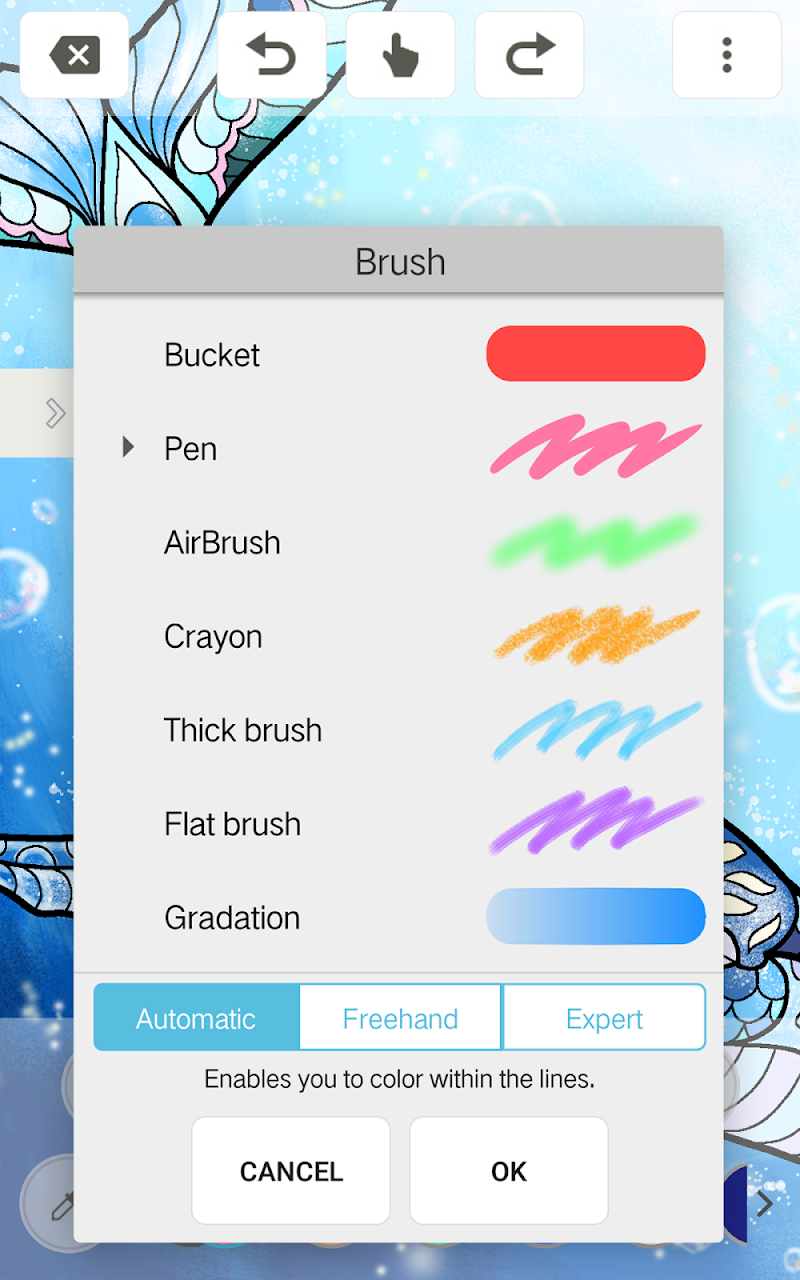
- Brush and bucket tools — Use simple brush and bucket tools to fill areas and add color without a steep learning curve.
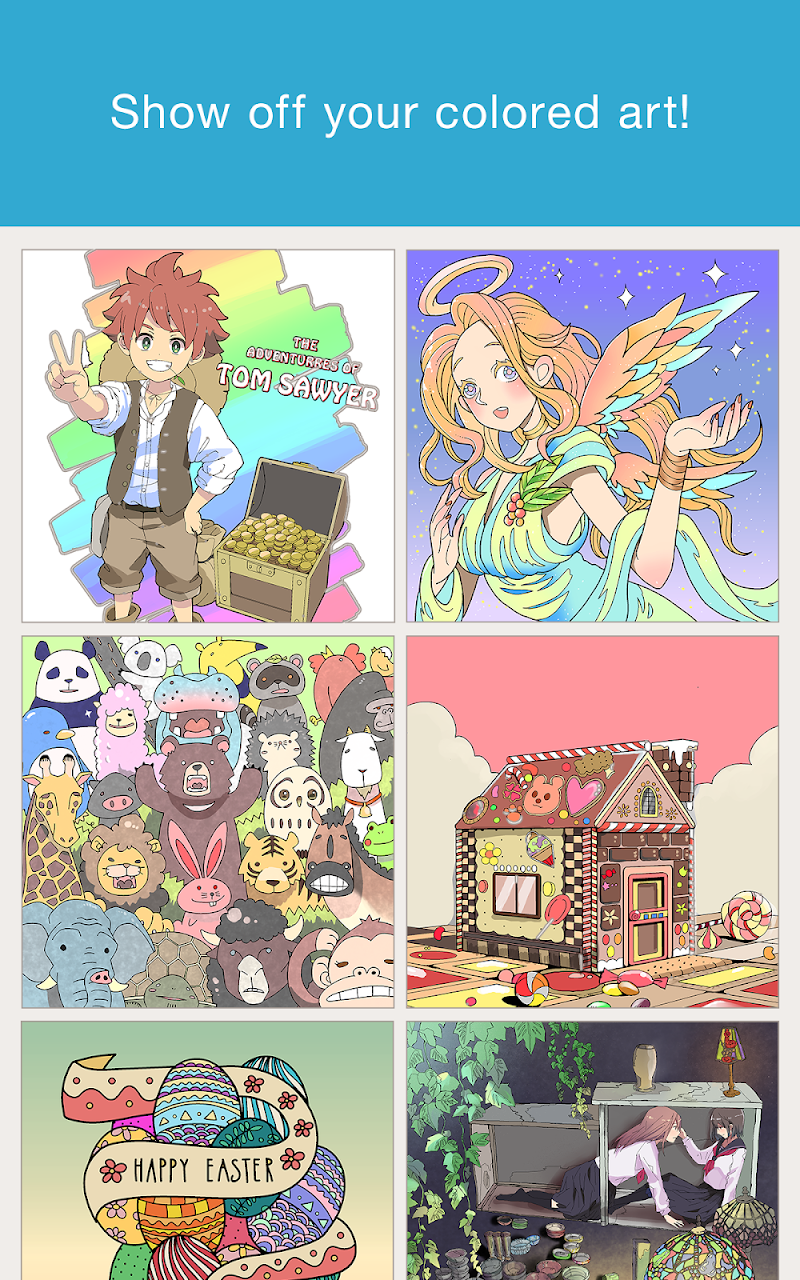
- Share finished work — Post your completed coloring pages in the app or share them on social media.
First launch: pick a page or start from scratch
When you open MediBang Colors coloring book for the first time, you can jump straight into coloring or create a new page yourself. The app includes free coloring images for adults and MediBang character images, so there is no need to draw from a blank canvas unless you want to. It is designed for people who want a simple way to color without needing advanced art skills.
Coloring pages, brush fills, and custom images
The main screen flow is practical: choose an image, zoom in on the parts you want to color, and use the bucket or brush tools to fill spaces. The app also lets you make coloring images from scratch. If you already have a photo, you can import it and turn it into a coloring sheet instead of starting with a preset page.
Sharing your finished work
Once a page is done, you can show it inside the app or share it on social media. That makes it easy to move from coloring to posting without switching to another editor. A recent update fixed a posting bug, so sharing is part of the app’s day-to-day use.
Practical tips for a first day
- Start with a ready-made image if you want to learn the tools first.
- Use the bucket tool for larger areas and the brush for smaller details.
- Try importing a photo if you want a custom page instead of a preset design.
- Check the app’s free content before looking for extras, since there are no in-app purchases.
- Expect ads, since the app is free and contains advertisements.
Requirements and install details
MediBang Colors coloring book is a free APK app for Android, with an APK size of 31.1 MB. It works on devices running Android API 17 or later, and it uses the universal file format. The app has no listed permissions, so there is nothing extra to approve during setup.
What's new
Version 1.4 · Nov 10, 2026
- Fixed a bug that cannot be posted
APK information
- Version
- 1.4
- Package
- com.medibang.android.colors
- Category
- Art & Design
- Size
- 31 MB
- Min Android
- API 17
- Architecture
- universal
Older versions
-
MediBang Colors coloring book 1.4Nov 10, 2026Latest downloadAPK
MediBang Colors coloring book FAQ
Can MediBang Colors coloring book edit RAW photos?expand_more
It can import photos to make coloring images, but it does not list RAW photo editing.
Does MediBang Colors coloring book work offline?expand_more
That is not specified. The app does include free coloring images, custom creation tools, and sharing features.
Who develops MediBang Colors coloring book?expand_more
MediBang Colors coloring book is developed by MediBang Inc.
Can I install MediBang Colors coloring book without Google Play?expand_more
It is available as an APK file, so it can be installed outside Google Play if your device allows APK installs.
Can I share my finished coloring pages?expand_more
Yes. You can show finished work in the app or share it on social media.