- 3.8star98,814 reviews
- 1B+Downloads
- 16 MBAPK size
- EveryoneRated for Everyone
- 12+Android
check_circleOriginal APK from ColorOS · Updated Nov 11, 2026
No threats found
0 / — antivirus engines flagged this file
Original signature
First seen — ColorOS
Unmodified APK
Same file the developer published — no mods
My Files screenshots
8 images · tap to enlarge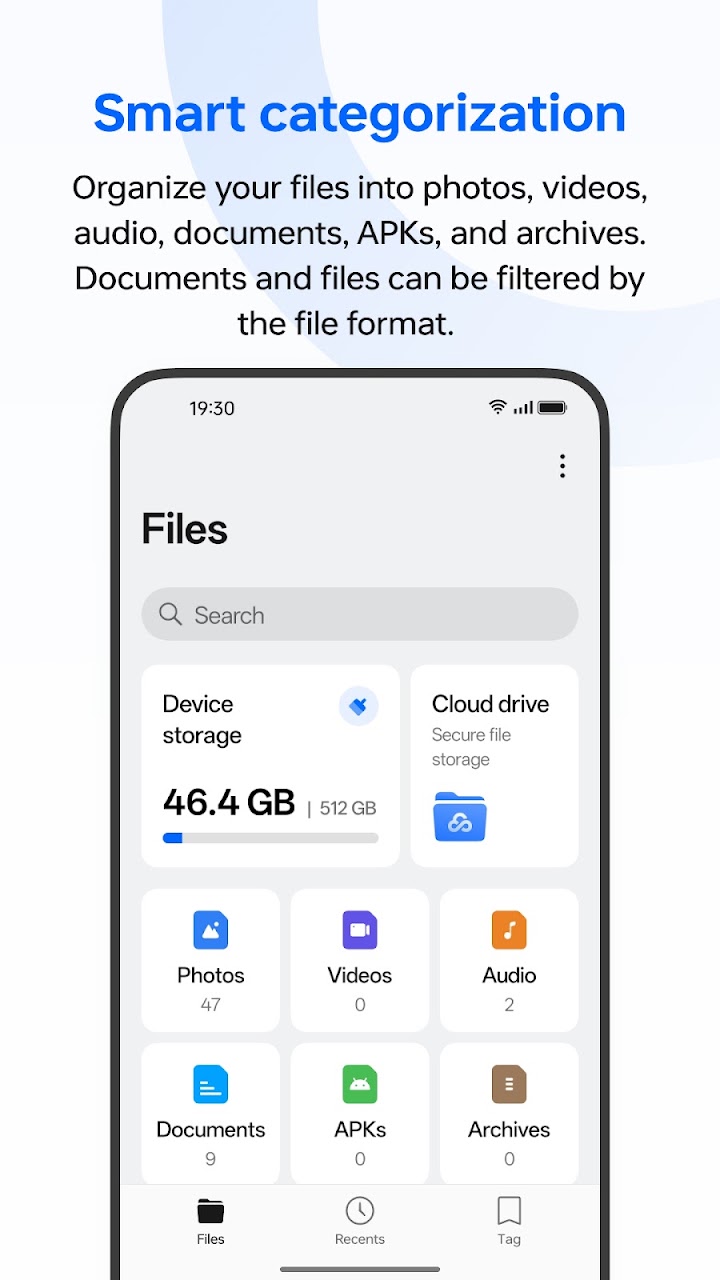
About this app
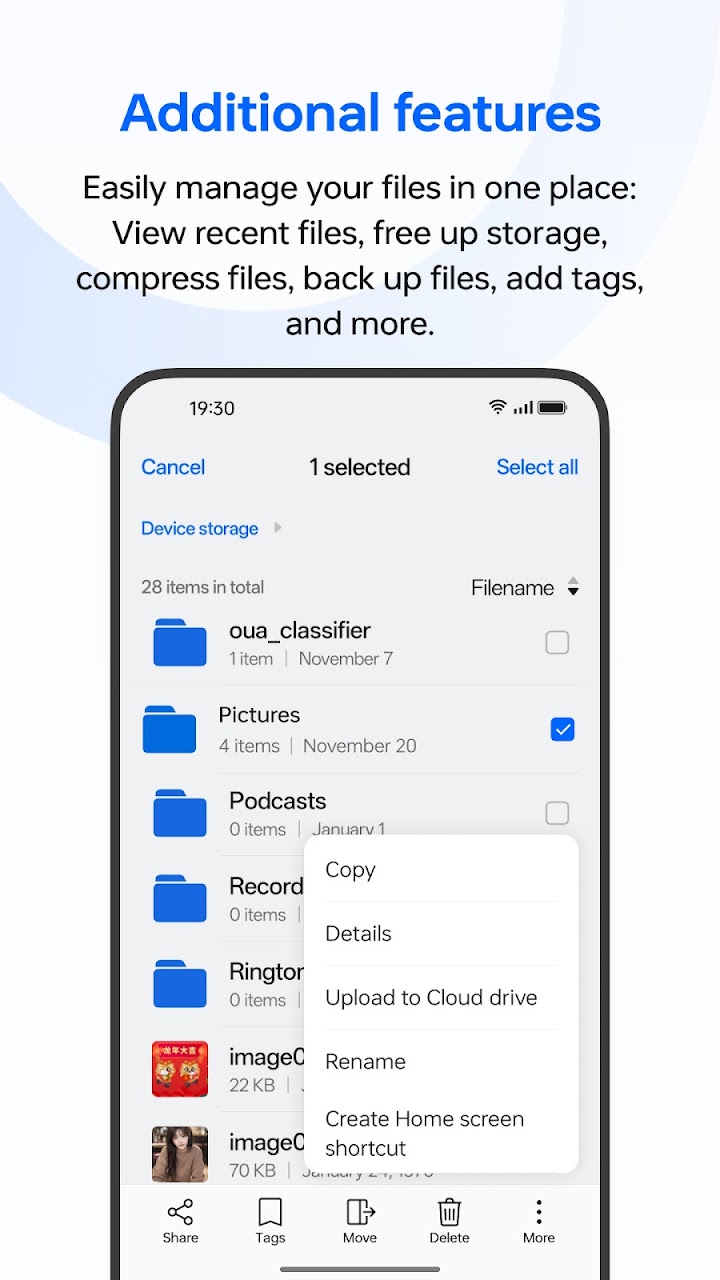
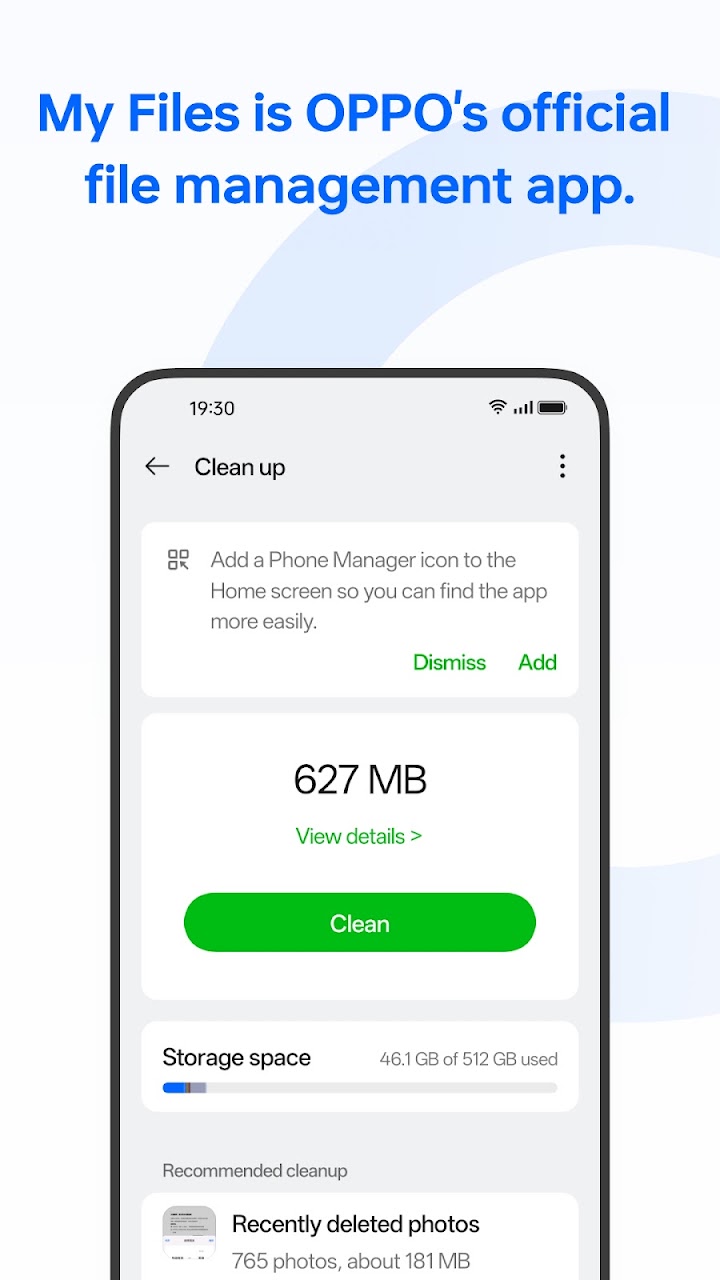
ColorOS makes My Files, an official file management app for OPPO phones. It is built for the everyday moment when downloads, camera shots, documents, and APKs start piling up and you want them sorted without digging through folders. It keeps files in one place, with search filters and storage tools that help you find, clean up, and organize quickly.
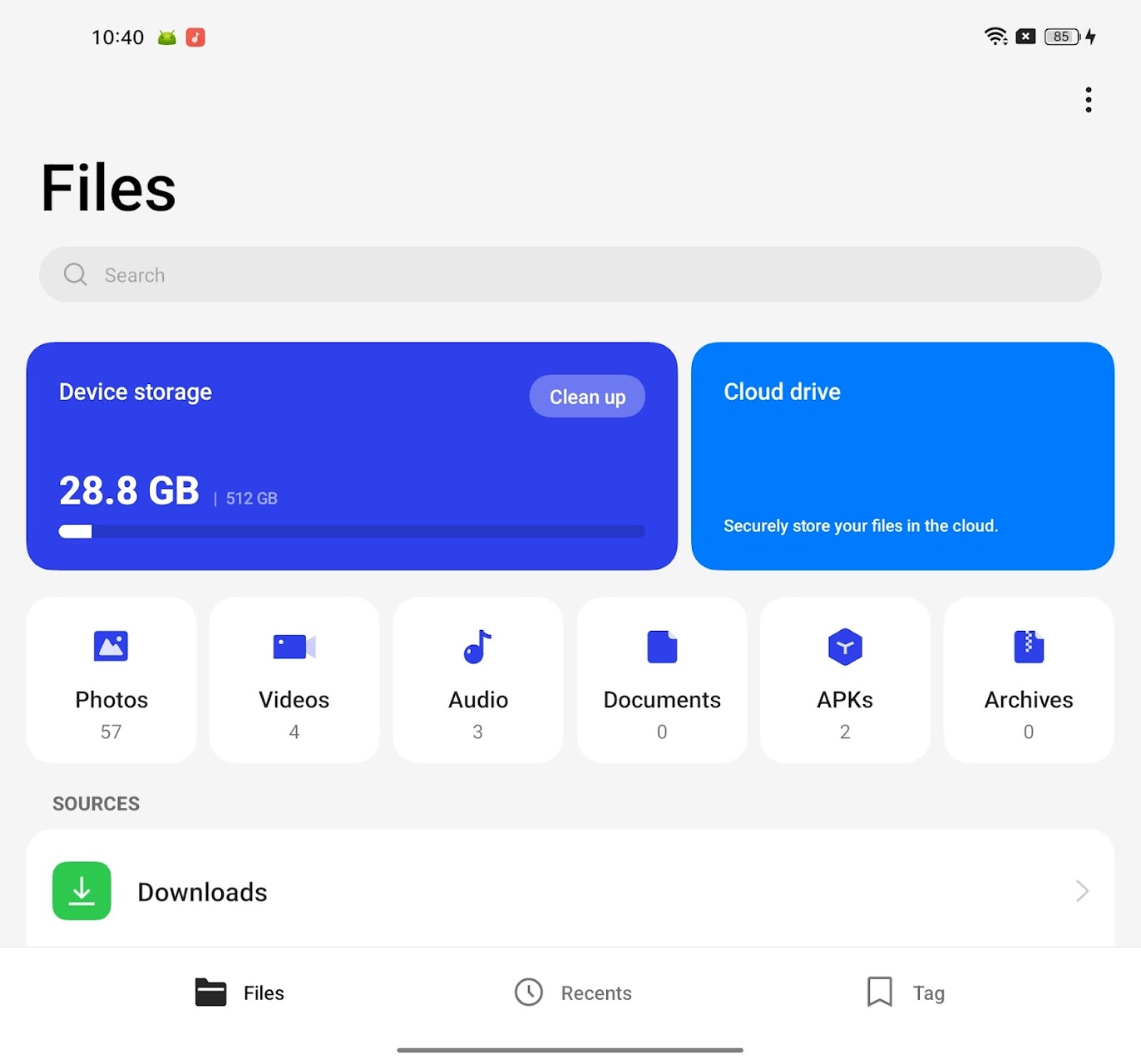
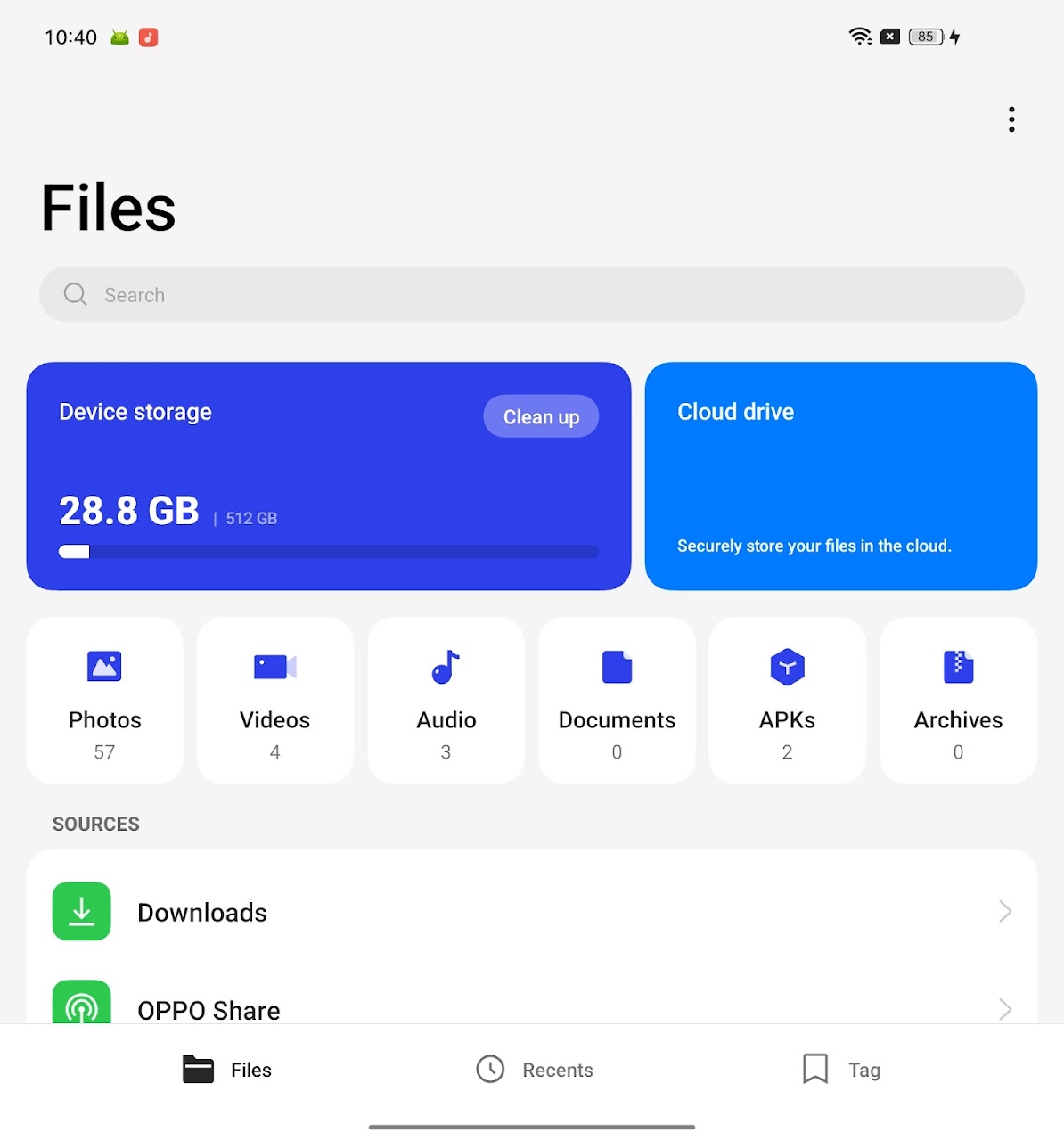
- Smart file categories — My Files groups content into photos, videos, audio, documents, APKs, and archives.
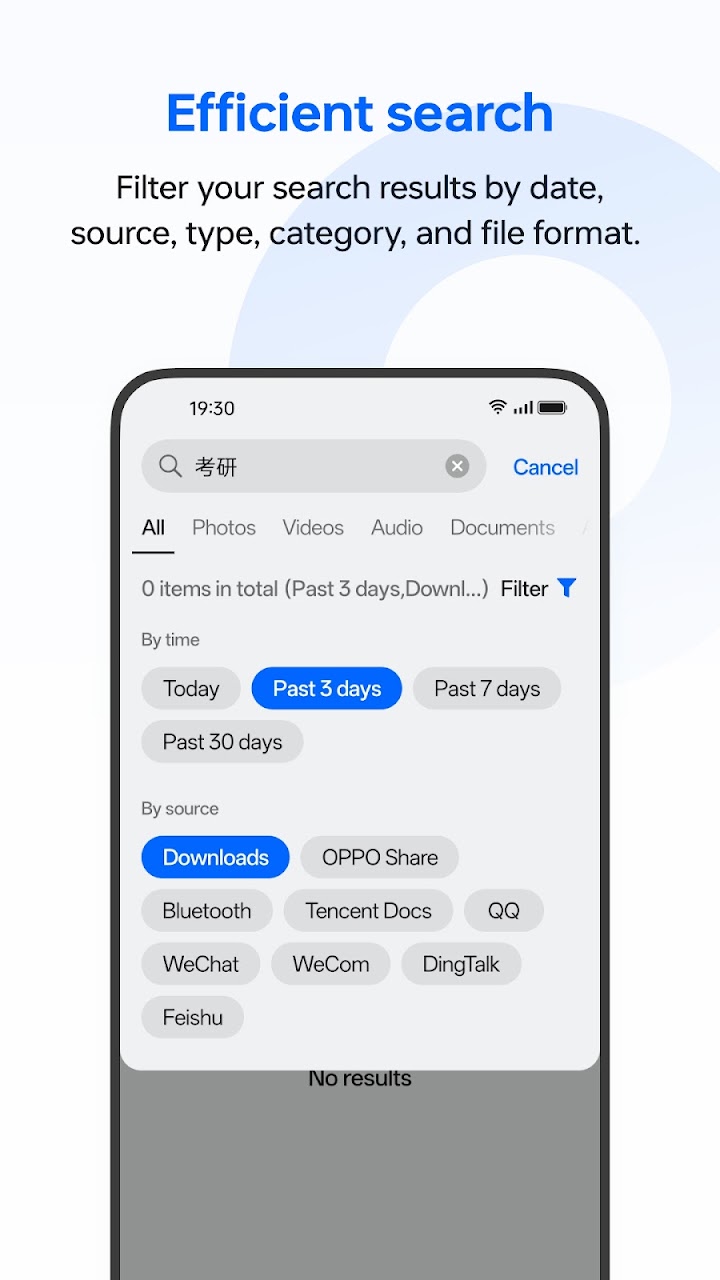
- Filtered search — You can narrow searches by date, source, type, category, and file format.
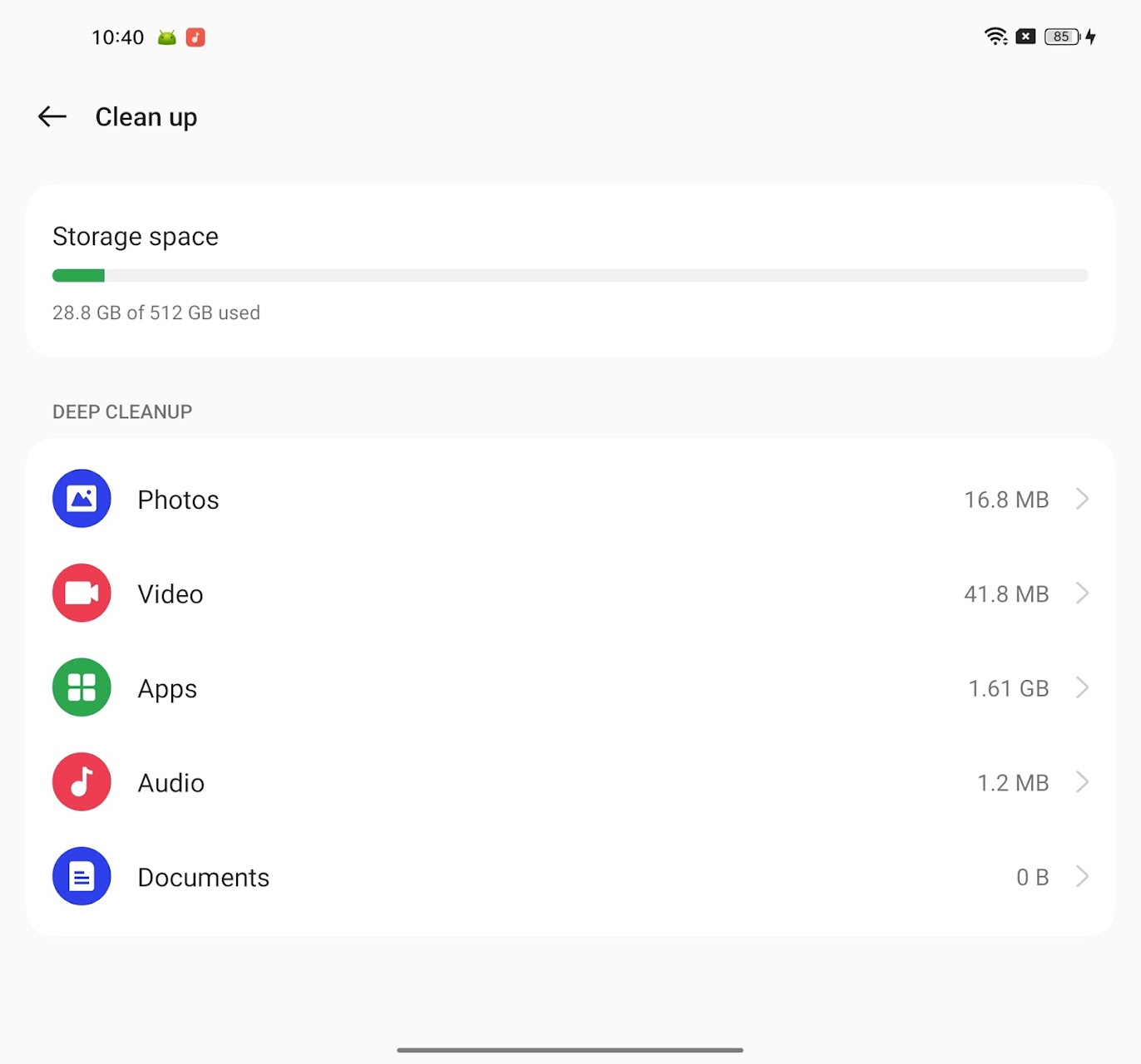
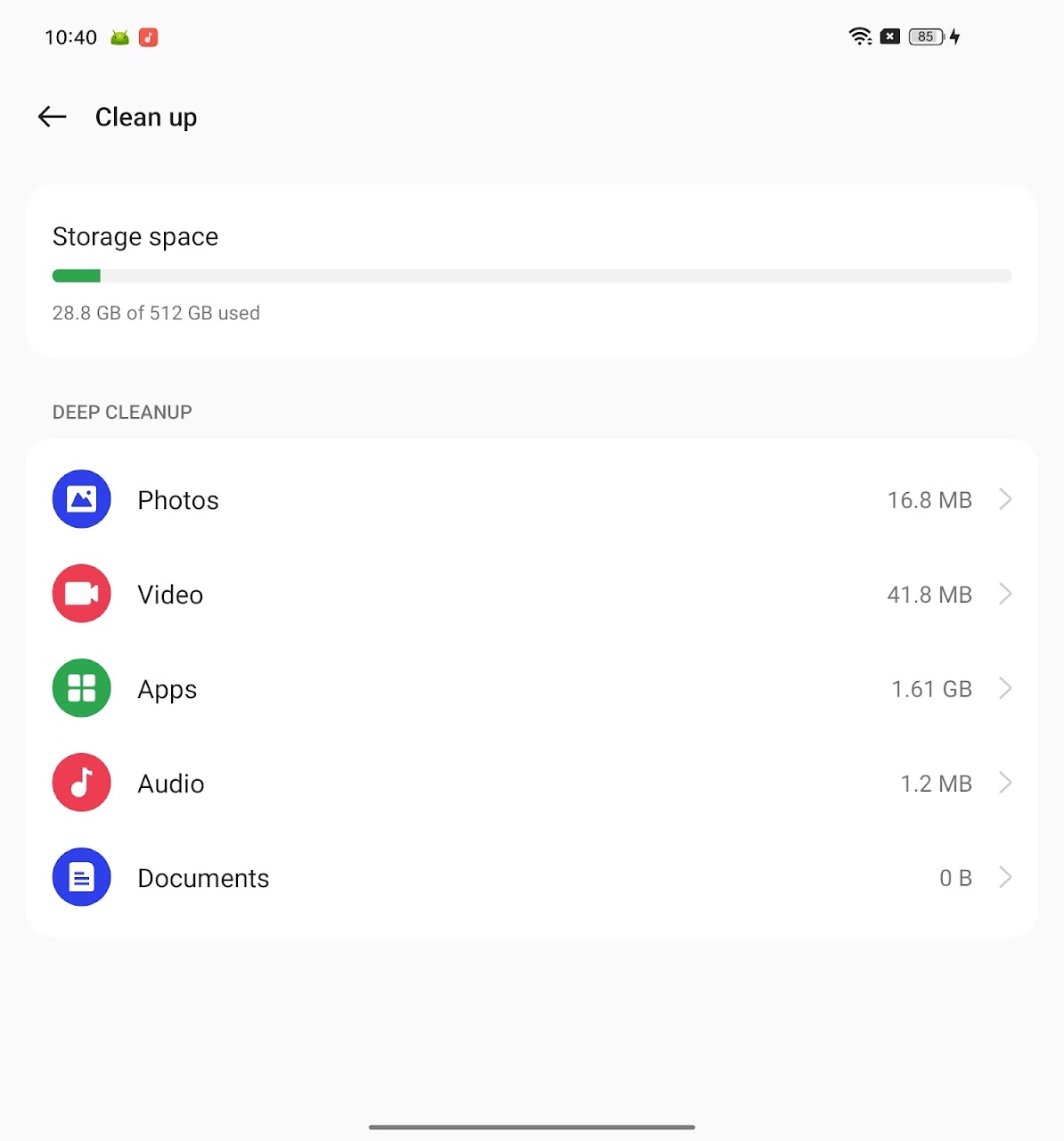
- Storage tools — The app includes recent files, storage cleanup, compression, backup, and tagging tools.
- Official OPPO app — It is OPPO's official file management app from ColorOS.
- Free to use — The app is free, but it contains ads and does not offer in-app purchases.
Sorting files without the hunt
My Files is built for the moment when your phone has become a catch-all for screenshots, downloads, voice clips, and documents. Instead of making you browse folder by folder, it sorts content into photos, videos, audio, documents, APKs, and archives. If you are trying to find a file on a long train ride or clear out storage before a trip, that structure is the main appeal.
Search that narrows the pile
The search tools go beyond a simple filename box. You can filter results by date, source, type, category, and file format, which makes it easier to track down one attachment or a recent download. The app also lets you view recent files, compress files, back up files, and add tags, so the same screen can cover both finding and tidying.
What you get, and what to watch
- Get: category-based file sorting, filtered search, recent files, compression, backup, and tags.
- Get: a free app from ColorOS with no in-app purchases.
- Watch for: ads inside the app.
- Watch for: it needs Android 12 or later and comes as a 15.7 MB APK.
How it compares in daily use
Compared with a plain file browser, My Files leans into quick organization and search filters rather than a bare folder view. That can make it easier to manage a busy phone, especially when you want to find a document by file format or clean up a batch of recent items. The tradeoff is straightforward: the app is free, but ads are part of the experience.
Should you install it?
If you use an OPPO phone and want a file manager that puts categories and search filters up front, My Files fits that job well. It asks for no listed permissions and does not require in-app purchases. For users who mainly want simple file browsing, it may feel more feature-rich than necessary, but for sorting and locating files fast, it is focused and practical.
APK information
- Version
- 14.8.12
- Package
- com.coloros.filemanager
- Category
- Tools
- Size
- 16 MB
- Min Android
- 12
- Architecture
- universal
Older versions
-
My Files 14.8.12Nov 11, 2026Latest downloadAPK
My Files FAQ
Does My Files drain the battery?expand_more
There is no battery-use detail listed for My Files.
Does My Files need root?expand_more
No root requirement is listed for My Files.
What is the difference between the APK and the Play Store version of My Files?expand_more
The app is listed as an APK, and its Play listing describes the same official OPPO file management app. The available details do not show any separate feature difference.
Does My Files show ads?expand_more
Yes. My Files contains ads.
How much storage does My Files take?expand_more
The APK size is 15.7 MB.