- 4.2star312 reviews
- 100K+Downloads
- 30 MBAPK size
- EveryoneRated for Everyone
- API 16+Android
check_circleOriginal APK from 3D Mannequins · Updated Nov 14, 2026
No threats found
0 / — antivirus engines flagged this file
Original signature
First seen — 3D Mannequins
Unmodified APK
Same file the developer published — no mods
Orca Mannequin screenshots
8 images · tap to enlarge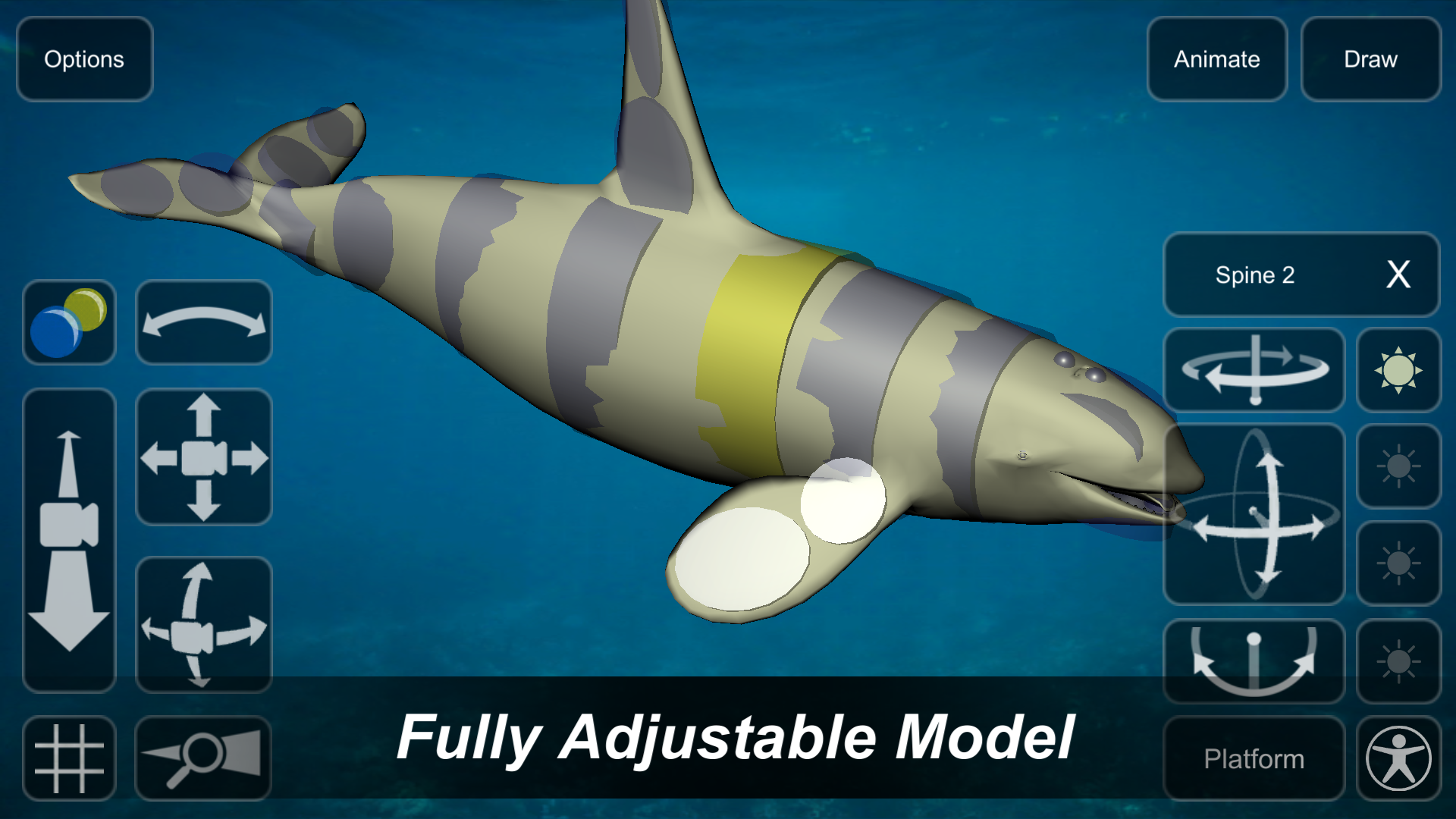
About this app
3D Mannequins made Orca Mannequin for artists who need a poseable killer whale reference. It lets you place an orca in different positions, switch on animations, and adjust the view for drawing. The app is free to try, with in-app purchases for extra skins and animations.
- Pose the orca — Select individual bones to change the whale’s position and build the pose you want.
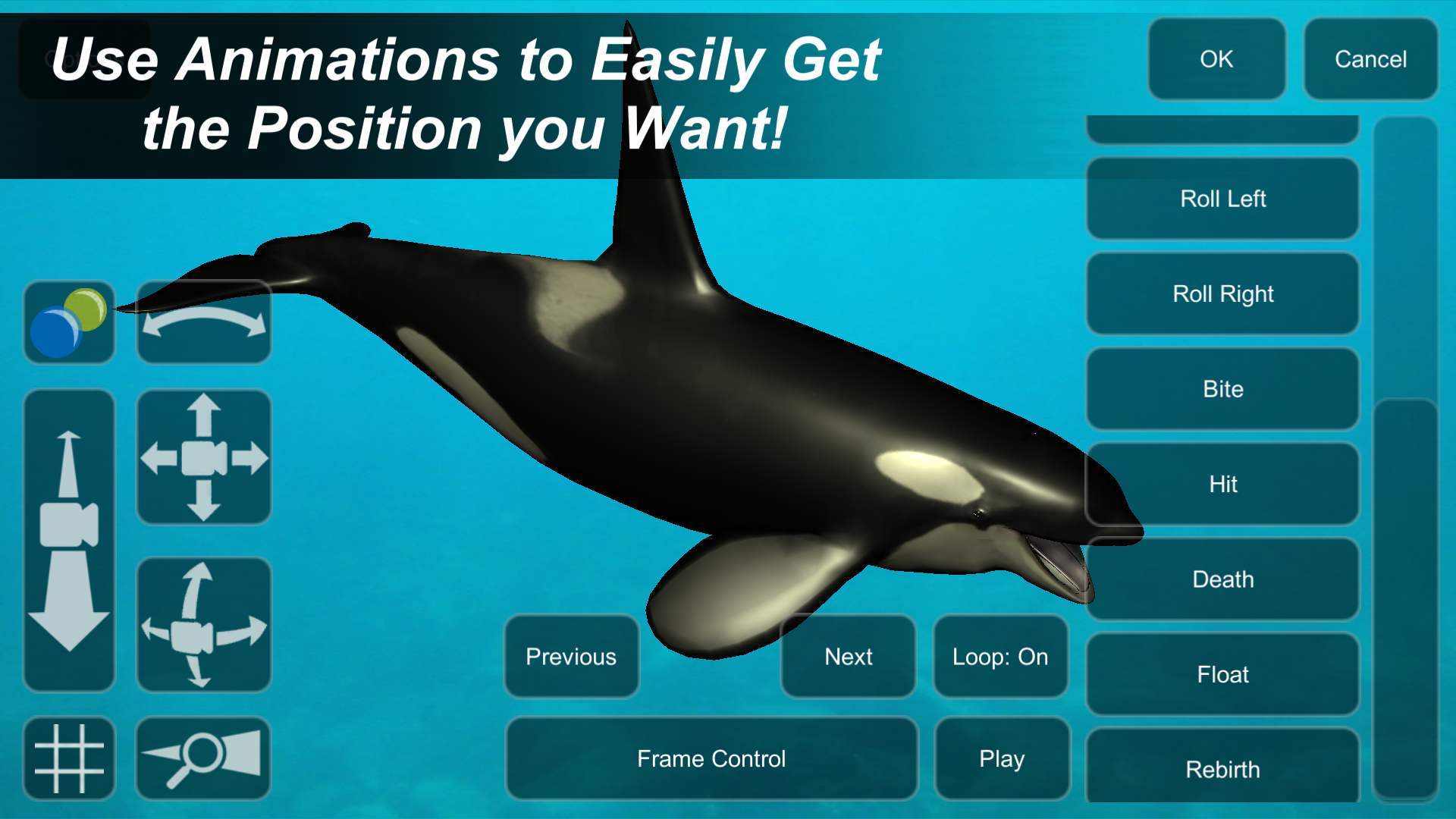
- Use movement presets — Pick from natural animations and actions to get a reference pose faster.
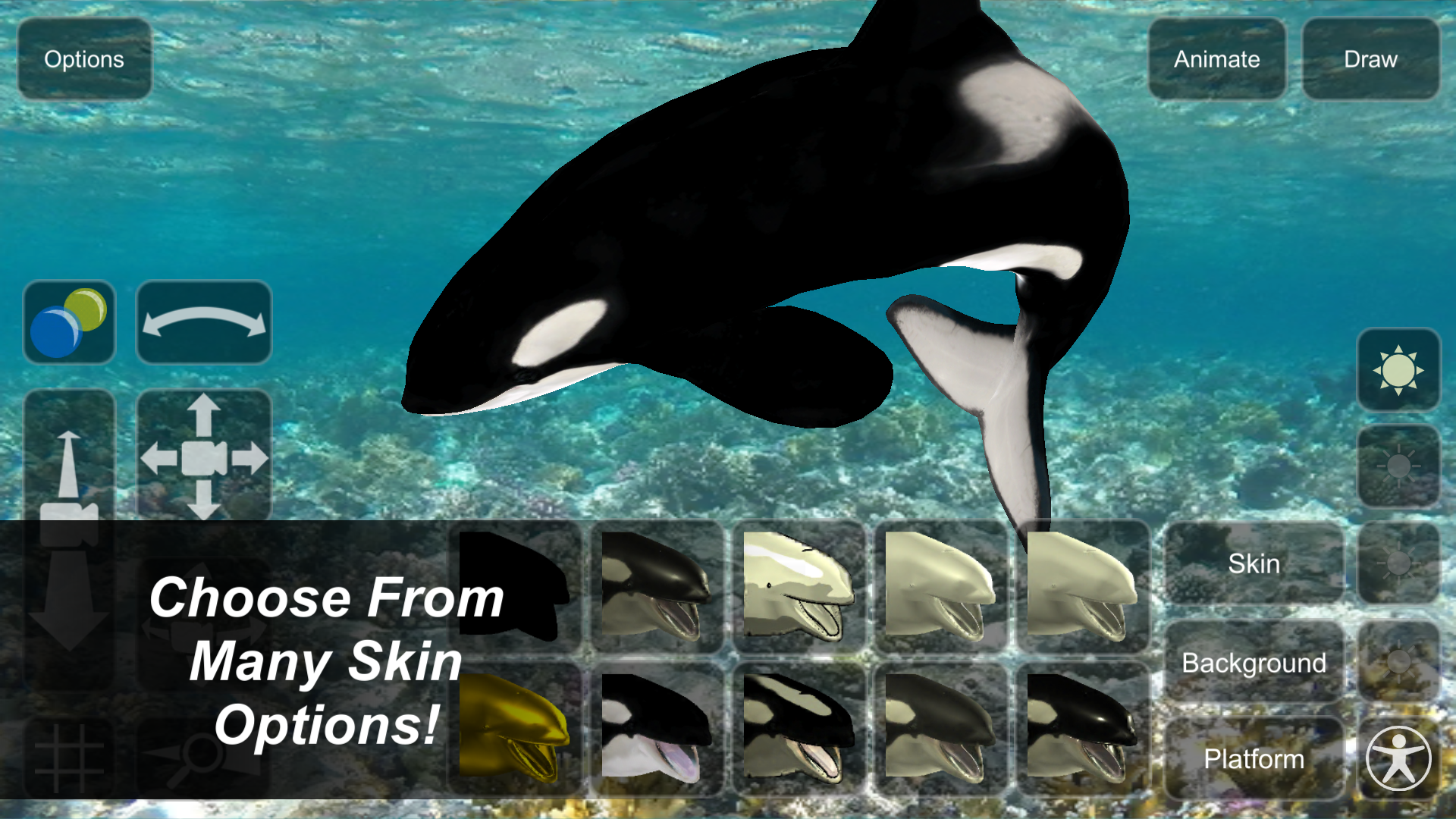
- Add skins — Use skins to add detail and make the model look more realistic in your drawing setup.
- Control the view — Adjust zoom, distance, and field of view to frame the orca from the angle you need.
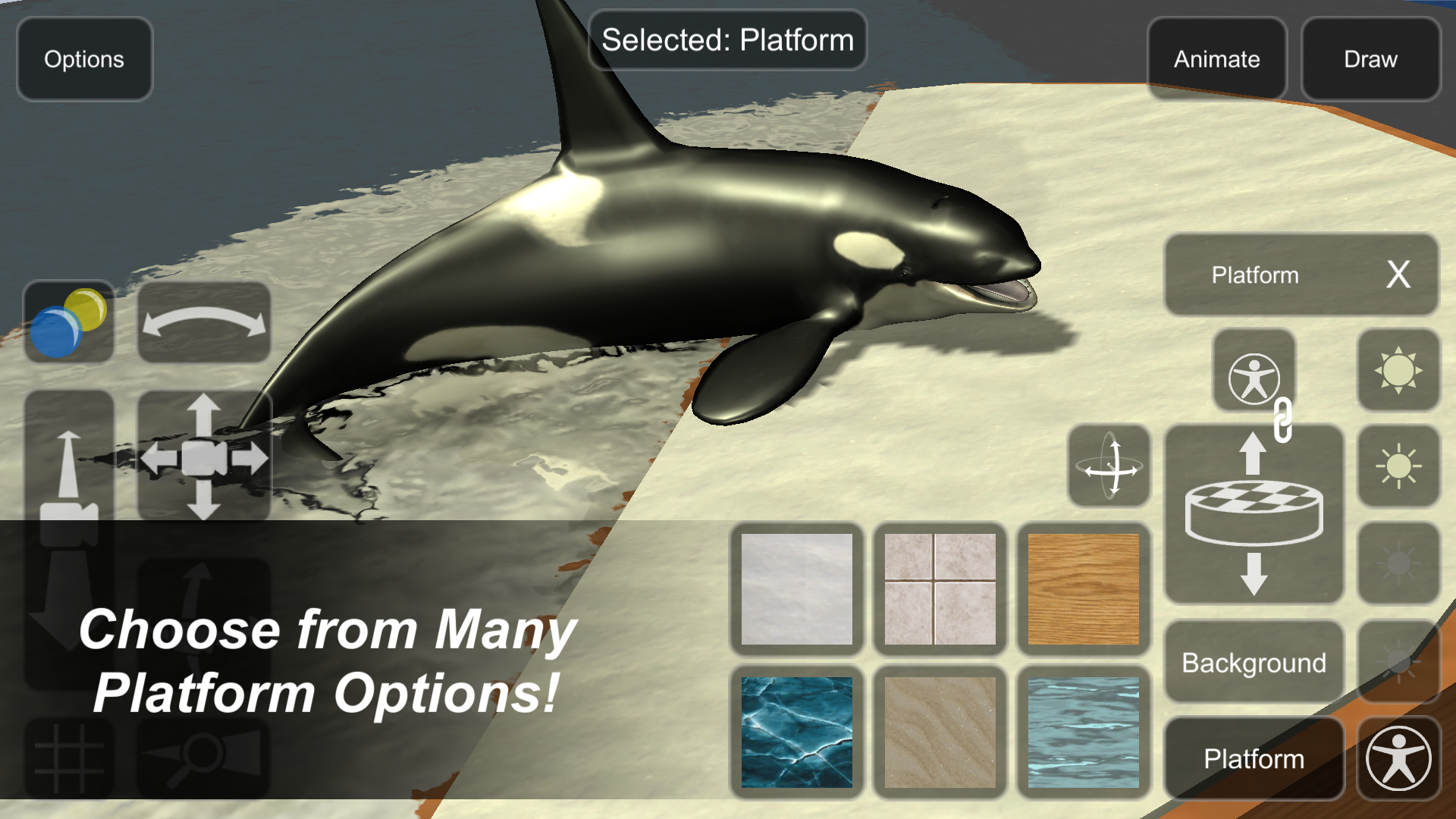
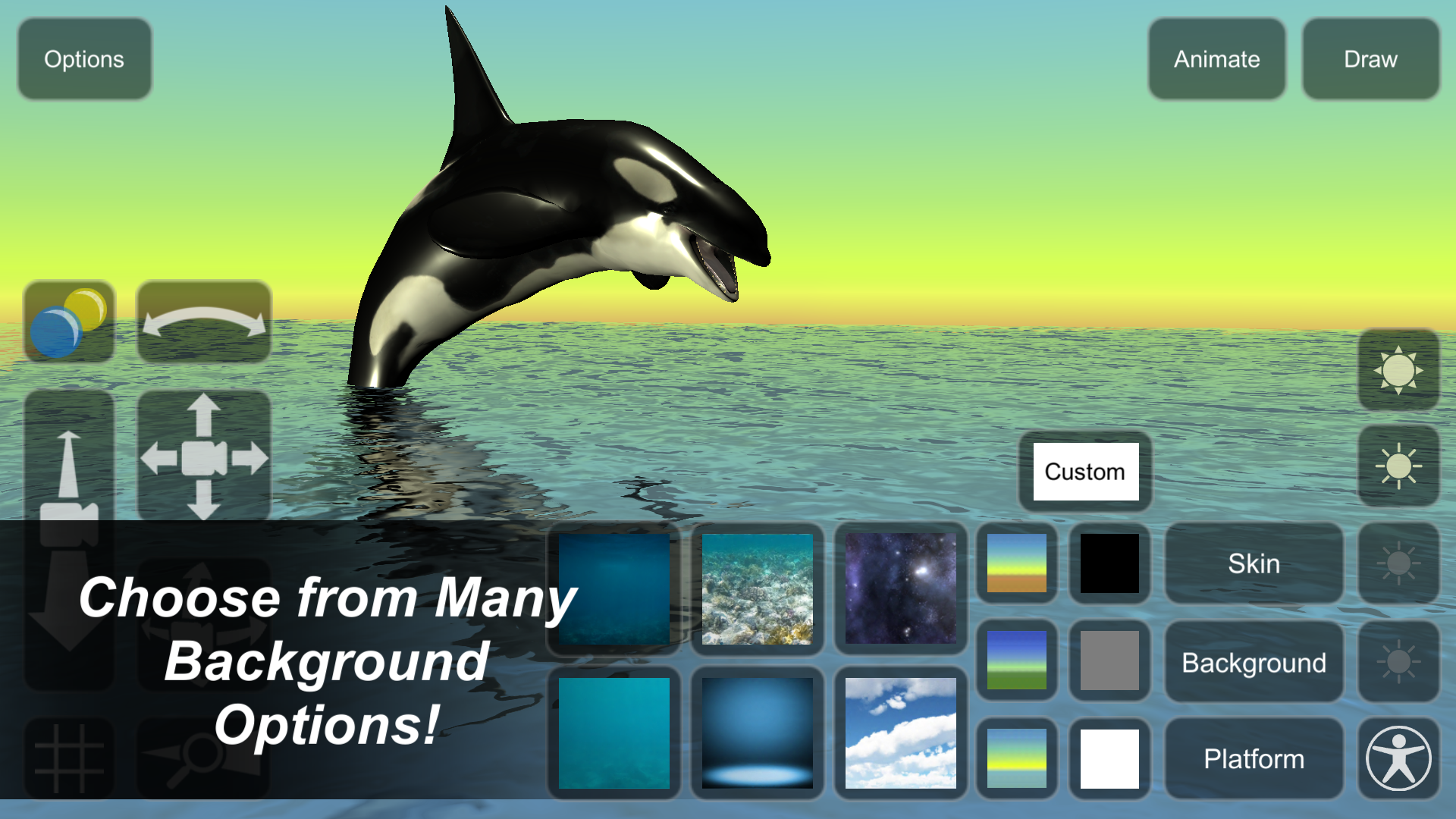
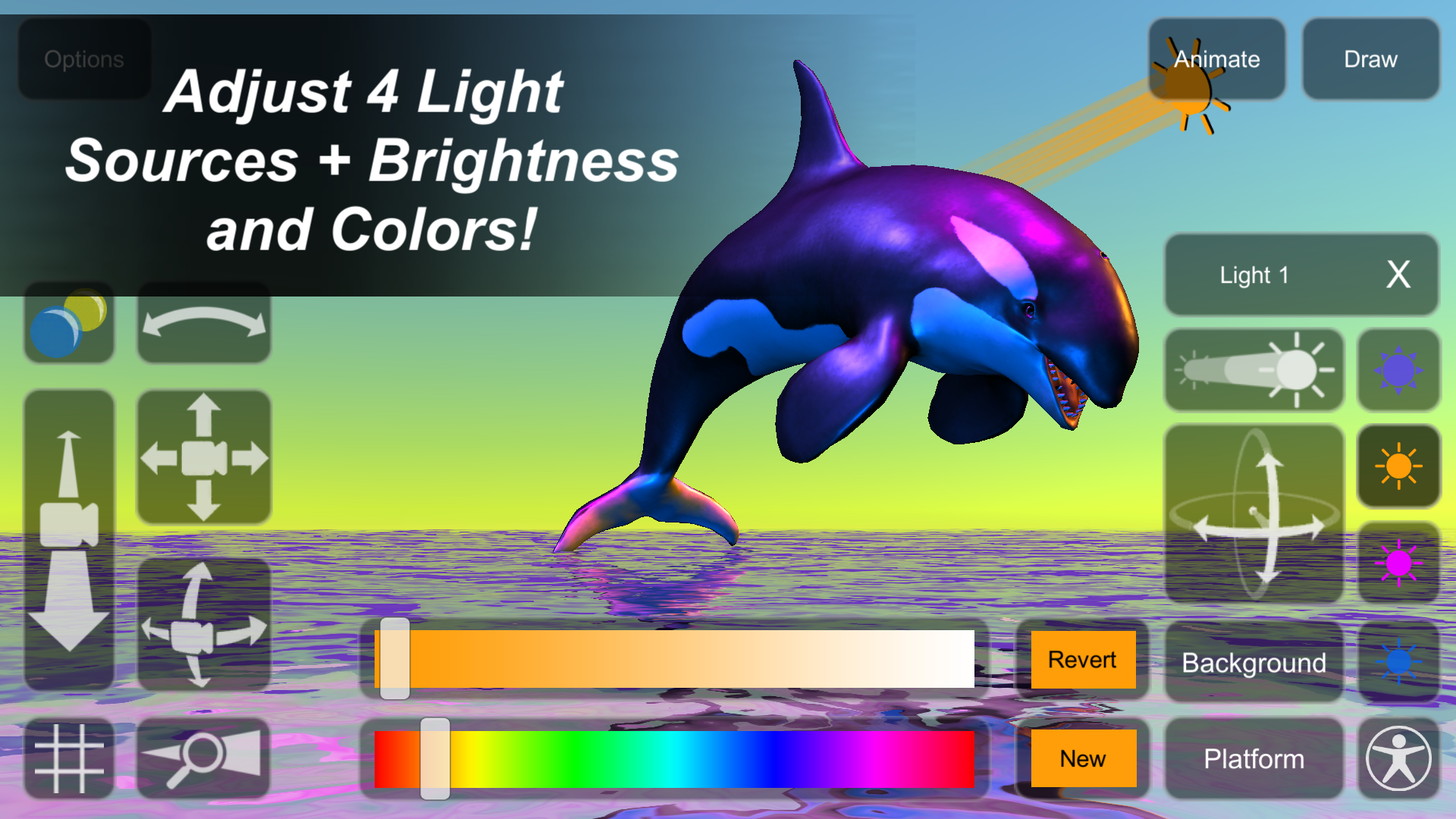
- Set your scene — Choose the background, platform style, and up to four lights with angle, color, and brightness controls.
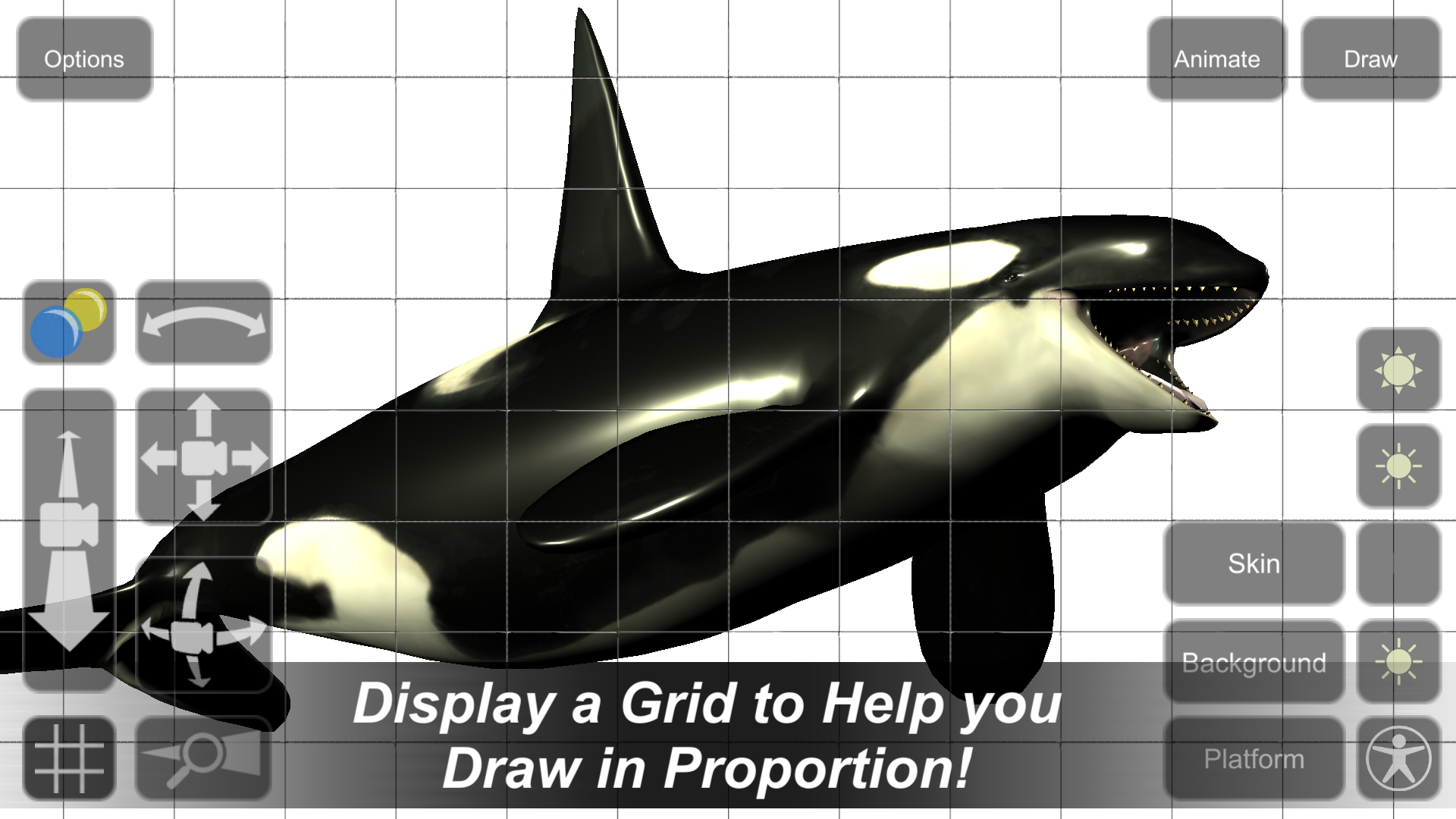
- Draw with guides — Turn on a grid to help keep proportions steady while you sketch.
Pose a killer whale frame by frame
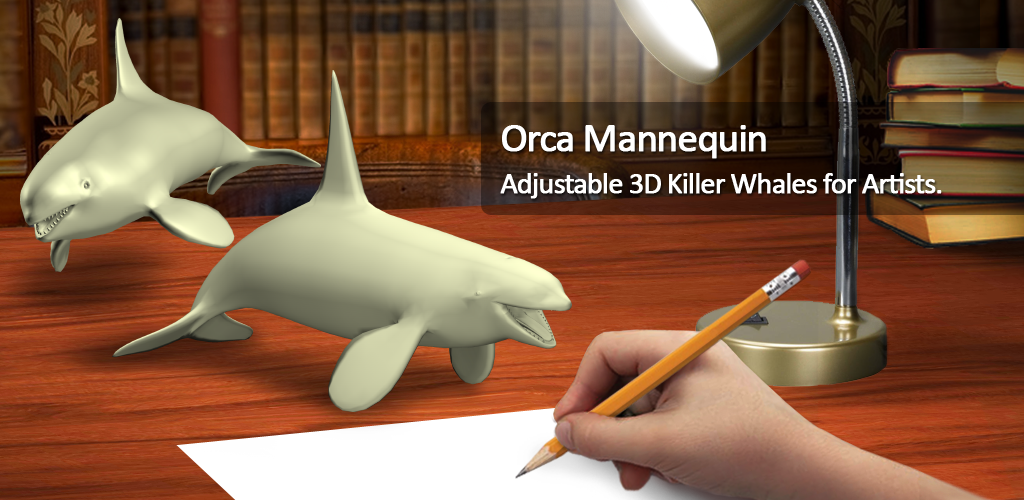
Orca Mannequin is built around a 3D killer whale that you can shape for drawing. Move individual bones to set the body angle, head position, and tail direction. For a quick start, use the built-in animations and actions to find a natural pose, then fine-tune it for your sketch.
Change the look of the reference
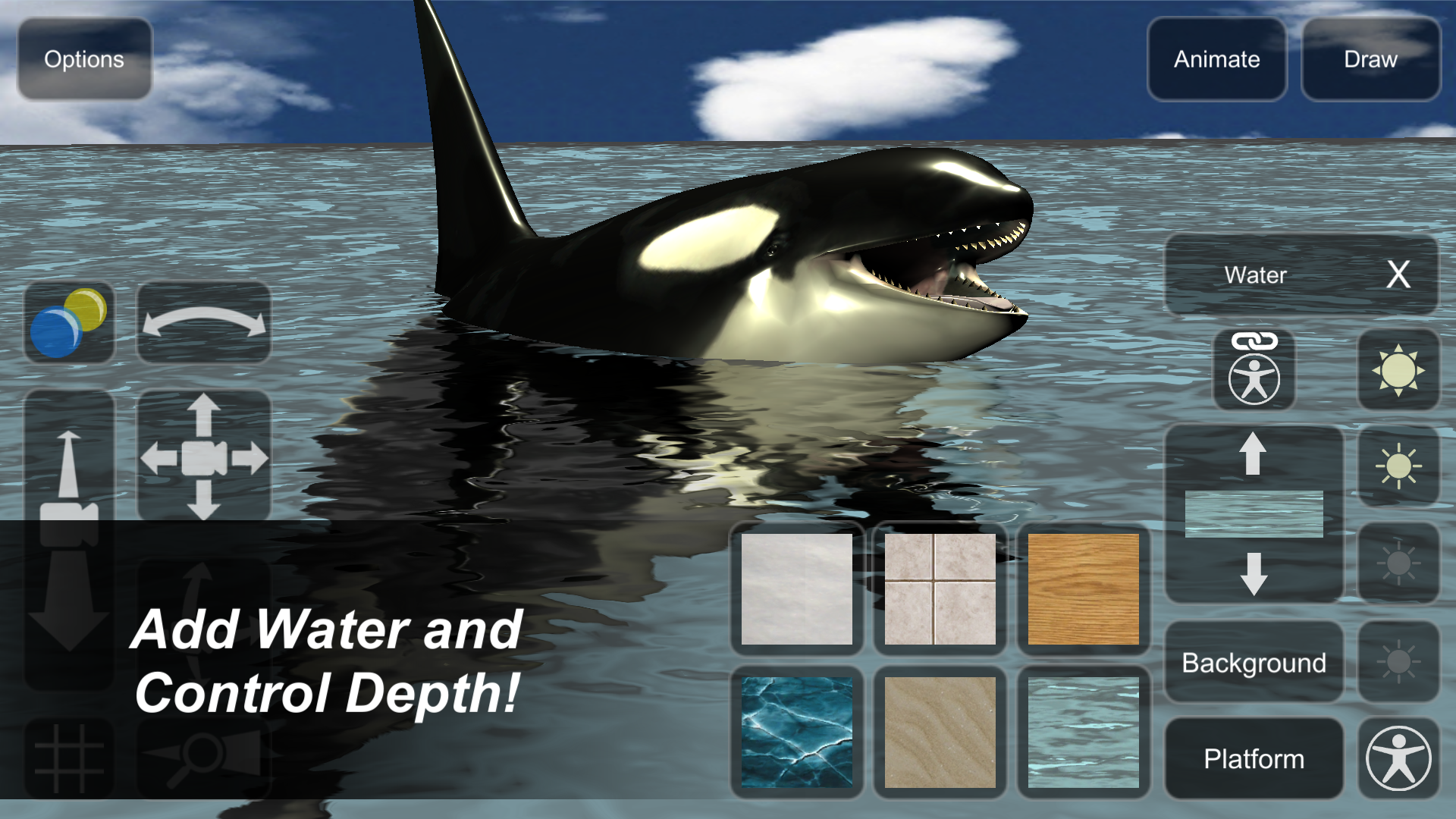
The app includes skins for added detail and realism. You can also change the background and platform style, which helps when you want a clean studio look or a simpler reference scene. These controls keep the model focused on the pose you want to study.
Adjust the camera and lights
Camera controls let you change zoom, distance, and field of view. That makes it easier to match the angle of your drawing. You can also set four lights and adjust each one’s angle, color, and brightness. Use the grid when you want help keeping the whale in proportion.
Try it before you unlock extras
The app is free to try, and in-app purchases unlock skins and more animations. It is an APK in 30.2 MB and needs Android 4.1 (API 16) or higher. Before installing, check that your device has enough space and supports the required Android version.
- Developer: 3D Mannequins
- Category: Art & Design
- Content rating: Everyone
What's new
Version 1.0 · Nov 14, 2026
- First version of Orca Mannequin!
APK information
- Version
- 1.0
- Package
- com.apps3DMannequins.OrcaMannequin
- Category
- Art & Design
- Size
- 30 MB
- Min Android
- API 16
- Architecture
- armeabi-v7a, x86
Older versions
-
Orca Mannequin 1.0Nov 14, 2026Latest downloadAPK
Orca Mannequin FAQ
Does Orca Mannequin add a watermark?expand_more
The app description does not mention a watermark.
Can Orca Mannequin edit RAW photos?expand_more
No. Orca Mannequin is a 3D pose reference tool for drawing, not a photo editor.
What is the difference between the APK and the Play Store version of Orca Mannequin?expand_more
This page covers the APK file for Orca Mannequin. The app details listed here are for the same version, 1.0, released on 2018-06-27.
Does Orca Mannequin work offline?expand_more
The description does not say whether it works offline.
What can I unlock with in-app purchases?expand_more
In-app purchases unlock skins and more animations.