- 3.9star1,682 reviews
- 1M+Downloads
- 34 MBAPK size
- EveryoneRated for Everyone
- API 16+Android
check_circleOriginal APK from 3D Mannequins · Updated Nov 14, 2026
No threats found
0 / — antivirus engines flagged this file
Original signature
First seen — 3D Mannequins
Unmodified APK
Same file the developer published — no mods
Shark Mannequin screenshots
8 images · tap to enlarge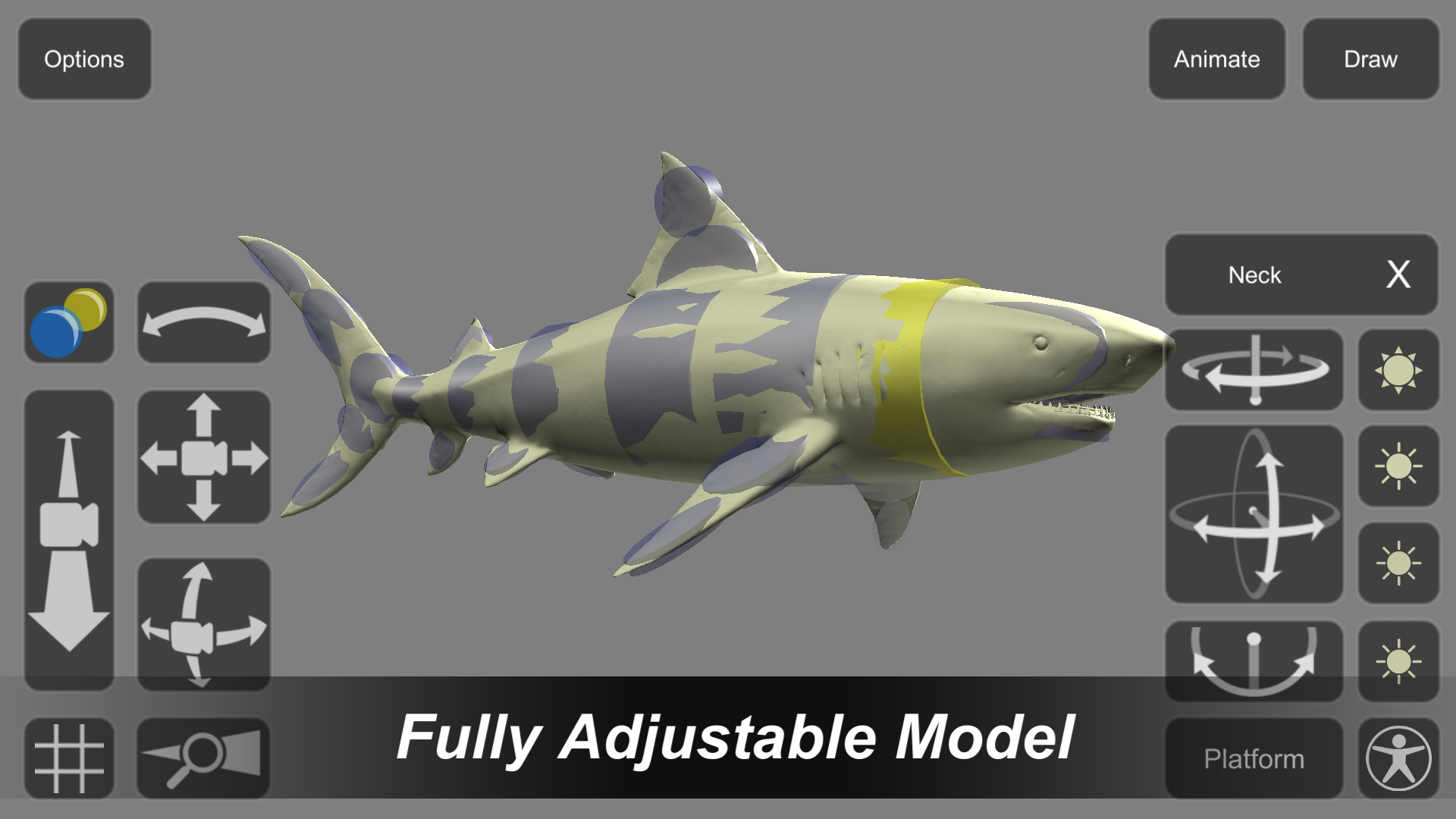
About this app
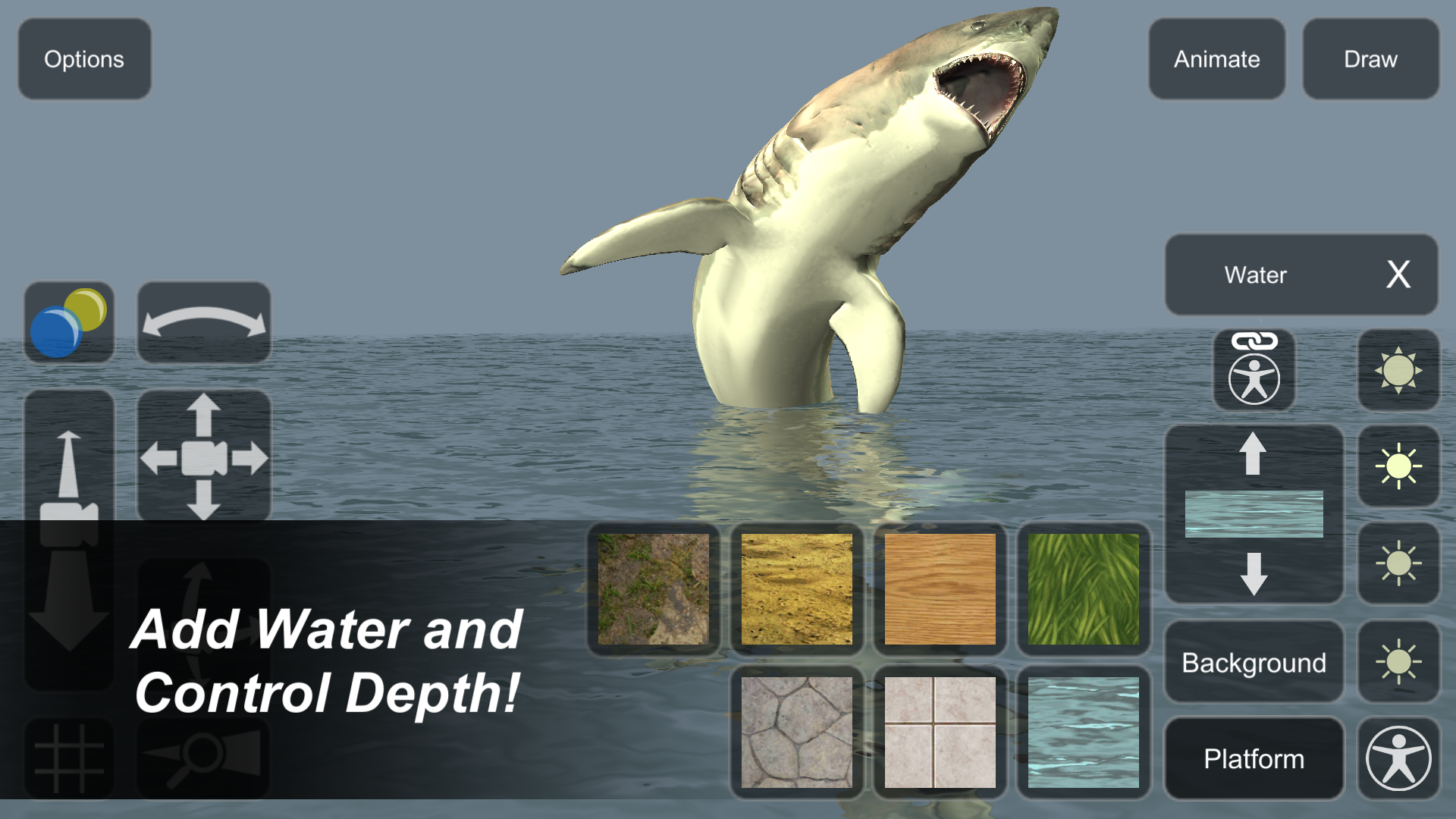
3D Mannequins makes Shark Mannequin for artists who want a shark reference they can pose on screen. It helps when you need a quick sketch setup on a commute, at a desk, or while planning a scene, with selectable bones, camera controls, lighting, and grid tools to shape the pose and view.
- Three shark types — Work with Great White Shark, Tiger Shark, and Hammerhead Shark models.
- Pose by bones — Select individual bones to change angle and position for different shark poses.
- Camera controls — Adjust zoom, distance, and field of view to frame the reference how you want.
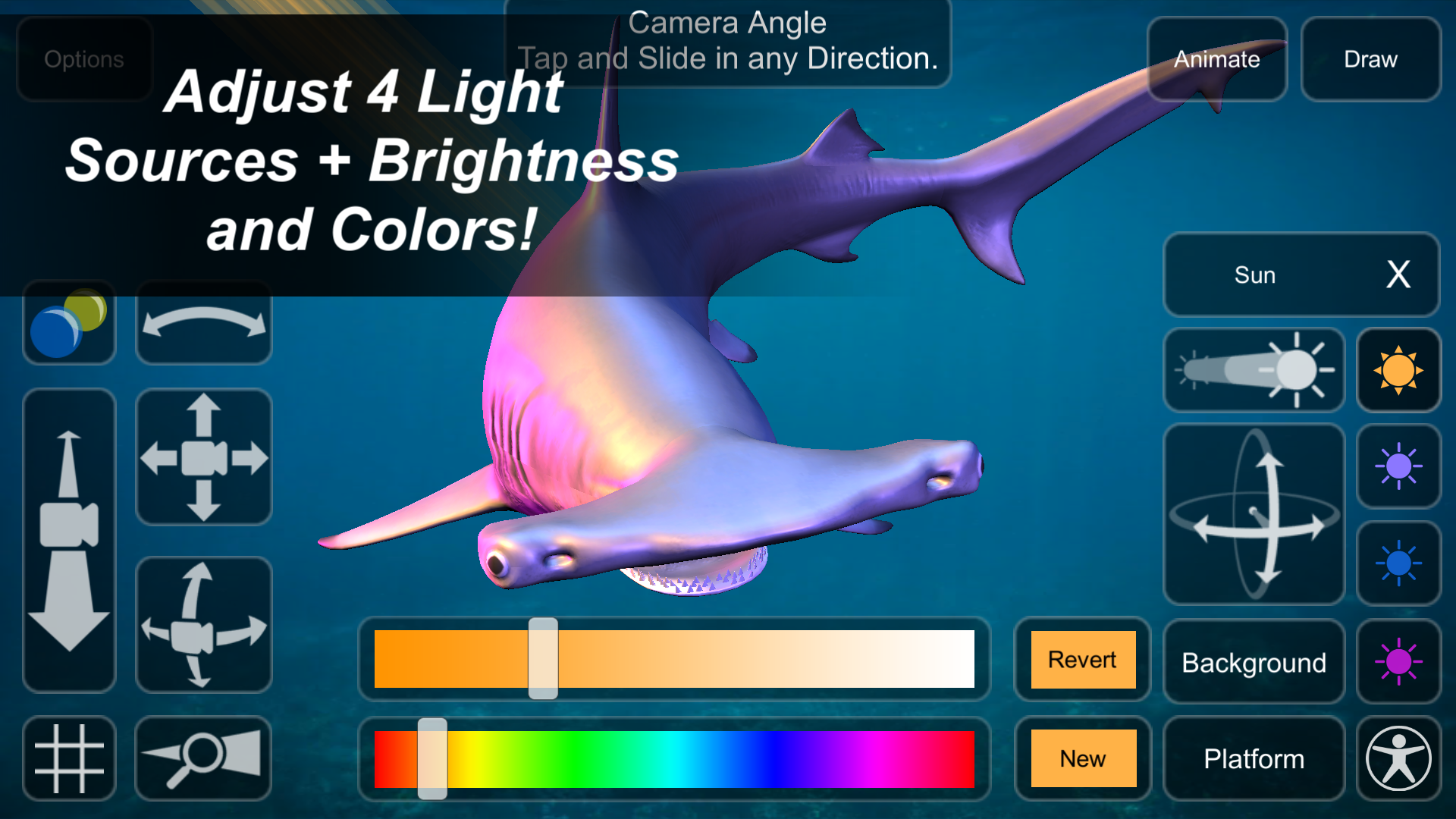
- Lighting setup — Change four lights by angle, color, and brightness to study form and shadow.
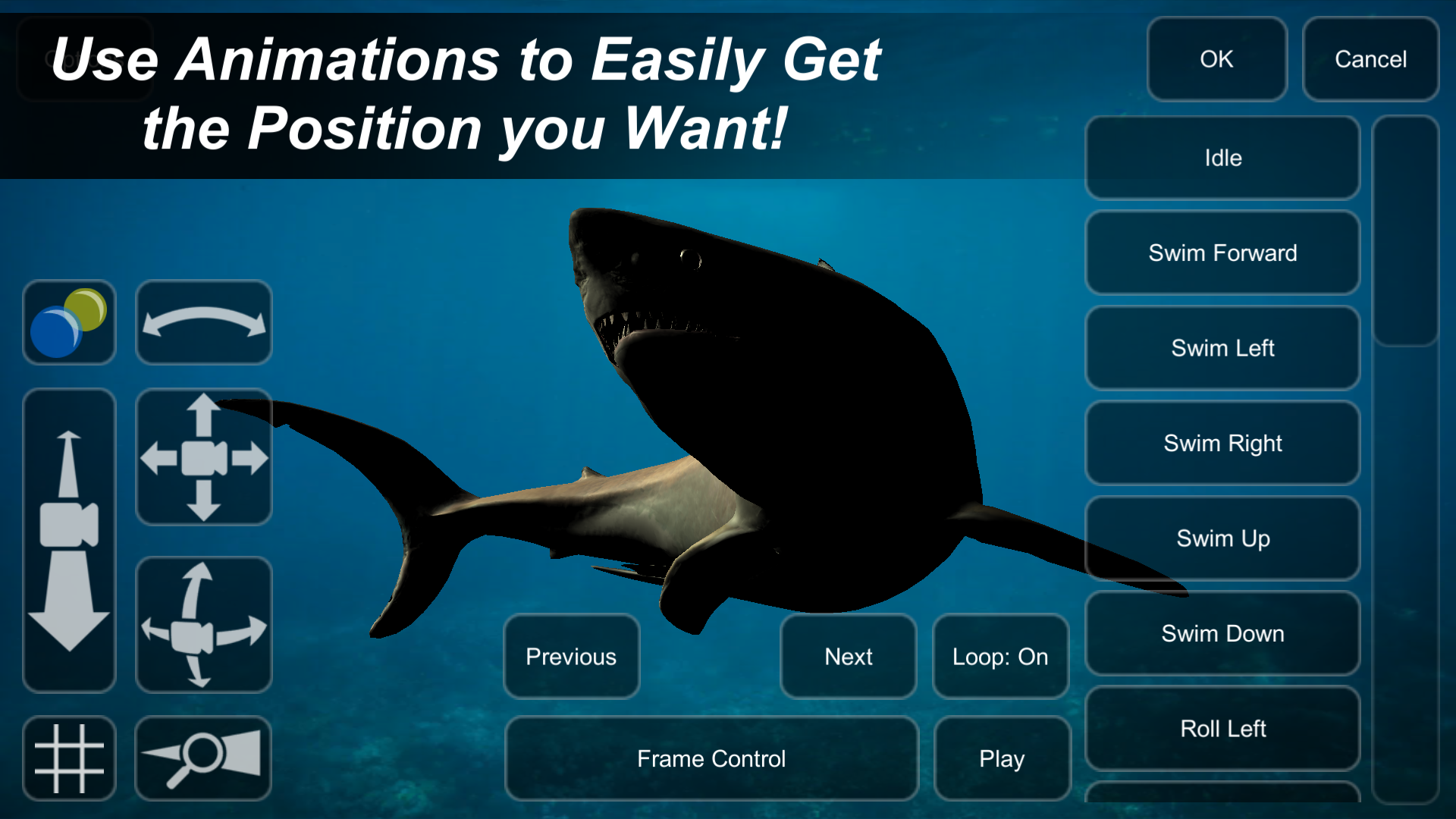
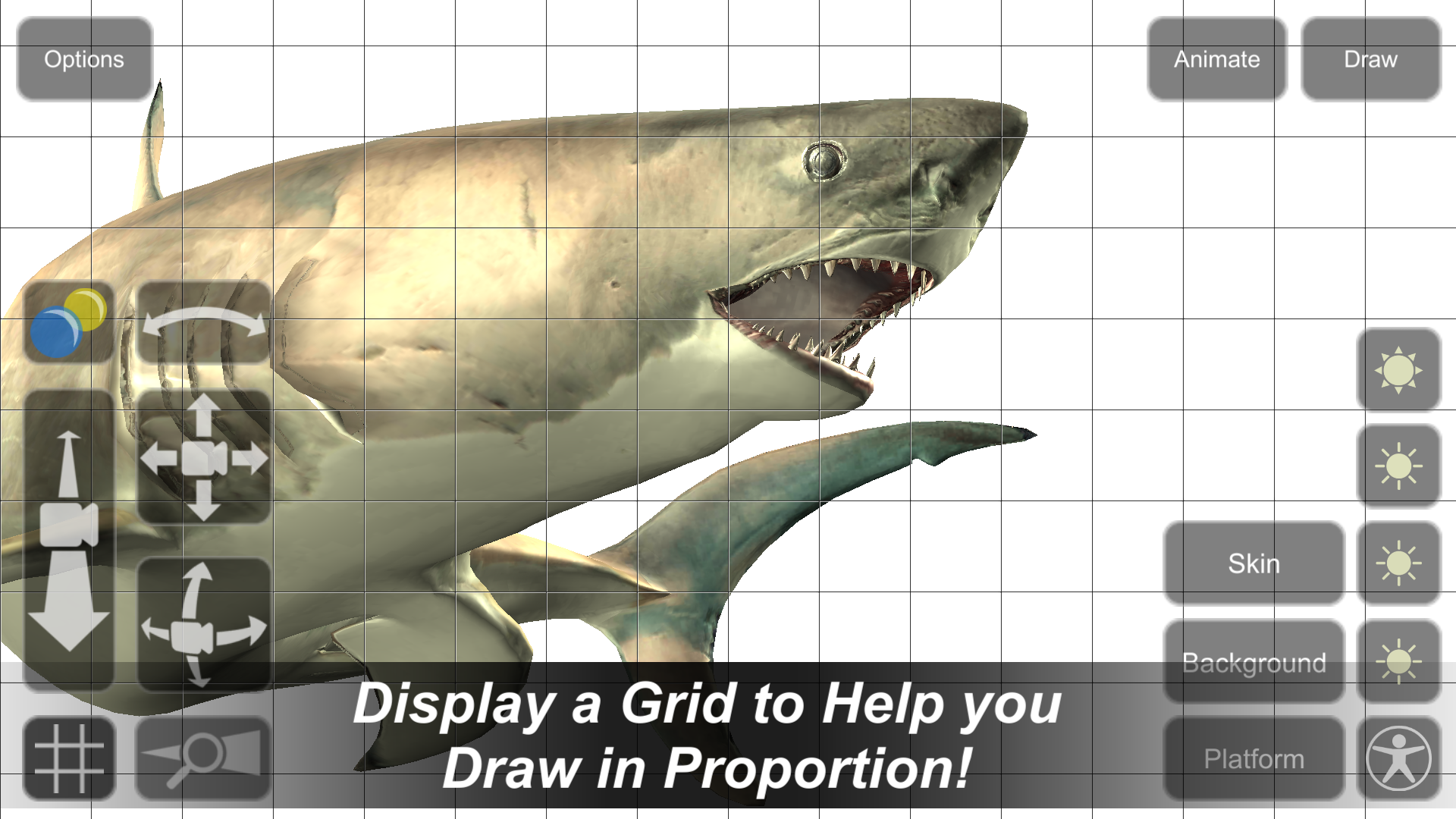
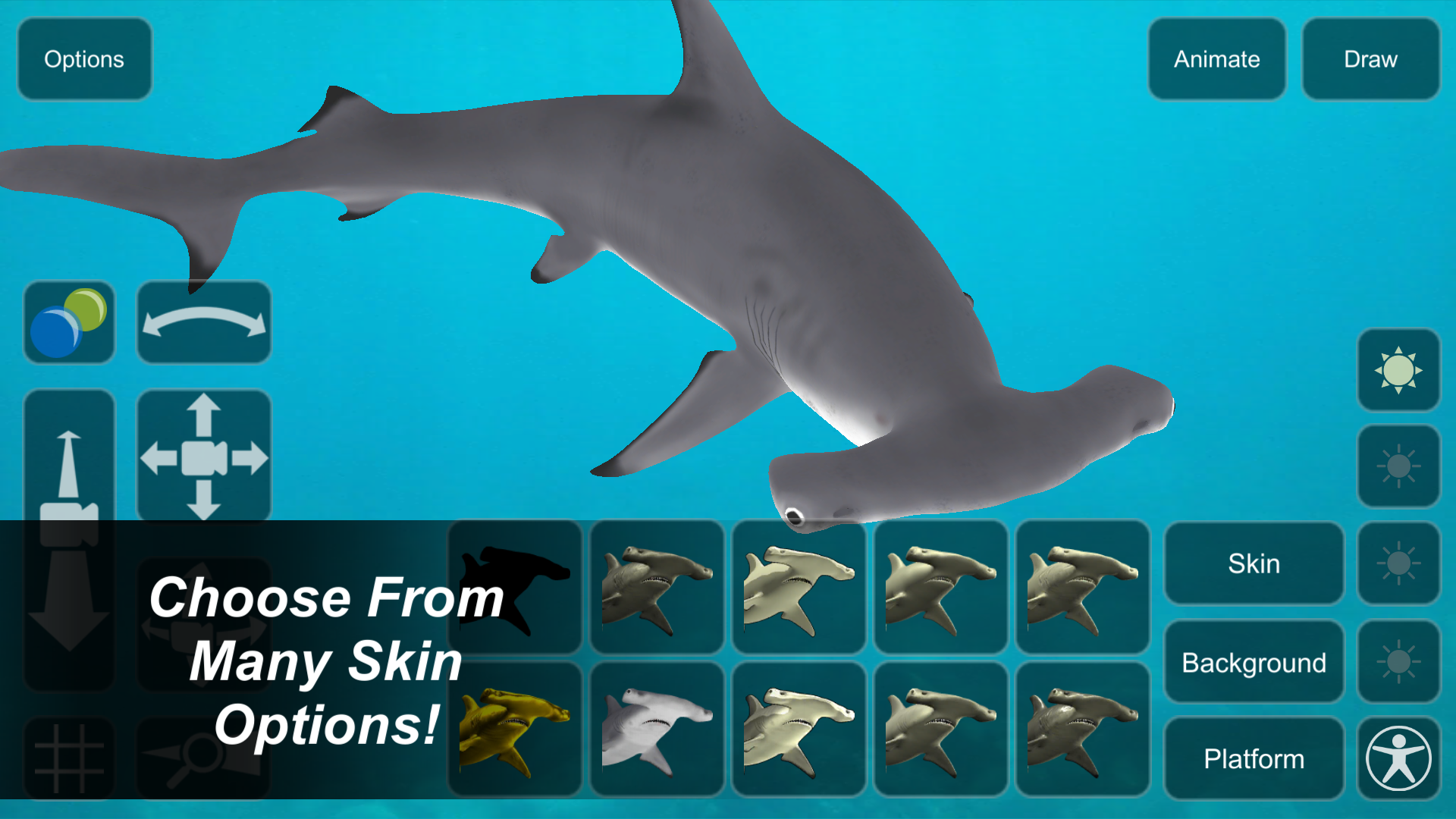
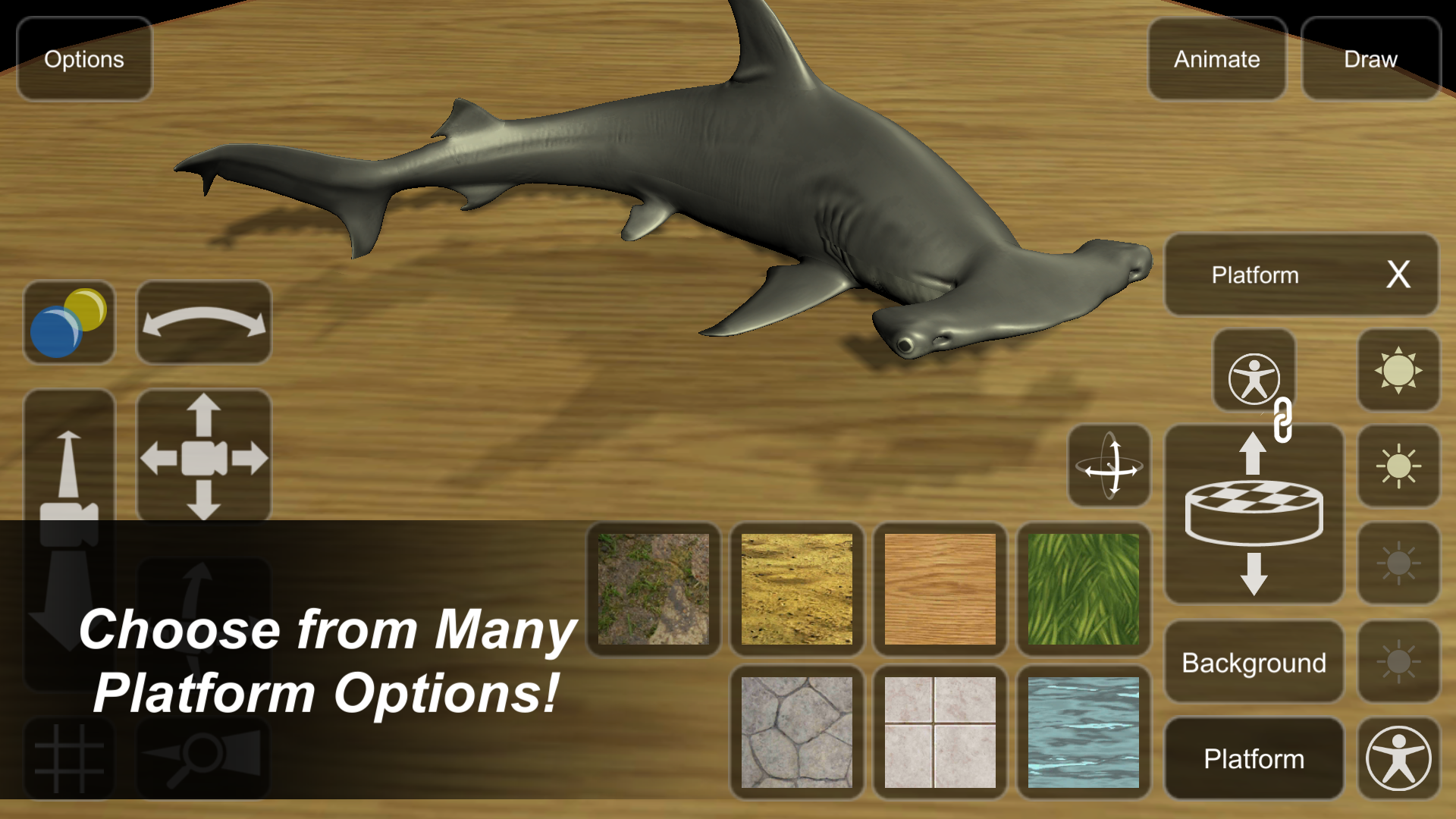
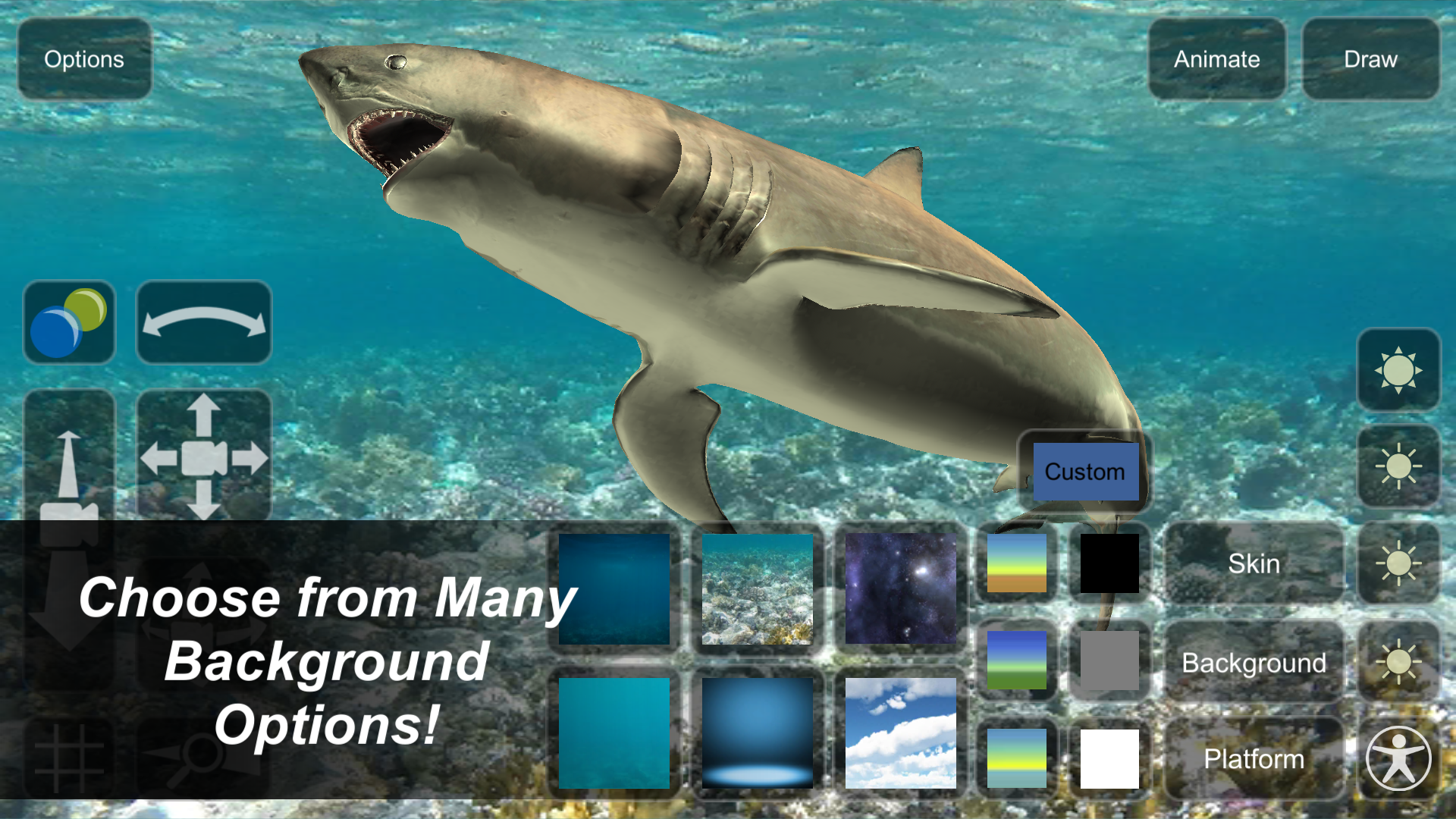
- Reference aids — Use a grid, platform styles, backgrounds, skins, and animations while drawing.
- Free to start — The app is free to try, with in-app purchases to unlock skins and more animations.
Sharks you can pose for a drawing session
Shark Mannequin focuses on one job: giving you a 3D shark you can move into the angle you need. Instead of searching for a photo that is close enough, you can open a Great White, Tiger Shark, or Hammerhead Shark and shape the pose for a sketch, study, or concept. It is built as a reference tool, not a general photo editor.
Adjust bones, camera, and light
When a shark needs to twist, curl, or turn toward the viewer, the app lets you adjust individual bones rather than settling for a fixed image. You can also change zoom, distance, and field of view, then tune four lights for angle, color, and brightness. That makes it useful when you want to see how the pose reads from a specific viewpoint.
- You get: poseable shark models, animations, skins, a grid, and background options.
- Watch for: skins and more animations are behind in-app purchases.
- Install details: APK format, 34 MB, minimum Android API 16.
How it compares with drawing apps
Compared with apps like ibis Paint X, Sketchbook, or PaperColor, Shark Mannequin is narrower and more specialized. Those apps are centered on drawing and painting tools, while this one gives you the subject itself: a controllable shark model. If you already have a favorite sketching app, Shark Mannequin can sit beside it as a pose reference rather than replacing your editor.
It is free to try and does not show ads, but it does use in-app billing. It also asks for INTERNET, WRITE_EXTERNAL_STORAGE, and Google Play billing access. That may matter if you want a simple reference app with a small setup step, especially on a device where storage access is something you pay attention to.
What's new
Version 1.0 · Nov 14, 2026
- 1st version of Shark Mannequin, Featuring Great White Shark, Tiger Shark, and Hammerhead Shark!
Shark Mannequin in the news
APK information
- Version
- 1.0
- Package
- com.apps3DMannequins.SharkMannequin
- Category
- Art & Design
- Size
- 34 MB
- Min Android
- API 16
- Architecture
- armeabi-v7a, x86
Older versions
-
Shark Mannequin 1.0Nov 14, 2026Latest downloadAPK
Shark Mannequin FAQ
Can Shark Mannequin edit RAW photos?expand_more
No. Shark Mannequin is a 3D shark reference tool, not a photo editor.
Does Shark Mannequin add a watermark?expand_more
The listing does not mention a watermark.
What changed in the latest Shark Mannequin version?expand_more
No recent changes are listed for version 1.0.
Does Shark Mannequin work offline?expand_more
The listing does not say whether it works offline.
Which shark models are included?expand_more
The app features Great White Shark, Tiger Shark, and Hammerhead Shark models.