- 4.2star1,573 reviews
- 500K+Downloads
- 39 MBAPK size
- EveryoneRated for Everyone
- API 16+Android
check_circleOriginal APK from 3D Mannequins · Updated Nov 14, 2026
No threats found
0 / — antivirus engines flagged this file
Original signature
First seen — 3D Mannequins
Unmodified APK
Same file the developer published — no mods
Raptor Mannequin screenshots
8 images · tap to enlarge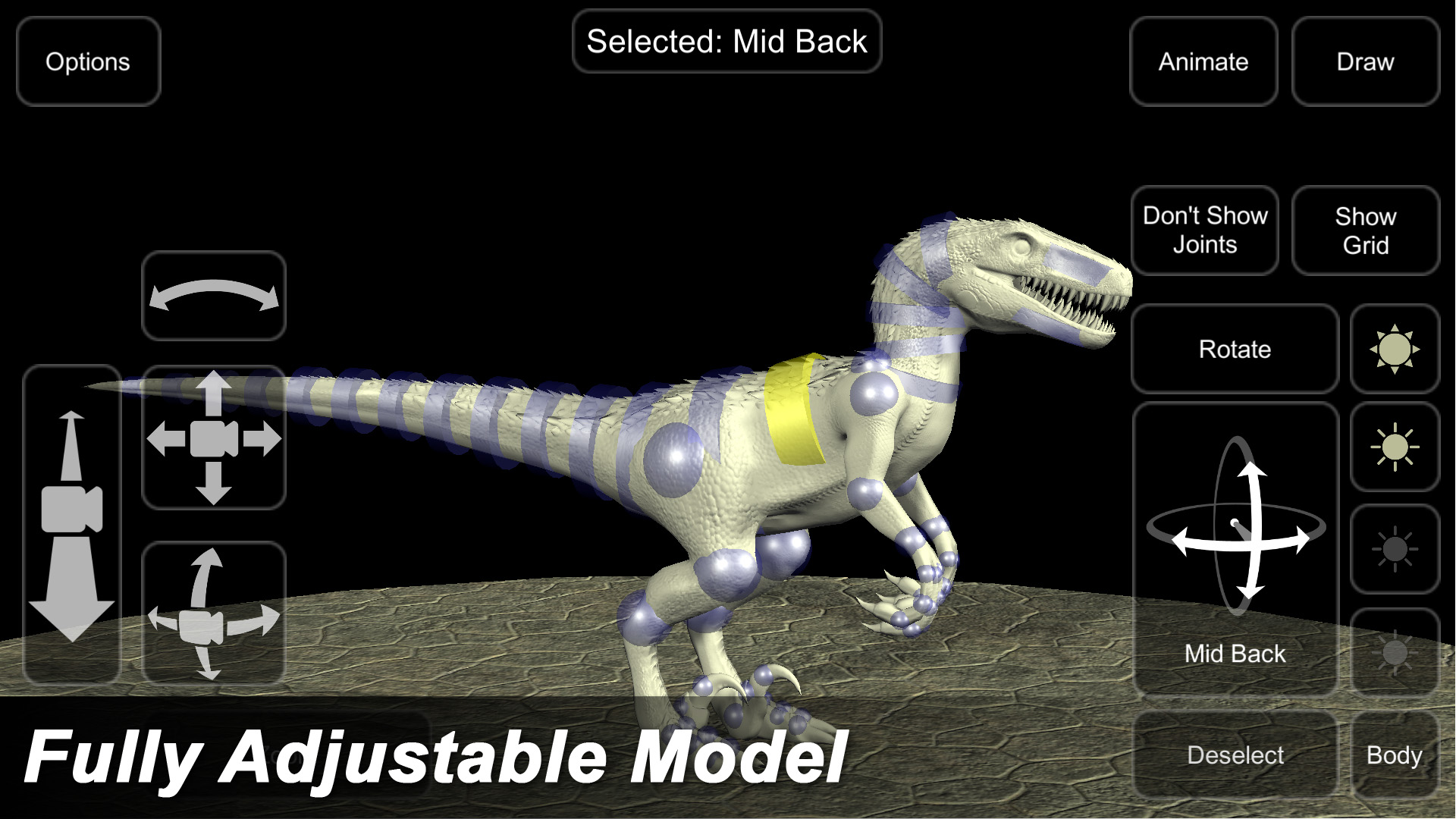
About this app
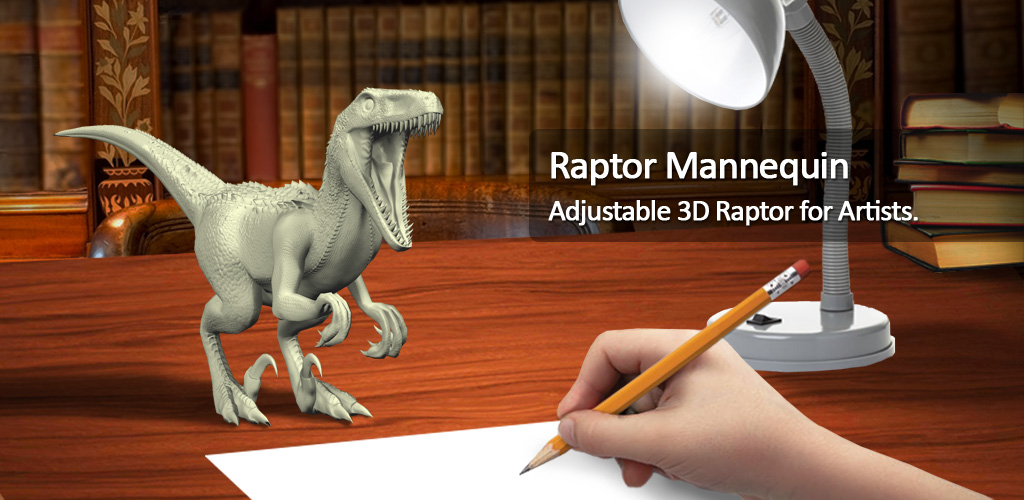
Raptor Mannequin stands out by giving artists a fully adjustable 3D raptor to pose for drawing reference. Open it when you need a quick study setup: pick an animation, fine-tune individual bones, adjust the camera, and shape the lighting before you sketch. It keeps the workflow focused on posing and viewing rather than editing extras.
- Bone-by-bone posing — Adjust individual bones to change the raptor’s angle and position.
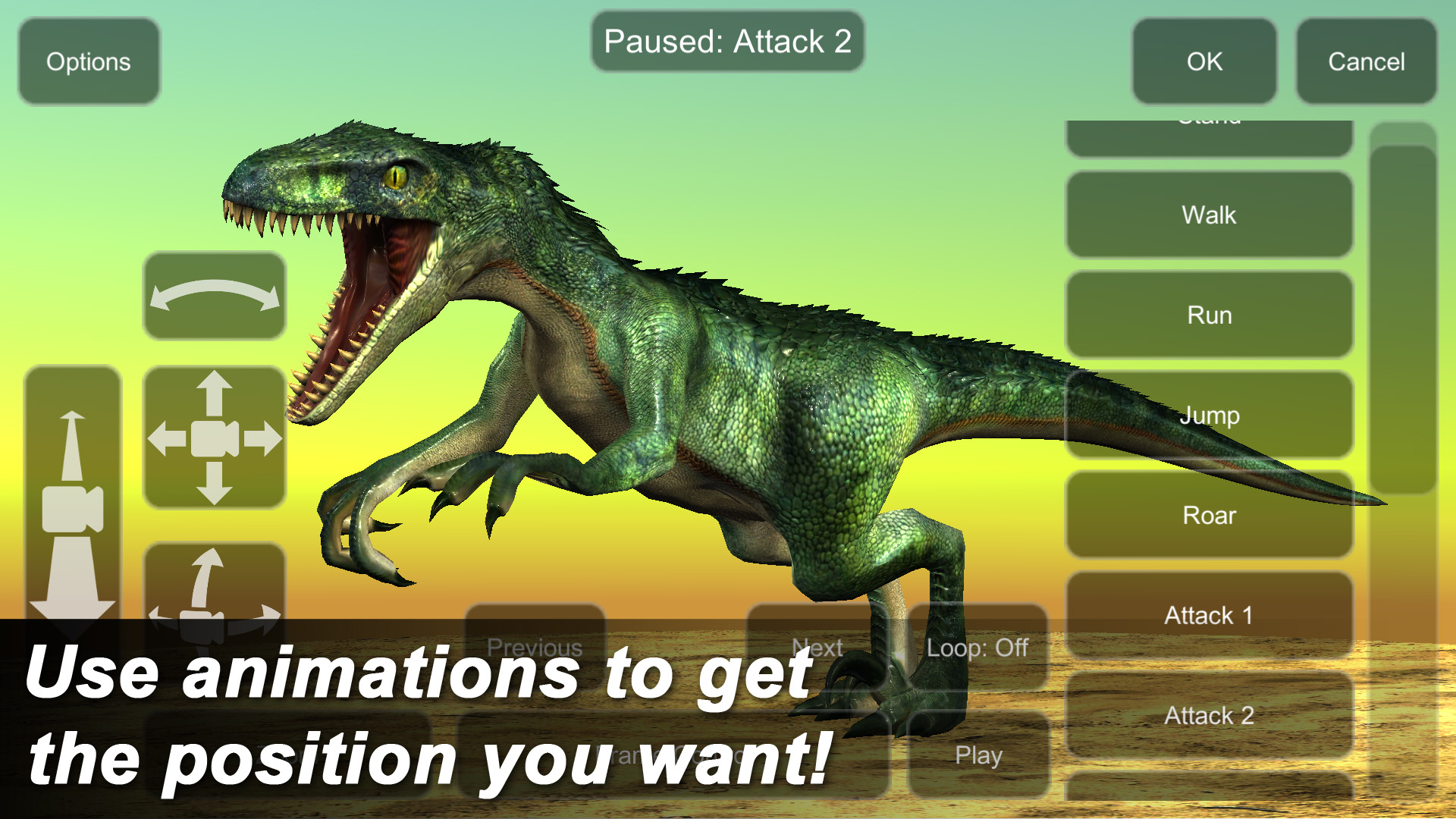
- Animation-assisted poses — Use built-in animations to get closer to the pose you want.
- Camera controls — Change zoom, distance, and field of view while you work.
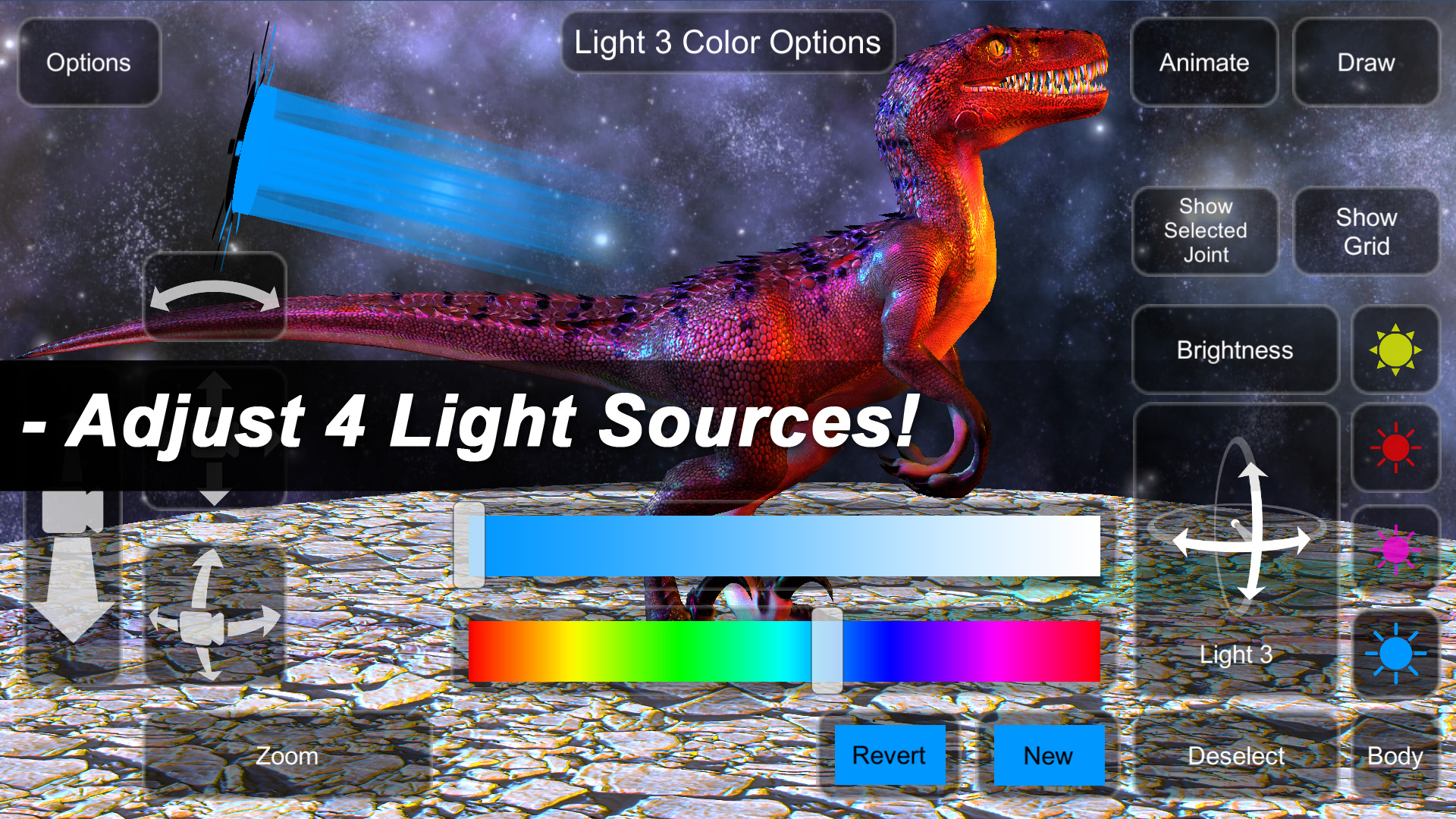
- Lighting setup — Tune four lights with angle, color, and brightness controls.
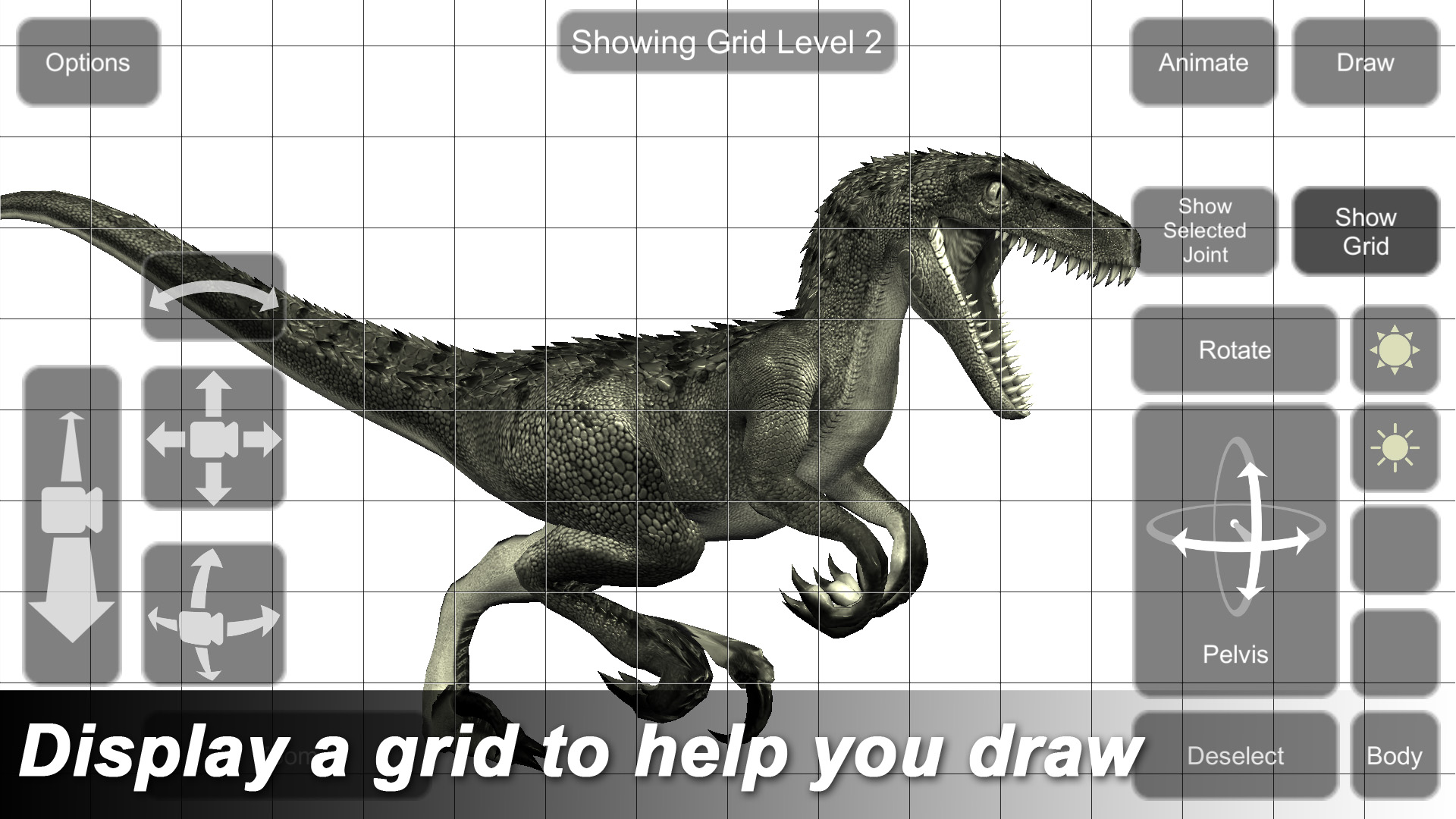
- Drawing guide grid — Turn on a grid to help keep proportions steady.
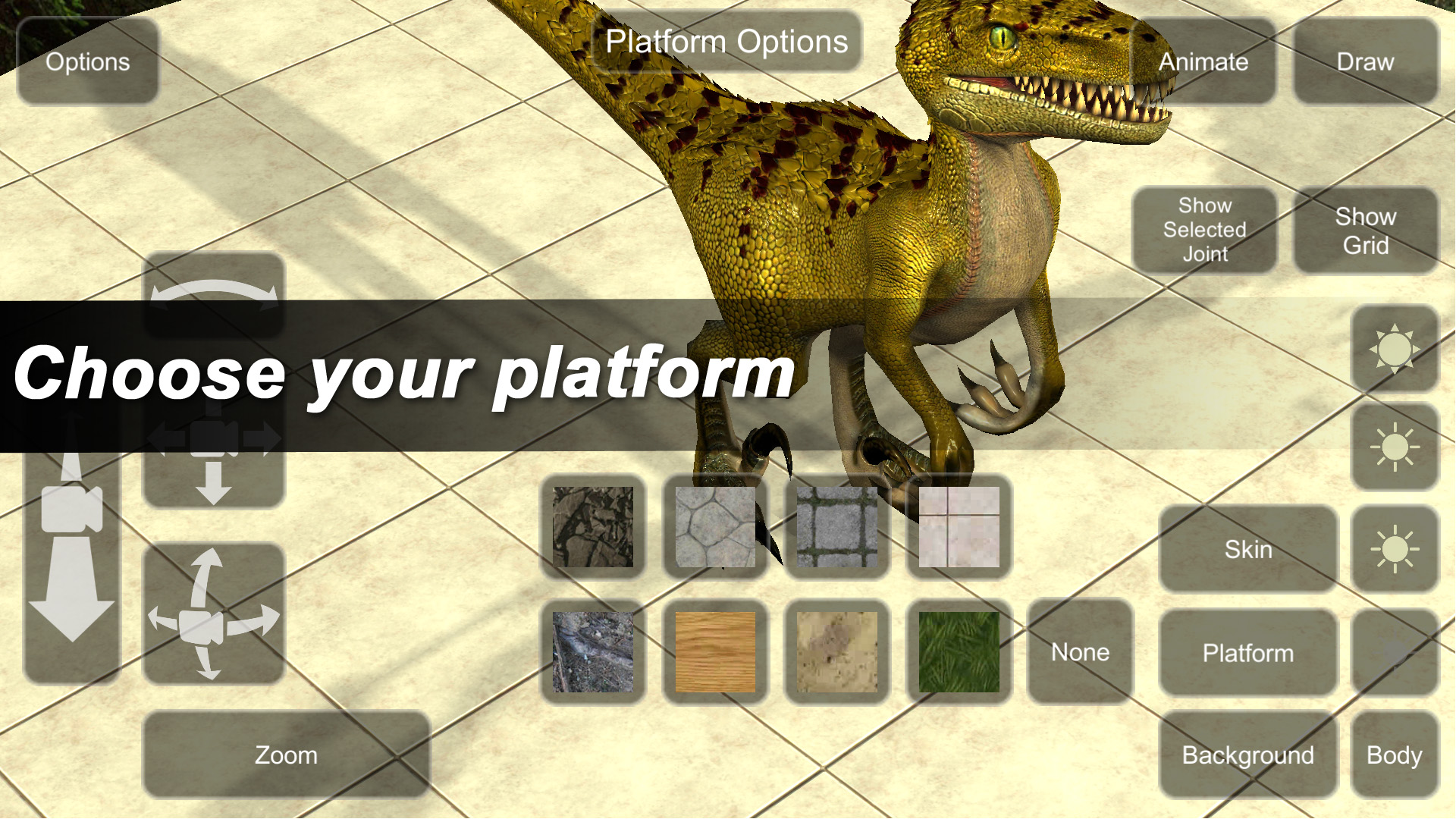
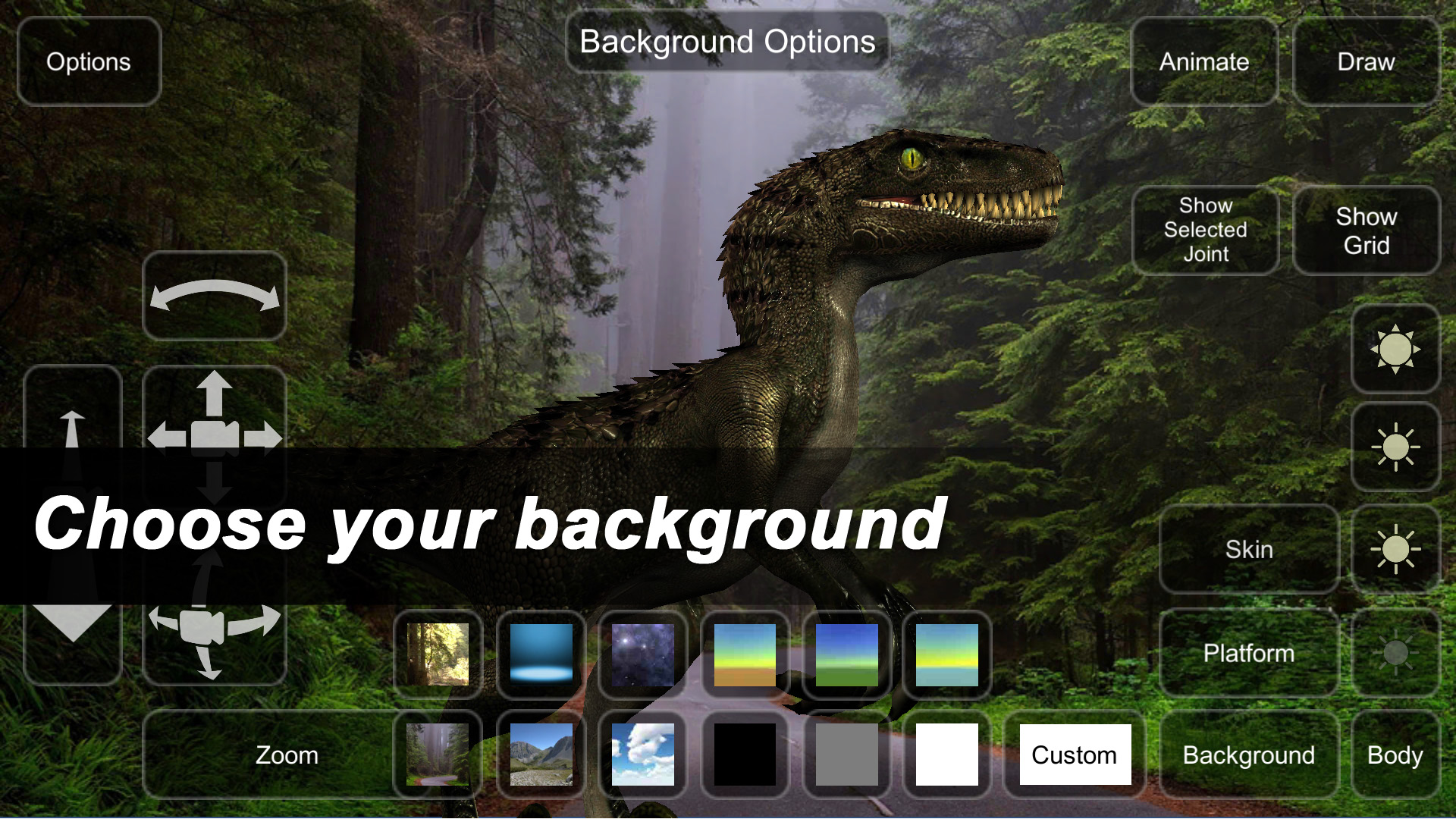
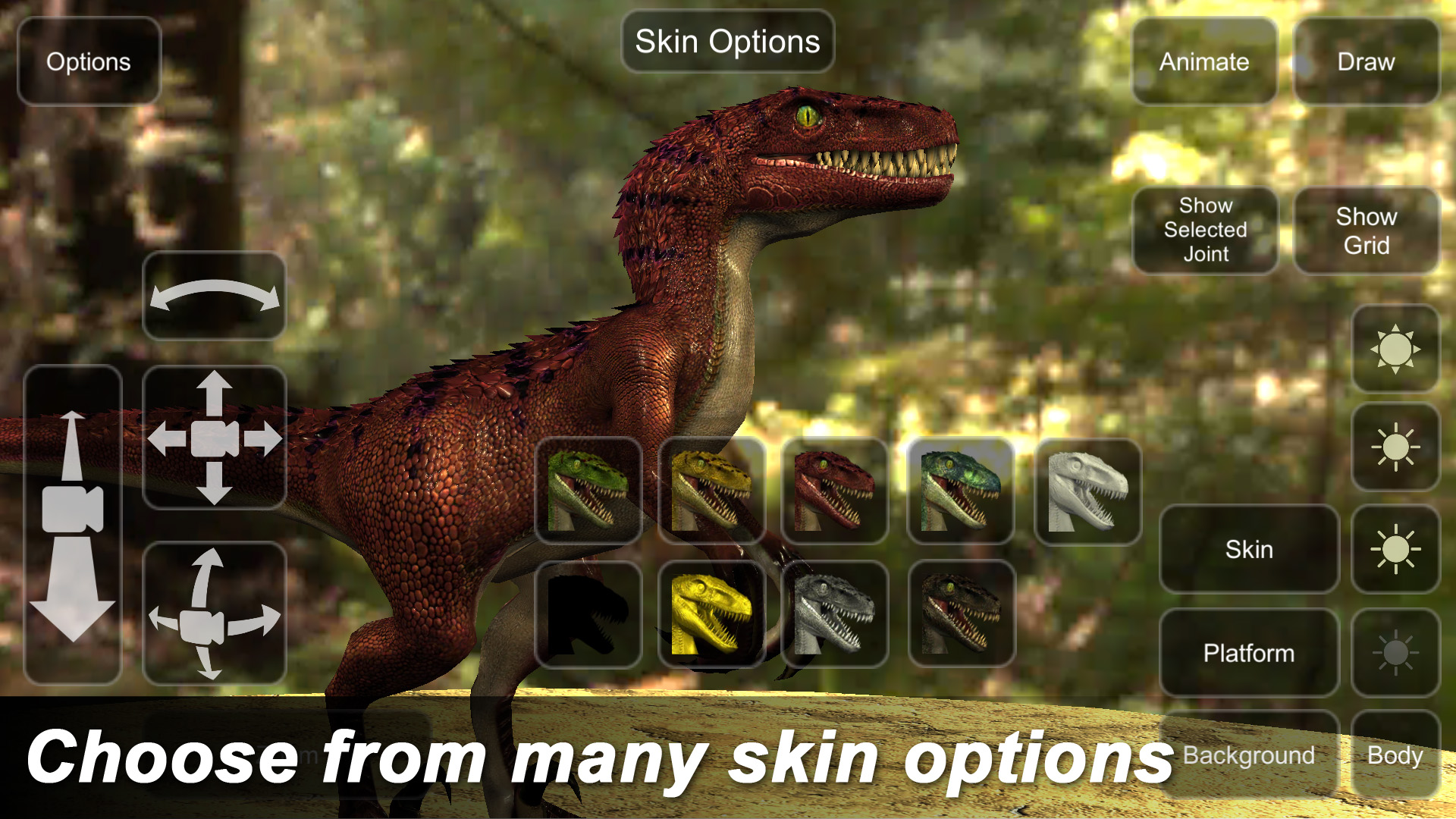
- Skin and stage options — Choose skin coloration, background, and platform style.
Setting up a raptor reference
When you need a dinosaur pose on the screen fast, this app gives you a 3D raptor you can rotate and shape for drawing. Artists can start from an animation, then move individual bones until the stance looks right. It is built around one task: making a pose you can sketch from.
The app is free to try, with in-app purchases that unlock extra skins and more animations. It is an APK file, sized at 39.2 MB, and it runs on Android 16 and up. The package includes armeabi-v7a and x86 support.
Students sketching with a grid
For study sessions, the grid is the feature you will probably leave on most often. It helps keep the body in proportion while you work through head, torso, legs, and tail. If you are learning how to draw a raptor in different positions, the grid and pose controls make it easier to compare angles as you go.
The app also lets you change camera zoom, distance, and field of view, which helps when a pose feels too close or too flat on screen.
Lighting and background tweaks
When a pose is set, you can adjust the look of the scene without leaving the app. Choose the skin coloration, switch the background, and pick a platform style that suits the reference you want. Four separate lights can be changed for angle, color, and brightness, so you can test how shadows fall across the model before drawing.
- Skin options: Change the raptor’s coloration.
- Scene options: Set background and platform style.
- Light controls: Edit four lights one by one.
Daily use and install notes
Most people will open it, pick a pose, tweak the view, and sketch from the result. There is no account setup mentioned, but the app does use INTERNET, WRITE_EXTERNAL_STORAGE, and com.android.vending.BILLING permissions. That means it can reach the network, write to storage, and handle purchases. It has a 4.2 rating from 1,573 ratings, and it does not show ads.
Compatibility is straightforward: Android 16+, 39.2 MB, APK format, with support for armeabi-v7a and x86 devices.
What's new
Version 1.3 · Nov 14, 2026
- New water effects added. It looks really nice, is transparent, and has reflections, you can control the depth as well!
- Added platform controls, you can control height and angle of platform.
- Able to view all animations and skins before you buy.
- Edited minor mishaps.
Raptor Mannequin in the news
APK information
- Version
- 1.3
- Package
- com.apps3DMannequins.RaptorMannequin
- Category
- Art & Design
- Size
- 39 MB
- Min Android
- API 16
- Architecture
- armeabi-v7a, x86
Older versions
-
Raptor Mannequin 1.3Nov 14, 2026Latest downloadAPK
Raptor Mannequin FAQ
Can Raptor Mannequin edit RAW photos?expand_more
No. It is a 3D raptor posing app for artists, not a photo editor.
Does Raptor Mannequin work offline?expand_more
The app requests INTERNET permission, so network access is part of its setup. The listing does not say whether every feature works offline.
How do I install the Raptor Mannequin APK file?expand_more
Download the APK and install it on a device running Android 16 or later. The file is 39.2 MB and comes as an APK package.
What permissions does Raptor Mannequin ask for?expand_more
It asks for INTERNET, WRITE_EXTERNAL_STORAGE, and com.android.vending.BILLING.
How do I pose the raptor in detail?expand_more
Use animations as a starting point, then adjust individual bones to change angle and position.