- 3.0star136 reviews
- 500M+Downloads
- 28 MBAPK size
- EveryoneRated for Everyone
- 13+Android
check_circleOriginal APK from Samsung Electronics Co., Ltd. · Updated Nov 12, 2026
No threats found
0 / — antivirus engines flagged this file
Original signature
First seen — Samsung Electronics Co., Ltd.
Unmodified APK
Same file the developer published — no mods
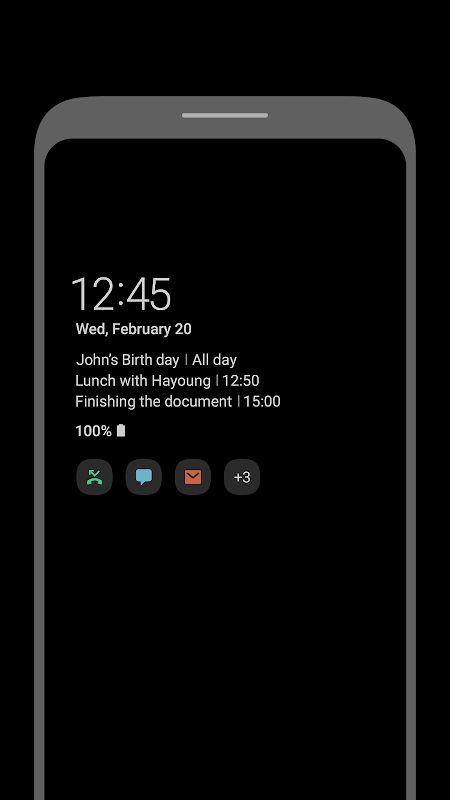
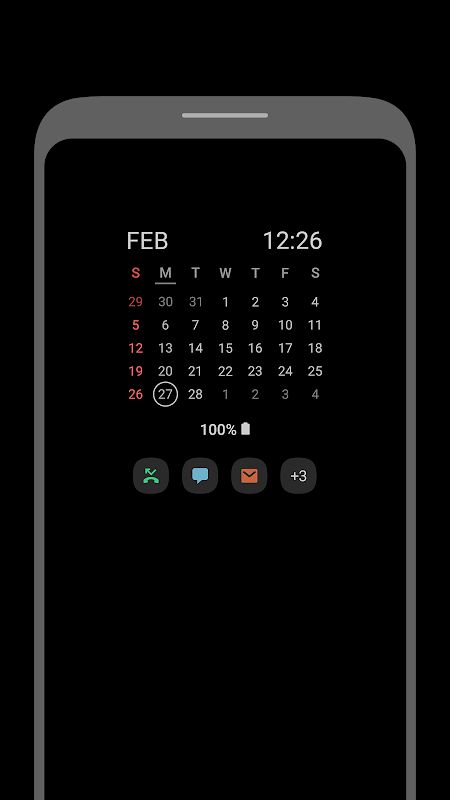
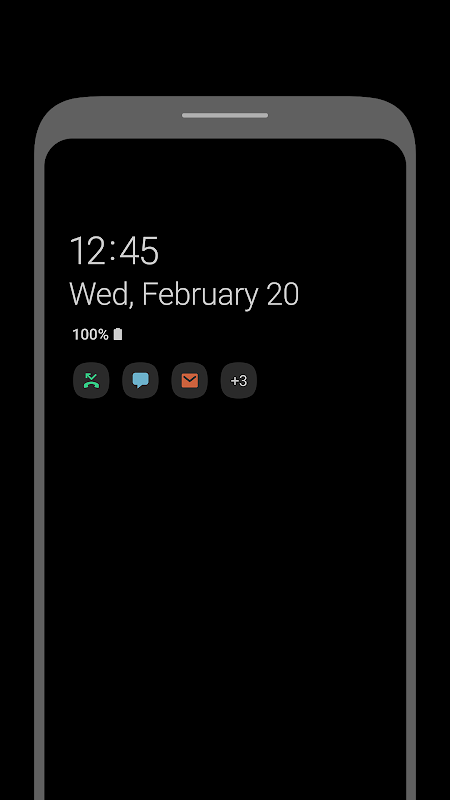
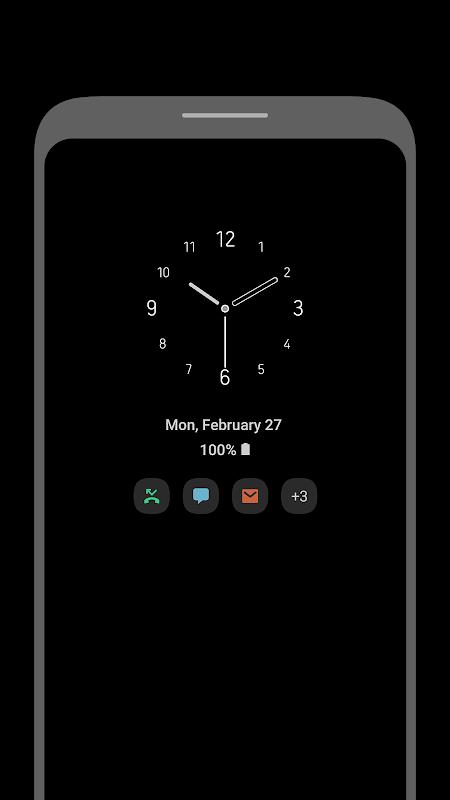
[Samsung] Always On Display screenshots
5 images · tap to enlarge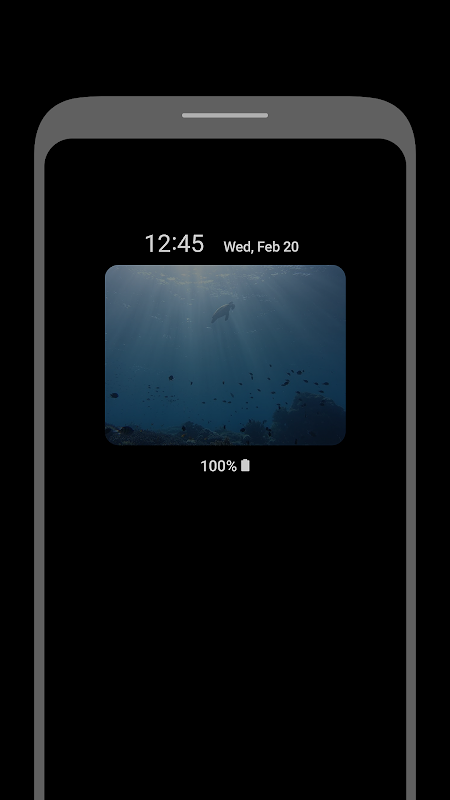
About this app
500M+ installs and a 3.0 rating put [Samsung] Always On Display in familiar territory for Samsung lock-screen customization. It keeps clocks, widgets, and themes visible without fully turning the screen on, and it adds landscape view, brightness control, and multiple clock styles. It is free, with no ads or in-app purchases.
- Tap to view AOD — Show the clock and other lock-screen details only when you need them.
- Clock style choices — Pick from digital, analogue, world, edge, calendar, image, and AGIF clock options.
- FaceWidgets support — Double-tap the clock area to check music control, today’s schedule, or the next alarm.
- Landscape display — Switch the AOD between portrait and landscape on supported Galaxy models.
- Theme Store themes — Download AOD-exclusive themes and apply them to the display.
- Four brightness levels — Adjust AOD brightness from the clock area on supported devices.
Lock-screen details without waking the phone
[Samsung] Always On Display keeps useful items visible on the screen while the device stays locked, so you can check the time, schedule, or alarm status with less interaction. Compared with launcher-focused apps such as Samsung One UI Home, it is narrower in scope: it works on the always-on screen rather than changing the full home screen. It is free, shows no ads, and has no in-app purchases.
Clock styles, widgets, and themes
The app centers on AOD customization rather than general Android theming. You can choose from digital, analogue, world, edge, calendar, image, and AGIF clock styles, then add FaceWidgets for music control, today’s schedule, and the next alarm. AOD-exclusive themes from the Theme Store let you change the look further.
- Gets: clock styles, FaceWidgets, themes, landscape view, brightness control
- Watch for: some features are not supported on every model
- Watch for: landscape view is available from Galaxy S10
- Watch for: brightness adjustment is available from Galaxy S9 / S9+
Technical and install details
The app is an APK file, version 8.8.42.4, sized at 28.4 MB, and it requires Android 13 or later. It is built for universal ABI support. The only required access is Storage space, used to display images stored on the device on the AOD. No other permissions are listed, and there is no account requirement shown in the package details.
How it compares with nearby apps
Against keyboard apps like Microsoft SwiftKey AI Keyboard or launcher apps like XOS Launcher -Cool Stylish and HiOS Launcher - Fast, this app is much more specific: it does one lock-screen job instead of replacing your input method or home screen. If you want wallpapers and ringtones, Zedge™ Wallpapers & Ringtones goes in a different direction. This app suits users who want Samsung’s always-on display controls rather than a broader personalization suite.
What's new
Version 8.8.42.4 · Nov 12, 2026
- We've fixed an error where the AOD clock would occasionally appear cut off. (S10, S10+, S10 5G)
APK information
- Version
- 8.8.42.4
- Package
- com.samsung.android.app.aodservice
- Category
- Personalization
- Size
- 28 MB
- Min Android
- 13
- Architecture
- universal
Older versions
-
[Samsung] Always On Display 8.8.42.4Nov 12, 2026Latest downloadAPK
[Samsung] Always On Display FAQ
Which launchers does [Samsung] Always On Display support?expand_more
The package details do not list launcher support. It is described as a lock-screen Always On Display app for Samsung devices.
Does [Samsung] Always On Display slow down my phone?expand_more
No performance claim is provided. The only listed permission is Storage space for showing device images on the AOD.
What changed in the latest [Samsung] Always On Display version?expand_more
The latest change note says an error was fixed where the AOD clock could occasionally appear cut off on S10, S10+, and S10 5G.
Does [Samsung] Always On Display work offline?expand_more
The description does not mention an internet requirement. Its core features are local lock-screen display, clock styles, widgets, and themes.
Which Android version is required?expand_more
It requires Android 13 or later.