- 4.6star106 reviews
- 1B+Downloads
- 41 MBAPK size
- EveryoneRated for Everyone
- 10+Android
check_circleOriginal APK from Samsung Electronics Co., Ltd. · Updated Nov 12, 2026
No threats found
0 / — antivirus engines flagged this file
Original signature
First seen — Samsung Electronics Co., Ltd.
Unmodified APK
Same file the developer published — no mods
Samsung Cloud for Wear OS screenshots
6 images · tap to enlarge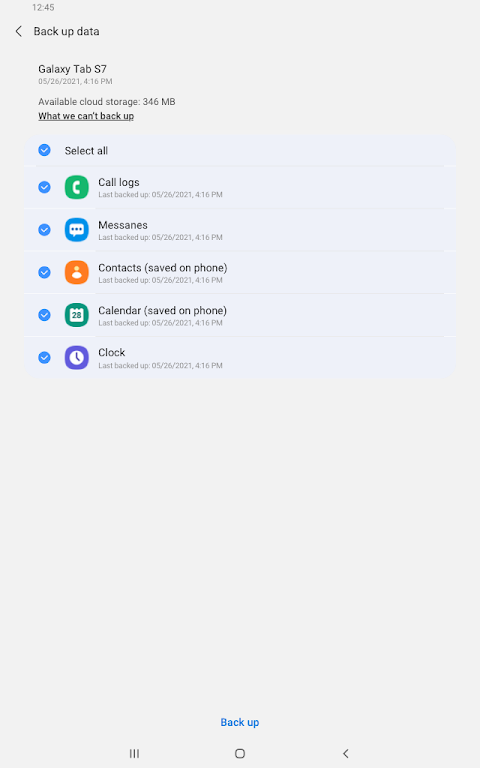
About this app
Keep Samsung data synced and recoverable across devices with cloud backup for Wear OS. Samsung Cloud for Wear OS lets you manage cloud data in one place, restore a new device from an older setup, and sync photos, videos, notes, contacts, calendar items, and reminders on supported Samsung devices.
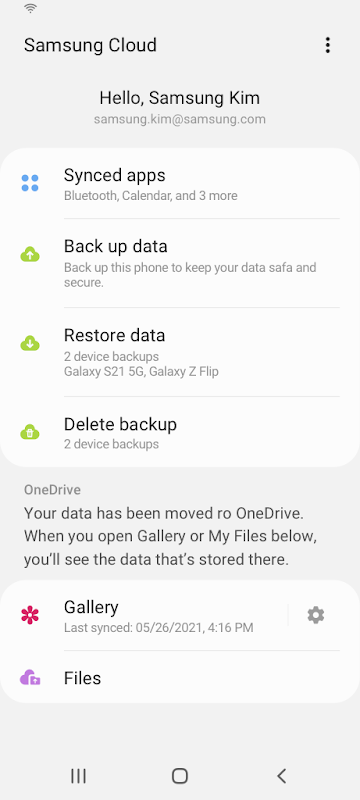
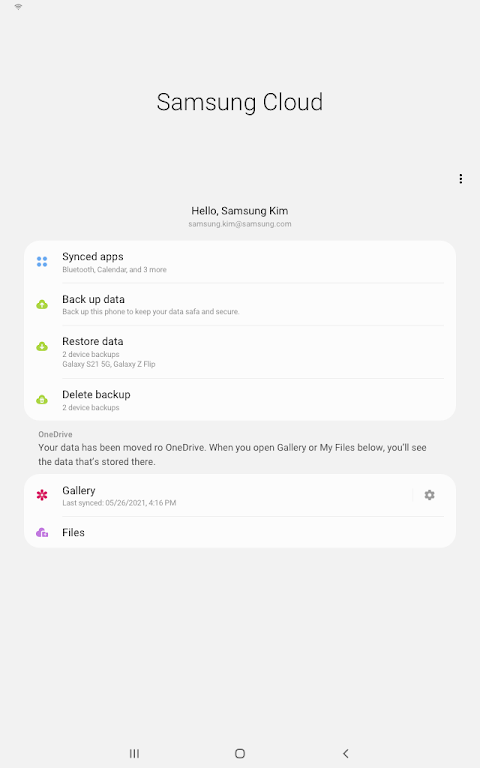
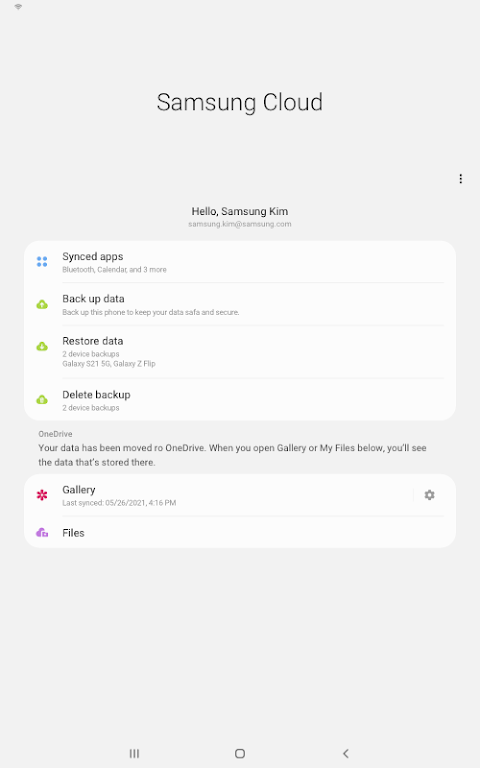
- Cloud data access — View and manage cloud data from a single interface on supported Samsung devices.
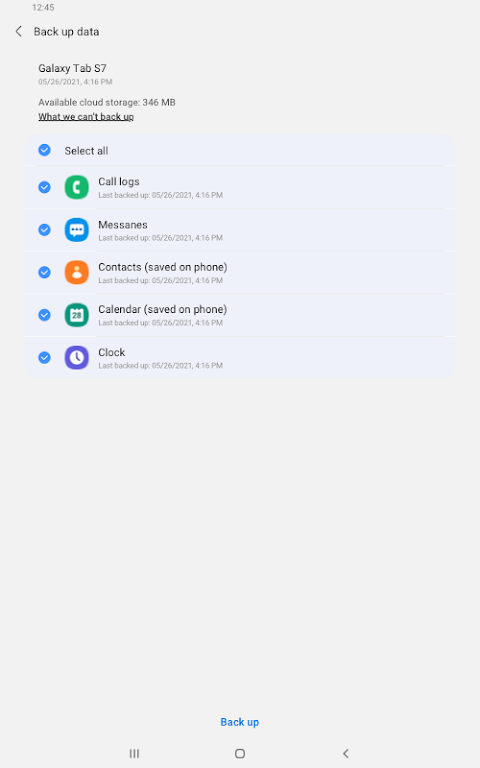
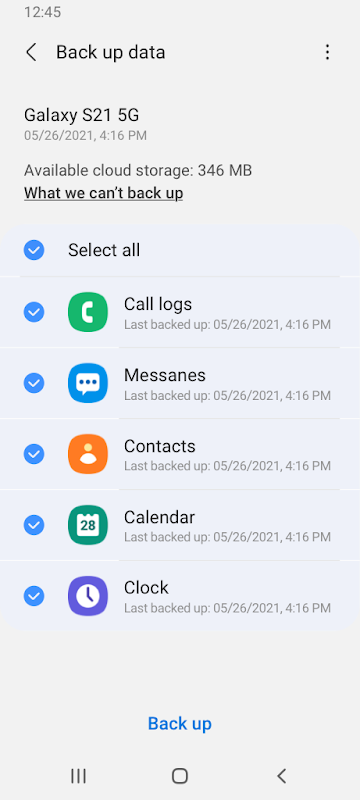
- Backup and restore — Restore Home screen, apps, settings, messages, phone, and clock data when setting up a new device.
- Cross-device sync — Sync photos, videos, notes, contacts, calendar, Samsung Notes, Reminder, and Internet data across devices.
- OneDrive Gallery Sync — Gallery Sync works with Microsoft OneDrive by linking Samsung and Microsoft accounts.
- Samsung-only service — Settings and features are available only on Samsung devices and need a network connection and Samsung account sign-in.
Keep Samsung data in sync
Samsung Cloud for Wear OS is built for the everyday job of keeping Samsung apps and personal data up to date across devices. It focuses on backup, restore, and sync so you can move to a new device or check the same content from another Samsung device without setting everything up again.
Backup, restore, and sync targets
The app supports backup and restore for Home screen, Apps, Settings, Messages, Phone, and Clock. It also syncs and lets you view Photos, Videos, and Notes across devices, along with Contacts, Calendar, Samsung Notes, Reminder, and Internet data. The cloud interface is designed so these items can be managed in one place.
OneDrive connection for Gallery Sync
Gallery Sync is provided in collaboration with Microsoft OneDrive. You can link your Samsung and Microsoft accounts to use that integration, although availability may vary by country or mobile operator. The app is listed as an APK, uses the universal architecture, is 40.9 MB, and requires Android 10 or later.
Limits and required access
Samsung Cloud features are only available on Samsung devices. The app will not work properly without a network connection or when you are not signed in to a Samsung account. For backup and restore, it requests Contacts, Calendar, Messages, and Storage permissions so it can handle contacts, calendar entries, SMS and MMS, and temporary storage for Gallery sync, backup, restore, and syncing.
This release is version 5.7.09.5, with the latest change noted as a Google Play update. It is free, does not contain ads, and does not include in-app purchases. It is best suited to Samsung users who want cloud sync and device recovery rather than a general-purpose cloud app.
What's new
Version 5.7.09.5 · Nov 12, 2026
- Google Play update
APK information
- Version
- 5.7.09.5
- Package
- com.samsung.android.scloud
- Category
- Tools
- Size
- 41 MB
- Min Android
- 10
- Architecture
- universal
Older versions
-
Samsung Cloud for Wear OS 5.7.09.5Nov 12, 2026Latest downloadAPK
Samsung Cloud for Wear OS FAQ
Does Samsung Cloud for Wear OS drain the battery?expand_more
Battery use is not specified. The app’s listed requirements focus on network access, Samsung account sign-in, and the permissions needed for backup and sync.
Does Samsung Cloud for Wear OS need root?expand_more
No root access is mentioned or required. It works on Samsung devices running Android 10 or later.
How big is the Samsung Cloud for Wear OS download?expand_more
The APK size is 40.9 MB.
Is this Samsung Cloud for Wear OS APK the original file?expand_more
It is listed as an APK for Samsung Cloud for Wear OS, version 5.7.09.5.
What does Samsung Cloud for Wear OS sync?expand_more
It syncs photos, videos, notes, contacts, calendar items, Samsung Notes, Reminder, and Internet data across supported Samsung devices.