- 4.1star138,346 reviews
- 100M+Downloads
- 178 MBAPK size
- EveryoneRated for Everyone
- 11+Android
check_circleOriginal APK from Motorola Mobility LLC. · Updated Nov 12, 2026
No threats found
0 / — antivirus engines flagged this file
Original signature
First seen — Motorola Mobility LLC.
Unmodified APK
Same file the developer published — no mods
Smart Connect screenshots
8 images · tap to enlarge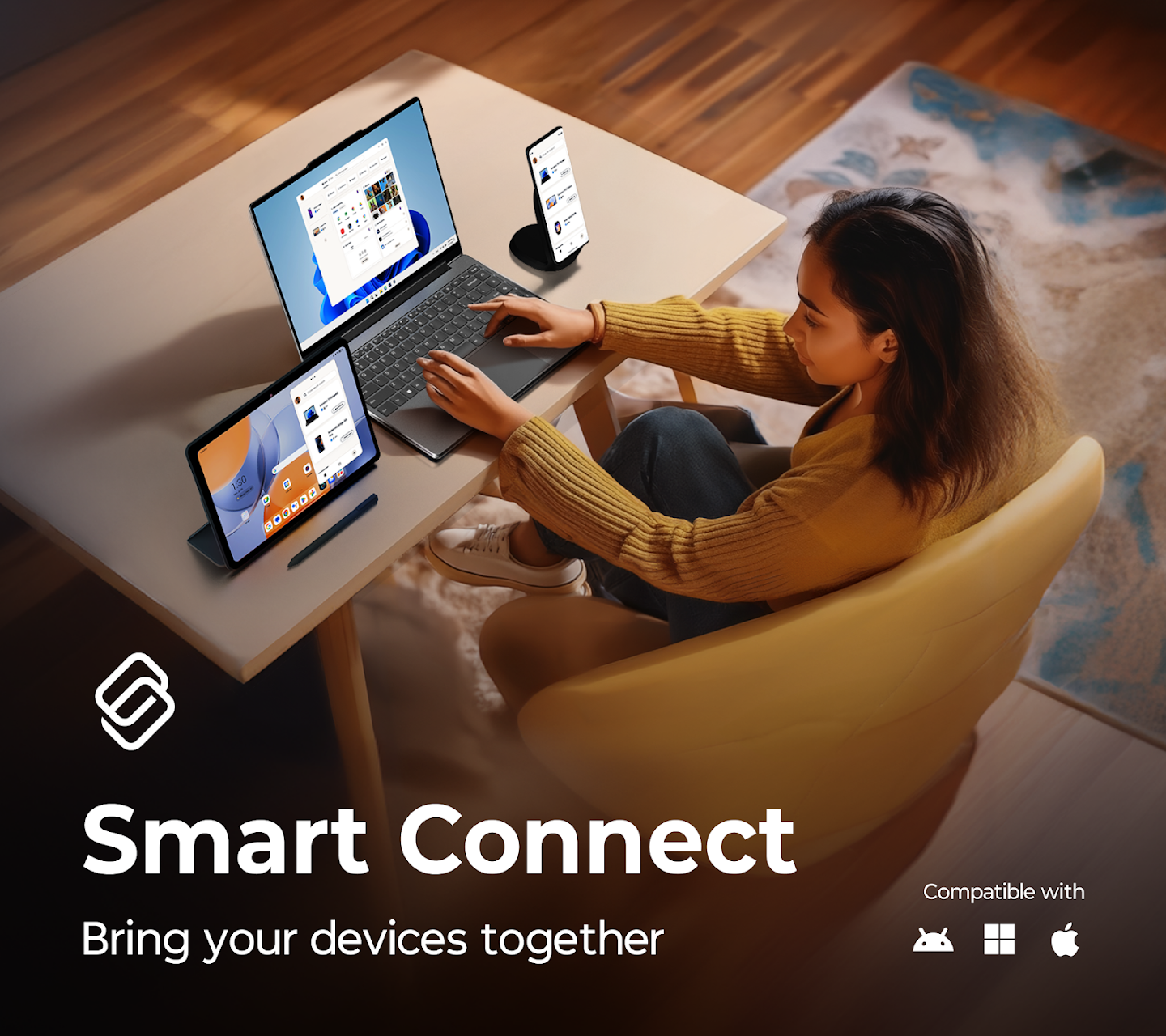
About this app
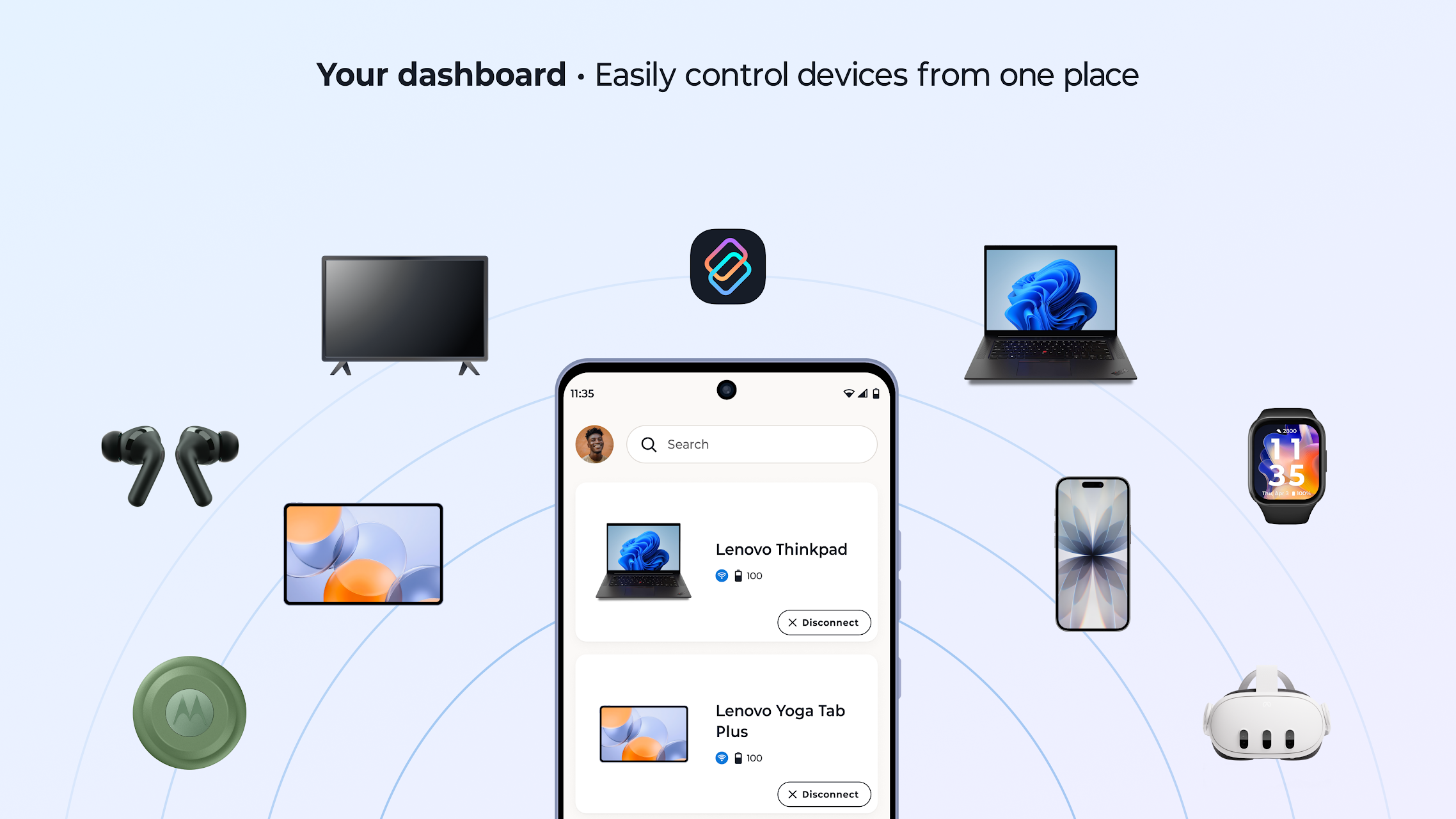
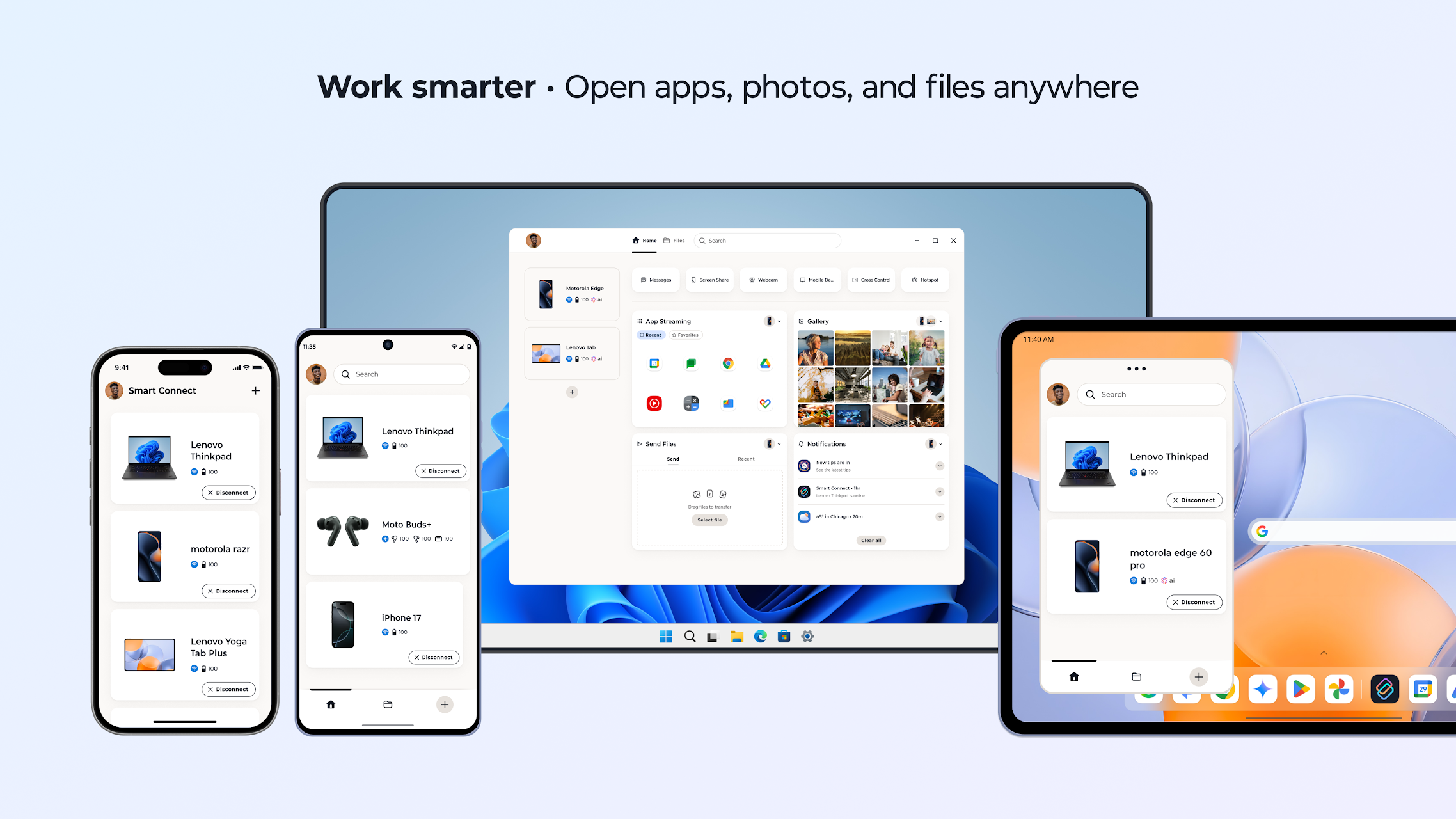
Motorola Mobility LLC. makes Smart Connect, a productivity app for linking your phone, tablet, and PC. On first launch, it is built around moving content and tasks between devices without stopping your workflow. The setup centers on choosing which devices to connect, then using shared tools for streaming, file access, messaging, and cross-device control.
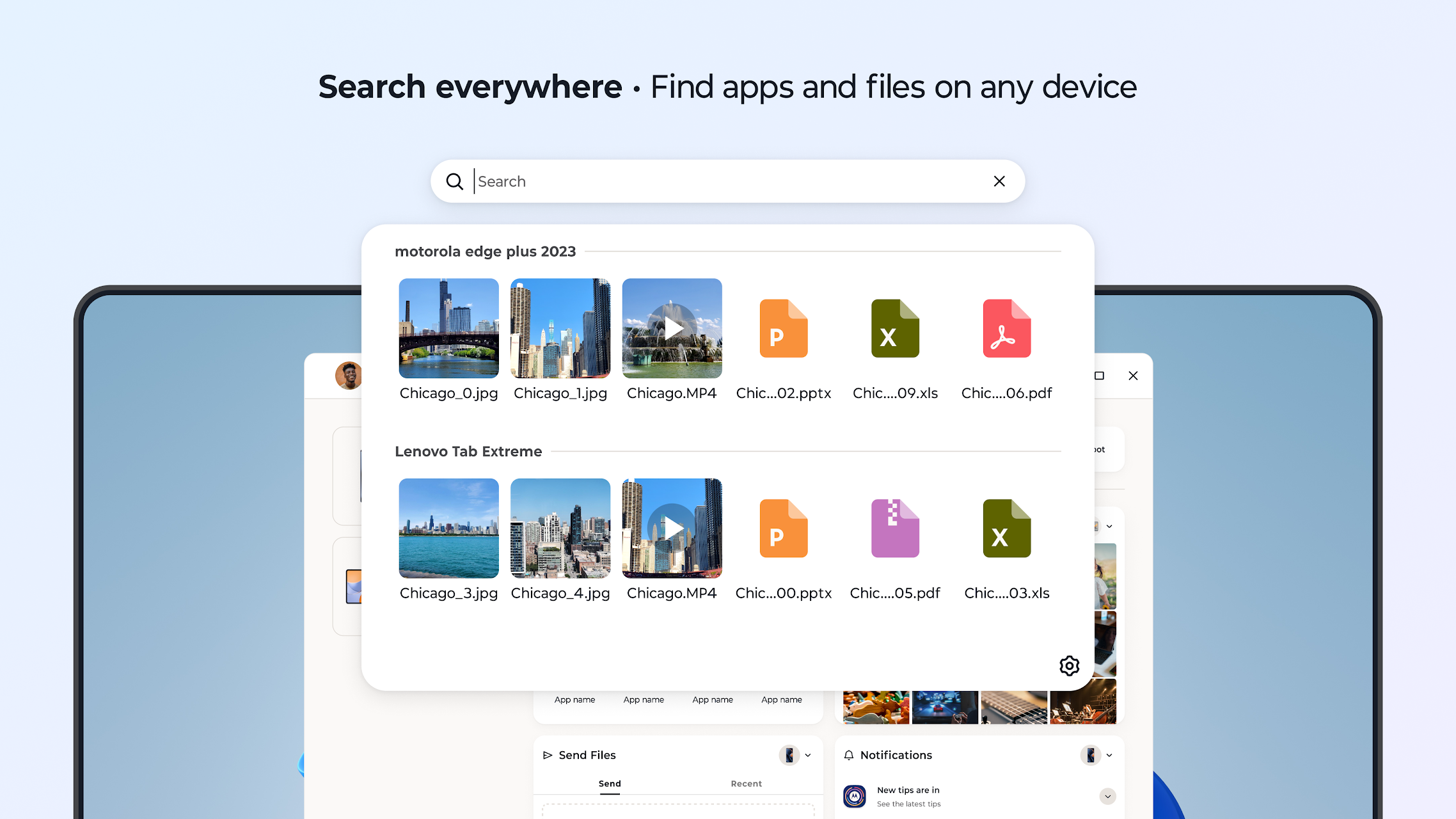
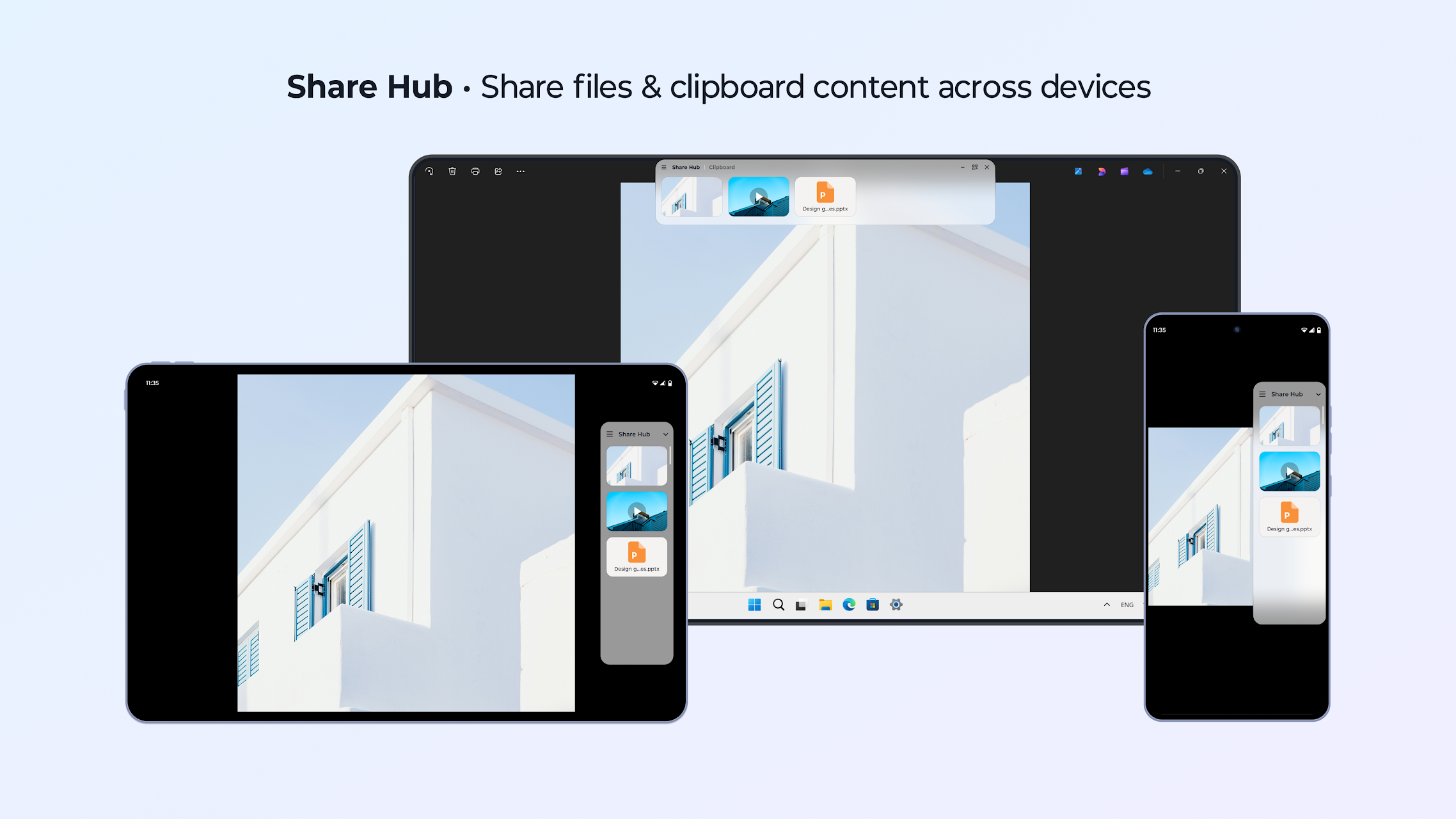
- Cross-device sharing — Find and share files, photos, and other content across your devices with Search and Share Hub.
- Desktop-style mode — Use Mobile Desktop to turn your phone into a workspace for multitasking.
- PC message access — Check and reply to phone messages from the PC dashboard.
- Webcam support — Use your phone or tablet camera for video calls from your computer.
- Clipboard sync — Copy text or screenshots on one device and paste them on another.
First launch on phone, tablet, and PC
Smart Connect opens as a bridge between devices, not as a single-device app. After installation, the first step is to connect a compatible phone or tablet with a Windows 10 or 11 PC that has Bluetooth. The app is designed to keep your work moving across screens, so the setup is mostly about pairing the devices you already use.
The APK is 178.2 MB, uses the universal build, and requires Android 11 or later. It is a free app with no in-app purchases.
Set up the shared workflow
Once connected, Smart Connect gives you a few practical starting points. Search and Share Hub is the place to find files, photos, and other content across devices. Mobile Desktop is the option to try if you want a phone-based workspace for multitasking. If you spend time on a PC, the dashboard can surface your phone messages so you can read and reply without switching devices.
- Start with sharing: move files and photos between devices first.
- Try clipboard handoff: copy on one screen, paste on another.
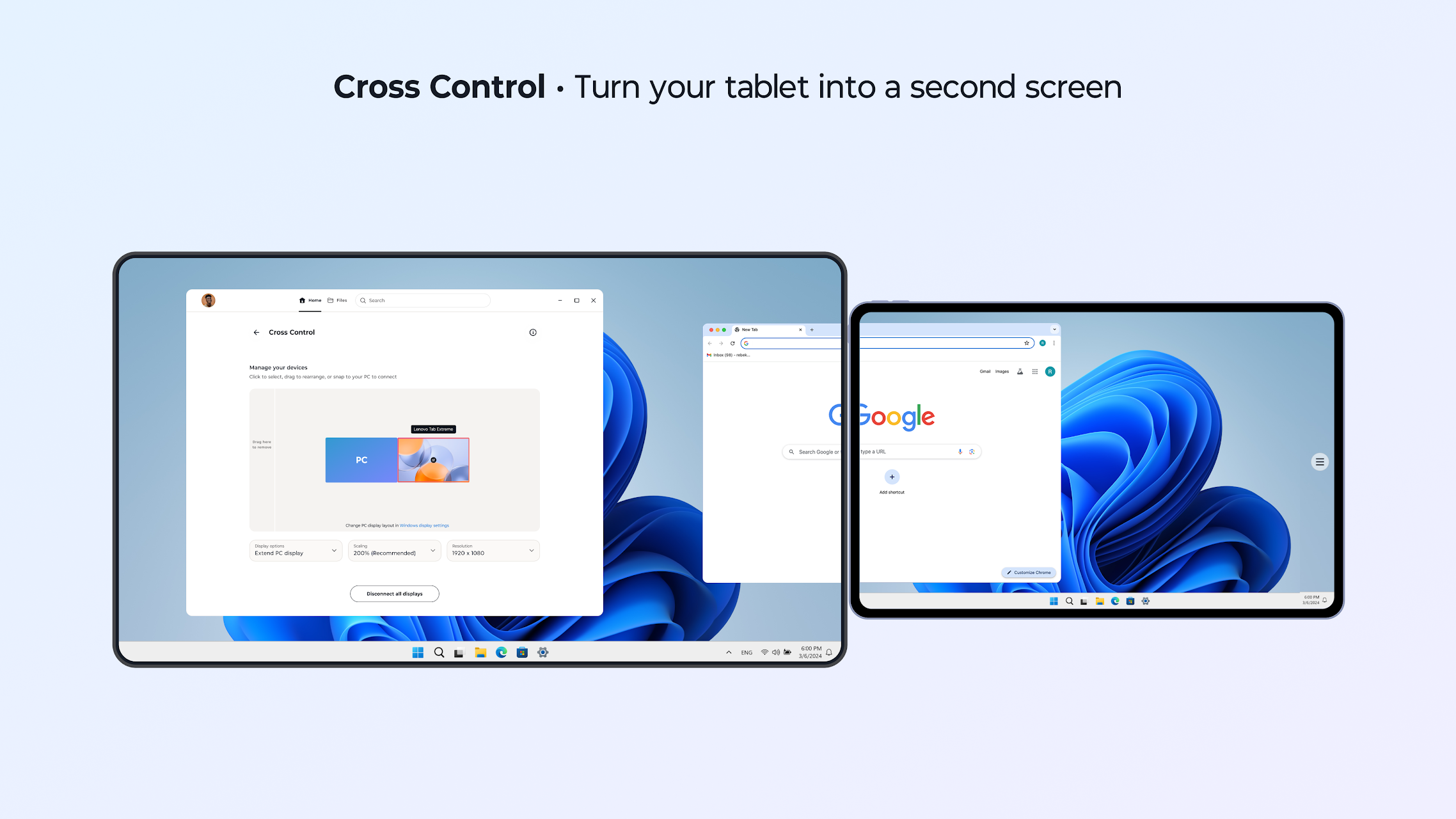
- Use Cross Control: extend or mirror your PC screen to a tablet.
Practical ways to use it
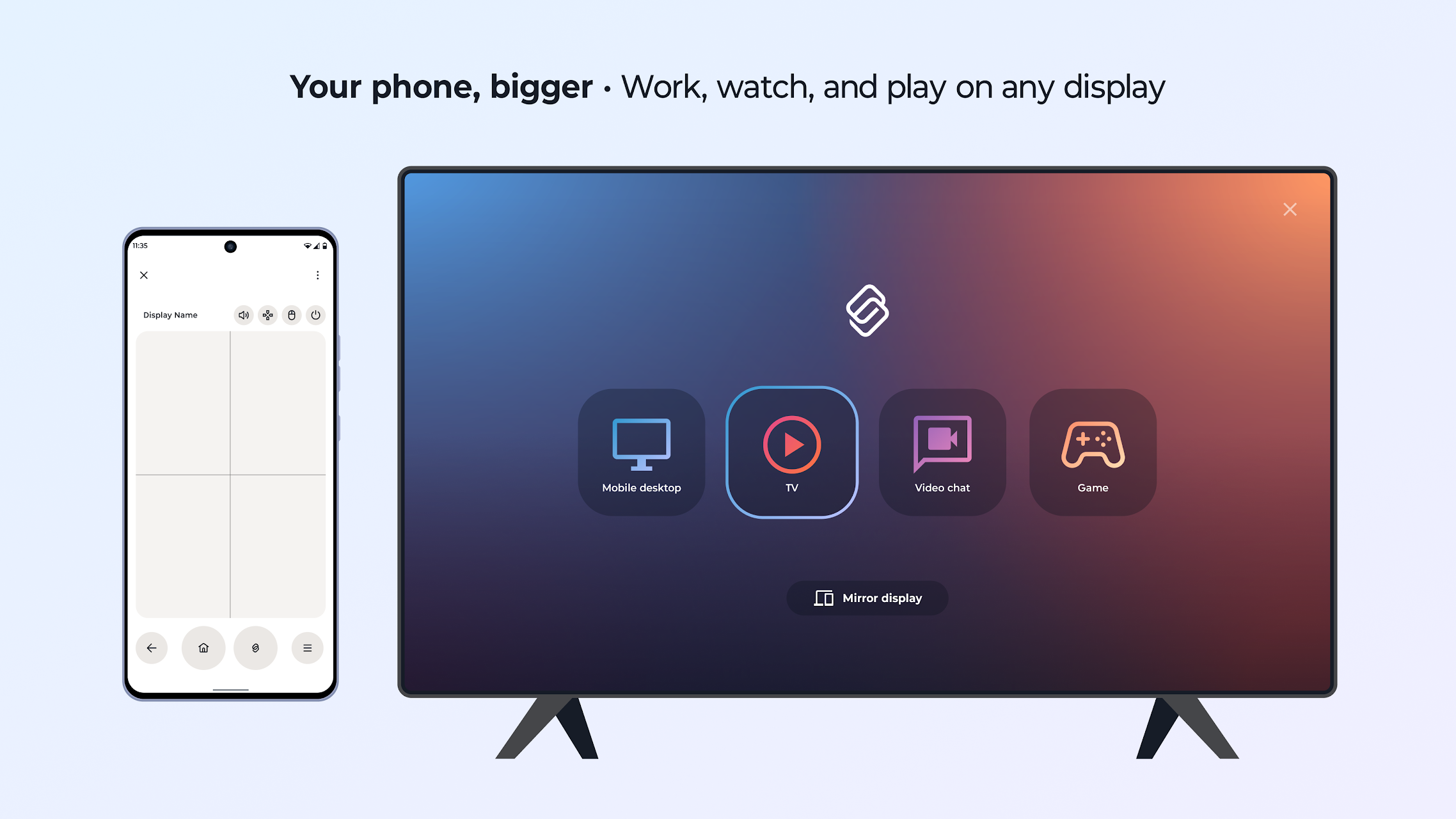
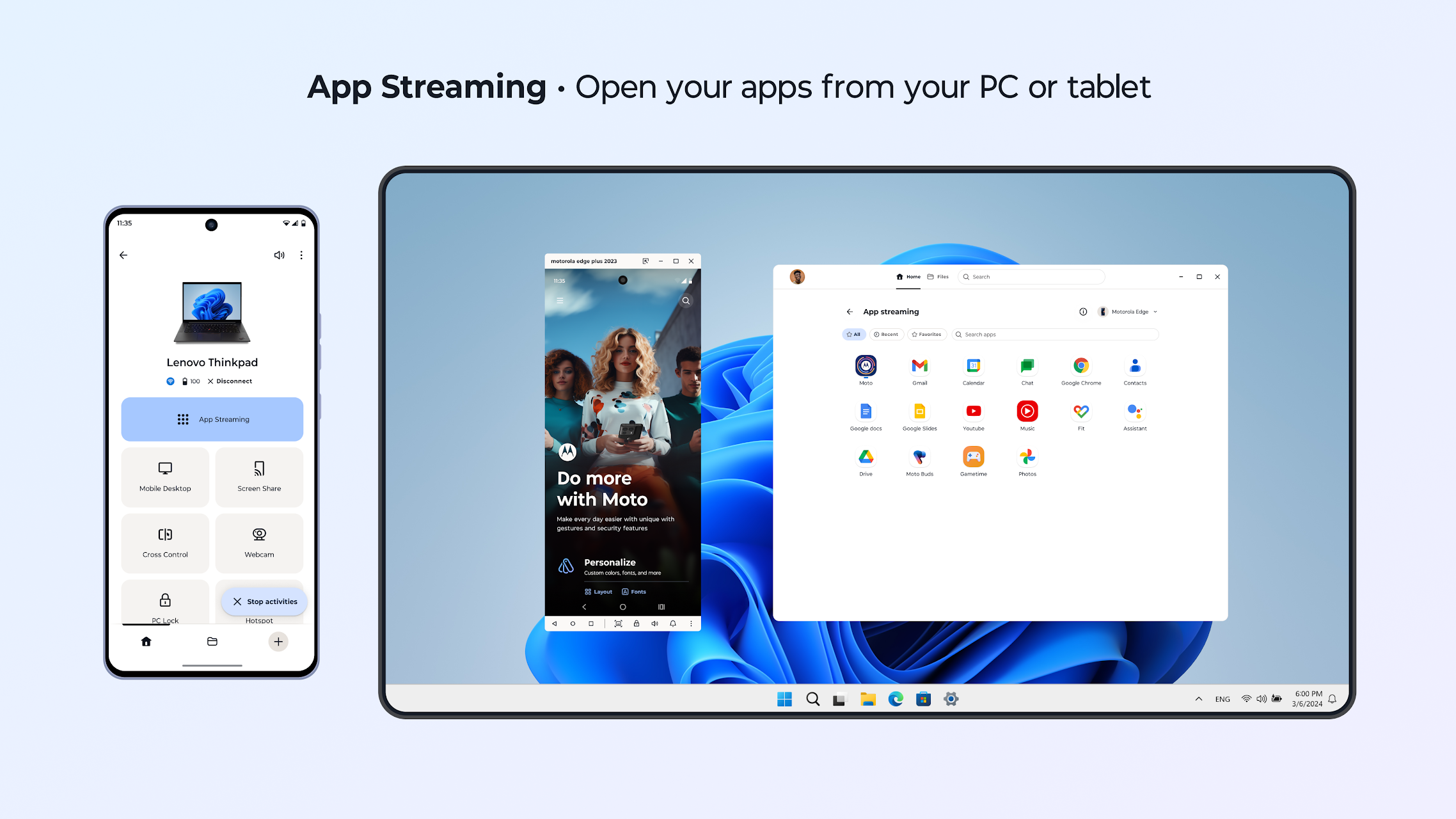
Smart Connect is most useful when you want one task to continue on another screen. Stream apps and media from your phone or tablet to a PC or smart display when you want a larger view. Use Webcam if your phone or tablet camera gives you a clearer video call image than your computer camera. The app also supports collaboration across your own devices, but it is centered on personal device-to-device continuity rather than team features.
Feature compatibility may vary by device, so not every setup will work the same way. The app also notes that some features depend on your phone or tablet model.
Requirements and permissions
Smart Connect requires elevated permissions to install and use. A compatible phone or tablet and a Windows 10 or 11 PC with Bluetooth are required. The app does not list in-app purchases or ads, and its content rating is Everyone. If you are updating from an APK, install the newer version over the existing app package on a compatible device.
APK information
- Version
- 09.0.2.020.0
- Package
- com.motorola.mobiledesktop
- Category
- Productivity
- Size
- 178 MB
- Min Android
- 11
- Architecture
- universal
Older versions
-
Smart Connect 09.0.2.020.0Nov 12, 2026Latest downloadAPK
Smart Connect FAQ
Does Smart Connect support teams?expand_more
Smart Connect is built for connecting your own phone, tablet, and PC. The listed features focus on moving content, messages, and screens across your devices.
Does Smart Connect sync across devices?expand_more
Yes. It includes Search and Share Hub, Clipboard, Cross Control, and message access from the PC dashboard to keep work moving between devices.
How do I update Smart Connect from an APK?expand_more
Install the newer APK version over the existing app on a compatible device. Smart Connect requires Android 11 or later and uses a universal APK build.
Does Smart Connect work offline?expand_more
The app description does not say that it works offline. Its features are described around connected phone, tablet, and PC use.
What devices work with Smart Connect?expand_more
A Windows 10 or 11 PC with Bluetooth and a compatible phone or tablet is required. Feature compatibility may vary by device.