- 3.3star5,760 reviews
- 100M+Downloads
- 17 MBAPK size
- EveryoneRated for Everyone
- 11+Android
check_circleOriginal APK from Motorola Mobility LLC. · Updated Nov 12, 2026
No threats found
0 / — antivirus engines flagged this file
Original signature
First seen — Motorola Mobility LLC.
Unmodified APK
Same file the developer published — no mods
Smart Connect Video screenshots
2 images · tap to enlarge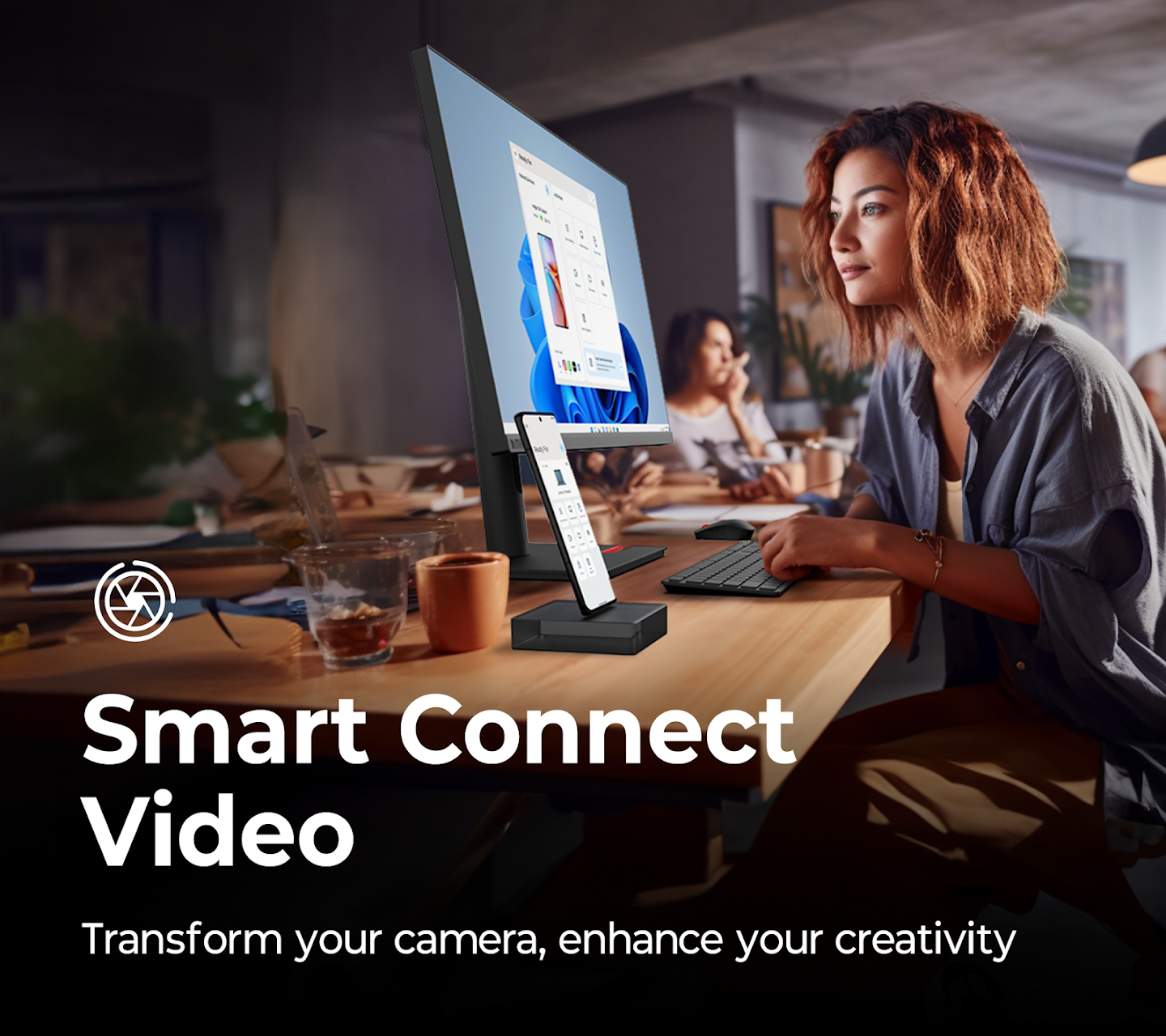
About this app
Motorola Mobility LLC. made Smart Connect Video for Motorola smartphone users who want webcam support and camera effects in one app. It lets you use the phone as a webcam over Smart Connect or USB, and it adds Creator Toolkit options for social media creation. The app is free, shows no ads, and has no in-app purchases.
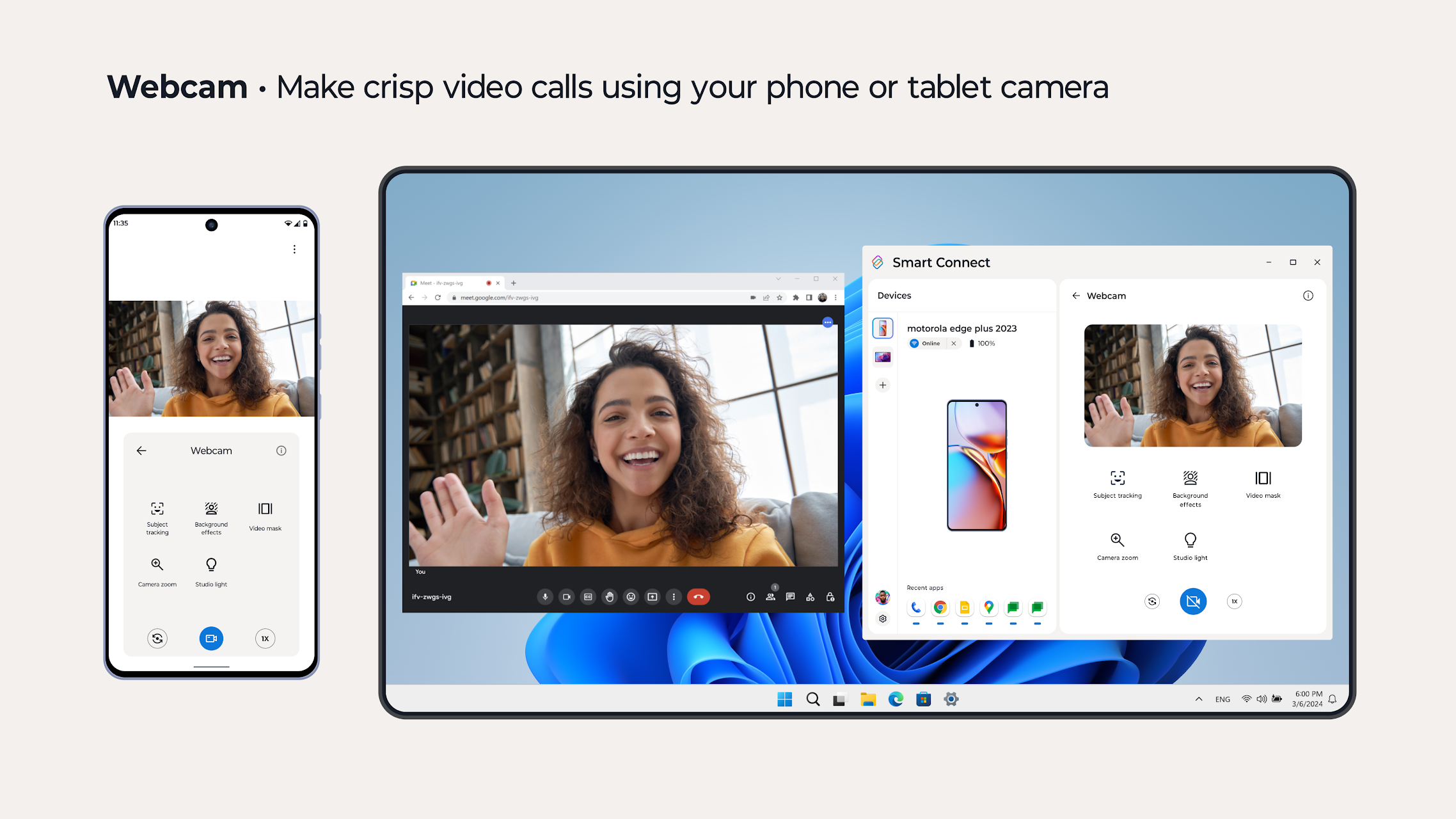
- Webcam connection — Use your Motorola phone as a webcam through Smart Connect or a USB cable.
- Subject tracking — Face-centering controls help keep you in frame, with adjustable sensitivity.
- Privacy masking — Smart loop and Freeze frame can hold or mask video during calls.
- Multi-camera use — The app can work with phone cameras such as telephoto and ultra-wide lenses.
- Creator Toolkit — Apply effects inside social apps, including background changes and video looping.
Camera tools for calls and posts
Smart Connect Video is a Photography app from Motorola Mobility LLC. for Motorola smartphone owners who want to use the phone camera in more than one way. It supports webcam use for video calls and offers Creator Toolkit options for editing-style effects inside social apps. The app is free, has no ads, and does not include in-app purchases.
Webcam use on Motorola phones
The webcam side is built around direct phone-to-computer use through Smart Connect or a USB cable. Subject tracking can keep your face centered, and the sensitivity can be adjusted. That makes the setup practical for calls where framing matters, especially when you want the phone’s camera hardware to do the work.
- Smart loop and Freeze frame are included for video masking during calls.
- The app can use multiple cameras, including telephoto and ultra-wide lenses.
- These features are meant for compatible Motorola devices.
Creator Toolkit inside social apps
Creator Toolkit is the other main part of the app. It lets you apply special effects while using your camera in social media apps, rather than exporting into a separate editor first. Background switching or blurring and video looping are part of the toolkit, so the workflow stays close to the app you are already using.
Install and device details
This APK file is 16.7 MB, comes in universal format, and requires Android 11 or later. The app was released on 2021-03-10 and was last updated on 2025-11-03. Because no permissions are listed here, there is nothing specific to note about app access beyond the camera-focused features described above.
Version notes
Recent changes include adjustments to Content Creator mode because of third-party app limitations, an updated Creator Toolkit sidebar and features, and bug fixes and improvements. That keeps the app centered on compatibility and small workflow changes rather than broad interface changes.
What's new
Version 5.02.021.00 · Nov 12, 2026
- Adjustments to Content Creator mode due to third-party app limitations
- Updated Creator Toolkit sidebar and features
- Bug fixes and improvements
APK information
- Version
- 5.02.021.00
- Package
- com.motorola.motcameradesktop
- Category
- Photography
- Size
- 17 MB
- Min Android
- 11
- Architecture
- universal
Older versions
-
Smart Connect Video 5.02.021.00Nov 12, 2026Latest downloadAPK
Smart Connect Video FAQ
Does Smart Connect Video add a watermark?expand_more
The available details do not mention a watermark. The listed features focus on webcam use, masking, and Creator Toolkit effects.
Does Smart Connect Video work offline?expand_more
The app description does not say whether it works offline. Its webcam and social app features suggest connected-device use, but offline support is not described.
How do I update Smart Connect Video from an APK?expand_more
Download the newer APK version and install it over the existing app on a compatible Android device. This APK is version 5.02.021.00.
Which Android version does Smart Connect Video need?expand_more
It requires Android 11 or later.
Which Motorola features does Smart Connect Video support?expand_more
It supports webcam use, subject tracking, Smart loop, Freeze frame, and Creator Toolkit effects on compatible Motorola devices.