
- 1.8star2,624 reviews
- 1B+Downloads
- 57 MBAPK size
- EveryoneRated for Everyone
- 12+Android
check_circleOriginal APK from Samsung Electronics Co., Ltd. · Updated Nov 11, 2026
No threats found
0 / — antivirus engines flagged this file
Original signature
First seen — Samsung Electronics Co., Ltd.
Unmodified APK
Same file the developer published — no mods
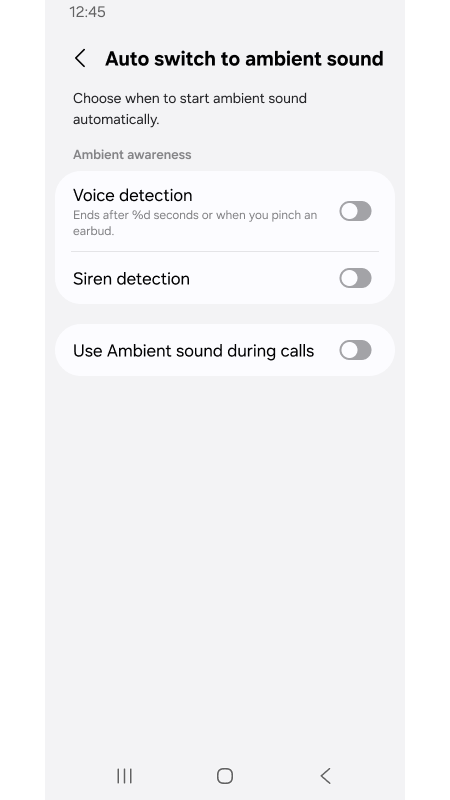
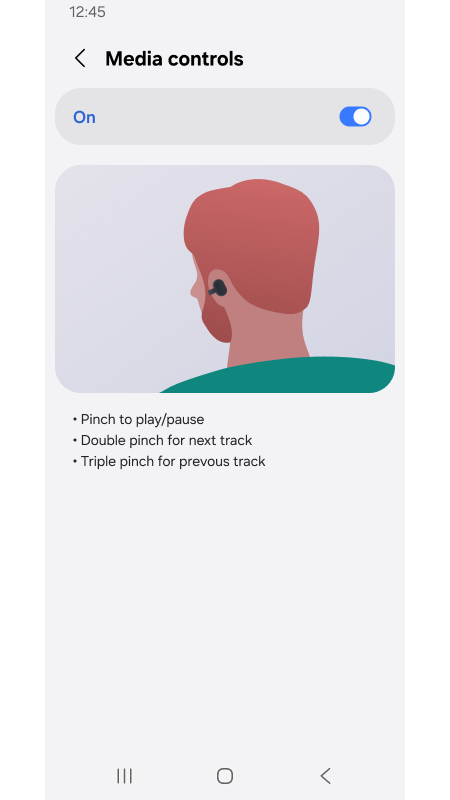
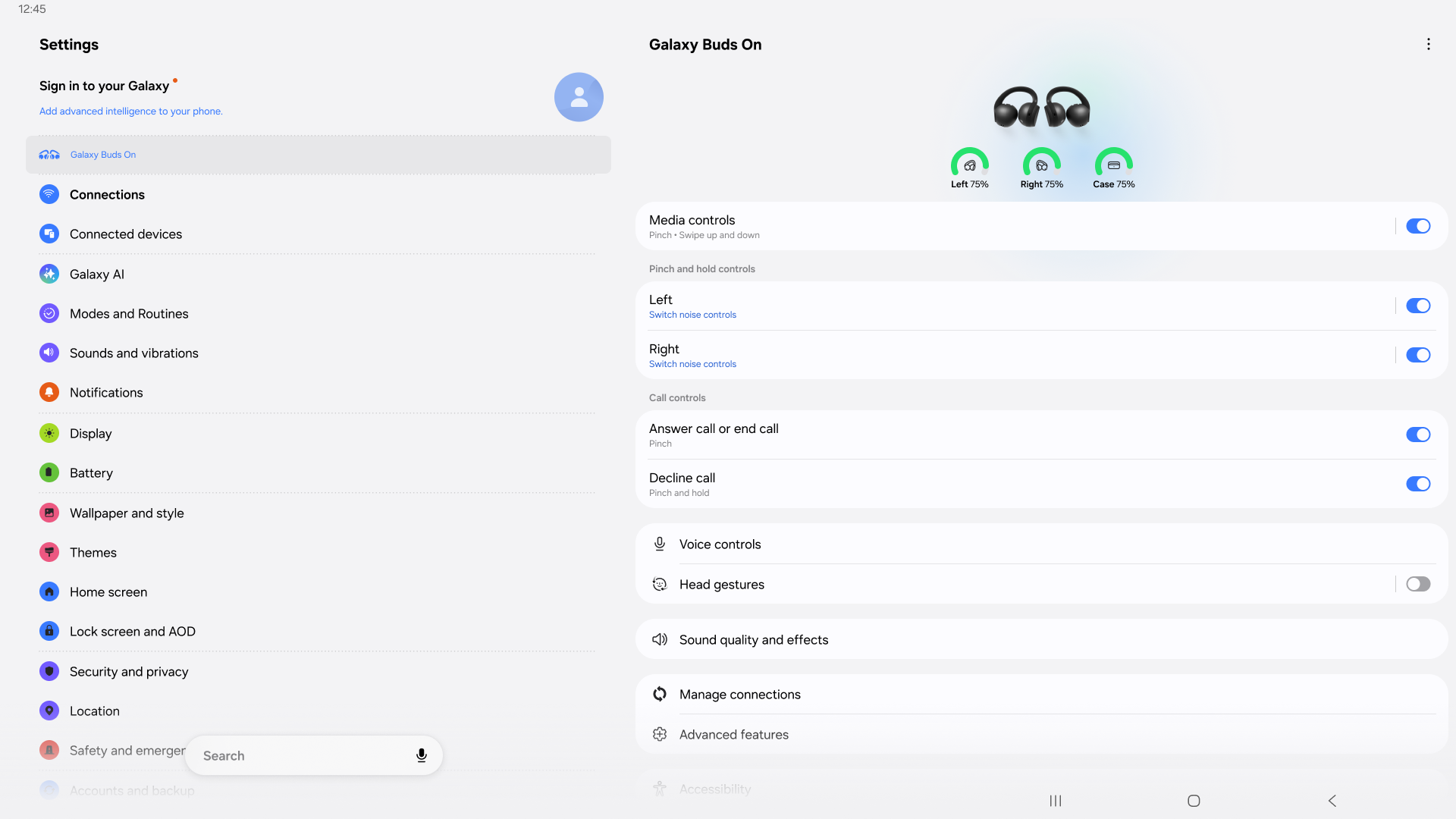
Galaxy Buds screenshots
8 images · tap to enlarge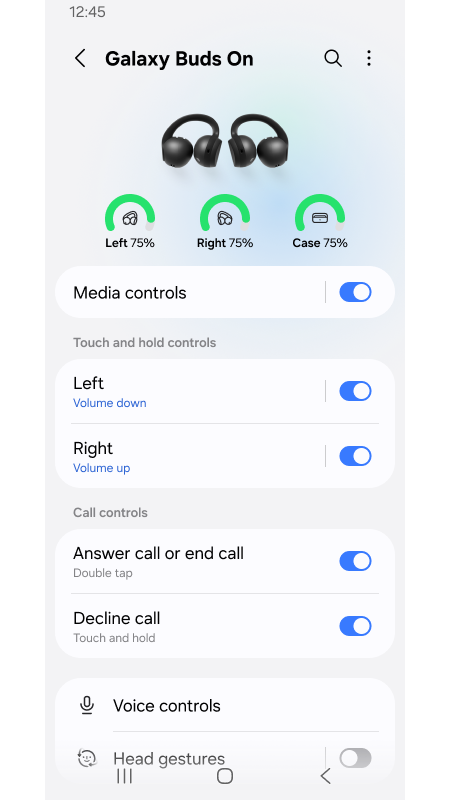
About this app
Control and check your Galaxy Buds from Android when the earbuds are connected. Galaxy Buds lets you view device status and adjust supported settings for Galaxy Buds4 or higher, with voice-notification features tied to optional permissions. It is free, contains no ads, and requires Android 12 or later.
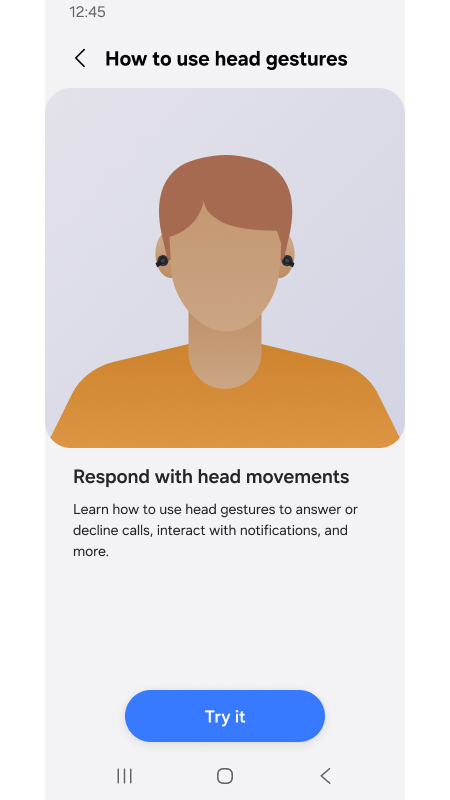
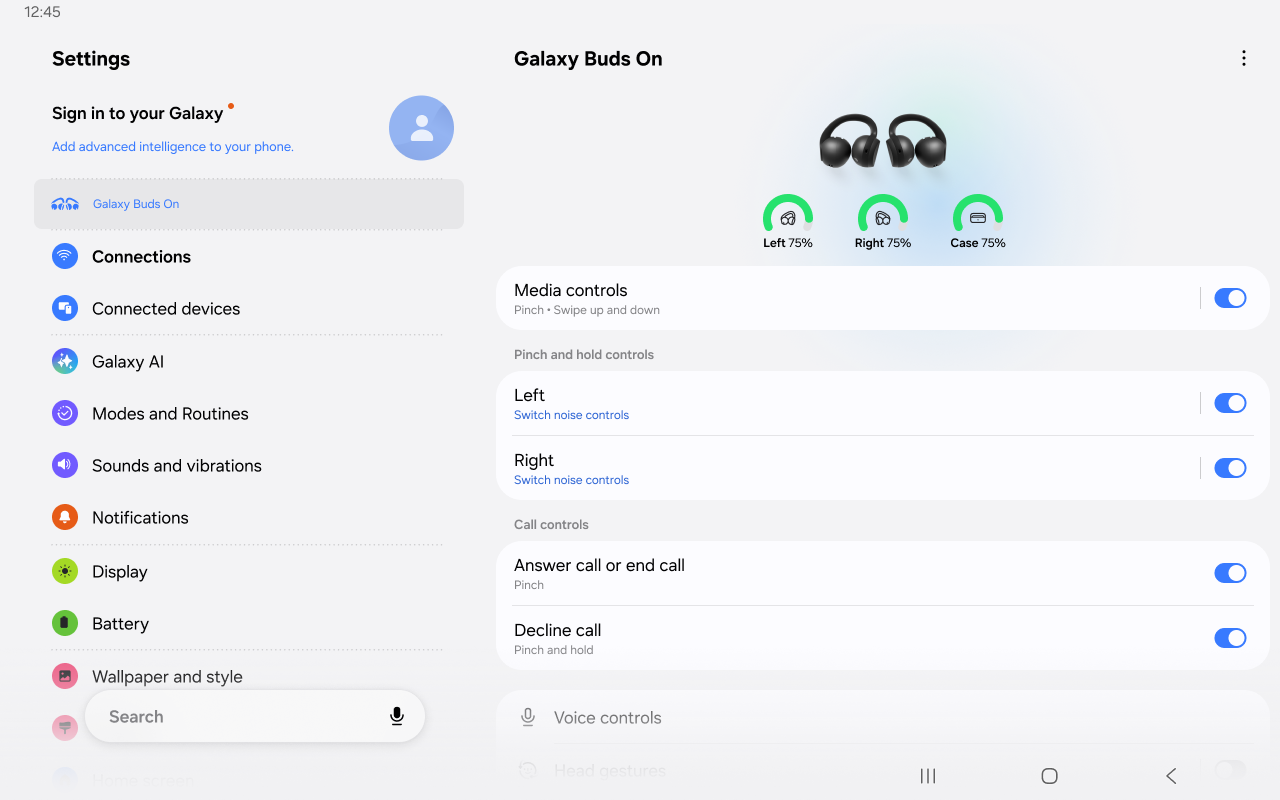
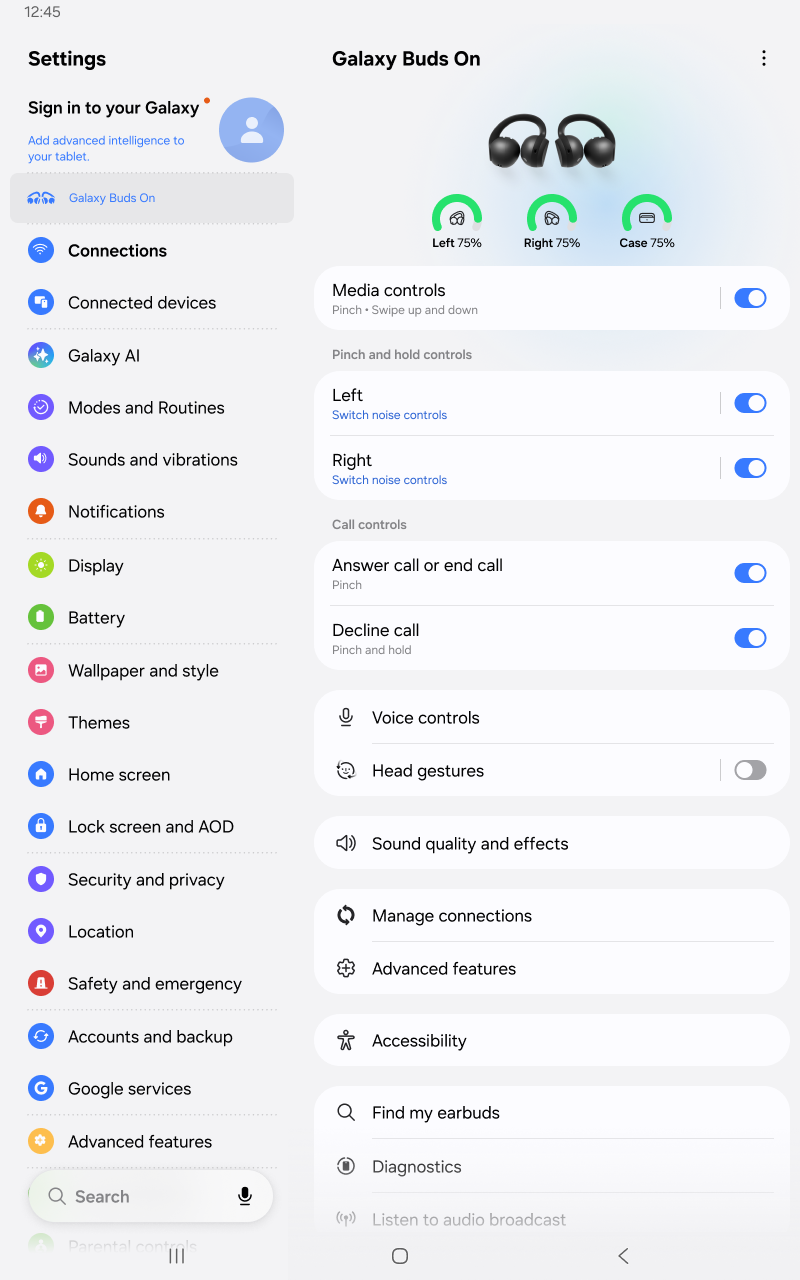
- Device status view — Check supported status details for connected Galaxy Buds4 or higher.
- Settings access — Change device settings from the app when your earbuds are connected.
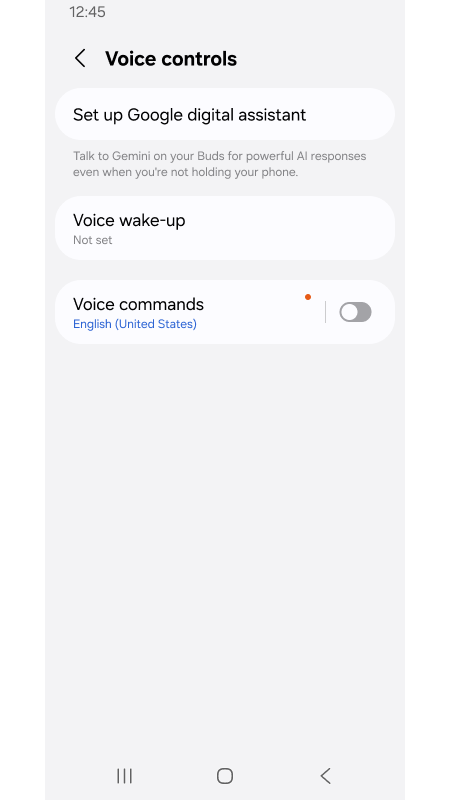
- Voice notifications — Optional permissions enable voice notifications with contact, calendar, call log, and notification access.
- Nearby scan — The app needs Nearby devices permission to find Galaxy Buds devices.
- Free install — The app is free to use and does not include ads or in-app purchases.
For Galaxy Buds4 owners
If you use Galaxy Buds4 or later, this app gives you a place to view device status and reach supported settings from your phone. It is built around a connected-earbuds workflow, so it is useful when you want quick access to headset controls without digging through system menus.
What you get:
- Device settings for connected Galaxy Buds4 or higher
- Status view for the earbuds
- Free use with no ads
- No in-app purchases
Voice notifications and permission prompts
Some features depend on extra permissions, especially voice notifications. The app can use calls, contacts and account, calendar, call logs, and notifications to check the details needed for that feature. Basic app functions still work if you skip optional permissions, but Nearby devices is required so the app can scan for Galaxy Buds hardware.
What to watch for:
- Nearby devices is required
- Optional permissions are tied to voice notifications
- Android 12 or higher needs permissions allowed in system settings
Install size and Android support
The APK is 56.6 MB and uses the universal build format. It runs on Android 12 and later. If you install it from an APK, update it by replacing it with a newer APK version when one is available; the current version is 9.0.10.1724.
Samsung users comparing alternatives
Samsung Electronics Co., Ltd. also makes apps such as Samsung My Files, Device Care, Clock, Samsung Calculator, and Samsung One UI Home. Galaxy Buds is narrower than those general-purpose tools: it exists for connected Galaxy Buds devices, not for broader system management. If you do not own supported Galaxy Buds hardware, the app will not be useful.
What's new
Version 9.0.10.1724 · Nov 11, 2026
- Initial Official Release
APK information
- Version
- 9.0.10.1724
- Package
- com.samsung.accessory.budsunitemgr
- Category
- Tools
- Size
- 57 MB
- Min Android
- 12
- Architecture
- universal
Older versions
-
Galaxy Buds 9.0.10.1724Nov 11, 2026Latest downloadAPK
Galaxy Buds FAQ
Why does Galaxy Buds need these permissions?expand_more
Nearby devices is required to scan Galaxy Buds devices. Optional permissions for calls, contacts, calendar, call logs, and notifications are used for the voice notifications feature.
Does Galaxy Buds need root?expand_more
No root requirement is listed. The app runs on Android 12 or higher and uses standard Android permissions.
Is this Galaxy Buds APK the original file?expand_more
The app listing says this is the official release, and the current version is 9.0.10.1724.
How do I update Galaxy Buds from an APK?expand_more
Install the newer APK version over the existing one when an update is available. The current version shown is 9.0.10.1724.
Which Galaxy Buds devices work with this app?expand_more
The description says it supports device settings and status view for Galaxy Buds4 or higher.