
- 3.7star1,800,039 reviews
- 1B+Downloads
- 15 MBAPK size
- EveryoneRated for Everyone
- 8.0+Android
check_circleOriginal APK from Samsung Electronics Co., Ltd. · Updated Nov 12, 2026
No threats found
0 / — antivirus engines flagged this file
Original signature
First seen — Samsung Electronics Co., Ltd.
Unmodified APK
Same file the developer published — no mods
Galaxy Wearable screenshots
5 images · tap to enlarge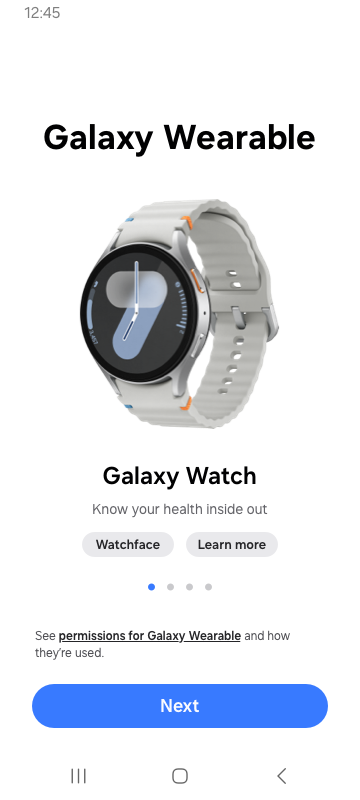
About this app
Manage your Samsung wearable from your phone when you need to pair it, update it, or check settings on the go. Galaxy Wearable handles the connection between your mobile device and supported wearables, with tools for notifications, clock settings, app downloads, and Find my Watch. It uses Bluetooth and may ask for permissions to support device search and syncing.
- Bluetooth pairing — Pair your wearable with your phone and keep the connection active for app features to work.
- Software updates — Check for and install updates for the connected wearable device from the app.
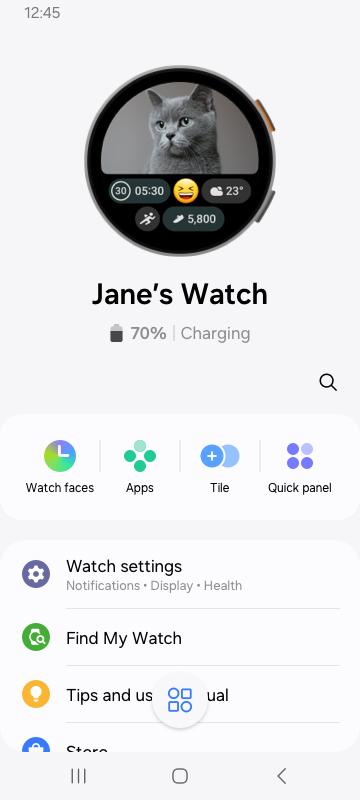
- Find my Watch — Use the app to help locate a connected watch when it is nearby.
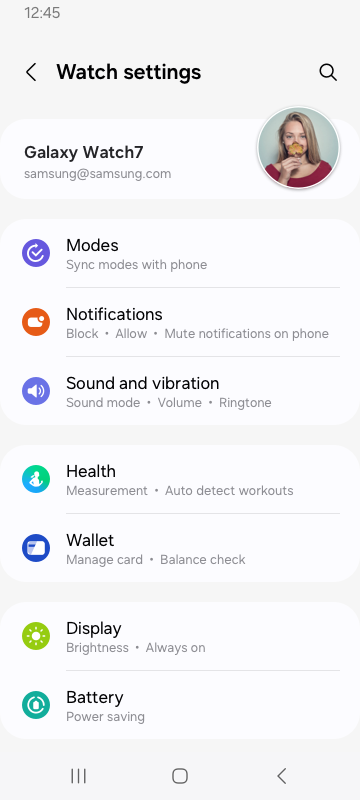
- Notification settings — Adjust notification type and settings for the wearable from your phone.
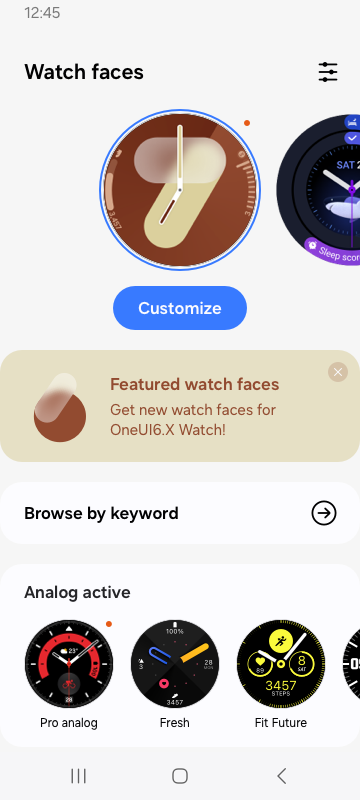
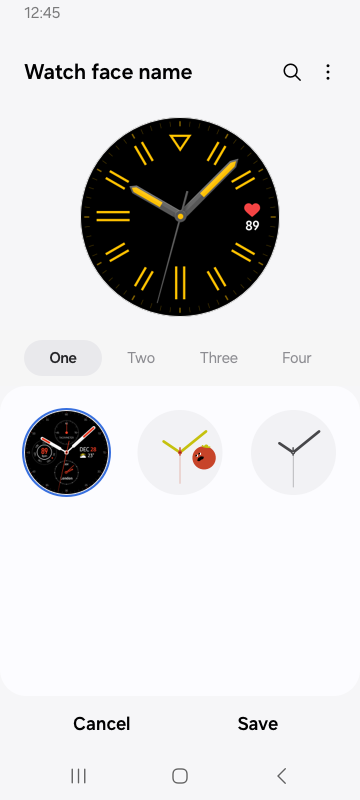
- Clock settings — Set up clock options and manage the watch face-related settings you use every day.
- App management — Download and control wearable apps and settings through Galaxy Apps support.
Pair your watch before the day starts
When you first set up a Samsung wearable, this is the app you open to connect it to your phone. Pair over Bluetooth, then use the connection to manage the wearable device and its apps. If the connection drops, the app also handles mobile device connection and disconnection from one place.
Updates, clock settings, and app downloads
On a normal morning, you might open Galaxy Wearable to check for software updates before heading out. The app also lets you adjust clock settings and manage application downloads and settings for the wearable. It is a practical control panel for the parts of the device you use most.
Find my Watch and notification controls
If you leave your watch behind at home or under a couch cushion, Find my Watch is the feature you will reach for. The app also lets you set notification type and notification settings, so you can decide how alerts reach your wrist during work, travel, or a quiet evening.
Permissions and install checks
Galaxy Wearable asks for permissions that support nearby device search and optional syncing features. Location is required on Android 11 or lower, while Nearby devices is required on Android 12 or higher. Optional permissions can include Phone, Address book, Calendar, Call logs, and SMS depending on the wearable you connect. The app is free, does not contain ads, and installs as a 14.5 MB APK on Android 8.0 and up.
- Not supported: Gear VR and Gear 360
- Only for Galaxy Buds models, tablets can be used
- Supported devices vary by region, operator, and model
What's new
Version 2.2.72.26092361 · Nov 12, 2026
- Galaxy Watch9
APK information
- Version
- 2.2.72.26092361
- Package
- com.samsung.android.app.watchmanager
- Category
- Tools
- Size
- 15 MB
- Min Android
- 8.0
- Architecture
- universal
Older versions
-
Galaxy Wearable 2.2.72.26092361Nov 12, 2026Latest downloadAPK
Galaxy Wearable FAQ
Why does Galaxy Wearable need these permissions?expand_more
It uses Location on Android 11 or lower, or Nearby devices on Android 12 or higher, to search for nearby connectable devices over Bluetooth. Optional permissions can support syncing for phone, contacts, calendar, call logs, and SMS depending on the wearable.
Does Galaxy Wearable drain the battery?expand_more
The app description does not mention battery use or battery drain. It does note that features need a stable connection between the wearable and the mobile device.
Does Galaxy Wearable show ads?expand_more
No. The app is listed as containing no ads.
Is Galaxy Wearable available for older phones?expand_more
It supports Android 8.0 and up. Devices below that version are not supported.
Can Galaxy Wearable find my watch?expand_more
Yes. Find my Watch is one of the features you can use after pairing your wearable with your phone.