- 3.8star11,081 reviews
- 10M+Downloads
- 15 MBAPK size
- EveryoneRated for Everyone
- 12+Android
check_circleOriginal APK from Samsung Electronics Co., Ltd. · Updated Nov 10, 2026
No threats found
0 / — antivirus engines flagged this file
Original signature
First seen — Samsung Electronics Co., Ltd.
Unmodified APK
Same file the developer published — no mods
Good Lock screenshots
4 images · tap to enlarge
About this app
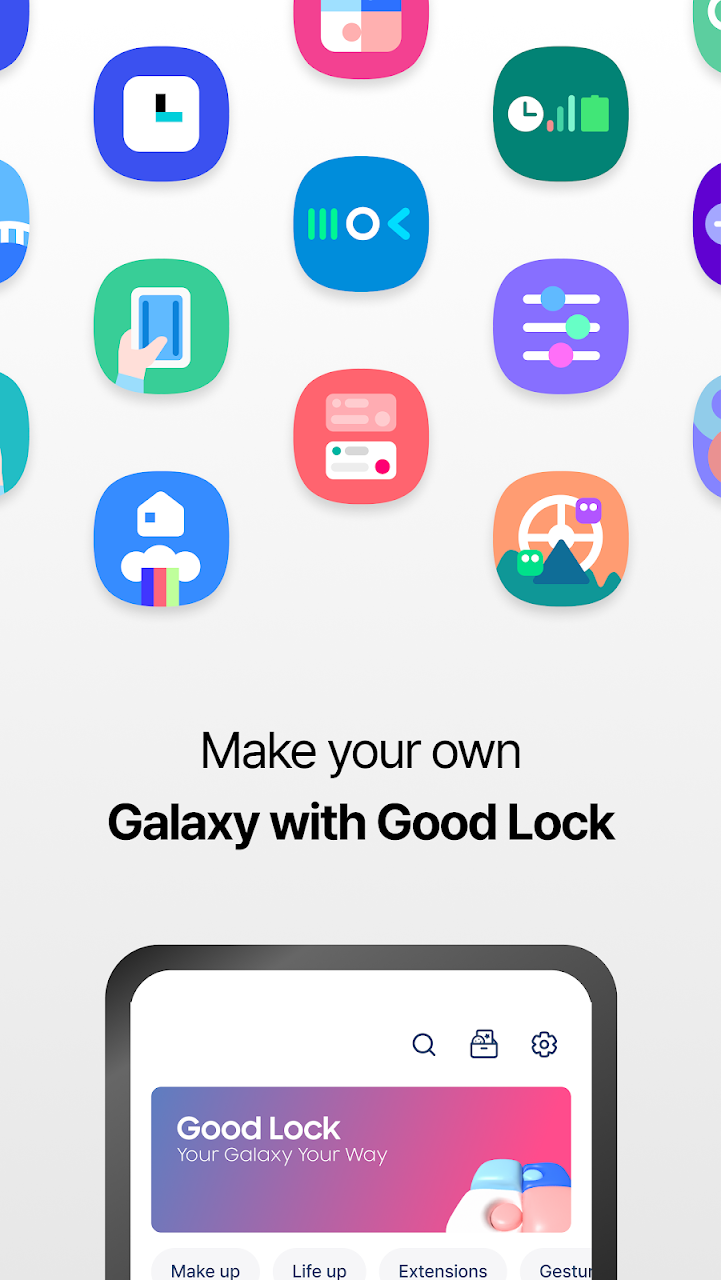
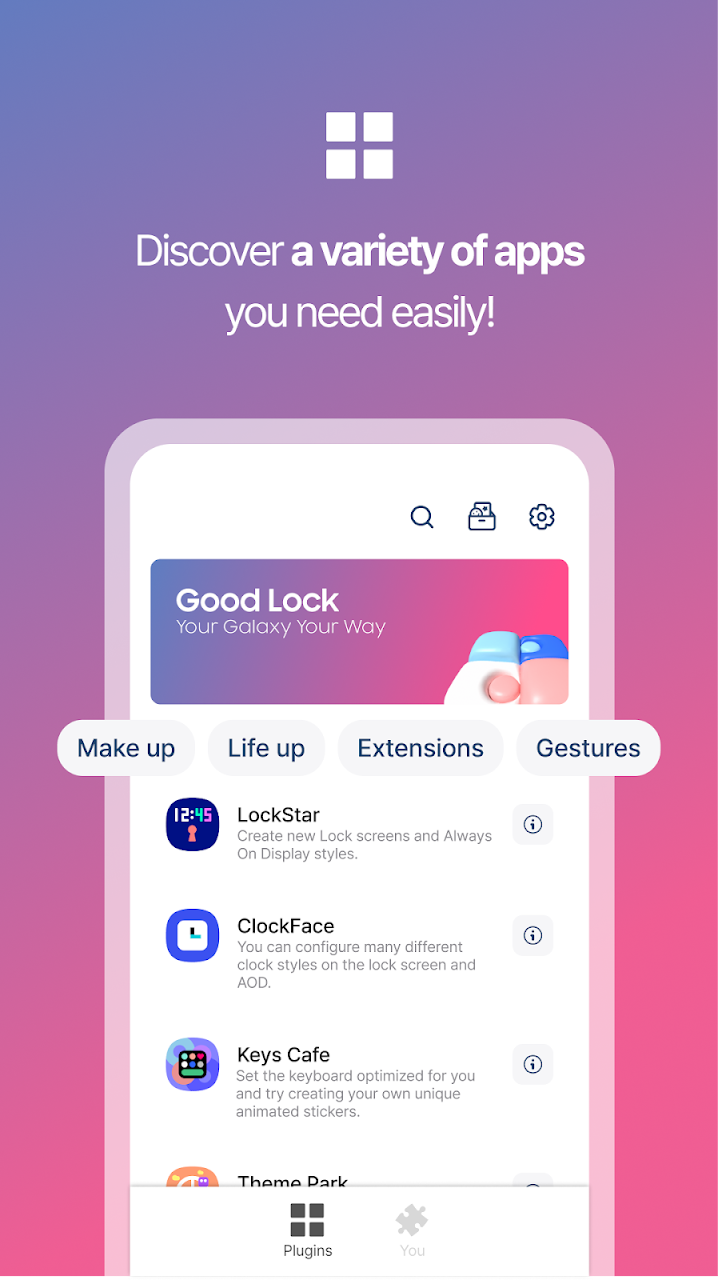
10M+ installs and a 3.8 rating make Good Lock a familiar pick for Galaxy users who want more control over Samsung’s interface. It opens into a plugin-based setup, so you add the pieces you need for the lock screen, Quick Panel, navigation bar, and other One UI areas instead of changing everything at once.
- Lock screen styles — LockStar lets you build new lock screen layouts and AOD styles.
- Clock options — ClockFace adds different clock styles for the lock screen and always-on display.
- Navigation controls — NavStar helps you arrange navigation bar buttons and swipe gestures.
- One UI Home tweaks — Home Up changes the One UI Home experience with extra convenience settings.
- Quick Panel setup — QuickStar lets you organize the top bar and Quick Panel in a cleaner way.
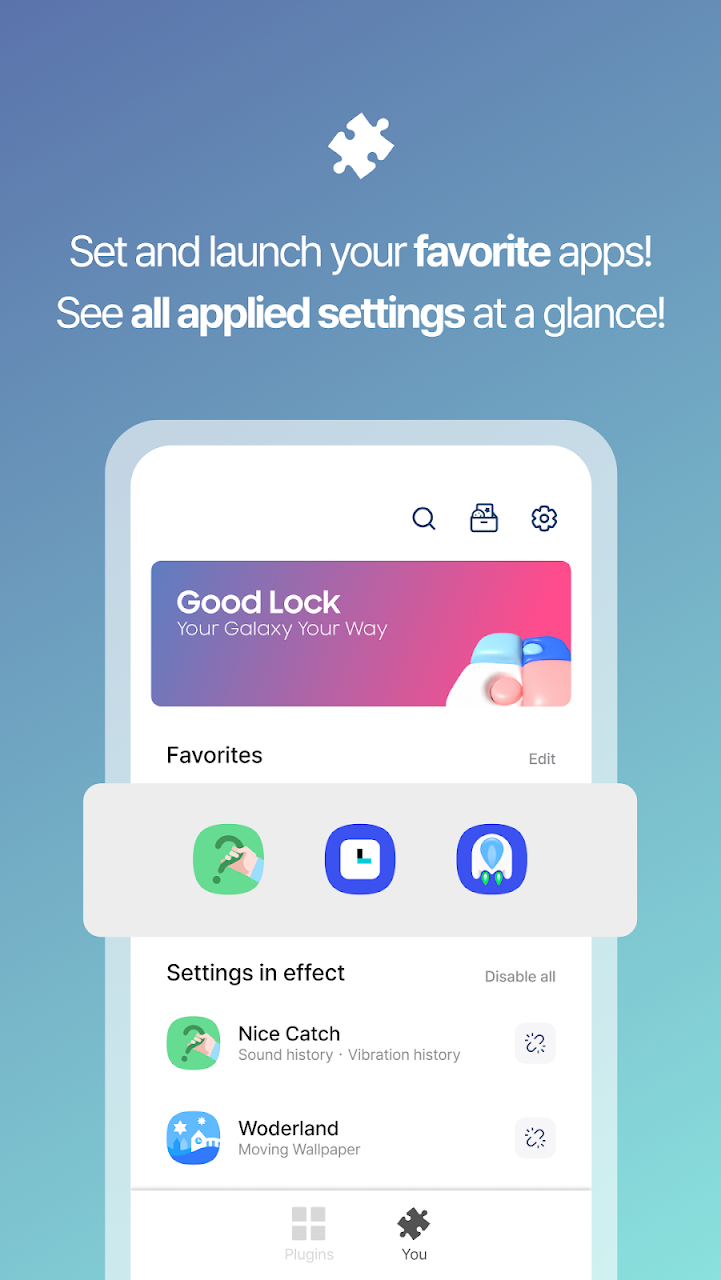
- Motion backgrounds — Wonderland creates backgrounds that move with your device.
First launch on a Samsung device
Good Lock is set up as a plugin hub for Samsung smartphones. On first launch, you can expect to choose the pieces you want rather than use everything at once. The app is free, contains no ads, and does not use in-app purchases. It comes as a 15 MB APK and needs Android 12 or later.
Set up the plugins you actually need
The first practical step is to install and open the plugins that match your daily routine. LockStar is for lock screen and AOD styles, ClockFace changes the clock look, NavStar handles navigation buttons and swipe gestures, Home Up adjusts One UI Home, QuickStar organizes the top bar and Quick Panel, and Wonderland makes moving backgrounds.
- LockStar for lock screen layout changes
- ClockFace for clock styling
- NavStar for gesture and button organization
- QuickStar for the Quick Panel and top bar
Using it in a normal day
Good Lock fits into small moments: changing the lock screen before you leave, adjusting the Quick Panel when you want easier access, or refining navigation gestures after you notice something feels awkward. The app also points to convenience features for multi window, audio, and routines, so it is useful when you want Samsung tools to feel less fixed.
Practical tips and limits
The app is aimed at Android O and P-era Samsung devices, and some devices may not be supported. It is available in Korean, English, Chinese, and Japanese. The main friction is compatibility rather than setup clutter: there are no ads, no purchases, and no permissions listed here to review before installing.
Requirements and permissions
Good Lock does not list any permissions. That means there is no permission prompt to manage from the details shown here. Root is not mentioned, and the app is designed for Samsung devices running Android 12 or later, with support notes that point to some device limitations.
What's new
Version 3.0.16.6 · Nov 10, 2026
- Improved app stability and UI enhancements
APK information
- Version
- 3.0.16.6
- Package
- com.samsung.android.goodlock
- Category
- Tools
- Size
- 15 MB
- Min Android
- 12
- Architecture
- universal
Older versions
-
Good Lock 3.0.16.6Nov 10, 2026Latest downloadAPK
Good Lock FAQ
Why does Good Lock need these permissions?expand_more
No permissions are listed for Good Lock, so there is no permission request to explain from the details shown here.
Does Good Lock need root?expand_more
Root is not mentioned. The app is presented as a Samsung plugin app for supported Galaxy devices.
Is Good Lock free to use?expand_more
Yes. Good Lock is free, with no in-app purchases and no ads.
Which Android version does Good Lock need?expand_more
Good Lock needs Android 12 or later. The store description also notes support for Android O and P-era Samsung devices, with some devices possibly unsupported.
What can I customize with Good Lock?expand_more
You can customize areas such as the status bar, Quick Panel, lock screen, keyboard, navigation bar, and other One UI parts through its plugins.