- 3.2star279 reviews
- 100K+Downloads
- 31 MBAPK size
- EveryoneRated for Everyone
- API 16+Android
check_circleOriginal APK from 3D Mannequins · Updated Nov 12, 2026
No threats found
0 / — antivirus engines flagged this file
Original signature
First seen — 3D Mannequins
Unmodified APK
Same file the developer published — no mods
Hand Mannequin screenshots
8 images · tap to enlarge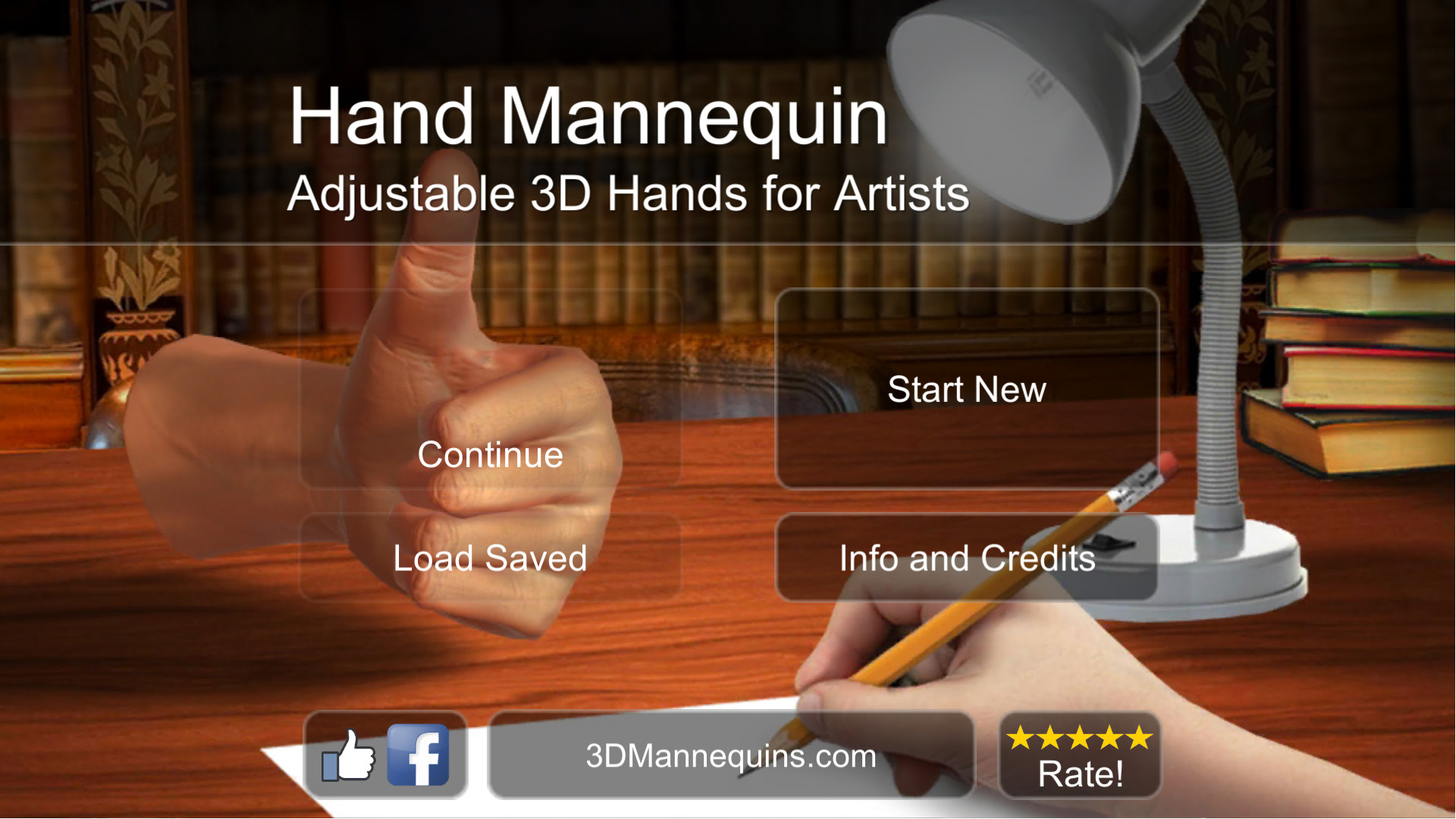
About this app
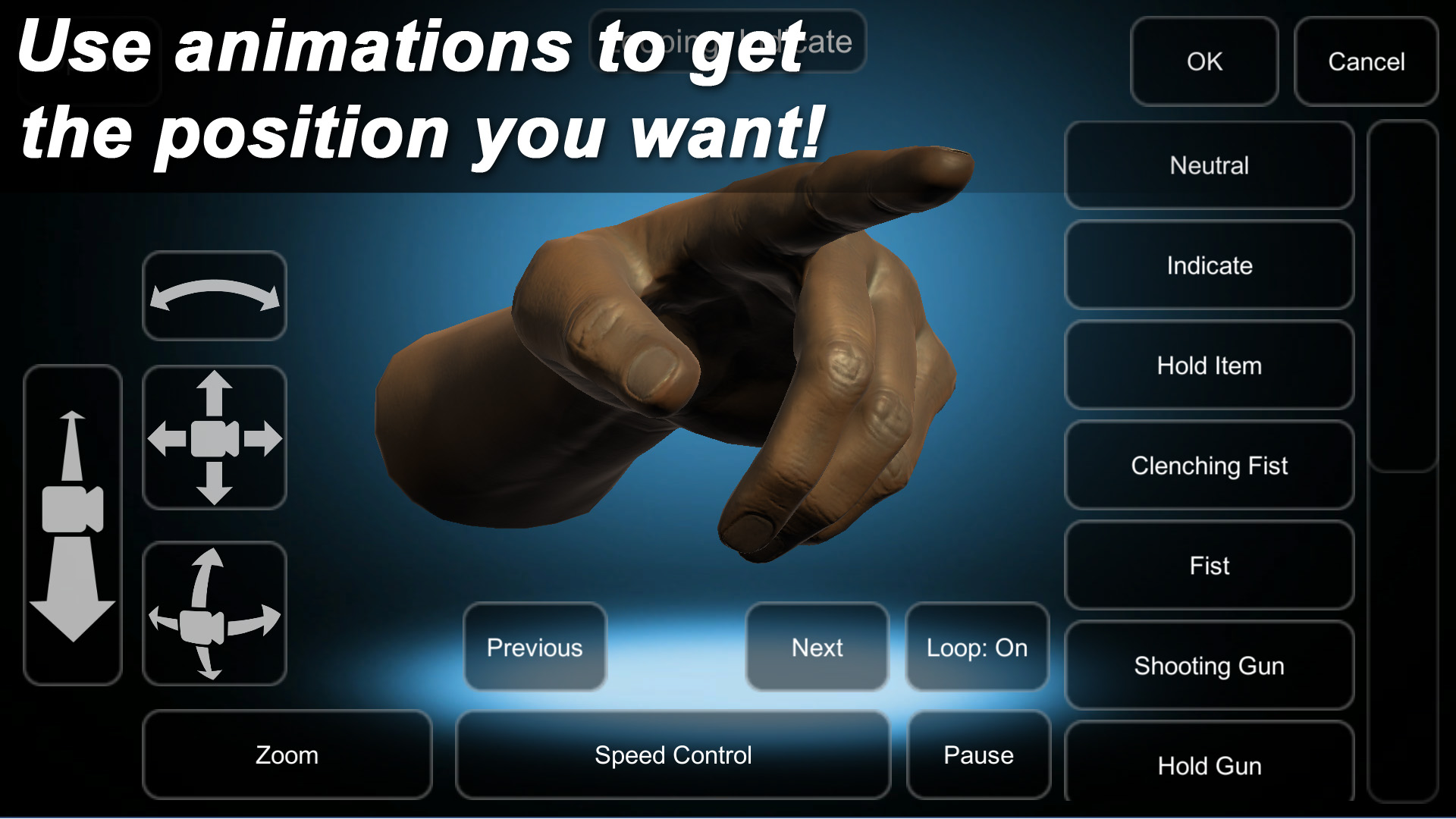
Hand Mannequin stands out in Art & Design with poseable 3D hands built for drawing practice. On a train ride or at a desk, you can rotate individual bones, use animations to reach a pose, and adjust the camera and lights to match the hand you want to sketch. It is made for artists at any level.
- Poseable 3D hands — Adjust hands into the position you need for drawing practice.
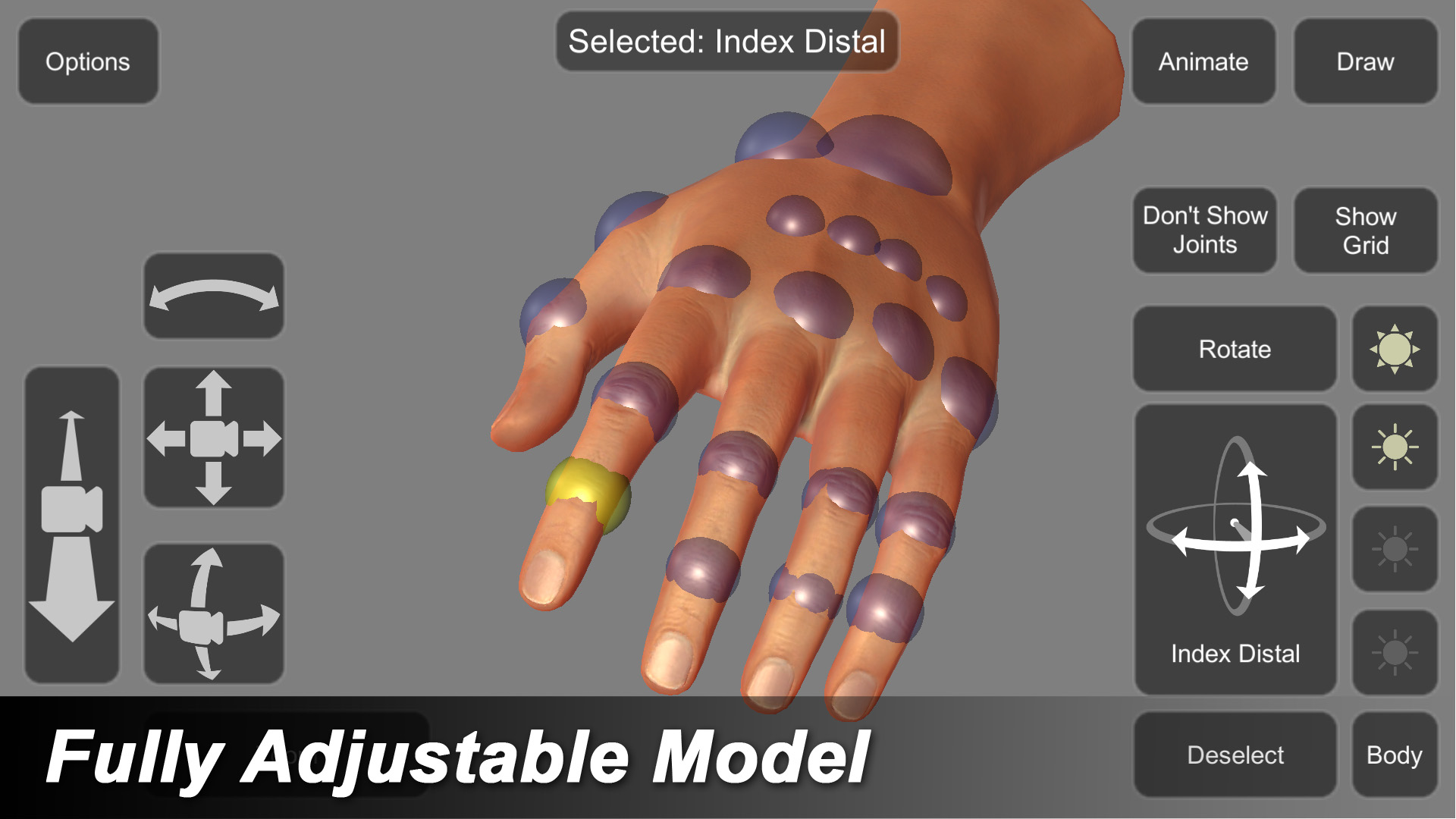
- Bone-by-bone control — Select individual bones to change angle and position.
- Camera adjustments — Change zoom, distance, and field of view while you work.
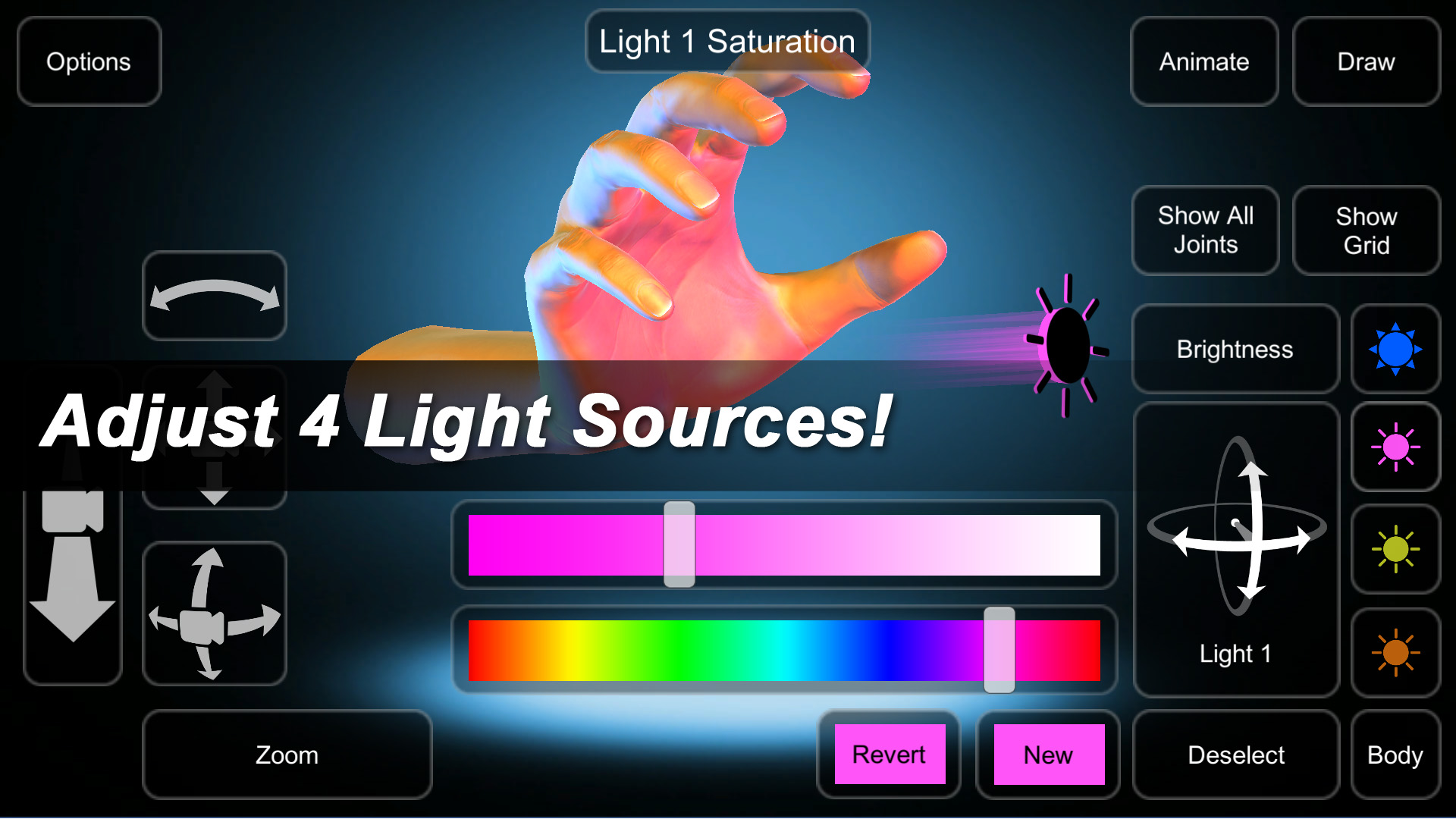
- Lighting controls — Set four lights with angle, color, and brightness options.
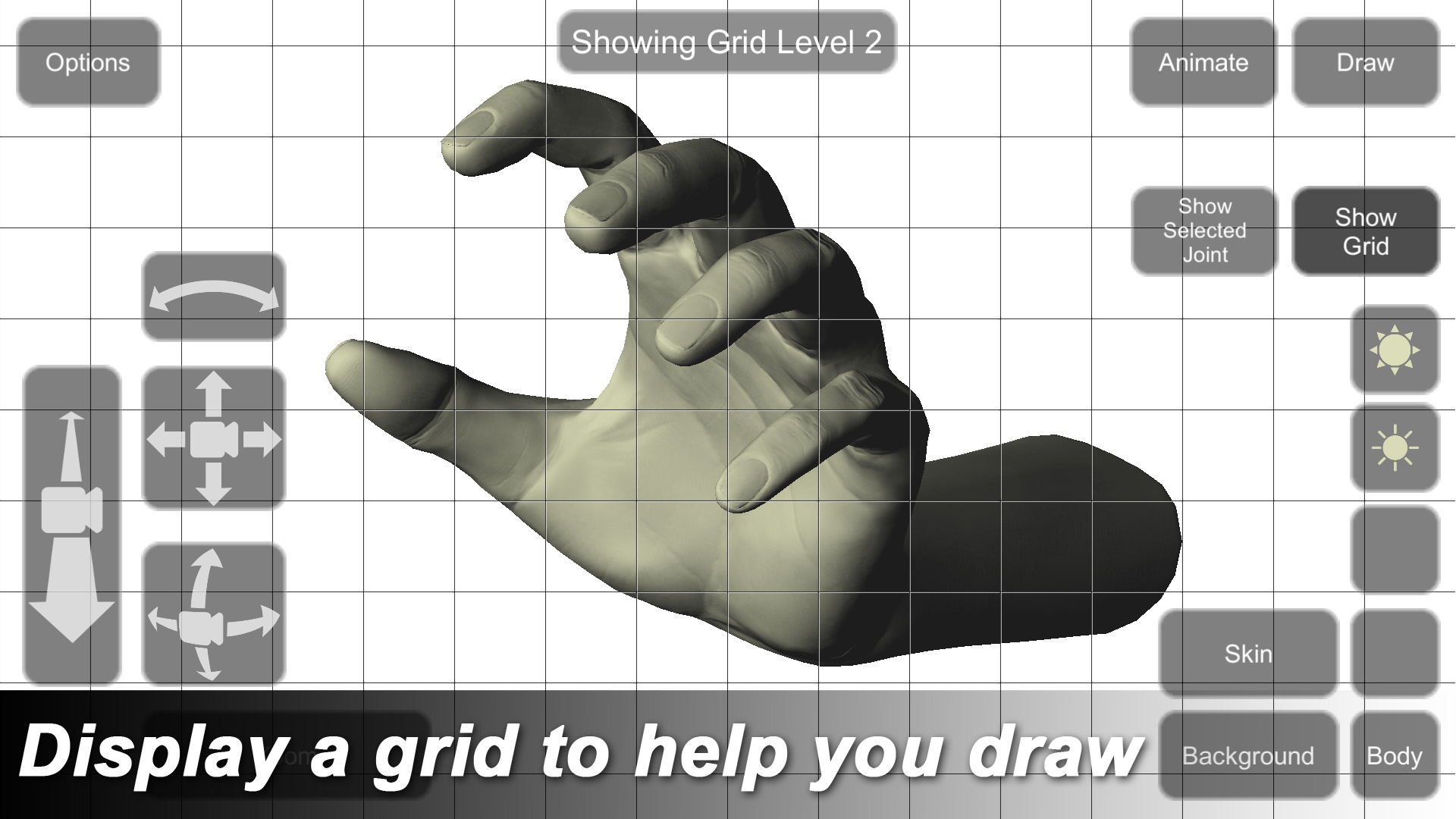
- Grid for proportion — Show a grid to help keep your hand drawing in proportion.
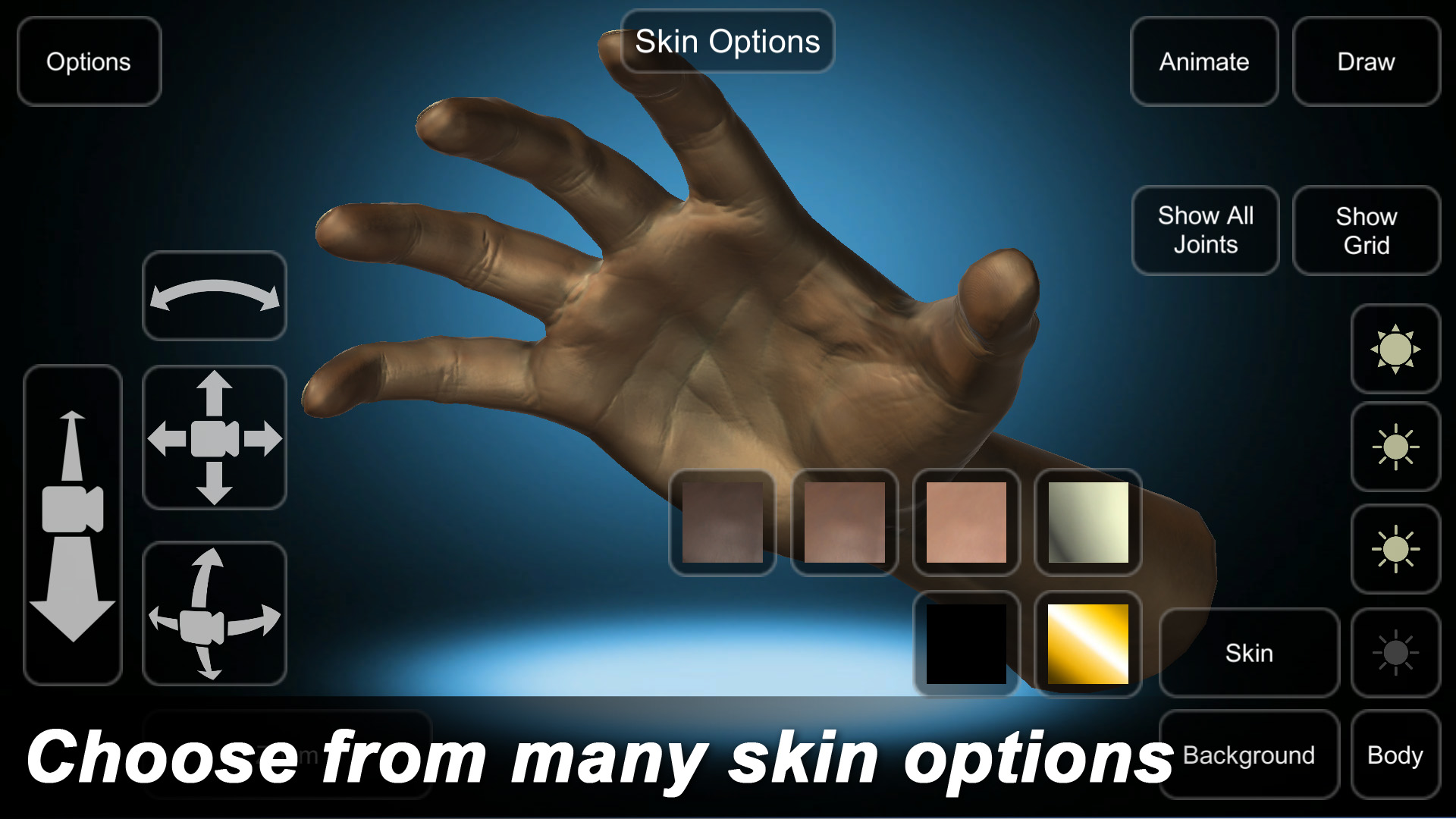
- Skin and scene options — Choose skin coloration, background, and platform style.
Hands you can pose for drawing
Hand Mannequin is built around adjustable 3D hands for artists. If you are studying hand structure on a long train ride or setting up a reference at home, you can move the hand into different positions and use animations to help reach the pose you want. The app is designed for drawing hands in any position.
Bone-level control and camera setup
The app lets you select individual bones to change angle and position, which gives you more control than a static reference image. You can also adjust camera zoom, distance, and field of view, so the hand can be framed the way you need it for a sketch or study.
Lighting, color, and layout options
Hand Mannequin includes four lights that can be adjusted for angle, color, and brightness. You can also choose skin coloration, background, and platform style, then turn on a grid to help with proportion while you draw. These controls are useful when you want the reference to match the scene you are working on.
The app is free to try, with in-app purchases to unlock skins and more animations. It contains no ads. The APK is a universal file, 30.6 MB, and it requires Android API 16 or later.
Release notes and app details
Hand Mannequin by 3D Mannequins was released on 2018-01-16 and last updated on 2018-02-14. Its recent change notes say the GUI mishaps were updated. The app is rated for Everyone and has 100K+ installs.
- Category: Art & Design
- Version: 1.1
- Developer: 3D Mannequins
What's new
Version 1.1 · Nov 12, 2026
- Updated GUI mishaps.
APK information
- Version
- 1.1
- Package
- com.apps3DMannequins.HandMannequin
- Category
- Art & Design
- Size
- 31 MB
- Min Android
- API 16
- Architecture
- universal
Older versions
-
Hand Mannequin 1.1Nov 12, 2026Latest downloadAPK
Hand Mannequin FAQ
Does Hand Mannequin work offline?expand_more
The description does not say whether it works offline.
Can Hand Mannequin edit RAW photos?expand_more
No. Hand Mannequin is a 3D hand reference app for drawing, not a photo editor.
How do I update Hand Mannequin from an APK?expand_more
Download the newer APK version and install it over the existing app on your device.
How do I install the Hand Mannequin APK file?expand_more
Enable APK installation on your Android device, then open the file and follow the install prompts.
What can I adjust in Hand Mannequin?expand_more
You can adjust individual bones, camera zoom, distance, field of view, four lights, skin coloration, background, and platform style.