
- 4.4star4,091 reviews
- 500K+Downloads
- 13 MBAPK size
- EveryoneRated for Everyone
- 5.0+Android
check_circleOriginal APK from Sweefit Studios · Updated Nov 12, 2026
No threats found
0 / — antivirus engines flagged this file
Original signature
First seen — Sweefit Studios
Unmodified APK
Same file the developer published — no mods
How to Draw Emoji Emoticons screenshots
8 images · tap to enlarge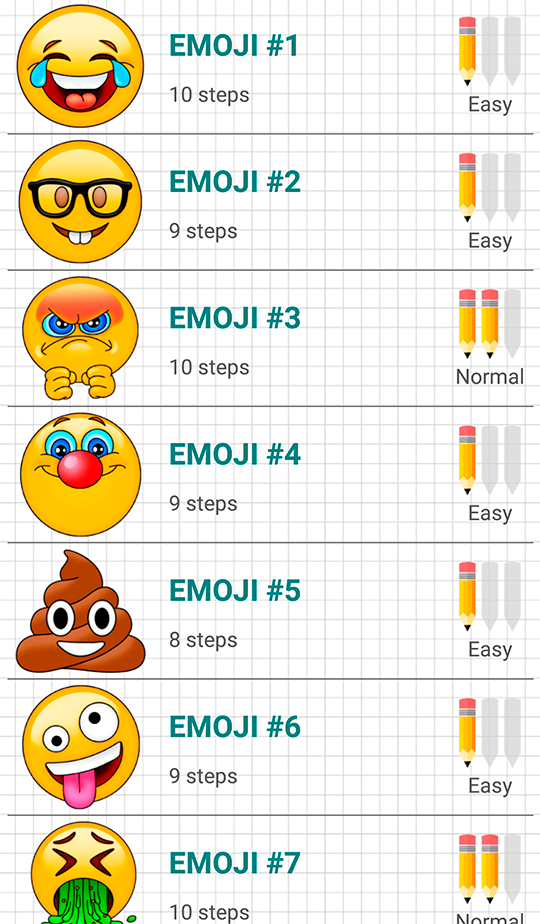
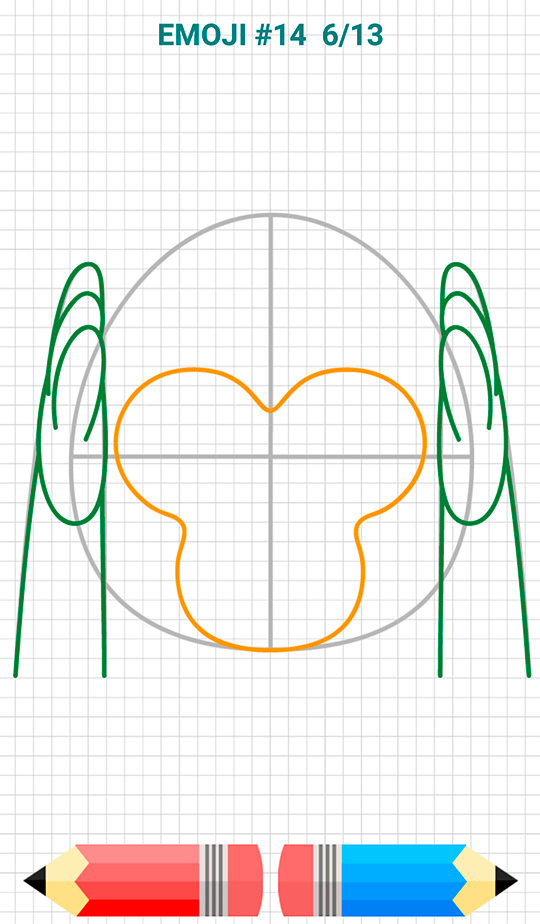
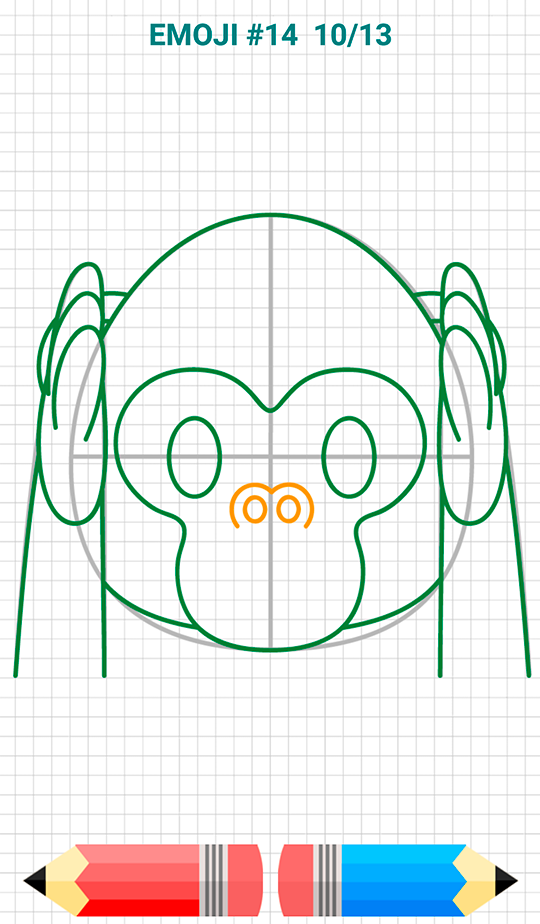
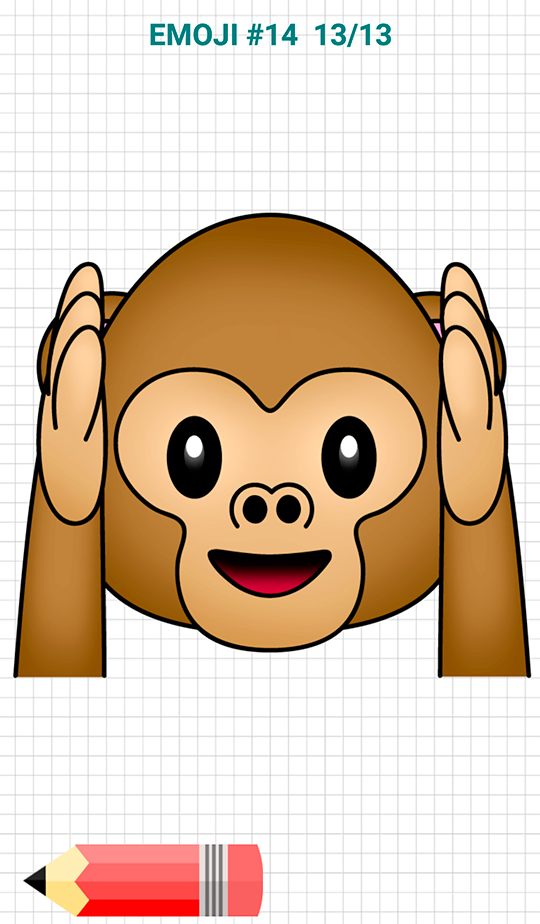
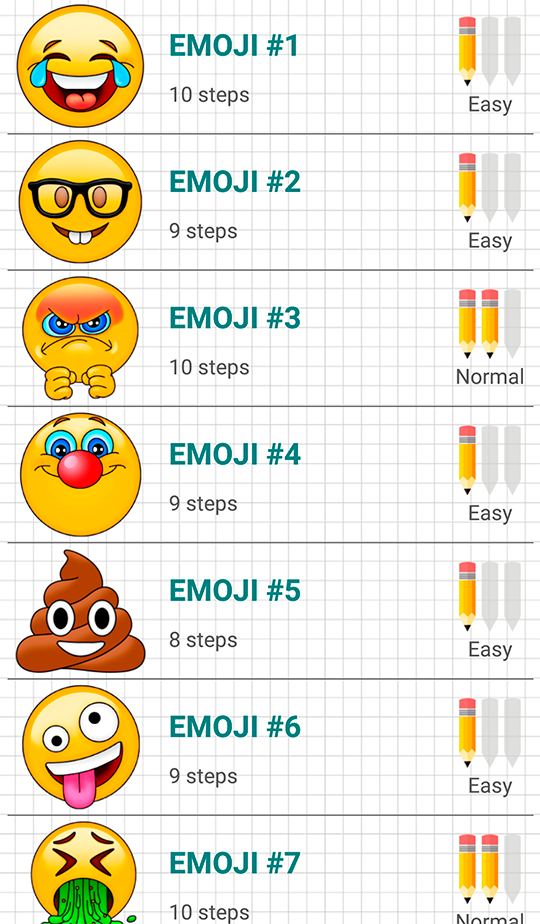
About this app
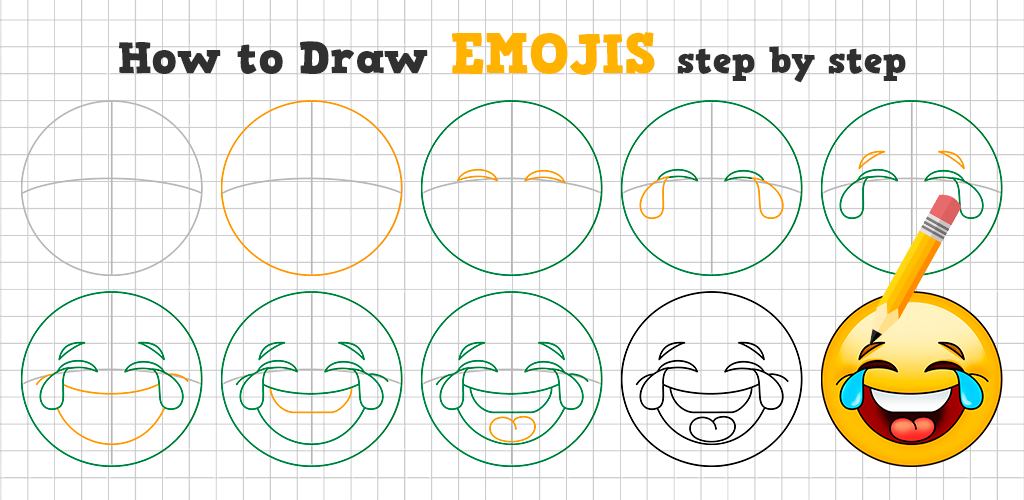
Sweefit Studios made How to Draw Emoji Emoticons for learning to draw emojis step by step. It fits into a quiet moment at home or a spare few minutes on a train, when you want a simple drawing activity and can follow one emoji at a time from the app’s guided lessons.
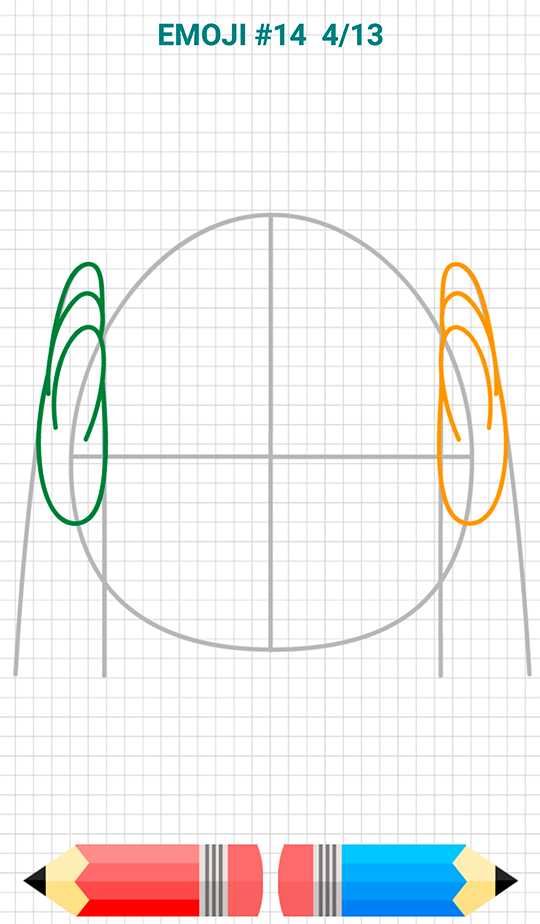
- Step-by-step lessons — Open a drawing and follow the instructions one step at a time.
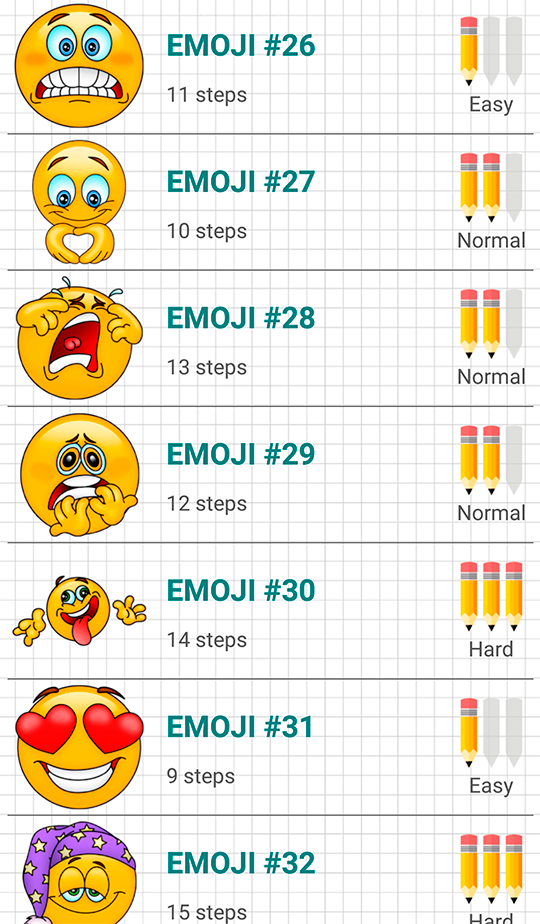
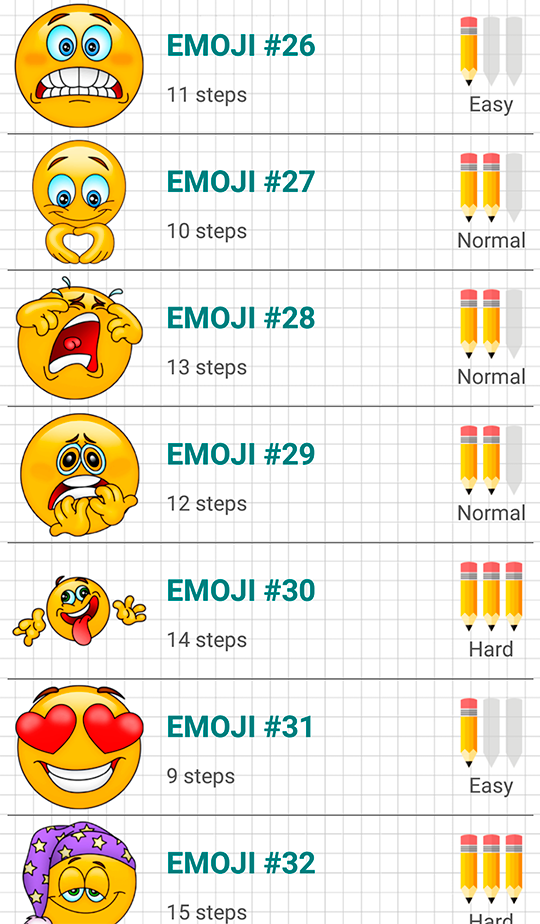
- Difficulty-based collection — Pick from a large set of emoji drawings organized by difficulty.
- Simple drawing setup — Use paper and a pencil alongside the guided steps in the app.
- For kids and beginners — The app is set up as a fun drawing activity for learning.
- Free with ads — The app is free to use and includes ads.
First launch and choosing an emoji
When you open How to Draw Emoji Emoticons for the first time, you go straight into a collection of emoji drawings. The app is set up for quick use: choose an emoji you like, then start the guided steps. It is the kind of app you can open on a long train ride or during a quiet break and begin without a long setup.
Following the drawing steps
The main screen flow is simple. Pick a drawing, look at the step-by-step instructions, and copy them onto paper with a pencil. The app’s lessons are arranged by difficulty, so you can start with easier drawings and move to more detailed ones when you want a longer session.
Practical tips for a first day
- Keep paper and a pencil ready before you start.
- Choose an emoji that matches your time and skill level.
- Work through one step at a time instead of jumping ahead.
- Use the difficulty labels to find a lesson that feels manageable.
Because the app is free, you can try it right away, but you will see ads while using it.
Install size, Android version, and account-free use
The app comes as an APK file and is 12.8 MB. It works on Android 5.0 and up. No account setup or permissions are listed, so the first launch stays focused on the drawing lessons rather than extra setup screens.
What to expect from files and output
This app teaches drawing steps only; it does not include photo editing tools, RAW editing, or export options for finished drawings. The value is in the on-screen guidance and the simple way it helps you copy each emoji by hand.
What's new
Version 2.4 · Nov 12, 2026
- Bug fixes
APK information
- Version
- 2.4
- Package
- com.sweefitstudios.drawemojis
- Category
- Art & Design
- Size
- 13 MB
- Min Android
- 5.0
- Architecture
- universal
Older versions
-
How to Draw Emoji Emoticons 2.4Nov 12, 2026Latest downloadAPK
How to Draw Emoji Emoticons FAQ
Can How to Draw Emoji Emoticons edit RAW photos?expand_more
No. The app is for step-by-step emoji drawing lessons, not photo editing.
Does How to Draw Emoji Emoticons work offline?expand_more
The listing does not say. It focuses on guided drawing lessons and does not mention a network requirement.
What is the difference between the APK and the Play Store version of How to Draw Emoji Emoticons?expand_more
The app is provided as an APK file. The listing does not describe a separate Play Store feature set or version difference.
Is How to Draw Emoji Emoticons available for older phones?expand_more
It supports Android 5.0 and up, so older phones below that version are not supported.
How do I start drawing an emoji in the app?expand_more
Open the app, choose an emoji from the collection, and follow the step-by-step instructions with paper and a pencil.