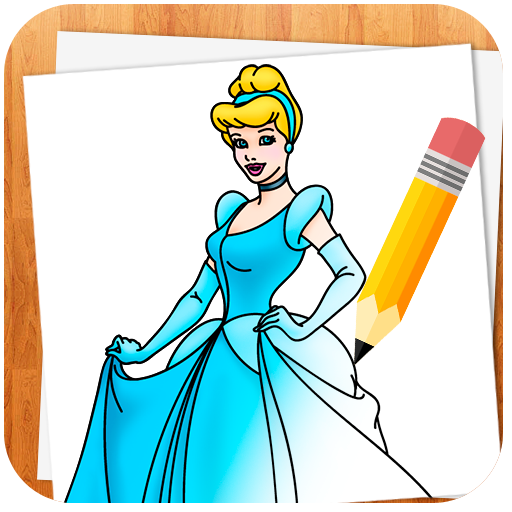
- 4.2star3,971 reviews
- 1M+Downloads
- 11 MBAPK size
- EveryoneRated for Everyone
- 5.0+Android
check_circleOriginal APK from Sweefit Studios · Updated Nov 12, 2026
No threats found
0 / — antivirus engines flagged this file
Original signature
First seen — Sweefit Studios
Unmodified APK
Same file the developer published — no mods
How to Draw Princess screenshots
8 images · tap to enlarge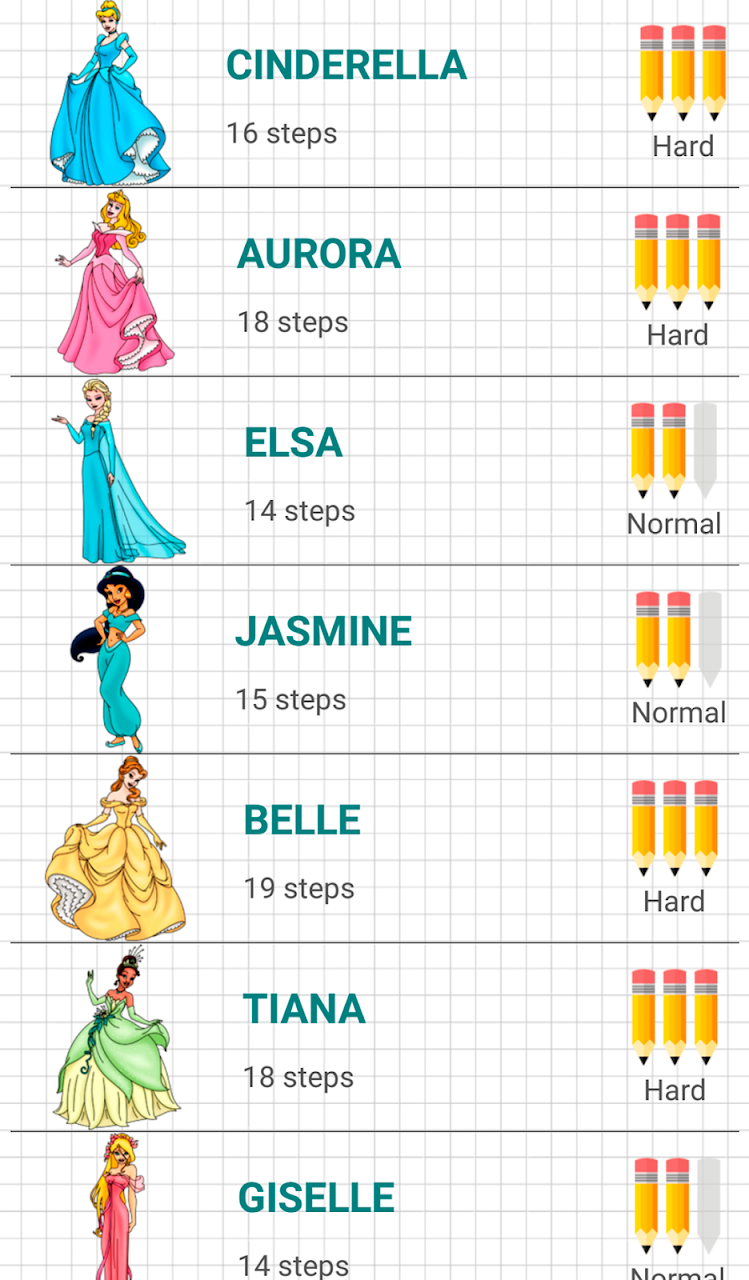
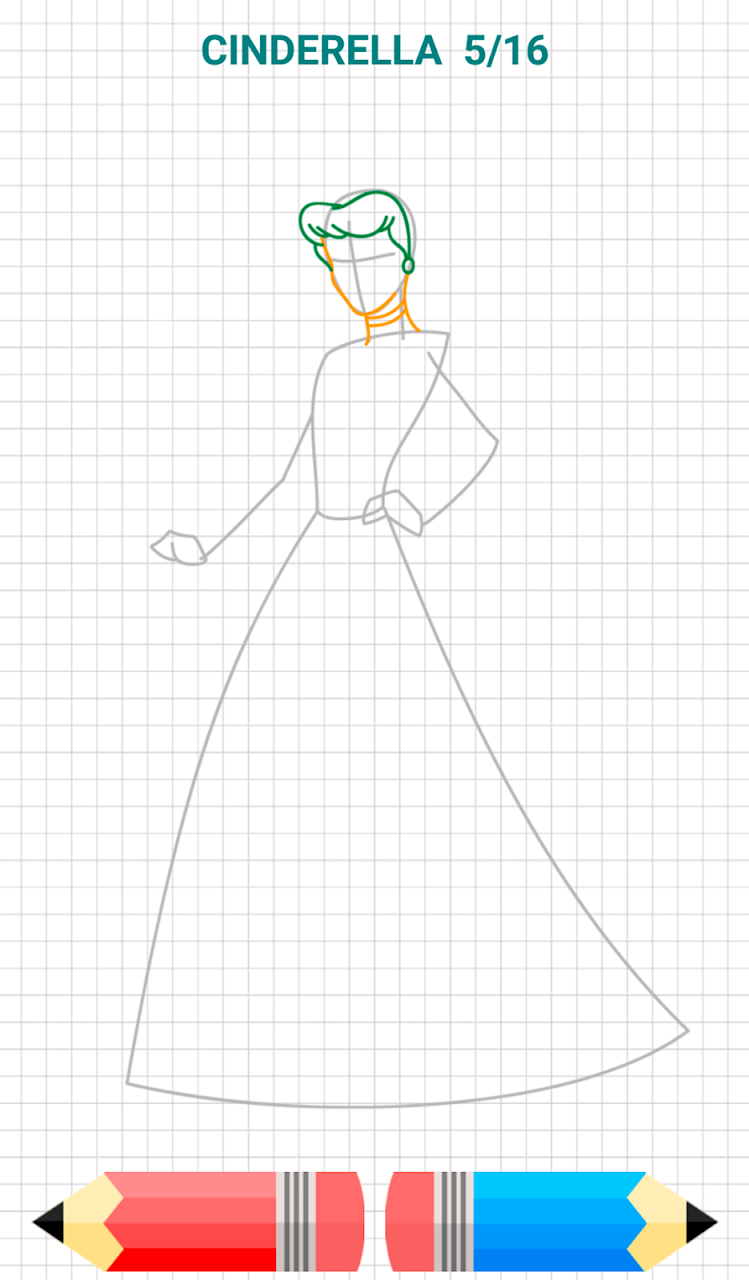
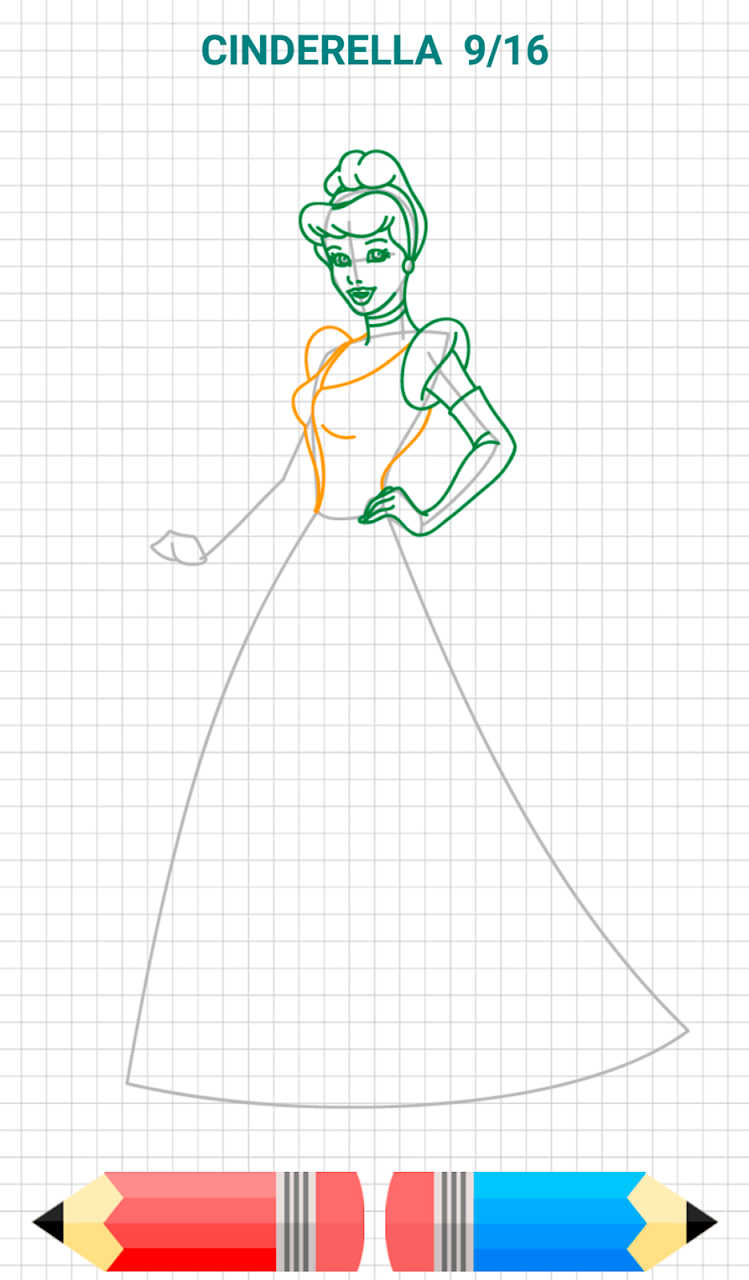
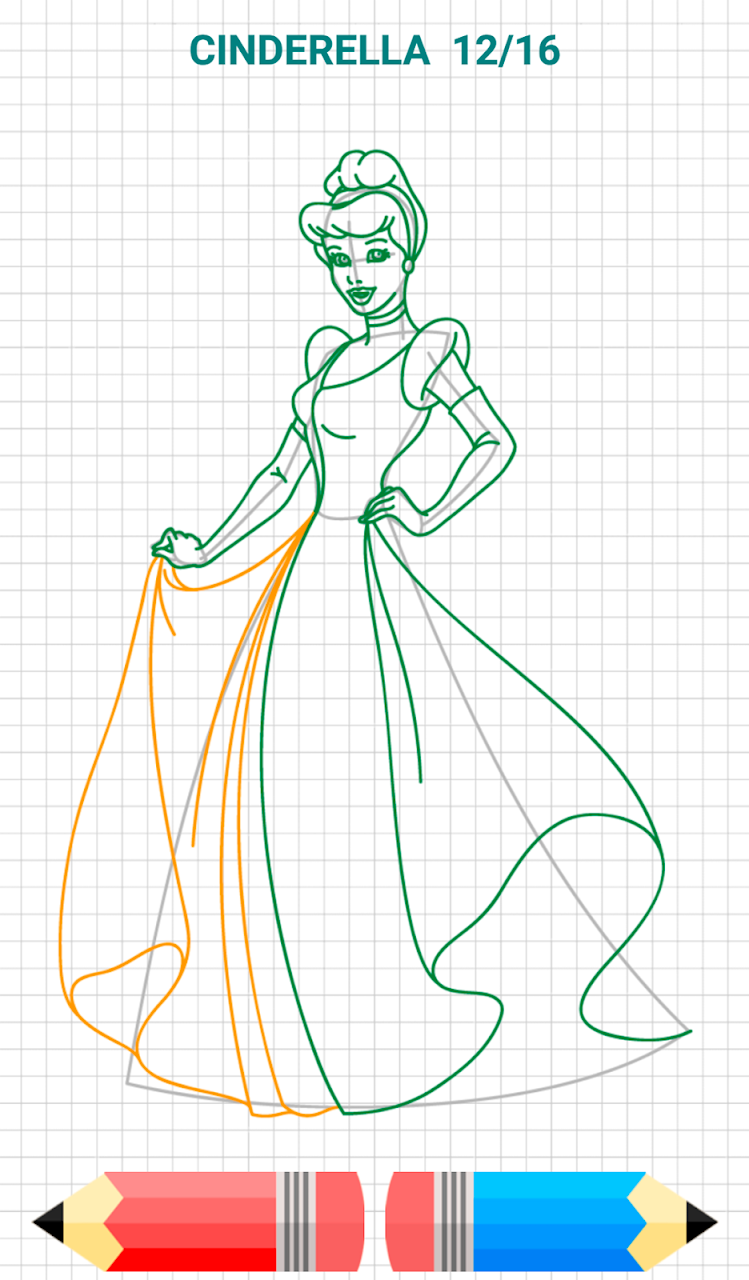
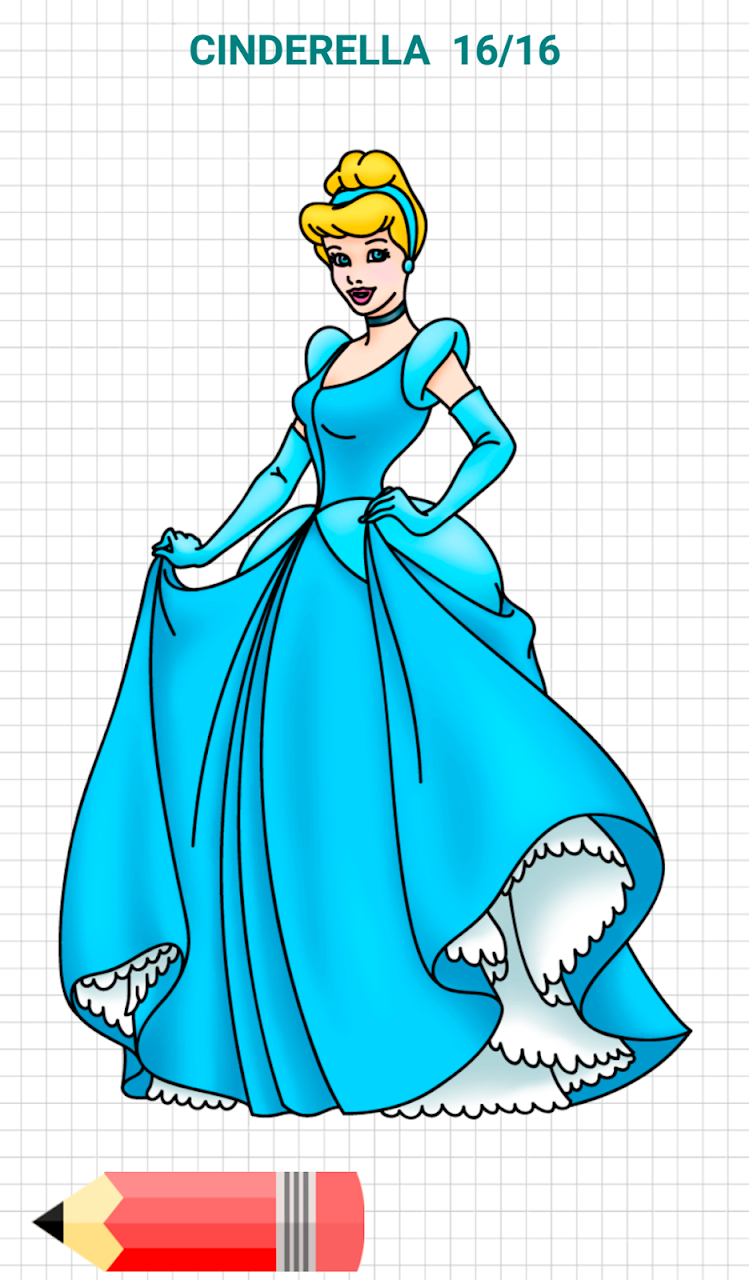
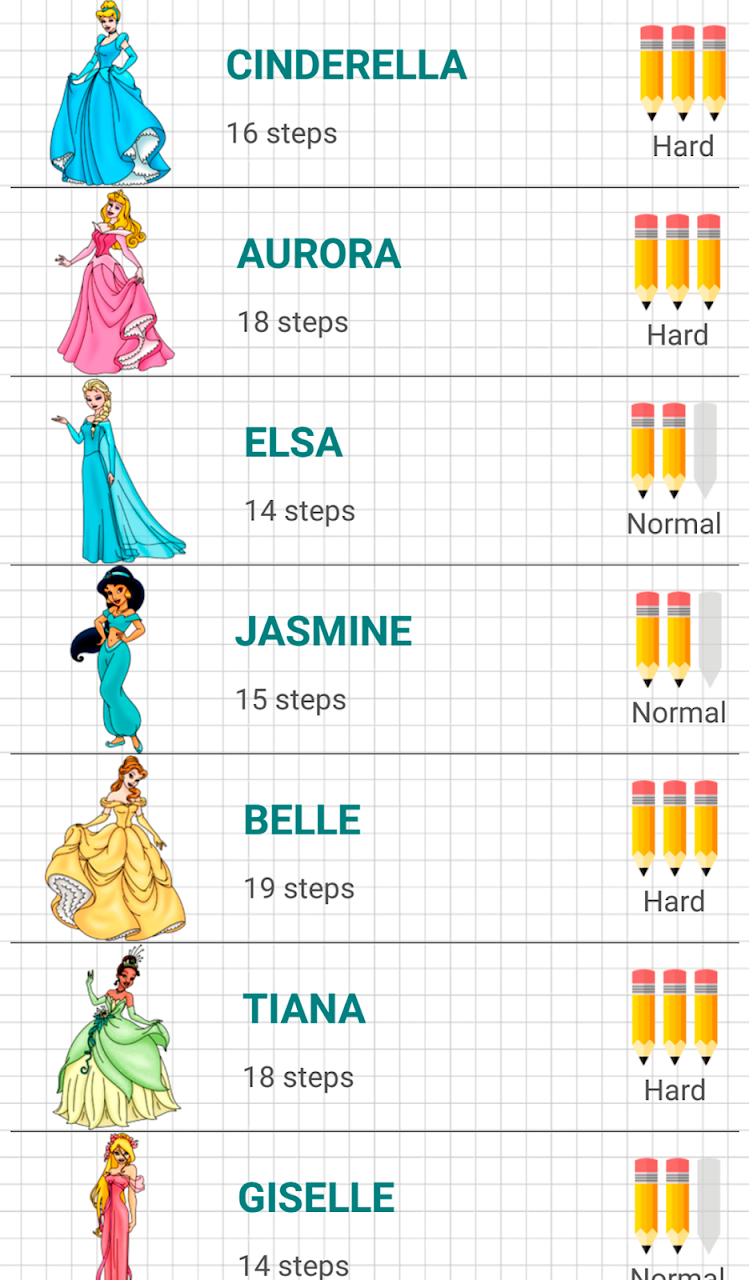
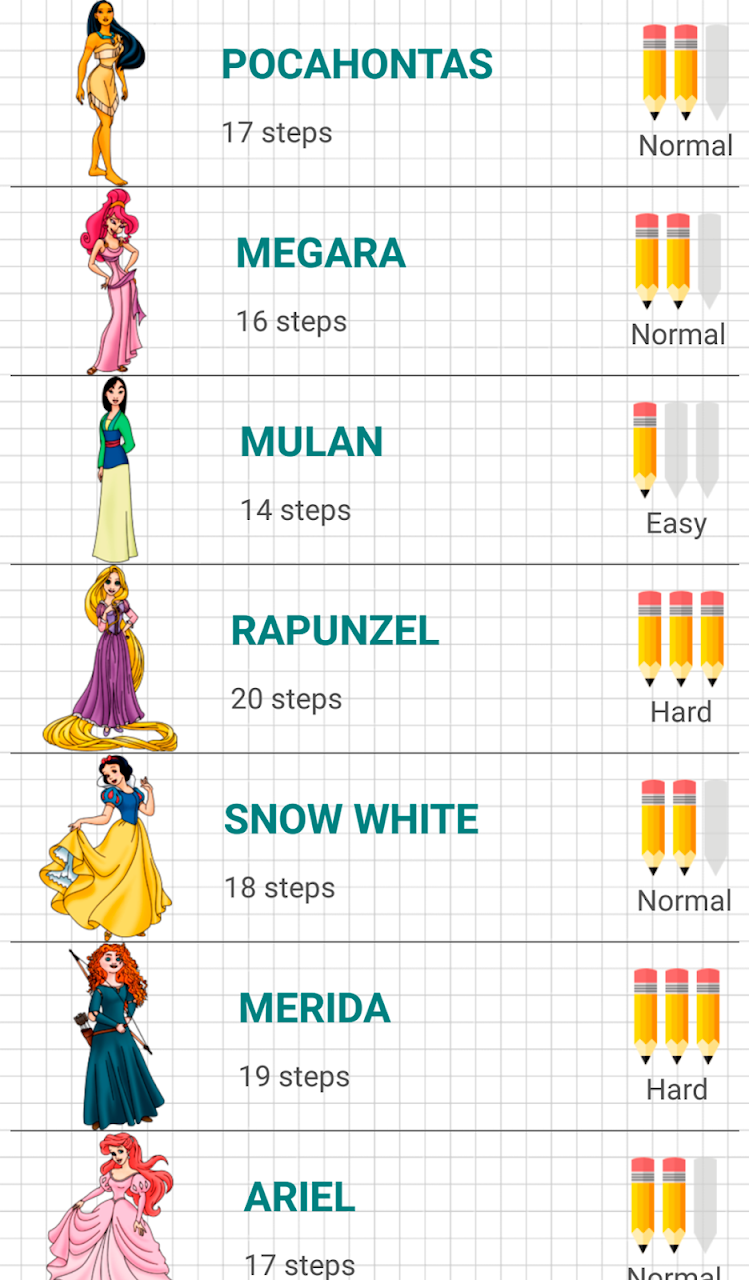
About this app
On a quiet train ride or a free afternoon at home, How to Draw Princess gives you a simple way to sketch princess characters on paper. Open a lesson, pick a drawing by difficulty, and follow the step-by-step guide. It stays easy to use, with no account setup and no permissions to handle.
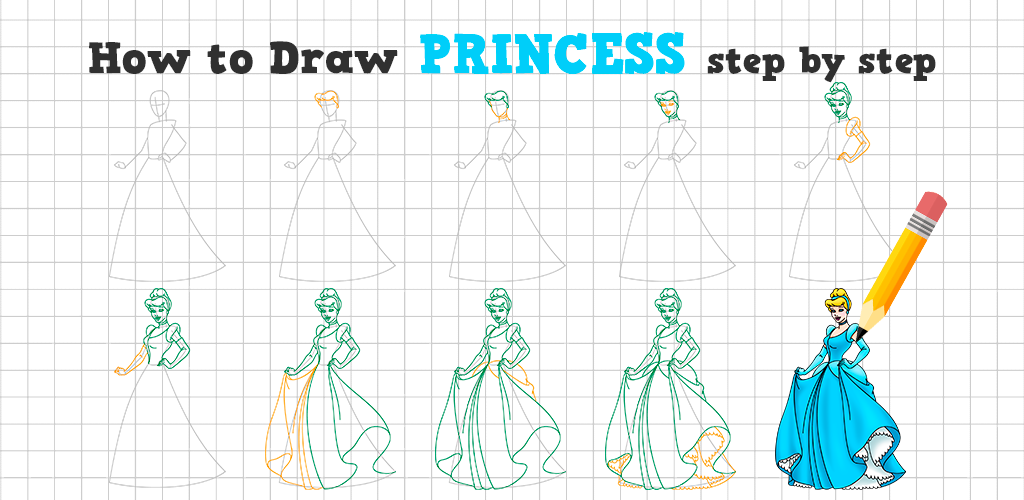
- Step-by-step lessons — Each drawing breaks the process into small stages you can follow one line at a time.
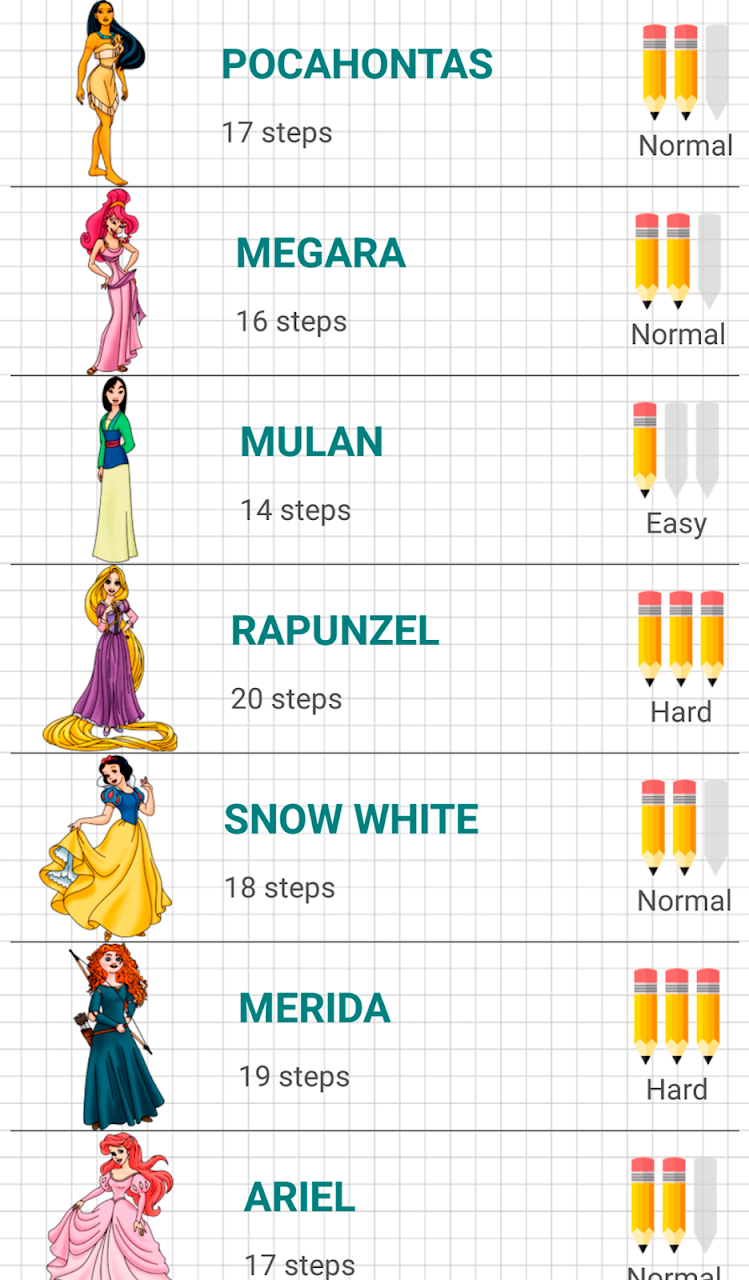
- Princess collection — Browse a large set of princess drawings and choose one that matches your mood or skill level.
- Difficulty levels — Lessons are grouped by difficulty so you can start simple and move to harder drawings later.
- Easy for kids — The app is presented as a fun drawing activity for children learning to sketch.
- Light install size — The APK is 11.3 MB, works on Android 5.0 and up, and comes as a universal file.
Drawing a princess step by step
How to Draw Princess is built around a simple routine: open the app, choose a princess, and follow the steps on your paper with a pencil. The app focuses on drawing rather than editing, so the main screen flow is about picking a lesson and moving through each stage in order. That makes it easy to use when you want a short, guided activity without extra setup.
Choosing lessons by difficulty
The lesson library is organized by difficulty, which helps when you want a quick sketch for a younger child or a more detailed drawing for practice. You can move through the collection at your own pace and return to the ones you want to try again. There is no account to create before you start.
What the app accesses
The app lists no permissions, so it does not ask for access to storage, camera, or other device features. That fits the way it works: the drawing instructions are shown in the app, while the actual sketch happens on paper. With no in-app purchases and ads included, the free version may still show ad placements while you use the lessons.
Install details and daily use
The app is free, comes as an APK file, and is 11.3 MB in size. It supports Android 5.0 and up. In daily use, it works best as a quick reference while you draw, whether you are sitting at a desk, helping a child, or practicing a new princess design from one of the difficulty-based lessons.
- Version: 2.4
- Last updated: 2023-07-08
- Content rating: Everyone
What's new
Version 2.4 · Nov 12, 2026
- Bug fixes
APK information
- Version
- 2.4
- Package
- com.sweefitstudios.drawprincess
- Category
- Art & Design
- Size
- 11 MB
- Min Android
- 5.0
- Architecture
- universal
Older versions
-
How to Draw Princess 2.4Nov 12, 2026Latest downloadAPK
How to Draw Princess FAQ
Does How to Draw Princess add a watermark?expand_more
The app description does not mention watermarks.
Can How to Draw Princess edit RAW photos?expand_more
No. This app is for learning how to draw princesses step by step, not for photo editing.
Is How to Draw Princess free to use?expand_more
Yes, it is free to download and use. It also contains ads.
How do I install the How to Draw Princess APK file?expand_more
Download the APK file, then open it on an Android device running 5.0 or higher and follow the install prompts.
Does How to Draw Princess have difficulty levels?expand_more
Yes. The app includes a large collection of drawings classified by level of difficulty.