
- 4.8star4,323,832 reviews
- 1B+Downloads
- 110 MBAPK size
- EveryoneRated for Everyone
- 10+Android
check_circleOriginal APK from Microsoft Corporation · Updated Nov 12, 2026
No threats found
0 / — antivirus engines flagged this file
Original signature
First seen — Microsoft Corporation
Unmodified APK
Same file the developer published — no mods
Microsoft PowerPoint screenshots
7 images · tap to enlarge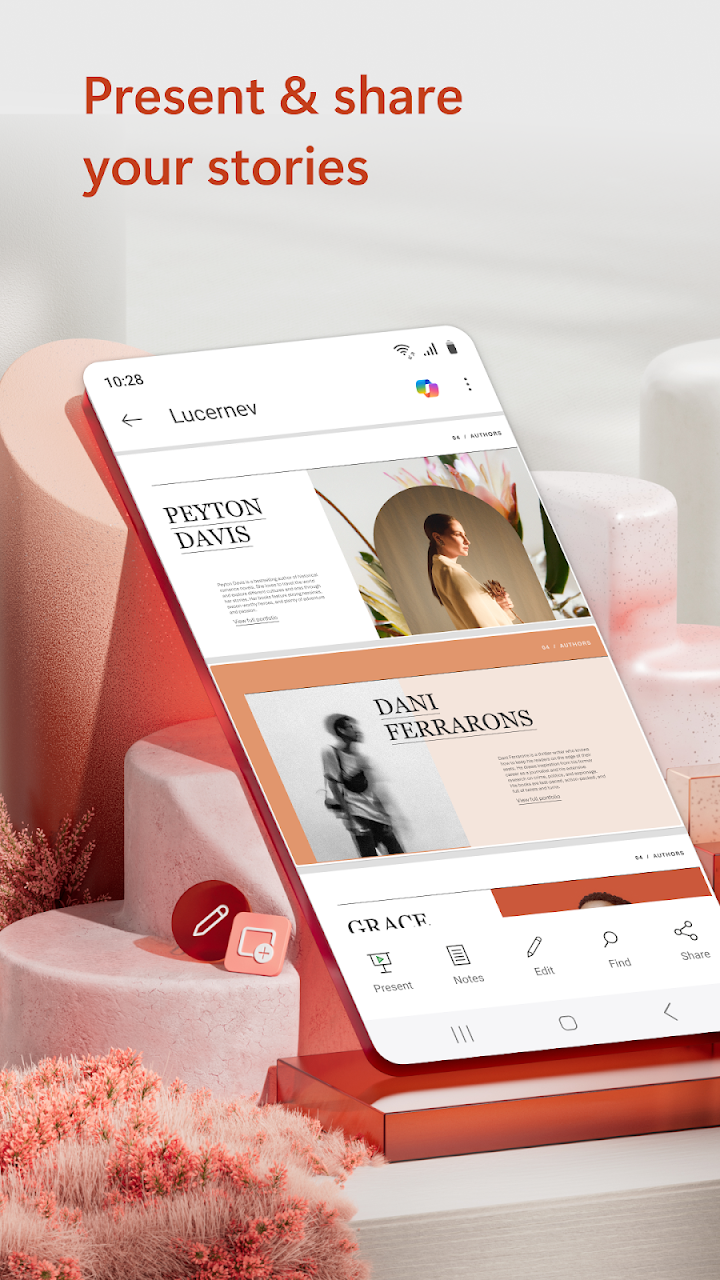
About this app
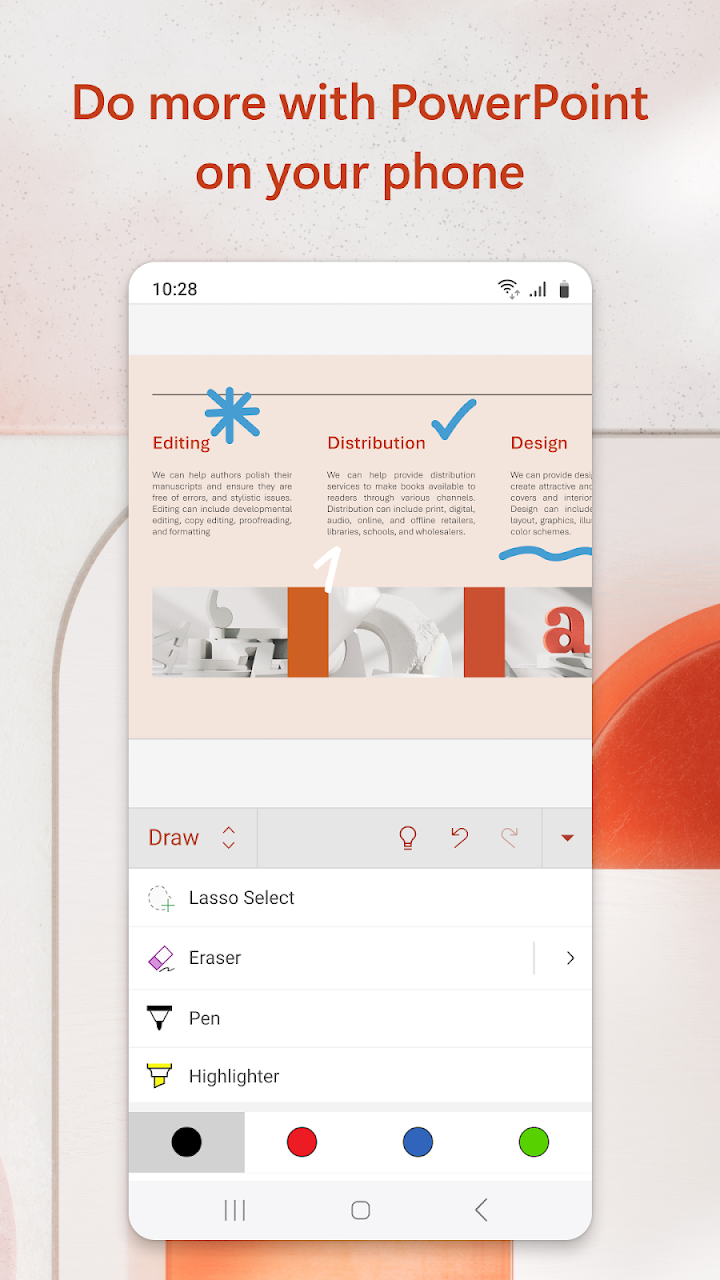
With 1B+ installs and a 4.8 rating, Microsoft PowerPoint brings slide creation, editing, and presenting to Android. It helps you start from templates, work with others in real time, and keep decks in sync through OneDrive. It also includes AI tools like Presenter Coach and Copilot, with some features tied to Microsoft 365.
- Slide creation — Build new presentations or edit existing ones on your phone or tablet.
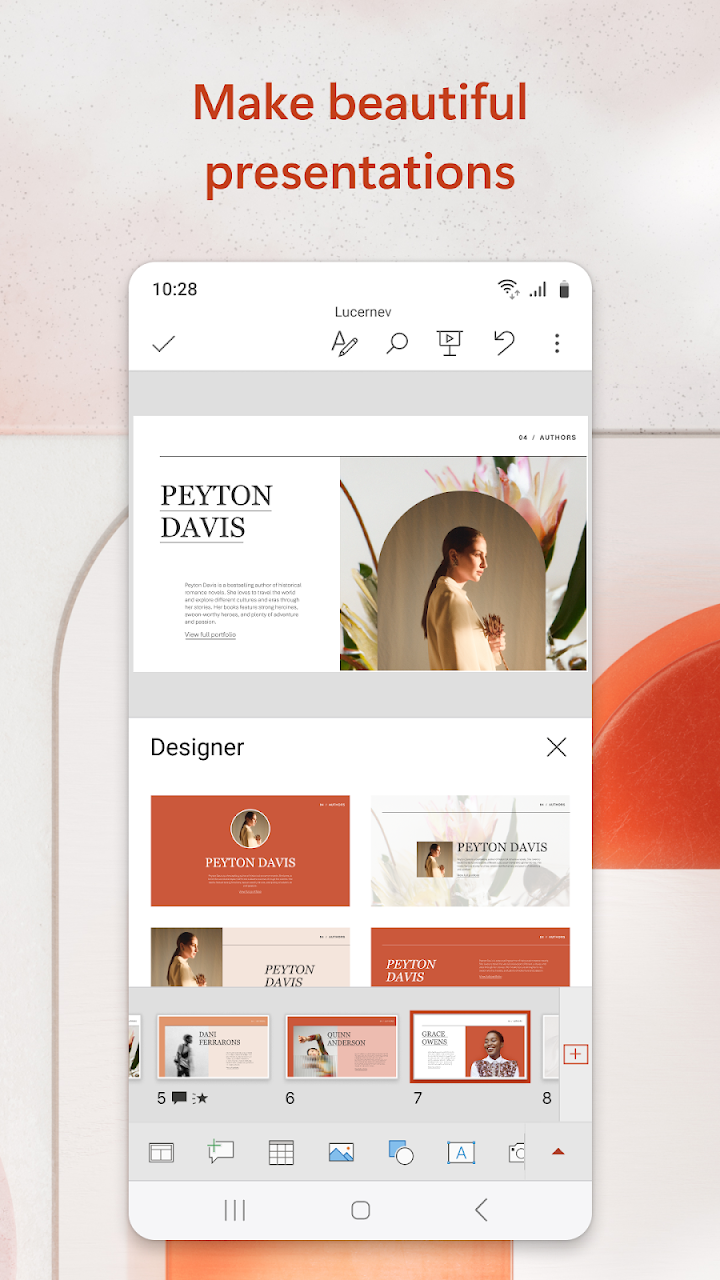
- Templates and ideas — Start from templates or design ideas to make slides faster.
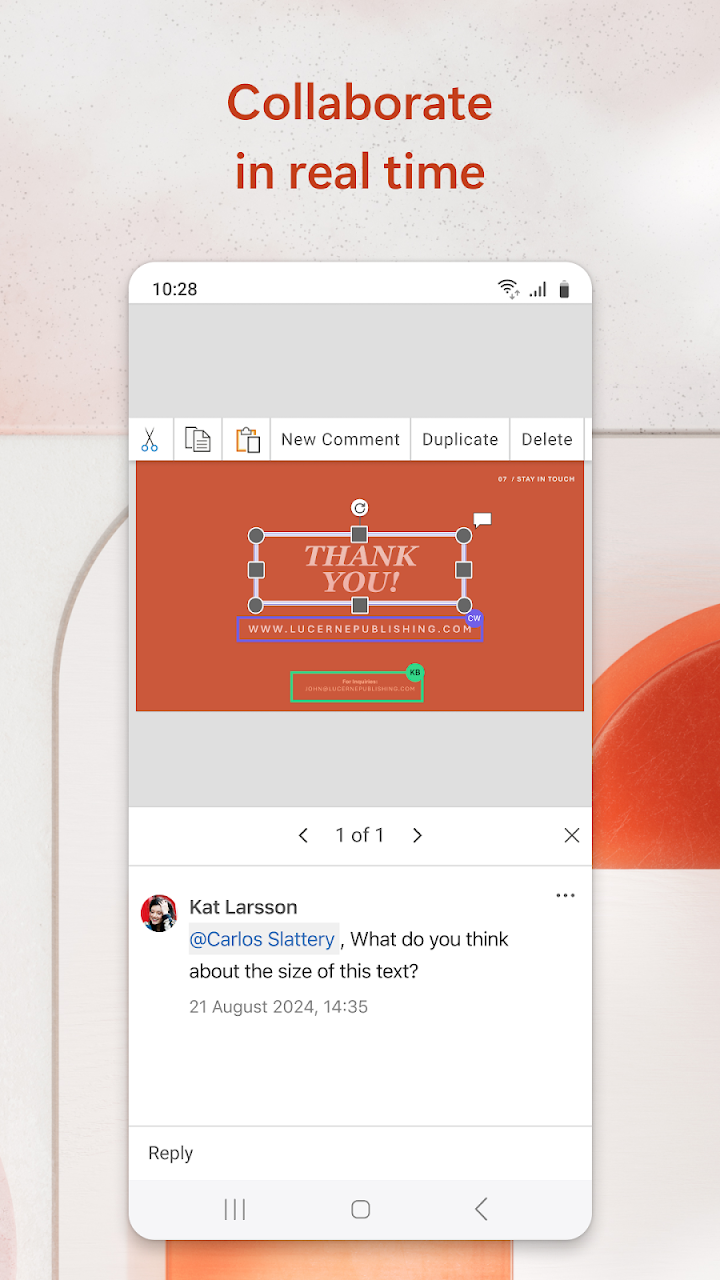
- Real-time sharing — Invite others to edit or review and see comments and revisions as they happen.
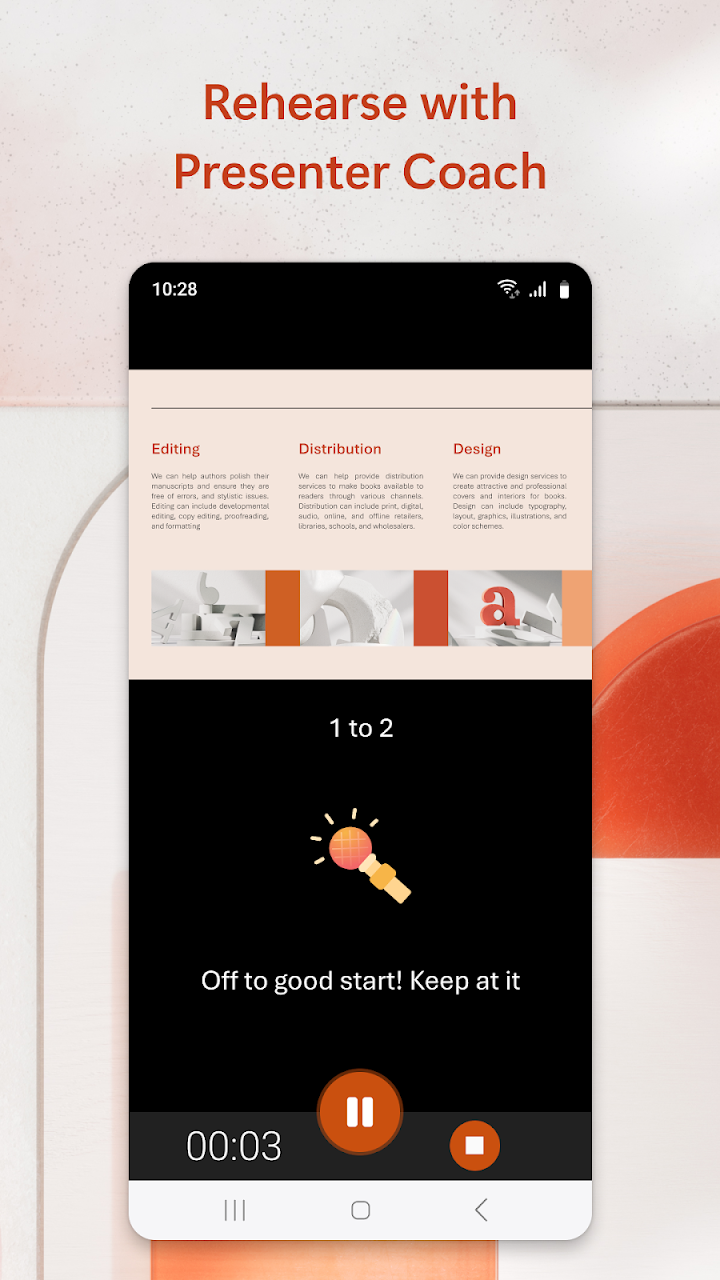
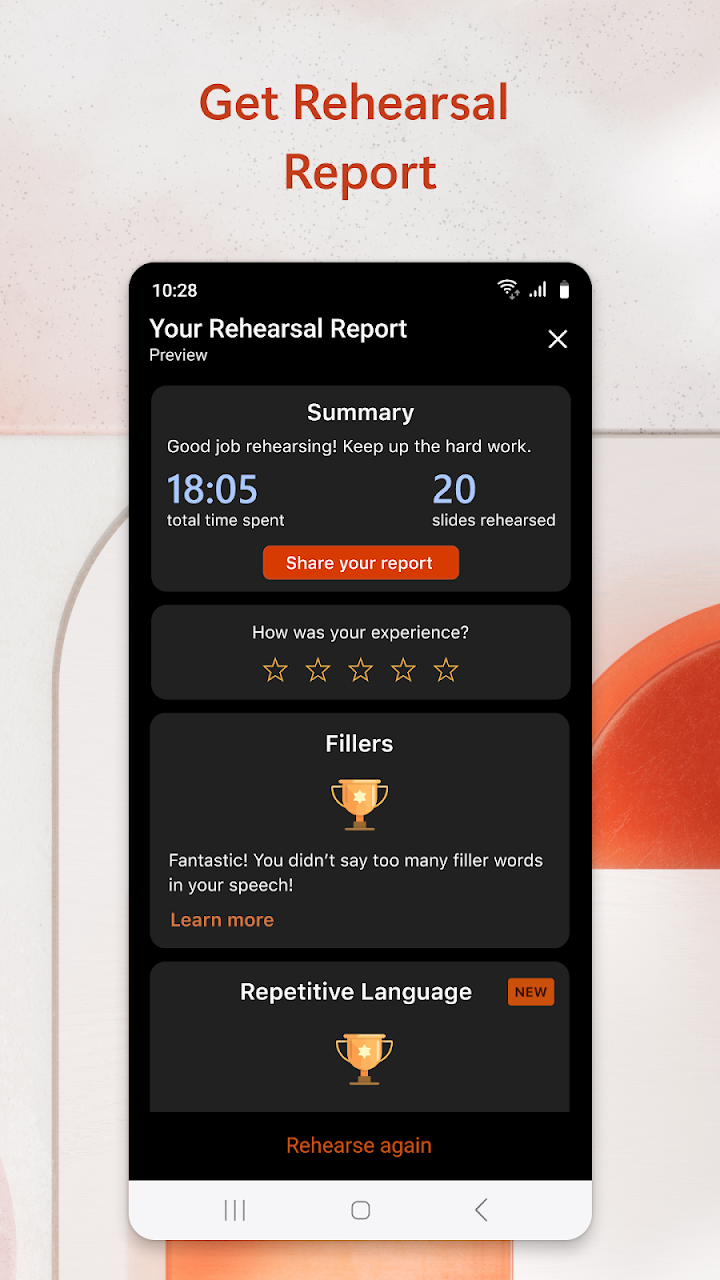
- Presenter Coach — Get feedback on pacing, filler words, and delivery while you practice.
- Copilot tools — Summarize decks, prepare questions, and research topics with the built-in AI assistant.
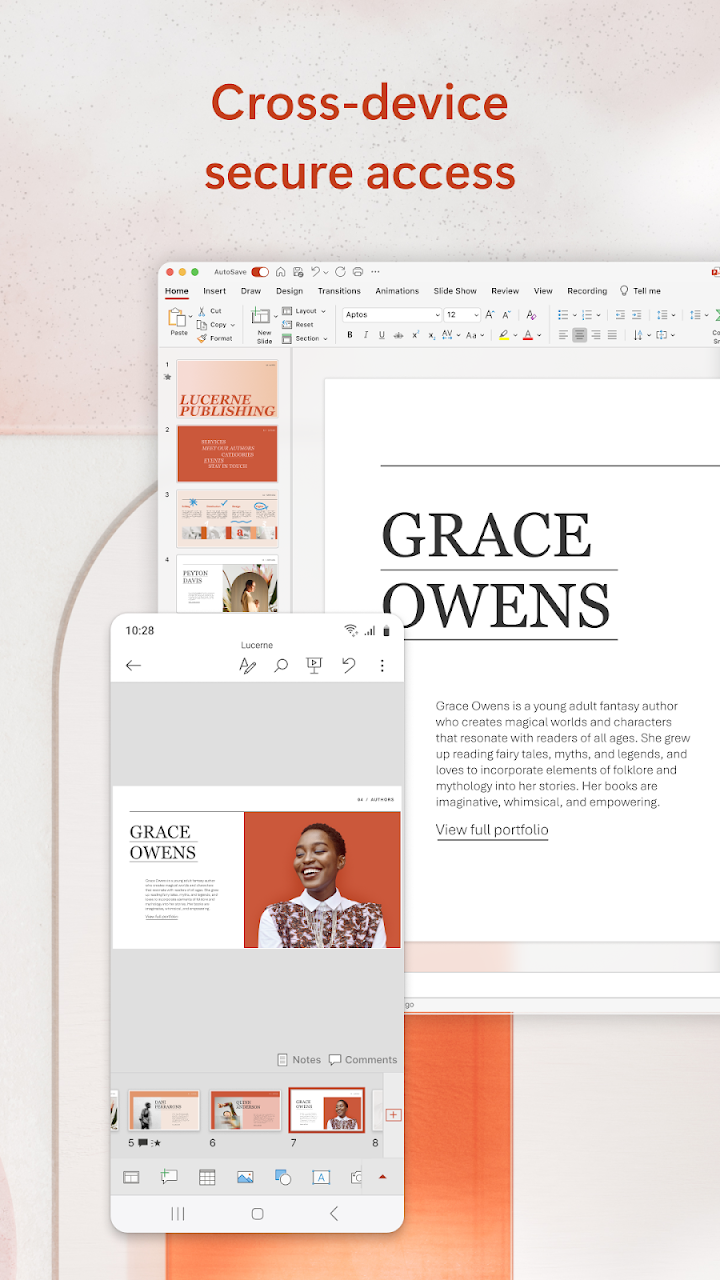
- OneDrive sync — Keep presentations consistent across devices by syncing through OneDrive.
Slides you can edit on the go
Microsoft PowerPoint is built for making and updating presentations on Android. You can start a deck from a template, build slides from scratch, or open an existing file and keep working on it away from your computer. The app is free, shows no ads, and offers in-app purchases for Microsoft 365 features.
It installs as an APK, is 110.1 MB, and requires Android 10 or later. The app also notes a 1 GB RAM requirement or above.
Working together in the same deck
PowerPoint supports real-time collaboration, which makes it easier to share slides with teammates, collect feedback, and track revisions. You can manage permissions, compare changes over time, and see who is working in the deck.
- You get: sharing, comments, revisions, and OneDrive sync.
- Watch for: some AI and Microsoft 365 features require a qualifying subscription.
Presenter Coach and Copilot
For presenting, Presenter Coach gives feedback on pacing, filler words, and delivery while you practice. Copilot adds AI help for summarizing long decks, suggesting Q&As for meetings, and researching topics in Copilot Chat.
These tools are meant to speed up the parts of presentation work that usually take the most time: shaping the deck, preparing to speak, and reviewing a presentation before you share it.
Privacy, permissions, and account use
No permissions are listed for this app in the package details provided. PowerPoint does mention OneDrive syncing and Microsoft 365 subscriptions purchased through Google Play, so an account may be needed for cloud features and paid upgrades. Microsoft also notes that data may be transferred to or stored in the United States or other regions where Microsoft or its affiliates operate.
Because the app is designed for sharing and syncing, it fits best if you want slide access across devices rather than a one-device-only editor.
APK information
- Version
- 16.0.17726.20080
- Package
- com.microsoft.office.powerpoint
- Category
- Productivity
- Size
- 110 MB
- Min Android
- 10
- Architecture
- universal
Older versions
-
Microsoft PowerPoint 16.0.17726.20080Nov 12, 2026Latest downloadAPK
Microsoft PowerPoint FAQ
Does Microsoft PowerPoint sync across devices?expand_more
Yes. The app can sync via OneDrive to keep your work consistent across devices.
Does Microsoft PowerPoint support teams?expand_more
Yes. It supports real-time collaboration, sharing, comments, revisions, and permission management for working with others.
Does Microsoft PowerPoint have in-app purchases?expand_more
Yes. It includes in-app purchases, and Microsoft 365 subscriptions bought through the app are billed to your Play Store account.
Does Microsoft PowerPoint need an account?expand_more
Some features do. OneDrive syncing and Microsoft 365 subscription features imply account use, especially for cloud and paid services.
Can I practice presenting in the app?expand_more
Yes. Presenter Coach gives personalized feedback on pacing, filler words, and delivery while you practice.