
- 4.3star10,745,658 reviews
- 1B+Downloads
- 178 MBAPK size
- EveryoneRated for Everyone
- 10+Android
check_circleOriginal APK from Microsoft Corporation · Updated Nov 10, 2026
No threats found
0 / — antivirus engines flagged this file
Original signature
First seen — Microsoft Corporation
Unmodified APK
Same file the developer published — no mods
Microsoft Outlook screenshots
8 images · tap to enlarge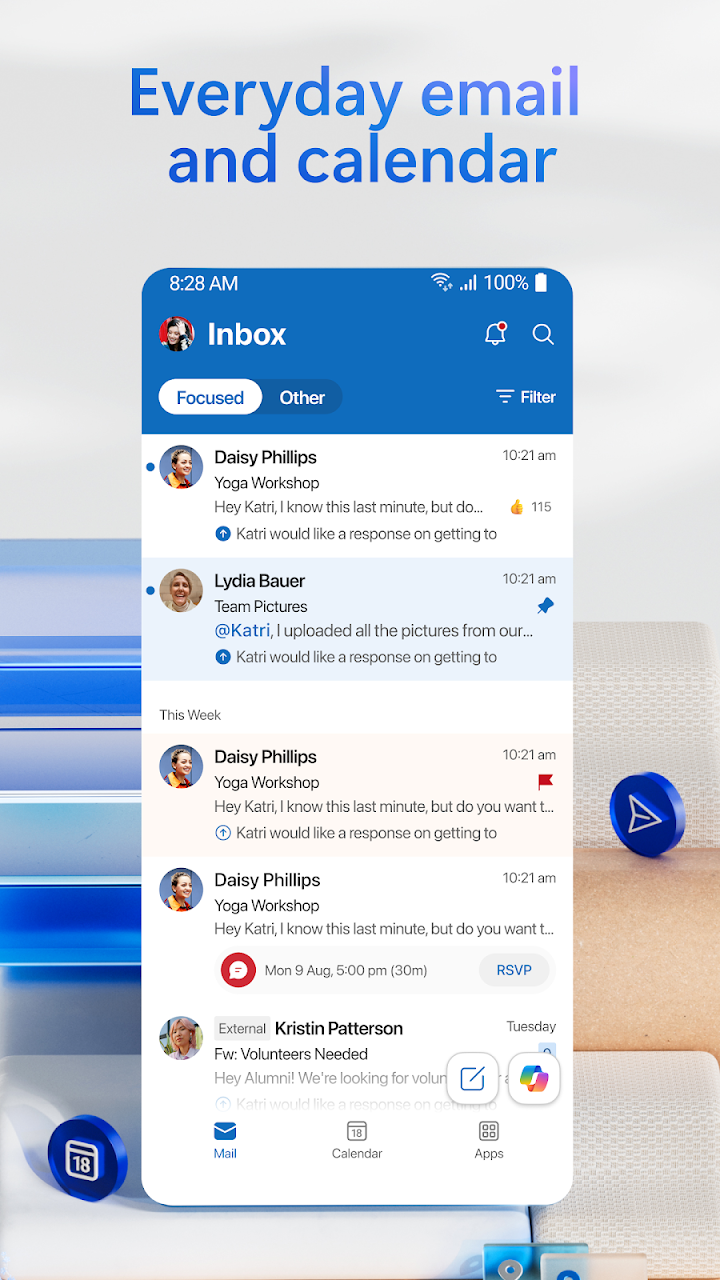
About this app
Microsoft Outlook helps you keep email, calendars, and contacts together instead of jumping between apps. It supports personal and work accounts, adds tools for sorting and replying faster, and can join online meetings from the same inbox. The trade-off is that it includes ads and in-app purchases, and some premium features depend on a Microsoft 365 subscription.
- Unified inbox — Handle Gmail, Yahoo Mail, iCloud, Outlook.com, and other supported accounts from one inbox.
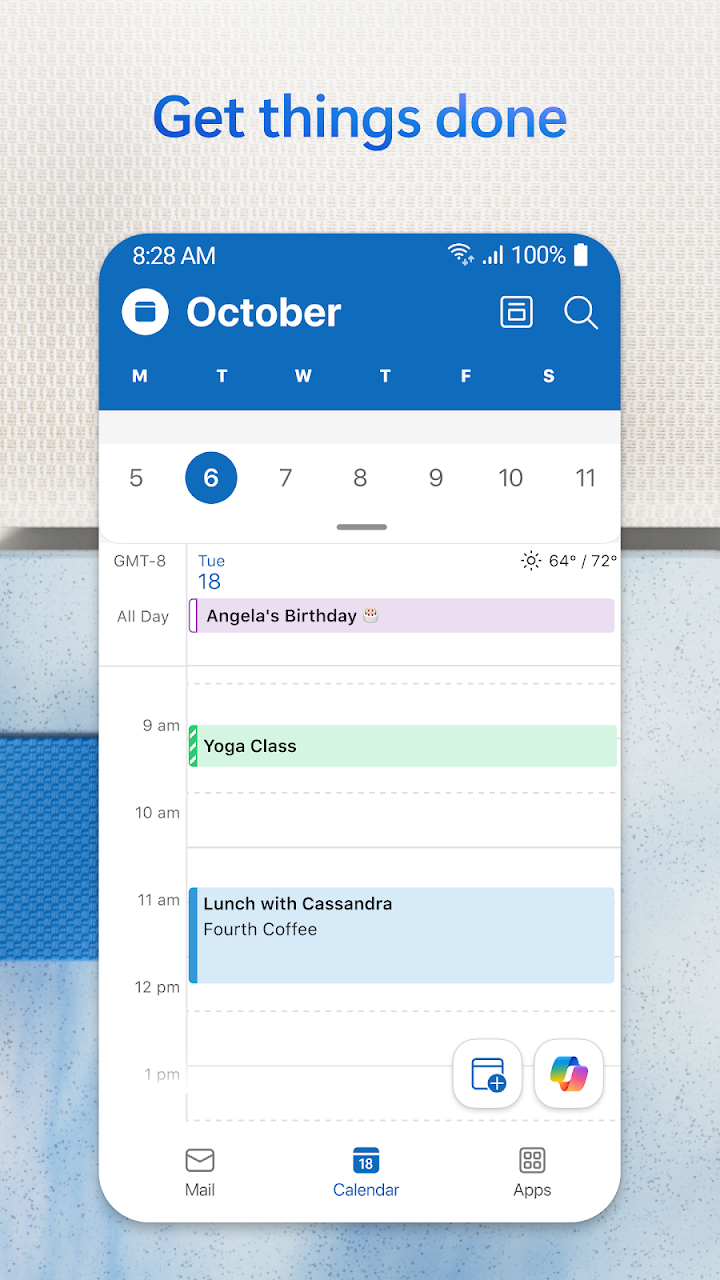
- Calendar side by side — View multiple calendars together, RSVP to invites, and keep tasks and reminders in view.
- Faster email actions — Use swipe gestures, pinning, flags, and filters to organize messages quickly.
- Meeting access — Join Teams and Zoom meetings directly from the app without switching tools.
- Security tools — Get built-in protection against phishing, viruses, spam, and other threats.
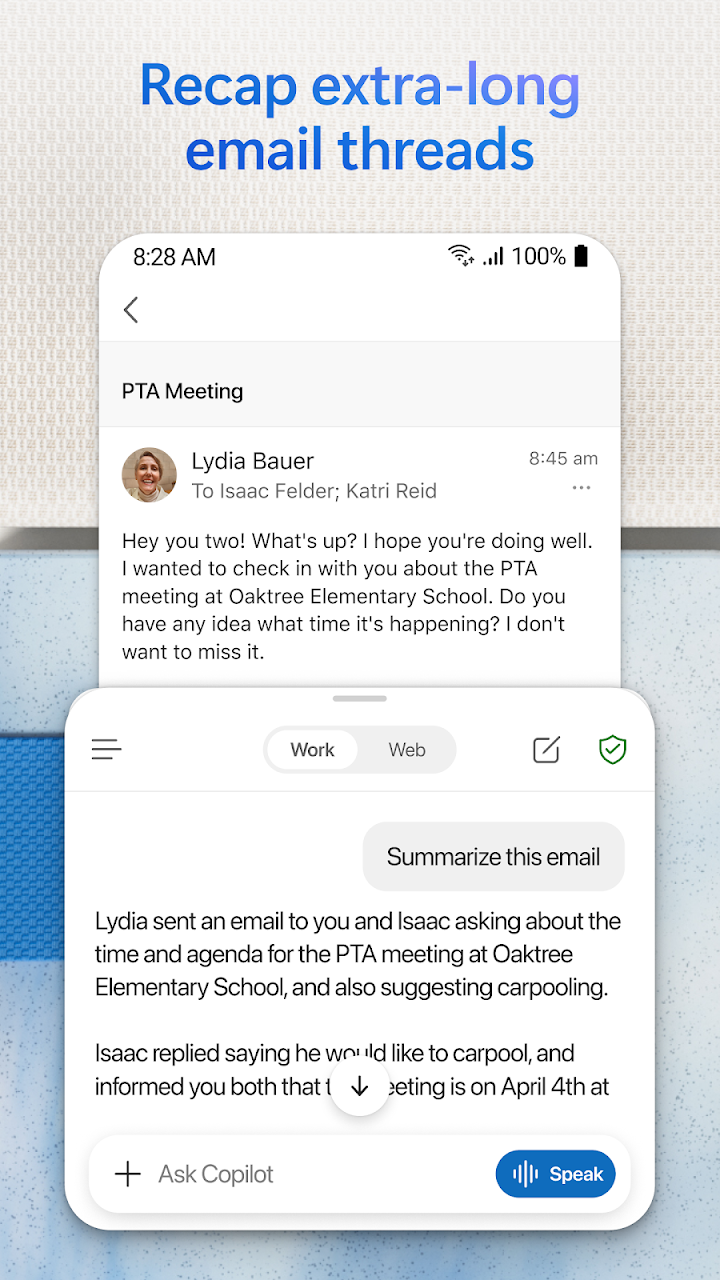
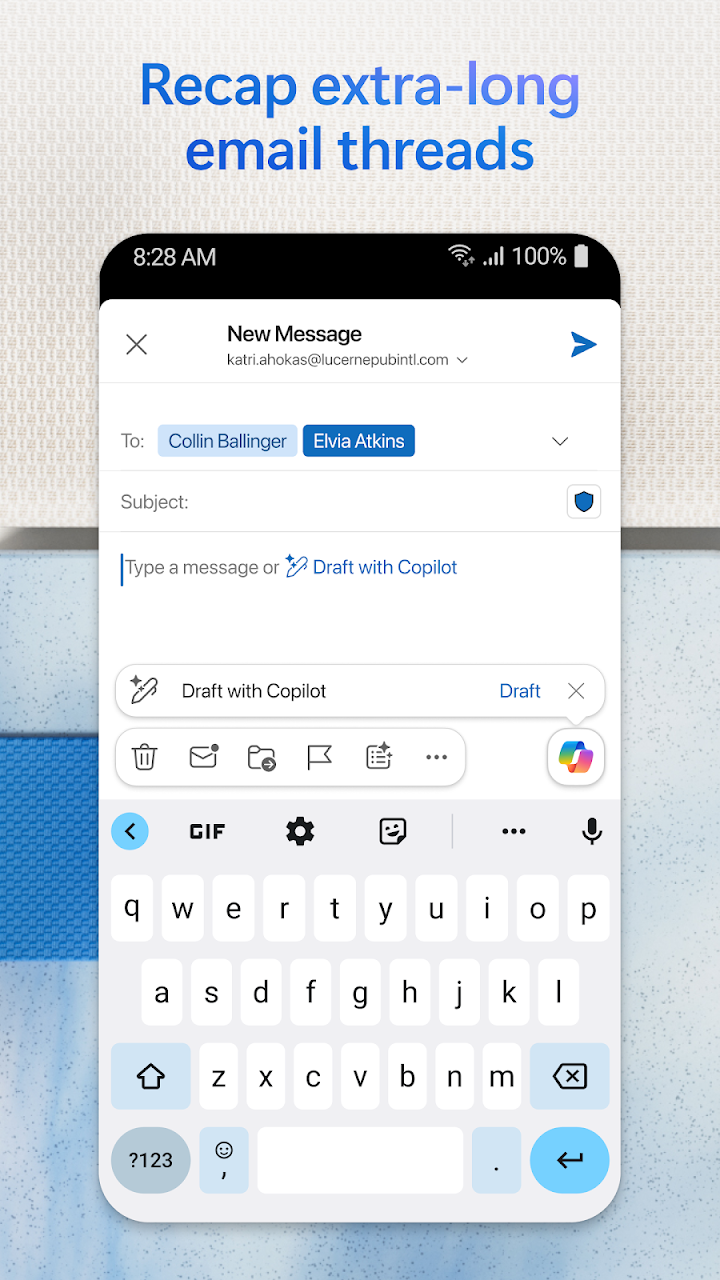
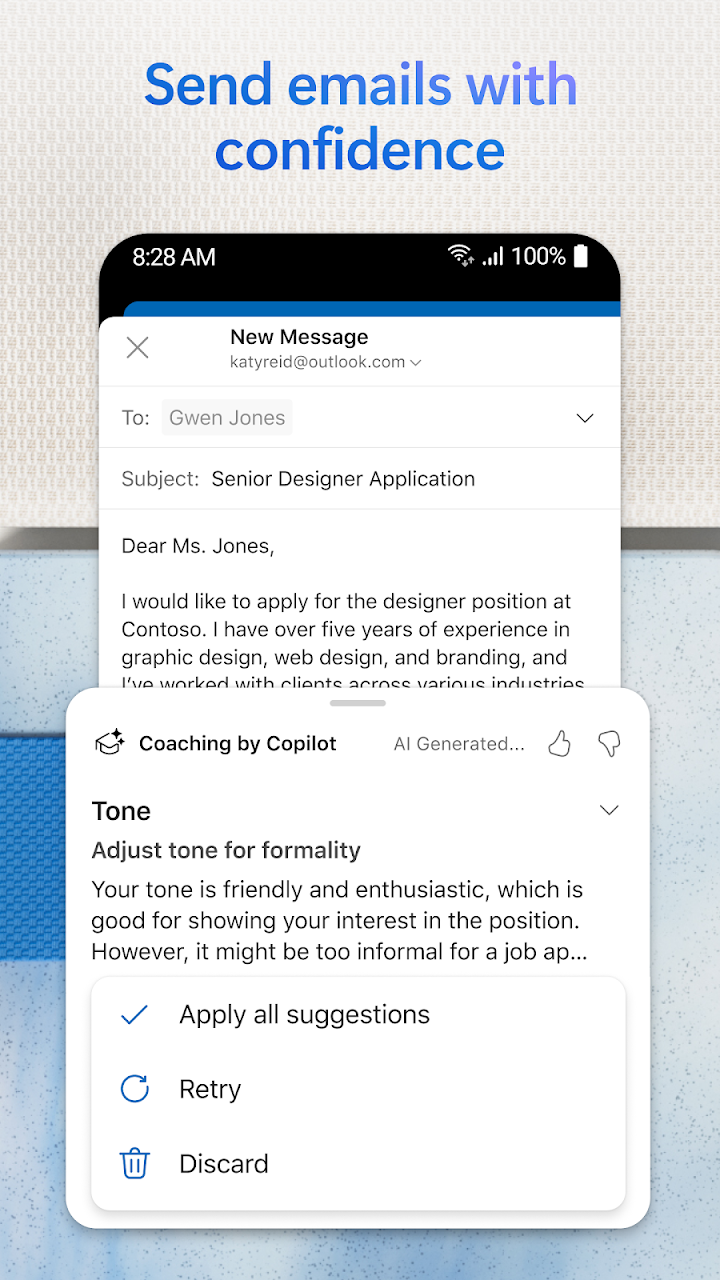
- Copilot assistance — Summarize long threads, draft replies, and get scheduling suggestions with a qualifying subscription.
Keeping multiple inboxes under control
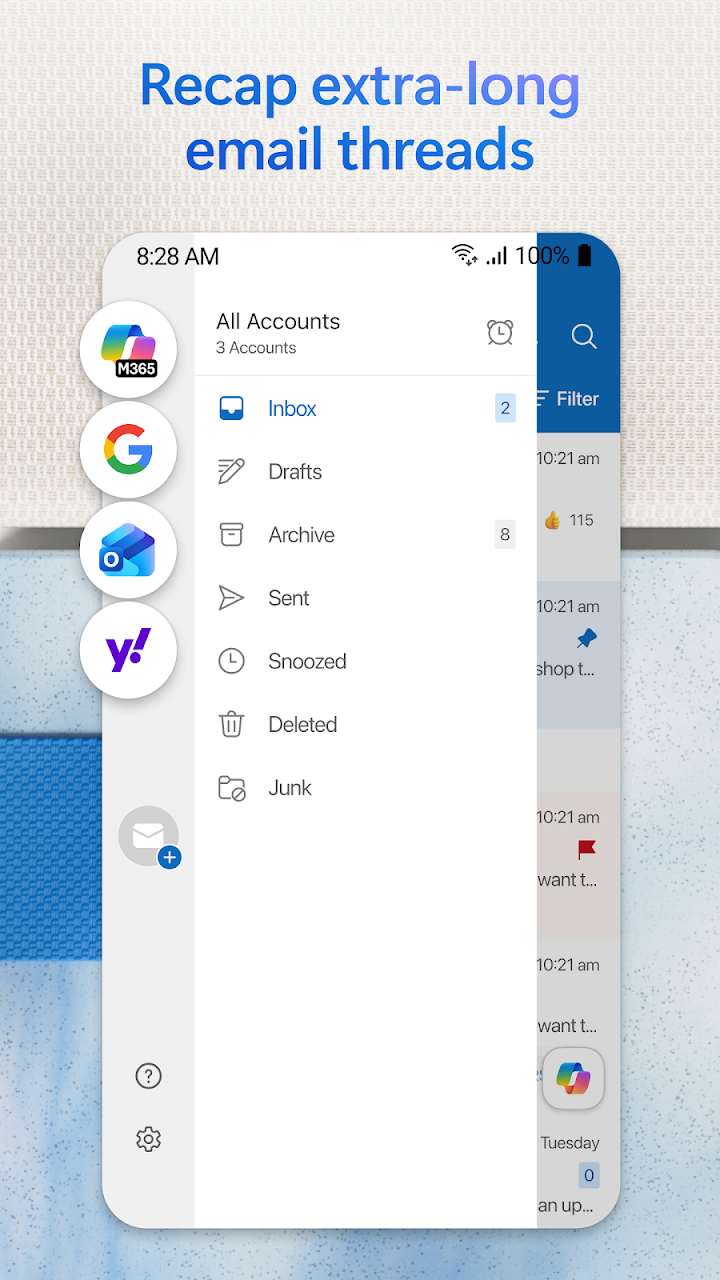
Email gets messy when personal, work, and travel messages land in different places. Microsoft Outlook brings supported accounts into one app, including Microsoft Exchange, Microsoft 365, Outlook.com, Gmail, Yahoo Mail, iCloud, IMAP, and POP3. It is free for personal use, but it also includes ads and in-app purchases.
Faster replies and less sorting
The app is built to reduce the time spent cleaning up mail. A unified inbox, intelligent filtering, swipe actions for delete, archive, snooze, or move, plus pinning and flags all help you clear the queue faster. Voice search and suggested replies also cut down on tapping when you need to find something or answer quickly.
Calendars, meetings, and shared planning
Outlook is not only for email. You can view multiple calendars side by side, RSVP to invites, add notes, and keep tasks and reminders alongside your schedule. It also lets you join Teams or Zoom meetings from inside the app, which makes it useful for people who move between email and scheduling all day.
- Gets: unified email, calendar views, contacts, meeting links, and file access
- Gets: support for Word, Excel, PowerPoint, and OneNote connections
- Watch for: ads and in-app purchases
- Watch for: premium Copilot and encryption features that require Microsoft 365
- Install note: Android 10 or later, APK format, 177.9 MB
Security and the main trade-offs
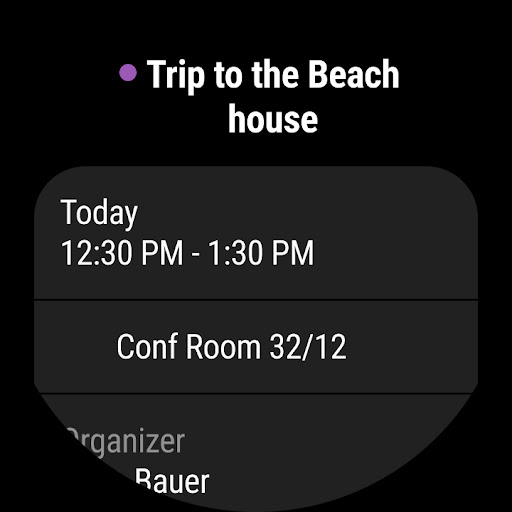
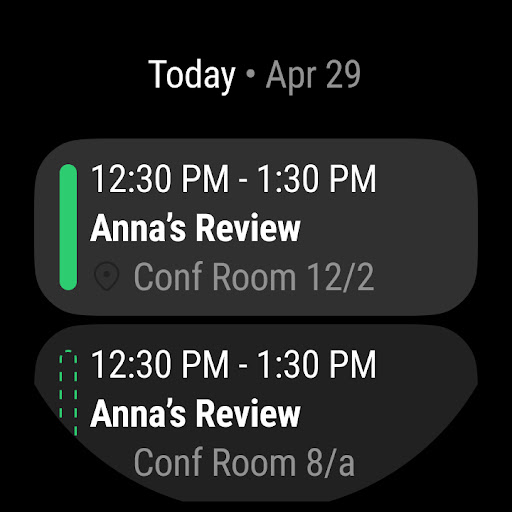
Outlook includes enterprise-grade protection against phishing, viruses, and spam, plus email encryption for sensitive messages when Microsoft 365 is required. It also offers Wear OS support for checking emails and events at a glance. The main limits are straightforward: it is not ad-free, some features sit behind a subscription, and there is no offline mode described in the app details.
If you want one Android app to manage several inboxes, calendars, and meeting links in a single workflow, Microsoft Outlook is a strong fit. If you only need a simple mail app and do not want ads or subscription upsells, its extra tools may be more than you need.
APK information
- Version
- 5.2632.1
- Package
- com.microsoft.office.outlook
- Category
- Productivity
- Size
- 178 MB
- Min Android
- 10
- Architecture
- universal
Older versions
-
Microsoft Outlook 5.2632.1Nov 10, 2026Latest downloadAPK
Microsoft Outlook FAQ
Does Microsoft Outlook support Teams meetings?expand_more
Yes. You can join Teams meetings directly from Outlook, and it also supports Zoom meetings.
Can Microsoft Outlook be used offline?expand_more
The app details do not describe an offline mode.
Who develops Microsoft Outlook?expand_more
Microsoft Outlook is developed by Microsoft Corporation.
How do I install the Microsoft Outlook APK file?expand_more
Download the APK file, then install it on an Android device running Android 10 or later. The file format is APK and the app size is 177.9 MB.
Which email services work with Microsoft Outlook?expand_more
It supports Microsoft Exchange, Microsoft 365, Outlook.com, Gmail, Yahoo Mail, iCloud, IMAP, and POP3.