
- 4.4star9,314,690 reviews
- 1B+Downloads
- 388 MBAPK size
- TeenRated for Teen
- 10+Android
check_circleOriginal APK from Microsoft Corporation · Updated Nov 11, 2026
No threats found
0 / — antivirus engines flagged this file
Original signature
First seen — Microsoft Corporation
Unmodified APK
Same file the developer published — no mods
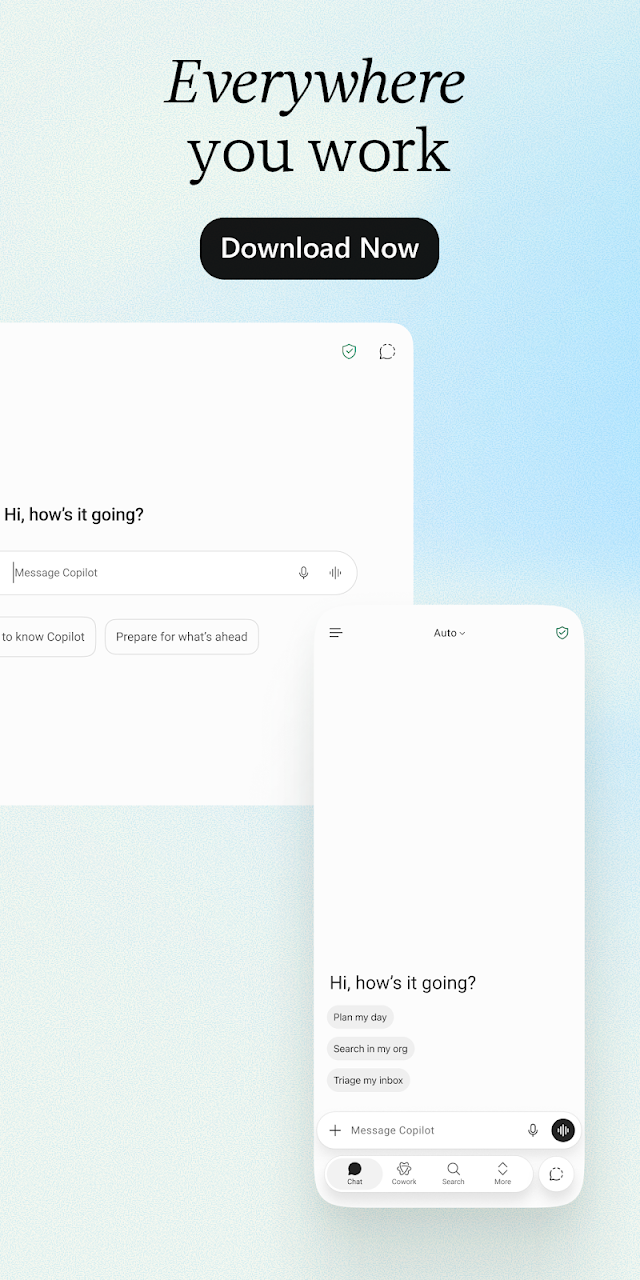
Microsoft Copilot screenshots
8 images · tap to enlarge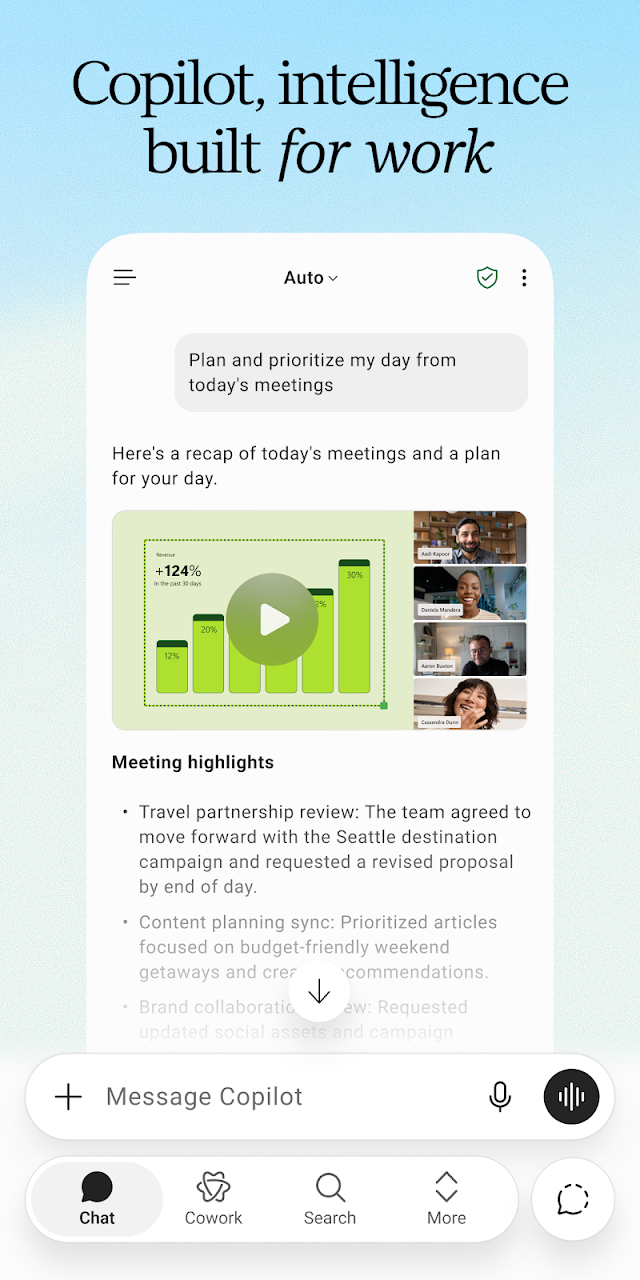
About this app
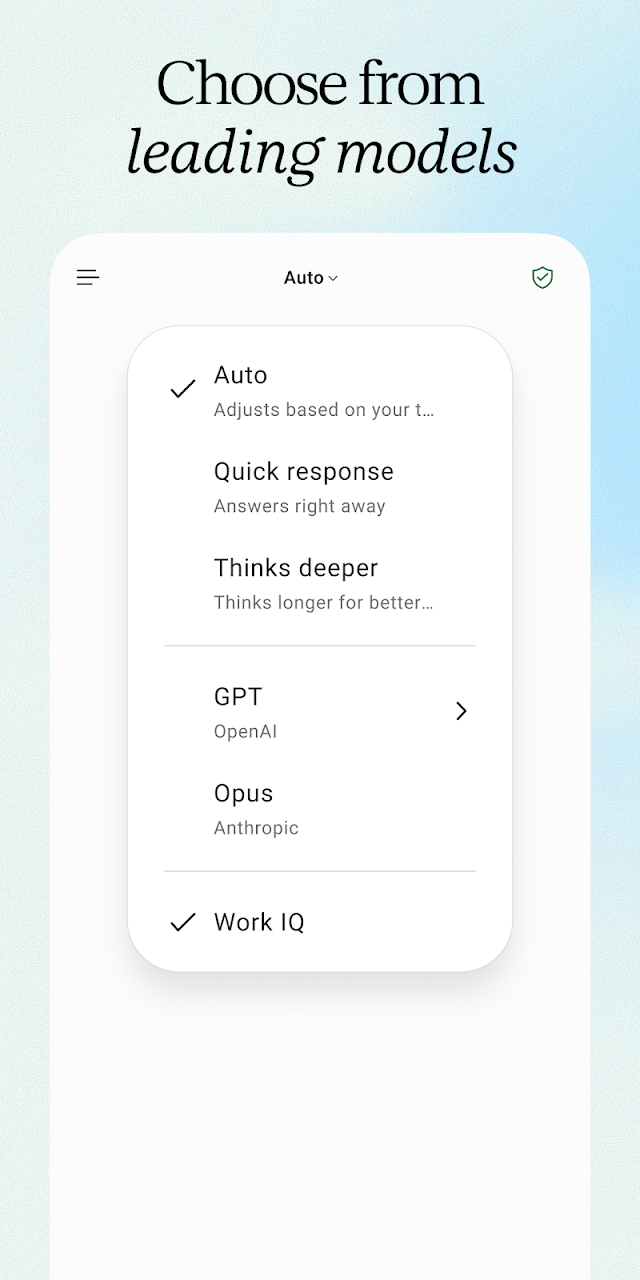
Microsoft Copilot stands out in productivity because it connects AI help with the work you already do in Microsoft 365. It can draft documents, summarize files, organize tasks, and answer questions using your work context. That makes it useful when you want help moving from a rough idea to something finished without switching between lots of apps.
- Work in one place — Copilot brings Word, Excel, PowerPoint, Outlook, Teams, and more into a single workspace for writing, planning, and finding information.
- Draft and summarize — Use it to create emails, reports, presentations, and summaries of long articles or documents.
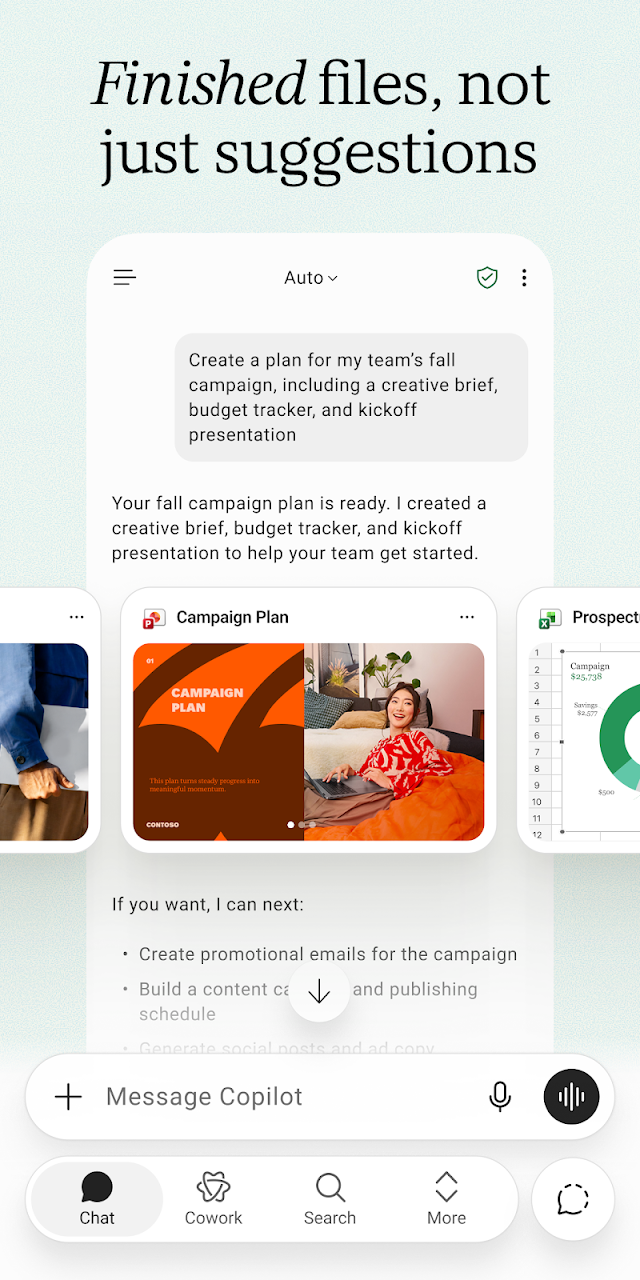
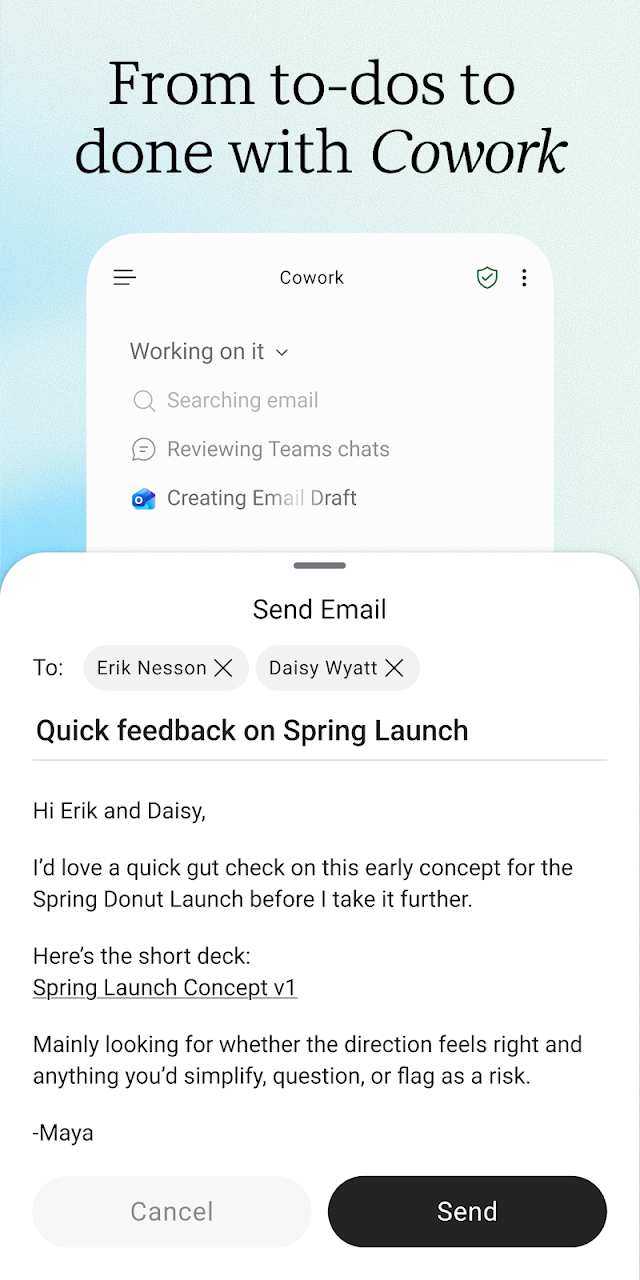
- Handle multi-step tasks — Cowork can turn a single request into finished Word files, PowerPoint slides, Excel sheets, or to-do lists.
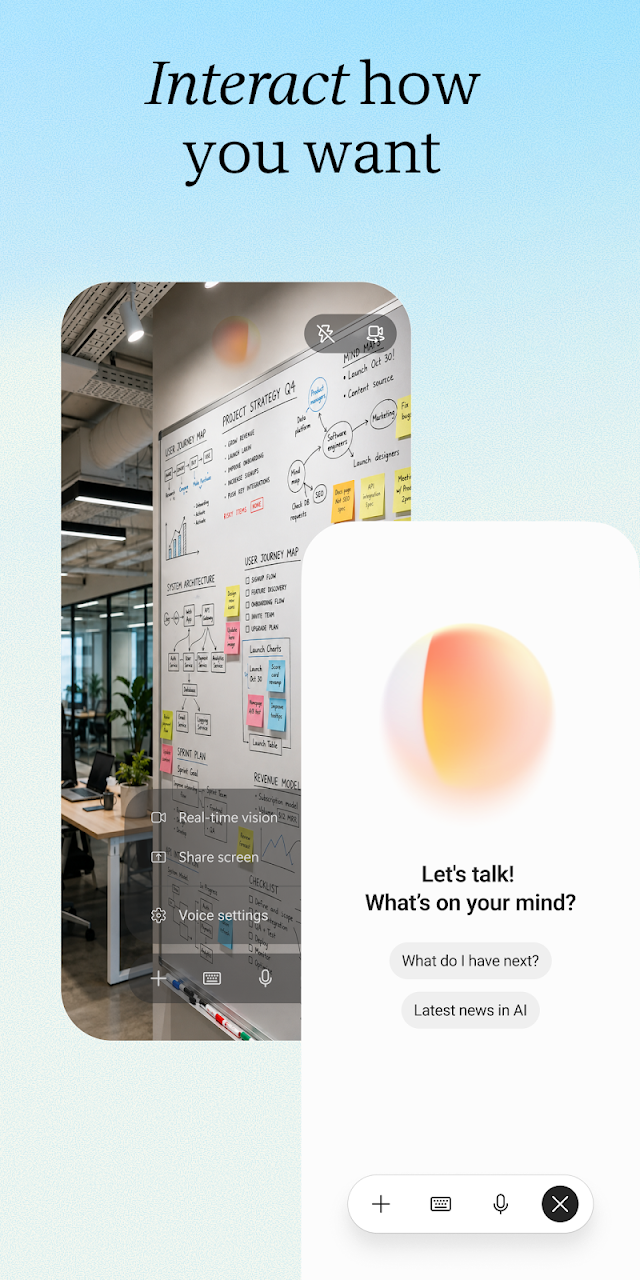
- Use voice or files — You can speak naturally or upload Word, Excel, PowerPoint, image, or PDF files to ask questions and get summaries.
- Connects to your work — Copilot remembers what matters and helps you continue from where you left off across your Microsoft 365 content.
AI connected to Microsoft 365
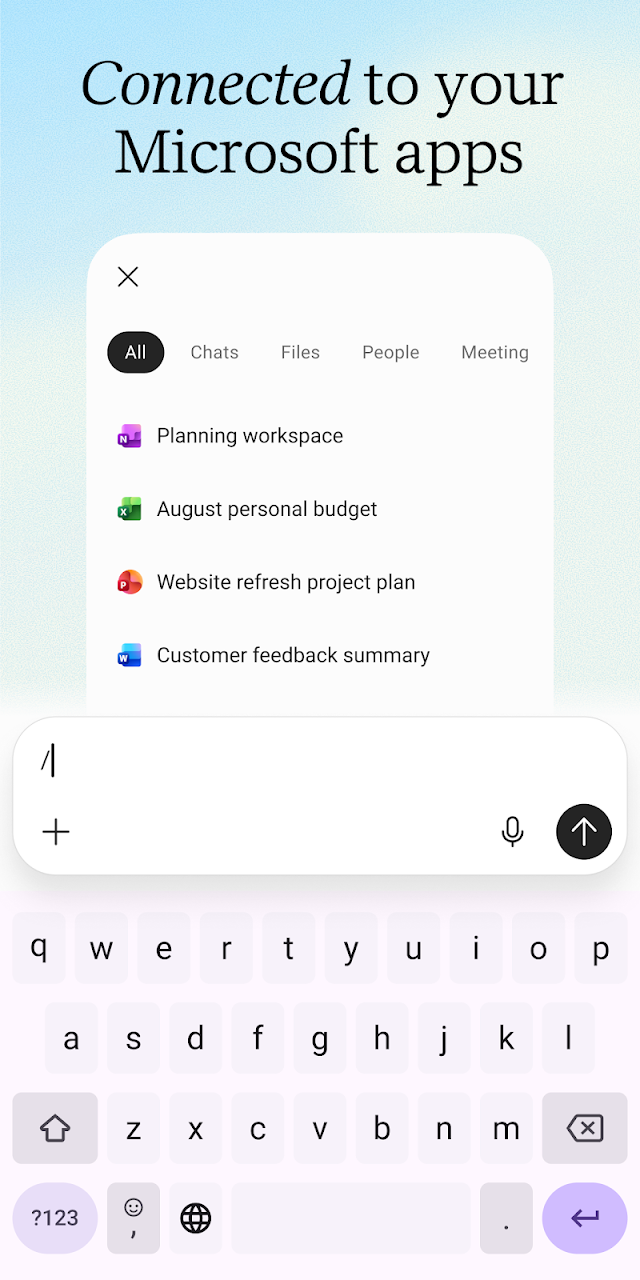
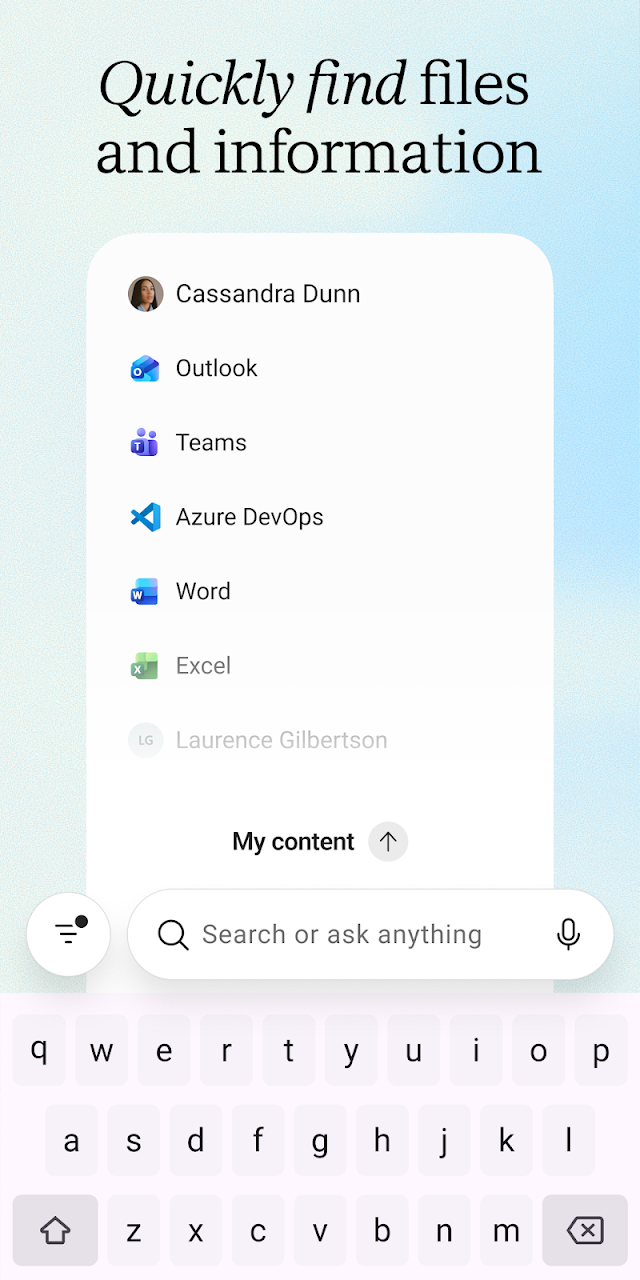
Microsoft Copilot is built for people who already work with Microsoft apps and want help inside that workflow. Instead of starting from scratch, you can ask it to explain a topic, find files, or pull together content from Word, Excel, PowerPoint, Outlook, and Teams. For example, you might ask it to summarize a long report before a meeting.
Write, summarize, and reply
Copilot can help with common office tasks like drafting emails, writing text replies, and turning notes into polished documents. It also summarizes long articles and reports, which is useful when you need the main points quickly. If you are working on a presentation, it can help create slides and supporting text faster.
Planning and project help
For busy days, Copilot can help you plan and prioritize work with personalized schedules. It also supports brainstorming and project organization, so you can move from a rough idea to a clearer next step. What you get:
- Help with documents, presentations, and spreadsheets
- File summaries and answers based on your work
- Voice input and file uploads from your phone
- Watch for: some features may depend on your Microsoft 365 setup or organization
Cowork and file access
One of the more distinctive parts is Cowork, which can take on multi-step tasks instead of only suggesting what to do next. That means you can ask for a finished Word document, PowerPoint presentation, Excel spreadsheet, or completed to-do list. Copilot also connects to the files you use most and can help you find content across your Microsoft 365 library.
Requirements and install notes
The app is free to download, but it contains ads and in-app purchases. It requires Android 10 or later, comes as an APK, and is 387.6 MB. No permissions are listed here, so check your device and Microsoft account setup before installing, especially if you want Microsoft 365 features or organization-managed access.
APK information
- Version
- 16.0.19127.20172
- Package
- com.microsoft.office.officehubrow
- Category
- Productivity
- Size
- 388 MB
- Min Android
- 10
- Architecture
- universal
Older versions
-
Microsoft Copilot 16.0.19127.20172Nov 11, 2026Latest downloadAPK
Microsoft Copilot FAQ
Does Microsoft Copilot support teams?expand_more
Yes. Copilot connects to Teams and other Microsoft 365 apps, and it can help with work across those tools.
Can Microsoft Copilot be used offline?expand_more
The app description focuses on connected Microsoft 365 features and file access, so offline use is not described here.
Does Microsoft Copilot work on tablets?expand_more
It runs on Android 10 or later, so it can work on Android tablets that meet that requirement.
Is Microsoft Copilot free to use?expand_more
Yes, the app is free to download. It also contains ads and offers in-app purchases.
What file types can I upload to Copilot?expand_more
You can upload Word, Excel, PowerPoint, image, or PDF files from your phone to ask questions and generate summaries.