- 4.5star1,505,591 reviews
- 1B+Downloads
- 145 MBAPK size
- EveryoneRated for Everyone
- 9+Android
check_circleOriginal APK from Microsoft Corporation · Updated Nov 12, 2026
No threats found
0 / — antivirus engines flagged this file
Original signature
First seen — Microsoft Corporation
Unmodified APK
Same file the developer published — no mods
Microsoft OneNote: Save Notes screenshots
6 images · tap to enlarge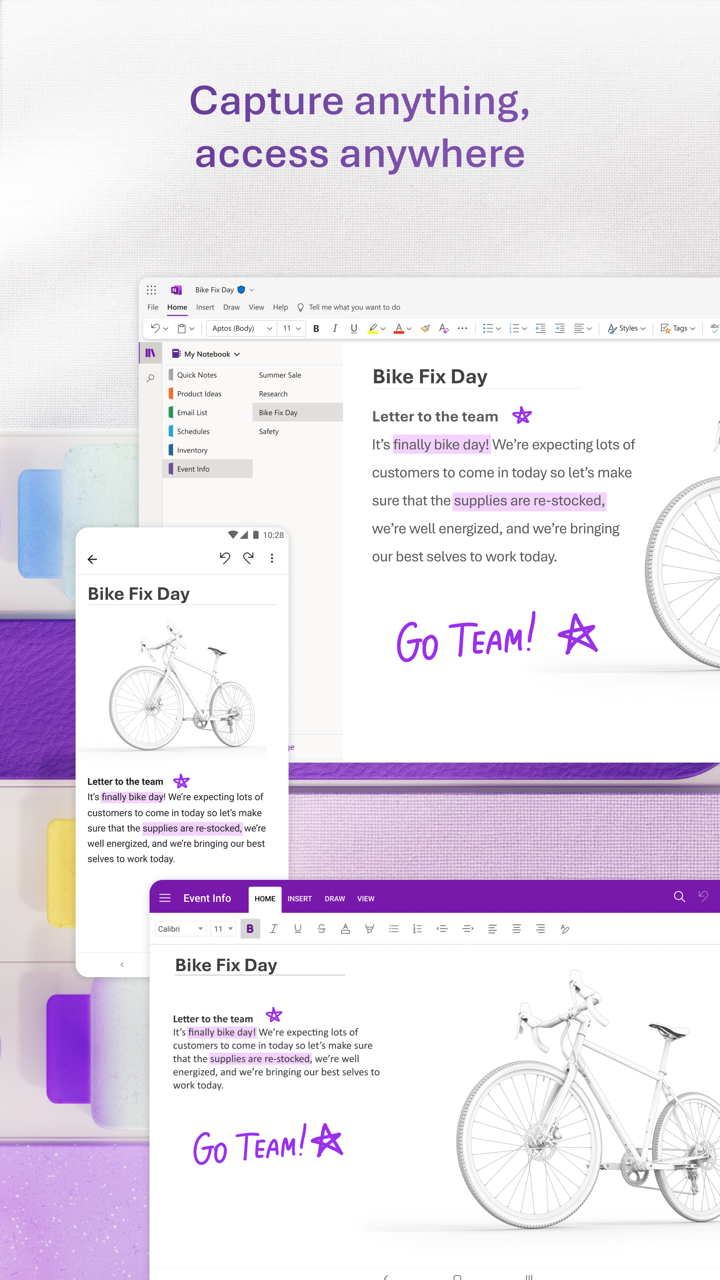
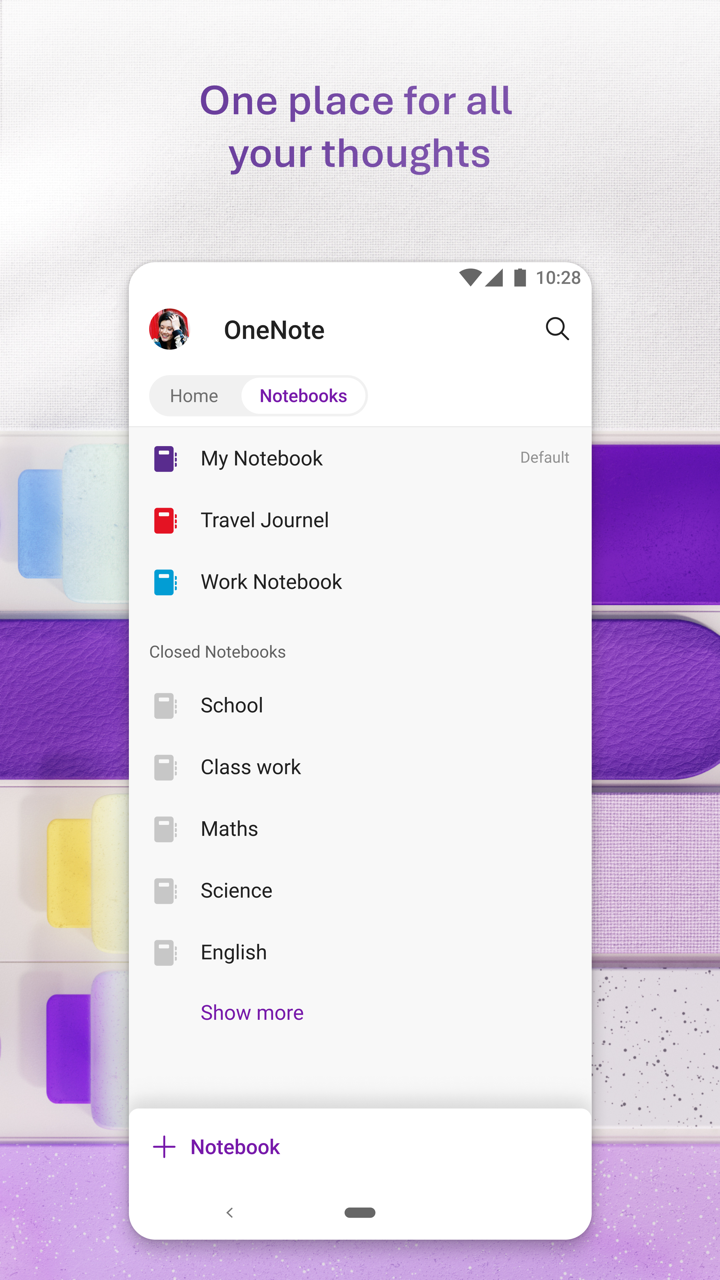
About this app
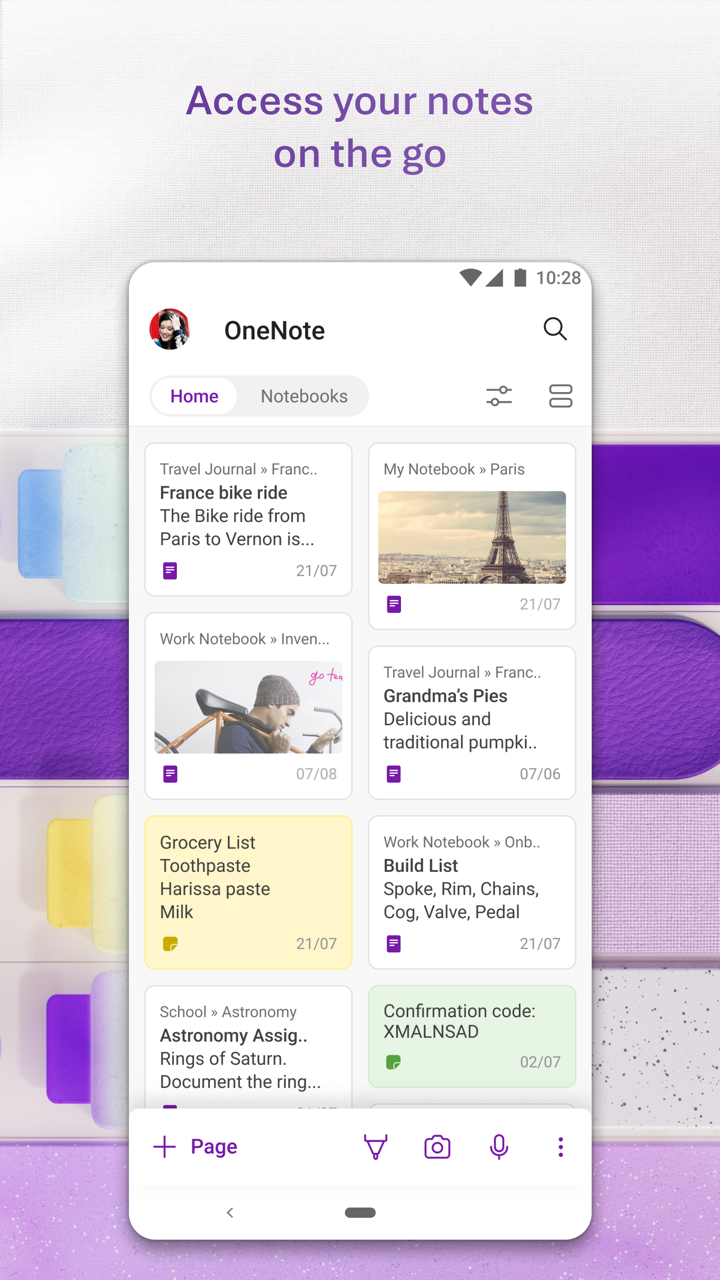
Make notes easier to find and share with Microsoft OneNote: Save Notes. It brings voice notes, AI transcription, scanning, and cloud sync into one app. Collaboration is built in, and it works with Microsoft 365 apps such as Word and Excel. The app is free, has no ads, and needs Android 9.0 or later.
- AI note search — Search across your notes to find what you need faster.
- Voice notes — Capture ideas with voice-to-text and audio transcription tools.
- Sync across devices — Keep notebooks connected on your phone and other smart devices.
- Collaboration tools — Share notes and work on writing, brainstorming, and follow-up items together.
- Microsoft 365 links — Works with apps like Word and Excel for related work.
- Secure note storage — Lock notes and keep private memos in one place.
First look at OneNote
Microsoft OneNote: Save Notes is a productivity app for notes, voice memos, scans, and task lists. It is free, has no ads, and does not include in-app purchases. The APK is 145.4 MB, comes in universal format, and requires Android 9.0 or later.
AI search and transcription
The app focuses on finding and shaping notes quickly. You can search across your notebooks, generate transcription from audio, and use AI summaries for meetings, classes, and discussions. Voice dictation supports 27 languages, and auto-punctuation helps format text as you speak.
It also supports quick capture from connected accounts, including Samsung Notes integration. That makes it easier to keep related memos in one place.
Collaboration with Microsoft tools
OneNote is built for shared work as well as private notes. You can write, brainstorm, draw attention to important points, and share notes with others. It also works with Microsoft 365 apps such as Word and Excel, which helps when notes need to move into documents or spreadsheets.
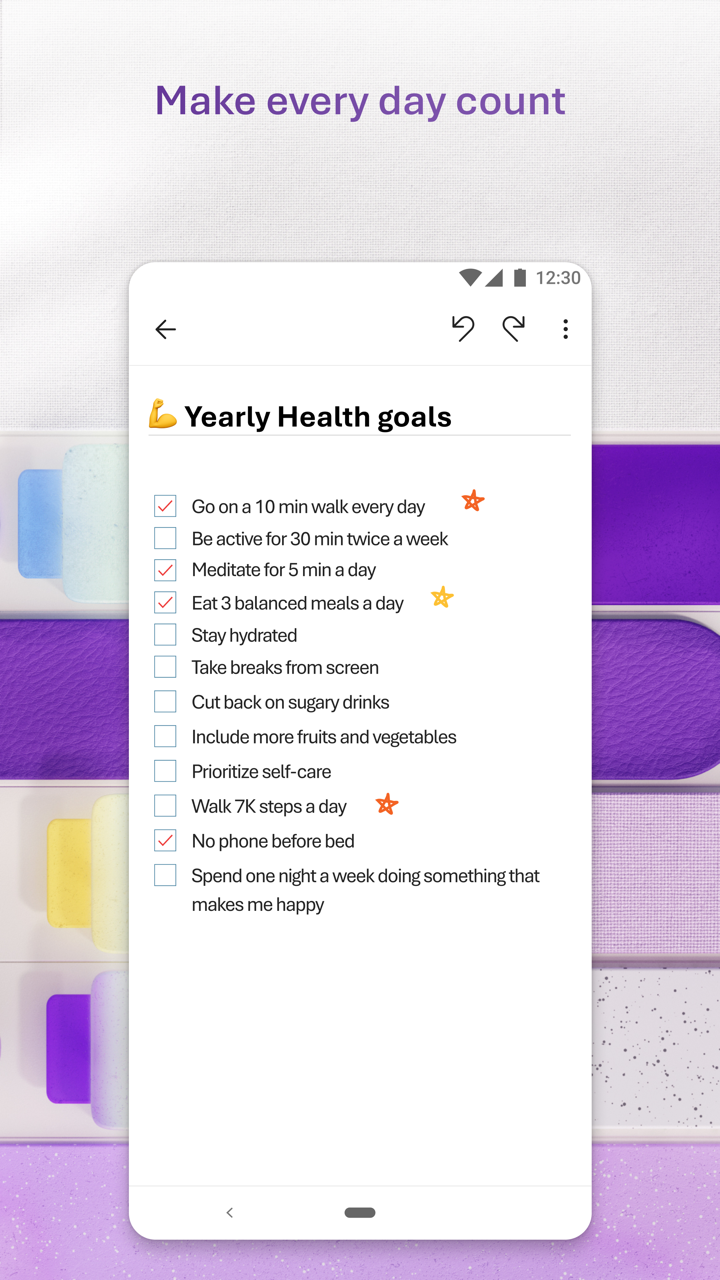
- Task lists: Organize follow-up items with labels and to-do lists.
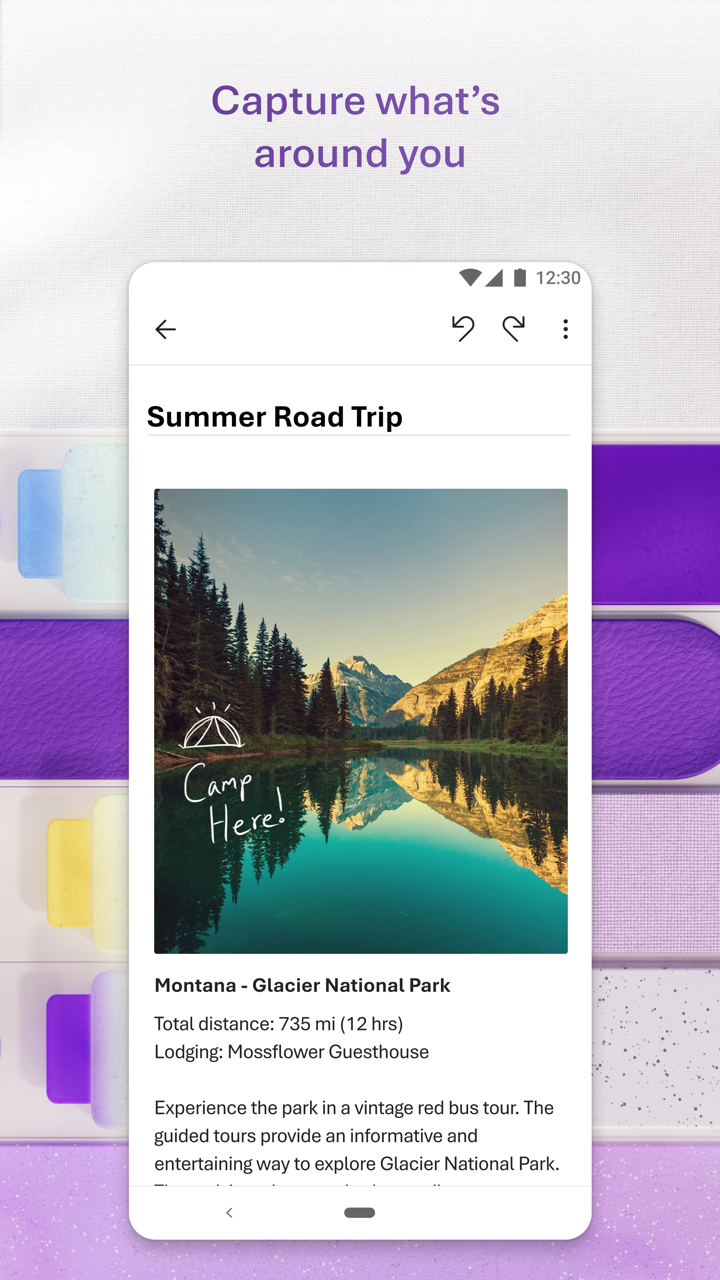
- Scans: Capture documents or pictures and extract text.
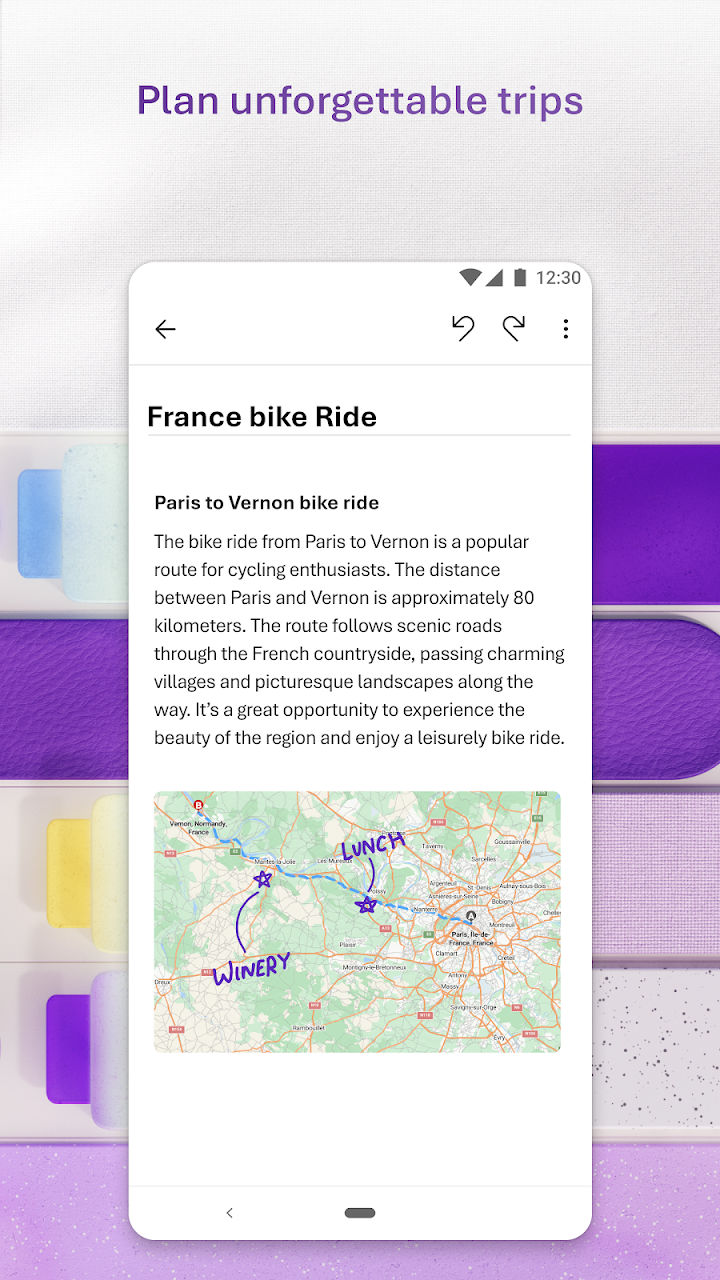
- Ink tools: Write, draw, clip from the web, and edit captured pages.
Sync, security, and setup
Notes can sync across smart devices, and a free Microsoft account is required. The app also includes security features for locking notes and sharing private notes with enterprise-level protection. That makes it practical for daily memos, work planning, and meeting records.
What stands out most is the mix of sync, collaboration, and AI search. What could be better is simple: the app is large, and the feature set is broad enough that new users may need time to learn it. Still, the 4.5 rating from more than 1.5 million reviews suggests many users find it useful.
APK information
- Version
- 16.0.19725.20156
- Package
- com.microsoft.office.onenote
- Category
- Productivity
- Size
- 145 MB
- Min Android
- 9
- Architecture
- universal
Older versions
-
Microsoft OneNote: Save Notes 16.0.19725.20156Nov 12, 2026Latest downloadAPK
Microsoft OneNote: Save Notes FAQ
Does Microsoft OneNote: Save Notes support teams?expand_more
Yes. The app includes collaboration features for writing, brainstorming, and sharing notes with others.
Can Microsoft OneNote: Save Notes be used offline?expand_more
The app description highlights sync across devices and connected accounts, but it does not state offline use.
What permissions does Microsoft OneNote: Save Notes ask for?expand_more
No permissions are listed in the provided app details.
Does Microsoft OneNote: Save Notes have in-app purchases?expand_more
No. The app is listed as free and does not include in-app purchases.
What Android version does Microsoft OneNote: Save Notes need?expand_more
It requires Android 9.0 or later.