
- 4.0star295,567 reviews
- 1B+Downloads
- 48 MBAPK size
- EveryoneRated for Everyone
- 15+Android
check_circleOriginal APK from Samsung Electronics Co., Ltd. · Updated Nov 10, 2026

No threats found
0 / — antivirus engines flagged this file
Original signature
First seen — Samsung Electronics Co., Ltd.
Unmodified APK
Same file the developer published — no mods
Voice Recorder screenshots
8 images · tap to enlarge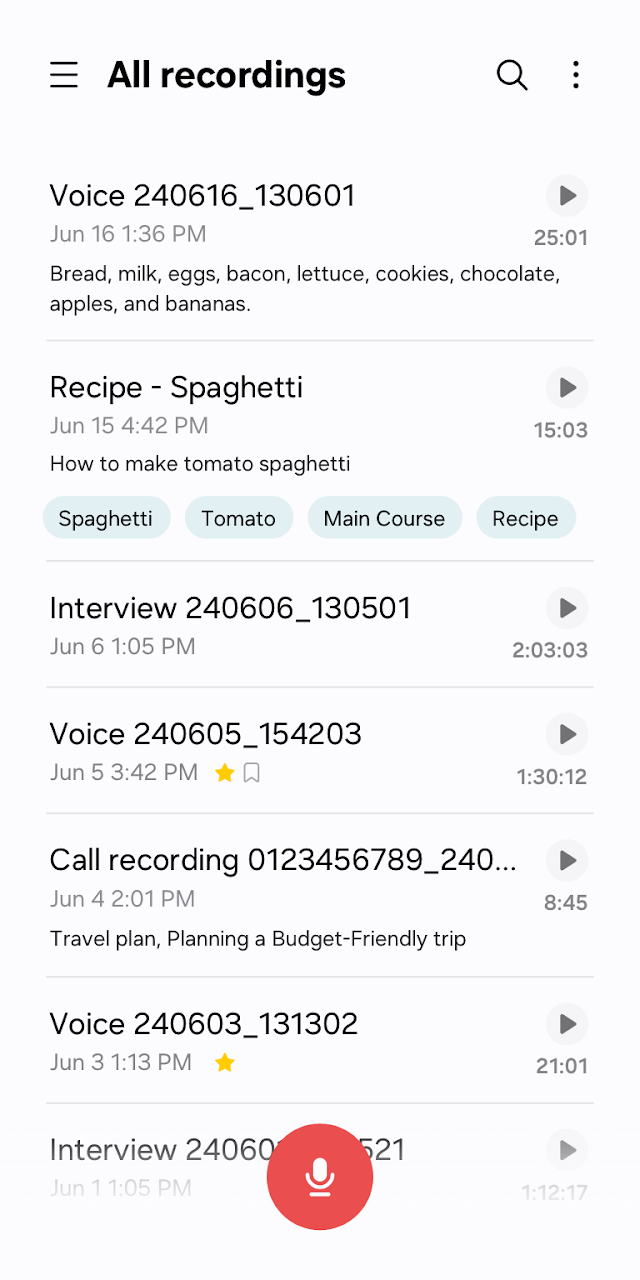
About this app
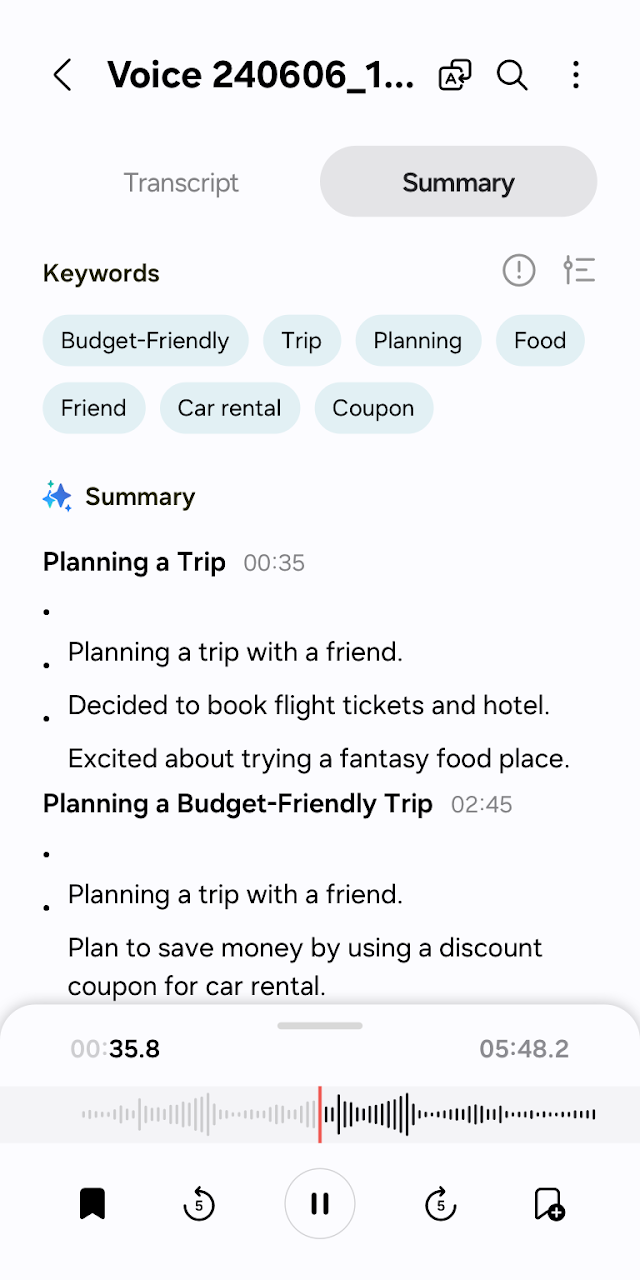
When you need to capture a meeting, interview, or quick note on a Galaxy device, Voice Recorder gives you a simple way to start recording from a phone, tablet, or watch. It supports the built-in microphone, a Bluetooth headset, or a compatible external mic, and it includes tools for bookmarks, separate voice playback in Interview mode, and file sharing.
- Quick recording — Start recording from a Galaxy smartphone, tablet, or watch with the built-in microphone, a Bluetooth headset, or a compatible external microphone.
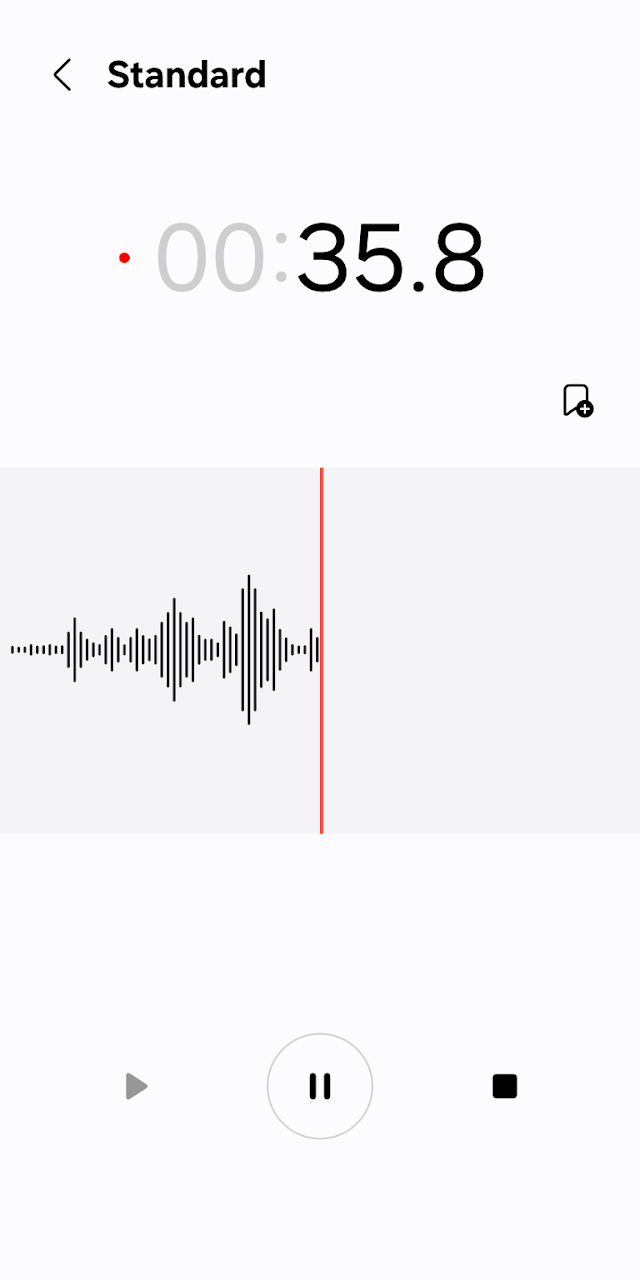
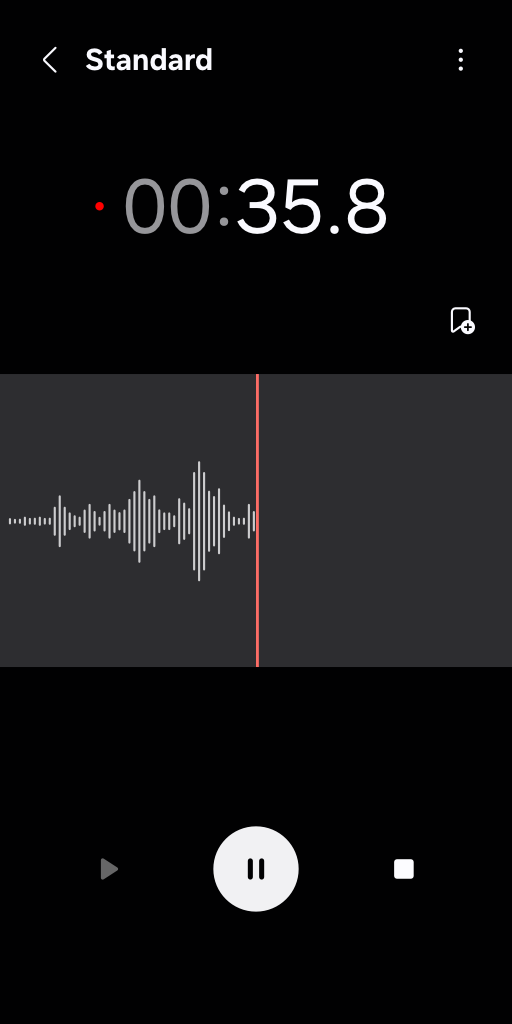
- General mode waveform — General mode shows an audio waveform so you can see what you are capturing while you record.
- Interview mode — Interview mode uses the top and bottom microphones to record two voices and play them back separately.
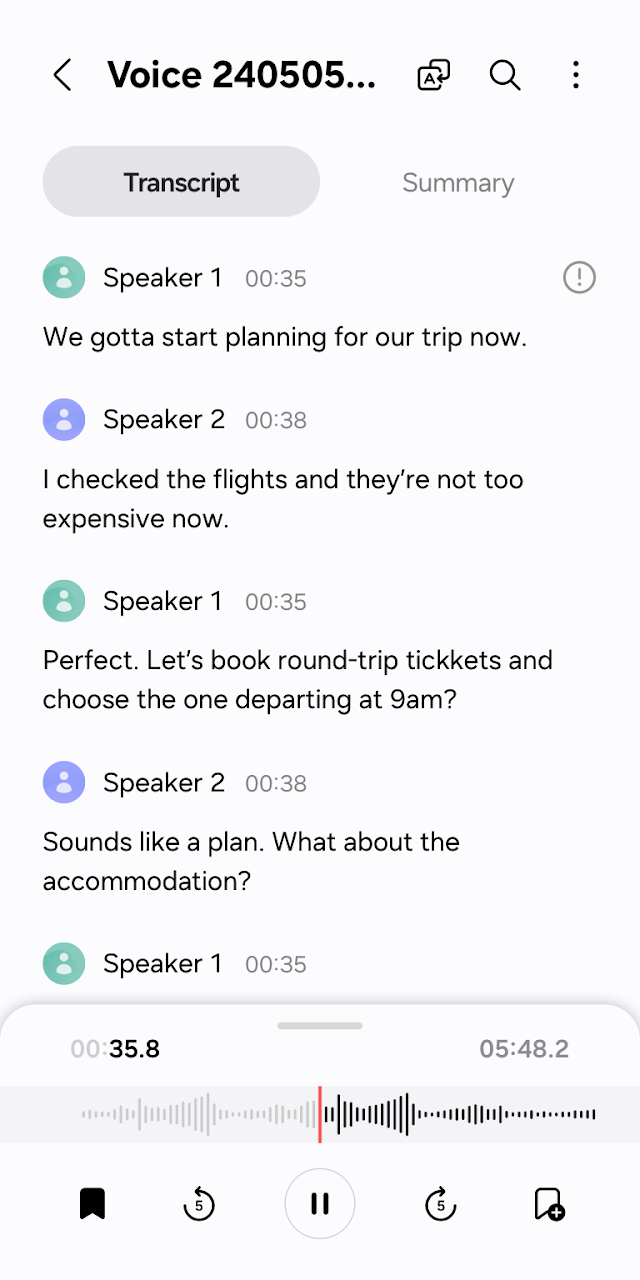
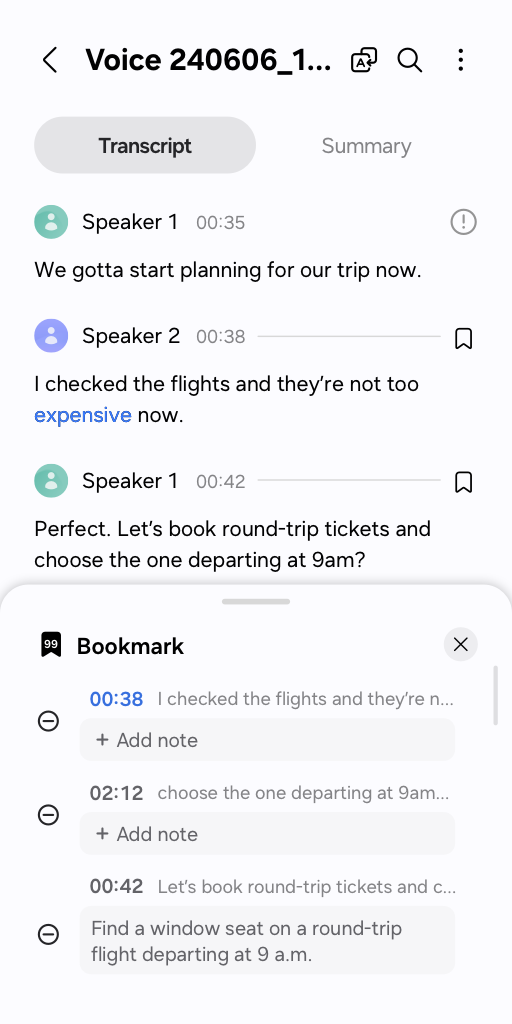
- Bookmarks — Mark important moments so you can jump back to key parts or collect only the bookmarked snippets.
- Share selected content — Share recorded audio or transcribed text and choose only the data you want to send.
- Samsung device support — The app is built for the Samsung Galaxy series and some features can vary by device.
Built for Galaxy recording
Voice Recorder is Samsung’s recording app for the Galaxy series, aimed at quick capture rather than heavy editing. It can record from a phone, tablet, or watch, and it supports the built-in microphone, a Bluetooth headset, or a compatible external microphone. The app is free, has no in-app purchases, and does not contain ads.
It installs as an APK, is 48.5 MB, and requires Android 15 or later. That makes compatibility the first thing to check before anything else, especially if you are comparing it with broader voice recorder apps that target a wider range of devices.
Recording modes and playback control
The app includes a General mode with waveform display and an Interview mode that records two voices using the microphones on the top and bottom of the phone. In Interview mode, each voice gets its own waveform and can be played back separately. That is useful when you want to review a conversation without sorting through a single mixed track.
Bookmarks, editing, and sharing
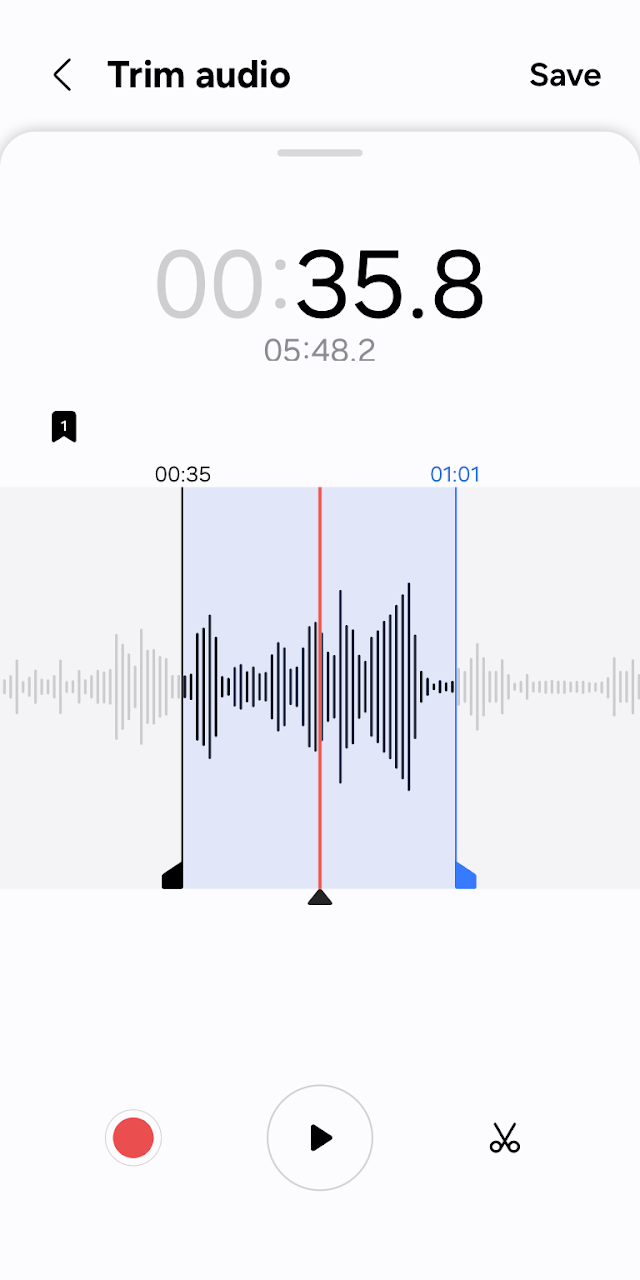
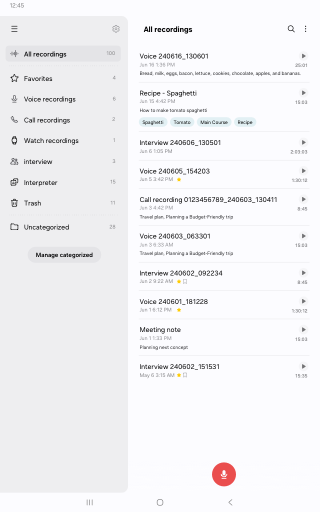
Bookmarks let you flag important moments and return to them later. You can also collect only the bookmarked snippets or play them right away. The app can manage recorded files, edit transcribed text from audio, and share either audio or text with other apps.
- Gets: recording modes, bookmarks, transcription text editing, and selective sharing.
- Watch for: Android 15 requirement, Samsung device focus, and feature differences by device.
Permissions and what they support
Voice Recorder asks for microphone access to capture voices and other sounds, and music and audio access to save the recorded files. Optional permissions cover nearby devices for Bluetooth headset recording, notifications for recording or playback alerts, contacts for blocking calls while recording, and call log access for importing call recordings. The basic features work without the optional permissions.
Because the app records and saves audio locally, storage use will grow with the length and number of recordings. The description does not mention battery impact, so that part is not specified.
What's new
Version 21.5.91.33 · Nov 10, 2026
- v21.5.73.01 for V OS
APK information
- Version
- 21.5.91.33
- Package
- com.sec.android.app.voicenote
- Category
- Tools
- Size
- 48 MB
- Min Android
- 15
- Architecture
- universal
Older versions
-
Voice Recorder 21.5.91.33Nov 10, 2026Latest downloadAPK
Voice Recorder FAQ
Does Voice Recorder drain the battery?expand_more
The app description does not say how much battery it uses. It does support recording from a phone, tablet, or watch, so actual use will depend on your device and how long you record.
Why does Voice Recorder need these permissions?expand_more
Microphone access is needed to record voices and other sounds, and music and audio access is needed to save the recorded files. Optional permissions support Bluetooth recording, notifications, call blocking, and call recording import.
Does Voice Recorder show ads?expand_more
No. The app listing says it does not contain ads.
How big is the Voice Recorder download?expand_more
The APK size is 48.5 MB.
Can Voice Recorder handle interview recordings?expand_more
Yes. Interview mode records yourself and another person using the microphones on the top and bottom of the phone, then lets you play each voice back separately.