- 4.3star37,006 reviews
- 10M+Downloads
- 98 MBAPK size
- EveryoneRated for Everyone
- 10+Android
check_circleOriginal APK from Microsoft Corporation · Updated Nov 10, 2026
No threats found
0 / — antivirus engines flagged this file
Original signature
First seen — Microsoft Corporation
Unmodified APK
Same file the developer published — no mods
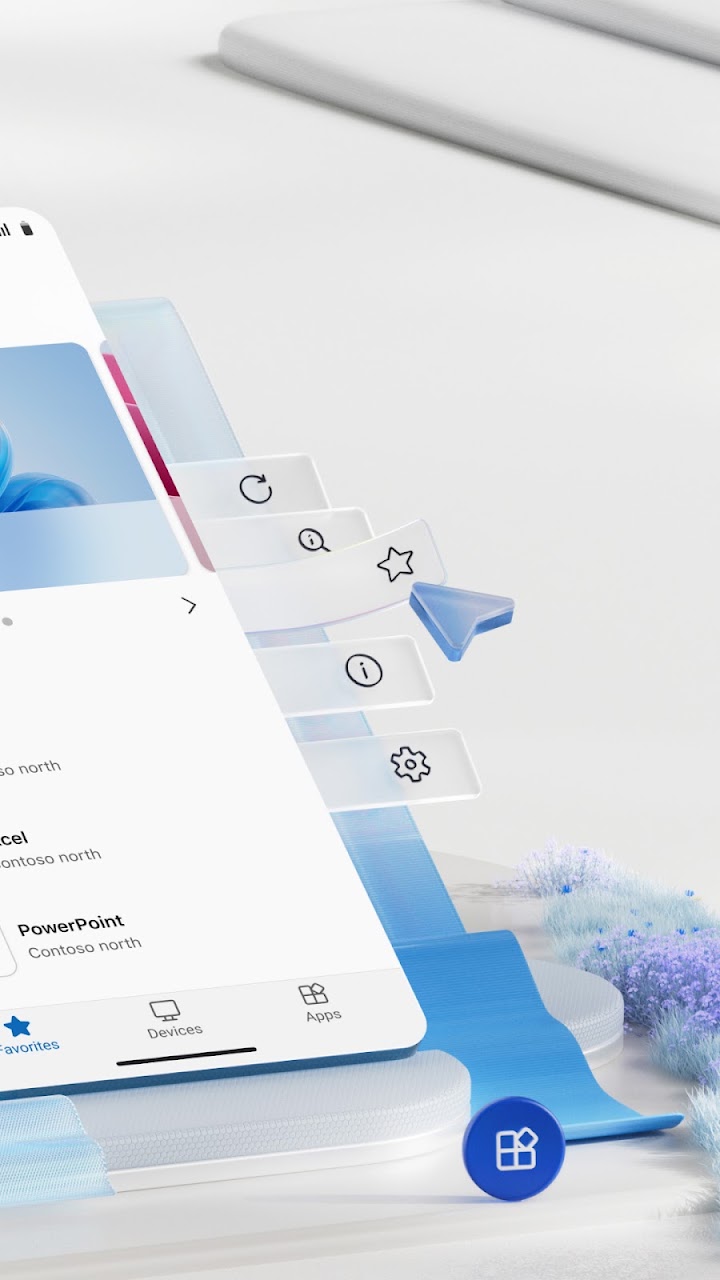
Windows App screenshots
8 images · tap to enlarge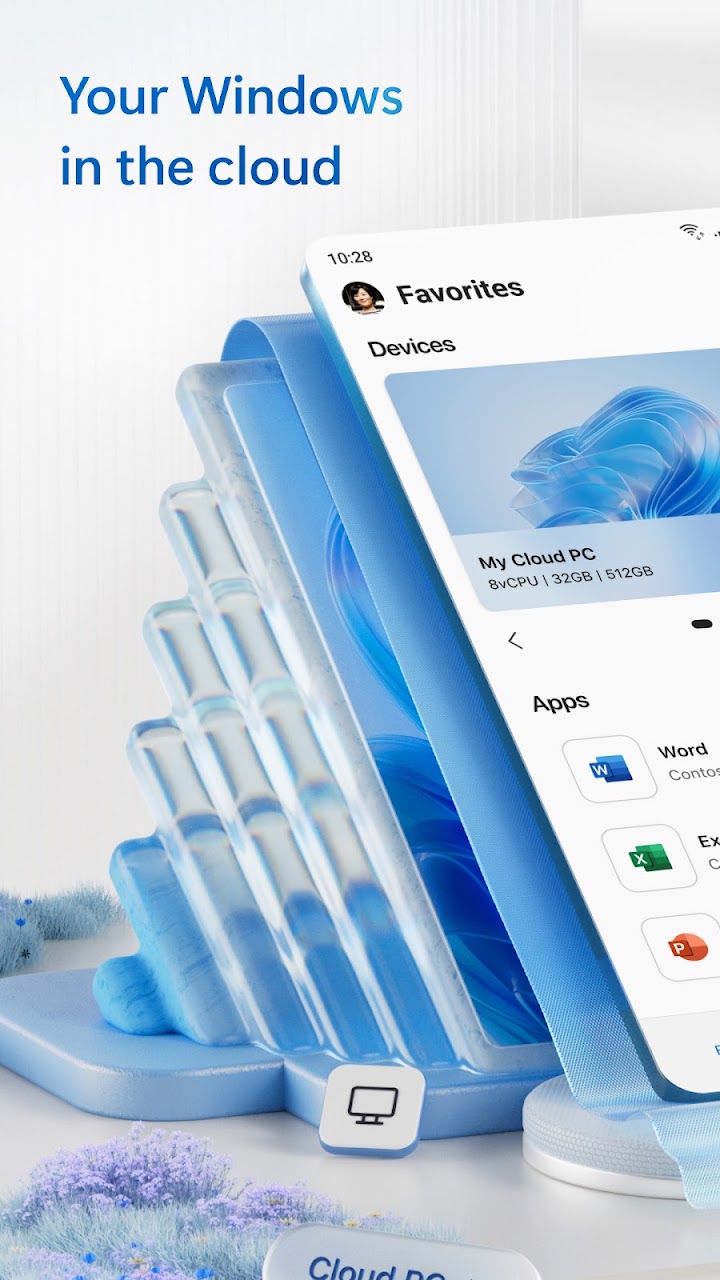
About this app
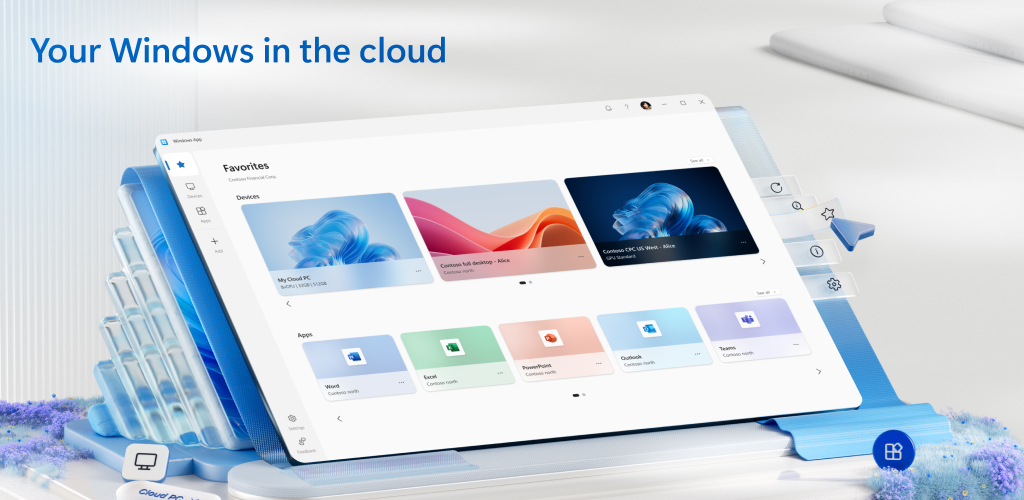
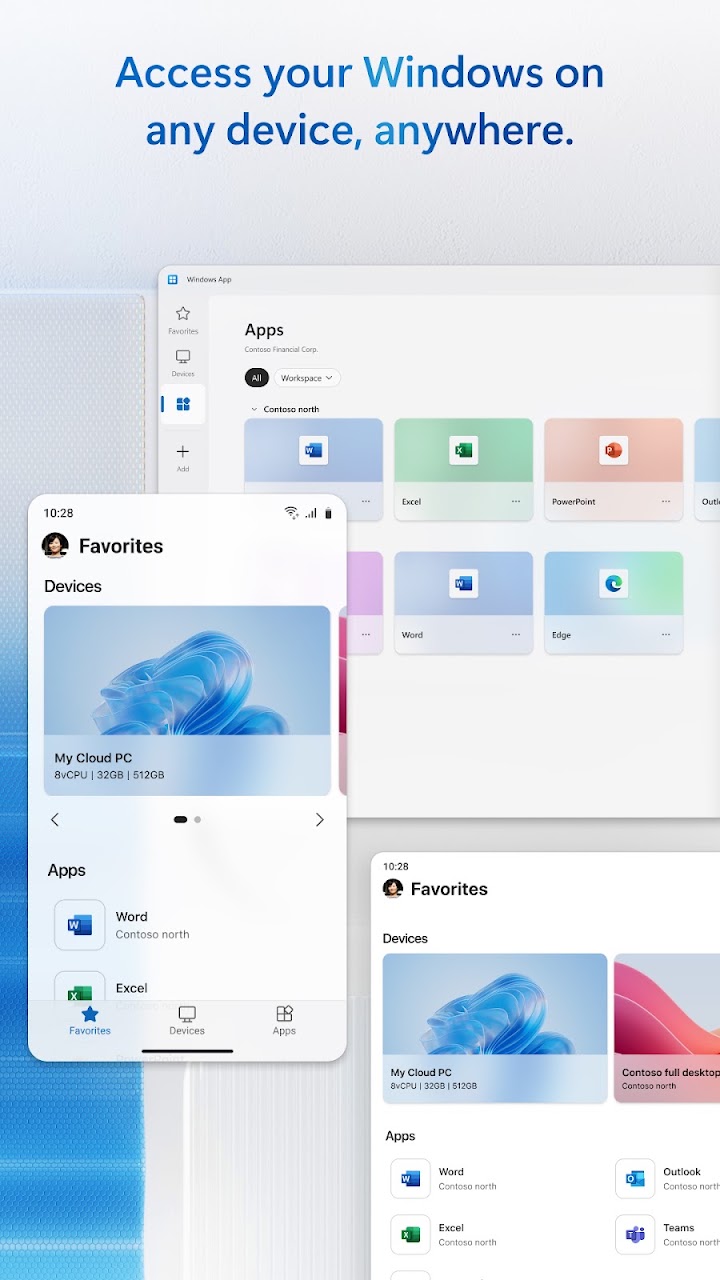
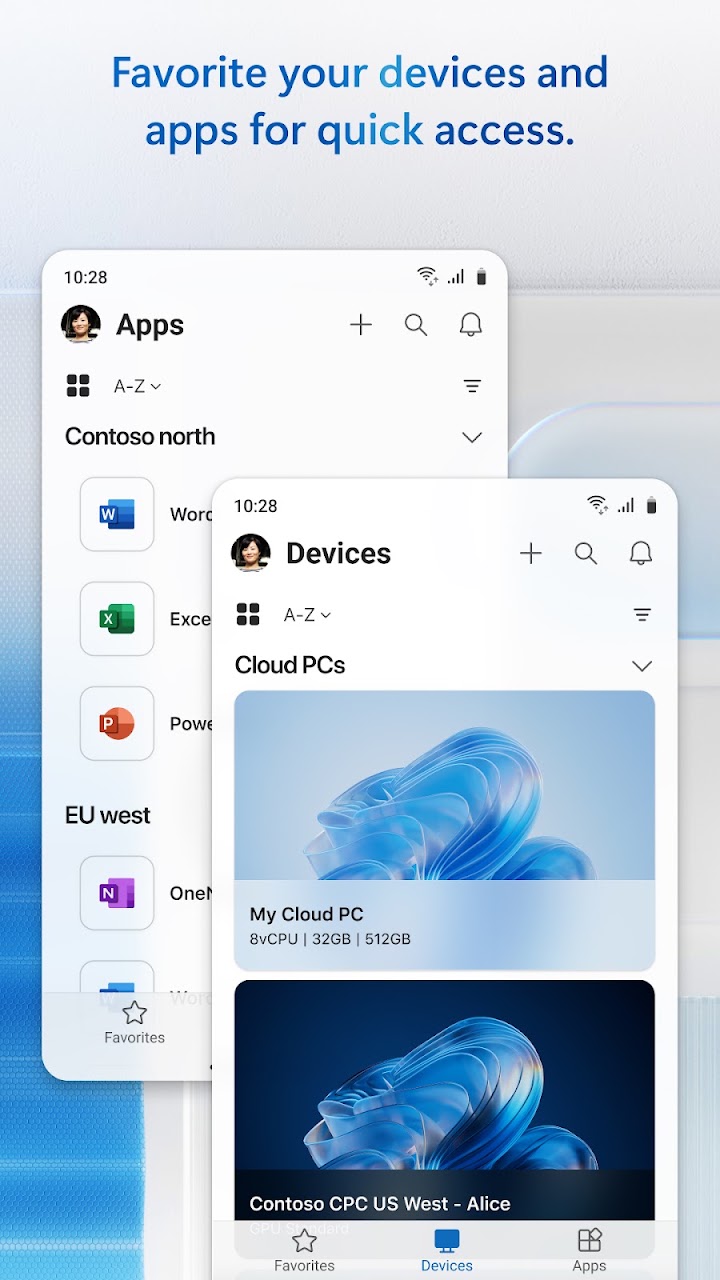
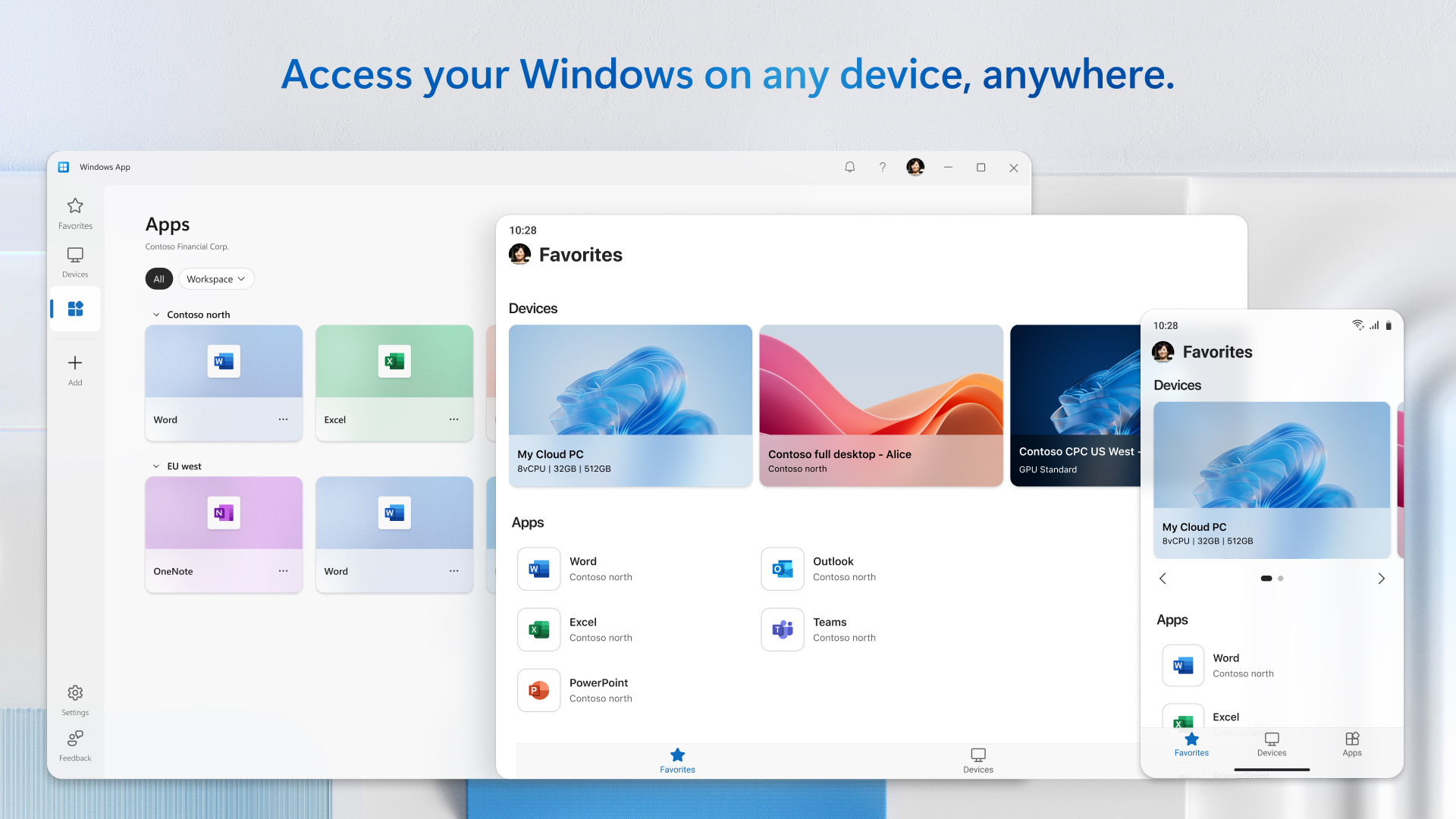
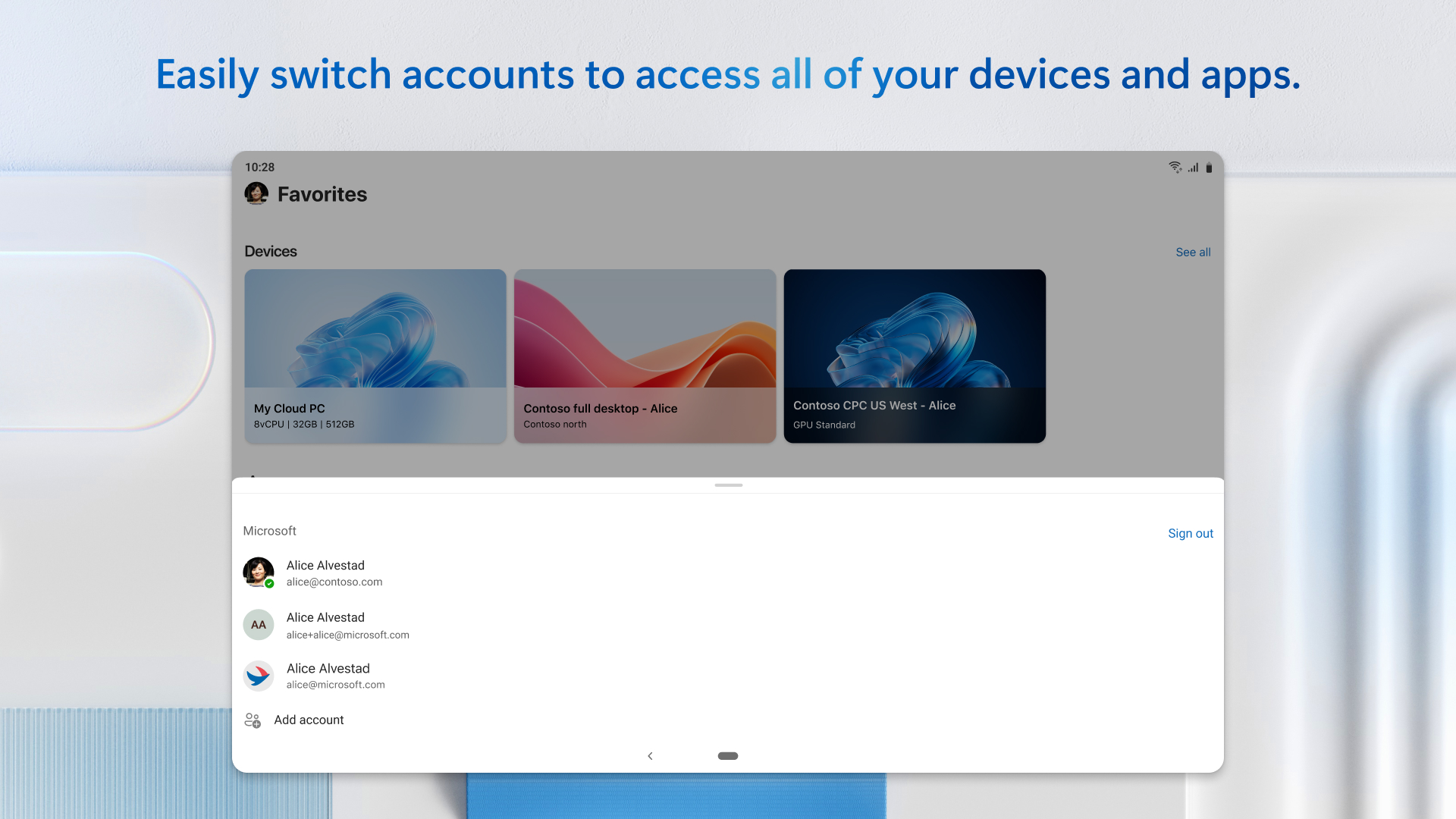
Connect to remote Windows desktops and apps from your Android device with Microsoft’s Windows App. It works with Azure Virtual Desktop, Windows 365, Microsoft Dev Box, Remote Desktop Services, and remote PCs. The app is free, has no ads or in-app purchases, and is built for Android 11 and above on supported devices.
- Remote Windows access — Open remote PCs and virtual Windows apps from your Android device through one Microsoft app.
- Cloud and desktop support — Works with Azure Virtual Desktop, Windows 365, Microsoft Dev Box, Remote Desktop Services, and remote PCs.
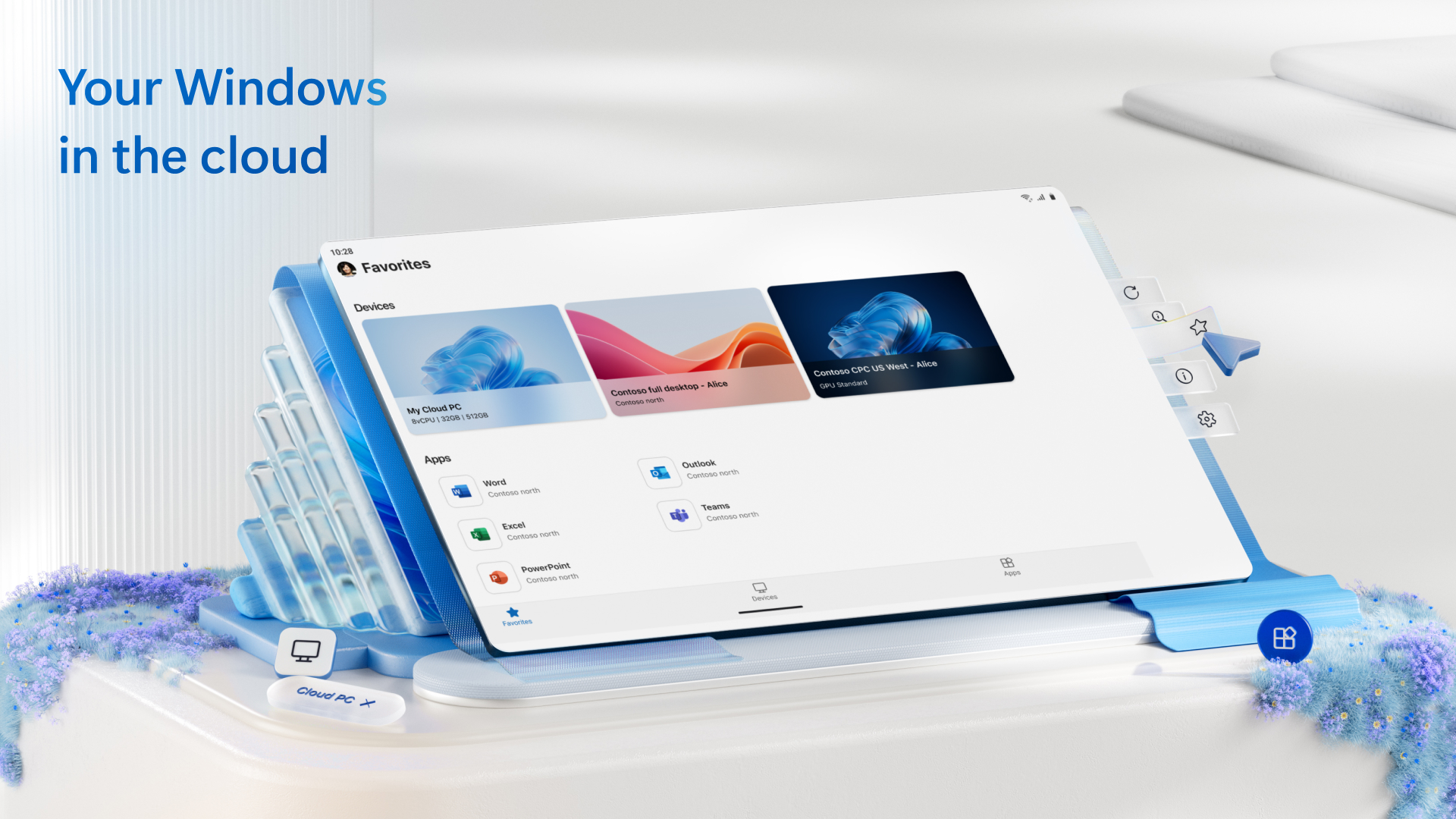
- Android device support — Runs on supported Android 11+ devices, including tablets, smartphones, VR headsets, and Chromebooks from the Play Store.
- Free to use — The app is free, with no ads and no in-app purchases.
- Microsoft ecosystem fit — Made by Microsoft Corporation, alongside apps such as Microsoft Teams, Outlook, Word, and Authenticator.
Remote Windows sessions from Android
Windows App is a straightforward way to reach remote Windows experiences from an Android device. It is aimed at business use, letting you connect to remote PCs and virtual apps through Microsoft services rather than juggling separate tools for each setup.
The app’s 4.3 rating from 37,004 reviews suggests many users find it useful, though the spread includes a noticeable share of lower ratings as well. That mix usually points to an app that works well for some workflows but may not suit every setup.
Microsoft services it connects to
This app is built around Microsoft’s remote-access stack. It supports Azure Virtual Desktop, Windows 365, Microsoft Dev Box, Remote Desktop Services, and remote PCs, so it is more focused than a general-purpose remote desktop client.
- What you get: access to remote Windows experiences from Android.
- What you get: support for several Microsoft remote platforms.
- What to watch for: it is designed for Android 11 and above on supported devices.
- What to watch for: the APK is 98.2 MB, so it is not a lightweight download.
Free, ad-free, and permission-light
Windows App is free, does not contain ads, and has no in-app purchases. It also lists no permissions, which keeps the setup simple from a privacy and access standpoint.
The app is distributed as an APK file and is available as a universal build. If you want a Microsoft-backed remote Windows client for Android, this one is worth considering, especially if your work already uses Azure Virtual Desktop or Windows 365.
What's new
Version 11.0.26091.14132 · Nov 10, 2026
- Fixed an issue that prevented the AVD from connecting.
APK information
- Version
- 11.0.26091.14132
- Package
- com.microsoft.rdc.androidx
- Category
- Business
- Size
- 98 MB
- Min Android
- 10
- Architecture
- universal
Older versions
-
Windows App 11.0.26091.14132Nov 10, 2026Latest downloadAPK
Windows App FAQ
Does Windows App integrate with other tools?expand_more
Yes. It connects to Azure Virtual Desktop, Windows 365, Microsoft Dev Box, Remote Desktop Services, and remote PCs.
Is Windows App free for small teams?expand_more
The app is free, with no ads and no in-app purchases. Team use would depend on the remote Windows services your organization already uses.
Does Windows App work offline?expand_more
The app is built to connect to remote Windows experiences, so it is meant for online use rather than offline work.
How do I install the Windows App APK file?expand_more
It is available as an APK file in a universal build. The app supports Android 11 and above on supported devices.
What Android devices support Windows App?expand_more
It supports tablets, smartphones, VR headsets, and Chromebooks that support apps from the Play Store, on Android 11 and above.