Collection
Best To-Do List Apps for Android: 10 Picks
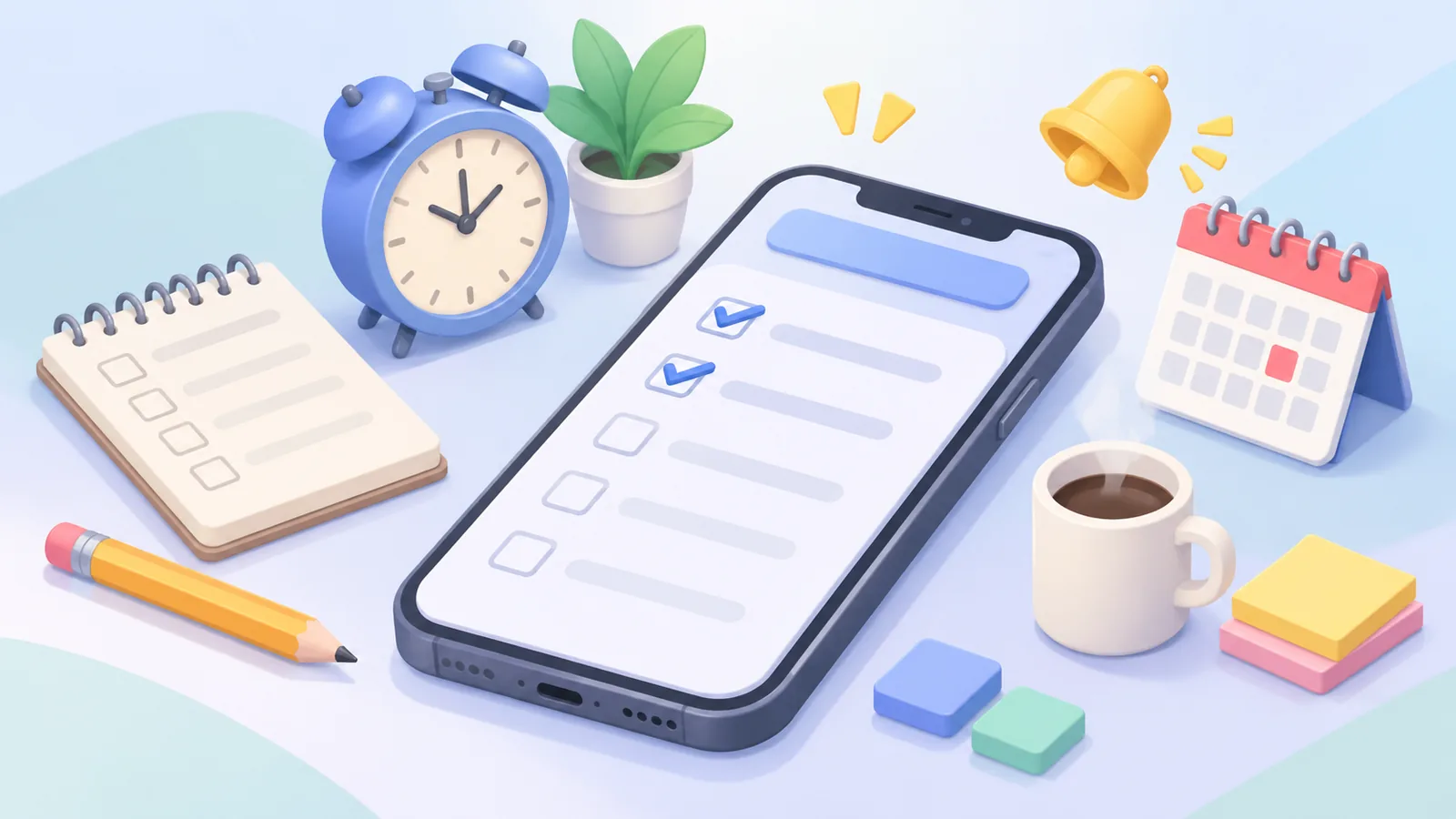
A curated Android list for people comparing to-do list apps by storage, Android version, ads, and whether they want simple checklists or task tools.
- 10 apps
- updateUpdated Nov 22, 2026
- verified_userNever sponsored
Our picks
Ranked by our editors-
1
downloadGet
Microsoft OneNote: Save Notes
Microsoft OneNote: Save Notes combines notes, voice memos, scans, AI search, transcription, and sync across devices, so it suits people who want task tracking alongside note capture. It also has no ads and needs Android 9 or later.
- star4.5
- 1B+
- 145 MB
- No ads
- No in-app purchases
- Top rated
-
2
downloadGet
Microsoft Teams
For users who want tasks inside a broader work hub, Microsoft Teams brings chats, channels, meetings, tasks, calendars, and cloud storage together. It has a 4.7 rating, 500M+ installs, no ads, and supports Android 9 or later.
- star4.7
- 500M+
- 226 MB
- No ads
- Top rated
- Popular
-
3
downloadGet
Microsoft Copilot
Microsoft Copilot is a fit when you want help writing, summarizing, planning, and organizing work from one place. It runs on Android 10 or later, has 1B+ installs, and includes ads plus in-app purchases.
- star4.4
- 1B+
- 388 MB
- Popular
-
4
downloadGet
ColorNote Notepad Notes
ColorNote Notepad Notes is the lightest app here at 6.1 MB, and it supports notes, checklists, reminders, and sync between phone and tablet. It has no ads, works on Android 5.0 and up, and includes in-app purchases.
- star4.9
- 100M+
- 6 MB
- No ads
- Under 50 MB
- Top rated
-
5
downloadGet
Microsoft Outlook
Microsoft Outlook works well if your task list needs to sit next to email, calendars, and contacts. It has 1B+ installs, Android 10 support, ads, and in-app purchases, so it fits people already using Outlook for daily organization.
- star4.3
- 1B+
- 178 MB
- Popular
-
6
downloadGet
SmartLife: Smart Living
SmartLife: Smart Living is useful for family reminders as part of a wider home-management app that also handles devices, security, and energy use. It has no ads, supports Android 6.0 and up, and includes in-app purchases.
- star4.6
- 50M+
- 150 MB
- No ads
- Top rated
- Popular
-
7
downloadGet
Global Search
Global Search is a compact 9.4 MB option for ColorOS users who want to find apps, contacts, files, settings, notes, and calendar events from one search bar. It has no ads, no in-app purchases, and supports Android versions not listed here.
- star4.3
- 1B+
- 9 MB
- No ads
- No in-app purchases
- Under 50 MB
-
8
downloadGet
Doctolib - Your health partner
Doctolib - Your health partner helps you book appointments, message practitioners, add family members, and keep prescriptions and documents organized. It has a 4.8 rating, no ads, no in-app purchases, and works on Android 5.0 and later.
- star4.8
- 10M+
- 53 MB
- No ads
- No in-app purchases
- Top rated
-
9
downloadGet
Todoery: To Do List & Planner
Todoery: To Do List & Planner is built around task lists, reminders, calendar views, a widget, and a MINE screen for planning. It has a 4.7 rating, 10M+ installs, Android 7.0 support, and both ads and in-app purchases.
- star4.7
- 10M+
- 52 MB
- Top rated
- Popular
- Android 7+
-
10
downloadGet
Samsung Calendar
Samsung Calendar adds events and tasks, color codes, widgets, and schedule views by year, month, week, day, or task. It has 1B+ installs, no ads, no in-app purchases, and requires Android 15 or later.
- star4.1
- 1B+
- 63 MB
- No ads
- No in-app purchases
- Popular



Introduction
If you want to-do list apps on Android, this list brings together apps that can handle tasks, reminders, checklists, calendars, and related planning features in different ways. Some options are very light on storage, while others are part of larger work or productivity suites with sync across devices. A few are better for users who want a simple checklist setup, and others fit people who want tasks alongside notes, email, meetings, or home management.
You can also compare them by Android version support, ads, in-app purchases, and install base before deciding. If you need the smallest app, the oldest Android support, or a broader productivity tool with task features, the right pick depends on how you plan to use it.
Choose the app that matches your device, your need for reminders or sync, and whether you want a focused task tool or a larger organizer.
How we chose these apps
The apps below were selected from Android apps on ApkStore that are associated with to-do list use, then ordered by rating, installs, number of ratings, and how recently they were updated.
- Only apps rated at least 3.5 stars where a rating is shown
- Apps with task, checklist, reminder, calendar, or planning use cases
- Sorted using rating, installs, ratings count, and recency
FAQ
Which to-do list apps here are good if I want the smallest download?expand_more
ColorNote Notepad Notes is the smallest at 6.1 MB, and Global Search is also compact at 9.4 MB. Both are lighter than larger suites like Microsoft Teams or Microsoft Outlook.
Which apps here work best on older Android phones?expand_more
ColorNote Notepad Notes works on Android 5.0 and later, and Doctolib - Your health partner also supports Android 5.0 and later. SmartLife: Smart Living starts at Android 6.0.
Which picks have no ads?expand_more
ColorNote Notepad Notes, Microsoft OneNote: Save Notes, SmartLife: Smart Living, Global Search, Doctolib - Your health partner, and Samsung Calendar all list no ads. Microsoft Teams and Microsoft Outlook do include ads.
Which apps combine tasks with calendars or planning tools?expand_more
Microsoft Teams, Microsoft Outlook, Todoery: To Do List & Planner, and Samsung Calendar all include calendar or planning features alongside tasks. Microsoft OneNote: Save Notes and ColorNote Notepad Notes are better if you want notes and checklists together.
More collections
See All
AI Apps Without Ads for Android: 10 Picks
A curated Android list for people who want AI features and no ads, with options for writing, messaging, photos, notes, storage, and more.
10 apps

Lightweight Office Apps Under 50 MB for Android
A curated set for people who want office and work tools that stay small, useful, and easy on storage.
10 apps
Offline Apps Without Ads for Android: 10 Picks
A curated Android list for people who want offline use, no ads, and a quick way to match an app to storage, Android version, and task.
10 apps