- 4.8star777,996 reviews
- 50M+Downloads
- 45 MBAPK size
- EveryoneRated for Everyone
- 8.0+Android
check_circleOriginal APK from InShot Inc. · Updated Nov 12, 2026
No threats found
0 / — antivirus engines flagged this file
Original signature
First seen — InShot Inc.
Unmodified APK
Same file the developer published — no mods
App Lock - Lock Apps, Password screenshots
8 images · tap to enlarge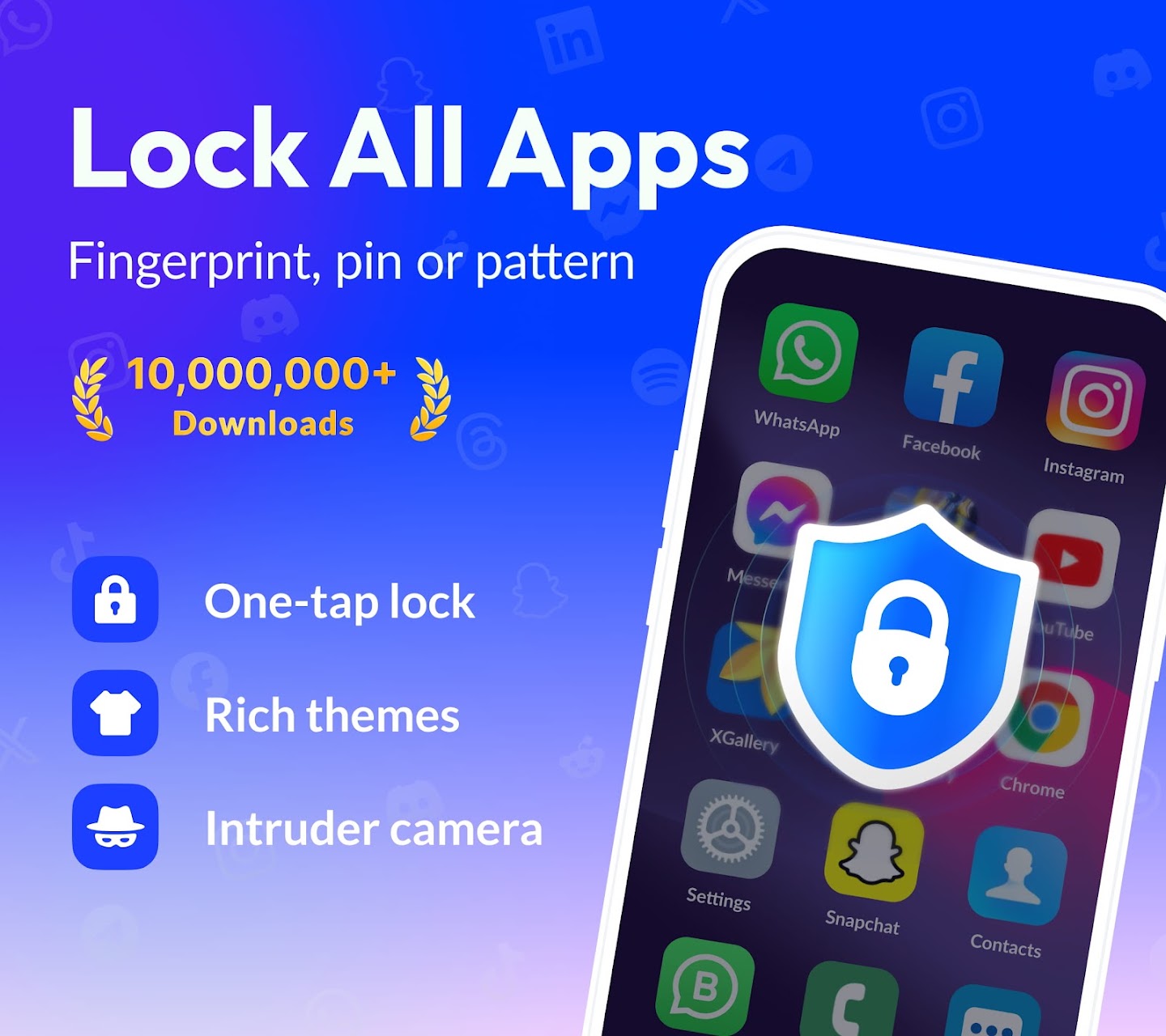
About this app
InShot Inc. makes App Lock - Lock Apps, Password, a Tools app for protecting private apps, photos, videos, and chats. It lets you set password, fingerprint, pattern, or knock code locks, hide media in a vault, and add extra protection like intruder selfies and a fake icon. It is free to use, with ads and in-app purchases.
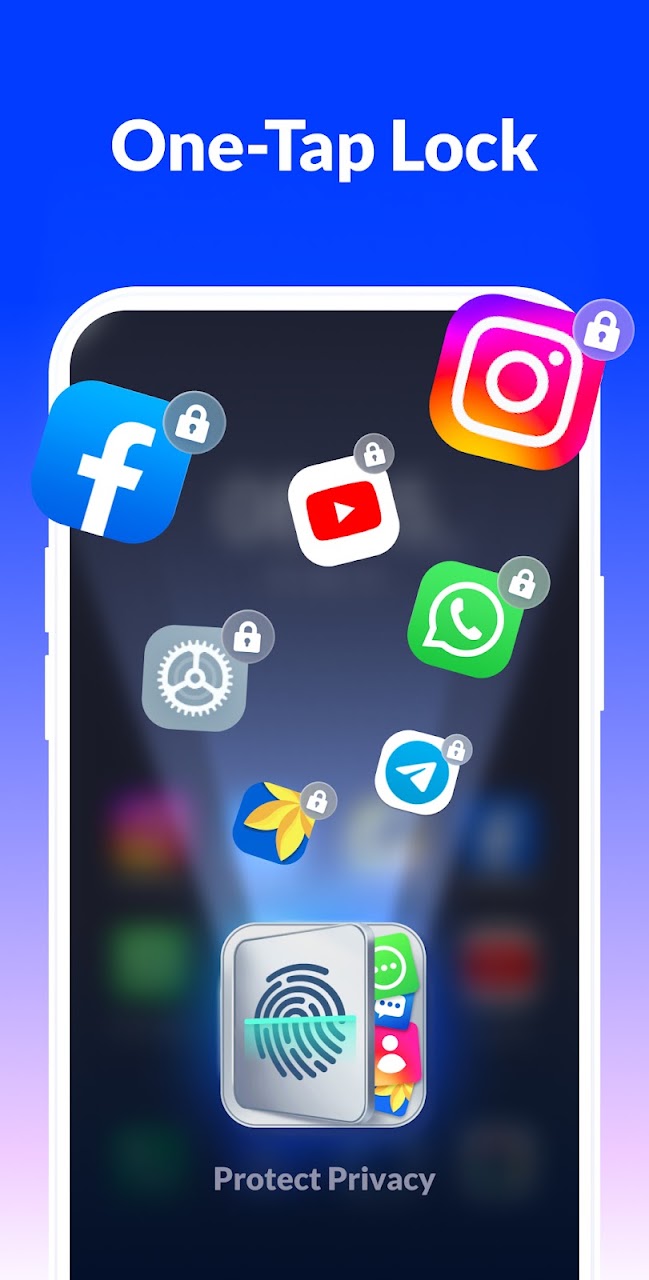
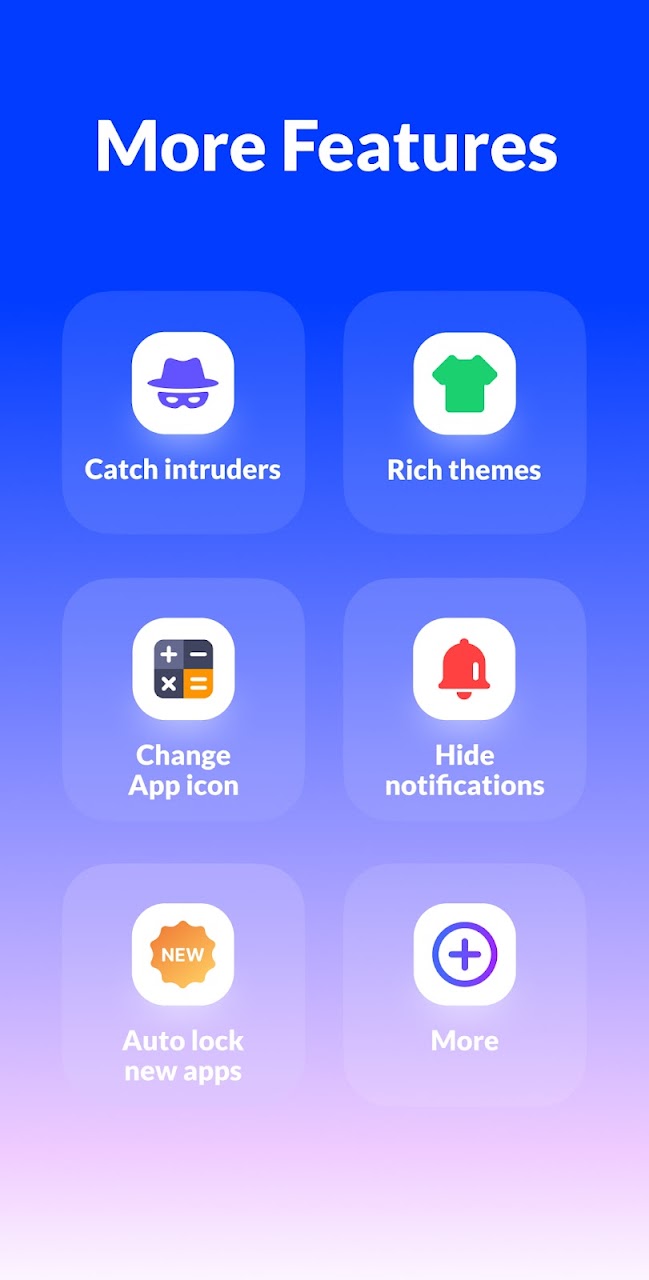
- Lock Any App — Protect social apps, messages, calls, Gmail, Snapchat, Play Store, and more with a lock before they open.
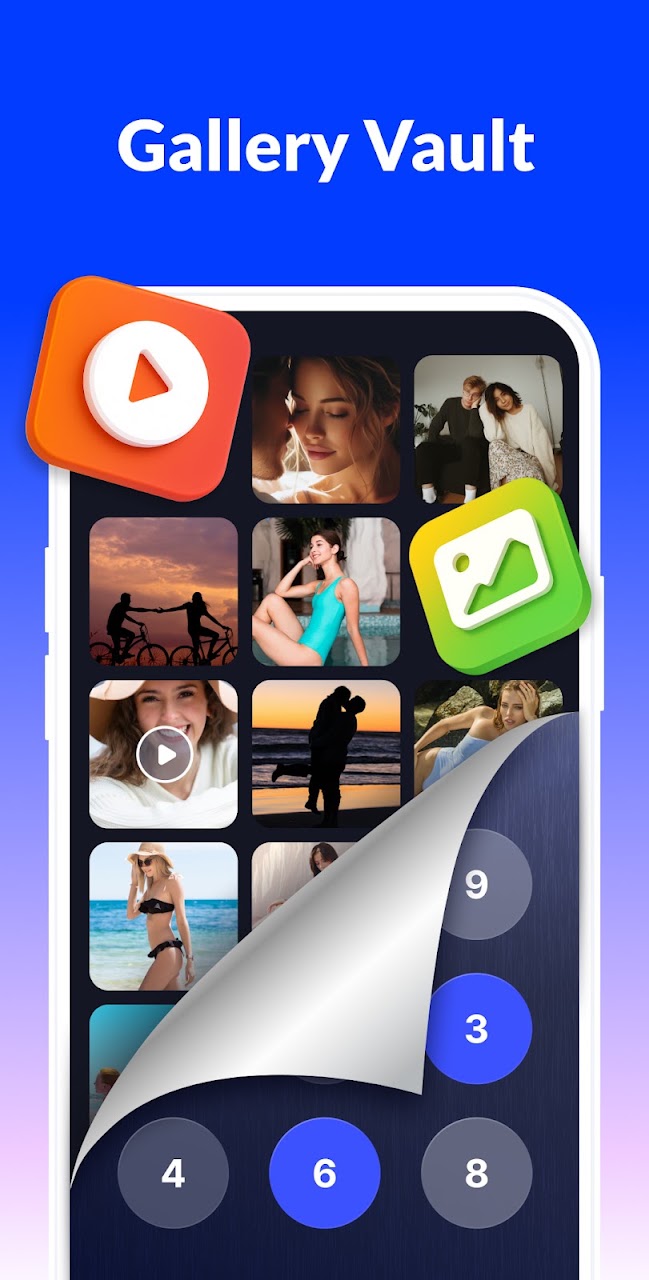
- Hide Photos Videos — Move private media into a vault so it stays hidden behind a password.
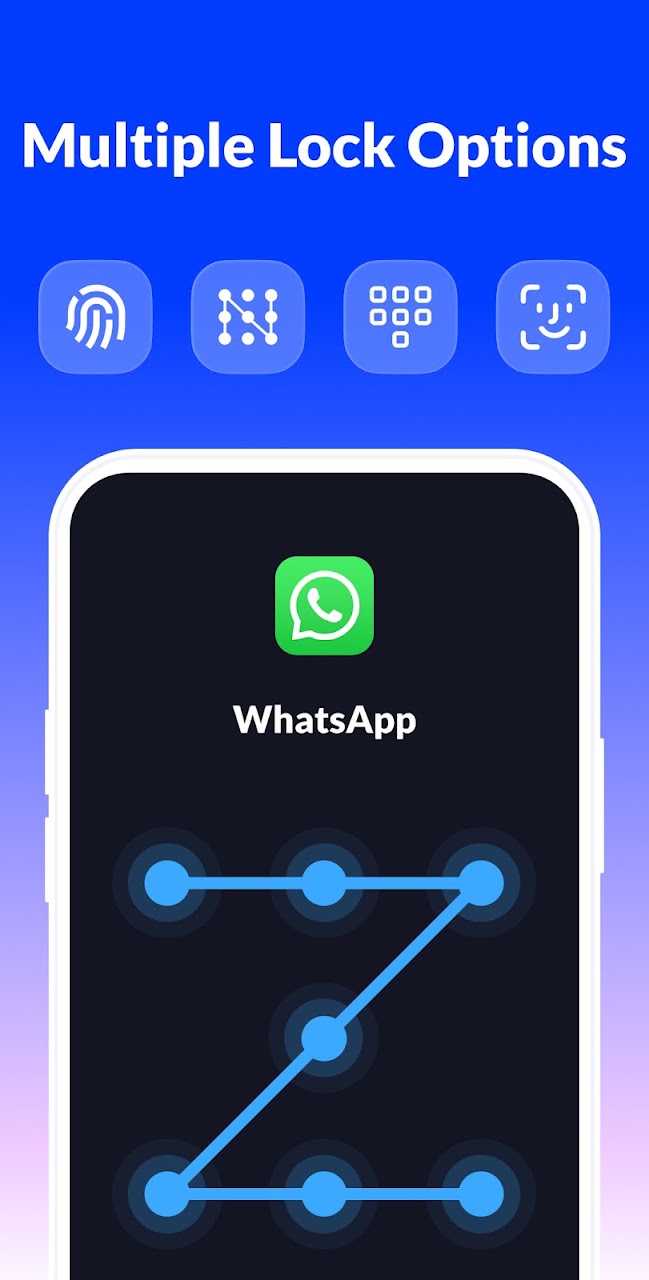
- Multiple Lock Types — Choose password, fingerprint, pattern, or knock code, depending on what your device supports.
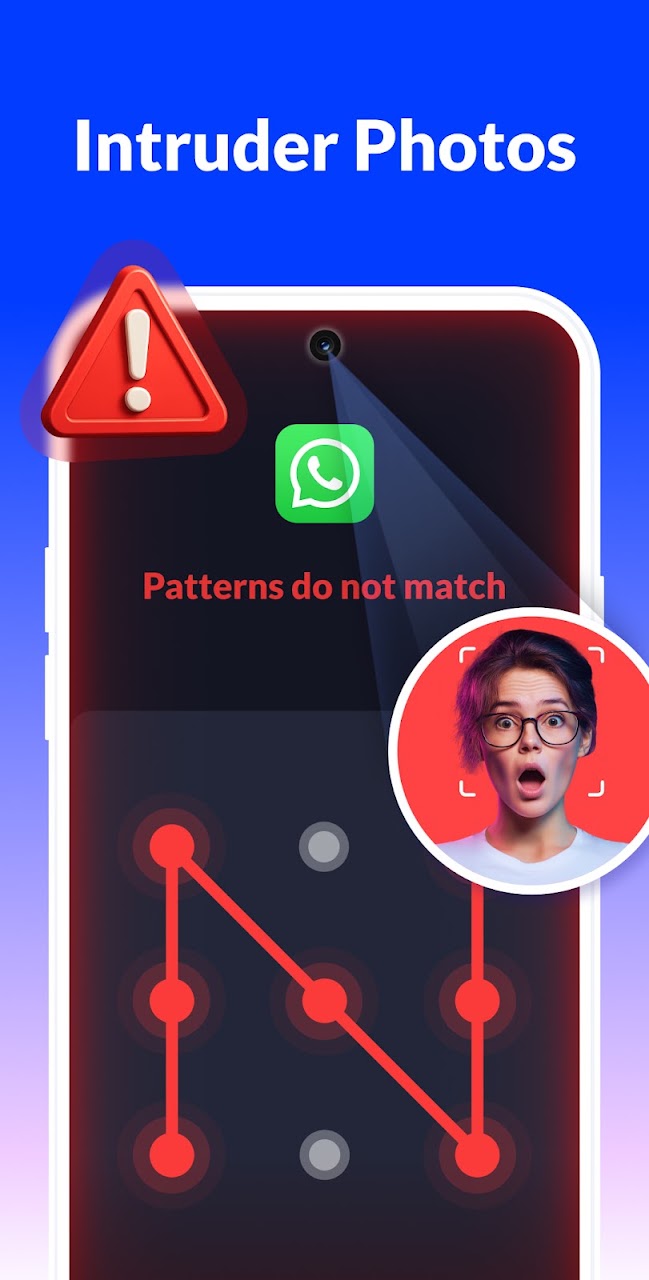
- Catch Intruders — Take a photo when someone enters the wrong password.
- New App Protection — Detect newly installed apps and lock them right away.
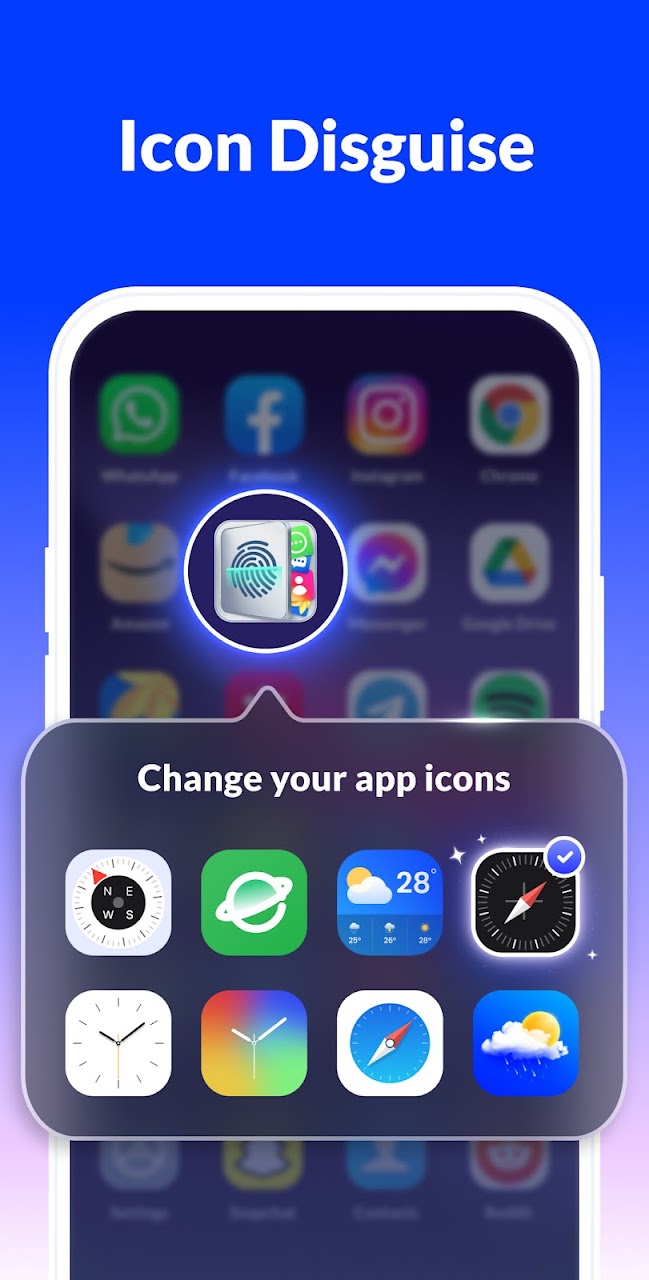
- Privacy Extras — Use random keyboard input, re-lock timing, recent-apps hiding, and a disguised app icon.
Version 1.9.3 and what to expect
This release does not include a listed changelog, so the current experience is the main story: app locking for private apps, media hiding, and several ways to open the app safely. It is designed for people who want to keep conversations, photos, videos, and settings away from casual snooping.
Lock apps and hide private media
App Lock - Lock Apps, Password focuses on one job: stopping other people from opening the apps and files you want to keep private. You can lock common apps such as Facebook, WhatsApp, Messenger, Gmail, Snapchat, calls, and Play Store. It also includes a photo vault for hiding pictures and videos, which is useful if you do not want them visible in the gallery.
The app also adds a few extra privacy tools. You can use an invisible pattern path, a random keyboard to make guessing harder, and an intruder selfie feature that takes a picture after a wrong password attempt.
What you get, and what to watch for
- Get: app locks, media hiding, fingerprint support, and new-app detection.
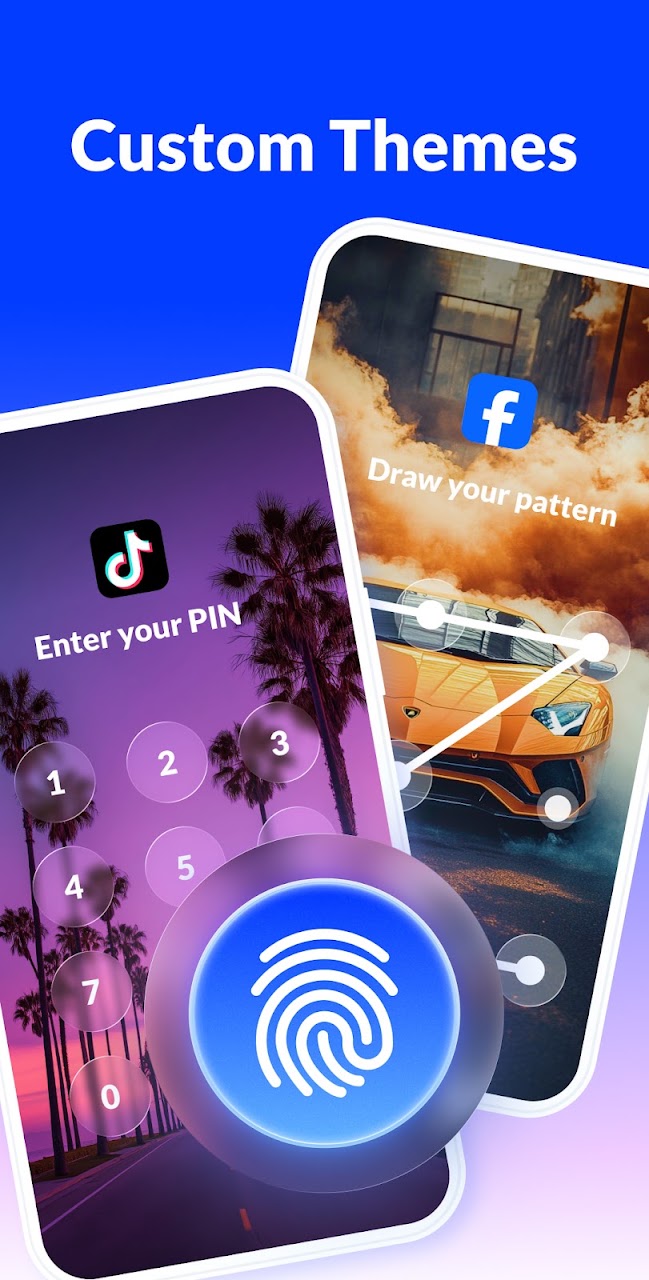
- Get: re-lock timing, fake icon disguise, and lock-screen customization.
- Watch for: ads and in-app purchases.
- Watch for: fingerprint lock works only on supported devices running Android 6.0 or higher.
Install details and compatibility
The app is offered as an APK file, sized at 44.8 MB, and it requires Android 8.0 or later. If your phone supports fingerprint recognition, you can enable fingerprint lock in the app settings; otherwise, password, pattern, and knock code are still available.
Privacy controls in everyday use
One useful detail is that App Lock can lock new apps soon after they are installed, so you do not have to remember to protect them later. It can also hide itself from recent apps and change its icon, which may help keep the lock tool out of sight. The app says it needs All Files Access to hide private photos, videos, and important files.
APK information
- Version
- 1.9.3
- Package
- applock.lockapps.fingerprint.password.locker
- Category
- Tools
- Size
- 45 MB
- Min Android
- 8.0
- Architecture
- universal
Older versions
-
App Lock - Lock Apps, Password 1.9.3Nov 12, 2026Latest downloadAPK
App Lock - Lock Apps, Password FAQ
Does App Lock - Lock Apps, Password drain the battery?expand_more
The app description does not mention battery use. Its main job is locking apps and hiding media, not running a heavy background feature set.
Why does App Lock - Lock Apps, Password need these permissions?expand_more
It says All Files Access is needed to hide private photos, videos, and important files. The app says it will not use those permissions for any other purpose.
Is App Lock - Lock Apps, Password available for older phones?expand_more
It requires Android 8.0 or later. Fingerprint lock also needs a device that supports fingerprint recognition and Android 6.0 or higher.
How do I install the App Lock - Lock Apps, Password APK file?expand_more
Download the APK file, then open it on your Android device and follow the install prompts. Your phone must run Android 8.0 or later.
Can App Lock - Lock Apps, Password hide photos and videos?expand_more
Yes. It includes a photo vault that can encrypt and hide photos and videos behind a password.