
- 4.3star792,093 reviews
- 100M+Downloads
- 53 MBAPK size
- EveryoneRated for Everyone
- 10+Android
check_circleOriginal APK from Microsoft Corporation · Updated Nov 12, 2026
No threats found
0 / — antivirus engines flagged this file
Original signature
First seen — Microsoft Corporation
Unmodified APK
Same file the developer published — no mods
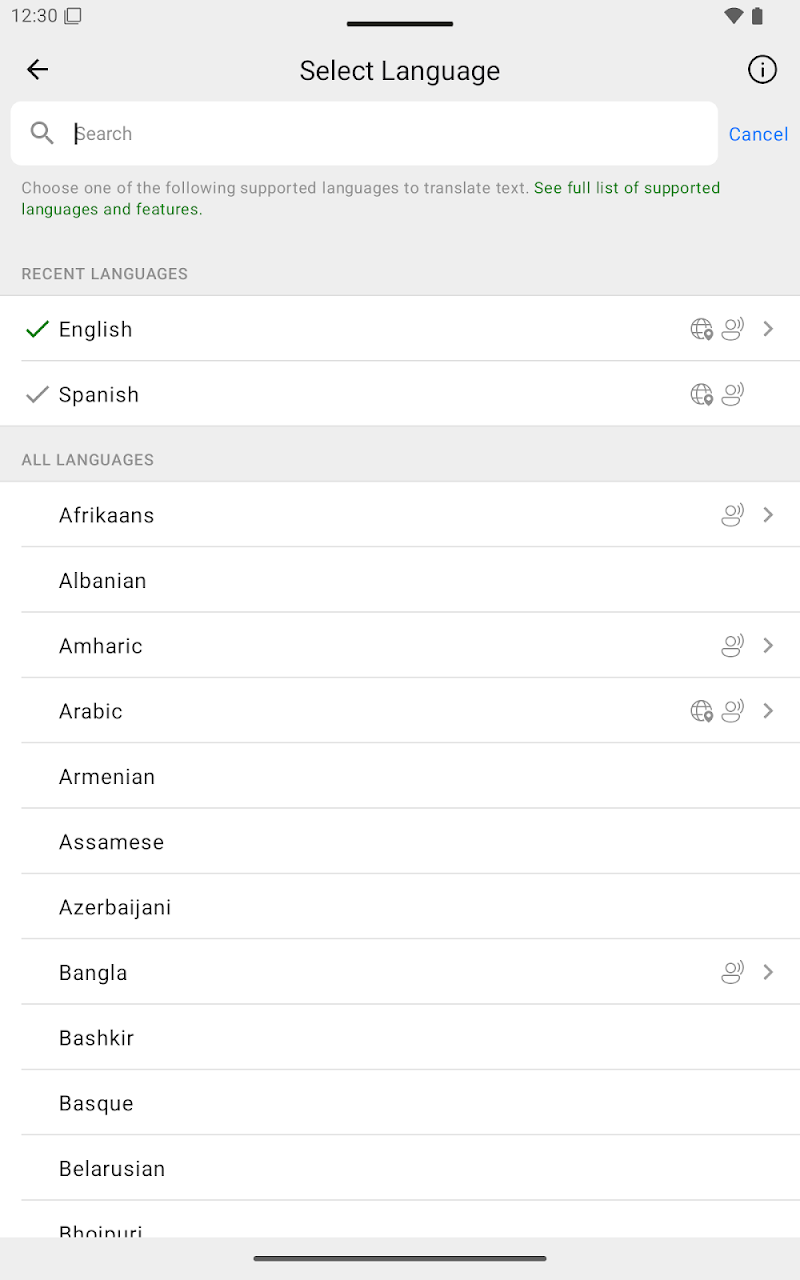
Microsoft Translator screenshots
8 images · tap to enlarge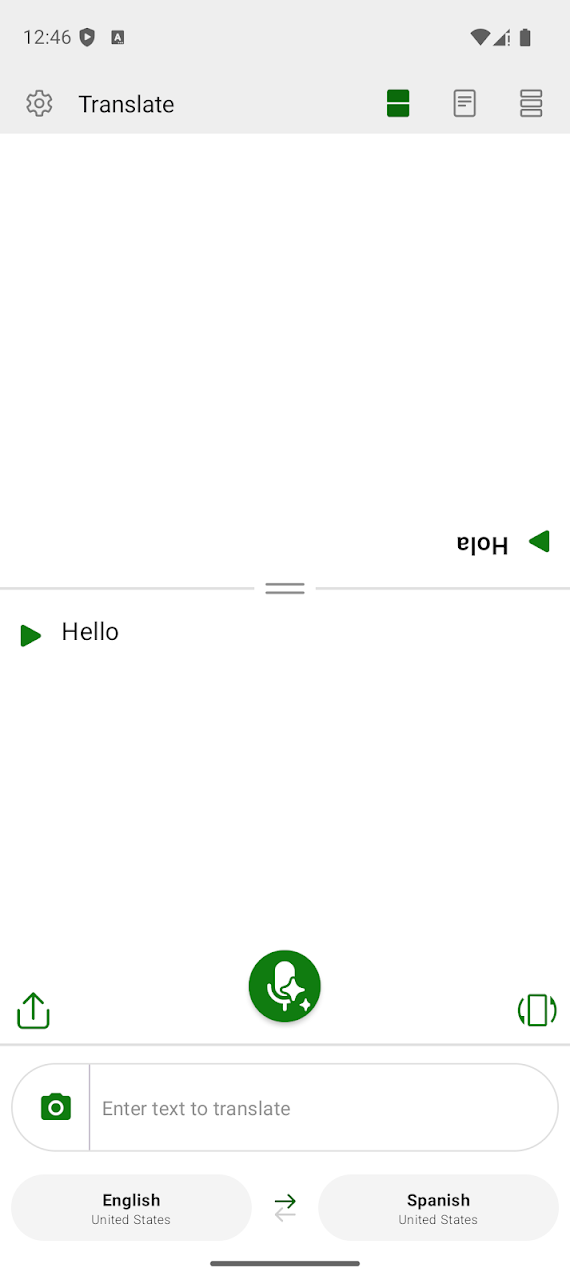
About this app
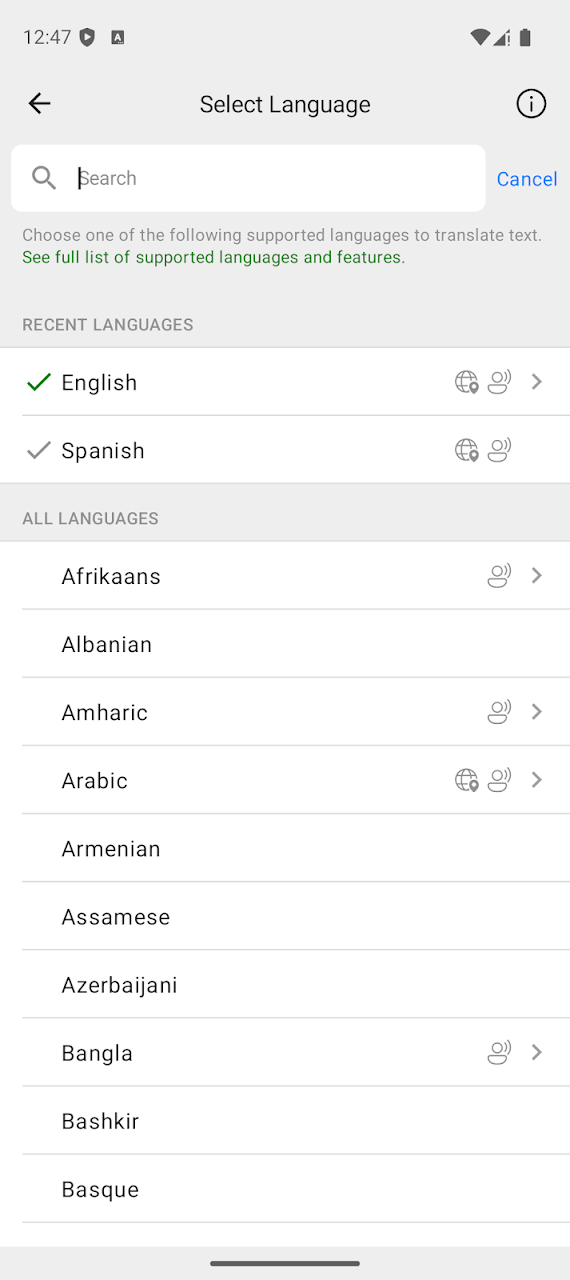
Need to translate something fast? Microsoft Translator handles text, speech, and images across more than 100 languages, so it fits into travel, daily errands, and cross-language work. It has no ads, no in-app purchases, and no permissions listed, but the multi-device conversation feature has been retired.
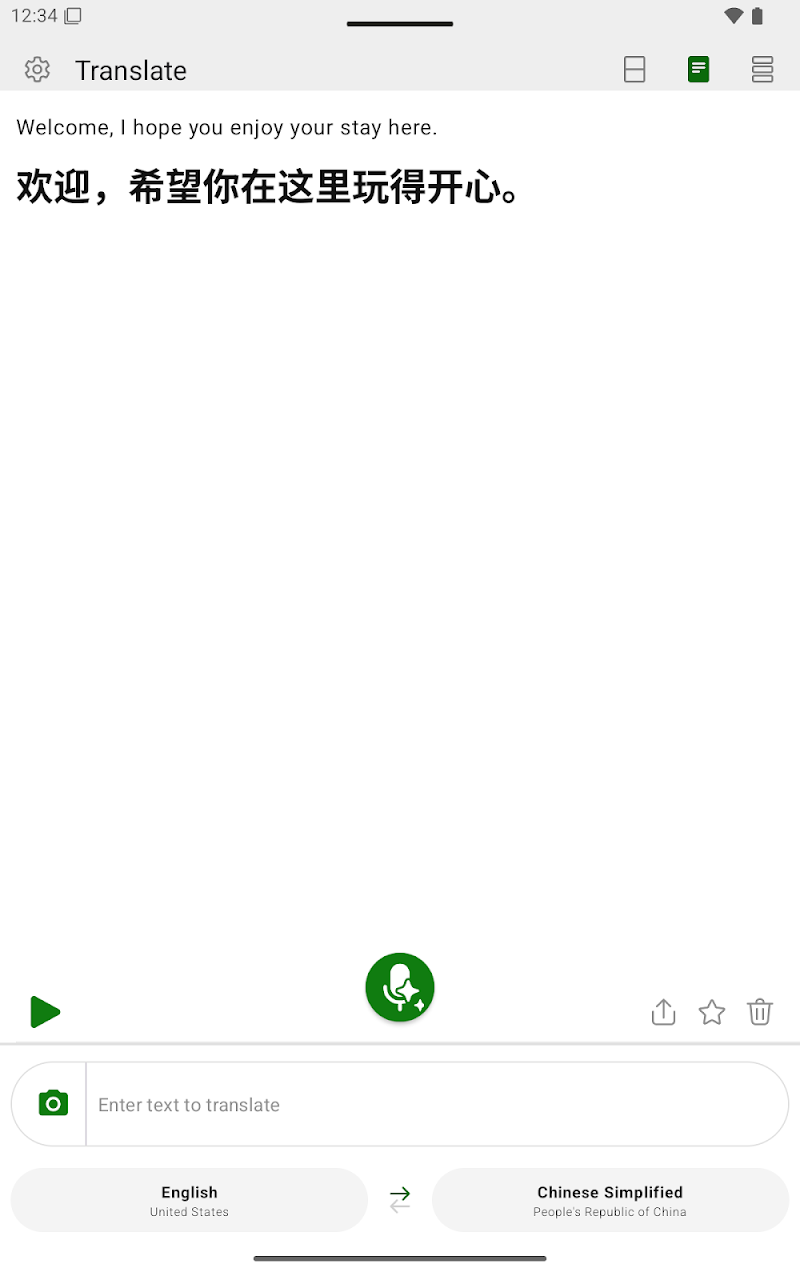
- Text translation — Translate written text in 100+ languages from a simple, direct screen.
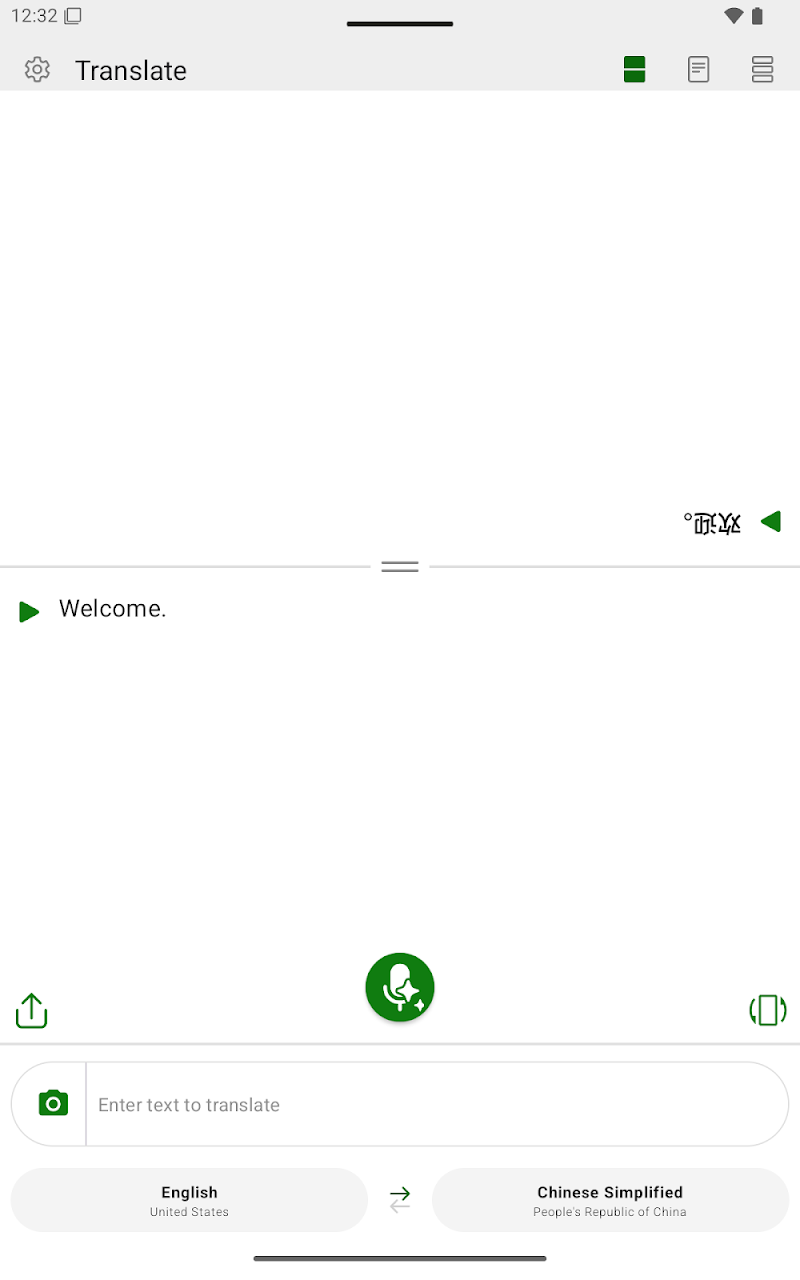
- Speech translation — Use real-time speech translation when you need to talk across languages.
- Image translation — Translate text that appears in images without switching to another app.
- Free to use — The app is free, with no in-app purchases and no ads listed.
- Light install — The APK is 52.7 MB, supports Android 10 and up, and comes as a universal build.
Quick translation for everyday moments
Microsoft Translator opens with a focused job: translate text, speech, and images in 100+ languages. In a normal day, that means checking a sign, translating a message, or getting a spoken phrase into another language without digging through extra screens. The app’s 4.3 rating from 792,093 ratings suggests many people find that basic flow dependable, though the rating spread shows mixed experiences too.
Text, speech, and image translation
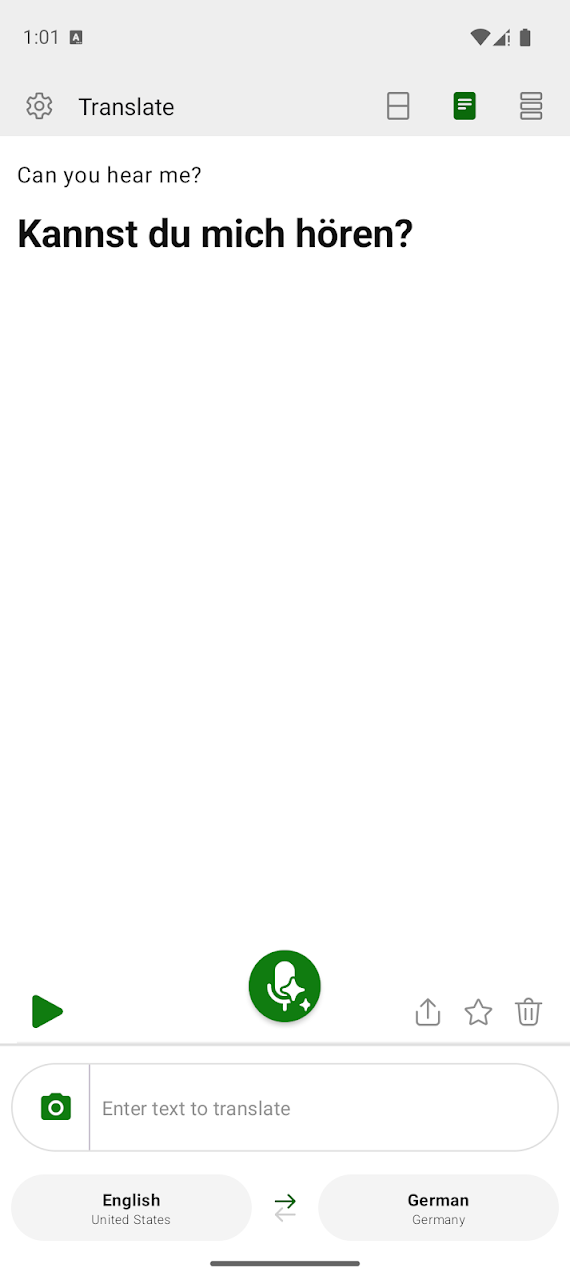
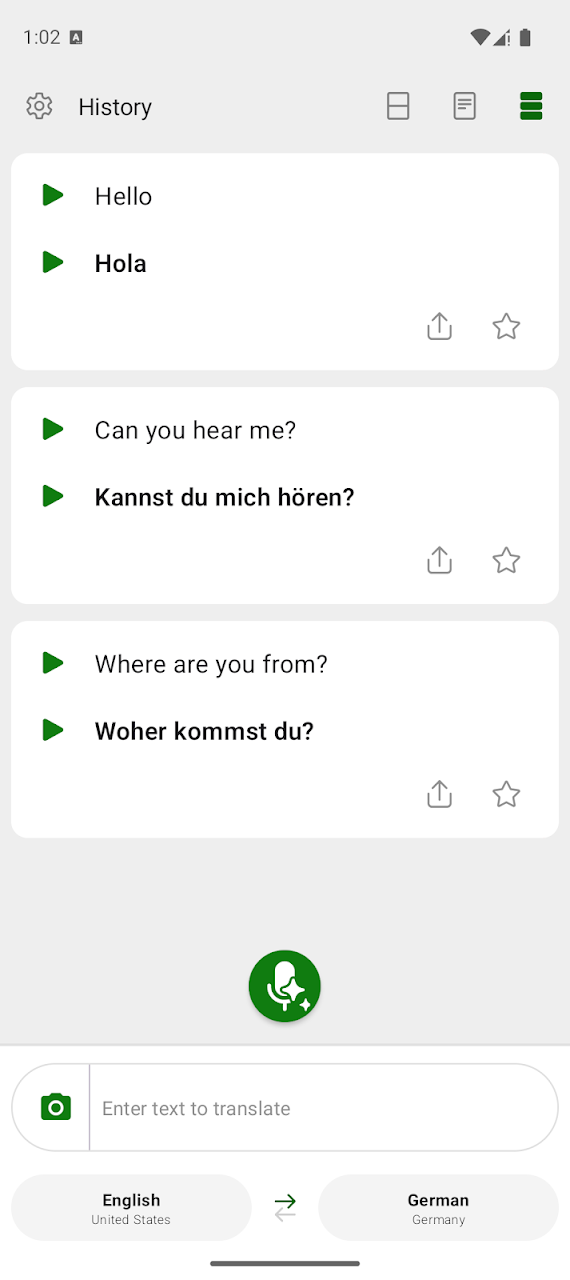
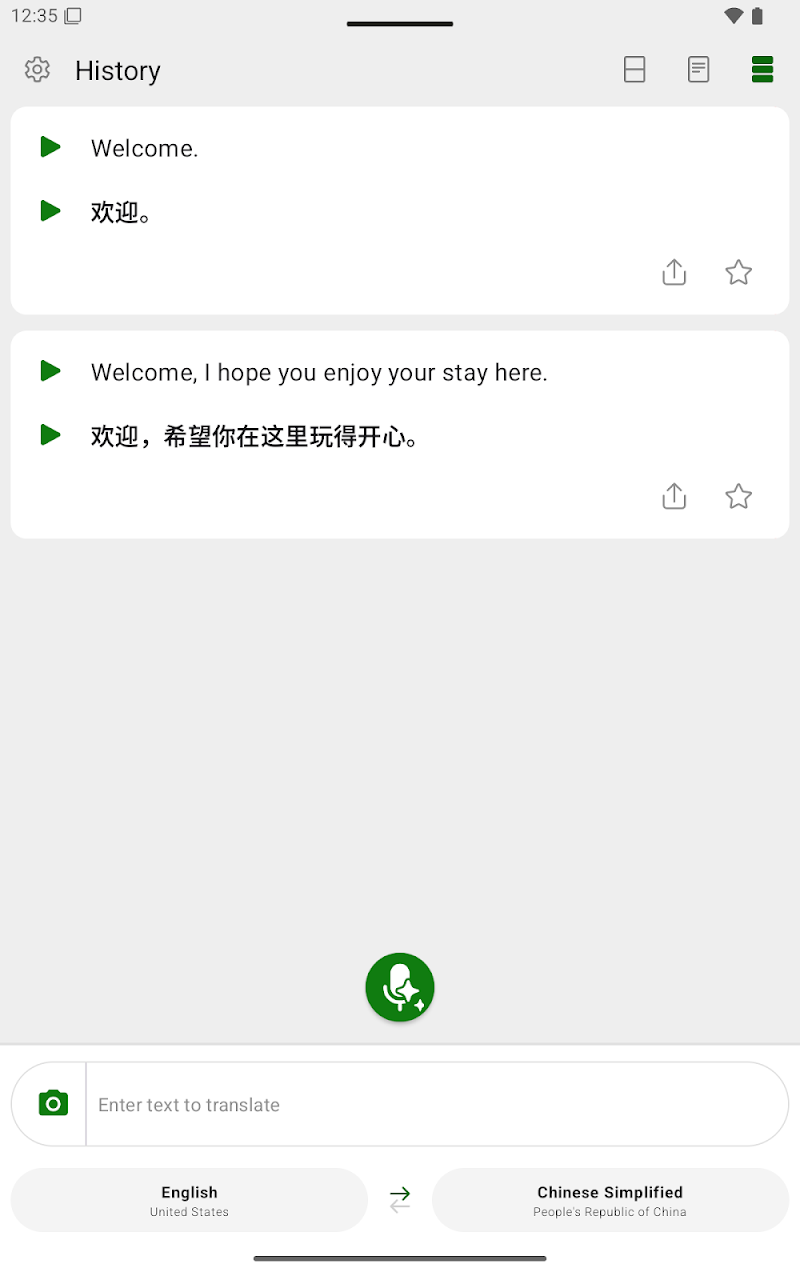
The main screens are built around three things: typing text, speaking for real-time translation, and using the camera or image translation for text in pictures. That covers the most common use cases in travel and daily communication. The interface is described as simple and intuitive, which matters here because the app is meant to get out of the way quickly.
- Text: Translate written phrases in 100+ languages.
- Speech: Use real-time speech translation for spoken exchanges.
- Images: Translate text that appears inside images.
What it does well, and what it doesn’t
One clear advantage is the lack of ads and in-app purchases, so the experience stays straightforward. There are also no permissions listed, which keeps setup simple. On the other hand, the multi-device conversation feature has been retired, so anyone looking for that specific workflow will not find it here. The app is also fairly large at 52.7 MB, so it is not the lightest install; it requires Android 10 or later and comes as a universal APK.
Fits alongside Microsoft apps
Because Microsoft builds it, Translator sits naturally beside other Microsoft apps such as Word, PowerPoint, Outlook, Copilot, and OneNote. That does not mean automatic syncing across devices is described here, but it does make the app feel at home in a Microsoft-heavy workflow. For quick translation tasks, it is a practical companion rather than a complicated tool.
Should you download it?
If you want a free translation app with text, speech, and image support, Microsoft Translator is easy to try. It is strongest when you need quick translation without ads or purchase prompts, and less appealing if you were relying on the retired conversation feature.
What's new
Version 26.7.1.2 g9aeb0383 9aeb0383 (2617518) · Nov 12, 2026
- Bug fixes and general improvements.
APK information
- Version
- 26.7.1.2 g9aeb0383 9aeb0383 (2617518)
- Package
- com.microsoft.translator
- Category
- Productivity
- Size
- 53 MB
- Min Android
- 10
- Architecture
- universal
Older versions
-
Microsoft Translator 26.7.1.2 g9aeb0383 9aeb0383 (2617518)Nov 12, 2026Latest downloadAPK
Microsoft Translator FAQ
Does Microsoft Translator support teams?expand_more
The multi-device conversation feature has been retired, so that team-style use is no longer available.
Does Microsoft Translator sync across devices?expand_more
The app description does not mention device syncing. It does note that the multi-device conversation feature has been retired.
Which processors does this APK support?expand_more
This APK is listed as universal, so it is not limited to a single processor type.
Does Microsoft Translator have in-app purchases?expand_more
No. The app is free and does not include in-app purchases.
What Android version does Microsoft Translator require?expand_more
It requires Android 10 or later.