
- 4.4star2,530,491 reviews
- 1B+Downloads
- 76 MBAPK size
- EveryoneRated for Everyone
- 11+Android
check_circleOriginal APK from Samsung Electronics Co., Ltd. · Updated Nov 12, 2026
No threats found
0 / — antivirus engines flagged this file
Original signature
First seen — Samsung Electronics Co., Ltd.
Unmodified APK
Same file the developer published — no mods
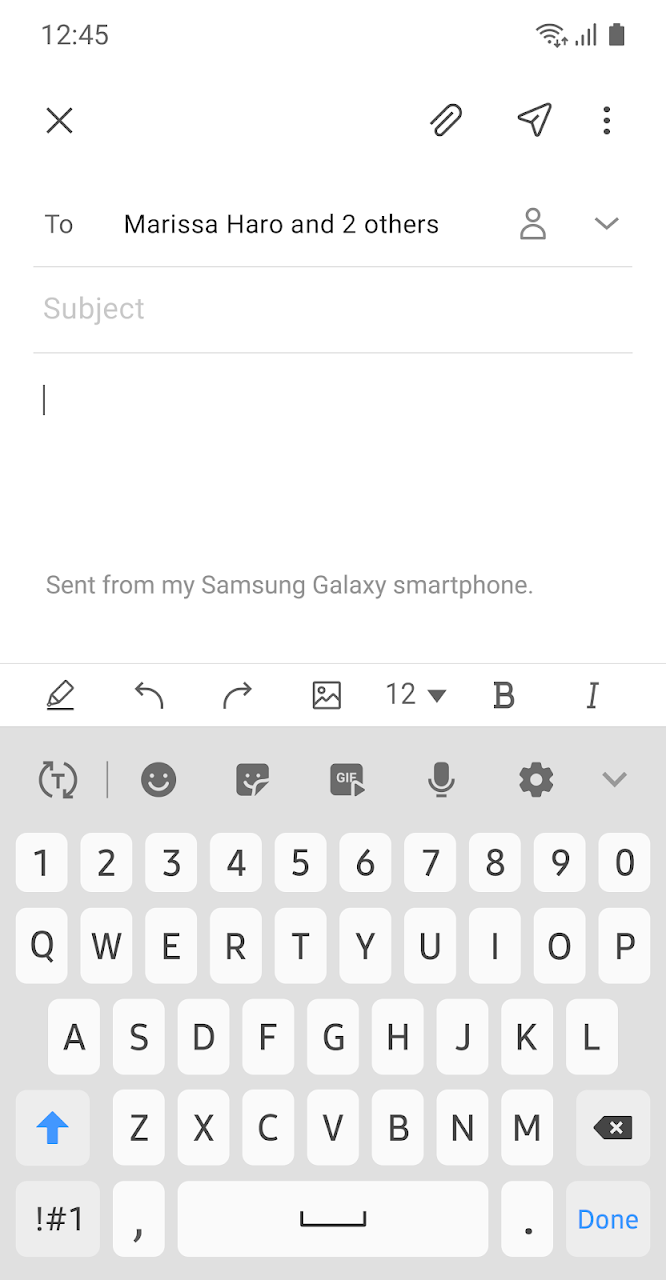
Samsung Email screenshots
4 images · tap to enlarge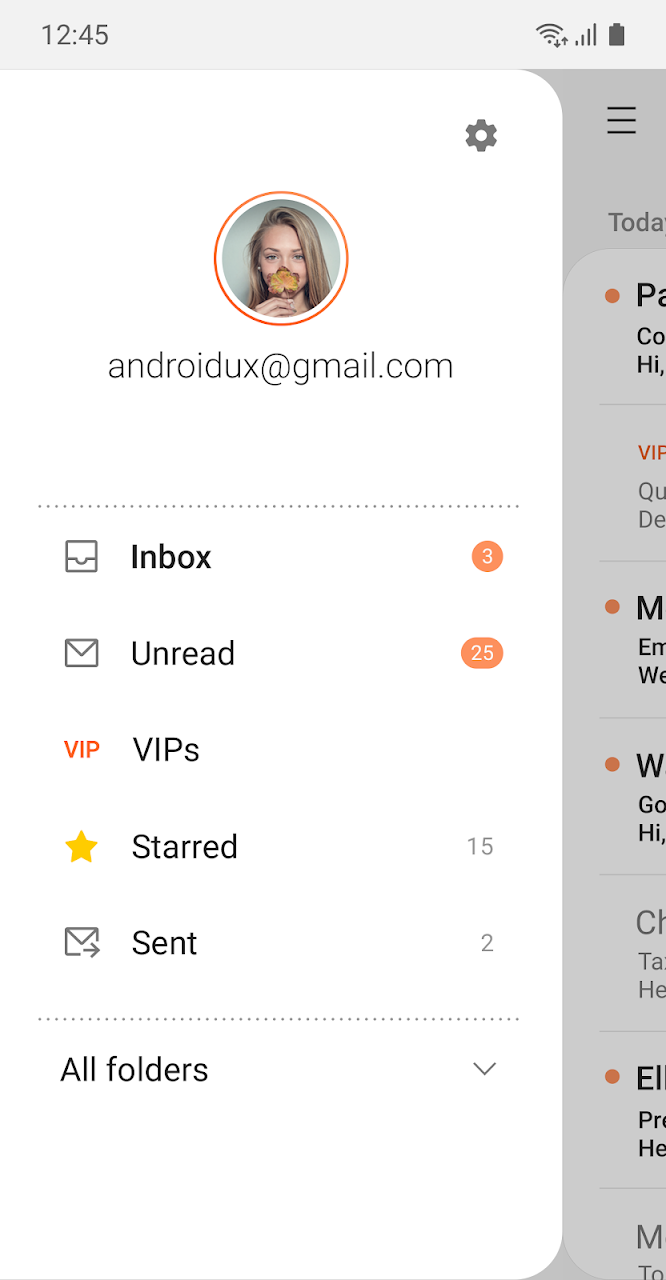
About this app
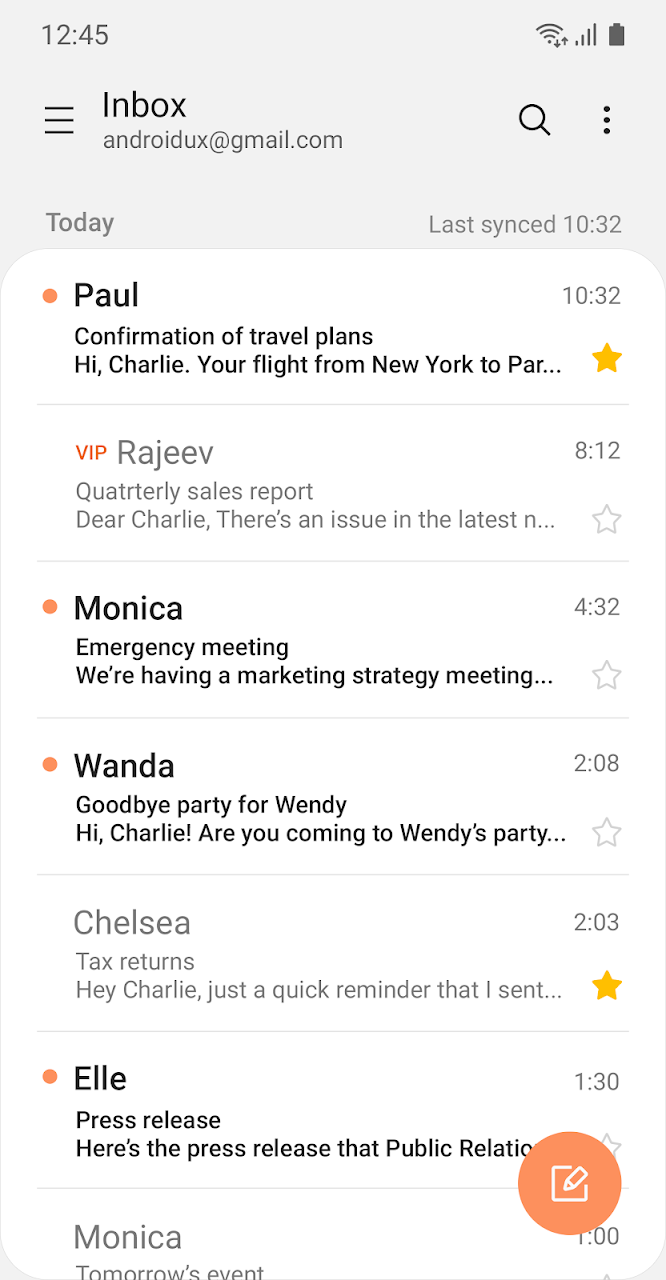
With 1B+ installs and a 4.4 rating from 2,530,491 reviews, Samsung Email is built to handle both personal and business mail on Galaxy devices. It supports POP3, IMAP, and Exchange ActiveSync, plus S/MIME encryption and combined mailboxes, so it fits users who want one inbox for several accounts rather than separate apps.
- POP3 and IMAP — Add personal email accounts and handle them in one place.
- Exchange Sync — Connect Exchange ActiveSync mail, calendars, contacts, and tasks.
- S/MIME Encryption — Use S/MIME to protect email communication.
- Combined Mailboxes — View multiple accounts together and switch by conversation or thread.
- Spam Controls — Use notifications and SPAM management to keep mail organized.
- Policy Support — Organizations can apply built-in EAS policies for managed accounts.
Handles personal mail and Exchange in one inbox
Samsung Email is set up for people who need one app for everyday mail and workplace accounts. It supports POP3 and IMAP for personal email, and Exchange ActiveSync for syncing business mail, calendars, contacts, and tasks. Compared with general-purpose tools like Google Drive or Google Assistant, this app stays focused on email management rather than broader productivity tasks.
Built for secure business use
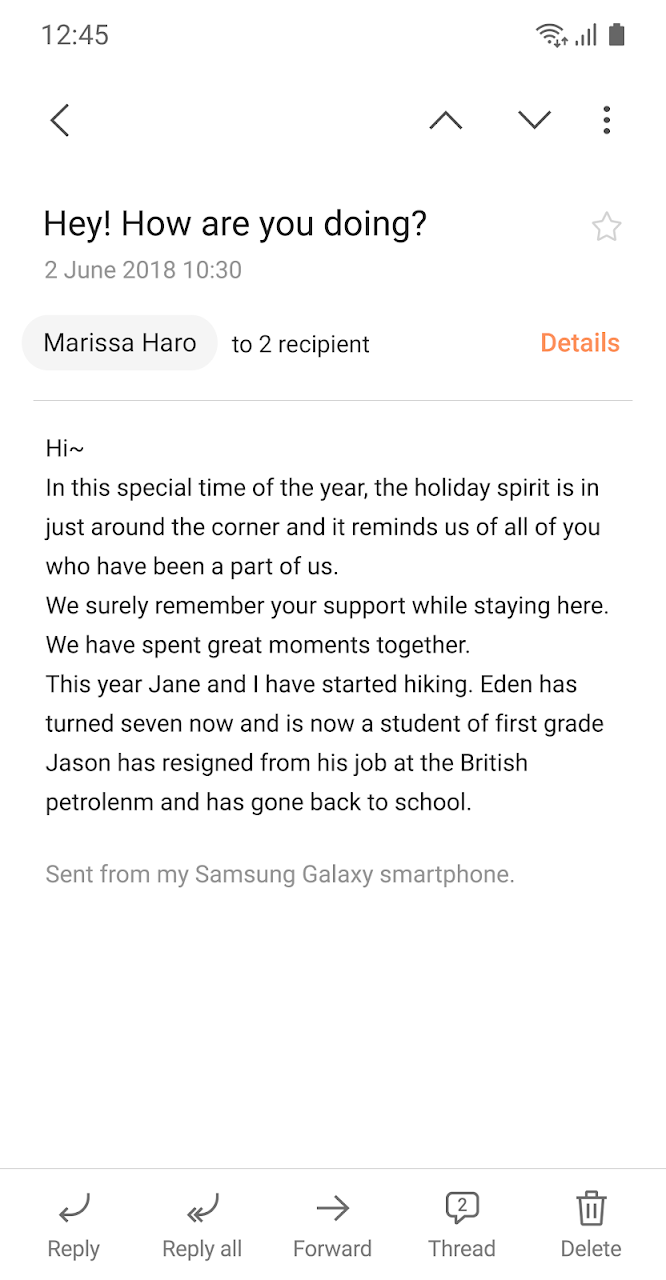
The app includes S/MIME encryption for secure email communication, plus built-in EAS support for policy administration. That makes it more structured than a simple mail checker, especially for organizations that need account controls. It also offers conversation and thread views, so related messages stay grouped instead of spreading across separate entries.
What you get:
- Multiple account support for personal and business mail
- Calendar and contact sync with Microsoft Exchange accounts
- Combined mailboxes for a single view of several accounts
- Spam management and notification controls
What to watch for: it is designed for Samsung Mobile with Android OS, requires Android 11 or later, and the APK is 75.9 MB.
How it compares with calendar and file apps
Against Samsung Calendar, Samsung Email is the stronger choice when the job is reading, sorting, and sending mail rather than managing dates alone. Against Samsung My Files, it focuses less on storage and more on account sync, encryption, and message organization. If you mainly need document editing, Microsoft Word: Edit Documents is a different fit; Samsung Email is about mail flow and Exchange integration.
Free to install, with no ads
Samsung Email is free, contains no ads, and has no in-app purchases. It asks for optional permissions only when you use related features such as camera attachments, location in email, contacts and calendar sync, notifications, or file and media access. The latest update fixed contact operation issues, recurring event deletion issues, and a UI bug.
It is a practical choice if you want Exchange support, secure mail handling, and a single place for several inboxes. It is less relevant if you only need a lightweight personal mail app without business sync.
What's new
Version 6.2.15.11 · Nov 12, 2026
- . Fixed contact operation issues
- . Fixed recurring events deletion issues
- . Fixed UI bug
APK information
- Version
- 6.2.15.11
- Package
- com.samsung.android.email.provider
- Category
- Productivity
- Size
- 76 MB
- Min Android
- 11
- Architecture
- universal
Older versions
-
Samsung Email 6.2.15.11Nov 12, 2026Latest downloadAPK
Samsung Email FAQ
Does Samsung Email sync across devices?expand_more
It supports Exchange ActiveSync, which can synchronize Exchange Server-based email, calendars, contacts, and tasks. POP3 and IMAP are also supported for personal accounts.
Does Samsung Email support teams?expand_more
It supports business email through Exchange ActiveSync and lets organizations administer policies. The app itself is for email management, not team chat.
Is Samsung Email free to use?expand_more
Yes. Samsung Email is free, contains no ads, and has no in-app purchases.
How big is the Samsung Email download?expand_more
The APK size is 75.9 MB.
What Android version does Samsung Email need?expand_more
It requires Android 11 or later and is available as an APK for Samsung Mobile with Android OS.