- 4.2star5,758 reviews
- 50M+Downloads
- 96 MBAPK size
- EveryoneRated for Everyone
- 11+Android
check_circleOriginal APK from Samsung Electronics Co., Ltd. · Updated Nov 12, 2026
No threats found
0 / — antivirus engines flagged this file
Original signature
First seen — Samsung Electronics Co., Ltd.
Unmodified APK
Same file the developer published — no mods
Samsung Find: Location Sharing screenshots
8 images · tap to enlarge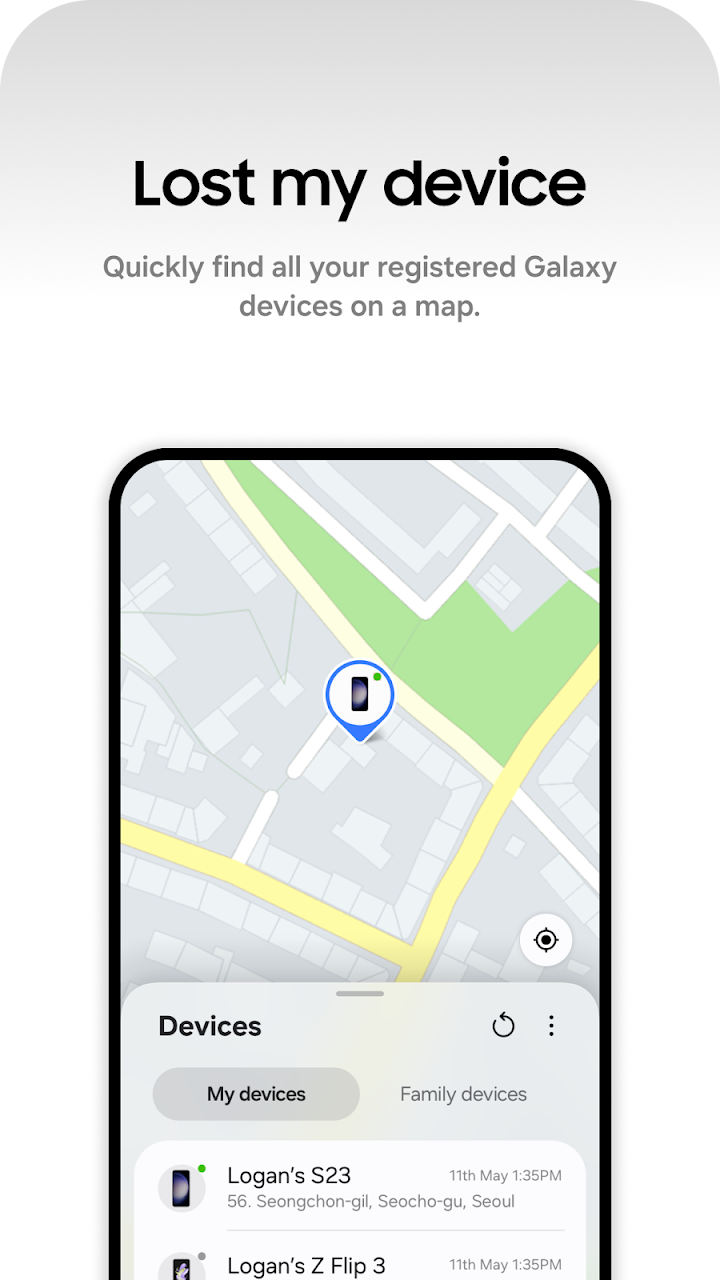
About this app
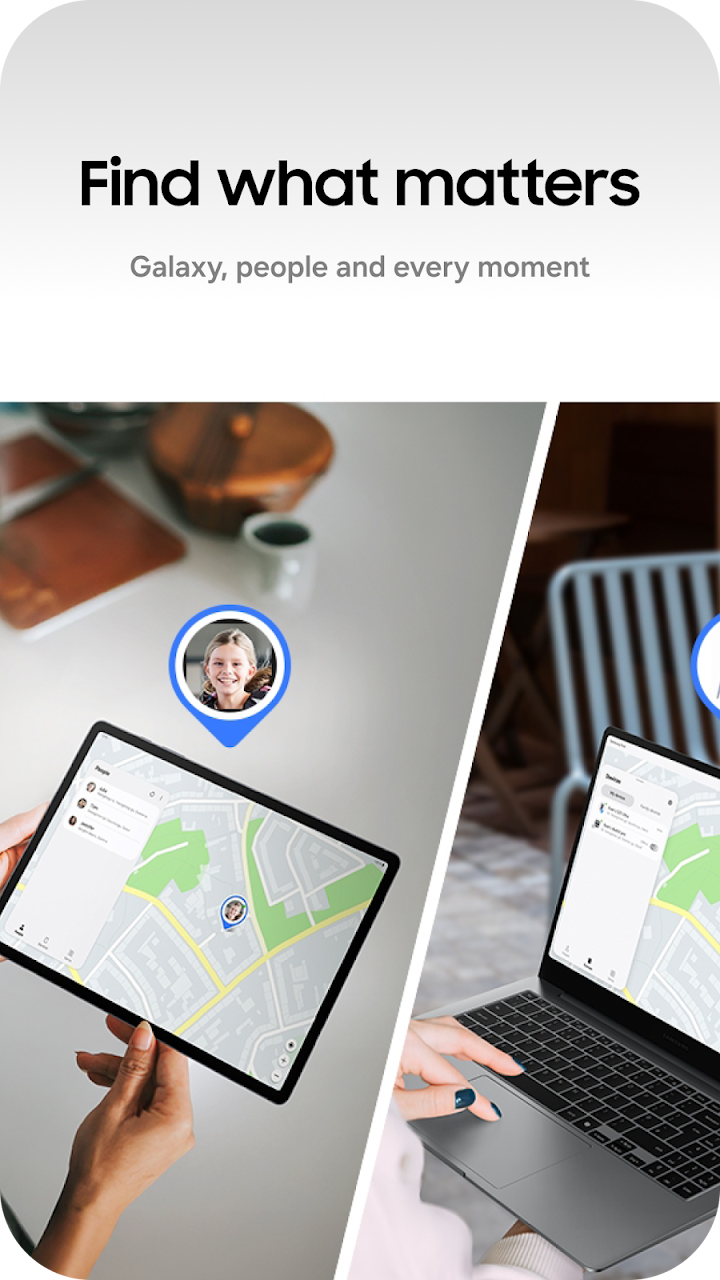
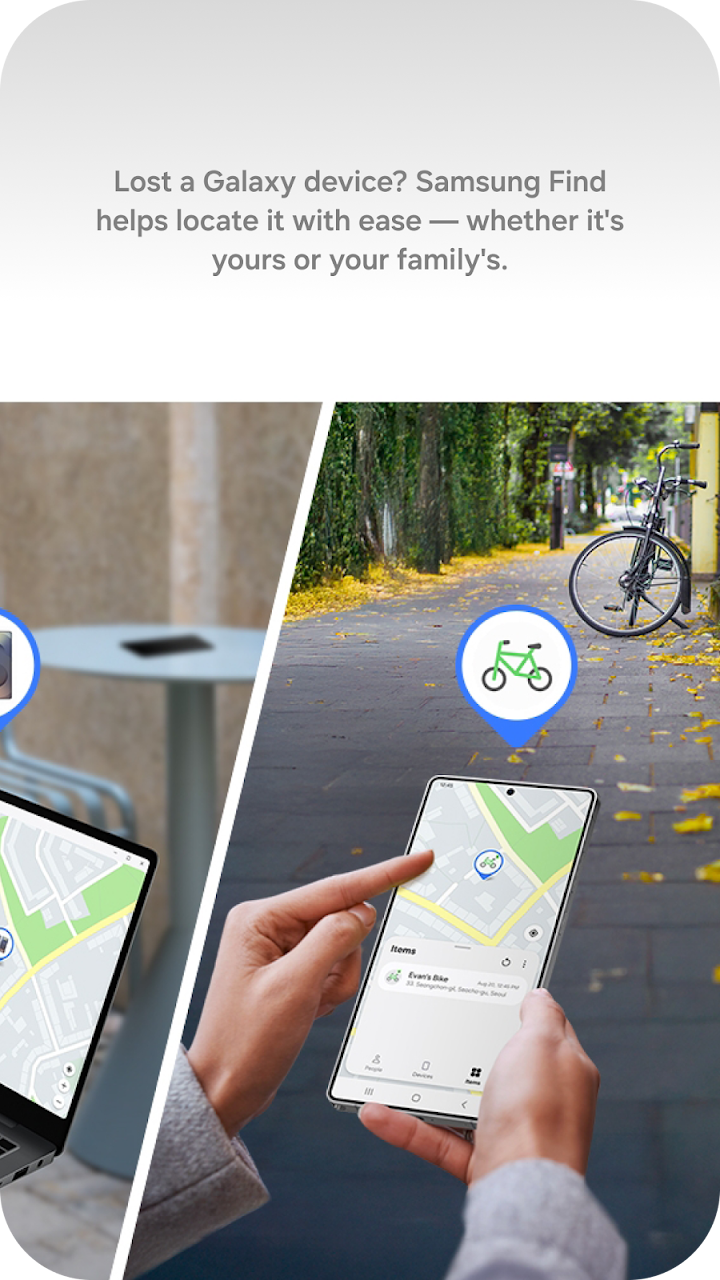
If you need to check where a family member is, or recover a Galaxy phone, watch, Buds, or SmartTag item, Samsung Find brings both into one app. It shares location with selected contacts, shows connected devices on a map, and adds tools like nearby search, sound alerts, and remote locking on the Samsung Find website.
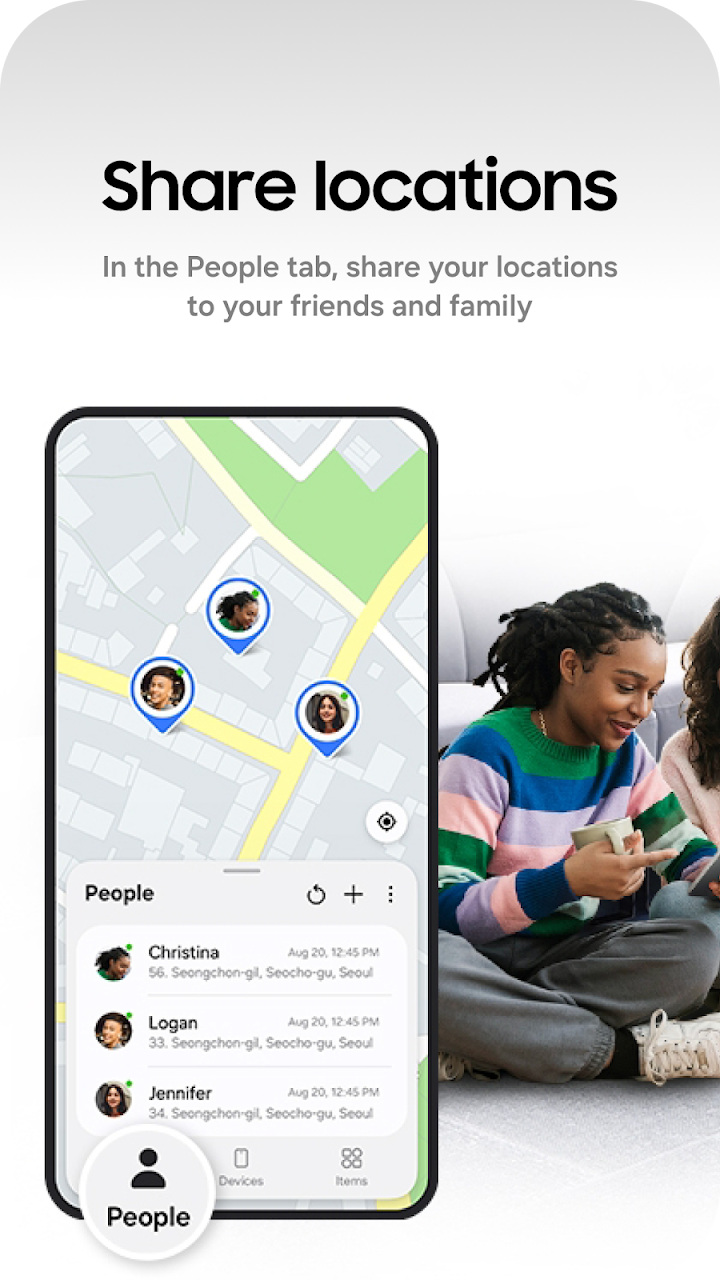
- People location sharing — Share your location with family and friends in your contacts, or ask them to share theirs with you.
- Timed sharing windows — Location sharing can be limited to set periods instead of staying on all the time.
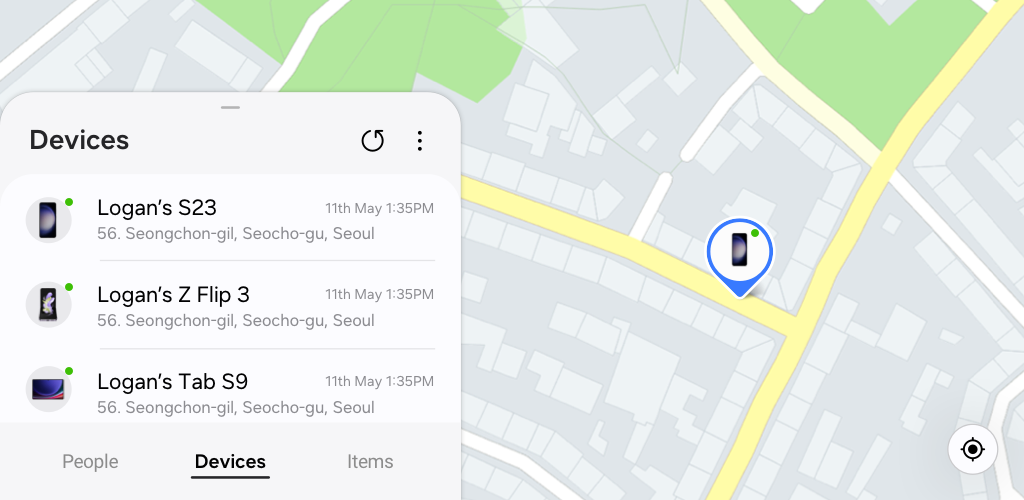
- Find Galaxy devices — See the location of your Galaxy phone, tablet, Watch, and Buds on a map and get directions to them.
- Nearby device search — Search 360 degrees around you to help locate small items like Buds and Rings.
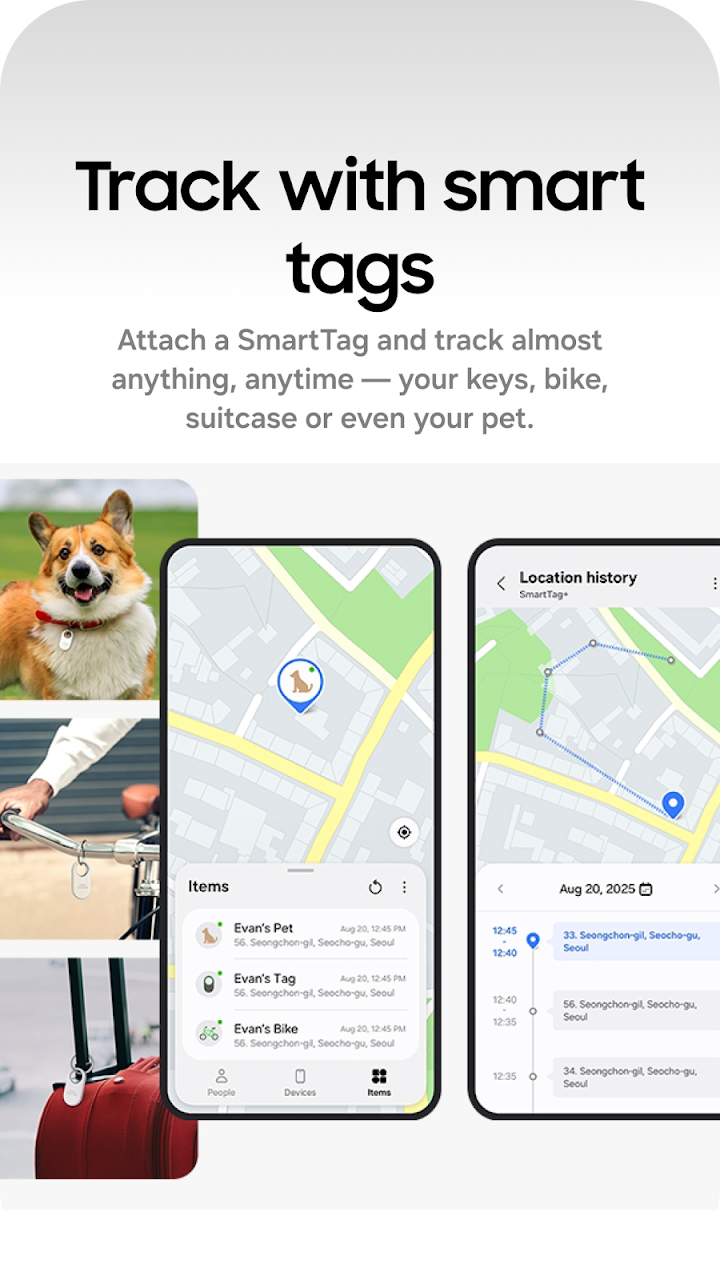
- Item tracking with SmartTag — Register SmartTag-equipped items such as a pet, bike, or suitcase for GPS-based tracking.
- Free, no ads — The app is free to use, with no ads and no in-app purchases.
Location sharing with chosen contacts
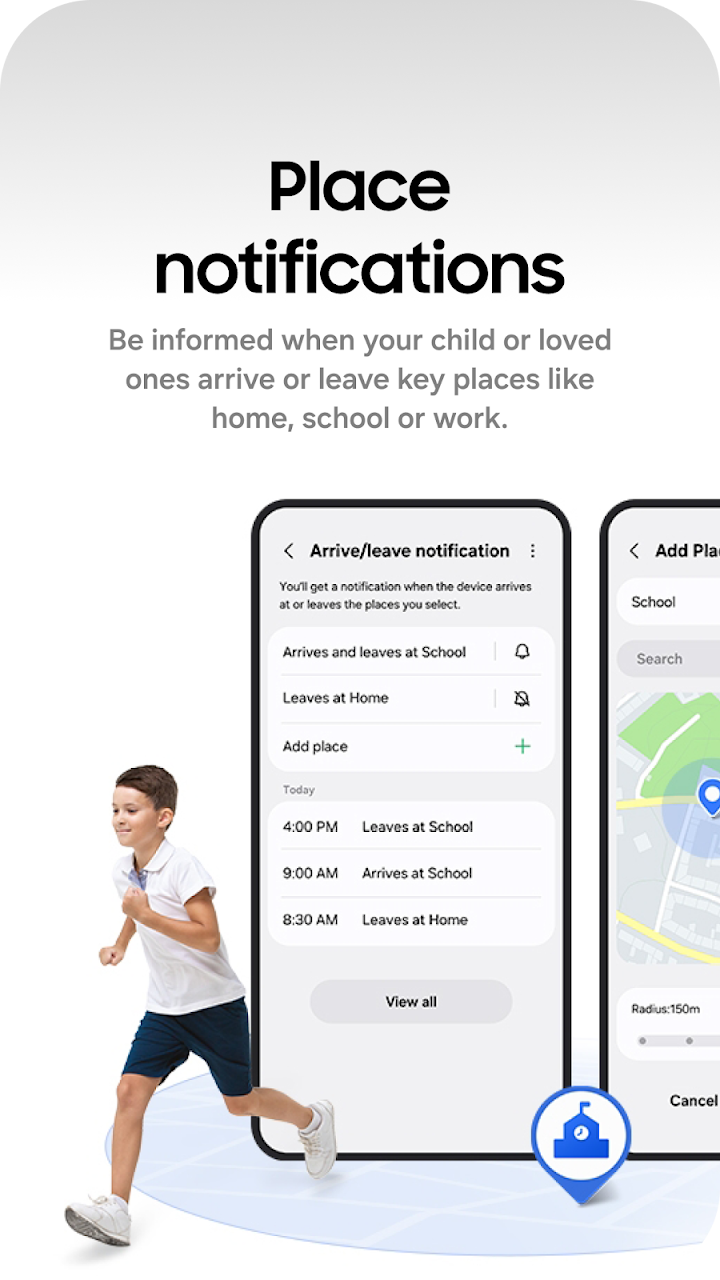
Samsung Find is built for sharing location with people you already know. In the People tab, you can share your location with family and friends in your contacts, or ask them to share theirs with you. It also supports location notifications, including departure alerts, so you can see when someone leaves a place you care about.
This is a practical fit if you want a single place for family location sharing and device finding rather than separate apps for each task.
- Gets: real-time location sharing, location notifications, family and friend sharing
- Watch for: location access, notifications, and optional contacts access
Devices, items, and recovery tools
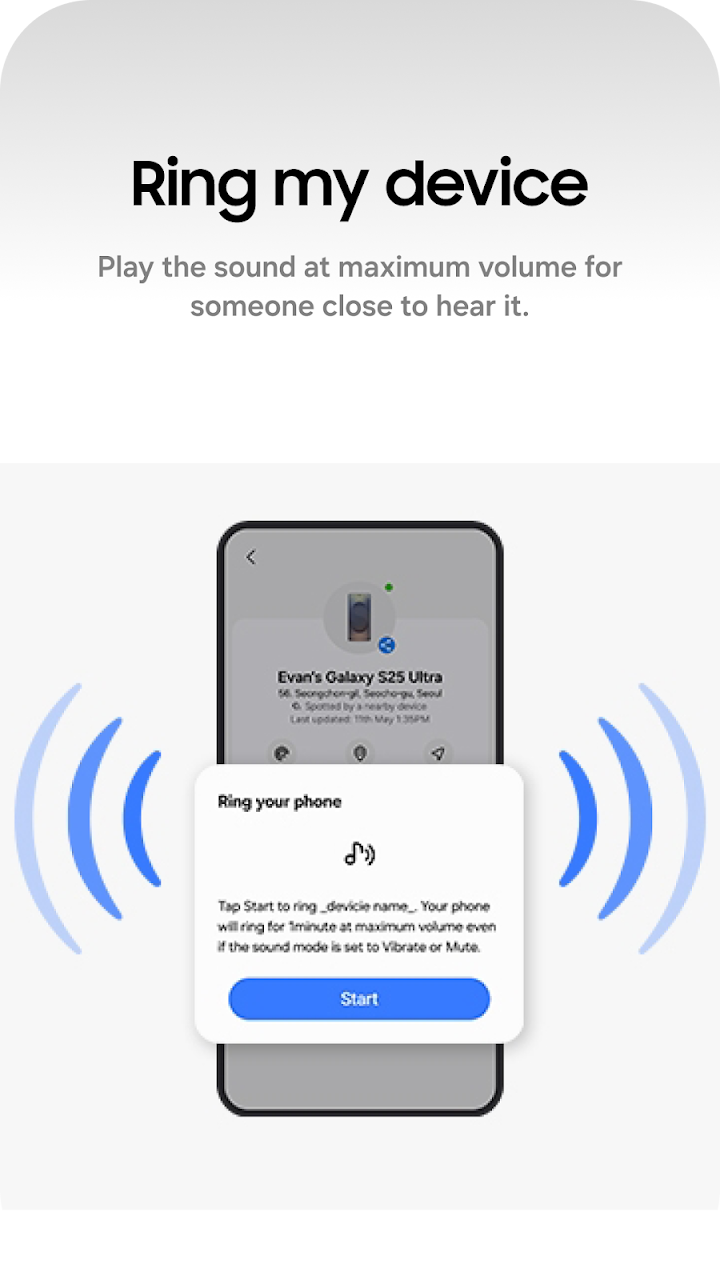
The Devices tab focuses on Galaxy hardware. You can view your phone, tablet, Watch, and Buds on a map, use navigation to reach them, and trigger a sound even if the device is set to Silent. Samsung Find also supports nearby searching for small devices and can show battery information for a lost device through the Samsung Find website.
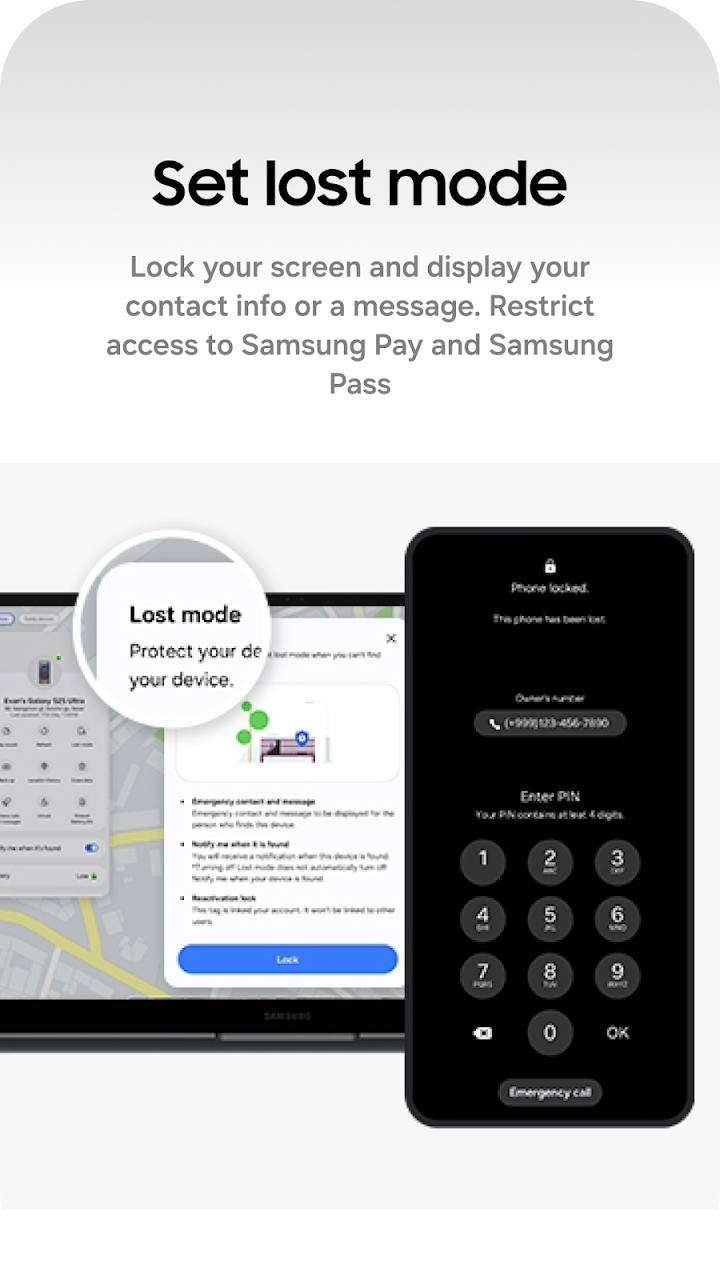
For added recovery control, the website can be used to lock a device or clear its data. Items can also be tracked when paired with a SmartTag, which makes the app useful for things like bikes, luggage, or pets.
Install details and access
Samsung Find is free, with no ads and no in-app purchases. It is available as an APK for Android 11 and later, in universal format, and the file size is 95.9 MB. The app is designed for Galaxy devices that support One UI 3 (R OS) or later.
Required permissions are location and notifications. Optional permissions include contacts, camera, and nearby devices, which support finding people, searching nearby devices, and device discovery. The description also points to Samsung Find on the web for some recovery actions.
What's new
Version 2.0.01.12 · Nov 12, 2026
- [Version] 2.0.00.20
- Changed contact permissions to selective access
- Added location departure notifications
- Introduced the Find Widget
- If you’re liking Samsung Find, please rate and write a review. Your positive review will help us improve Samsung Find!
APK information
- Version
- 2.0.01.12
- Package
- com.samsung.android.app.find
- Category
- Lifestyle
- Size
- 96 MB
- Min Android
- 11
- Architecture
- universal
Older versions
-
Samsung Find: Location Sharing 2.0.01.12Nov 12, 2026Latest downloadAPK
Samsung Find: Location Sharing FAQ
Can I make my Samsung Find: Location Sharing profile private?expand_more
You can share your location with family and friends for set periods of time, so sharing does not have to stay on continuously. The app also lets you choose contacts rather than broadcasting to everyone.
Do I need an account for Samsung Find: Location Sharing?expand_more
The description focuses on sharing with contacts and using Samsung Find on Galaxy devices, but it does not spell out a separate account requirement.
Which Android version does Samsung Find: Location Sharing need?expand_more
It requires Android 11 or later. The app is also described as available on Galaxy devices that support One UI 3 (R OS) or later.
Which processors (ABIs) does this Samsung Find: Location Sharing APK support?expand_more
The APK is universal, so it is listed without a device-specific ABI split.
Can Samsung Find locate Galaxy Buds and SmartTag items?expand_more
Yes. It can show Galaxy Buds on the map, use nearby search to help find them, and track SmartTag-registered items in real time.