
- 4.8star15,625,383 reviews
- 1B+Downloads
- 11 MBAPK size
- EveryoneRated for Everyone
- API 16+Android
check_circleOriginal APK from Samsung Electronics Co., Ltd. · Updated Nov 12, 2026

No threats found
0 / — antivirus engines flagged this file
Original signature
First seen — Samsung Electronics Co., Ltd.
Unmodified APK
Same file the developer published — no mods
Samsung Notes screenshots
8 images · tap to enlarge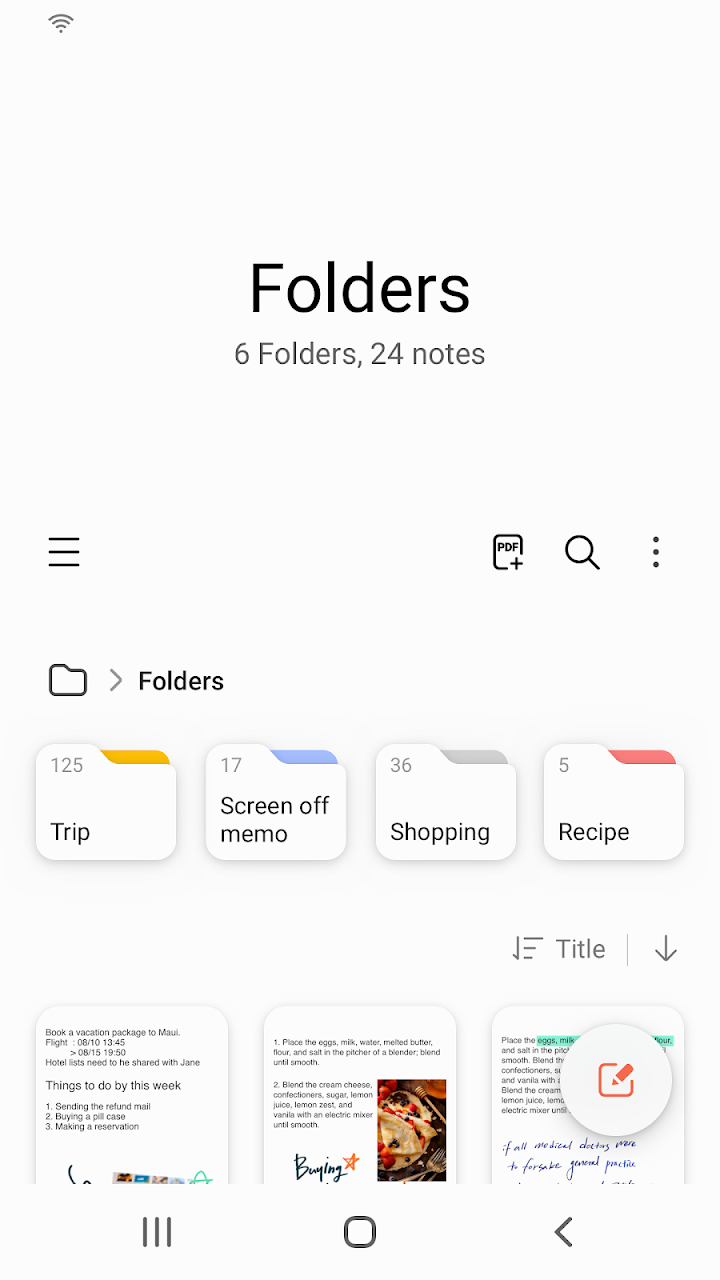
About this app
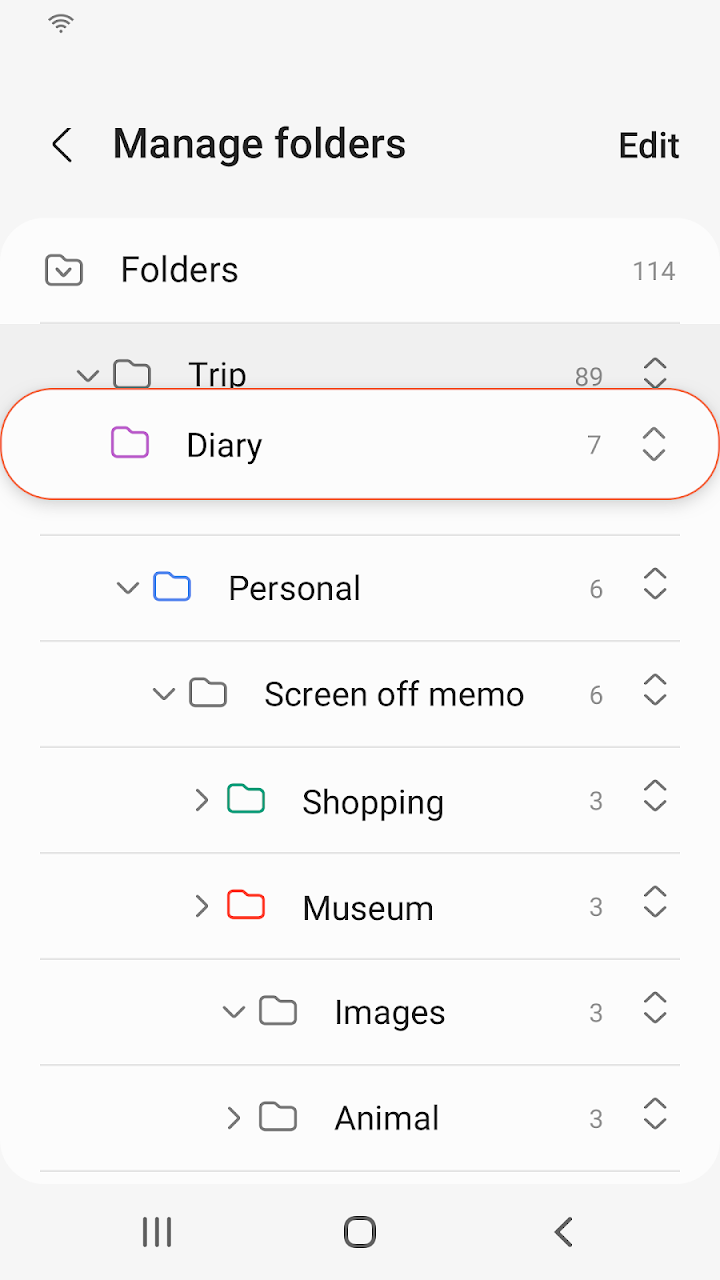
When you need to capture a meeting note, mark up a PDF, or draft a document on your phone and finish it later on a tablet or PC, Samsung Notes keeps that work in one place. It supports handwritten notes, photos, voice recordings, and collaboration, so the app is built around moving from quick capture to edited documents without switching tools.
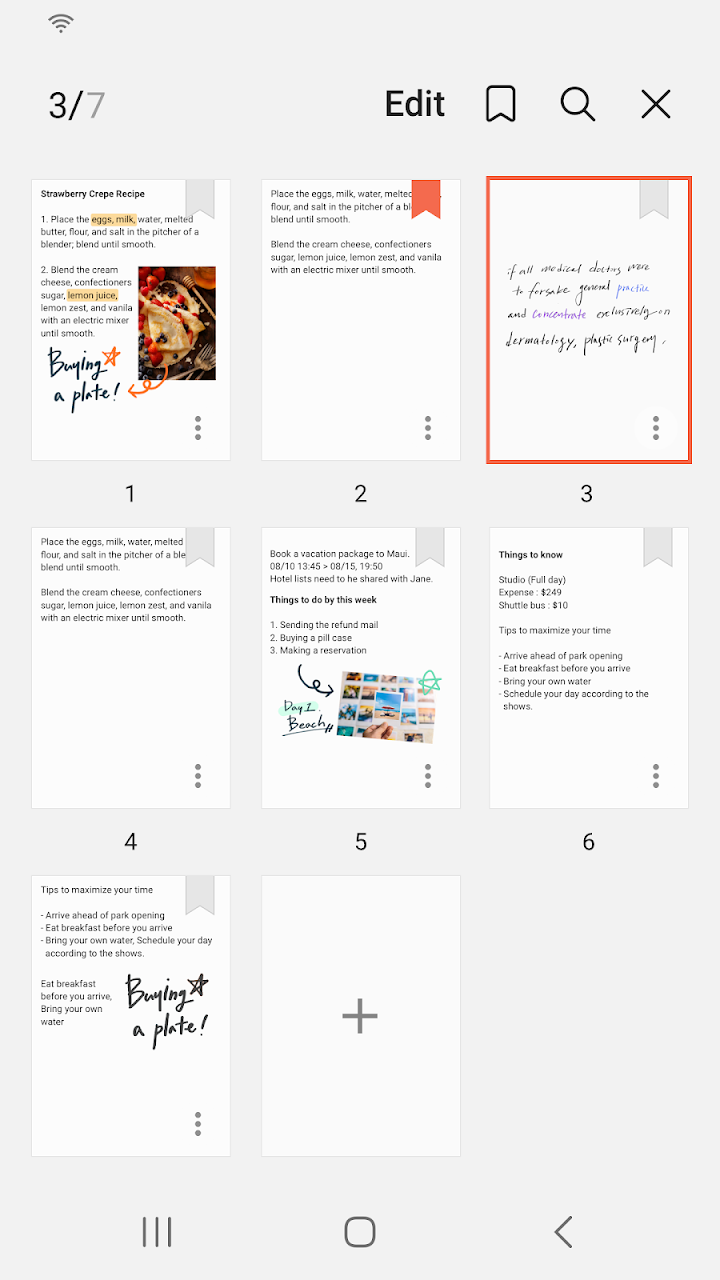
- Create sdocx notes — Start a new note from the main screen and save it as an sdocx file.
- Edit across devices — Create and edit documents on mobile, tablet, or PC.
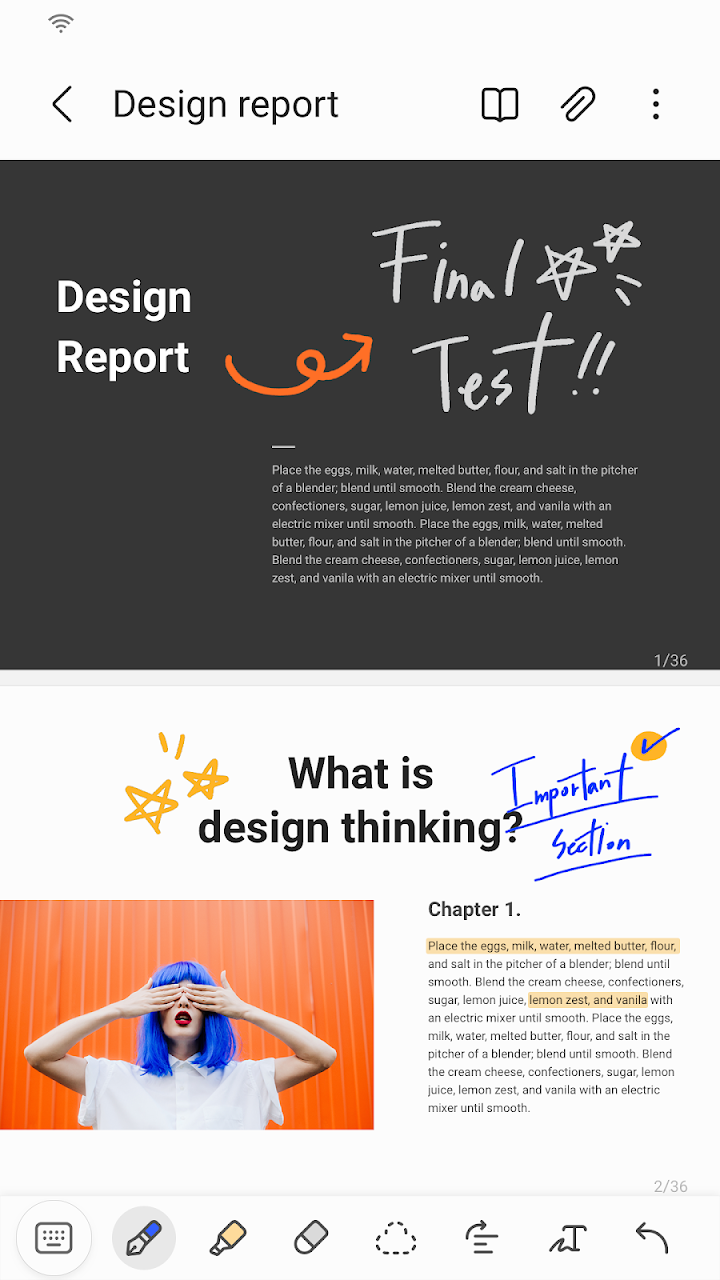
- PDF annotation — Use S Pen to add annotations to PDF files.
- Media in notes — Add photos, scanned documents, and voice recordings to a note.
- Lock private notes — Protect selected notes with a lock method and password.
- Import older notes — Bring in notes and memos from Notes, Memo, S Note, or Samsung account sync.
From quick notes to finished documents
Samsung Notes is for the moment when a simple note turns into something more structured. It can create and edit documents on mobile, tablet, or PC, so the same draft can move with you as the work grows. That makes it useful for short reminders, longer written notes, and documents that need later editing.
PDF markup, handwriting, and media
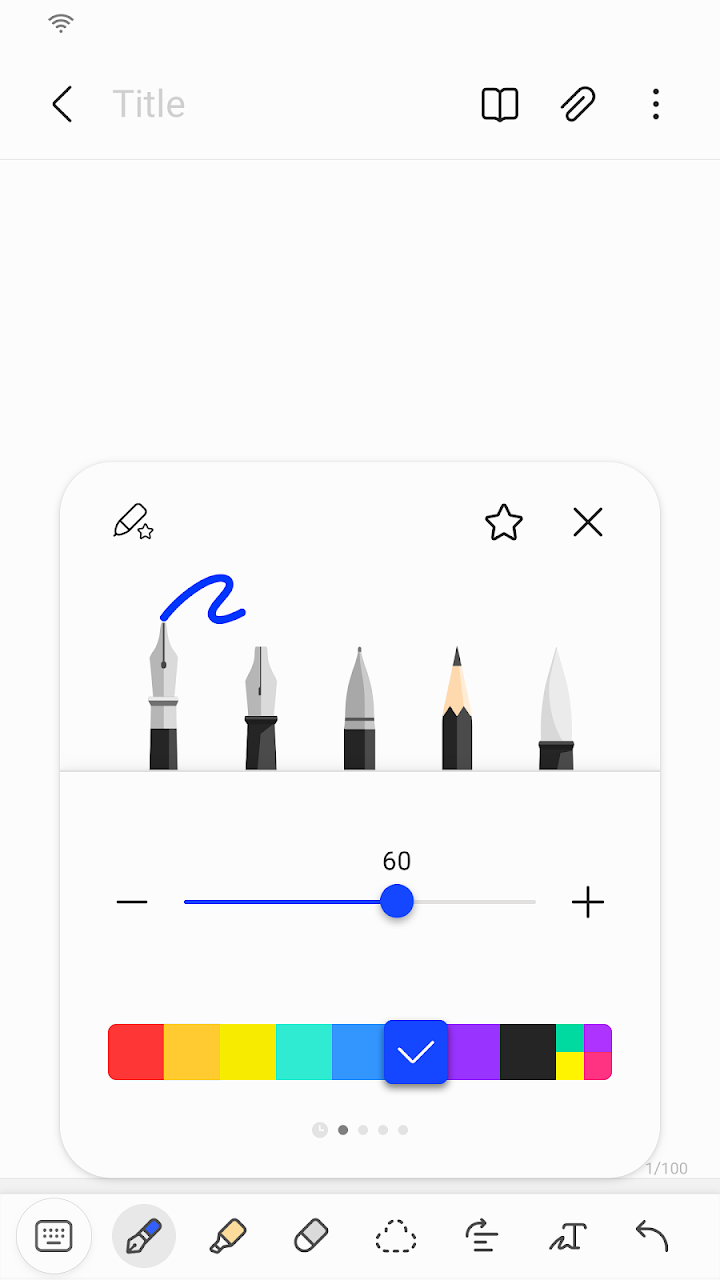
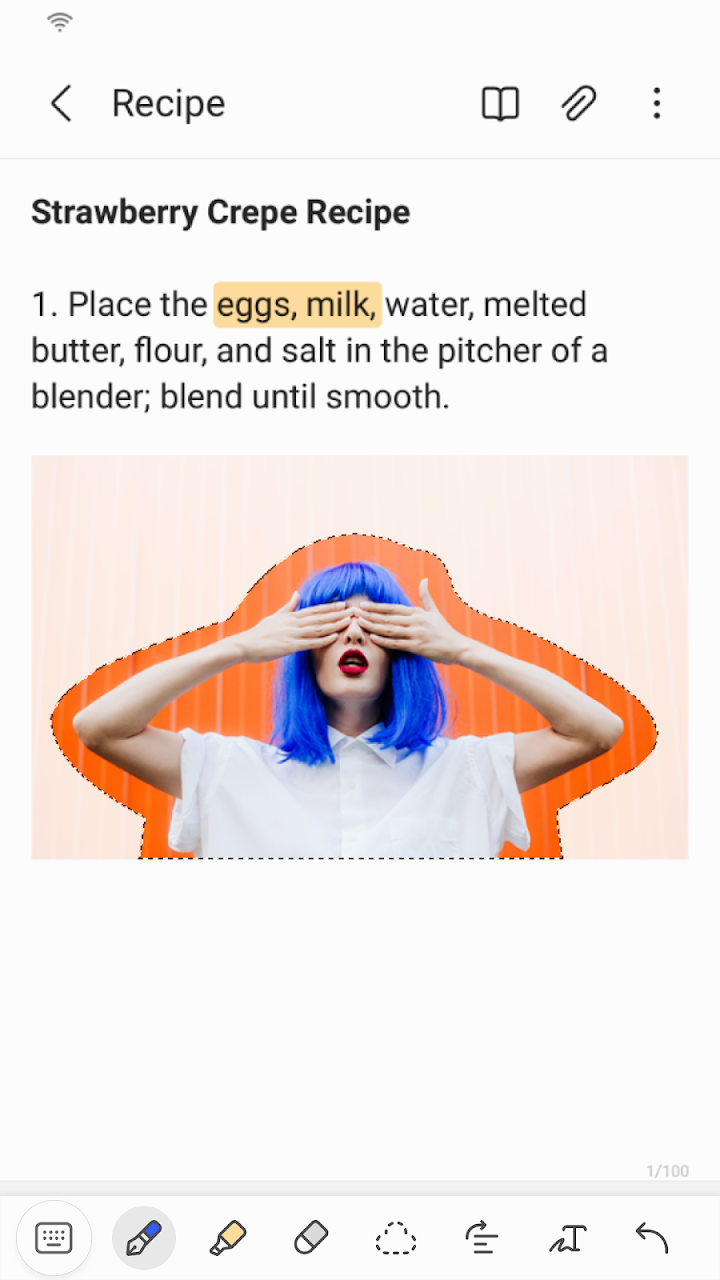
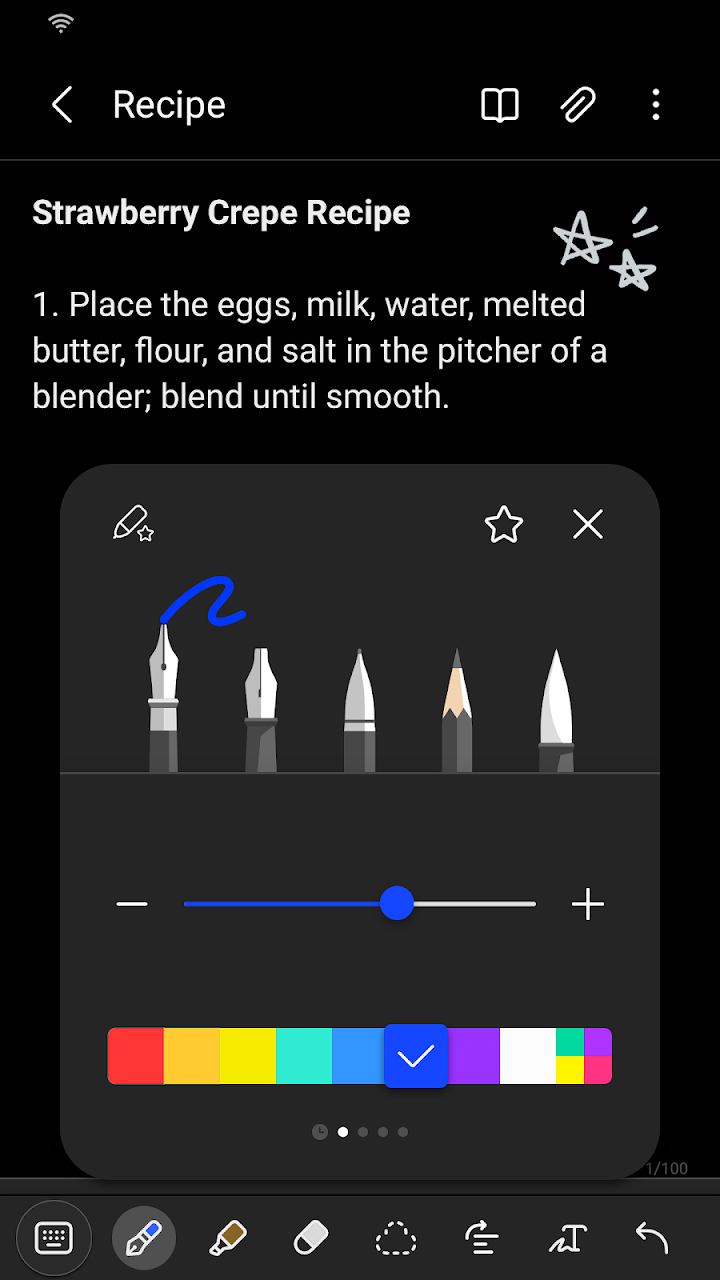
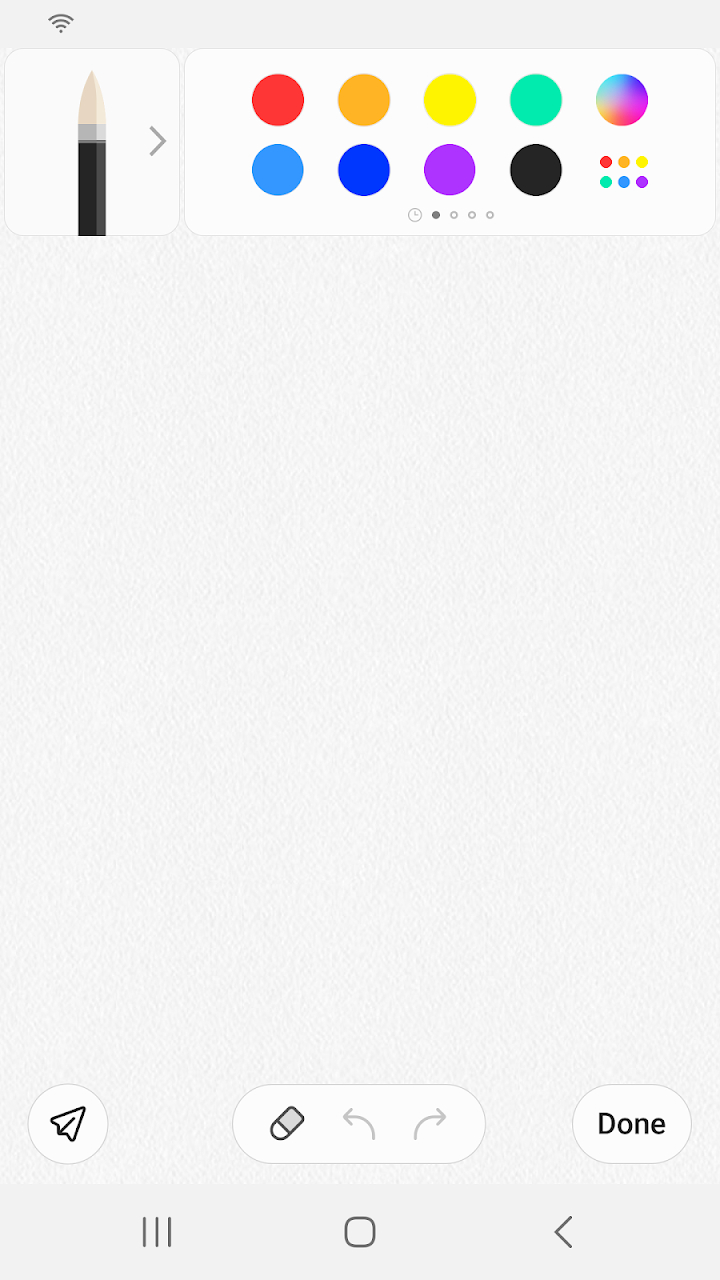
The app handles more than typed text. You can write by hand, choose pens, fountain pens, pencils, highlighters, colors, and thicknesses, then erase what you do not need. It also supports PDF annotation with S Pen, plus photos and voice recordings inside notes. That combination speeds up a common workflow: capture first, refine later.
- Handwriting: write directly on the note.
- Photos: add, load, tag, and edit images.
- Voice: record sound while writing.
- PDFs: annotate documents with S Pen.
Collaboration and syncing across apps
Samsung Notes can collaborate with others and connect documents with apps such as PDF, Microsoft Word, and Microsoft PowerPoint. It also supports importing notes and memos from Notes and Memo, including data from S Note through Smart Switch and items saved with a Samsung account. That helps reduce retyping when you are moving from older devices or other Samsung tools.
Limits and install details
Some functions depend on optional permissions such as camera, microphone, files and media, photos and videos, notifications, or storage, depending on Android version. The app is free, contains no ads, and has no in-app purchases. This APK is a universal build, 10.6 MB, in APK format, and requires at least Android API 16.
For users who want one place for handwritten notes, document editing, and PDF markup, Samsung Notes is a practical fit. It is especially useful if you already work across Samsung devices or want to keep notes, media, and document edits together.
APK information
- Version
- 94569.99990.300.1599.1115
- Package
- com.samsung.android.app.notes
- Category
- Productivity
- Size
- 11 MB
- Min Android
- API 16
- Architecture
- universal
Older versions
-
Samsung Notes 94569.99990.300.1599.1115Nov 12, 2026Latest downloadAPK
Samsung Notes FAQ
Can Samsung Notes be used offline?expand_more
The app can create and edit notes and documents on mobile, tablet, or PC, and basic features can be used without optional permissions. The provided details do not state any online-only requirement.
Does Samsung Notes support shared notes or teamwork?expand_more
Yes. The app can collaborate with others and includes notifications for invitations to shared notes and note syncing issues.
How do I install the Samsung Notes APK file?expand_more
Download the APK file and install it on a device running at least Android API 16. This build is a universal APK and is 10.6 MB.
Which processors or ABIs does this Samsung Notes APK support?expand_more
This APK supports universal ABI compatibility.
Can I lock notes in Samsung Notes?expand_more
Yes. You can turn on Lock Note in Settings, choose a locking method and password, and lock individual notes from the note options.