
- 3.2star83,691 reviews
- 1B+Downloads
- 9 MBAPK size
- EveryoneRated for Everyone
- 14+Android
check_circleOriginal APK from Samsung Electronics Co., Ltd. · Updated Nov 11, 2026
No threats found
0 / — antivirus engines flagged this file
Original signature
First seen — Samsung Electronics Co., Ltd.
Unmodified APK
Same file the developer published — no mods
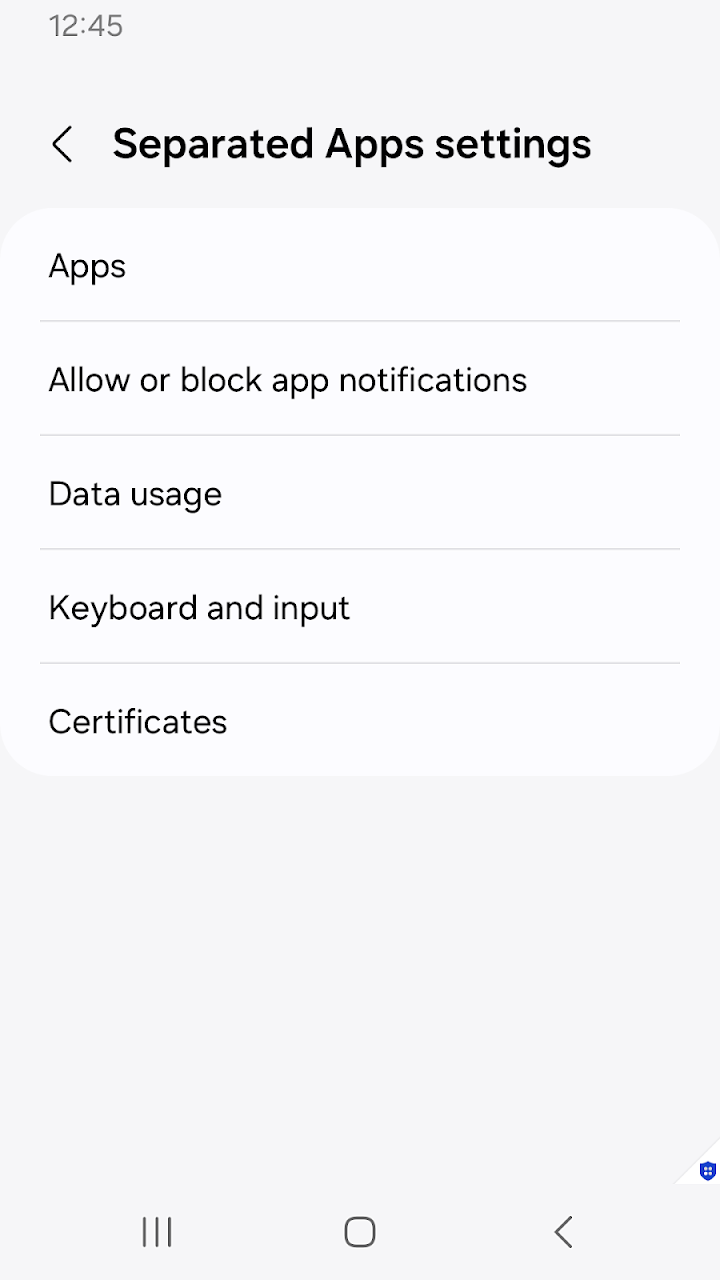
Separated Apps screenshots
4 images · tap to enlarge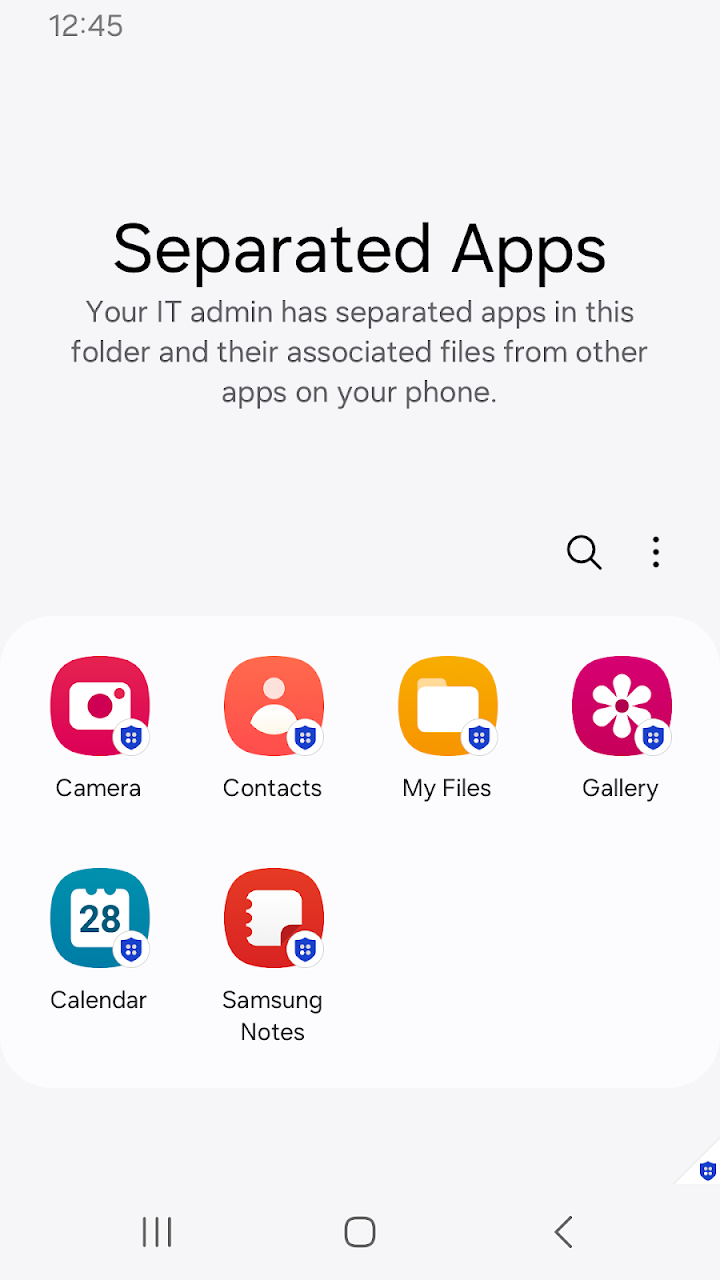
About this app
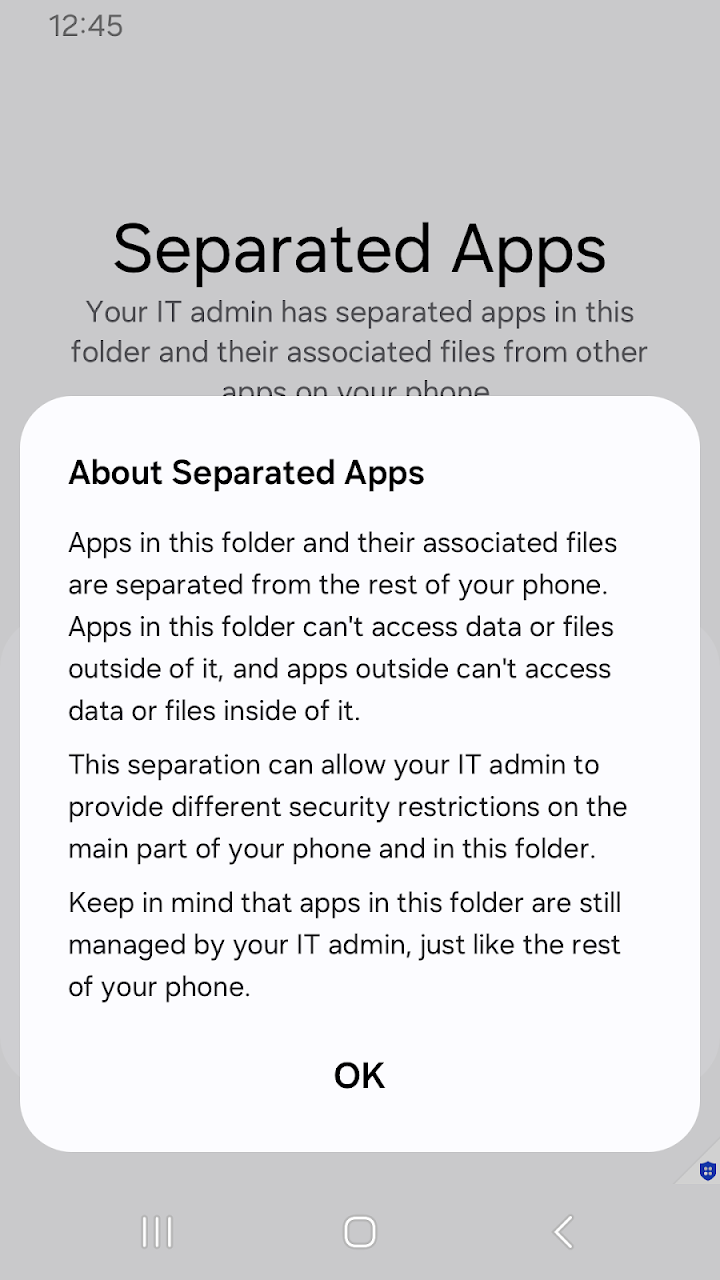
Need a way to keep work apps separate on managed devices? Separated Apps is built for IT admins who use Samsung Knox to isolate third-party apps from corporate apps on fully managed devices. It is not meant for personal use, and the main setup happens through a UEM before apps appear in the secure area.
- Separate app spaces — IT admins can place selected apps into a secure, separate area instead of mixing them with corporate apps.
- Managed-device workflow — The app is enabled after work apps are installed through a UEM on fully managed devices.
- Built-in app list — Chrome, Office on some models, Samsung Calendar, Camera, Gallery, MyFiles, and Video can be available by default.
- Enterprise control — The setup is designed for admins who need to protect sensitive work data on Samsung Knox devices.
- No purchase layer — The app is free, with no in-app purchases and no ads.
Separate work apps on managed devices
Separated Apps is made for enterprise devices where an IT admin needs work apps kept apart from corporate apps. In a normal day, that means the admin enables the feature after deploying apps through a UEM, then selects which apps should live in the secure area. It is built for managed devices, not personal use.
Choose the apps that go inside
The core workflow is simple: install work apps first, then turn on Separated Apps and pick the apps to place there. That speeds up the job of setting up a device for someone who needs a separate work space without mixing everything into one app list.
- Apps are added by the enterprise IT admin.
- The secure area can include selected third-party apps.
- Google Chrome is available by default.
- Microsoft Office may be available depending on the device model.
Default Samsung apps in the secure area
Several Samsung apps can already be available inside Separated Apps, including Calendar, Camera, Gallery, MyFiles, and Video. That makes it easier to start using the separate area without building every shortcut from scratch, especially when someone needs calendar access or file handling during the workday.
What admins will notice first
The app is free, comes as an APK, and is listed at 8.7 MB. It requires Android 14 or later. There are no ads and no in-app purchases, but the setup depends on an enterprise UEM and admin control, so this is not a consumer app you open and configure alone.
Check before installing
Before installing, confirm that the device is fully managed, running Android 14+, and ready for Samsung Knox enterprise use. The app has a 3.2 rating from 83,691 ratings, which suggests mixed feedback, so it is worth checking whether your organization already uses the same UEM and device model support before rollout.
APK information
- Version
- 3.3.00.5
- Package
- com.samsung.android.appseparation
- Category
- Productivity
- Size
- 9 MB
- Min Android
- 14
- Architecture
- universal
Older versions
-
Separated Apps 3.3.00.5Nov 11, 2026Latest downloadAPK
Separated Apps FAQ
Does Separated Apps support teams?expand_more
Yes. It is designed for enterprises, and IT admins use it to isolate apps on fully managed devices.
Can Separated Apps be used offline?expand_more
The app description does not say that it needs an internet connection, but setup is done through an enterprise UEM on managed devices.
Is Separated Apps available for older phones?expand_more
It requires Android 14 or later, so older phones below that version are not supported.
Does Separated Apps have in-app purchases?expand_more
No. It is free and does not include in-app purchases.
Which apps can appear in the separated area?expand_more
By default, Chrome, Microsoft Office on some device models, Samsung Calendar, Camera, Gallery, MyFiles, and Video can be available there.