- 4.5star2,334,684 reviews
- 100M+Downloads
- 106 MBAPK size
- TeenRated for Teen
- 8.0+Android
check_circleOriginal APK from Microsoft Corporation · Updated Nov 10, 2026
No threats found
0 / — antivirus engines flagged this file
Original signature
First seen — Microsoft Corporation
Unmodified APK
Same file the developer published — no mods
XBOX screenshots
6 images · tap to enlarge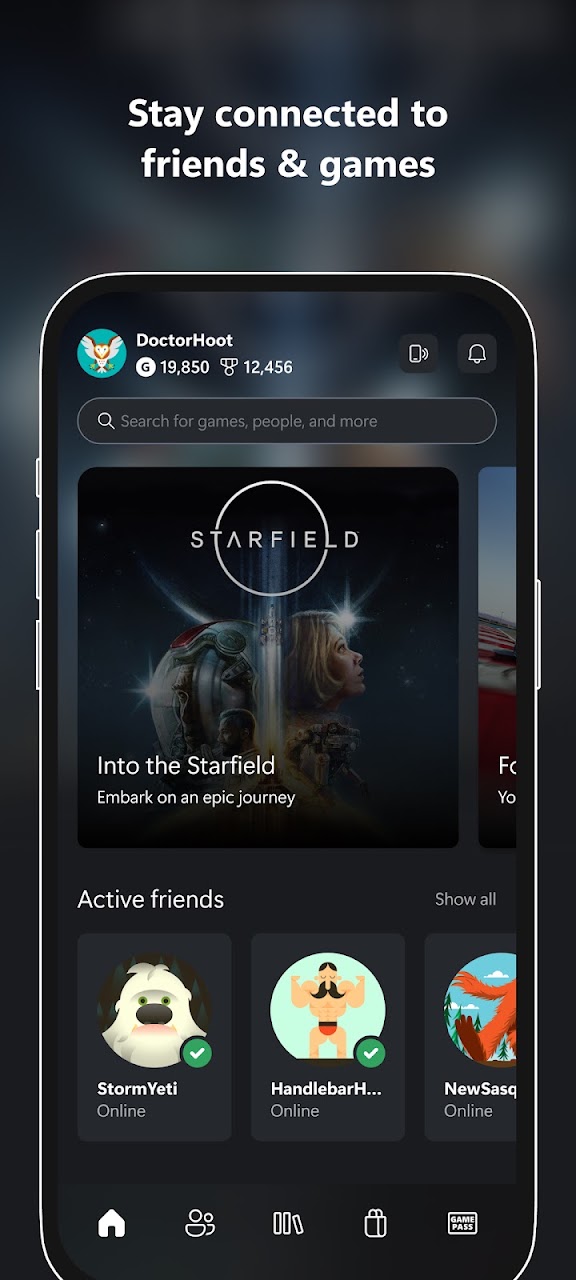
About this app
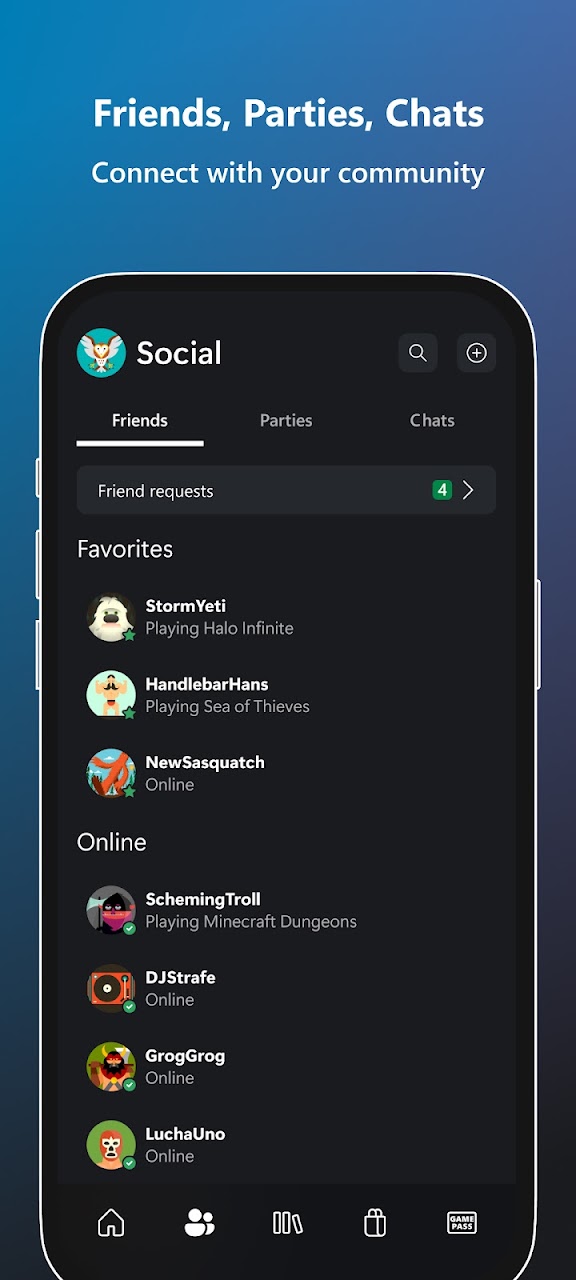
Stay connected to your gaming life from your phone or tablet. XBOX lets you follow friends, parties, game invites, achievements, clips, screenshots, Game Pass, and game purchases in one place, with voice and text chat and remote console features when you want them.
- Friends and parties — Keep up with friends and party chat through voice and text, even when they are on console or PC.
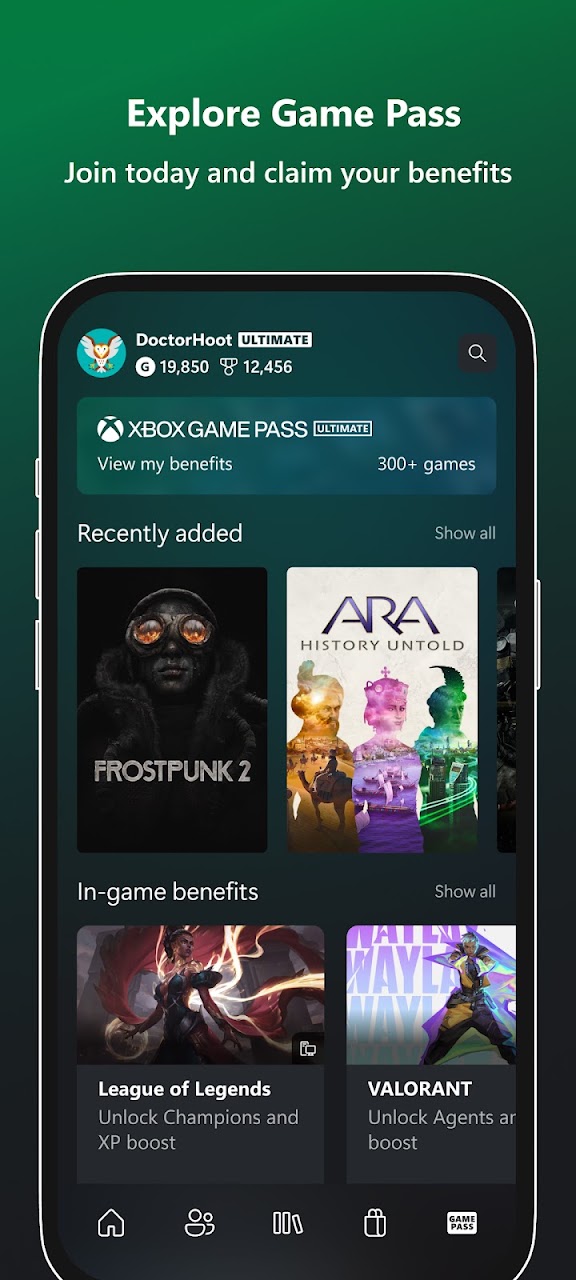
- Game Pass access — Browse Game Pass, get recommendations, and queue games you want to play later.
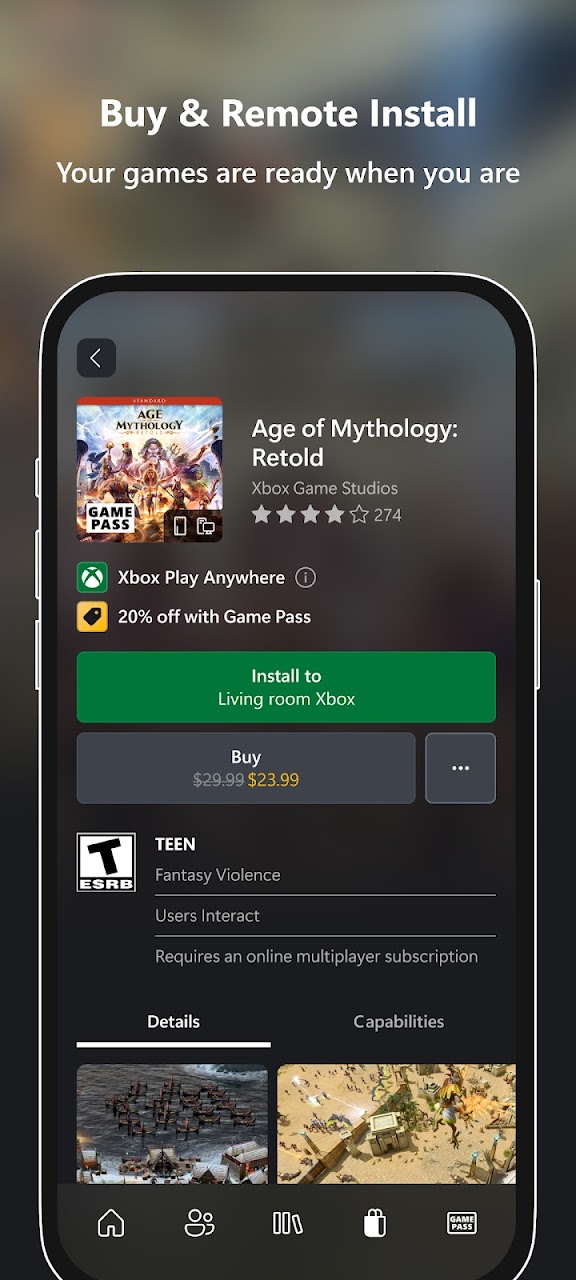
- Remote console tools — Install games remotely on your console from your phone and manage play from anywhere.
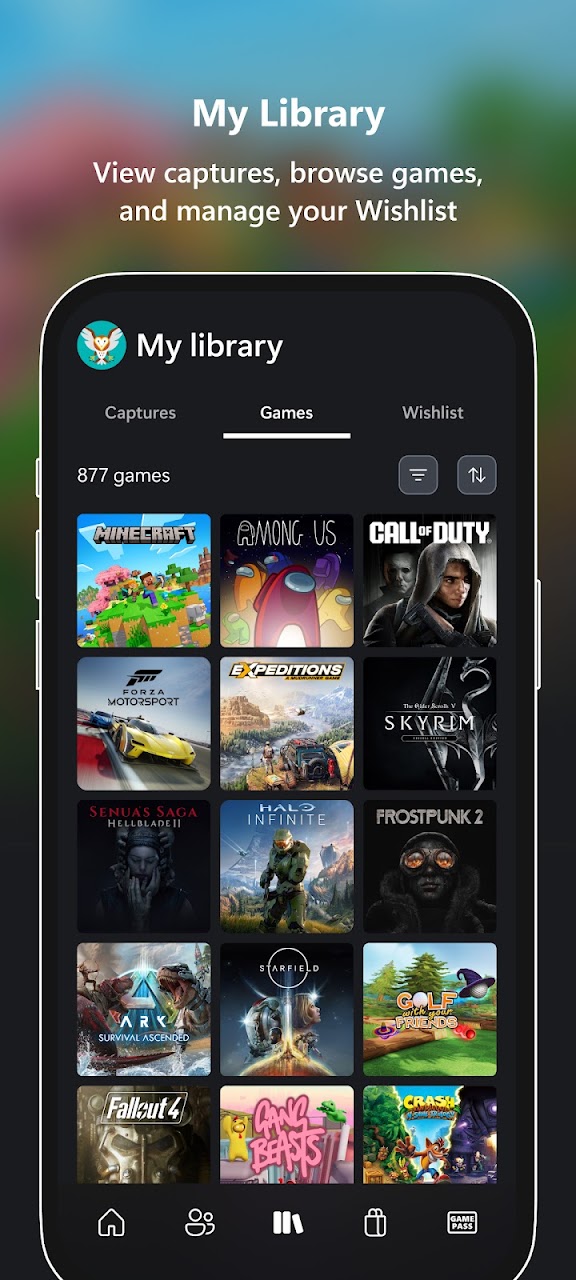
- Clips and screenshots — Share game clips and screenshots from your console to favorite gaming and social networks.
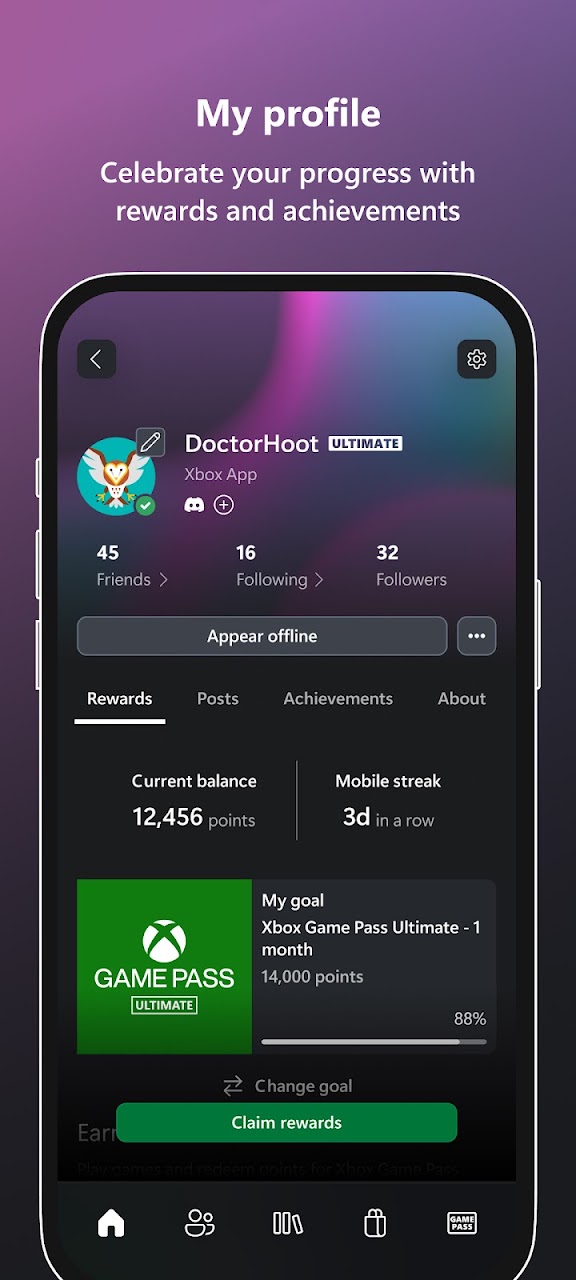
- Alerts and rewards — See invite notifications, achievements, messages, and track, claim, and redeem Rewards points.
What happens when you open XBOX
On first launch, XBOX is set up to connect your phone or tablet with your gaming world. You can browse friends, parties, messages, achievements, and game activity from one app, then move into chat, Game Pass, or store browsing without switching tools.
The app is free, does not contain ads, and does not include in-app purchases. It is an APK file, sized at 105.6 MB, and requires Android 8.0 or later.
Set up the parts you will use most
Start with the areas that matter to you: friends, party chat, Game Pass, and game alerts. If you want to manage your console from your phone, use the remote install option for games you already picked out. If you share captures, check the clip and screenshot options so you can post them to gaming and social networks.
- You get: voice and text chat, invite notifications, achievements, messages, Game Pass browsing, remote installs, and Rewards tracking.
- Watch for: some features are tied to supported gaming devices and console or PC use.
Practical ways to use it day to day
Use XBOX as a quick check-in app before you play. Look at new invites, see what friends are doing, and queue a game when you are not ready to start right away. If you buy games through the app, you can do that without leaving XBOX, which keeps the process in one place.
For sharing, open your clips and screenshots after a session and send them onward from the app. For rewards, check your points regularly so you can claim and redeem them when needed.
Requirements and permissions
XBOX is made by Microsoft Corporation and works on Android 8.0 and up. The app listing shows no permissions requested, and there are no in-app purchases. Because the app supports gaming community features, some functions may depend on your console, PC, or other supported gaming devices being available.
If you are updating from an APK, install the newer version over the existing one to keep your app data in place. The current version is 2610.2.3.
What's new
Version 2610.2.3 · Nov 10, 2026
- We're working hard to improve the XBOX mobile app for you with every release. This update includes bug fixes and performance improvements to keep things running as smooth as possible.
APK information
- Version
- 2610.2.3
- Package
- com.microsoft.xboxone.smartglass
- Category
- Entertainment
- Size
- 106 MB
- Min Android
- 8.0
- Architecture
- universal
Older versions
-
XBOX 2610.2.3Nov 10, 2026Latest downloadAPK
XBOX FAQ
Can XBOX play offline?expand_more
The app is designed to connect you with friends, parties, messages, and Game Pass, so its main features rely on being online.
Does XBOX need a subscription?expand_more
The app itself is free, with no in-app purchases listed. Game Pass is included as a section you can explore, but the listing does not say a subscription is required for the app.
Does XBOX need an account?expand_more
The listing does not spell out account setup, but the app is built to connect you with your gaming community and supported devices.
How do I update XBOX from an APK?expand_more
Install the newer APK version over the existing app to update it. The current version listed is 2610.2.3.
Can I share screenshots and clips from XBOX?expand_more
Yes. You can share game clips and screenshots from your console to favorite gaming and social networks.