- 4.3star2,363,271 reviews
- 100M+Downloads
- 44 MBAPK size
- TeenRated for Teen
- 8.0+Android
check_circleOriginal APK from Google LLC · Updated Nov 12, 2026
No threats found
0 / — antivirus engines flagged this file
Original signature
First seen — Google LLC
Unmodified APK
Same file the developer published — no mods
YouTube Studio screenshots
8 images · tap to enlarge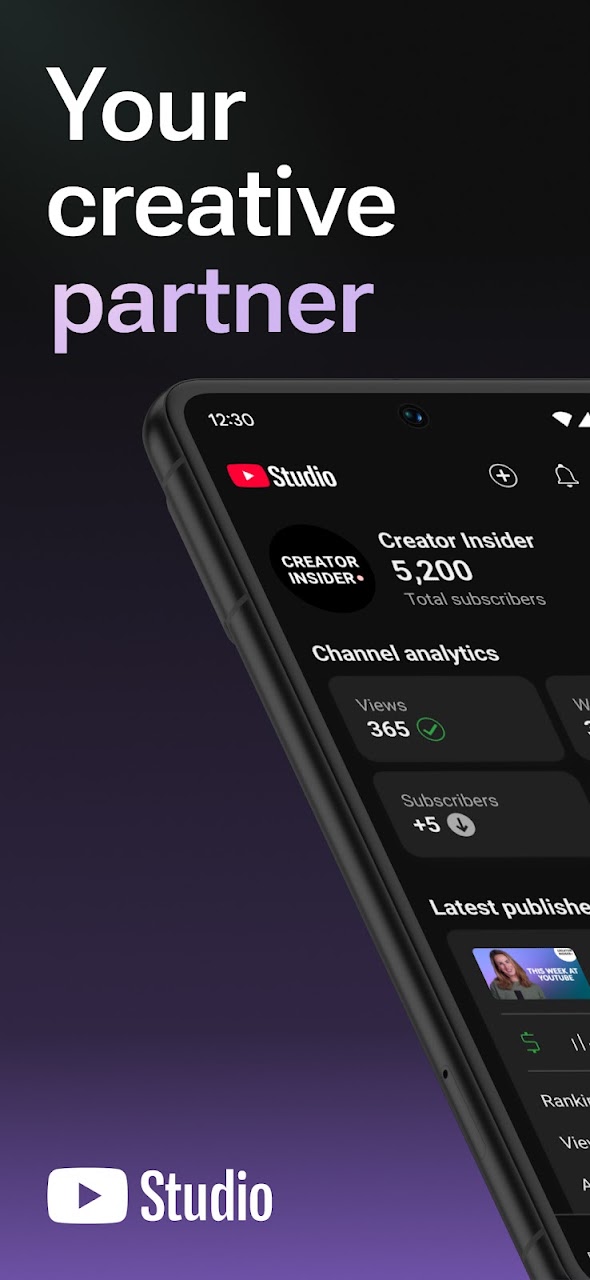
About this app
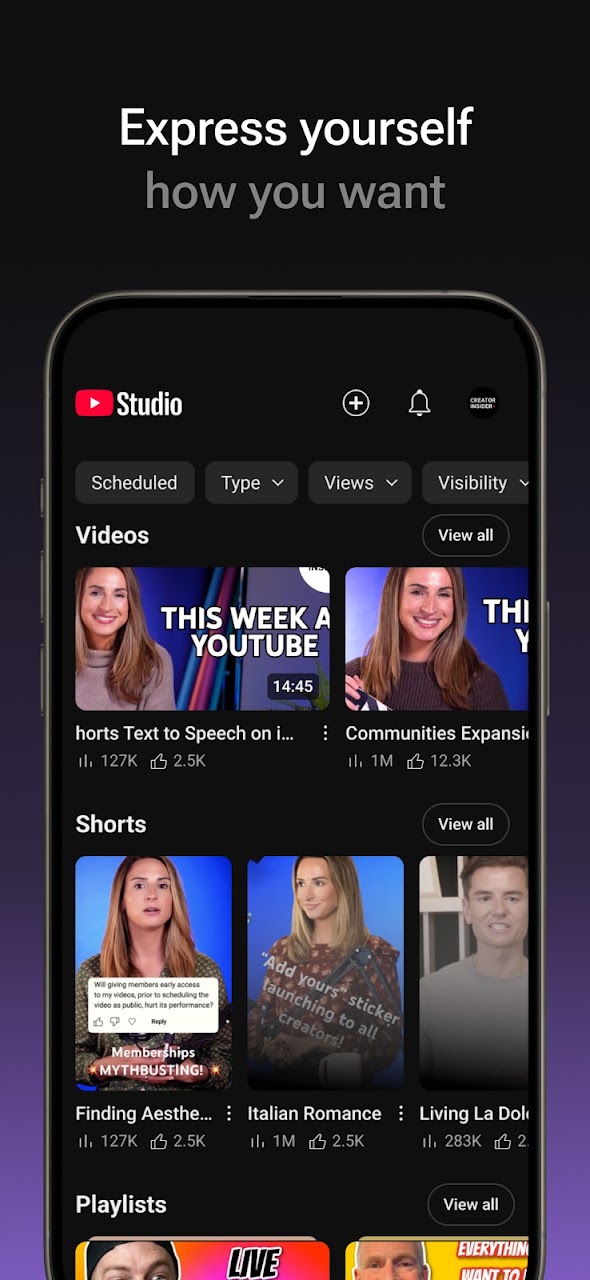
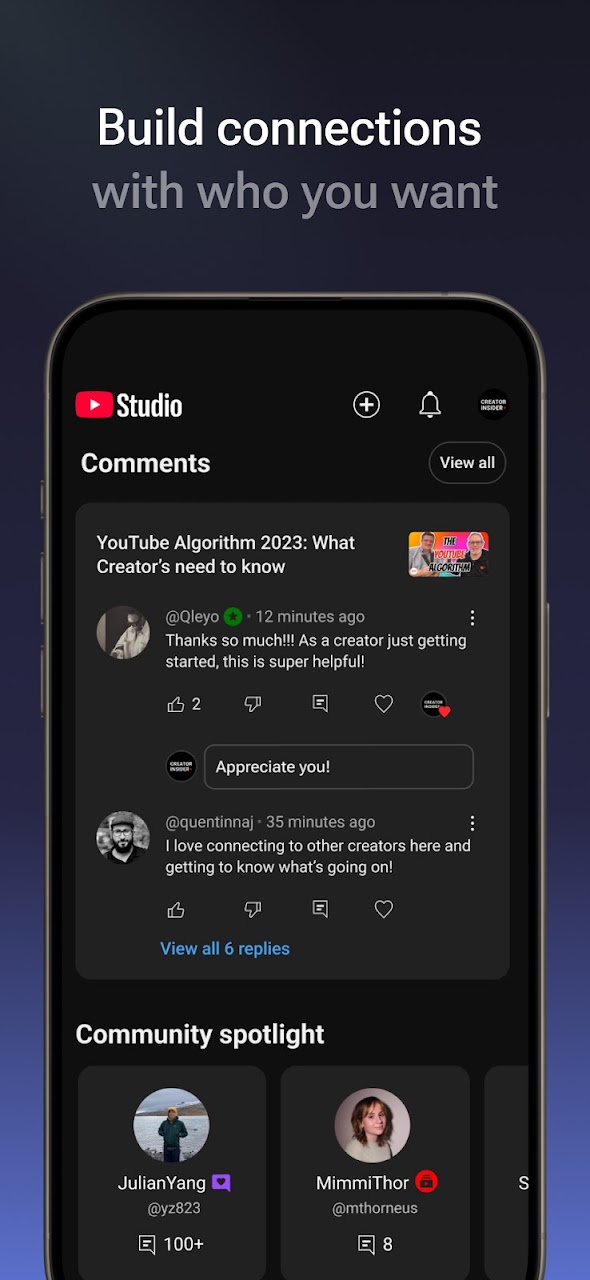
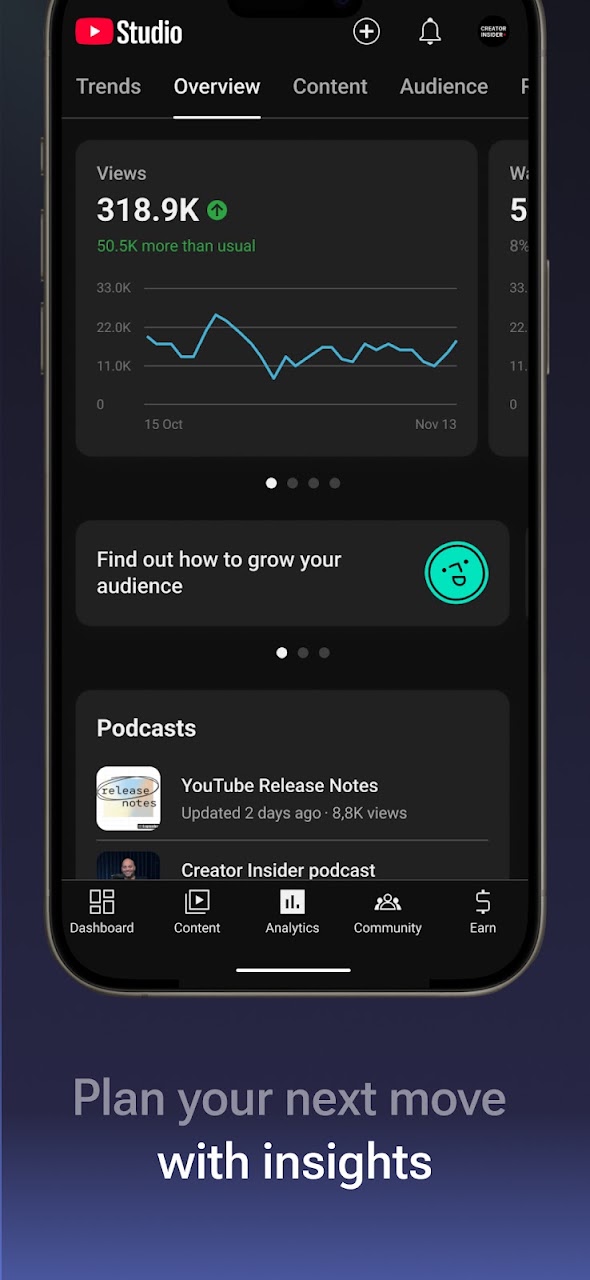
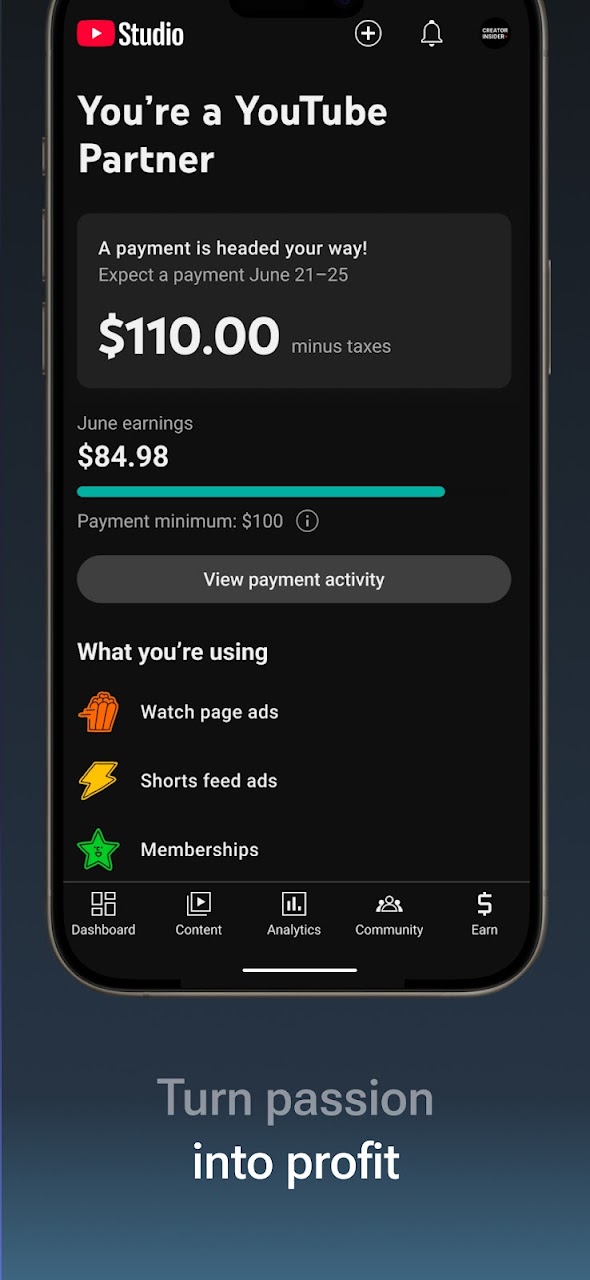
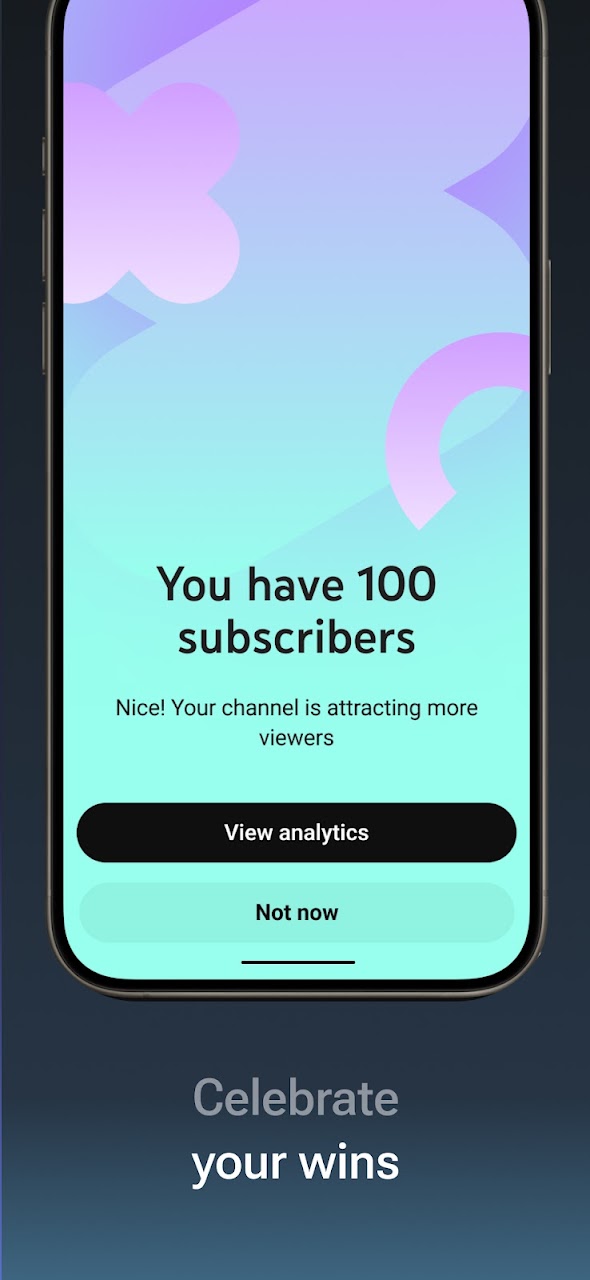
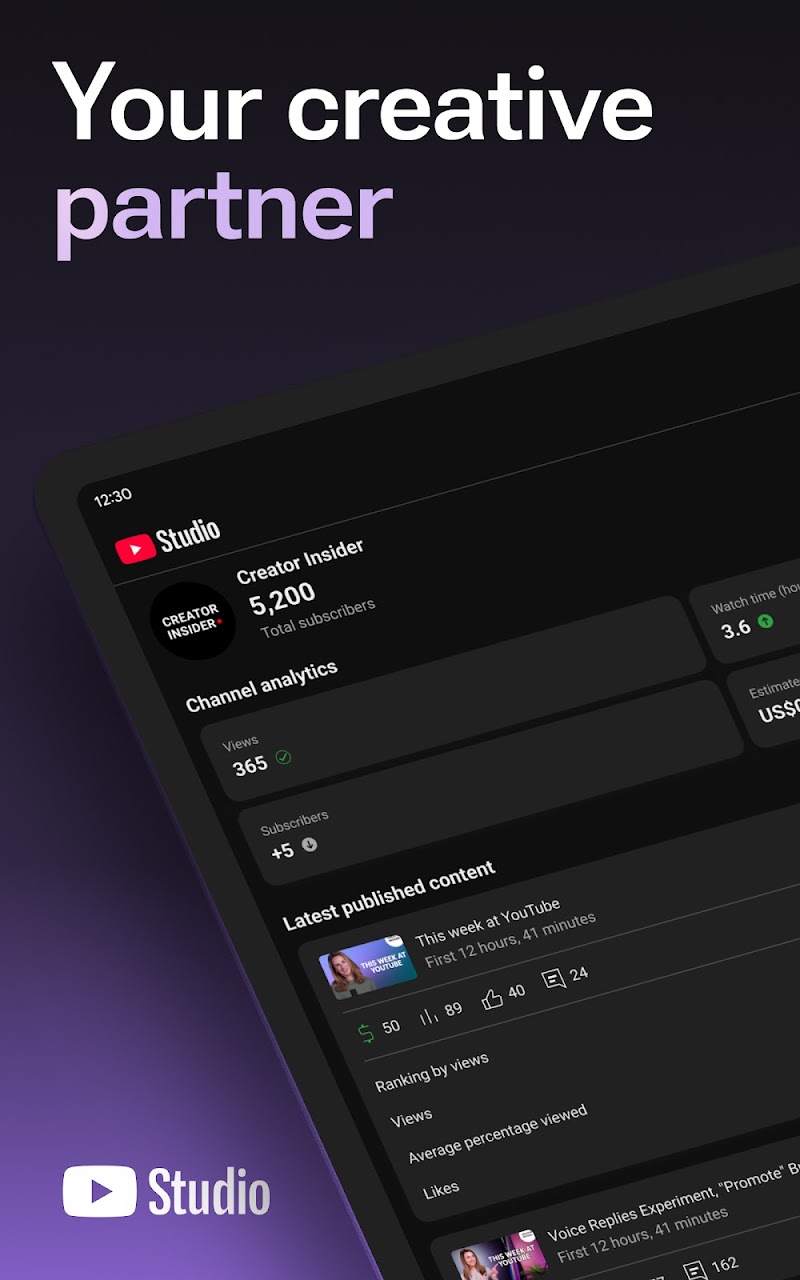
Manage your YouTube channel from your phone with YouTube Studio. It shows channel performance in the Channel Dashboard, detailed analytics for different content types, and comment tools for sorting and filtering conversations. You can also update channel appearance and edit details for videos, shorts, and livestreams, with access to YouTube Partner Program monetization tools.
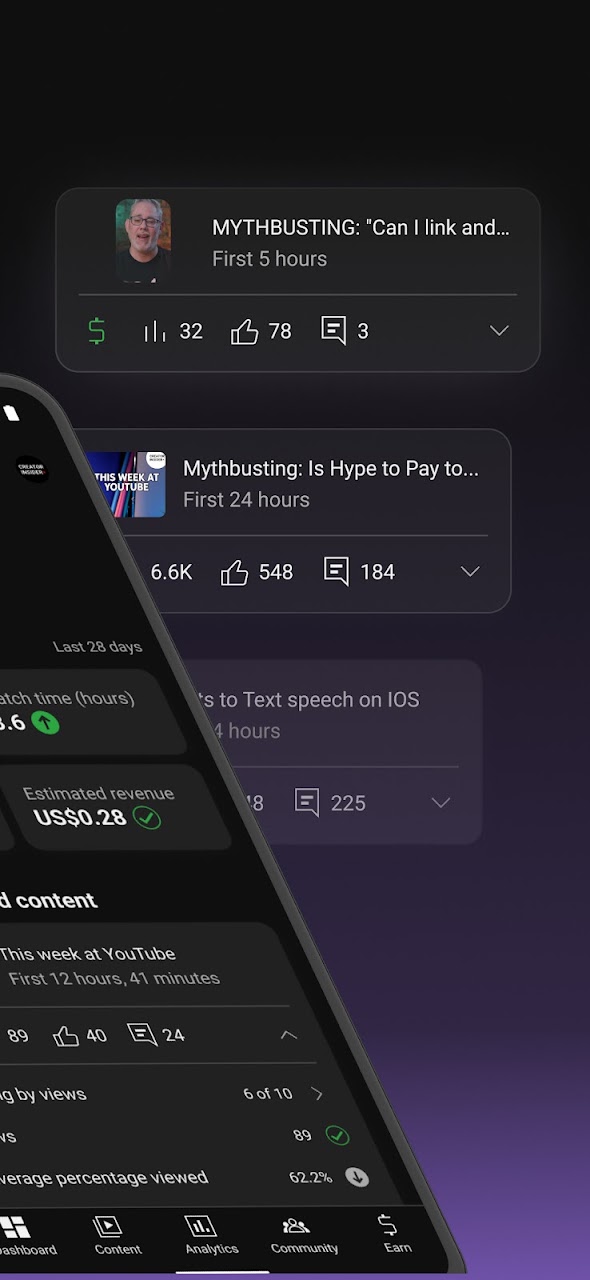
- Channel Dashboard — See a quick view of how your channel and content are performing.
- Detailed Analytics — Check performance data for different content types in the Analytics tab.
- Comment Controls — Sort and filter comments to focus on important conversations.
- Content Editing — Update details for videos, shorts, and livestreams from the app.
- Channel Appearance — Make changes to the look and feel of your channel.
- Partner Program — Apply for the YouTube Partner Program to access monetization.
Channel management on Android
YouTube Studio is Google LLC’s official app for managing a YouTube channel on the go. It is free to download, has no in-app purchases, and does not contain ads. The app is rated 4.3 from 2,363,271 ratings, with 100M+ installs, and the APK is 44.4 MB. It requires Android 8.0 or later and is distributed as a universal APK.
Dashboard, analytics, and content tools
The app centers on channel operations rather than playback. The Channel Dashboard gives a quick overview of how content is performing, while the Analytics tab breaks down results across different content types. That makes it useful for checking trends without opening a desktop browser.
It also includes tools for managing individual uploads. You can update information for videos, shorts, and livestreams, and make changes to the look and feel of the channel itself.
Comments and community work
YouTube Studio includes comment sorting and filtering tools so you can find conversations that matter more quickly. This is the part of the app that connects channel management with audience moderation, which can be useful for creators who want to stay active in their community from a phone.
Monetization access
The app also supports applying for the YouTube Partner Program. That gives eligible creators a path to monetization through YouTube, directly from the studio workflow.
Permissions and access
No permissions are listed for this APK, so the app’s visible access profile is minimal in the package details provided. Based on its functions, it is designed to work with channel content, analytics, and comment management tied to a YouTube account, but the specific device permissions are not shown here.
- Free to use: No subscription, ads, or in-app purchases are listed.
- Account-based: It is built to manage a YouTube channel, so sign-in is part of the workflow.
- Not for playback: It is a creator management app, not a TV or Chromecast viewer.
APK information
- Version
- 23.47.101
- Package
- com.google.android.apps.youtube.creator
- Category
- Video Players & Editors
- Size
- 44 MB
- Min Android
- 8.0
- Architecture
- universal
Older versions
-
YouTube Studio 23.47.101Nov 12, 2026Latest downloadAPK
YouTube Studio FAQ
Does YouTube Studio need a subscription?expand_more
No subscription is listed. The app is free, and there are no in-app purchases.
Does YouTube Studio support Chromecast?expand_more
No Chromecast support is listed. The app is described as a channel management tool, not a casting app.
Does YouTube Studio need an account?expand_more
Yes, it is built to manage a YouTube channel, so it works around a signed-in YouTube account.
Does YouTube Studio work on tablets?expand_more
The APK requires Android 8.0 or later and uses a universal build, so it can run on supported Android tablets as well as phones.
Can I edit videos and shorts in YouTube Studio?expand_more
Yes. The app lets you update information for individual videos, shorts, and livestreams.