- 4.3star623,381 reviews
- 50M+Downloads
- 257 MBAPK size
- EveryoneRated for Everyone
- API 32+Android
check_circleOriginal APK from Google LLC · Updated Nov 12, 2026
No threats found
0 / — antivirus engines flagged this file
Original signature
First seen — Google LLC
Unmodified APK
Same file the developer published — no mods
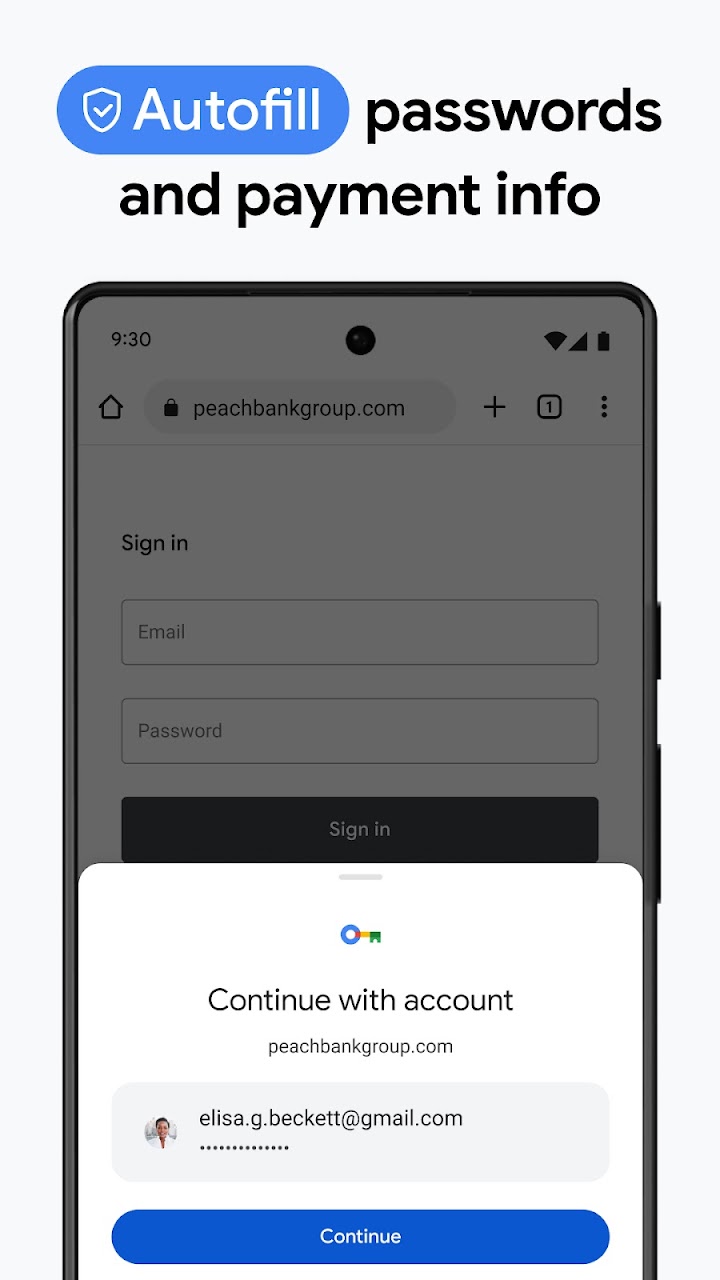
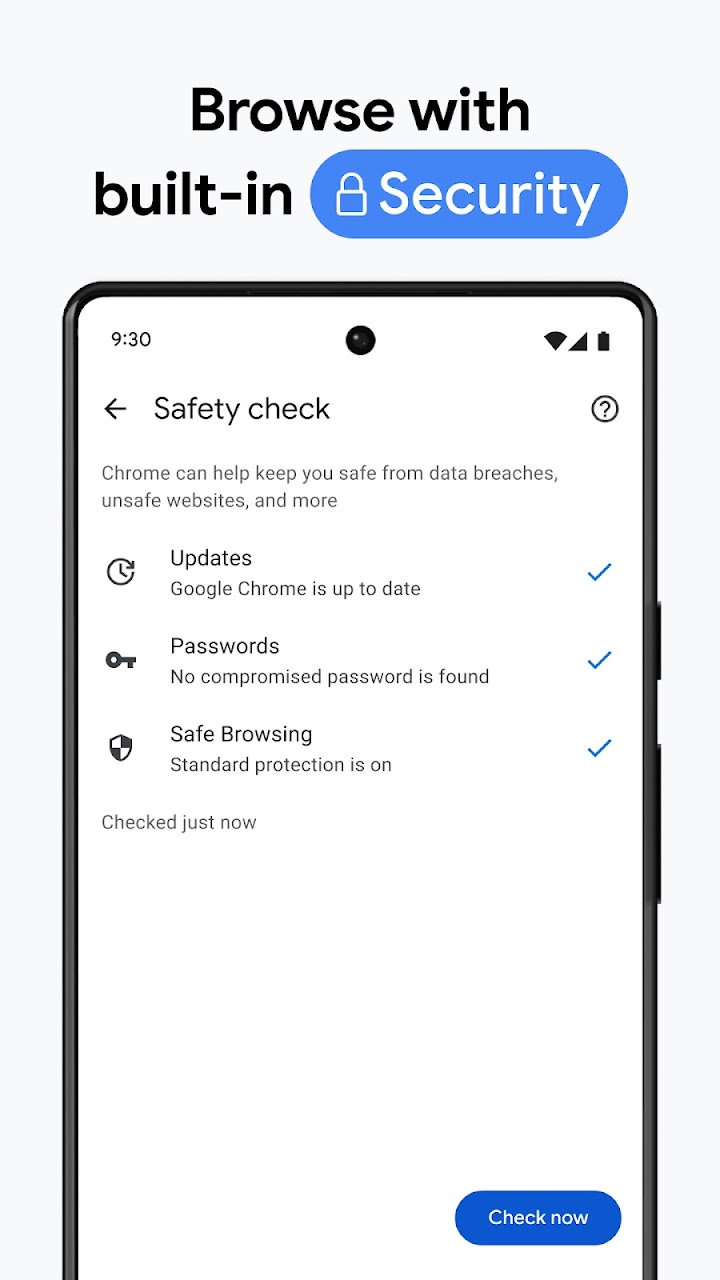
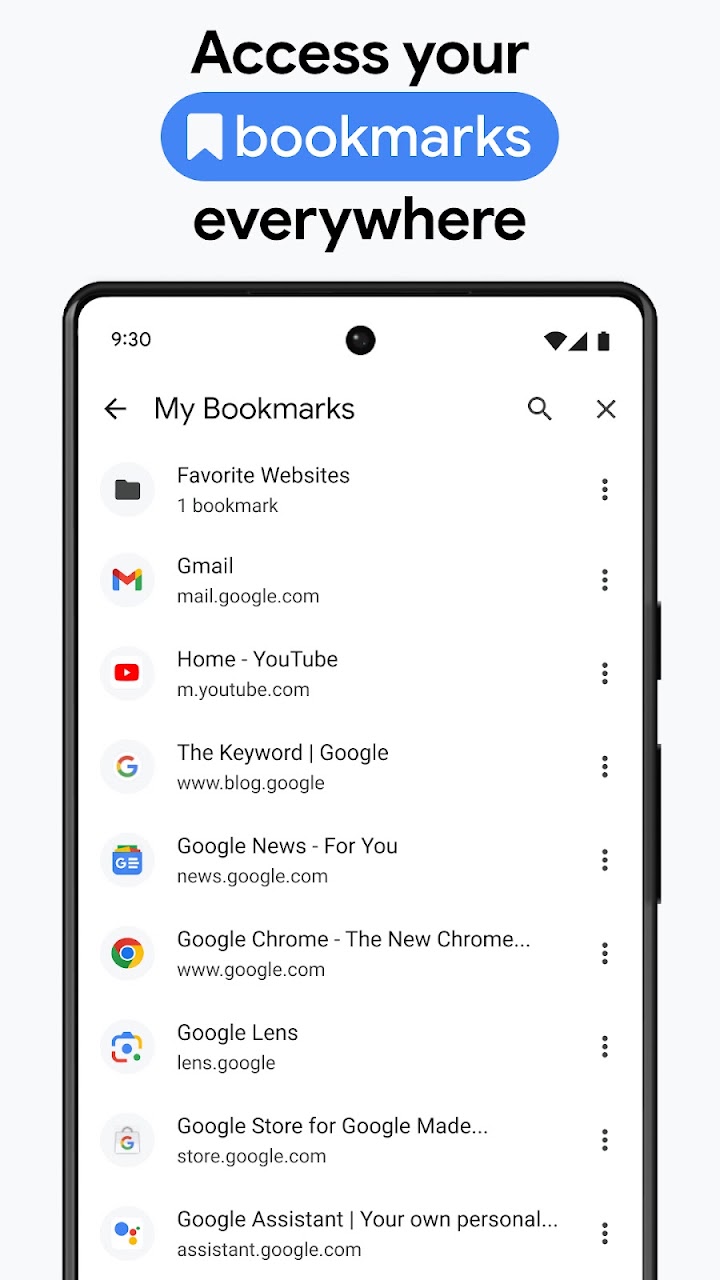
Chrome Beta screenshots
8 images · tap to enlarge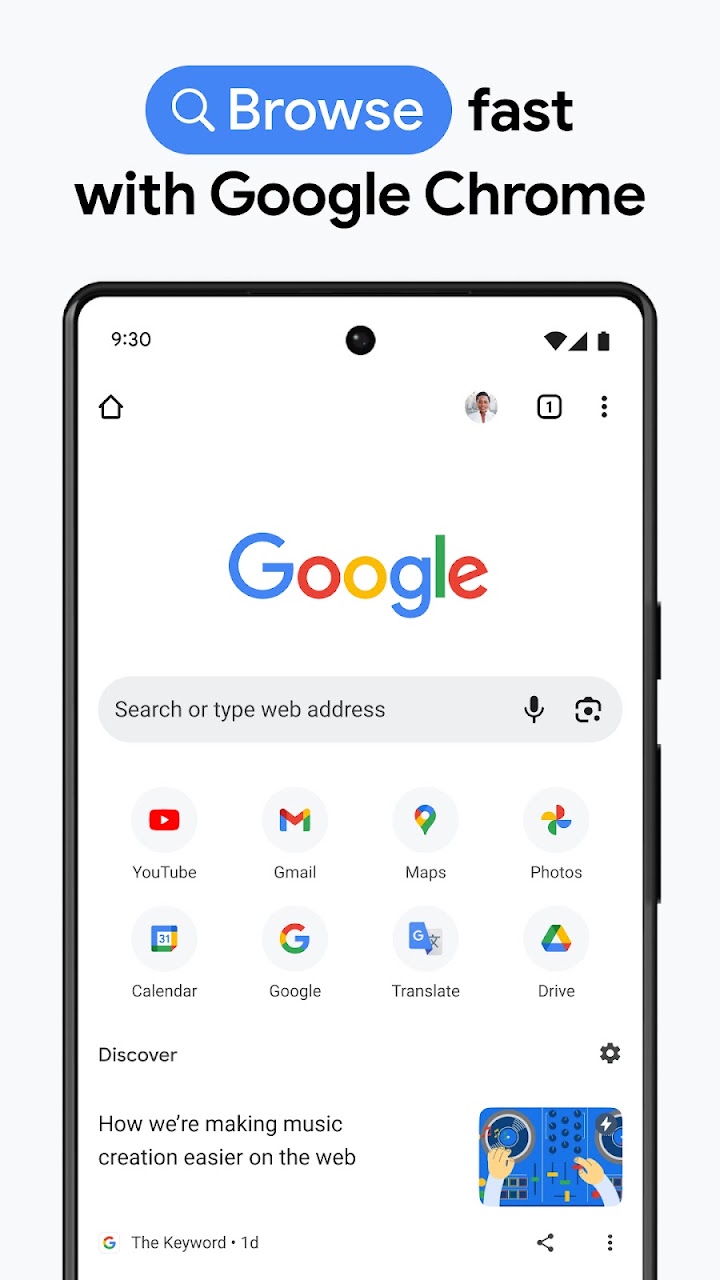
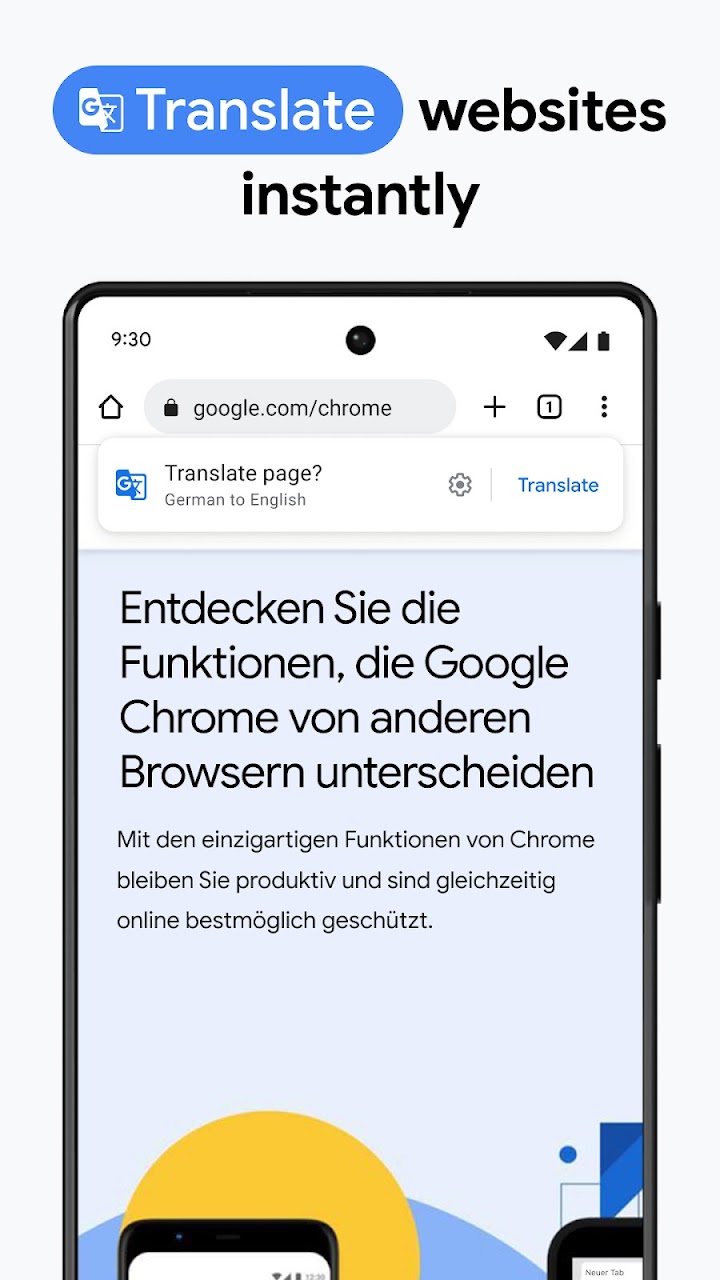
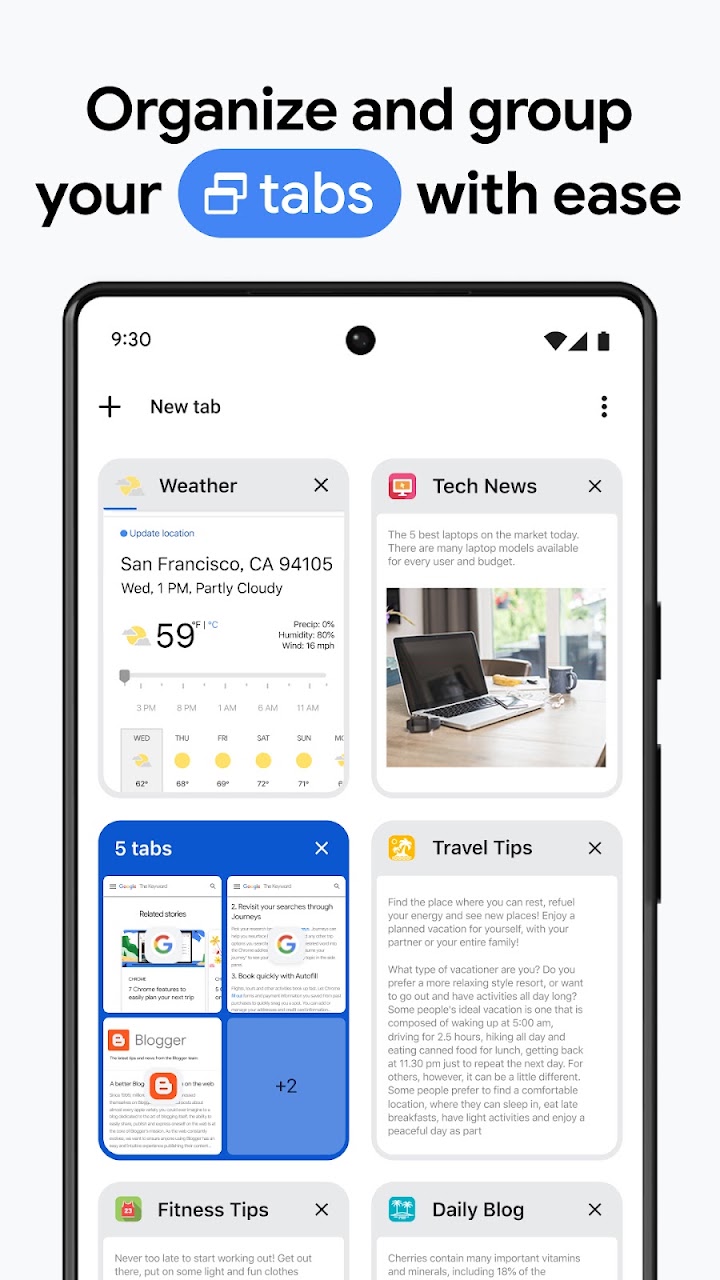
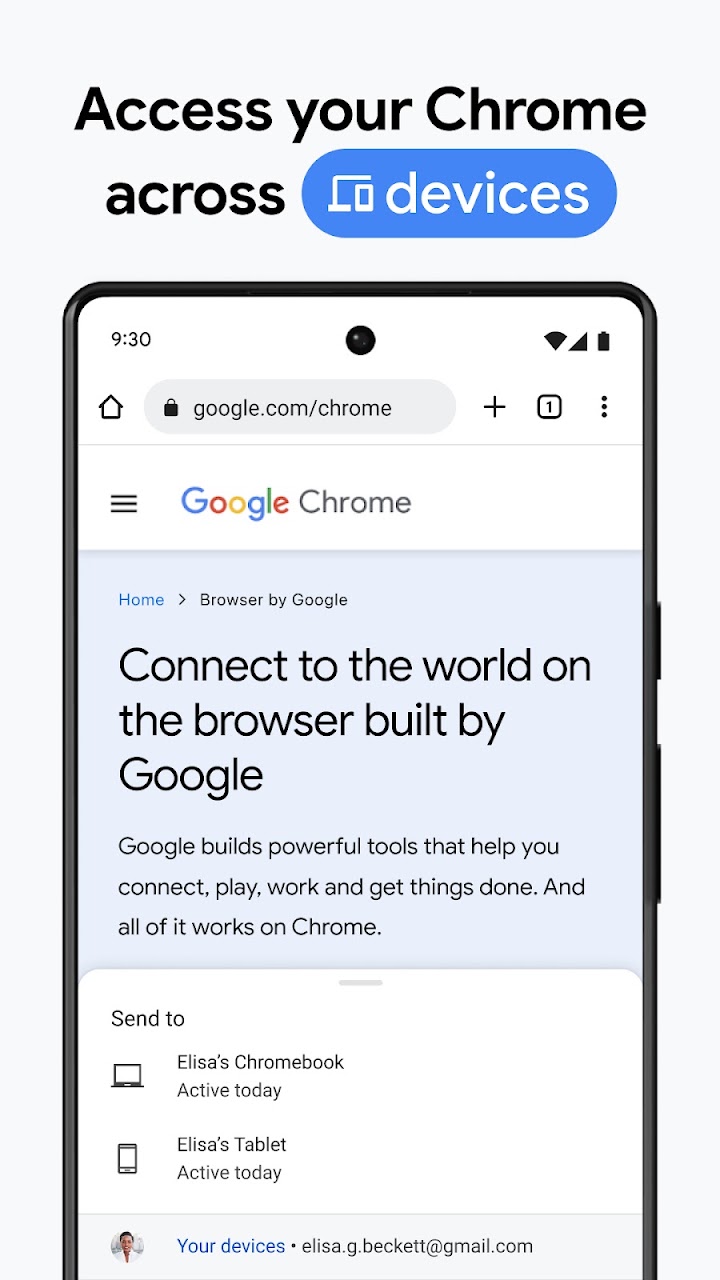
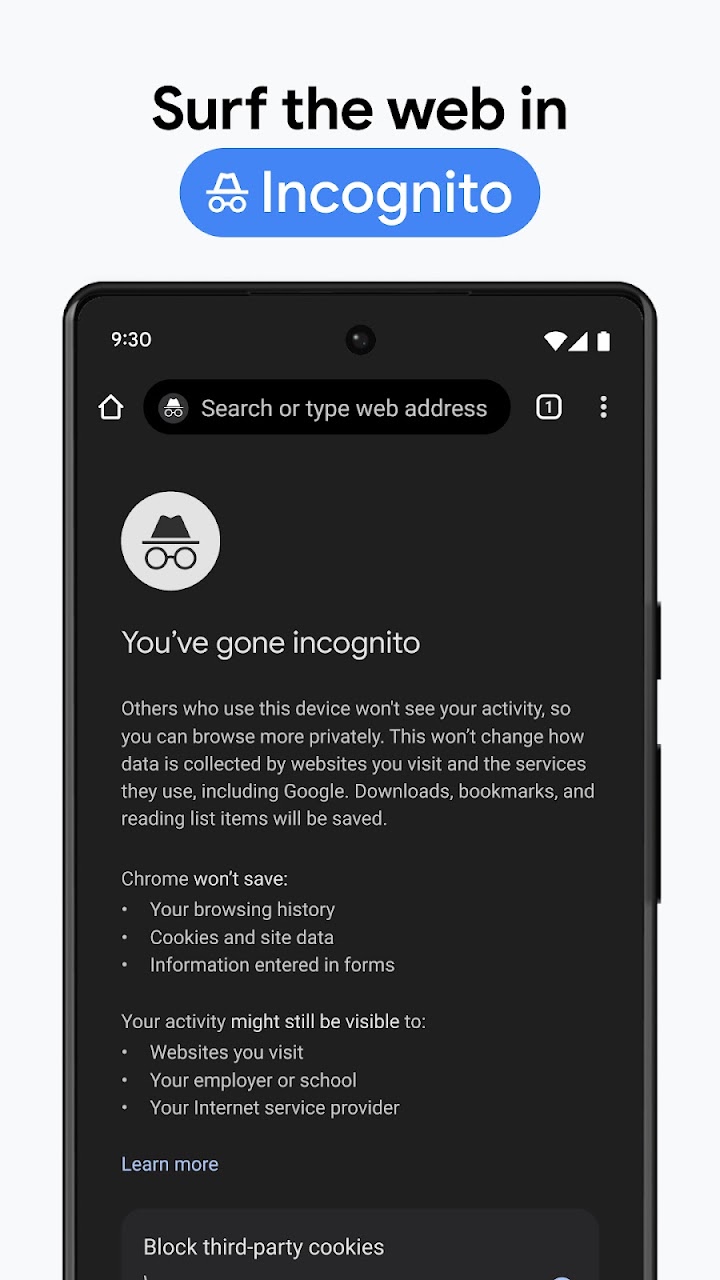
About this app
Google LLC makes Chrome Beta, a browser for Android users who want to try new Chrome features before they reach the stable app. It is free, includes ads, and can be installed alongside your current Chrome for Android. It is built for early testing and feedback, not for a separate browsing workflow.
- Early feature preview — Try the newest Chrome features before they arrive in the main app.
- Runs alongside Chrome — Install it with your current Chrome for Android and keep both versions available.
- Feedback channel — Use the beta build to test changes and send early feedback to Google.
- Stability fixes — Recent releases focus on stability and performance improvements.
- No extra purchases — The app is free and does not include in-app purchases.
Try new Chrome features first
Chrome Beta is for people who want a preview of upcoming browser changes on Android. It gives you access to the newest Chrome features while they are still being tested. That makes it useful if you like to check how new browser behavior feels before it reaches the standard release.
Keep your current browser in place
You can install Chrome Beta alongside your current version of Chrome for Android. That makes it easier to compare builds, test changes, and switch back if you want a more familiar setup.
- Gets: early access to Chrome features, stability and performance fixes, and a separate beta install.
- Watch for: some features may be rough around the edges, and the app includes ads.
Useful if you want to give feedback
Chrome Beta is also for people who want to help shape the browser. Google asks beta users to try new features and share feedback, so it fits users who are willing to spot issues and report what they notice. It is not a team tool, and the listing does not describe shared workspaces or collaboration features.
Costs, size, and compatibility
The app is free, with no in-app purchases. The APK format is universal and the download is 257.3 MB. It requires Android 12L or later. The app has no listed permissions, so there is nothing specific shown here that it asks for at install time.
Updates and Google app connections
Recent releases mention stability and performance fixes, with more details available on the Chrome Releases blog. Chrome Beta comes from Google LLC, the same developer behind apps such as Gmail, Google Photos, Android System WebView, and Google Drive. That does not add extra sync or collaboration claims for this app, but it does show it sits inside Google’s wider Android app family.
What's new
Version 158.0.8127.22 · Nov 12, 2026
- Our latest release contains stability and performance fixes. More information can be found on the Chrome Releases blog at http://goo.gl/CCPRW
APK information
- Version
- 158.0.8127.22
- Package
- com.chrome.beta
- Category
- Productivity
- Size
- 257 MB
- Min Android
- API 32
- Architecture
- universal
Older versions
-
Chrome Beta 158.0.8127.22Nov 12, 2026Latest downloadAPK
Chrome Beta FAQ
Does Chrome Beta support teams?expand_more
No team features are listed. The app is described as a browser beta for early testing and feedback.
Does Chrome Beta sync across devices?expand_more
The listing does not mention device sync or cloud syncing features.
How do I update Chrome Beta from an APK?expand_more
The app is distributed as an APK, and recent changes are delivered through new releases. The listing does not give step-by-step update instructions.
How big is the Chrome Beta download?expand_more
The APK size is 257.3 MB.
Can I use Chrome Beta with my current Chrome app?expand_more
Yes. You can install Chrome Beta alongside your current version of Chrome for Android.