- 4.7star3,030,888 reviews
- 1B+Downloads
- 93 MBAPK size
- EveryoneRated for Everyone
- 7.0+Android
check_circleOriginal APK from Google LLC · Updated Nov 10, 2026

No threats found
0 / — antivirus engines flagged this file
Original signature
First seen — Google LLC
Unmodified APK
Same file the developer published — no mods
Google Docs screenshots
8 images · tap to enlarge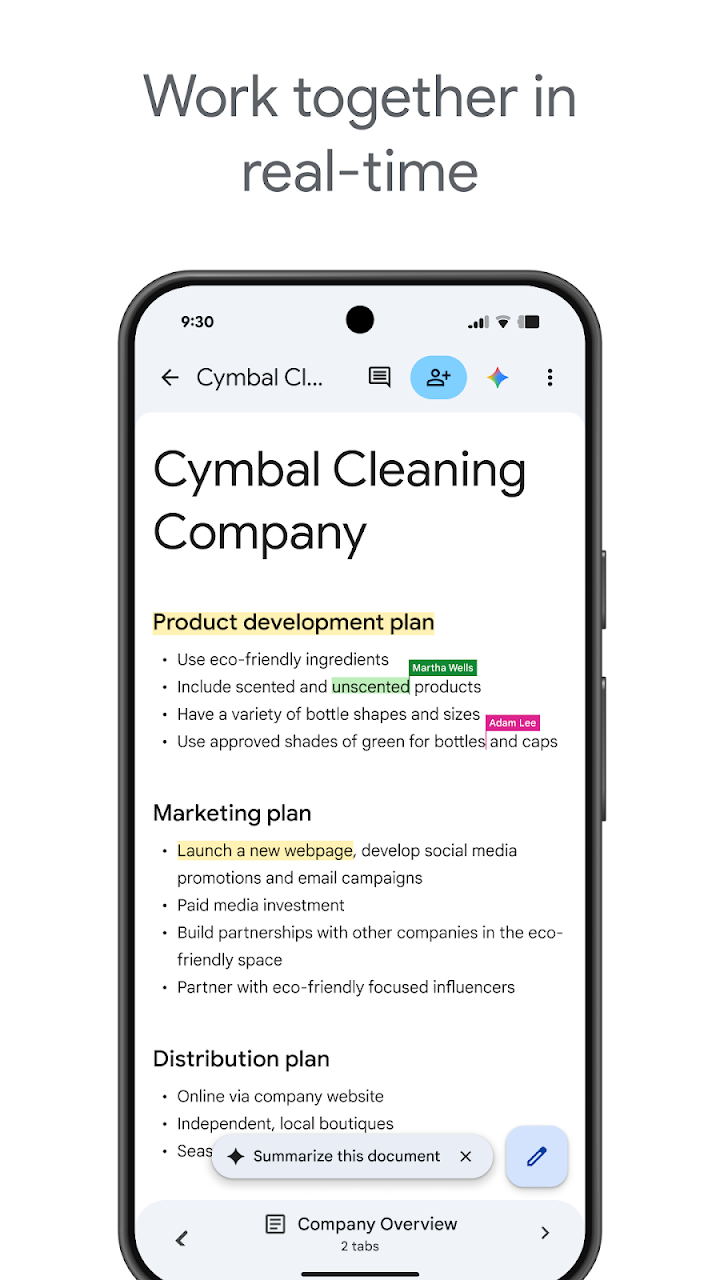
About this app
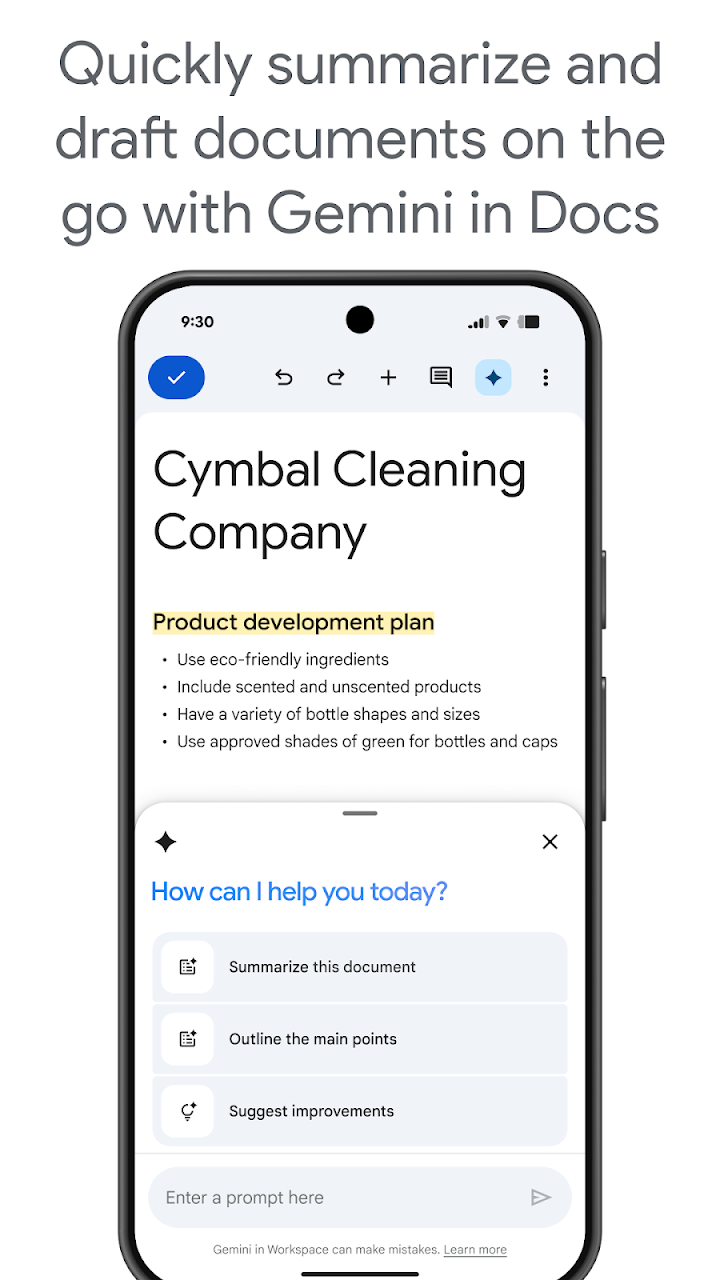
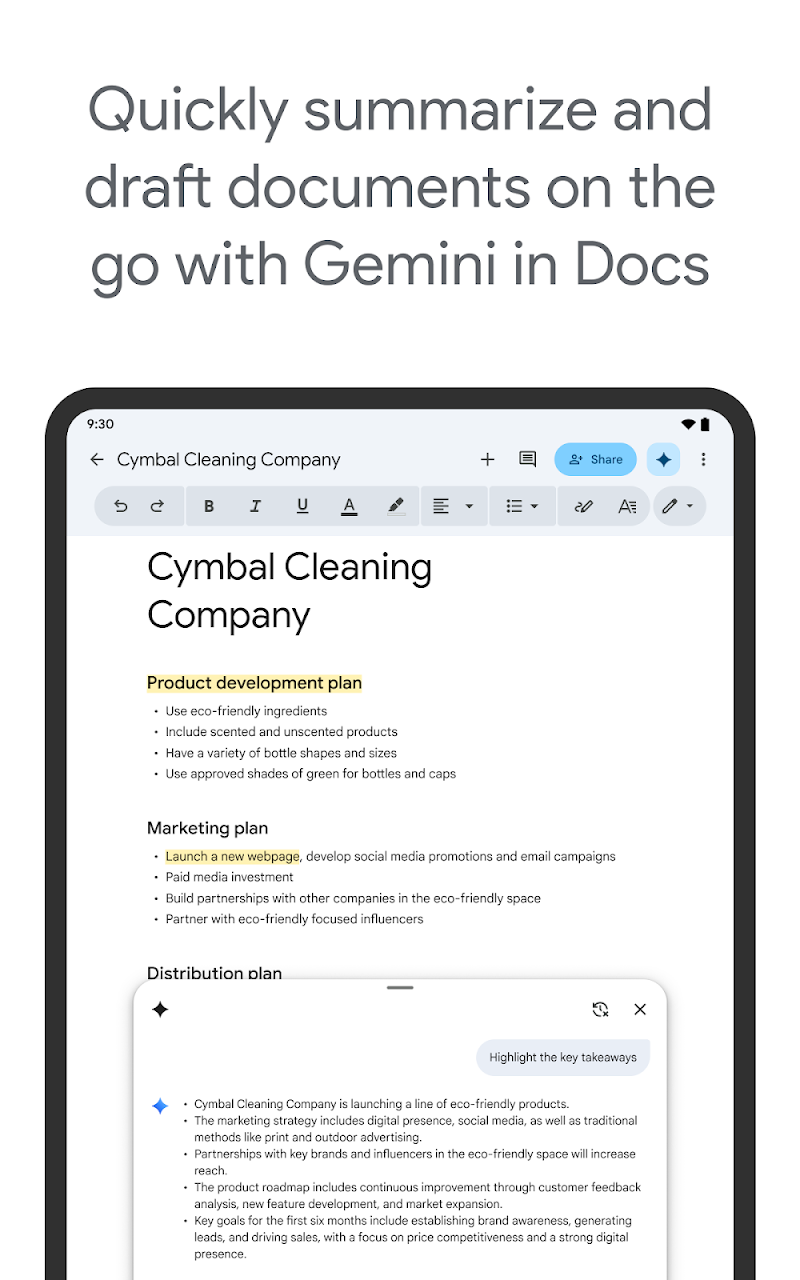
Looking for a document editor that works on Android? Google Docs lets you create, edit, comment, and collaborate on documents from your phone or tablet. This release has no listed changelog, so the current focus is the live editing workflow, offline access, and support for opening Microsoft Word files alongside Google Workspace features.
- Real-time editing — Share a document and work on edits, comments, and action items with other people at the same time.
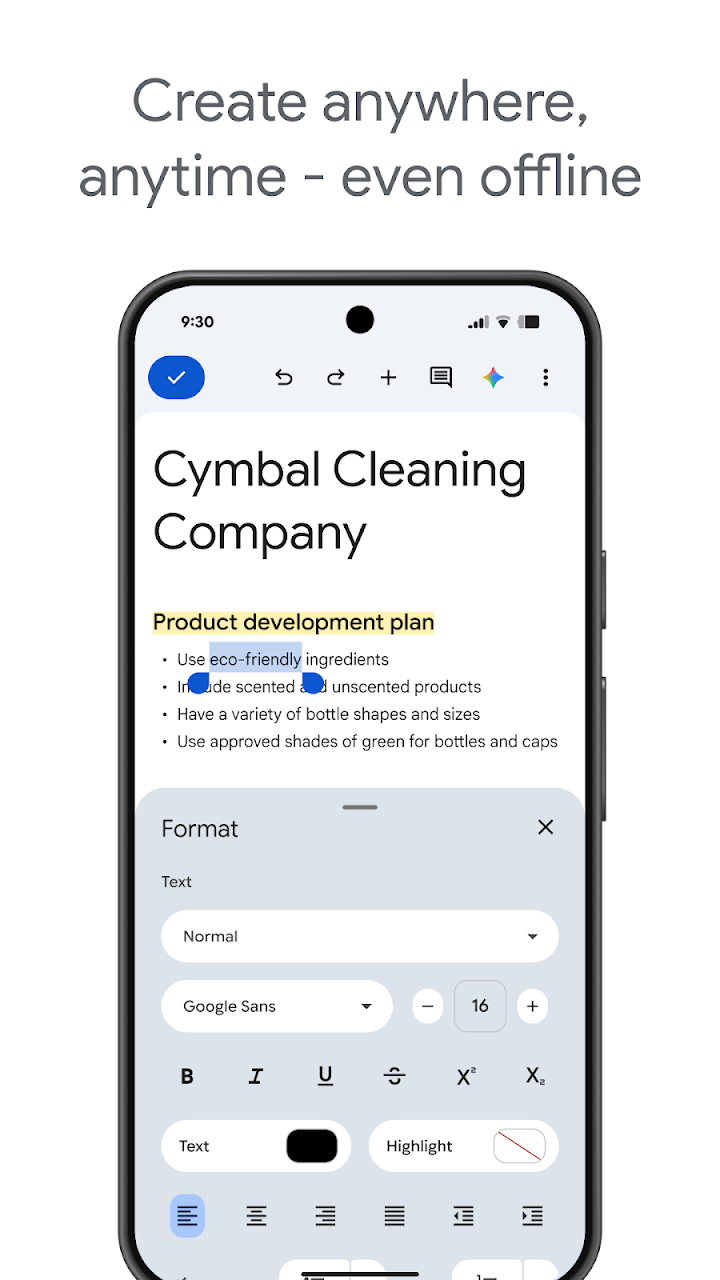
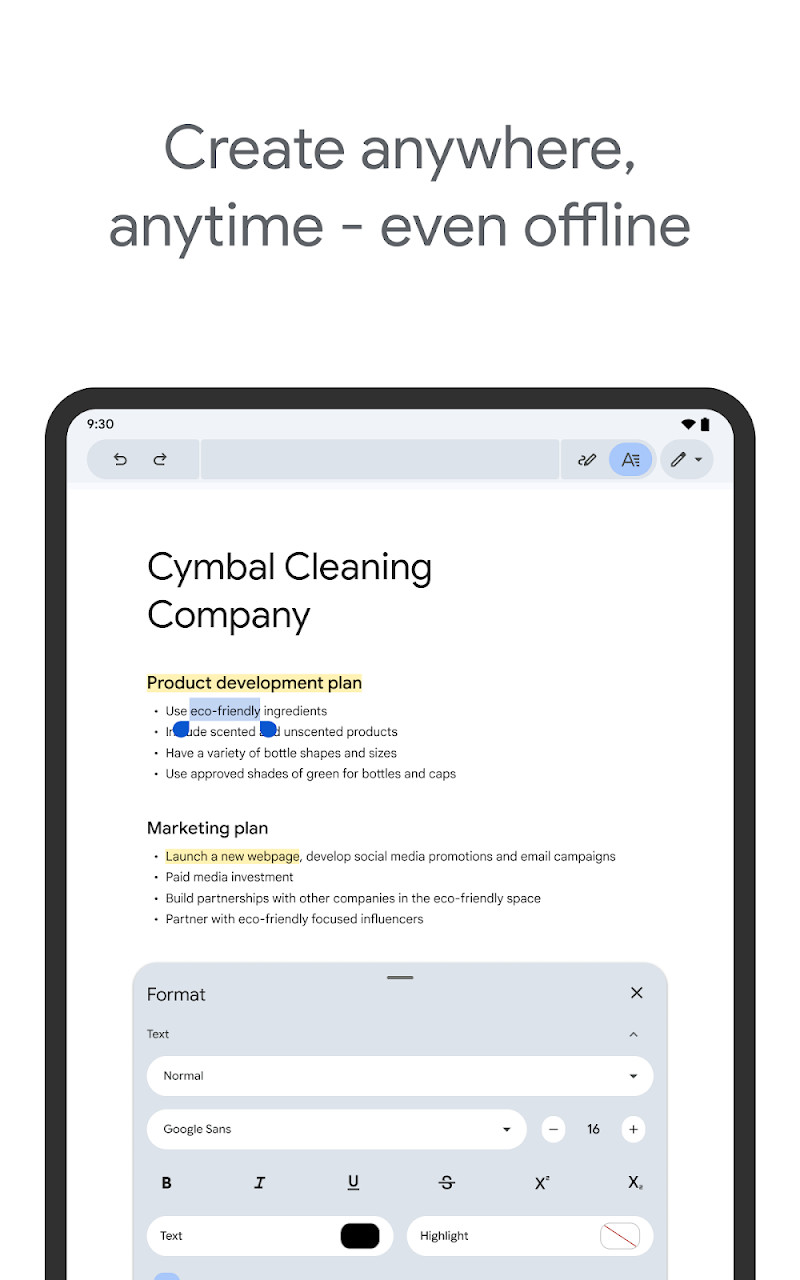
- Offline document access — Keep working without a connection, then continue syncing changes when you're back online.
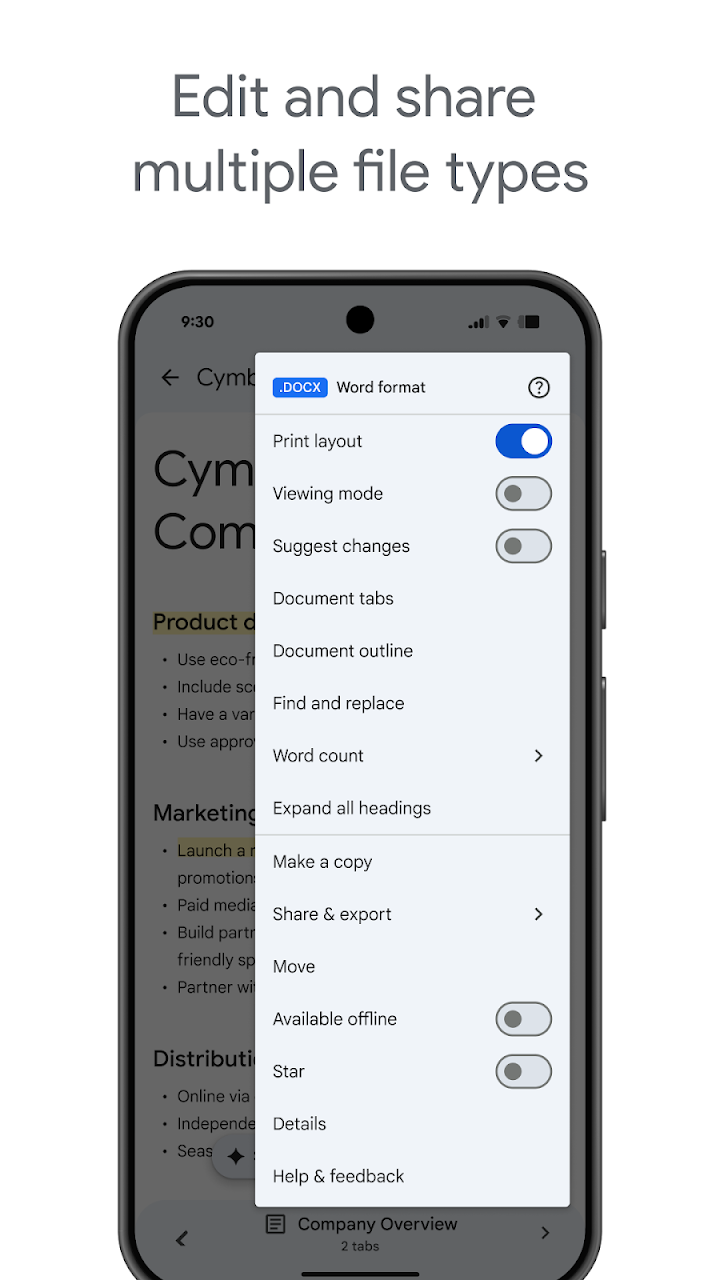
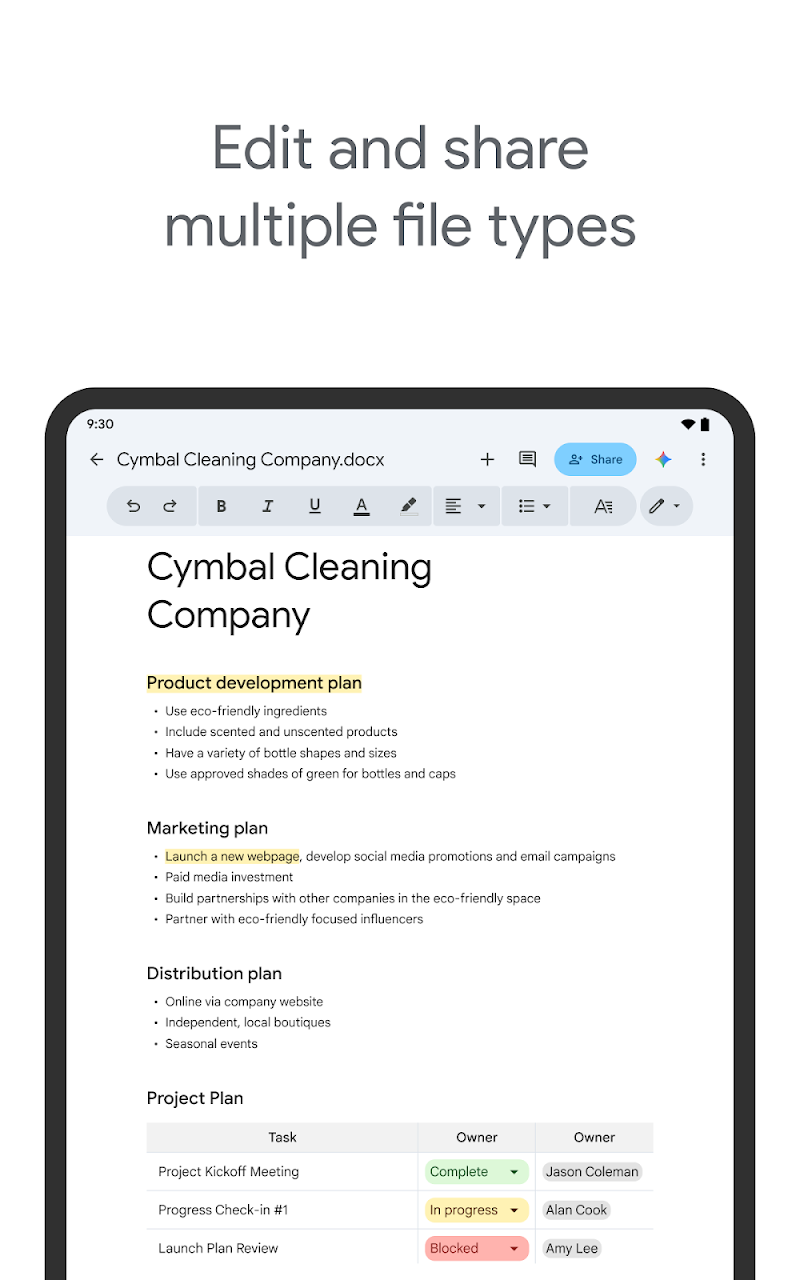
- Word file support — Open Microsoft Word files in Google Docs and convert or export files when needed.
- Templates included — Start from ready-made templates to save time and format documents more quickly.
- Workspace integration — Google Docs is part of Google Workspace, with extra features for paid subscribers.
Current release and what it changes
There is no changelog listed for this version, so the main story is what Google Docs already offers on Android: document creation, editing, and collaboration in one app. The app version is 1.23.082.06.90, it requires Android 7.0 or later, comes as a universal APK, and is about 93.2 MB.
Editing with other people
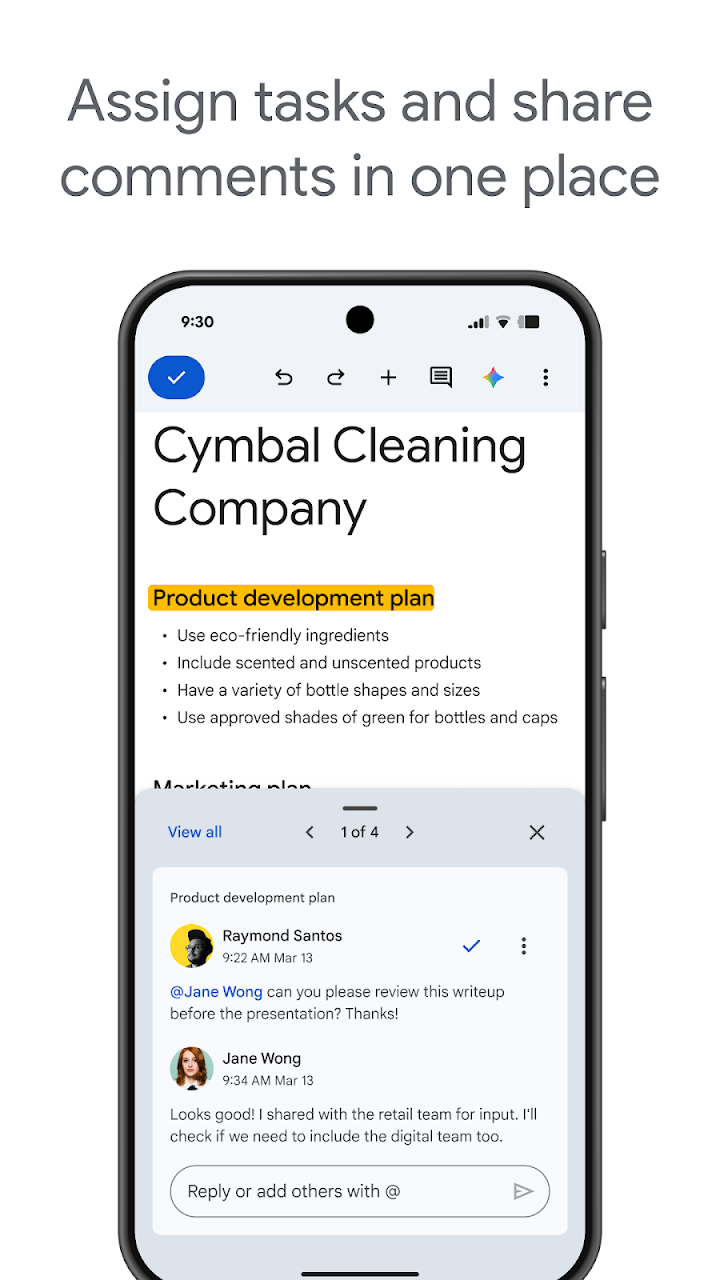
Google Docs is built around shared work. You can send a document to teammates, edit it together in real time, add comments, and turn notes into action items. That makes it a strong fit when you need a cloud-based editor rather than a single-device writing app.
It also helps when collaborators use different tools. The app can open a range of file types, including Microsoft Word files, so you are not limited to documents created inside Google Docs.
Offline work and file handling
When you do not have a connection, offline mode lets you keep working on ideas and finish tasks on the move. You can also use templates to start faster, then convert and export files when you need to move them elsewhere.
- Gets: real-time collaboration, offline mode, Word file support, templates, and Google Workspace integration.
- Watch for: paid Google Workspace subscribers get additional Docs features, and the app has no listed permission requests here.
Android install and account context
Google Docs is free, with no ads and no in-app purchases listed. It is available for everyone, and it is part of Google Workspace, where teams can chat, create, and collaborate. The app is designed for Android phones and tablets, so you can use the same document workflow across device sizes without changing tools.
APK information
- Version
- 1.23.082.06.90
- Package
- com.google.android.apps.docs.editors.docs
- Category
- Productivity
- Size
- 93 MB
- Min Android
- 7.0
- Architecture
- universal
Older versions
-
Google Docs 1.23.082.06.90Nov 10, 2026Latest downloadAPK
Google Docs FAQ
Can Google Docs be used offline?expand_more
Yes. The app includes offline mode so you can keep working when you do not have a connection.
Does Google Docs support teams?expand_more
Yes. You can share documents with your team and collaborate in real time with comments and action items.
Does Google Docs work on tablets?expand_more
Yes. Google Docs is available on Android phones and tablets.
How do I install the Google Docs APK file?expand_more
Install the APK on an Android device running Android 7.0 or later. The file format is APK and the app is a universal build.
Can Google Docs open Microsoft Word files?expand_more
Yes. Google Docs can open Microsoft Word files and also convert and export files.