
- 3.9star7,710 reviews
- 100M+Downloads
- 142 MBAPK size
- EveryoneRated for Everyone
- API 36+Android
check_circleOriginal APK from Google LLC · Updated Nov 12, 2026
No threats found
0 / — antivirus engines flagged this file
Original signature
First seen — Google LLC
Unmodified APK
Same file the developer published — no mods
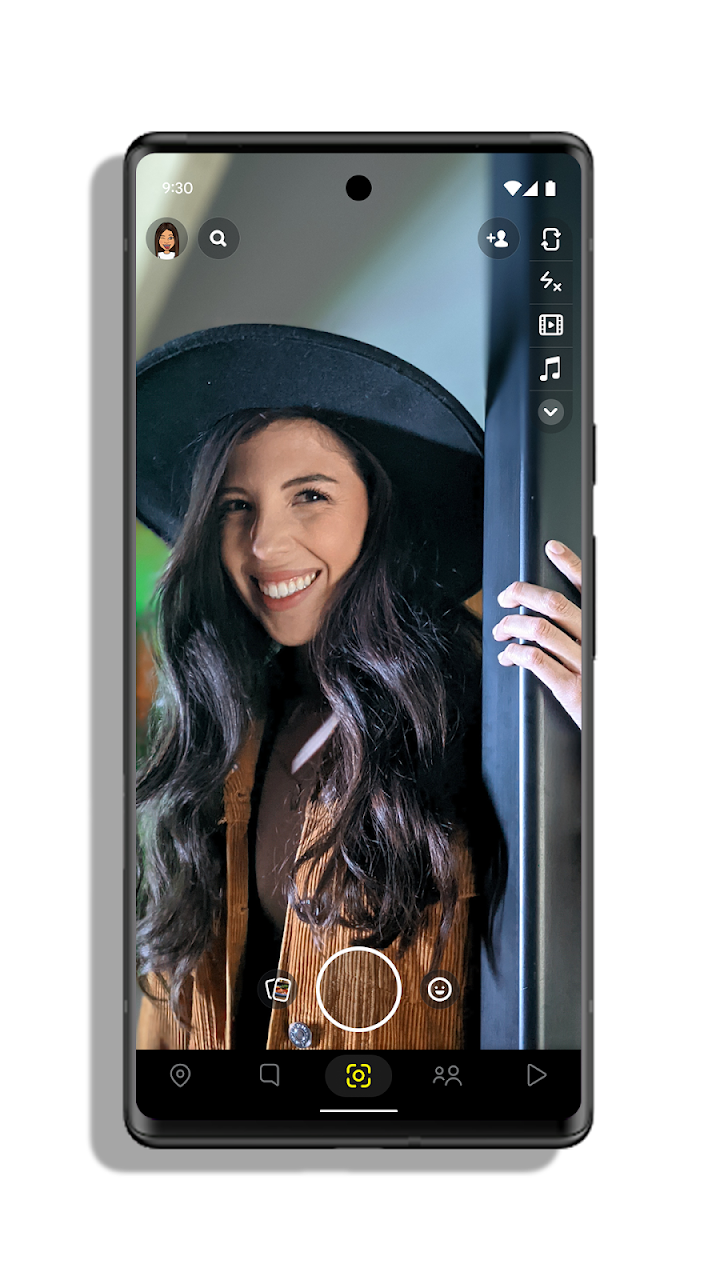
Pixel Camera Services screenshots
4 images · tap to enlarge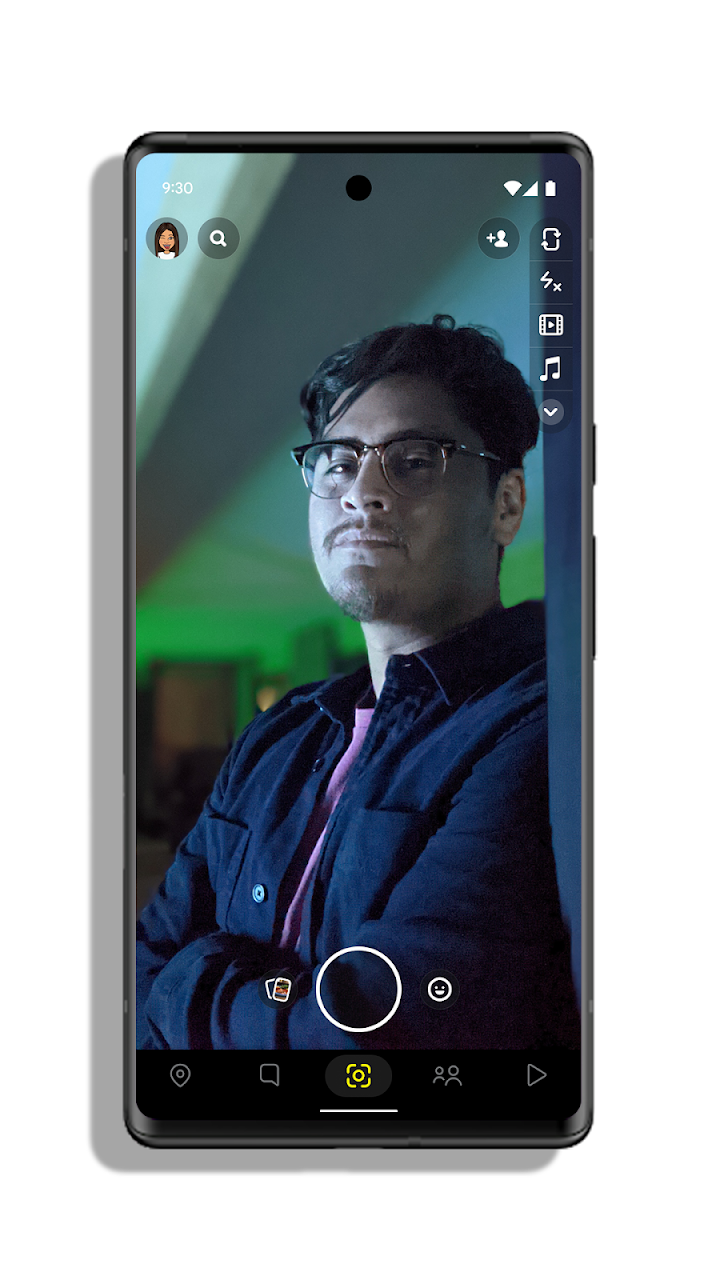
About this app
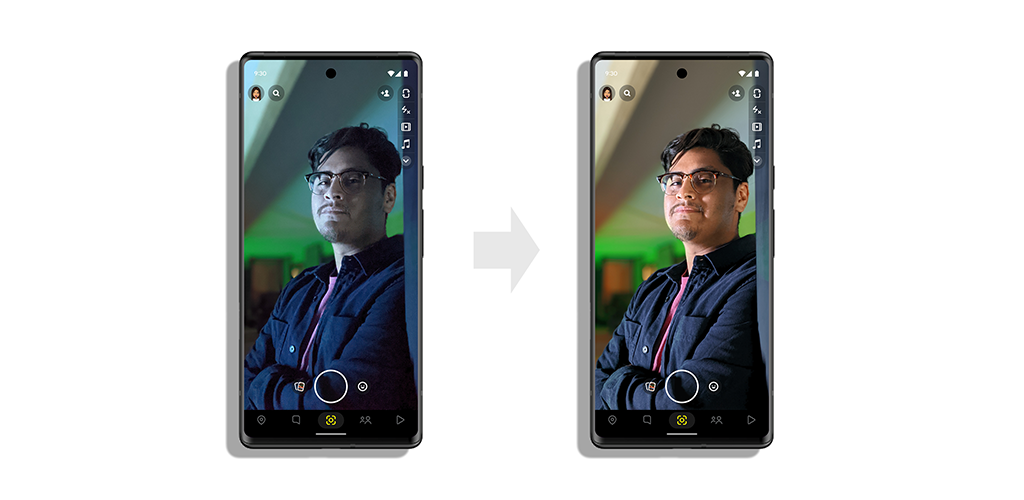
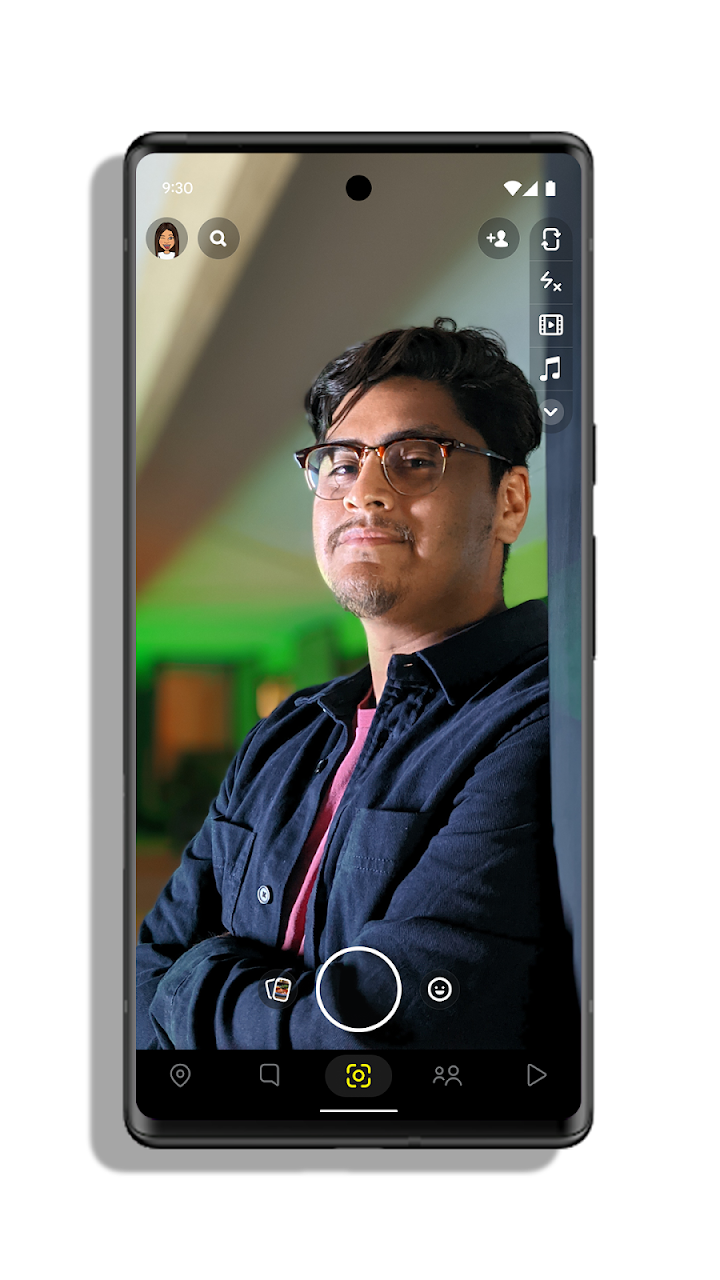
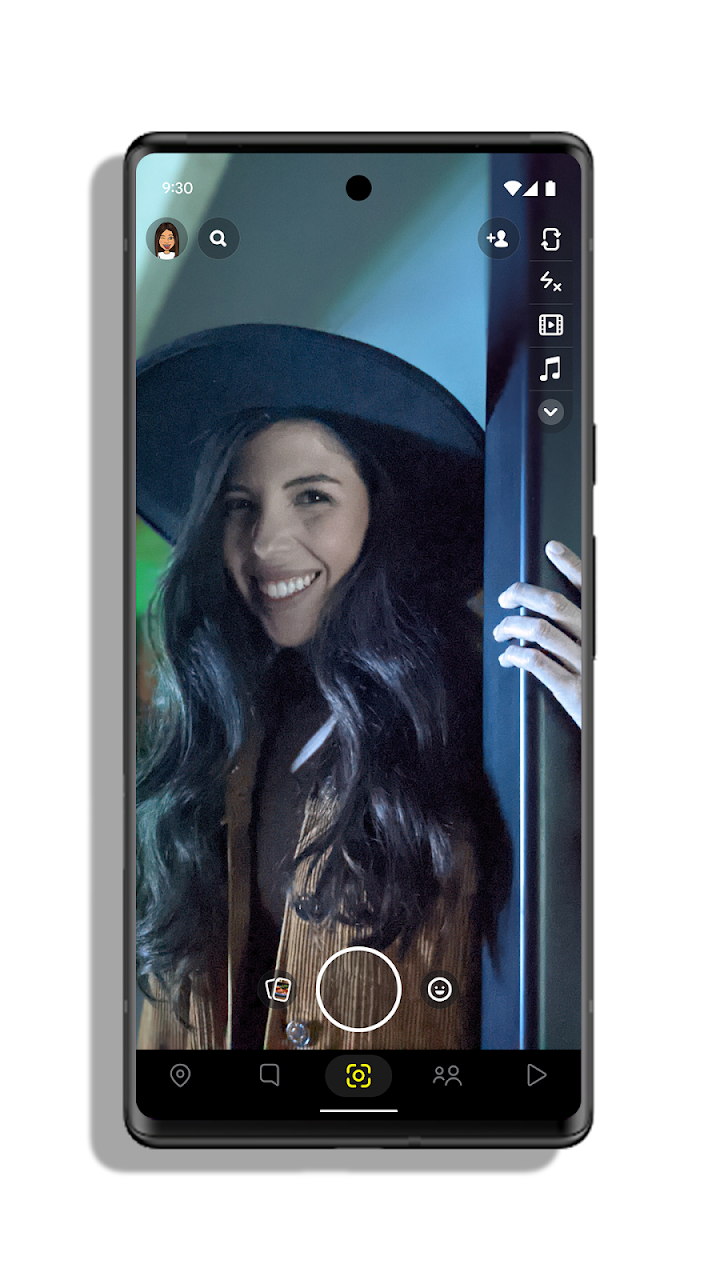
Google LLC makes Pixel Camera Services, a system component for enabling Pixel Camera features in supported third-party apps. It runs in the background on compatible Pixel devices so apps you grant camera access to can use Pixel image processing, including Night Sight, while staying up to date with bug fixes and processing updates.
- Third-party camera support — Brings Pixel Camera features to some apps you let use your camera.
- Night Sight access — Lets supported apps use Pixel-style low-light processing where available.
- System component — It is pre-installed and meant to be kept updated on the device.
- Pixel device requirement — Works on Pixel 6 or newer running Android 12 with the March security patch or newer.
- No ads or purchases — The app is free and does not include ads or in-app purchases.
Using Pixel Camera features in other apps
Pixel Camera Services sits behind the scenes rather than acting like a normal camera app. Its job is to let some third-party apps use Pixel Camera features after you have granted them camera permission. In day-to-day use, that means the benefit shows up when you open a supported app and take a photo there, not when you launch this component directly.
Because it is a system component, there is no separate account flow, no ads, and no in-app purchases. The main thing to notice is whether the app you are using supports it and whether your device meets the Pixel 6-or-newer, Android 12, March security patch requirement.
Night Sight and image processing updates
The main feature mentioned here is Night Sight support in some compatible apps. That makes Pixel Camera Services more focused than gallery apps like Google Photos or Samsung Gallery, which are built around viewing and organizing images rather than enabling camera processing in other apps. It is also different from editors such as B612 AI Photo&Video Editor, which are centered on editing and effects.
Keeping this component updated matters because Google says it should stay current for the latest image processing updates and bug fixes. The current APK is universal, 142.4 MB, and the file format is APK. The minimum Android version listed is 16.
Permissions and storage access
Pixel Camera Services lists no permissions and no added permissions in this version. That means there are no storage or camera permission prompts attached to the component itself in the listing, even though it works with apps that request camera access separately. For users who pay attention to app behavior, that keeps the component simple to install and maintain.
- Works only on supported Pixel hardware and software combinations.
- Supports some third-party camera apps, not every app on the device.
- Focuses on processing support, not gallery browsing or photo editing.
How it compares with gallery and camera apps
Compared with Google Photos, Gallery, and Samsung Gallery, Pixel Camera Services is narrower: it does not organize albums, edit images, or act as a library. Compared with Google Street View, it is unrelated to maps or panoramic capture. If you want a tool that changes how supported apps process photos, this is the one; if you want browsing, sharing, or editing, one of the other apps may fit better.
The listing shows a 3.9 rating from 7,710 ratings and 100M+ installs, with content rated Everyone. It was released on 2022-03-14 and last updated on 2026-11-09.
APK information
- Version
- 3.3.944198346.18
- Package
- com.google.android.apps.camera.services
- Category
- Photography
- Size
- 142 MB
- Min Android
- API 36
- Architecture
- universal
Older versions
-
Pixel Camera Services 3.3.944198346.18Nov 12, 2026Latest downloadAPK
Pixel Camera Services FAQ
Does Pixel Camera Services add a watermark?expand_more
The listing does not mention any watermark feature. It is described as a system component for enabling Pixel Camera features in supported third-party apps.
Can Pixel Camera Services edit RAW photos?expand_more
No RAW editing feature is listed. This app is for enabling camera processing features like Night Sight in some third-party apps.
How big is the Pixel Camera Services download?expand_more
The APK size is 142.4 MB. It is listed as a universal APK.
Does Pixel Camera Services show ads?expand_more
No. The listing says it does not contain ads.
Which Android versions does Pixel Camera Services need?expand_more
The listing says it requires Pixel 6 or newer running Android 12 with the March security patch or newer. The APK also lists a minimum Android version of 16.